






















Product Images



In stock
Smart shoppers OnBuy it!
Interest-free payment options available


See full product description & details
Delivery: Standard (Free) | Mon 24th - Fri 28th Aug
Returns: 30 days
180-day payment protection













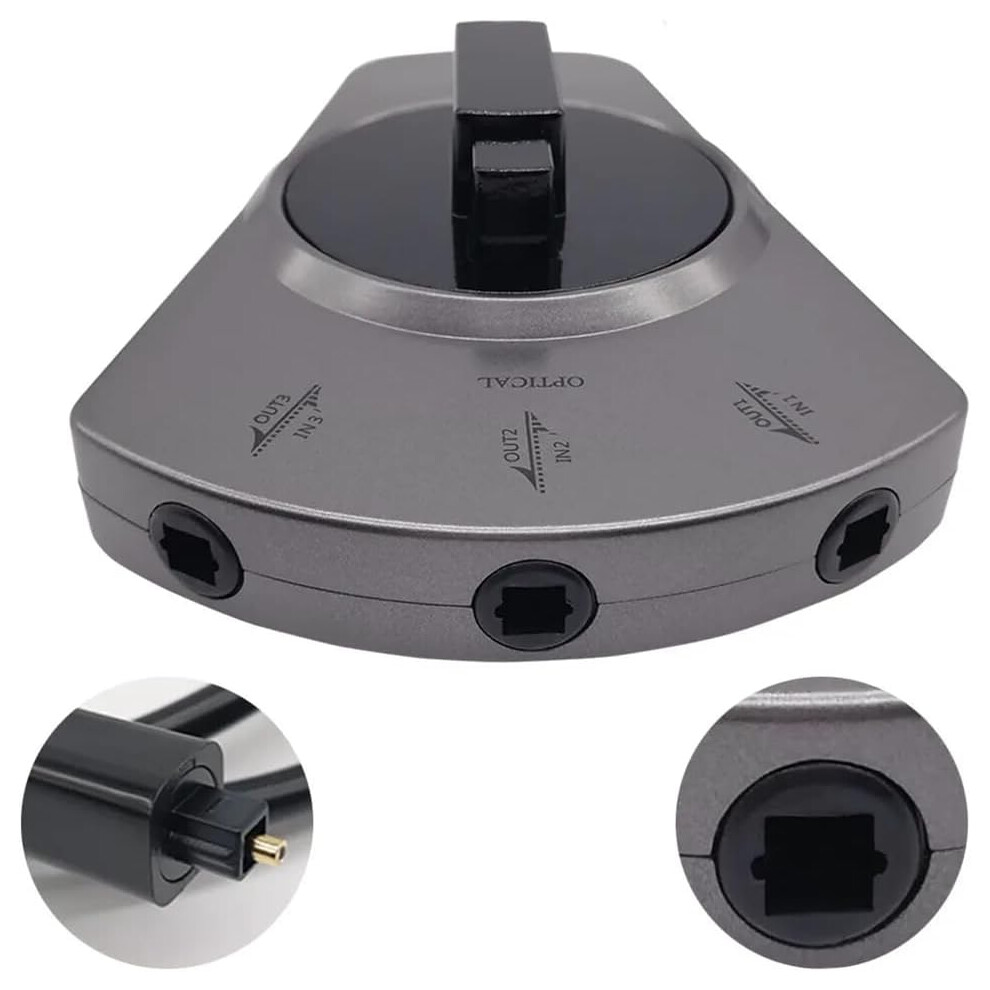
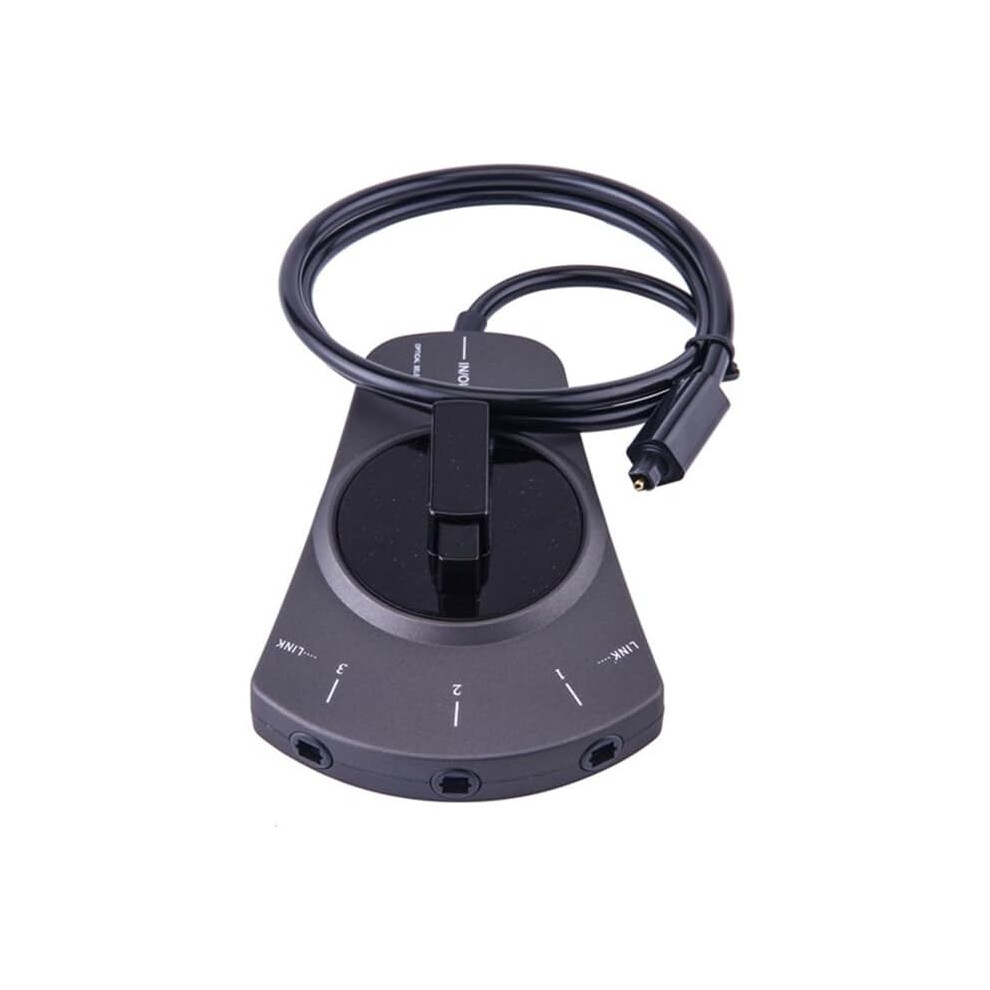
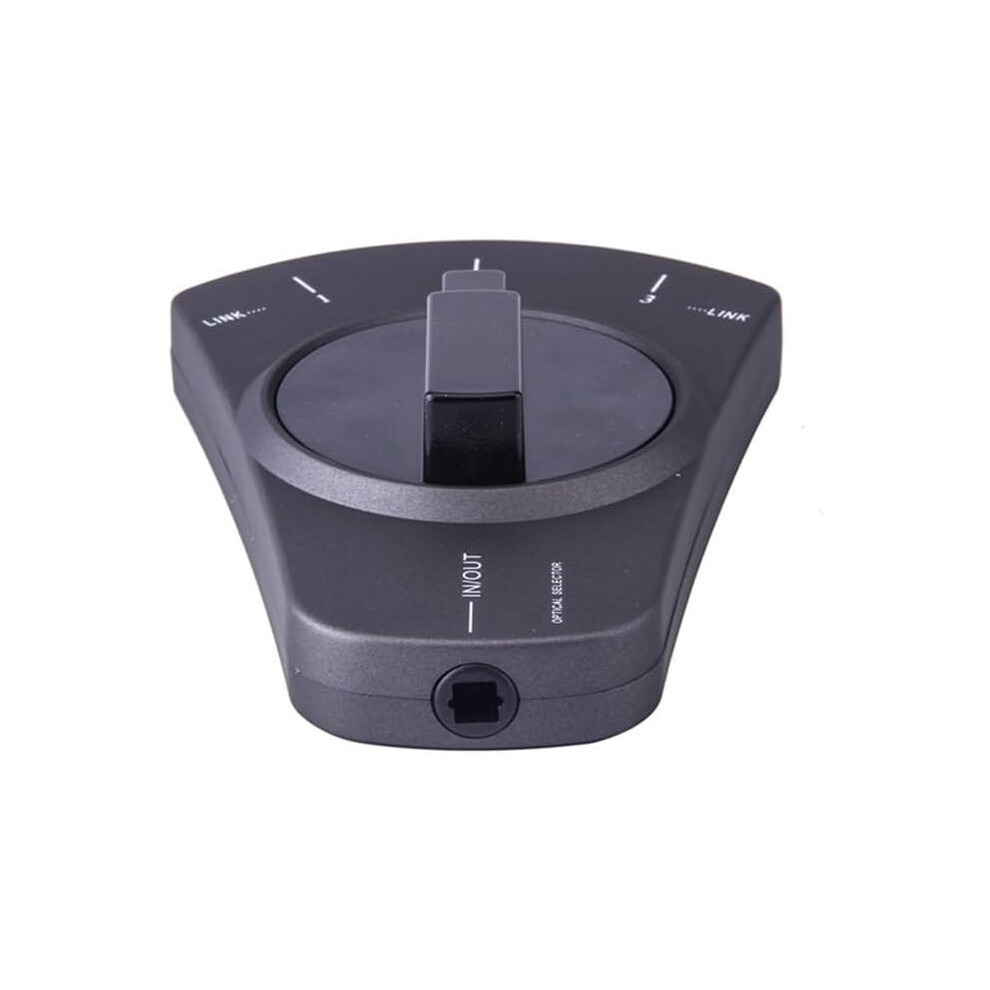
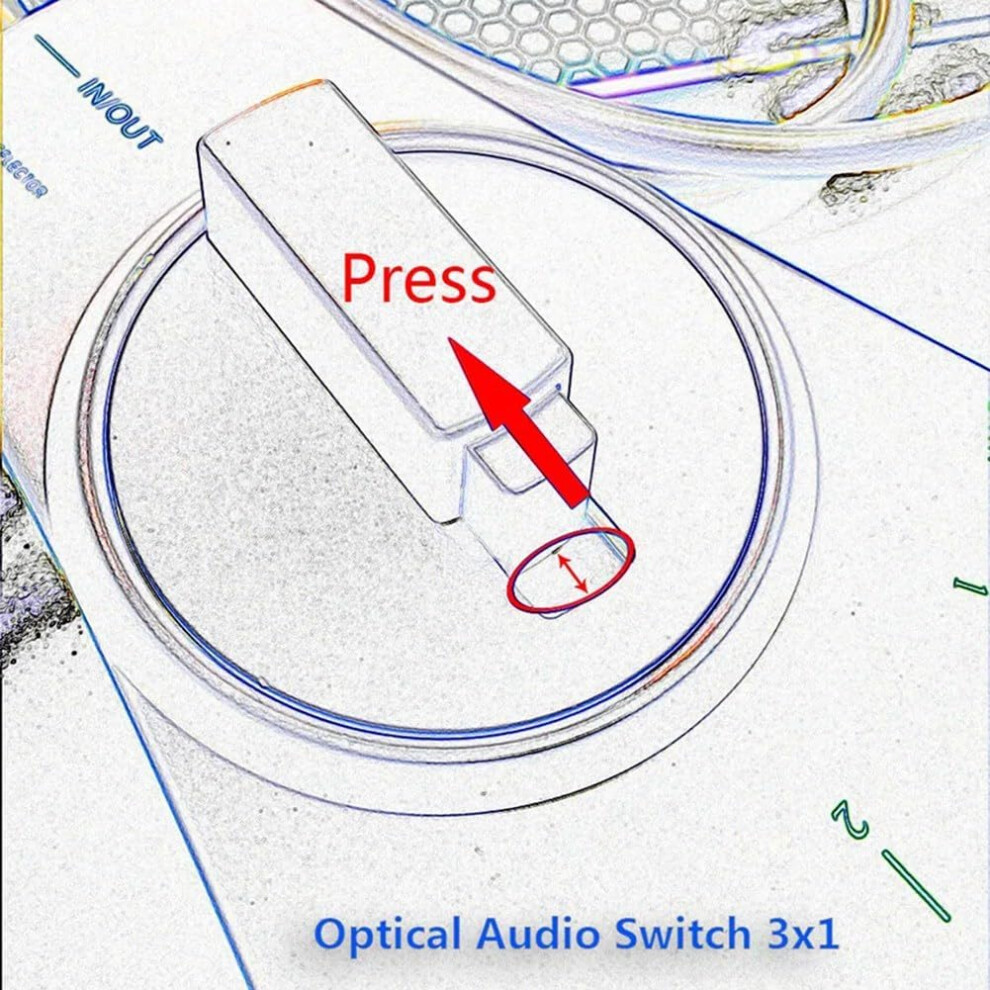
3x1 Optical Audio Toslink Switch with 4 Optical Jacks Key benefits Simplifies source selection: switch between up to three digital audio sources and send the chosen signal to a single optical output, reducing cable clutter and enabling easy access to multiple devices. Expands your AV setup: increases the number of optical inputs available to your main unit (TV or home theater receiver/amplifier) by using three dedicated input jacks and one output jack. compatibility with digital formats: passes PCM, Digital, and DTS signals without altering the audio data. Flexible, bidirectional use: designed for manual operation and capable of bidirectional routing between connected devices, allowing versatile horntosource or sourcetoreceiver configurations. Clear port layout: four optical digital jacks in total, including three input jacks and one output jack, for straightforward wiring. What it does Connect up to three optical audio sources to the three input jacks. Connect the output jack directly to the main unit (TV or home theater receiver/amplifier) to feed its optical input. The three input devices send their digital audio to the main unit via the single output connection, with the ability to select which source is active. How to use Three devices connect to the three input Toslink jacks. Connect the output Toslink jack to the optical input on your TV or AV receiver/amplifier. Use the switch to select the active input source that you want to listen to through the main unit. Compatibility and design notes Optical Toslink digital audio interface standard; works with compatible devices including TVs, receivers, Bluray players, game consoles, and digital audio/video devices. Passes common digital audio formats such as PCM, Digital, and DTS signals. Use scenarios Scenario 1: You have a Bluray player, a game console, and a streaming box. Connect each to one input jack and connect the output to your AV receiver. Switch to the desired device to listen through your home theater system. Scenario 2: You want to route TV audio through a home theater receiver. Connect the TV's optical output to one input, connect the receiver to the output, and switch to the TV source when watching TV content. Scenario 3: You are reorganizing a compact setup with multiple optical devices but limited optical inputs on your main unit. Use this switch to consolidate three sources into a single optical input on your TV or receiver, improving ease of use and reducing cable rearrangements.
Details
| OPC | PNNP8V8 |
|---|---|
| Codes | 9001264535742 (EAN) |
| Seller | Ratings | Warranty | Returns | Price | Delivery | Total | Quantity |
|---|---|---|---|---|---|---|---|
|
Dispatched from:

|
(6 reviews) | 1 month |
30 Days
Free Returns No
|
£36.02
|
+Free Delivery
Est. Delivery:
24th-28th Aug
|
£36.02
|
Earn as you shop with instant Cashback on everything.
No catch, no cost
Become a Cashback VIP
Just 1 purchase unlocks bigger deals & rates
You'll only get instant Cashback at OnBuy! Enter your email below and we'll send you a copy of your basket to save you time later.
By entering your email address, you'll automatically be added to our database, where you can enjoy personalised Cashback offers and early access to our best deals. You can opt out of our emails at any time and we'll never share your details with anyone. Check our Privacy Policy and T&Cs to find out more.
Want access to personalised offers and the highest Cashback rates? Sign up to our emails below.
You can opt out of our emails at any time and we'll never share your details with anyone. Check our Privacy Policy and T&Cs to find out more.
This page has expired.
Refresh and continue