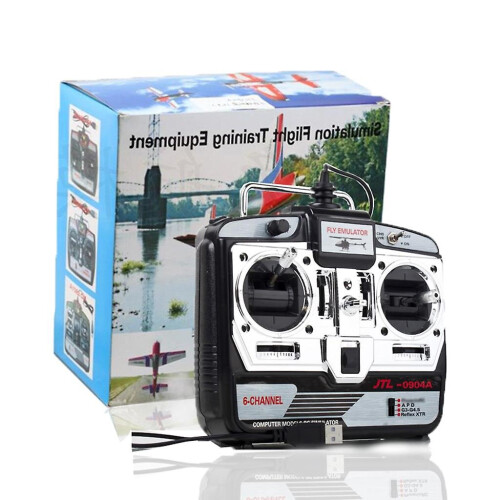
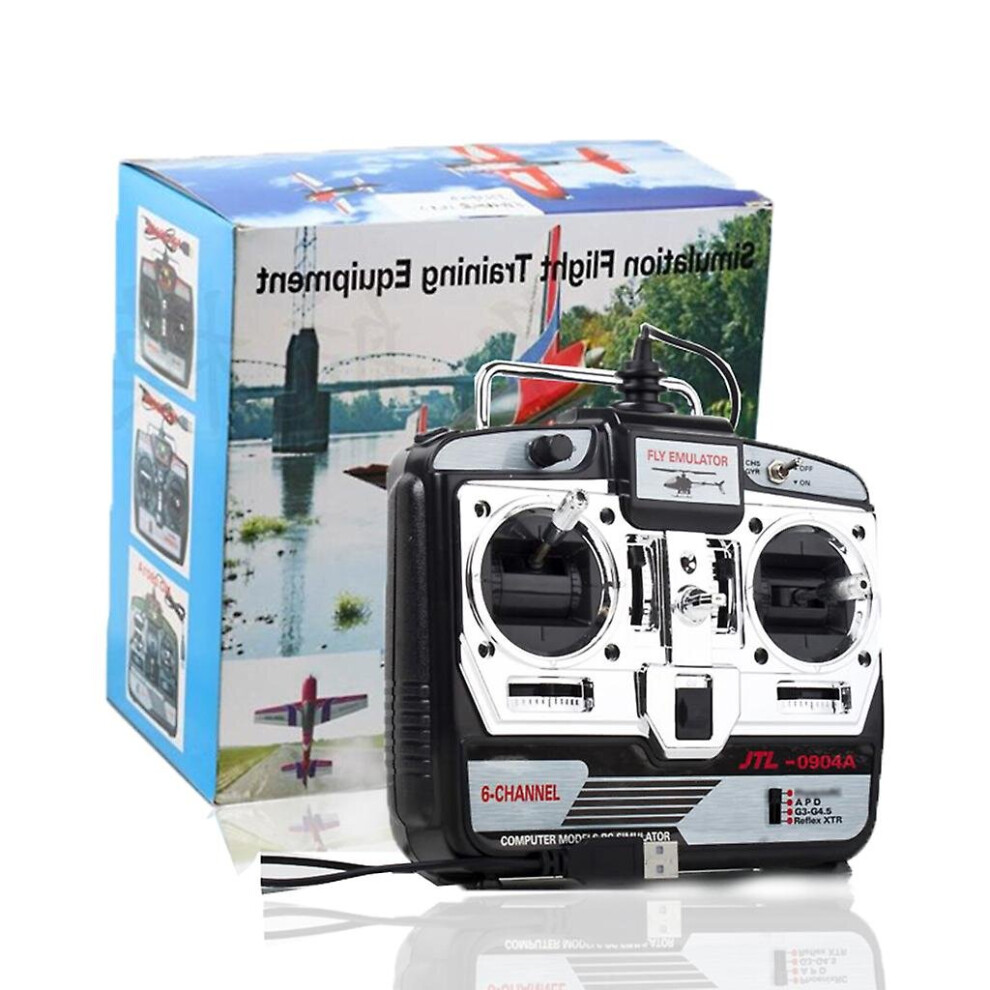
6ch Rc Flight Simulator Jtl-0904a Support Real Rf7 G7 Phoenix 5.0 For Xtr Fixed-wing Drone Mode 2 Remote Control Helicopter

New

In stock

Smart shoppers OnBuy it!

  • Earn Cashback on every purchase – spend it instantly on your next order
  • Free delivery – on millions of items across the site
  • Customers love us – 138,000 Trustpilot reviews and an 'Excellent' rating

See full product description & details

£41.65
+£2.19 Delivery
1% What is instant Cashback? Learn More
Add to Basket

Interest-free payment options available

See full product description & details

Delivery: Standard (£2.19) | Thu 12th - Tue 17th Nov

Sold by: Crystal Rhinestone

Returns: 30 days

180-day payment protection

Add to Basket

You might also like

(LS-E525) RC Drones WiFi FPV with HD Dual Camera QuadcopterMultiple Options Available
(LS-E525) RC Drones WiFi FPV with HD Dual Camera Quadcopter
£20.09FREE Delivery
(Blue) Pro Flying Ball Space Orb Magic Mini Drone UFOMultiple Options Available
(Blue) Pro Flying Ball Space Orb Magic Mini Drone UFO
£12.98FREE Delivery
(Purple) Pro Flying Ball Space Orb Magic Mini Drone UFOMultiple Options Available
(Purple) Pro Flying Ball Space Orb Magic Mini Drone UFO£8.15FREE Delivery
Description & Details

Summary

  • 1. The material of high-quality goods is good.
  • 2. The style is novel and unique, and is deeply loved by consumers.
  • 3. It is practical and can stand the test. There are many repeat customers.
  • 4. Will ship within 48 hours
  • 5. Delivery within 4-10 working days

6ch Rc Flight Simulator Jtl-0904a Support Real Rf7 G7 Phoenix 5.0 For Xtr Fixed-wing Drone Mode 2 Remote Control Helicopter Description

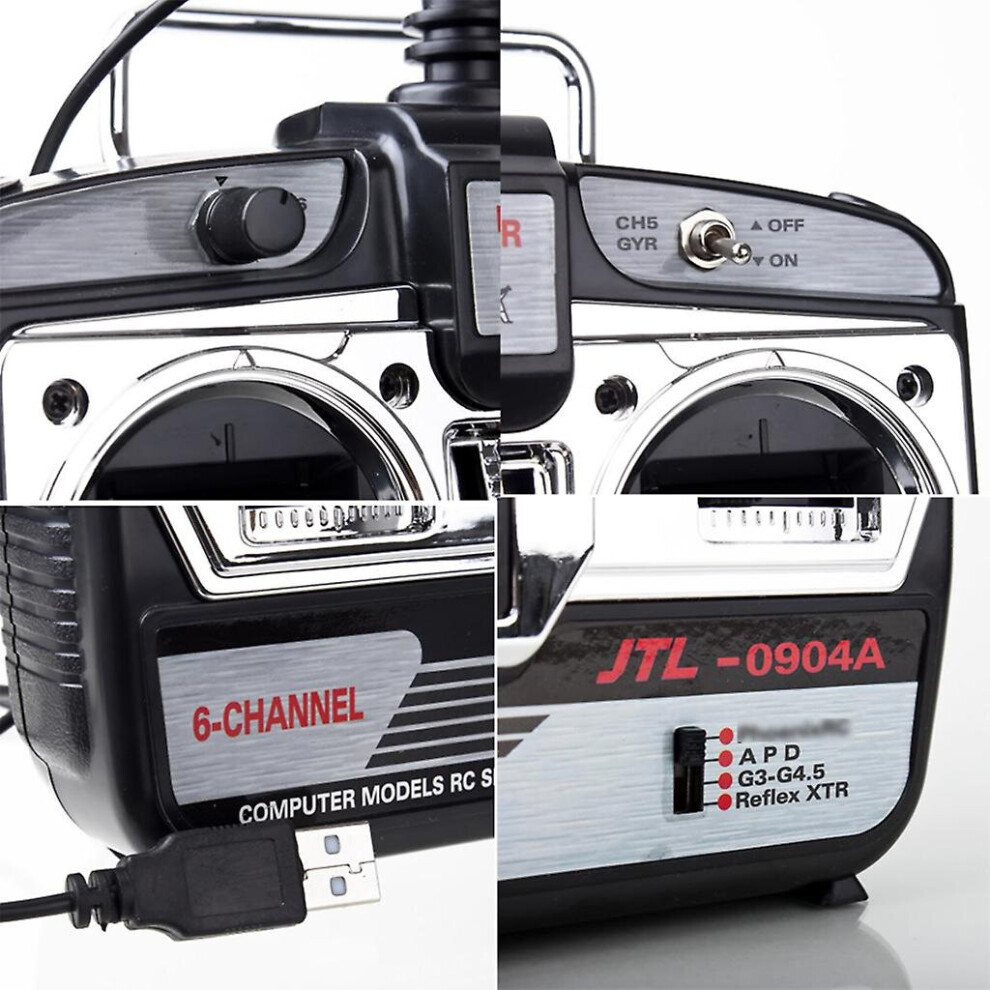
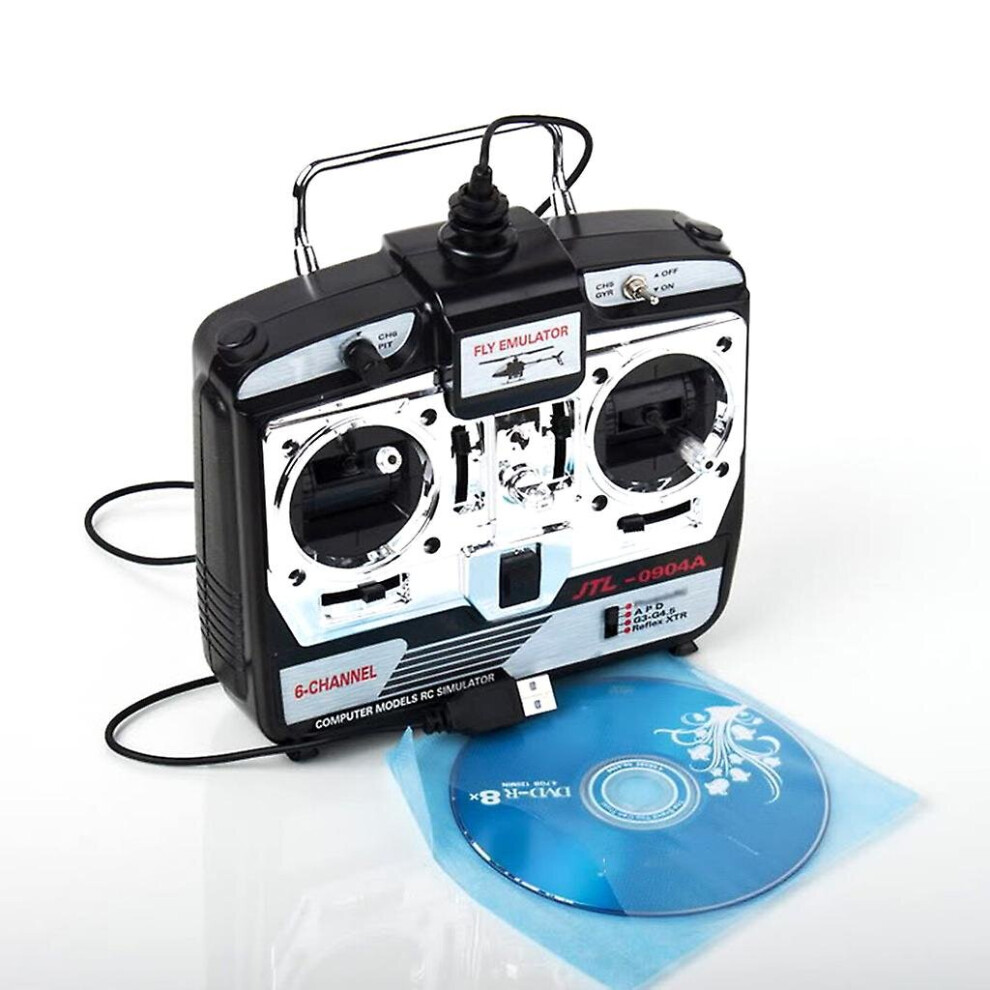
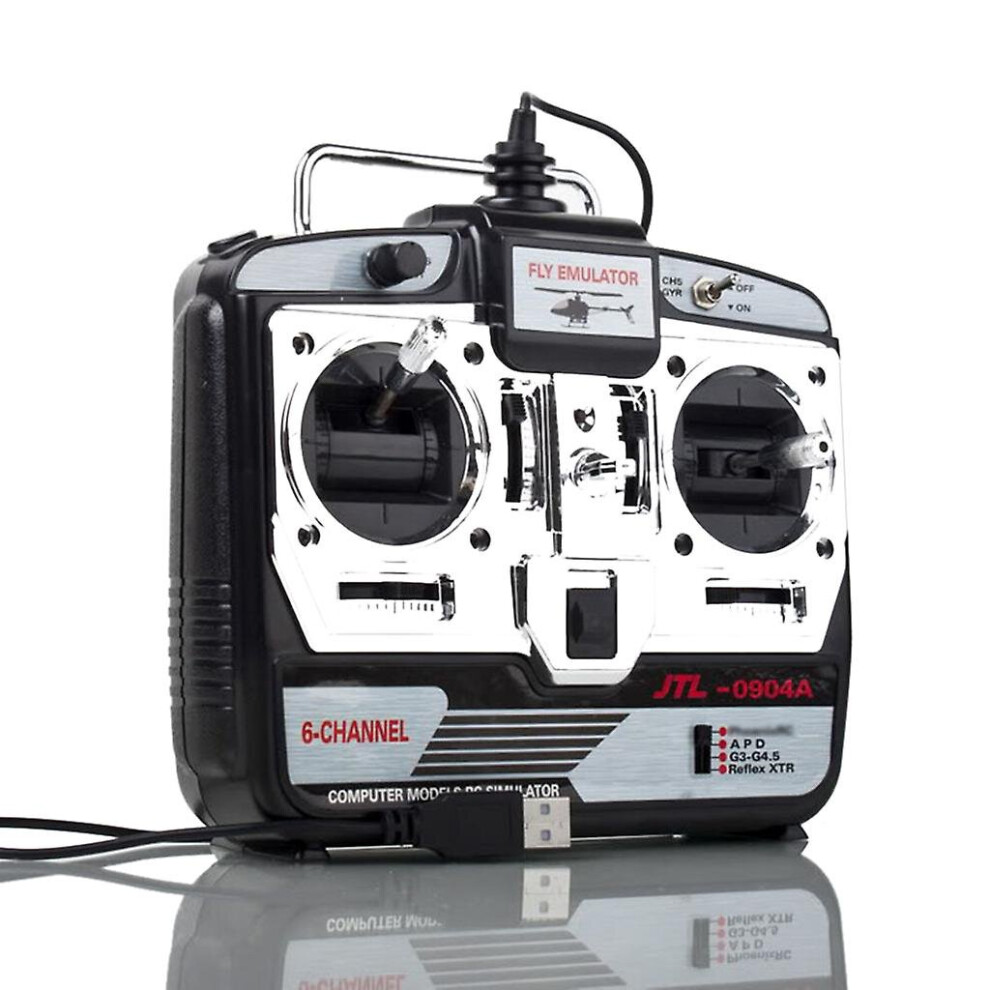
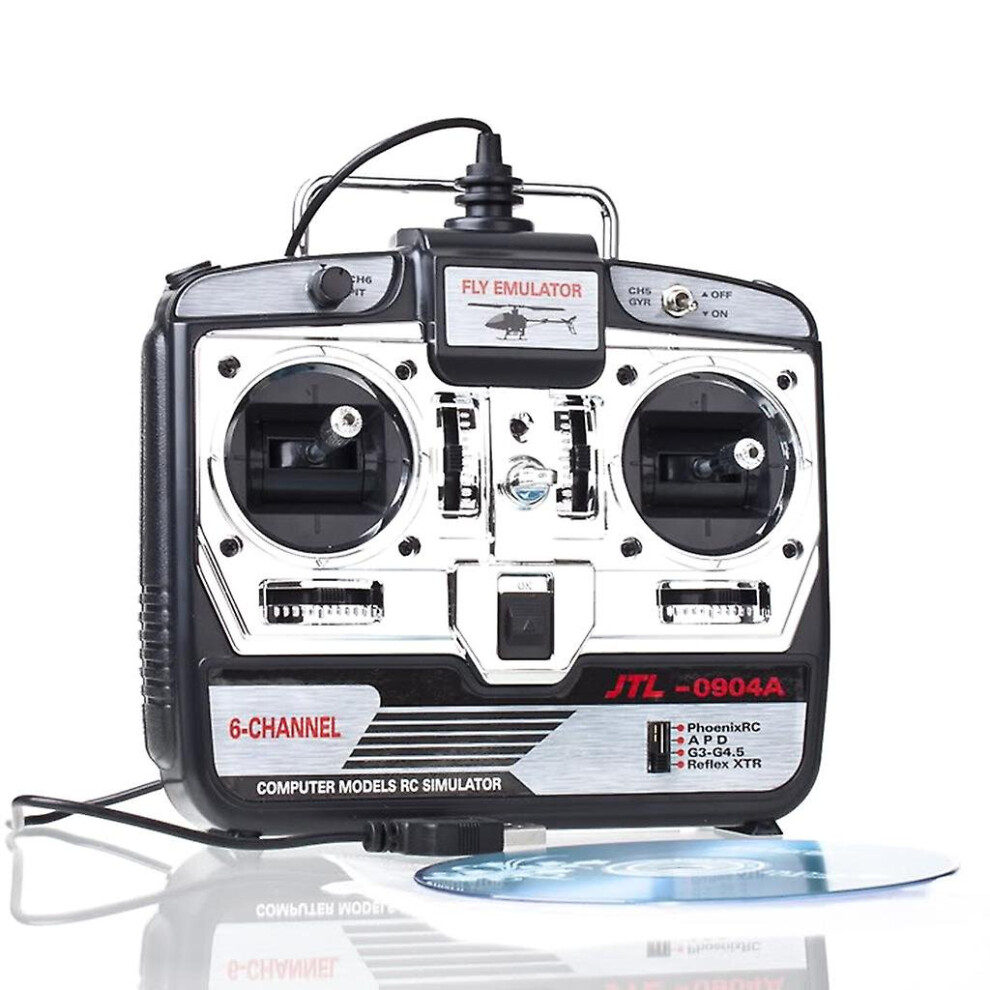
100% brand new and high quality Features: Features: 1. G7.0 one key installation, equipped with Real RF7 G7/ G6.5 (the only serial number). Support on-line upgrading. 2. Phoenix 5.0 supports on-line upgrading. 3. Language:. Chinese and English 4. Installing Environment:. (32 bits, 64bits) XP, Windows7, Windows8, Windows10, Vista Simulator handle support: New G7.0, G6.5, - G4 New Phoenix 5.0 - 2.5version XTR Kindly Remark for Installation: 1. Firstly try to find the "autorun" icon in CD, this is quick installation guide. 2. Before run any program, pls install the "DirectX9.0" in CD. 3. Run the "SimLauncher2017.exe" simulator console as administrator in CD, and change to different program more easily and conveniently. Or switch the switch in the lower right corner of the USB emulator handle - four sliding gears for you to choose. 4. After running Simulator Switcher to select the software name, run G7.0 or Phoenix 5.0 XTR 1. 27418829-E1-5140106092 2. 22850737-E2-3850104361 3. 78396652-E3-7440103834 4. 13144997-E4-6630107326 5. 78779710-E5-8790101628 6. 67920032-E6-7880104031 7. 90638630-E7-7730148192 8. 64658044-E8-1910121237 9. 35589764-H1-0040109905 10. 49778064-A1-0040109998 1.in order to XTR as an example: steps can not be wrong Pull the analog switch to XTR logo Department, will simulate remote-controlled USB lint plug into your computer, then open the simulated remote control power switch, this time the remote control power lantern kept flashing (if not switched on, the computer interface, no, need to Another change computer interface, the operation sequence above still need to operate once). 2. a good XTR software installed, open the software, point the top of the directory bar "remote control" and then point the pop-up "channel distribution", the channel is set above diagram, the signal can not be set if there is no channel allocation, then replace the computer's USB interface else is even trying. 3.channel settings --- Select a helicopter model (the oil machine is also OK), and then will simulate all the fine-tuning the remote control center, will throttle the most significant pull away several times under the pole (not such action would lead to "calibrate neutral position" when the throttle item can not be neutral, and thus can not be a normal takeoff), and then placed in the middle of the throttle rod, after the computer software catalog column "remote control" below to find out "calibration neutral position" calibration, calibration, simulation start after the completion point --- check to see which channels do not (all around the hem tail, tune into a real machine, such as the same direction as the control) --- if so, what channel do not, then the return channel settings that will control the right side of the channel "+" to "-" ( or vice versa), as indicated in figure on the right to re-calibrate icon --- --- channel settings are correct, you can begin to play a 4. such as the helicopter took off too heavy, please point "model", and then point "physical parameters of change," the weight of the helicopter into a 1 kg less, it would be more close to real machine sensitivity. Grounded and can also modify the simulator in the relevant parameters, such as adjusting the gyro sensitivity and so on, in order to achieve the best helicopter flight. It should be reminded that the simulation is difficult, and the same real machine, and would like to fly a helicopter to hover or flight, etc. is also a need to practice slowly, or not touch on the practice of . This is a remote control flight simulator connected to a computer,Not radio. Does not support physical remote control aircraft Powered by computer USB, no battery required Please Note: Mode 2-- Throttle stick on left Specification: Material: Plastic Color: Black Size:app. 20 x 20 x 10cm / 7.87 x 7.87 x 3.93in Quantity: 1 set Note: Transition: 1cm=10mm=0.39inch No retail package. Please allow 1-2cm error due to manual measurement. pls make sure you do not mind before you bid. Due to the difference between different monitors, the picture may not reflect the actual color of the item. Thank you Package includes: 1 x 6CH XTR Flight Simulator(Mode 2) 1 x Simulator Software DVD(other accessories demo in the picture is not included.)

Features

  • Language: English

Details

OPC PCJYSZV
Codes 9130527198018 (EAN)

Product Images

6ch Rc Flight Simulator Jtl-0904a Support Real Rf7 G7 Phoenix 5.0 For Xtr Fixed-wing Drone Mode 2 Remote Control Helicopter 1
6ch Rc Flight Simulator Jtl-0904a Support Real Rf7 G7 Phoenix 5.0 For Xtr Fixed-wing Drone Mode 2 Remote Control Helicopter 2
6ch Rc Flight Simulator Jtl-0904a Support Real Rf7 G7 Phoenix 5.0 For Xtr Fixed-wing Drone Mode 2 Remote Control Helicopter

Compare Sellers for 6ch Rc Flight Simulator Jtl-0904a Support Real Rf7 G7 Phoenix 5.0 For Xtr Fixed-wing Drone Mode 2 Remote Control Helicopter

  • New from £43.84
Seller Ratings Warranty Returns Price Delivery Total Quantity
Dispatched from: China
(135 reviews)
-
30 Days
Free Returns No
£41.65
+£2.19 Delivery
Est. Delivery: 12th-17th Nov
£43.84
Add To Basket

Earn as you shop with instant Cashback on everything.

No catch, no cost

  • Paid into your OnBuy account
  • Spend it on your next purchase
  • Save it or withdraw it

Become a Cashback VIP

Just 1 purchase unlocks bigger deals & rates

Wait! You've left
something behind

You'll only get instant Cashback at OnBuy! Enter your email below and we'll send you a copy of your basket to save you time later.

By entering your email address, you'll automatically be added to our database, where you can enjoy personalised Cashback offers and early access to our best deals. You can opt out of our emails at any time and we'll never share your details with anyone. Check our Privacy Policy and T&Cs to find out more.

Before you go...
Remember, you'll only get instant Cashback on everything at OnBuy!

Want access to personalised offers and the highest Cashback rates? Sign up to our emails below.

You can opt out of our emails at any time and we'll never share your details with anyone. Check our Privacy Policy and T&Cs to find out more.

This page has expired.

Please refresh the page to continue shopping.

Refresh and continue