


Product Images

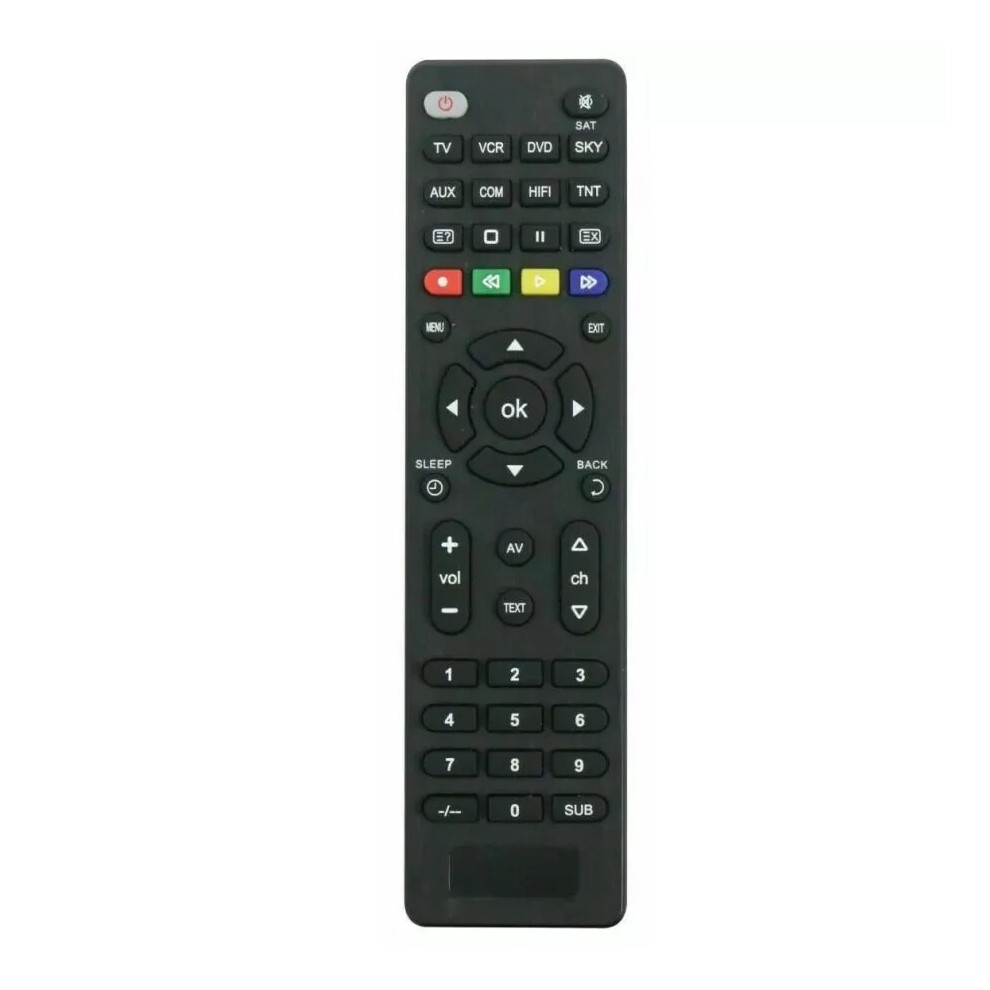

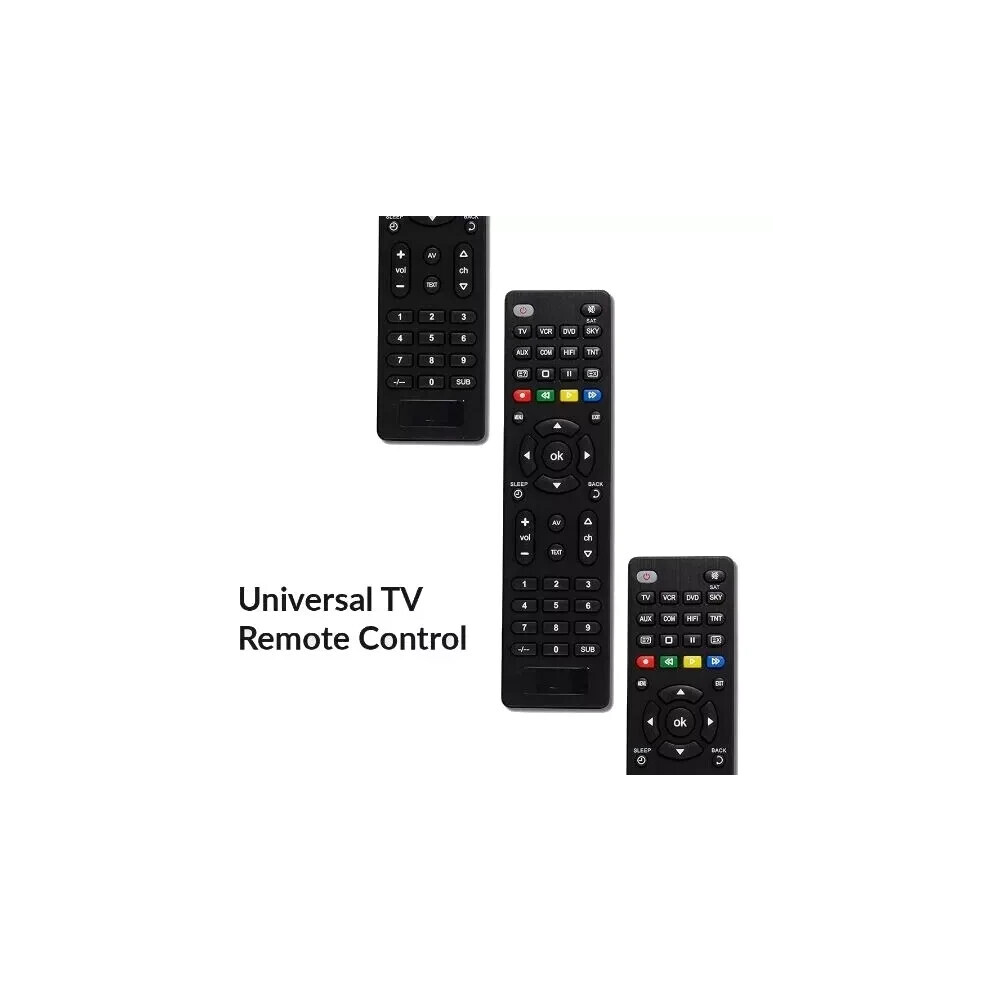
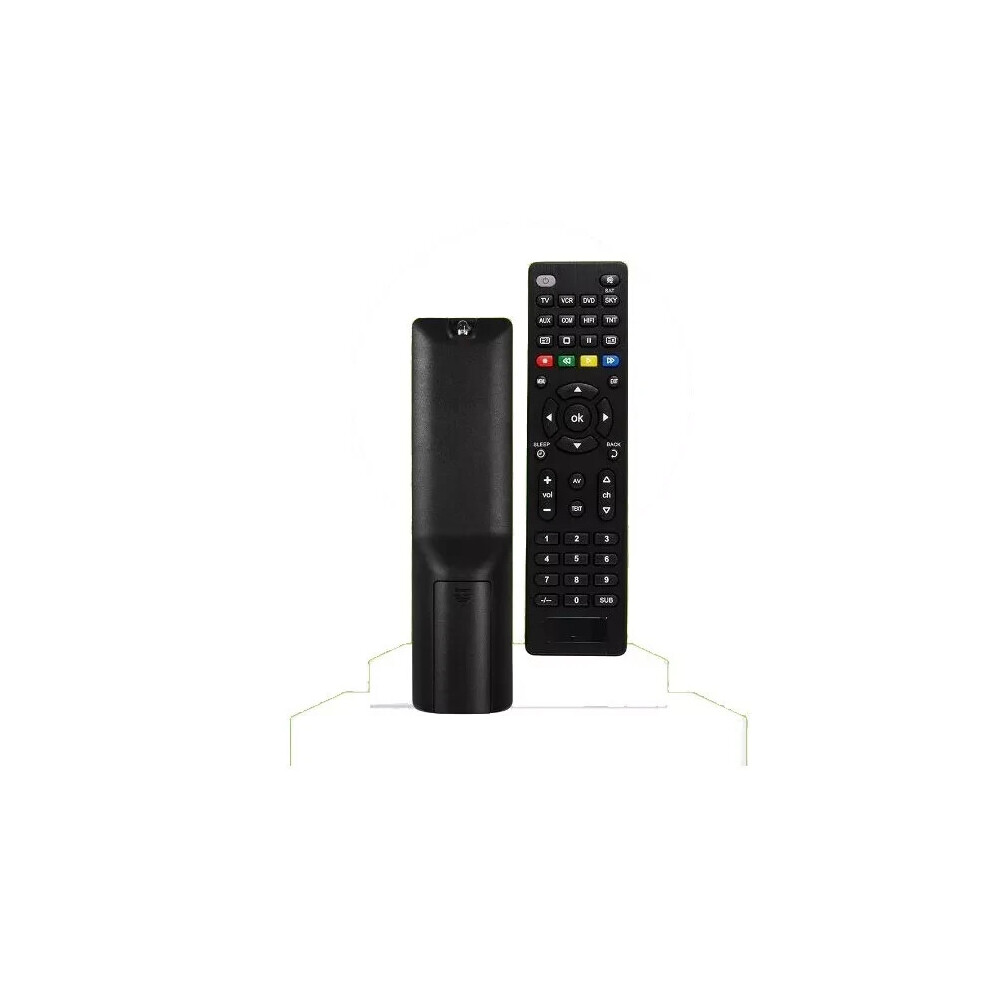
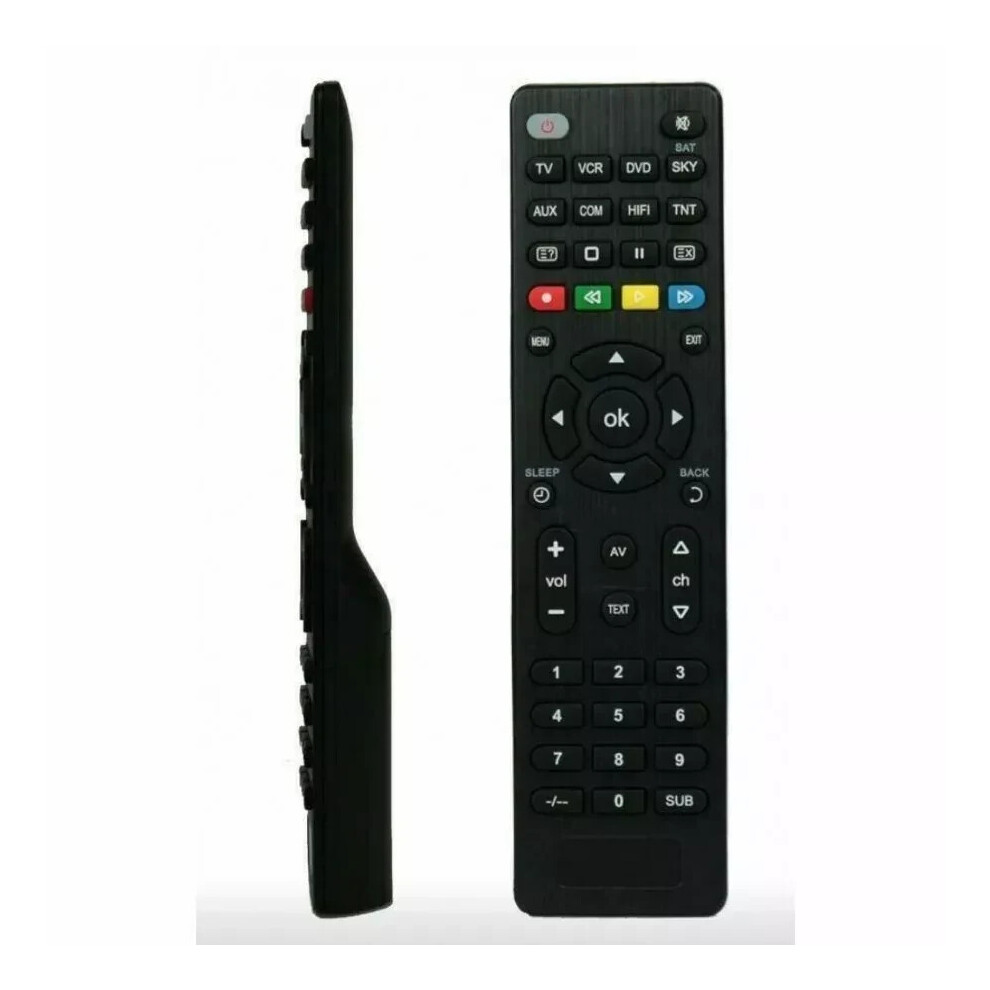
In stock
Smart shoppers OnBuy it!
Interest-free payment options available


See full product description & details
Delivery: Standard (Free) | Wed 18th - Thu 19th Nov
Sold by: YRA GLOBAL LTD, there is 1 other seller
Returns: 30 days
180-day payment protection




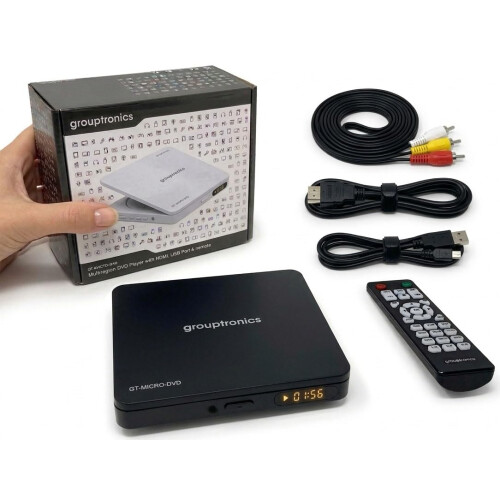


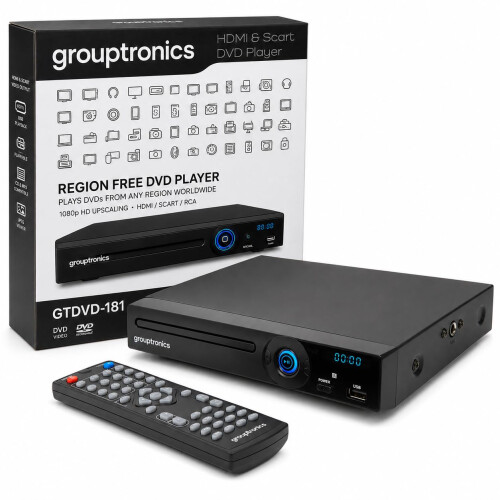

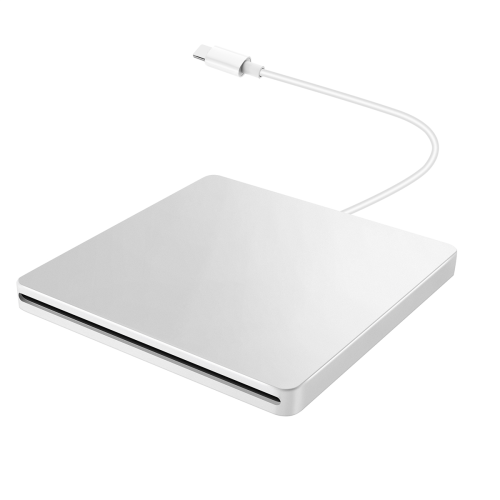


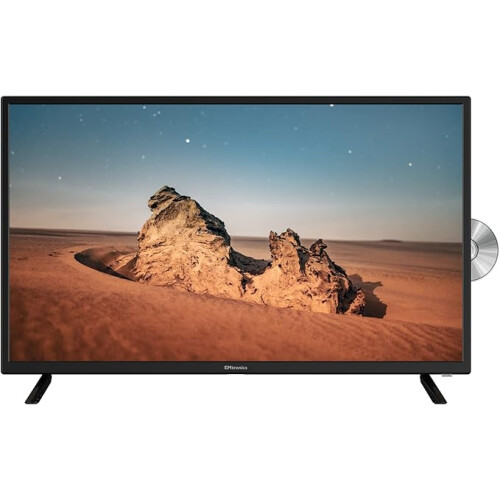

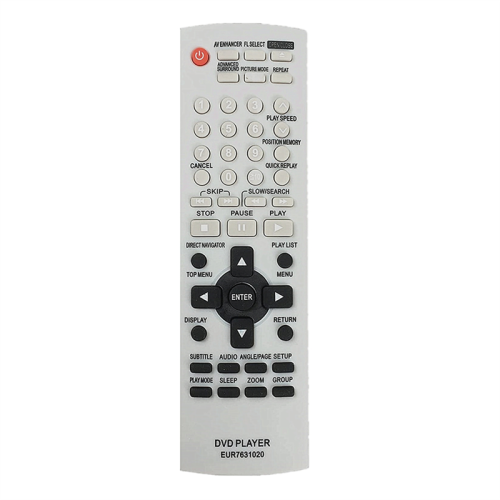

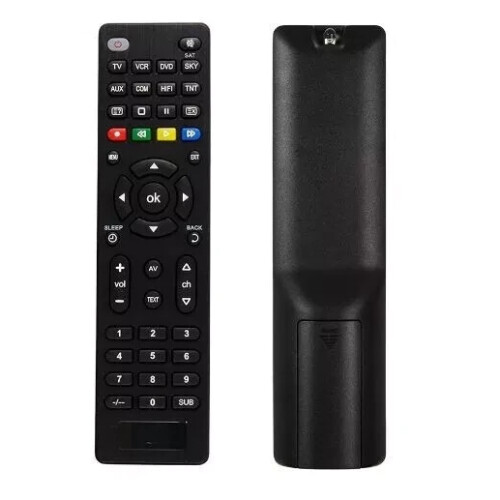
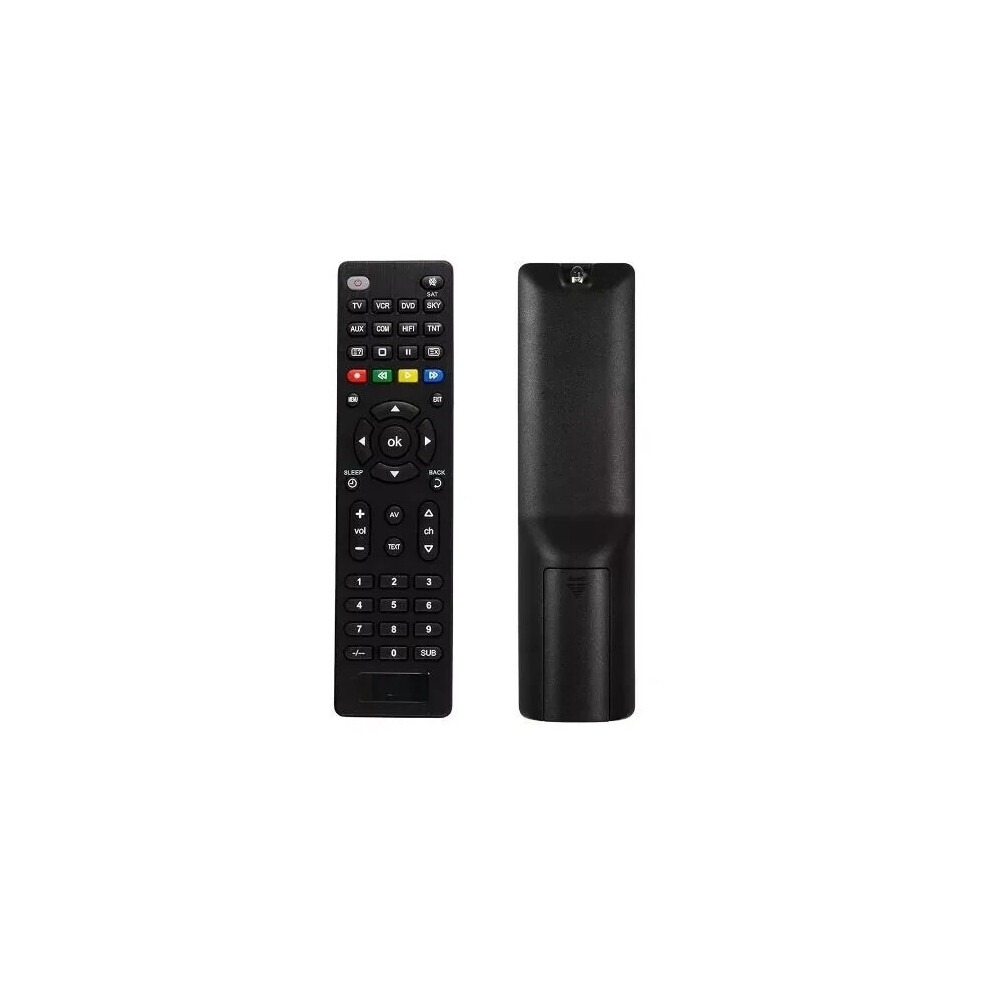
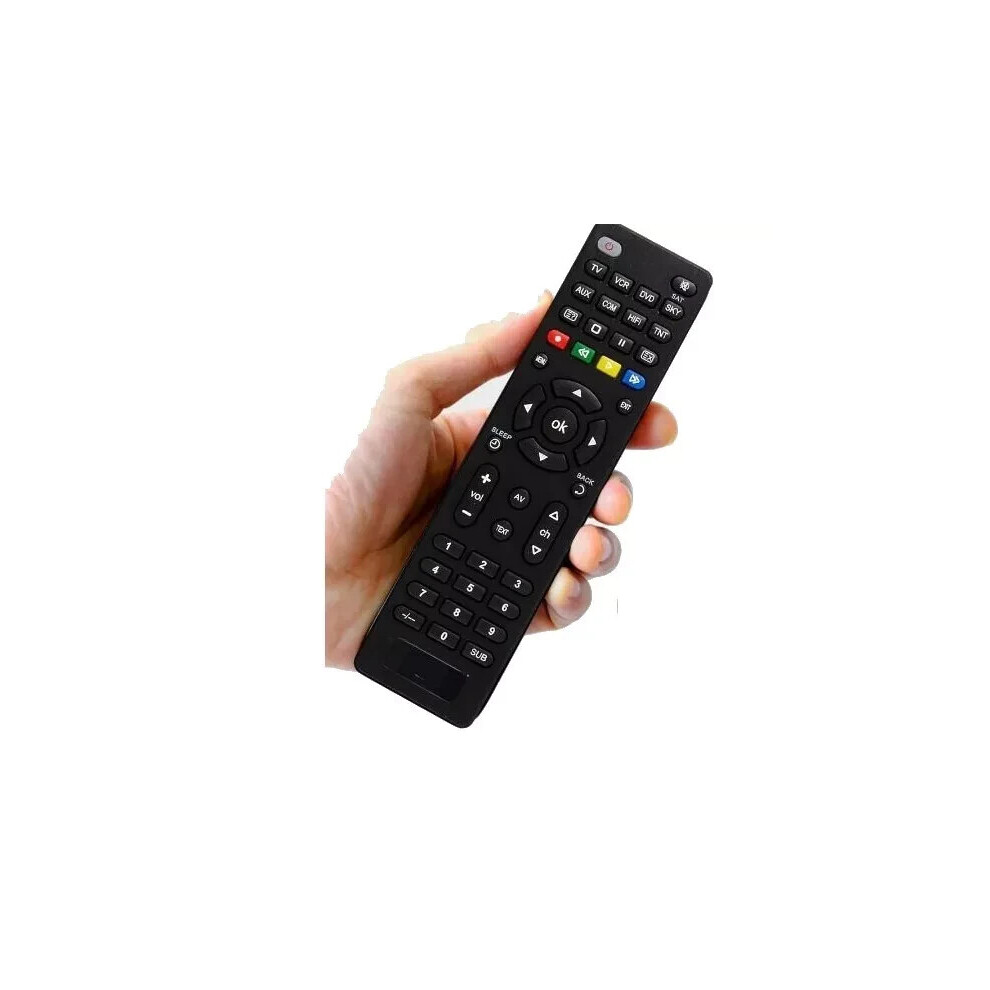
Features: • High-grade remote control, suitable for LG smart TV. • No programming or setting up required. • Small and compact size makes this remote control easy to grip and uneasy to slip. • A replacement remote control units and will work as well as the originals. • Perfect to replace your broken or old one. • Universal Remote Control • Controls TV, VCR, DVD, Sky/Sat/Cable, Hi-Fi, Dvbt (Dtt, Tdt,TNT,Sky) • Compatible With Most TV\'s And Audio Systems • 2 X 1.5v Aaa Batteries To Be Used (Not Included) • Has A Range Of Up To 8 Meters • Dimensions (cm Approx): H 18 W 5 D 3
Description: This is an innovative keyboard remote control for LG Smart TV. A replacement remote control units and will work as well as the originals. Small and compact size makes this remote control easy to grip and uneasy to slip. A perfect product for you. The Universal Remote Control lets you replace a broken or lost remote or combine more than one remote control into one. This remote control has both TV mode and DVD mode and can operate 7 devices at once! It operates the common features of most models and brands of Infrared Controlled TV and DVD Equipment. For most TV models, there is no need to set up and you can use it directly after installing batteries. Ideal As A Replacement Or Backup Remote. Since It's Pre-Programmed For Use, The Remote Is Straightforward To Set Up.
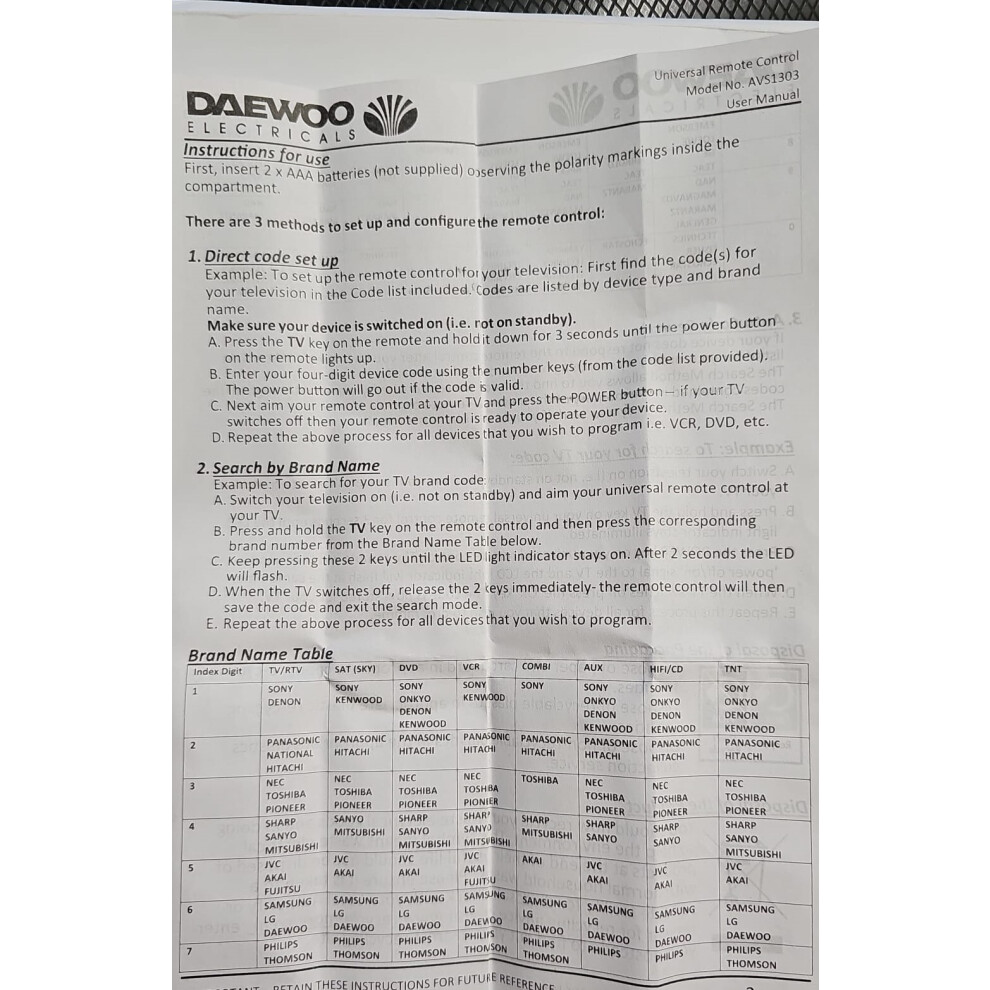
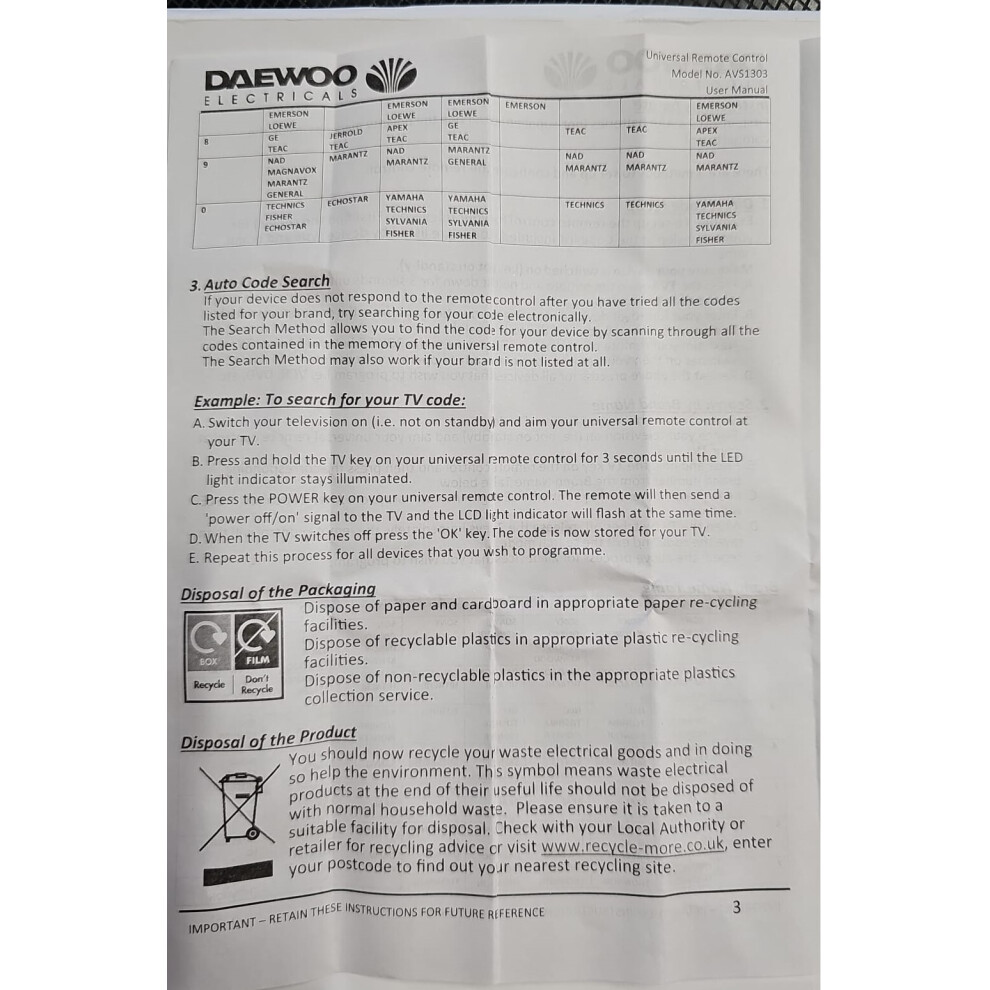
Instructions for Use Universal Remote Control by Daewoo Model NO: AVS1303
1. Overview Thank you for purchasing the Daewoo Universal Remote Control (Model NO: AVS1303). This remote is designed to replace your existing remote and is compatible with most TVs, DVD players, and audio systems. It offers ease of use and control over multiple devices.
2. Compatible Models The AVS1303 is compatible with the following brands and devices:
TV Brands
Daewoo Samsung LG Sony Panasonic Toshiba Philips Sharp DVD Players
Daewoo Pioneer Panasonic Sony Philips Audio Systems
Daewoo Sony Bose LG
If your device is not listed above, please consult the included code list or visit [Daewoo support website] for a complete list.
3. Pairing Instructions 3.1 Using Auto-Search Method Turn On the Device you want to control (e.g., TV). Press and Hold the "Setup" Button until the LED indicator on the remote lights up. Press the Device Button (e.g., "TV," "DVD," or "AUX") corresponding to the device you are pairing. The LED will blink once. Point the Remote at the Device and press the "Power" button repeatedly, pausing 2 seconds between each press. Continue until the device turns off. Press the "Enter" Button to lock in the code. The LED will turn off, indicating successful pairing. Test the remote by using basic functions (e.g., volume, power, channel).
3.2 Manual Code Entry Locate the code for your device in the code list provided in the user manual or online at [Daewoo support website]. Turn On the Device you want to control. Press and hold the "Setup" Button until the LED indicator lights up. Press the Device Button (e.g., "TV," "DVD," or "AUX"). The LED will blink once. Enter the Code for your device using the number keys on the remote. Example: Enter "1012" for a Daewoo TV. If the code is accepted, the LED will blink twice and turn off. Test the remote by pressing functions like power, volume, and channels. If the device does not respond, repeat the steps with a different code.
3.3. Resetting the Remote To clear all settings and reset the remote: Press and hold the "Setup" button for 10 seconds until the LED blinks rapidly. Release the button. The remote is now reset to factory defaults.
4. Troubleshooting Device not responding? Try another code for the brand or use the Auto-Search method. LED doesn't light up? Replace the batteries with new ones (2x AAA). Lost Code List? Visit [Daewoo support website] to download the manual and code list.
5. Safety and Maintenance Do not expose the remote to moisture or direct sunlight. Use only alkaline AAA batteries for optimal performance. Clean the remote with a soft, dry cloth.
Details
| OPC | PXR86PZ |
|---|---|
| Codes | 208694109393 (UPC) |
| Seller | Ratings | Warranty | Returns | Price | Delivery | Total | Quantity |
|---|---|---|---|---|---|---|---|
| (7 reviews) | - |
30 Days
Free Returns No
|
£11.81
|
+Fast & Free Delivery
Est. Delivery:
18th-19th Nov
|
£11.81
Recommended
We recommend listings based on a combination of price, delivery time, quality of seller reviews and other factors
|
||
| (3.6k reviews) | - |
30 Days
Free Returns No
|
£11.65
|
+Free Delivery
Est. Delivery:
4th-10th Dec
|
£11.65
|
Earn as you shop with instant Cashback on everything.
No catch, no cost
Become a Cashback VIP
Just 1 purchase unlocks bigger deals & rates
You'll only get instant Cashback at OnBuy! Enter your email below and we'll send you a copy of your basket to save you time later.
By entering your email address, you'll automatically be added to our database, where you can enjoy personalised Cashback offers and early access to our best deals. You can opt out of our emails at any time and we'll never share your details with anyone. Check our Privacy Policy and T&Cs to find out more.
Want access to personalised offers and the highest Cashback rates? Sign up to our emails below.
You can opt out of our emails at any time and we'll never share your details with anyone. Check our Privacy Policy and T&Cs to find out more.
This page has expired.
Refresh and continue