

























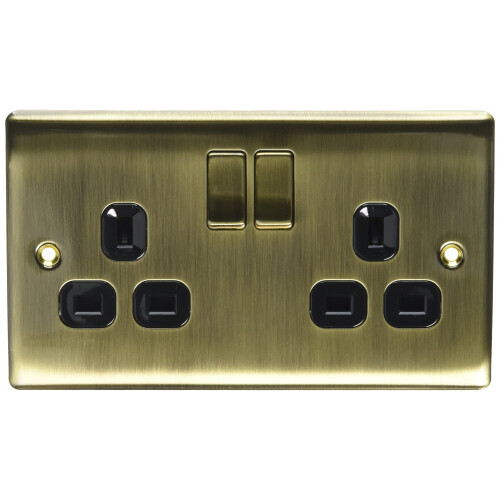


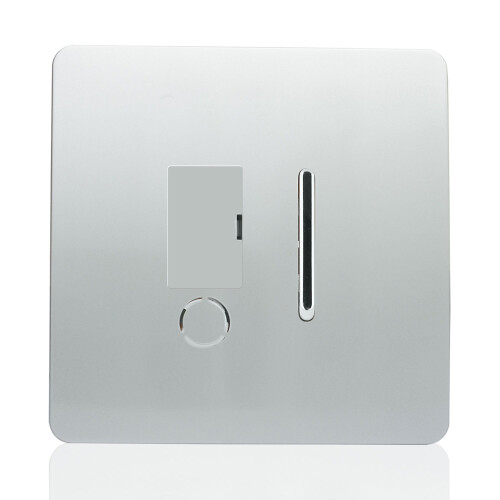


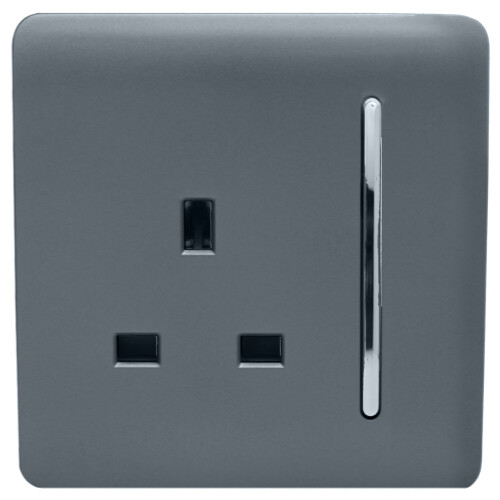

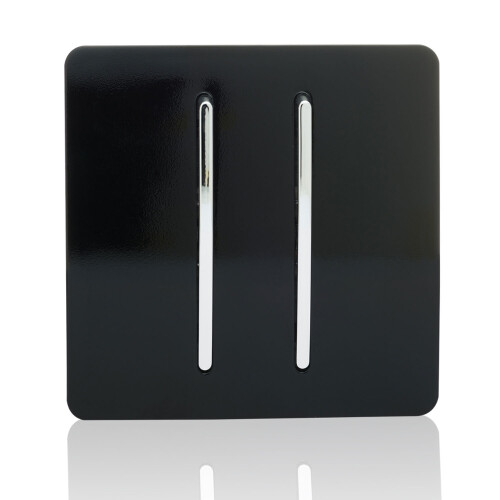


Product Images

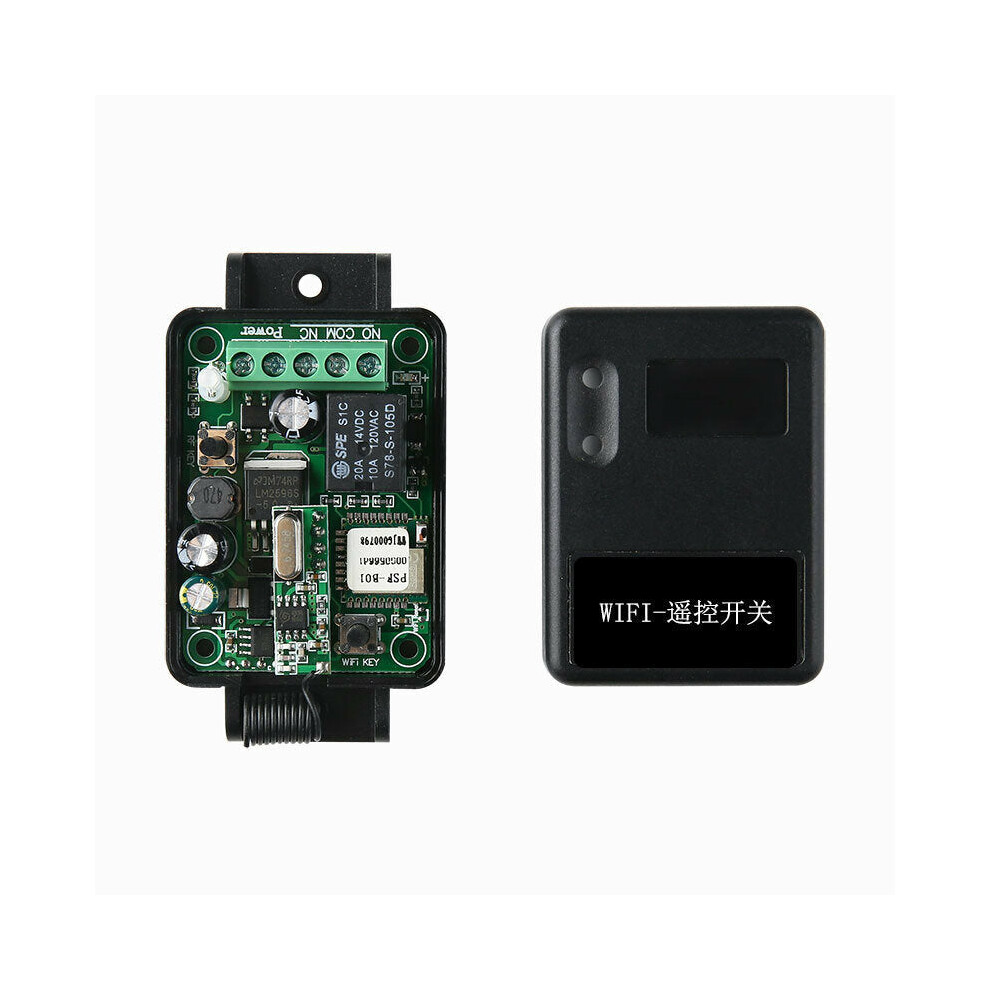
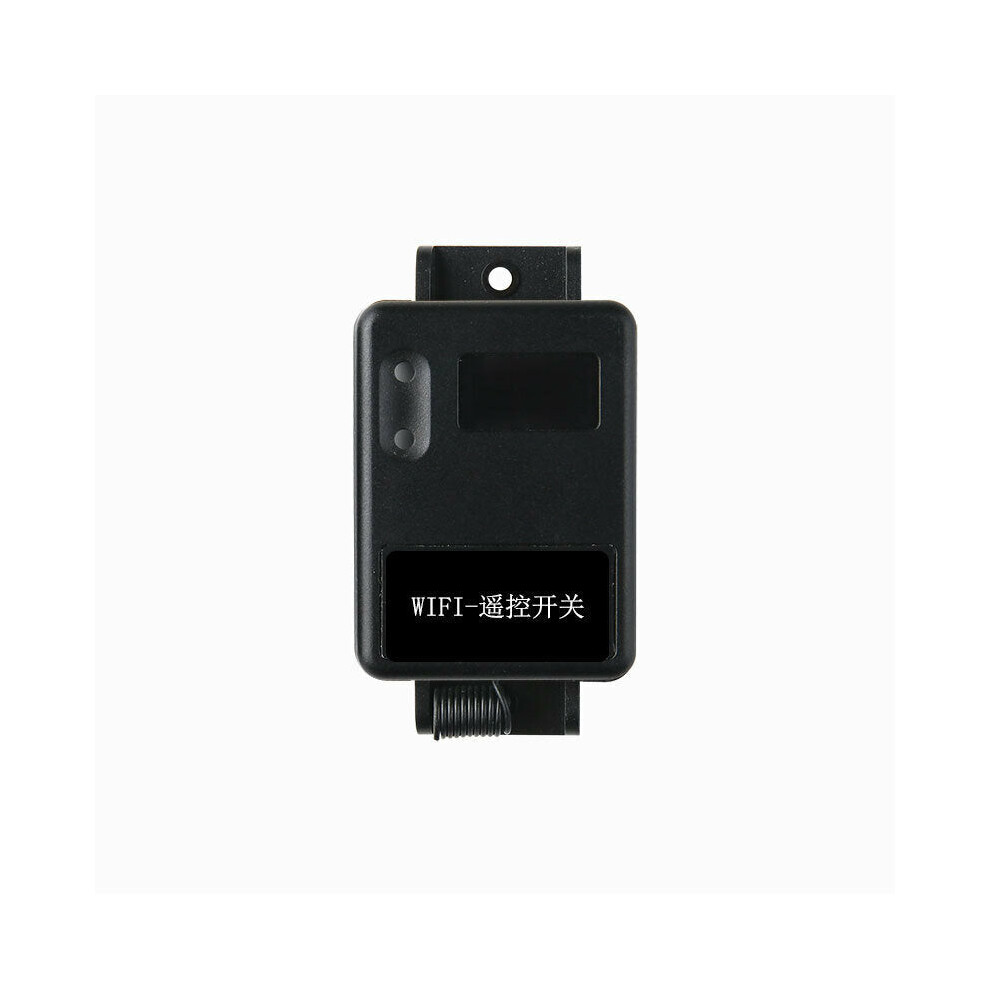
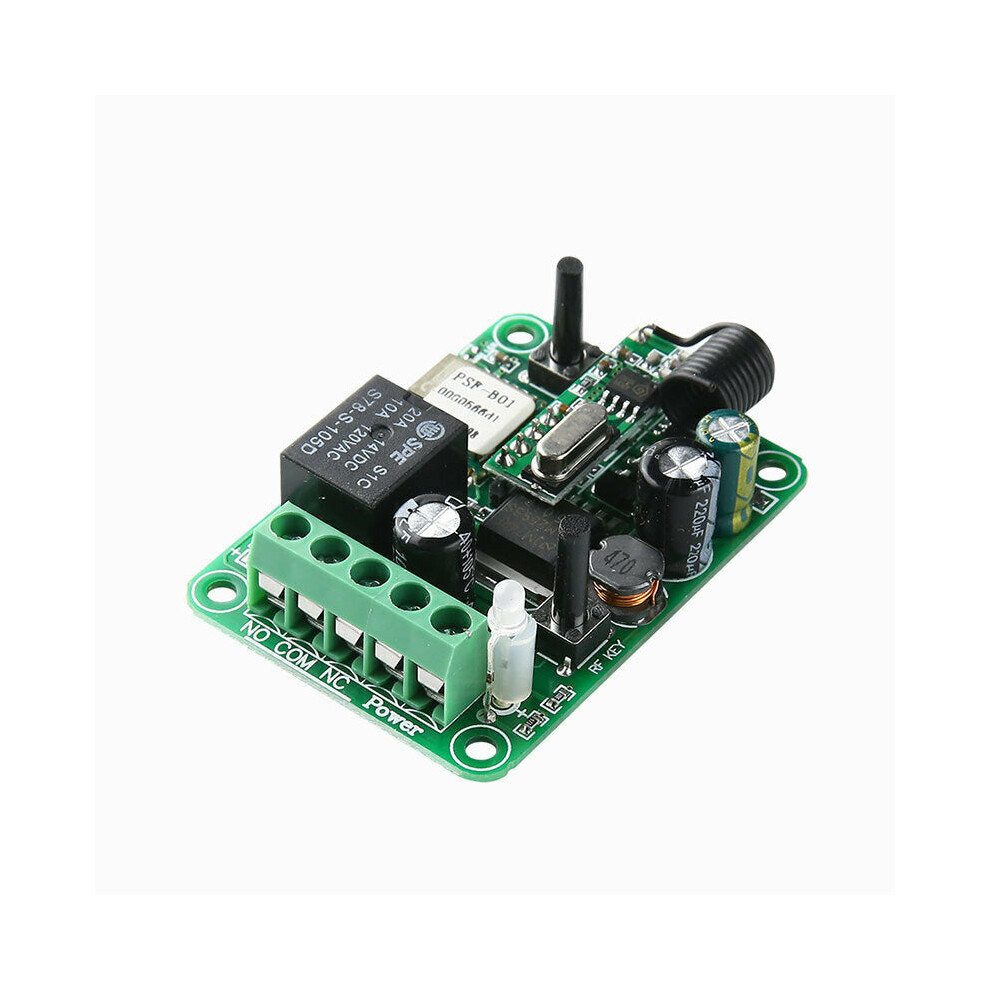
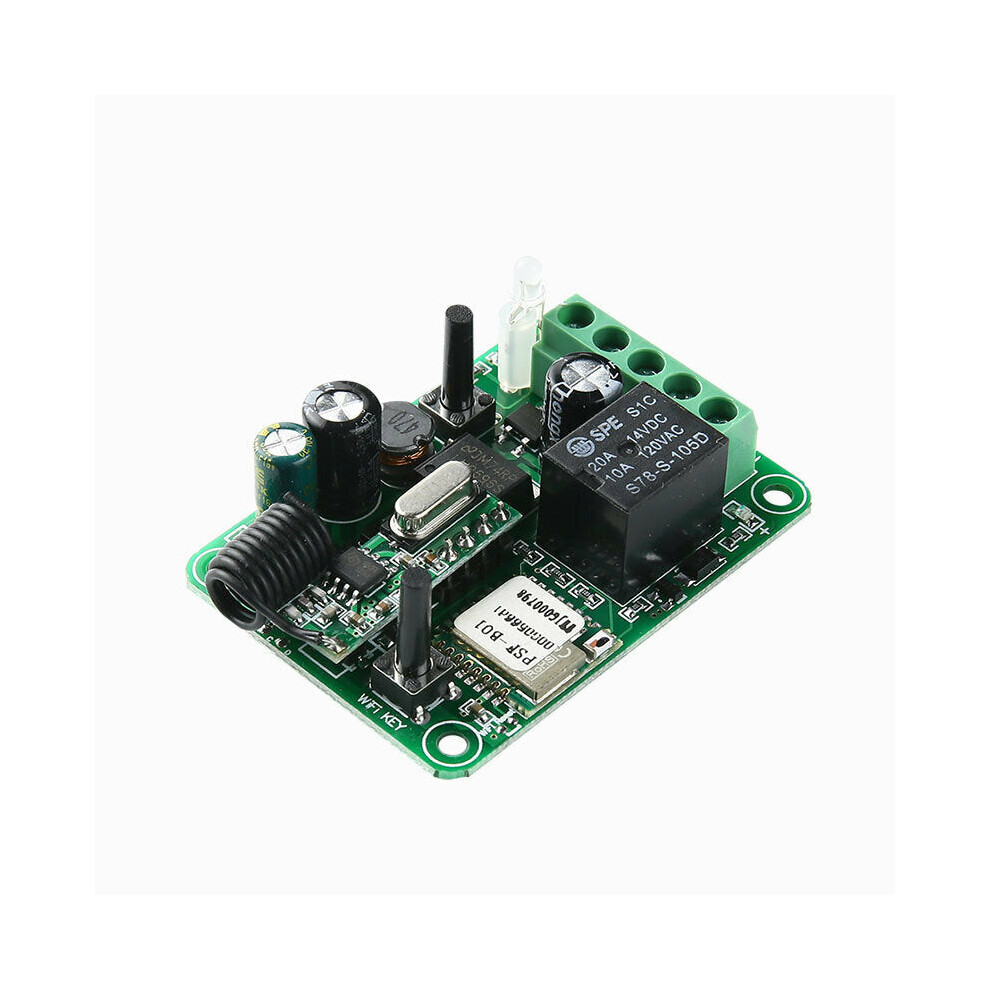
In stock
Smart shoppers OnBuy it!
Interest-free payment options available


See full product description & details
Delivery: Standard (Free) | Wed 14th - Mon 19th Oct
Sold by: GreenZech
Returns: 30 days
180-day payment protection
Product
parameters:
Working
voltage:
DC12-24V;
Switch
load:
each
switch
load
is
less
than
1000W;
Output
mode:
relay
switch
signal
output;
Working
mode:
Jog,
self-locking,
interlock;
Standby
power
consumption:
<0.1W;
Use
environment:
-3075,
less
than
95%
relative
temperature;
Product
size:
56.4mm
x
40.2mm
x
20mm;
Service
life:
100,000
operations;
Instructions:
APP
account
registration:
(Android
system)
Open
the
App
and
enter
the
login
interface.
First,
register
the
account.
After
the
registration
is
successful,
log
in
then
enter
the
client
interface.
(I0S
system)
You
need
to
enter
the
WIFI
setting
first,
and
just
follow
the
software
prompts.
Add
device
operation
method:
1.
Press
and
hold
the
ON/OFF
button
on
the
switch
panel
for
5
seconds
and
the
green
indicator
light
will
flash,
and
click
'+'
at
the
bottom
of
the
software
to
start
searching;
2.
Select
the
name
of
the
WIFI
you
want
to
access
and
enter
the
password
(note
that
the
password
must
be
remembered,
otherwise
the
network
will
not
be
automatically
connected
after
power-on);
3.
When
the
status
indicator
is
steady
green,
it
means
the
configuration
is
successful;
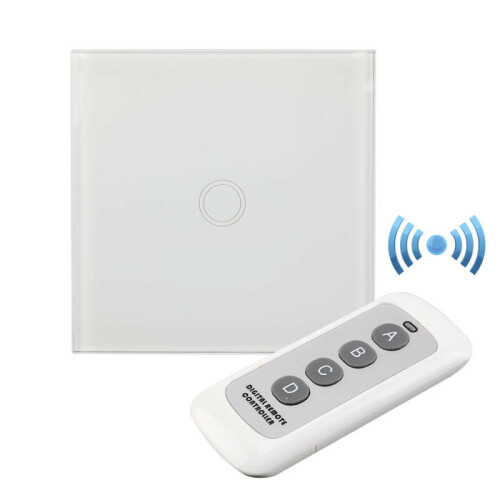
Remote
control
pairing
method:
Jog
mode:
Press
the
remote
control
'A'
button
to
turn
on
the
relay,
and
release
the
remote
control
'A'
button
to
turn
off
the
relay.
Press
the
control
panel
pairing
button
once,
and
the
LED
indicator
flashes
once.
After
the
LED
indicator
lights
up,
press
the
remote
control
button
that
needs
to
be
paired,
and
the
control
panel
LED
indicator
flashes
3
times
in
succession.
Self-locking
mode:
Press
the
same
remote
control
button,
press
it
once,
the
relay
is
turned
on,
and
press
it
again,
the
relay
is
turned
off.
Press
the
code
matching
button
on
the
control
panel
twice,
and
the
LED
indicator
will
flash
twice.
After
the
LED
indicator
lights
up,
press
the
remote
control
button
that
needs
to
be
coded.
The
control
panel
LED
indicator
flashes
3
times
in
a
row
and
the
code
is
successfully
matched.
Notice:
1.
Do
not
operate
with
electricity,
turn
off
the
power
supply
for
operation,
and
turn
it
on
after
the
test
is
confirmed
to
be
correct.
2.
When
the
remote
control
voltage
is
low,
please
replace
the
battery
in
time
(when
the
remote
control
battery
voltage
is
low,
the
remote
control
distance
will
generally
become
shorter).
3.
When
using
wireless
electronic
products,
pay
attention
to
avoiding
metal
masks,
large
electronic
devices,
electromagnetic
fields
and
other
strong
sources
of
interference
to
avoid
short
distances
between
the
remote
control
and
the
receiver
or
failure
to
work
normally.
4.
Do
not
use
this
electronic
product
abnormally.
Abnormal
use
will
reduce
the
performance
and
life
of
the
product,
damage
the
product
in
severe
cases,
and
bring
hidden
dangers
to
your
safety.
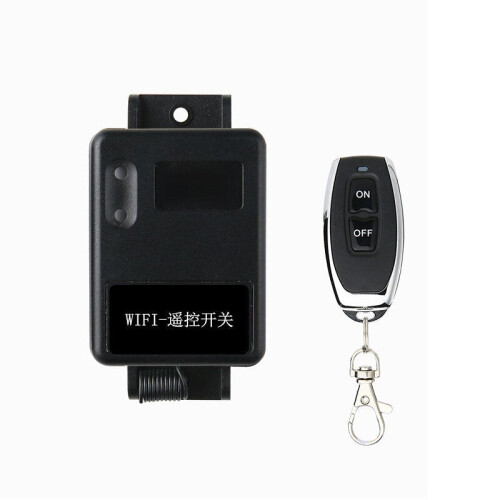
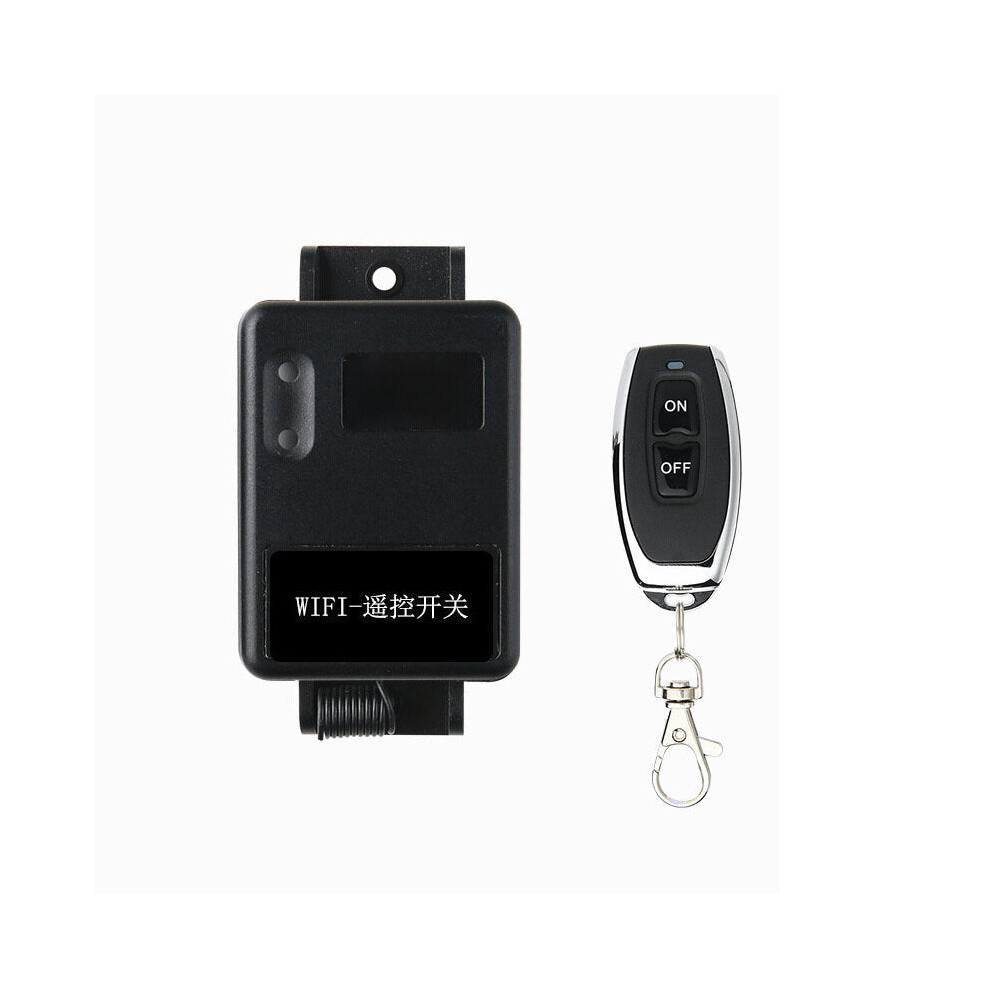
Package
included:
1
x
WIFI
Switch;
1
x
Controller
Details
| OPC | PFKB5VY |
|---|---|
| Brand | GreenZech |
| Codes | 6112211890111 (EAN) |
| Seller | Ratings | Warranty | Returns | Price | Delivery | Total | Quantity |
|---|---|---|---|---|---|---|---|
|
Dispatched from:

|
(81 reviews) | 100 months |
30 Days
Free Returns No
|
£45.84
|
+Free Delivery
Est. Delivery:
14th-19th Oct
|
£45.84
|
Earn as you shop with instant Cashback on everything.
No catch, no cost
Become a Cashback VIP
Just 1 purchase unlocks bigger deals & rates
You'll only get instant Cashback at OnBuy! Enter your email below and we'll send you a copy of your basket to save you time later.
By entering your email address, you'll automatically be added to our database, where you can enjoy personalised Cashback offers and early access to our best deals. You can opt out of our emails at any time and we'll never share your details with anyone. Check our Privacy Policy and T&Cs to find out more.
Want access to personalised offers and the highest Cashback rates? Sign up to our emails below.
You can opt out of our emails at any time and we'll never share your details with anyone. Check our Privacy Policy and T&Cs to find out more.
This page has expired.
Refresh and continue