






















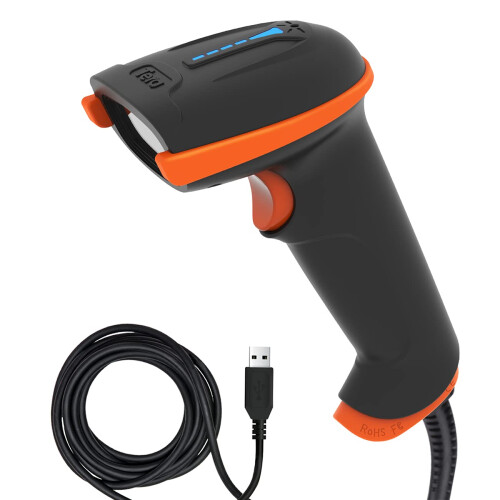
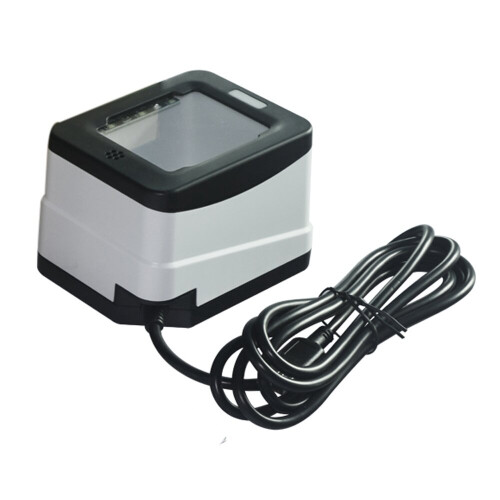
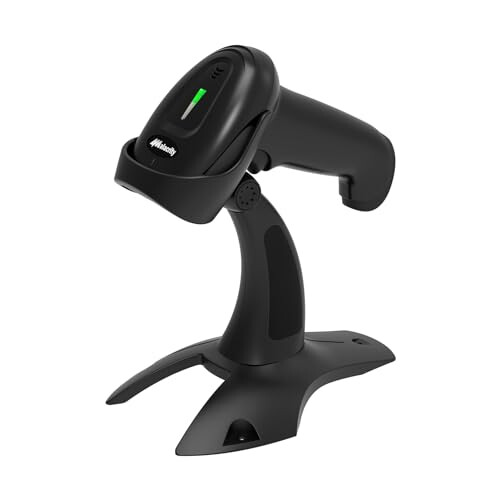
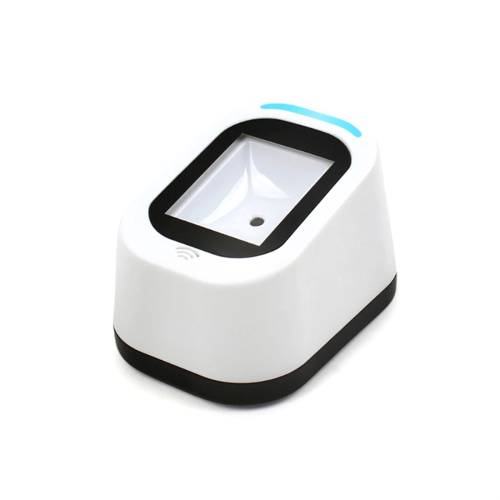
Product Images

In stock
Smart shoppers OnBuy it!
Interest-free payment options available


See full product description & details
Delivery: Standard (Free) | Tue 20th - Mon 26th Oct
Sold by: WerleoDirect
Returns: 30 days
180-day payment protection
Summary
Highlights:
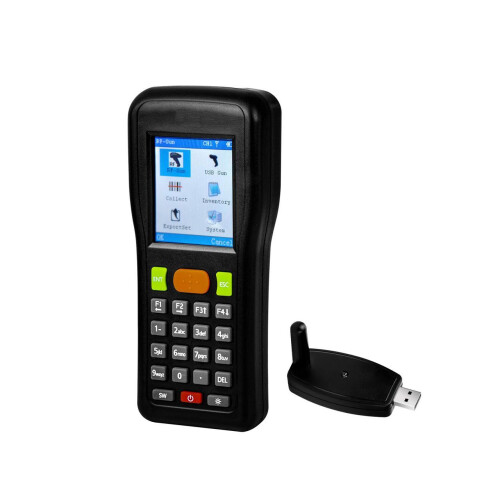
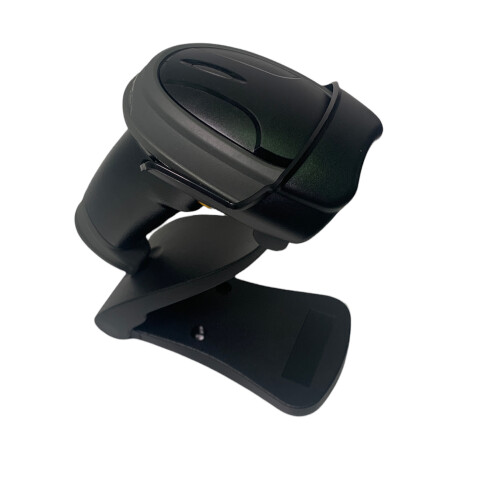
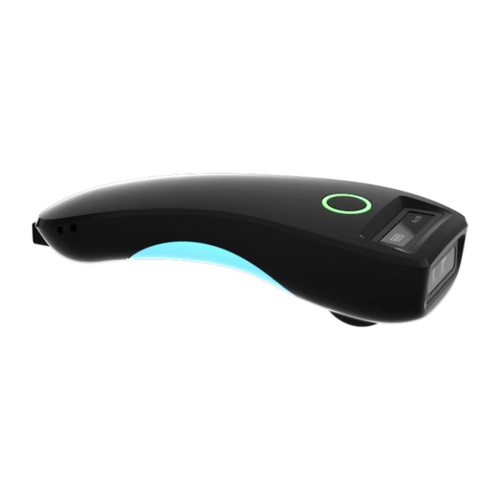
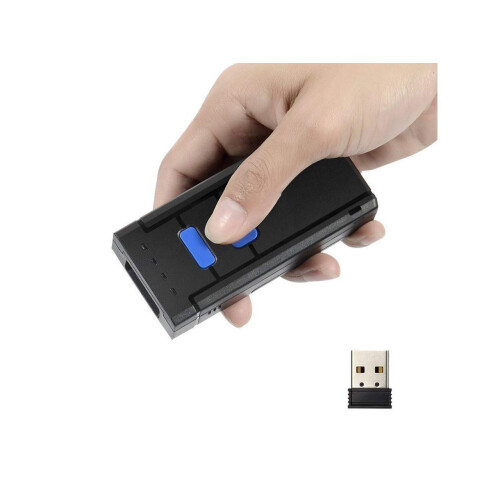
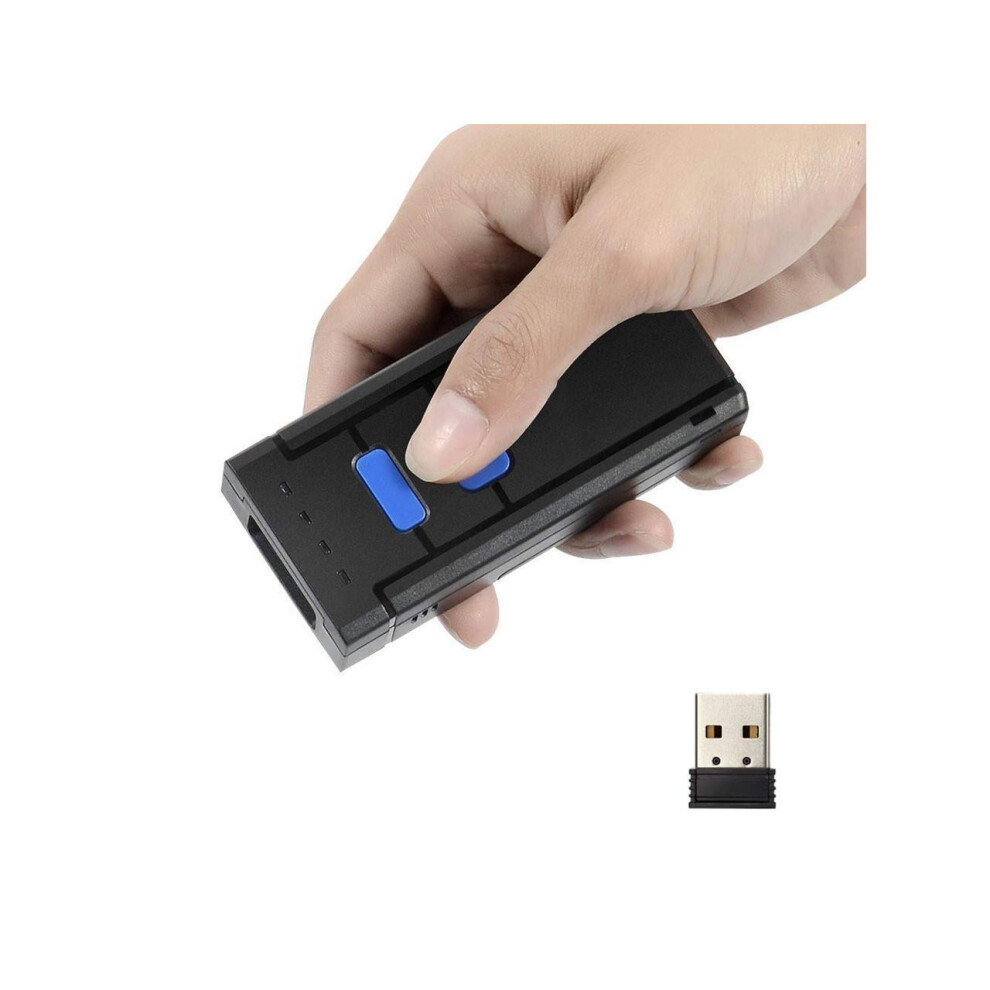
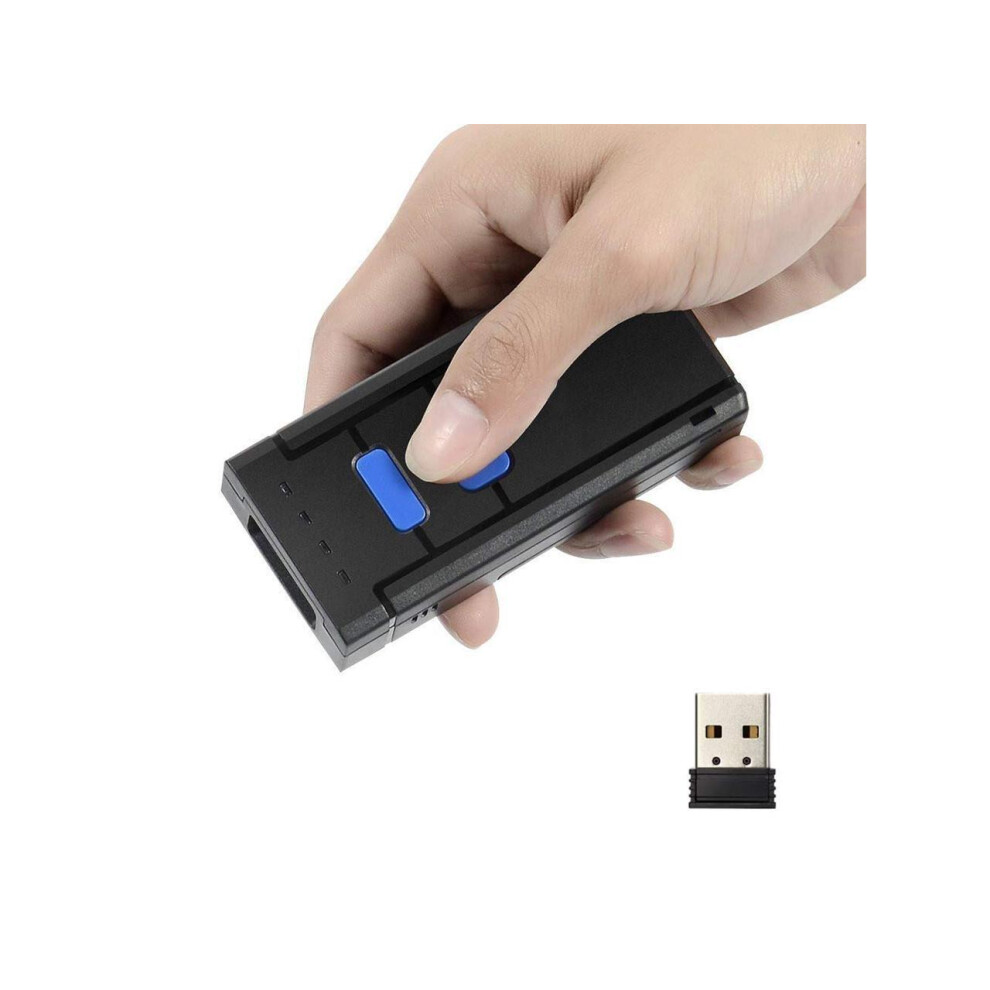
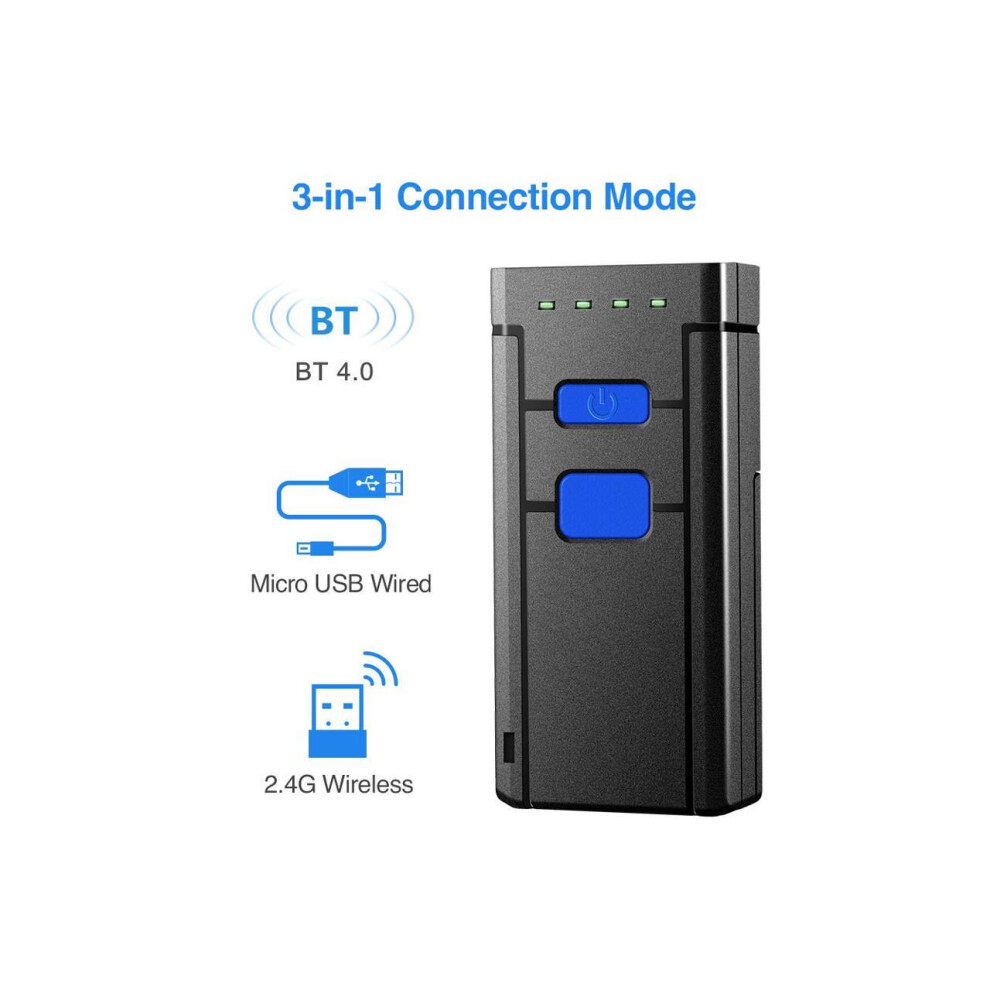
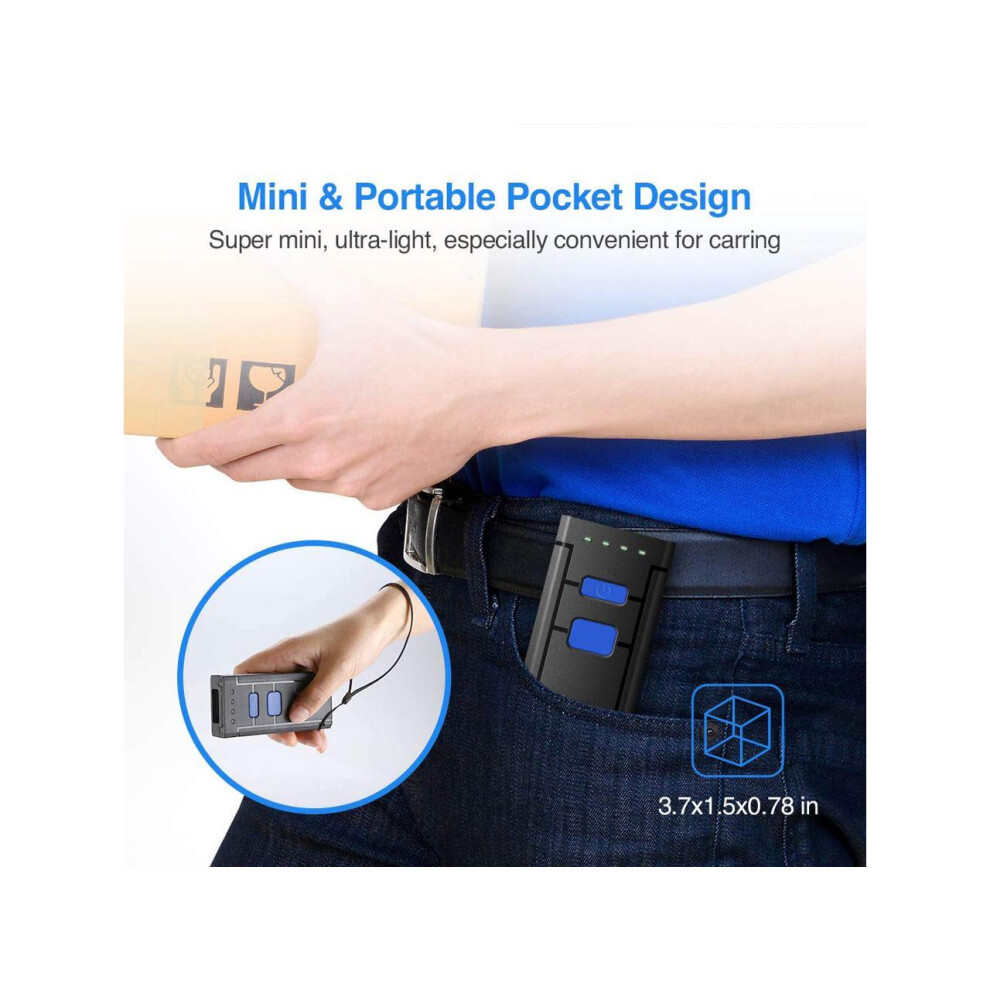
Portable Barcode Scanner? Mini size and pocket design. Easy to operate and carry. Fashionable and stylish. Wired / Wireless Barcode Reader? 3 in 1 connection modes -- BT 4.0, USB wired and 2.4G wireless, meeting your various needs.
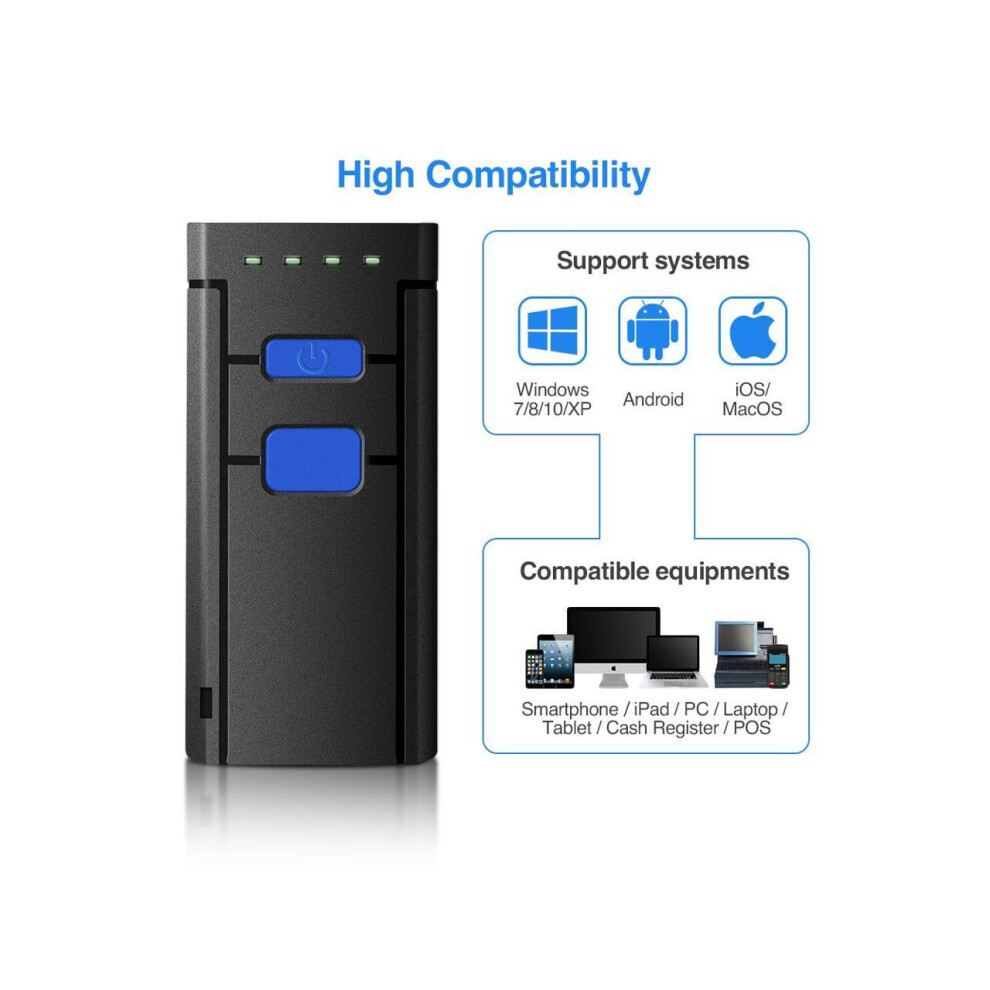
Multi-compatible? Support connections with smart phones, tablets, PC based on windows xp/ Win7/ 8 / 9 / 10 / CE, Android, iOS system.
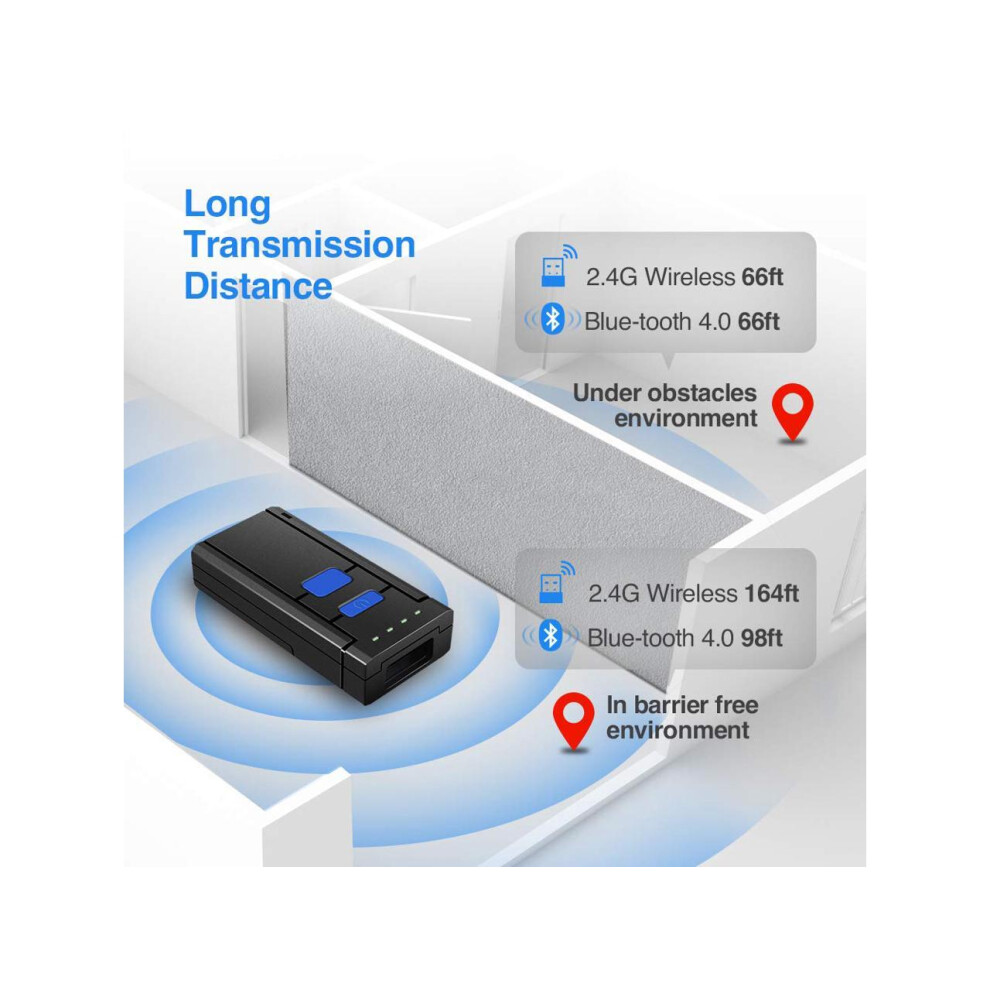
Long Transmission Distance: Under 2.4G wireless mode, up to 164ft in barrier free environment and up to 66ft under obstacles environment.
Scan Barcodes on Paper: Please note -- this scanner can only scanner barcodes on paper and can't scanner barcodes on screen.
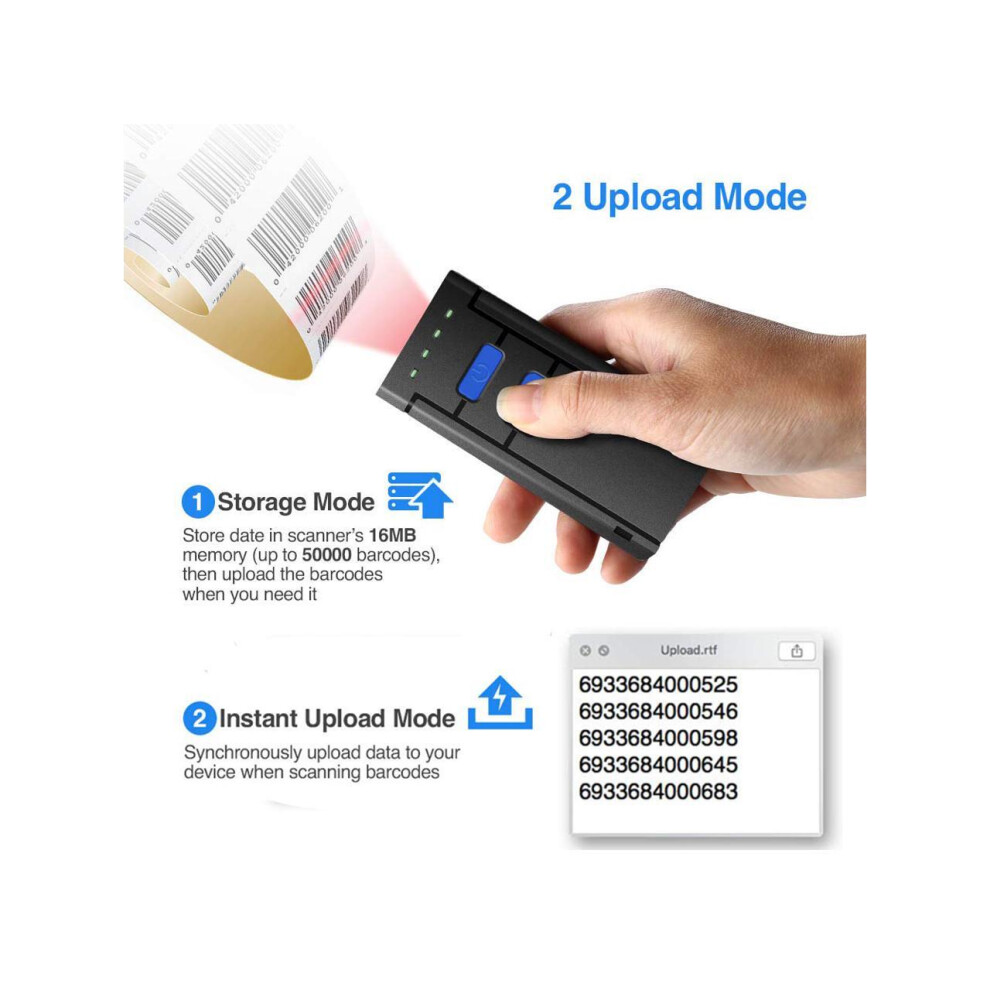
Advantages: Perfectly support various versions Windows, iOS, Android OS systems Support SPP and HID mode Support keypads input (iOS only) Auto data detection ensures transmission accuracy Easy inventory with memory of ten thousands bar codes, users do not need to worry about the barcodes lost
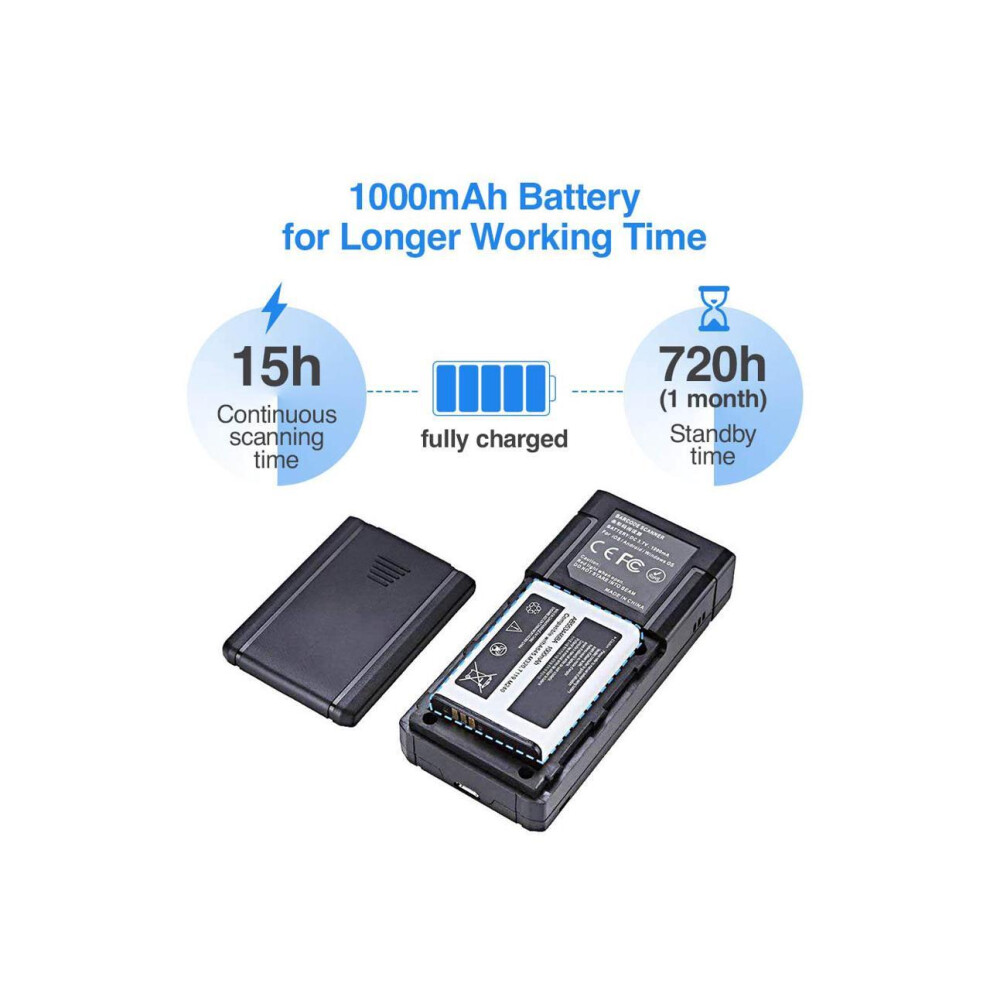
Large capacity battery work time: 72h
standby time: 150h
Package list: 1, Barcode Scanner *1 2, USB Charging Cable *1 3, Quick Start Guide *1 4, USB Dongle *1
FAQ:
1. It can not connect with Android device If the device is android 3.0 or above version, it can connect directly.
2. It can not recognize some type of barcodes Some inactive typebarcodes are disabled as factory default. So you should enable this tyoe via read tge ebable barcode.
3. Bracods can't upload to PC or mobile after paired
A: Please chekc is the pairing successfully? The indicator of scanner should be blue.
B: Please check if you enable inventory mode(under inventory mode, the barcodes need upload manually or read tge upload barcodefor upload) 4. PC or mobile phone can not search out it
A: Confirm scanner is power on.
B: The scanner can pair only when blue LED is flashing.
5. Can It connect with mobile or tablet after connecting with PC If you want to change device, plesae clear the pairing information on the device first and reset it. The Method is according to front steps.
6. It can not connect automaticly after restart the mobile device A. Please make sure that there is no other BT connection with mobile device. B. Power on scanner, it will connect with the mobile device automatically.
Details
| OPC | PHMCFZ7 |
|---|---|
| Brand | Werleo |
| Codes | 0609808298789 (EAN) |
| Seller | Ratings | Warranty | Returns | Price | Delivery | Total | Quantity |
|---|---|---|---|---|---|---|---|
|
Dispatched from:

|
(9 reviews) | 6 months |
30 Days
Free Returns Yes
|
£70.99
|
+Free Delivery
Est. Delivery:
20th-26th Oct
|
£70.99
|
Earn as you shop with instant Cashback on everything.
No catch, no cost
Become a Cashback VIP
Just 1 purchase unlocks bigger deals & rates
You'll only get instant Cashback at OnBuy! Enter your email below and we'll send you a copy of your basket to save you time later.
By entering your email address, you'll automatically be added to our database, where you can enjoy personalised Cashback offers and early access to our best deals. You can opt out of our emails at any time and we'll never share your details with anyone. Check our Privacy Policy and T&Cs to find out more.
Want access to personalised offers and the highest Cashback rates? Sign up to our emails below.
You can opt out of our emails at any time and we'll never share your details with anyone. Check our Privacy Policy and T&Cs to find out more.
This page has expired.
Refresh and continue