






















Product Images

In stock
Smart shoppers OnBuy it!
Flexible payment options available


See full product description & details
Delivery: Standard (Free) | Sat 12th - Fri 18th Dec
Returns: 30 days
180-day payment protection









Summary
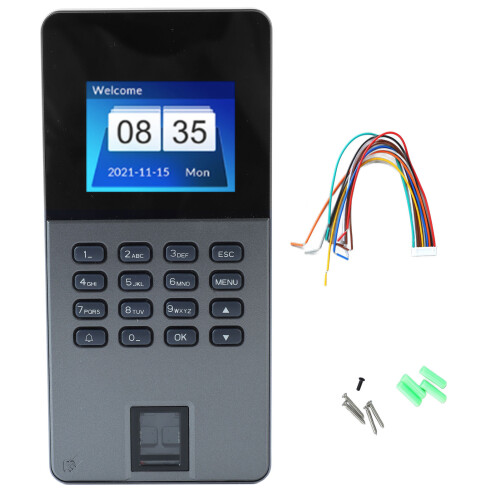
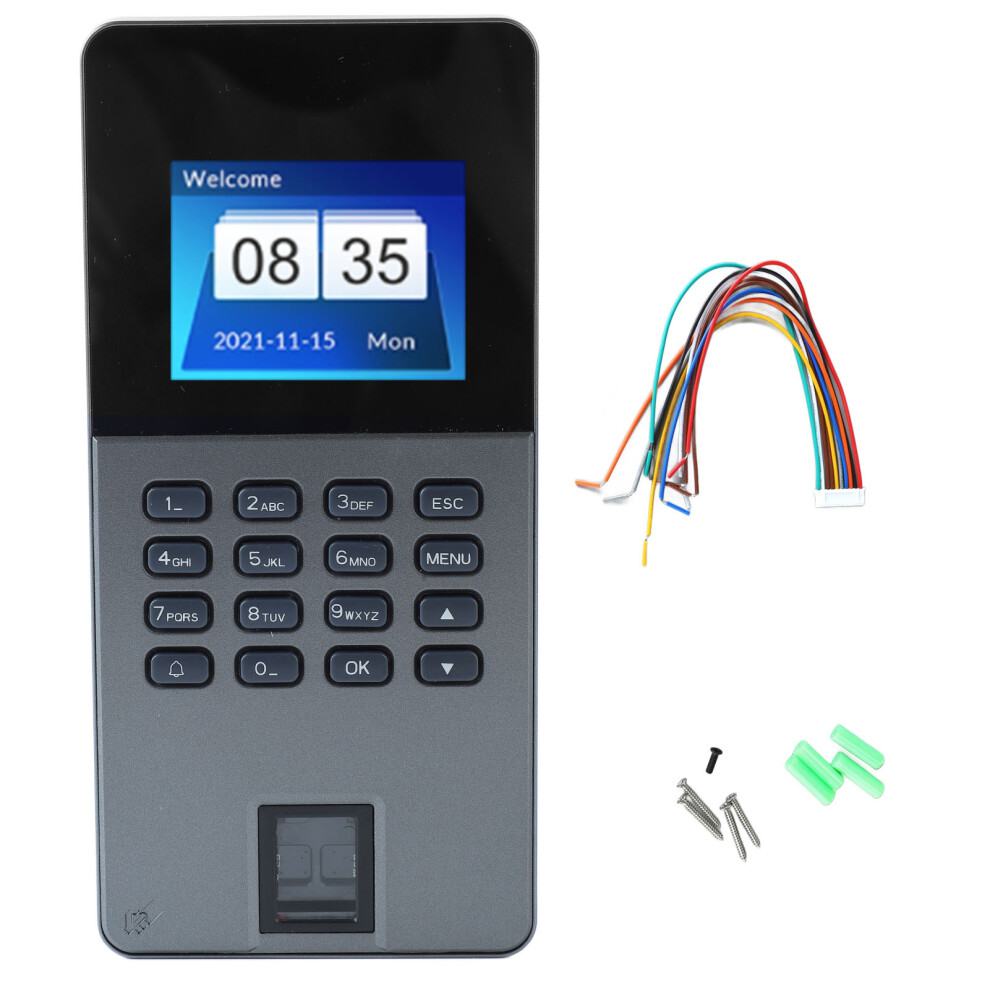
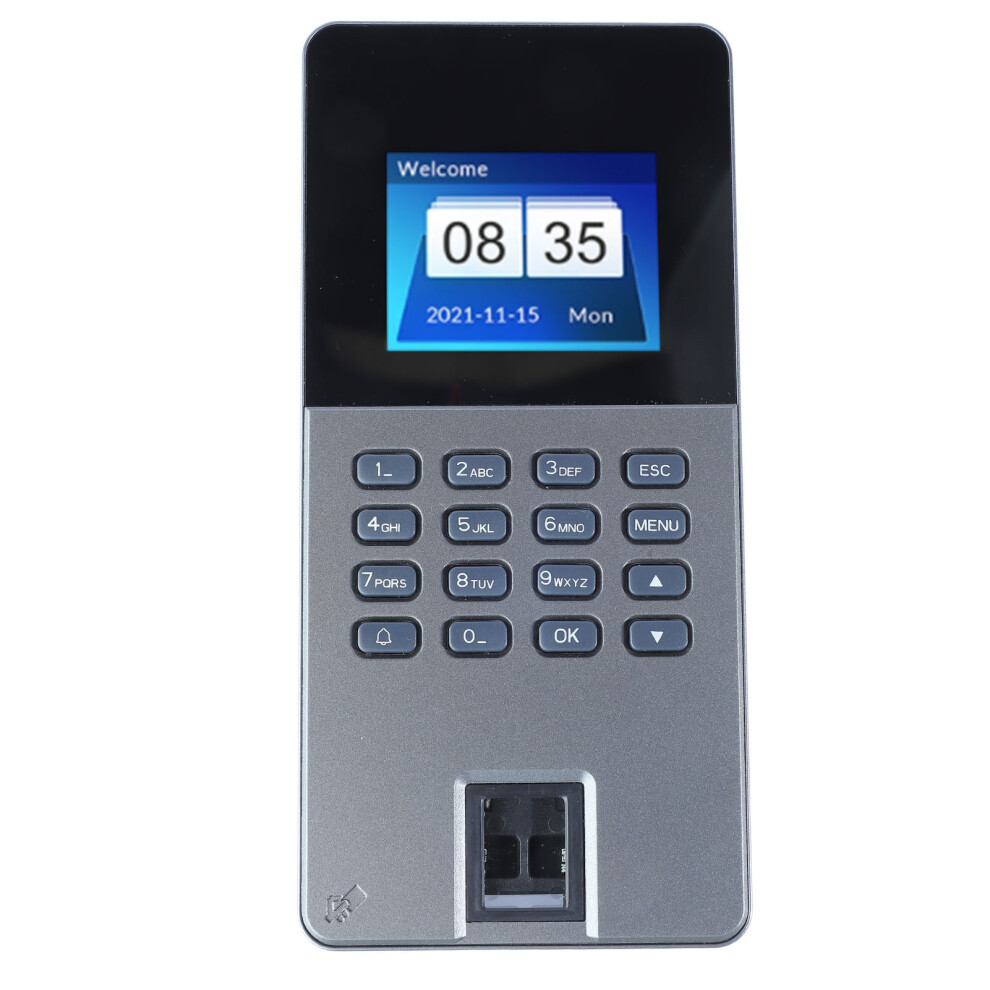
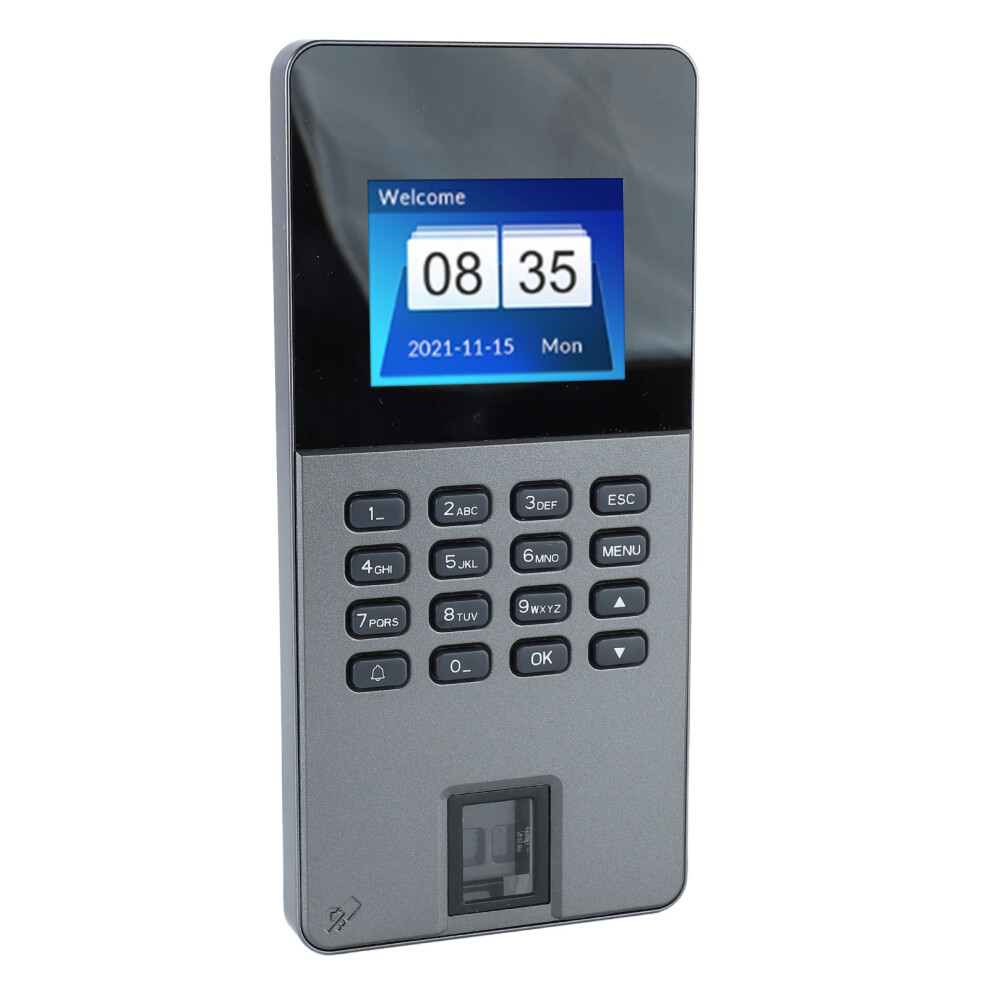
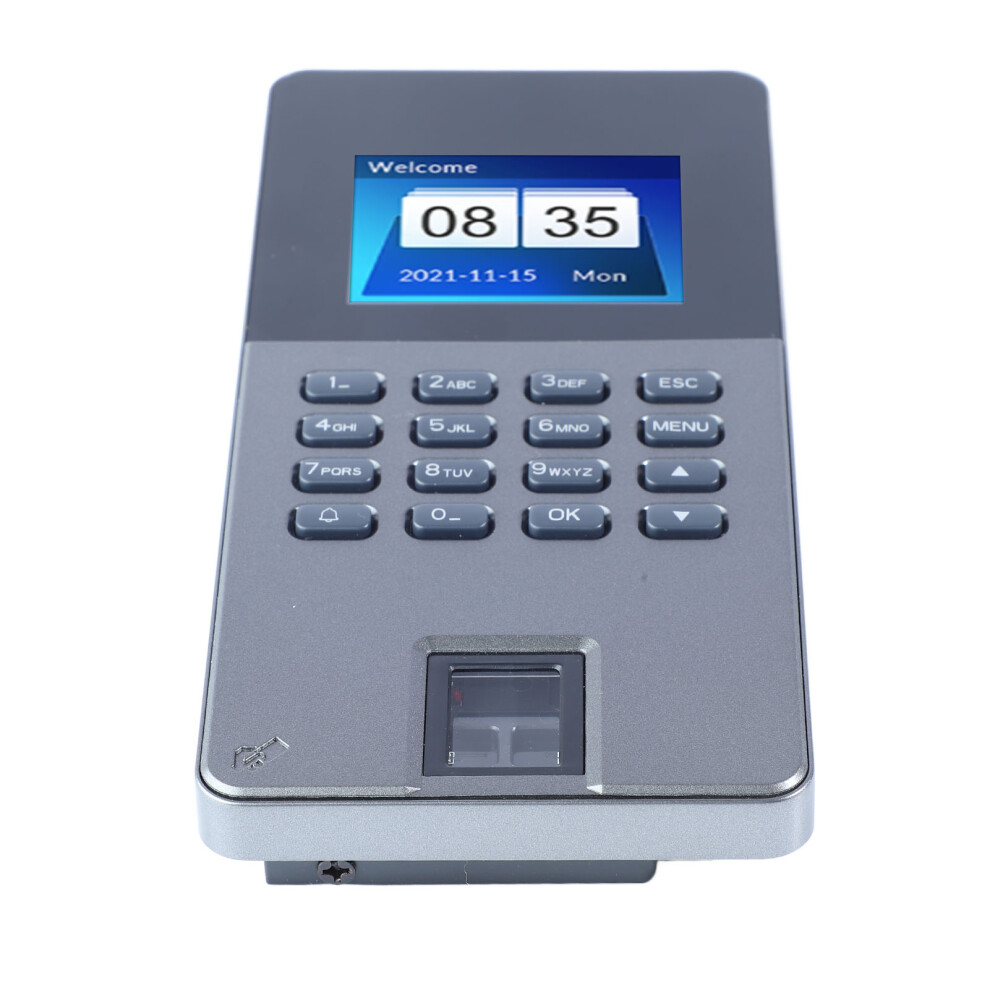
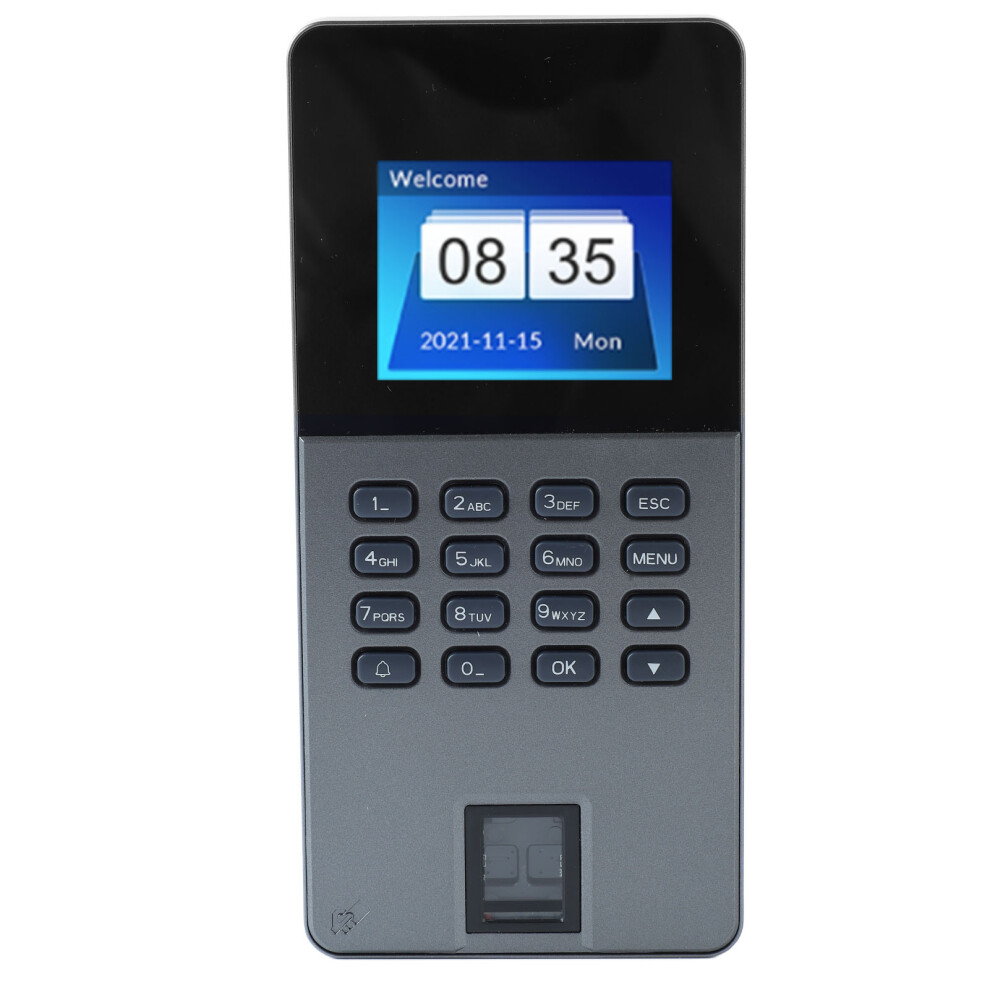
1、Biometrics: This face fingerprint attendance machine adopts biometric technology, which can realize accurate attendance records and facilitate recording of employee attendance. 2、Multi Mode Support: Support a variety of identification methods, support face, fingerprint and swipe card, adapt to different usage environments and needs. 3、Information Viewing: The use of visual screen is convenient for users to view attendance information after clocking in to avoid omissions. 4、Large Capacity: This attendance machine supports large capacity data storage, which can store a large number of attendance records for easy management and search. 5、Practical: Designed with solid structure, easy operation, simple installation, fast recognition speed, high precision, easy to use, improve the use efficiency.
Item Type: Fingerprint Access Control Terminal
MaterIal: ABS
Screen Size: 2.4 inch LCD touch screen
Fingerprint User: 1000
Record Capacity: 100000
Unlocking Method: Fingerprint, password, card
Language: English
Server Set: Not useful in the local network. Please ignore, no setup is required.
Server Request: Server request. Select Yes if needed, or No if not
DHCP: Yes means DHCP is turned on, no means manual setting.
MAC Address: The MAC address of the machine.
IP Address: This IP address needs to be uniquely valid among the user
Local Network. This IP is required when the user links the machine with the software
Address in the Software. If DHCP is Yes, then the device will be based on
The local network environment can automatically obtain an IP address, or the user can set it manually.
Subnetwork Mask and Default Gateway: If DHCP is turned on, the device will be based on
The network environment can be obtained automatically or manually set by the user.
Port number: The default port number is 5005. When the user associates the machine with
The software needs to enter the port number in the software.
Usage Environment:
1. Please do not put the machine under the light, because the light will affect the fingerprint, which may cause the fingerprint to be unable to be verified.
2. The facial recognition module adopts special technology to verify whether the light of the face is dark or bright.
3. The working temperature of the attendance is -10-45C. Please do not use it outdoors as working outdoors for a long time will adversely affect the equipment. If it must be used outdoors, it needs to be protected with shading and radiation equipment in summer and insulation in winter.
Register Fingerprints and Faces
1. After installing the machine, first the user needs to register their face and fingerprint on the machine, for the finger, we recommend the user to use the index finger and middle finger, for the face, we recommend the user to put their face in the pane. Try placing your finger in the middle of the fingerprint scanner.
2. Users need to select a good fingerprint when registering. These fingers are better, such as fewer wrinkles, no peeling, clear fingerprints, spotless.
3. When the user verifies the fingerprint, please lay the finger flat and gently place it on the scanner of the device, make sure the finger is in the sensing area, wait 1 second, the device will prompt to press again, repeat the above action 2 times, one finger 3 times. If the device shows OK, you have successfully registered.
When the user verifies the face, the distance from the machine is within 30-60cm. Please verify in normal conditions and place your face in the middle of the machine's LCD
4. After the registration is completed, please test, we recommend the user to register one more finger
5. If the device is not responding, check your finger when you verify, the user can increase the humidity of your finger. For the face, adjust your standing position.
6. Do not press the device hard, this will cause fingerprint deformation and affect the recognition result, and will also damage the fingerprint scanner.
Fingerprint Registration and Verification
1. Users need to select a good fingerprint when registering. These fingers are better, such as fewer wrinkles, no peeling, clear fingerprints, spotless.
2. Maximize the fingerprint collection area.
3. After the registration is completed, please test, we recommend users to register one more finger.
4. If the device is not responding, when you verify, check your finger, the user can increase the humidity of your finger.
5. Do not press the device hard, this will cause fingerprint deformation and affect the recognition result, and also damage the fingerprint scanner.
6. When the user records the fingerprint, please put the finger flat, gently push the lens of the device, make sure the finger is in the sensing area, wait for 1 second, the device will prompt to press again, repeat the above action 3 times, if the device says yes, it means that the registration is successful
1 x
Access Control Machine
1 x CD
1 x Connection Cable
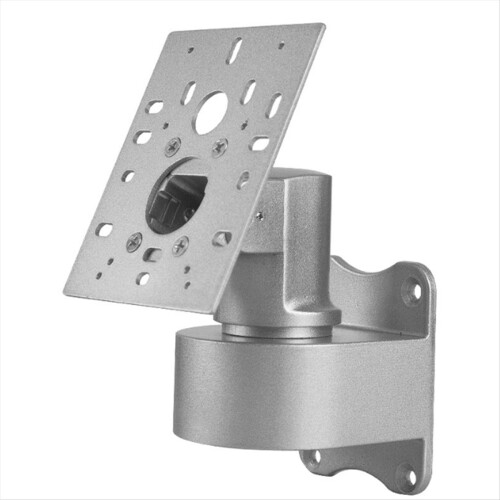
1 x Pack of Screw
Details
| OPC | PMK5B2C |
|---|---|
| Codes | 604725128720 (UPC) |
| Seller | Ratings | Warranty | Returns | Price | Delivery | Total | Quantity |
|---|---|---|---|---|---|---|---|
|
Dispatched from:

|
(11 reviews) | - |
30 Days
Free Returns No
|
£69.66
|
+Free Delivery
Est. Delivery:
12th-18th Dec
|
£69.66
|
Earn as you shop with instant Cashback on everything.
No catch, no cost
Become a Cashback VIP
Just 1 purchase unlocks bigger deals & rates
You'll only get instant Cashback at OnBuy! Enter your email below and we'll send you a copy of your basket to save you time later.
By entering your email address, you'll automatically be added to our database, where you can enjoy personalised Cashback offers and early access to our best deals. You can opt out of our emails at any time and we'll never share your details with anyone. Check our Privacy Policy and T&Cs to find out more.
Want access to personalised offers and the highest Cashback rates? Sign up to our emails below.
You can opt out of our emails at any time and we'll never share your details with anyone. Check our Privacy Policy and T&Cs to find out more.
This page has expired.
Refresh and continue