





















Product Images

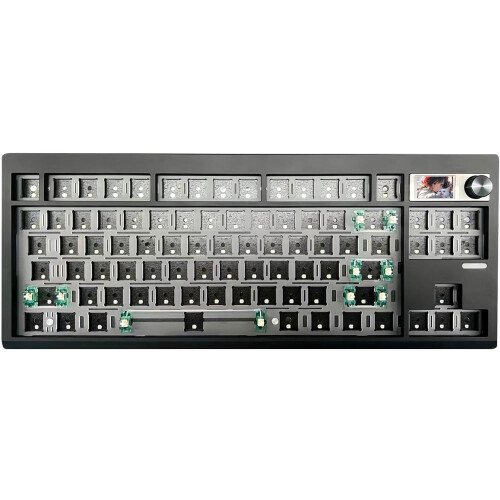
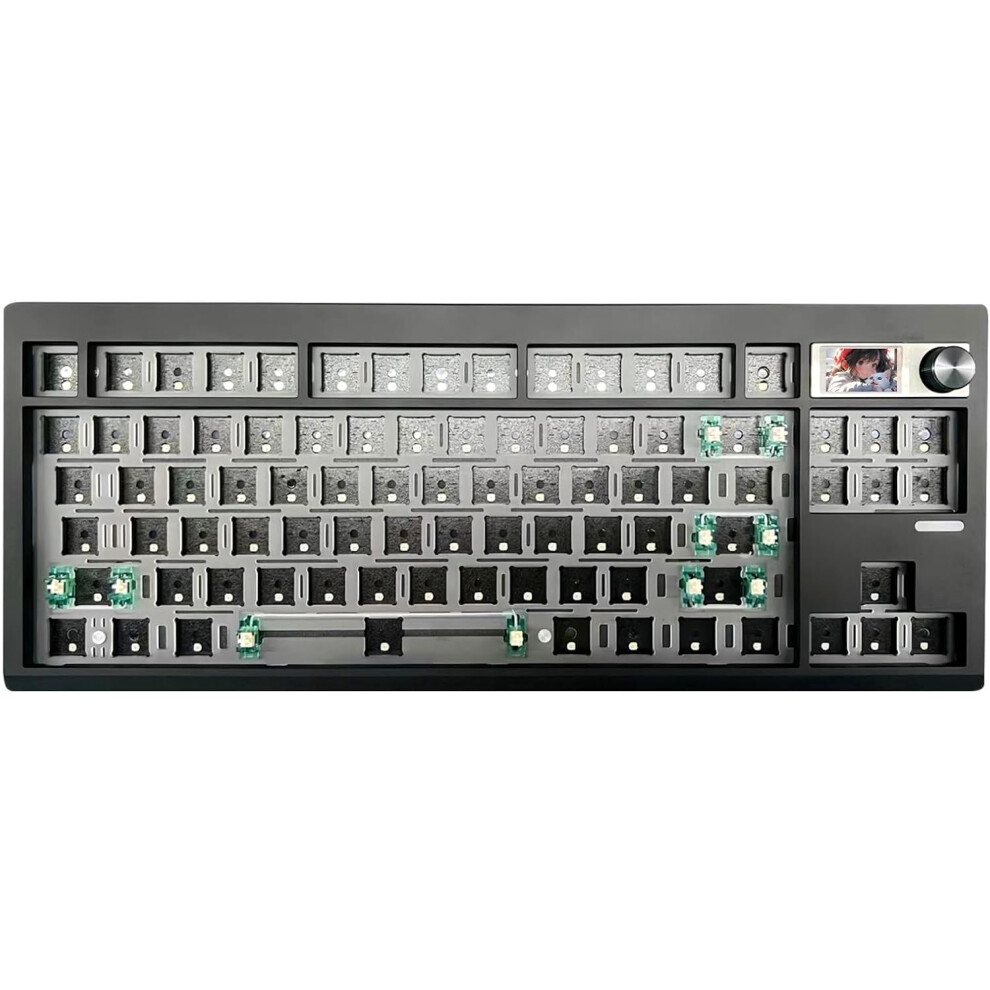
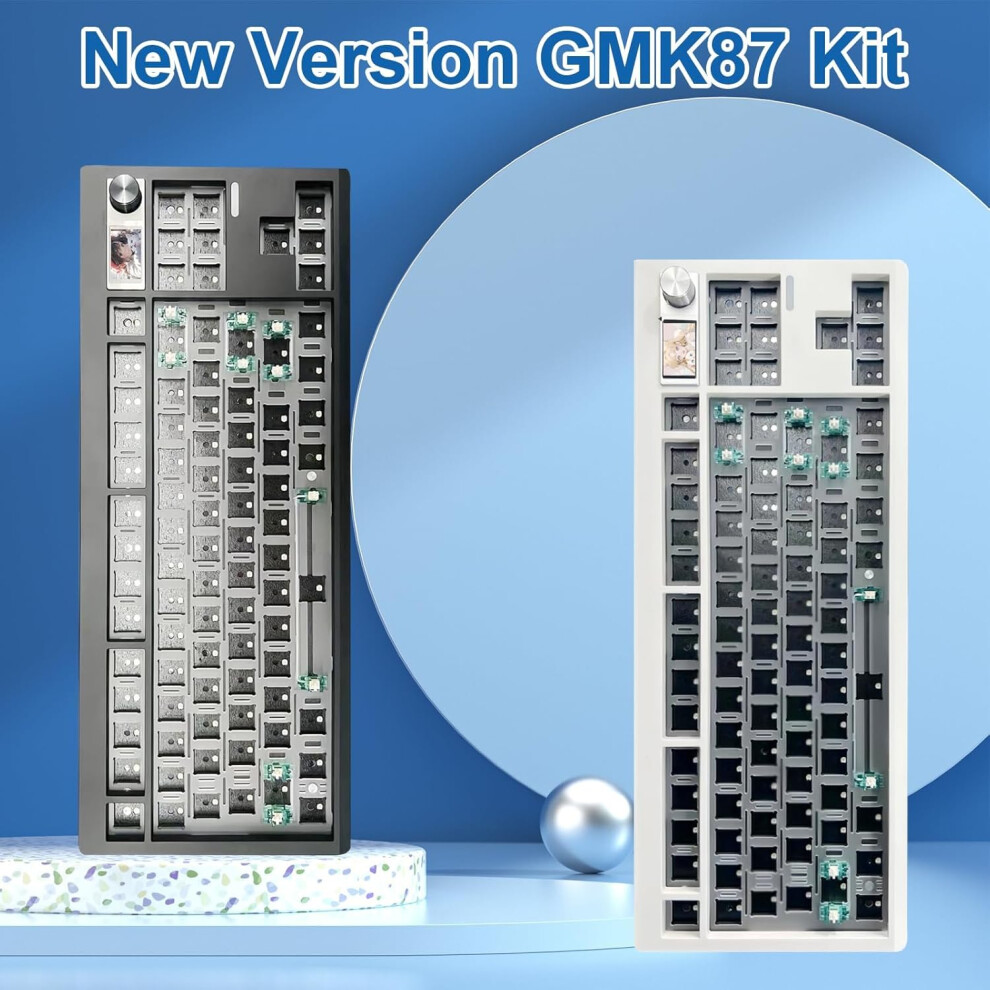
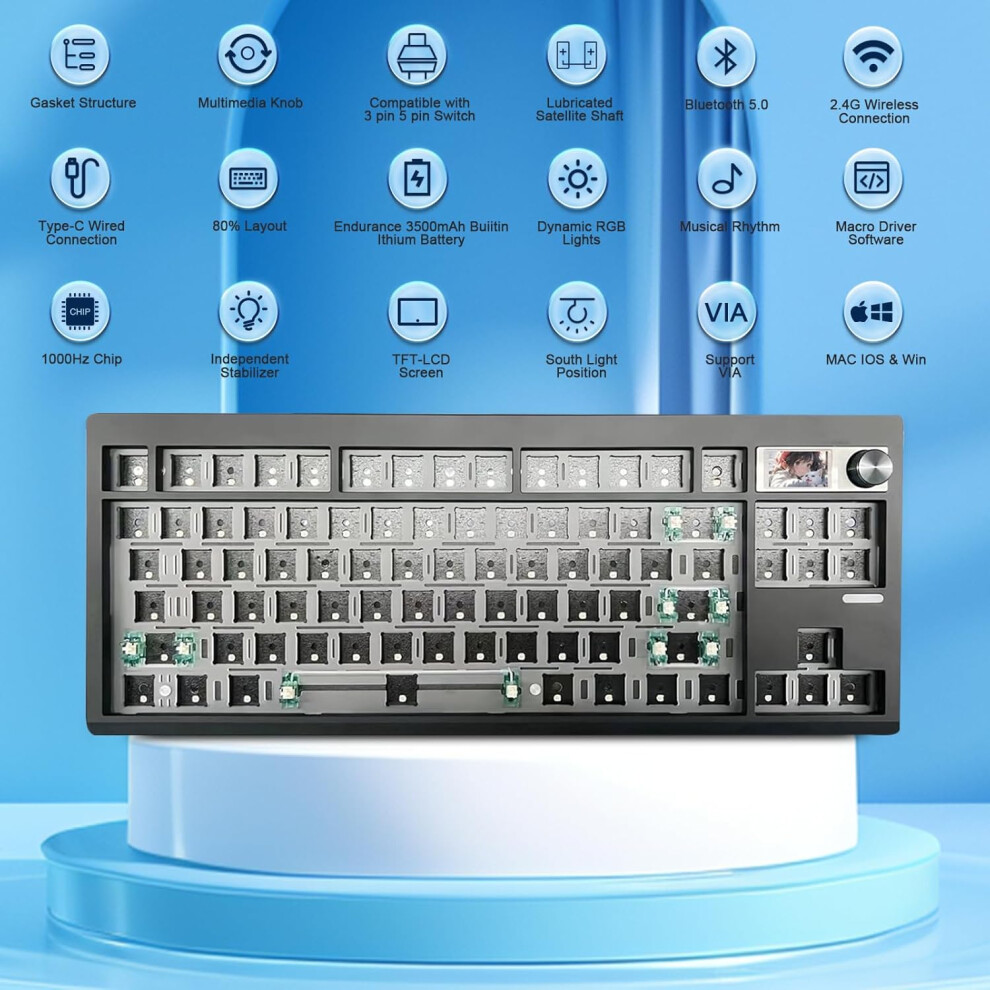
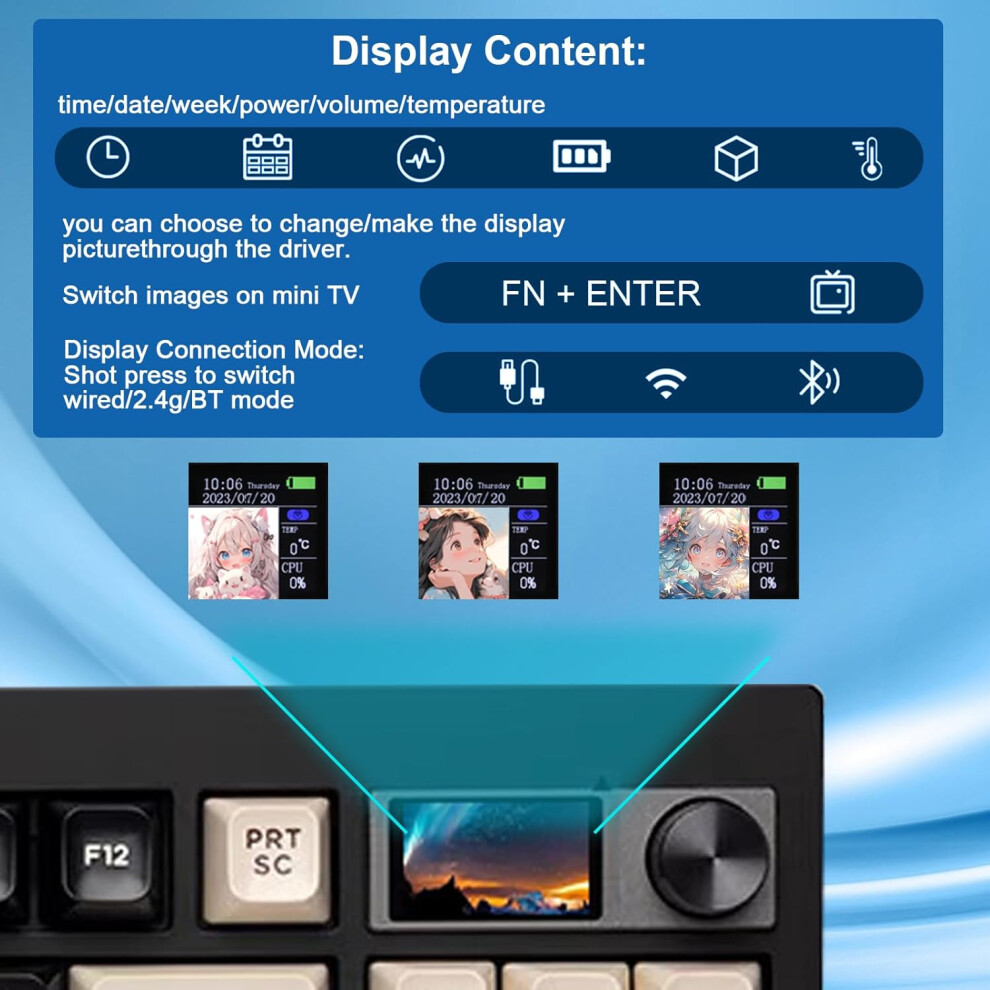
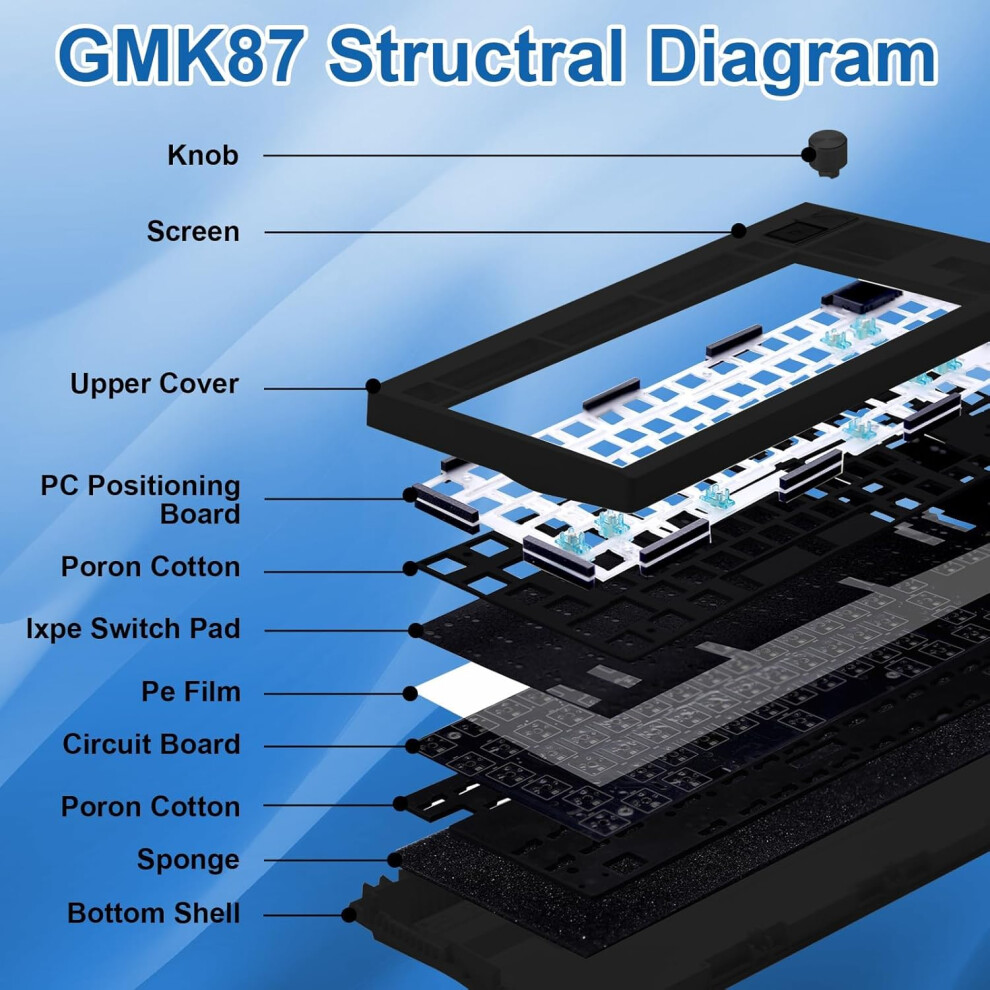
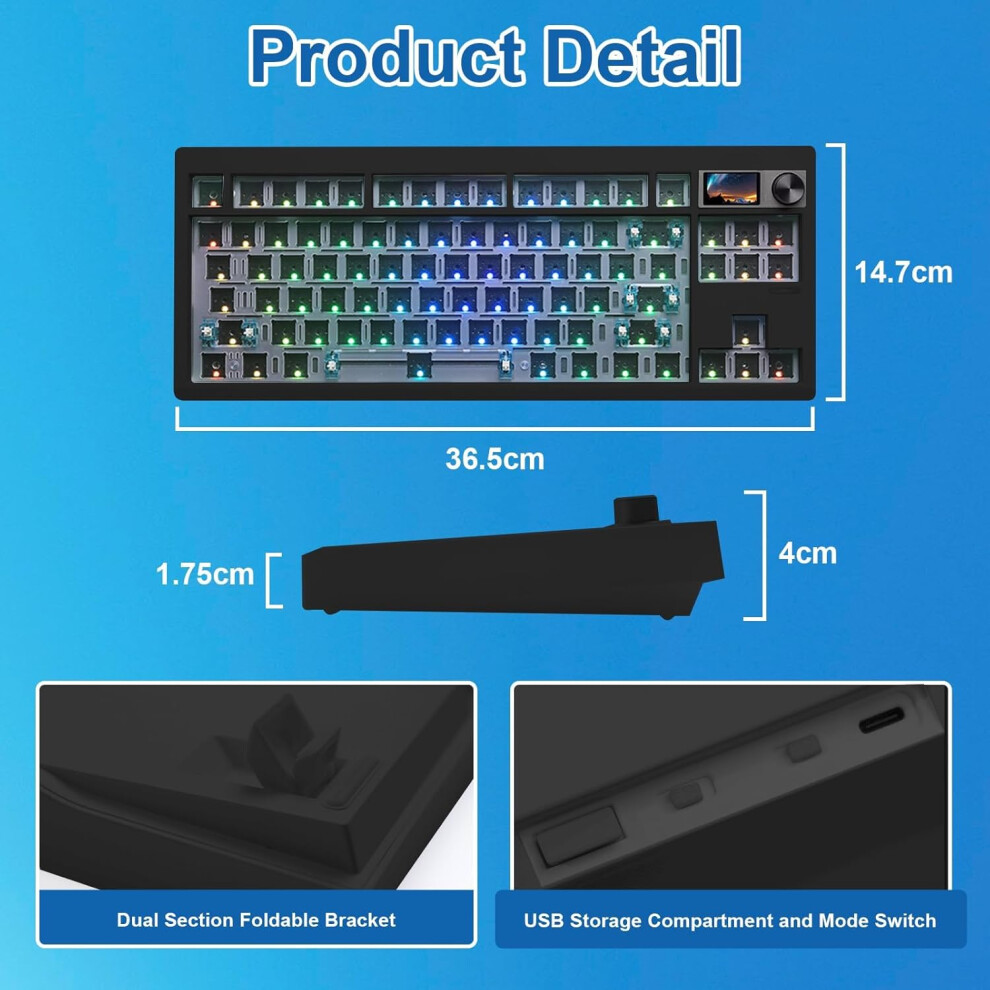
In stock
Smart shoppers OnBuy it!
Flexible payment options available


See full product description & details
Delivery: Standard (Free) | Tue 8th - Sat 12th Dec
Sold by: FanYuan
Returns: 30 days
180-day payment protection







Summary
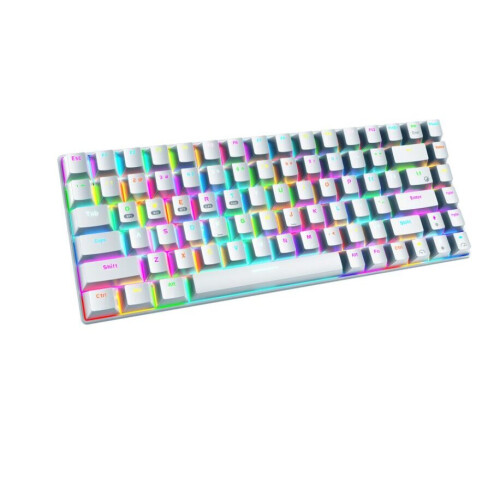
Specification:
Origin:
Mainland
China
Type:
2.4Ghz
Wireless
Application:
Desktop,Laptop,Tablet
Keyboard
Standard:
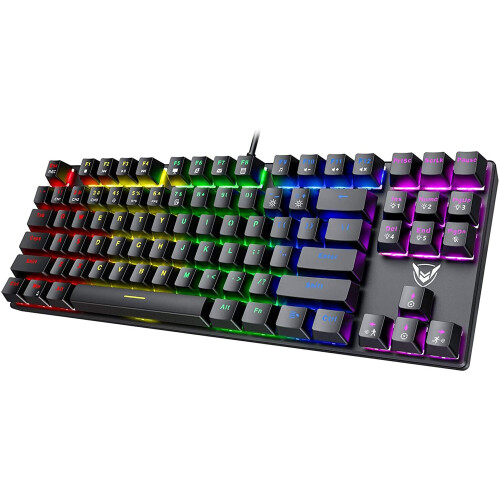
87
Keys
Language:
English
Operation
Style:
Mechanical
Colour:
Black/White
(optional)
Keyboard
standard:
87
keys
Connection
Method:
Wired/Bluetooth-Compatible
5.0/2.4G
Battery
Capacity:
3000mAh
Product
weight:
880g
Product
Size:
365.00x147.00x40.00mm/14.37x5.79x1.57inch
Connection
operation:
Wired
mode:
Please
turn
the
three-position
toggle
switch
in
the
middle
of
the
keyboard
to
the
middle
USB
position,
and
insert
the
USB
cable
into
In
your
computer
device,
the
keyboard
screen
lights
up,
indicating
that
the
connection
is
successful.
Bluetooth-Compatible
mode
pairing
method:
Please
follow
the
steps
below
to
pair
the
keyboard
with
your
device
via
Bluetooth-Compatible
1.ZUOYA
GMK87
Bluetooth-Compatible
keyboard
can
connect
to
up
to
3
Bluetooth-Compatible
devices
at
the
same
time.
Open
the
keyboard
Move
the
three-position
toggle
switch
in
the
middle
to
the
BT
position
on
the
left.
At
this
time,
the
screen
device
indication
flashes,
press
and
hold
FN
+
Q
or
hold
down
FN
+
W
or
hold
down
FN
+
E
for
3-5
seconds.
When
the
corresponding
setting
appears
on
the
screen
The
device
indicator
starts
flashing
BT1\BT2\BT3
quickly,
indicating
that
the
keyboard
is
connectable.
2.
Turn
on
Bluetooth-Compatible
on
the
device
you
want
to
connect,
search
and
select
one
of
the
groups
of
FN
+
Q
corresponding
devices
The
name
is
ZUOYA
GMK87-1,
FN
+
W
corresponds
to
the
device
name
ZUOYA
GMK87-2,
FN
+
E
corresponds
to
the
device
name
ZUOYA
GMK87-3,
click
to
connect
and
pair
3.
After
the
keyboard
is
successfully
connected
to
your
device,
the
corresponding
device
indication
on
the
screen
will
stop
flashing
and
light
up.
Starting
from
,
short
press
FN+Q
or
FN+W
or
FN+E
keys
to
switch
paired
Bluetooth-Compatible
devices.
Turn
off
the
keyboard
power
switch
and
disconnect
Bluetooth-Compatible,
then
turn
on
the
power
switch
again,
ZUOYA
GMK87
Will
connect
back
to
the
device
used
before
Bluetooth-Compatible
was
disconnected
by
default
How
to
use
2.4G
mode:
Please
turn
the
three-position
toggle
switch
in
the
upper
left
corner
of
the
keyboard
to
the
right
position.
At
this
time,
the
screen
will
indicate
2.4G
mode.
will
flash
quickly,
and
insert
the
receiver
into
the
computer
USB
interface.
At
this
time,
the
device
indication
will
stop
flashing.
If
it
flashes
and
stays
on,
it
means
that
the
2.4G
device
has
been
successfully
connected.
2.4G
mode
coding
method:
The
keyboard
has
completed
2.4G
pairing
by
default.
If
you
need
to
re-pair,
please
follow
the
steps
below.
Re-code:
Press
and
hold
FN+R
for
3~5
seconds,
the
2.4G
icon
on
the
screen
flashes
quickly,
then
plug
the
receiver
into
the
USB
interface,
if
it
stops
flashing,
it
means
the
code
pairing
is
successful.
Note:
Due
to
the
different
monitor
and
light
effect,
the
actual
color
of
the
item
might
be
slightly
different
from
the
color
showed
on
the
pictures.
Thank
you!
Please
allow
1-2cm
measuring
deviation
due
to
manual
measurement.
Package
Included:
1
x
Mechanical
Keyboard
Kit
1
x
USB
Cable
1
x
Instruction
Manual
Features
Details
| OPC | PFCCJGW |
|---|---|
| Brand | Kraken-Keyboards |
| Codes | 9417278169291 (EAN) |
| Links | Mechanical Keyboards |
| Gaming Keyboards |
Product Data
Dimension
| Height | 40.5cm |
|---|---|
| Width | 18.5cm |
| Length | 5cm |
Weight
| Weight | 1.03kg |
|---|
| Seller | Ratings | Warranty | Returns | Price | Delivery | Total | Quantity |
|---|---|---|---|---|---|---|---|
|
Dispatched from:

|
(68 reviews) | - |
30 Days
Free Returns No
|
£76.98
|
+Free Delivery
Est. Delivery:
8th-12th Dec
|
£76.98
|
Earn as you shop with instant Cashback on everything.
No catch, no cost
Become a Cashback VIP
Just 1 purchase unlocks bigger deals & rates
You'll only get instant Cashback at OnBuy! Enter your email below and we'll send you a copy of your basket to save you time later.
By entering your email address, you'll automatically be added to our database, where you can enjoy personalised Cashback offers and early access to our best deals. You can opt out of our emails at any time and we'll never share your details with anyone. Check our Privacy Policy and T&Cs to find out more.
Want access to personalised offers and the highest Cashback rates? Sign up to our emails below.
You can opt out of our emails at any time and we'll never share your details with anyone. Check our Privacy Policy and T&Cs to find out more.
This page has expired.
Refresh and continue