
























Product Images


In stock
Smart shoppers OnBuy it!
Interest-free payment options available


See full product description & details
Delivery: Standard (Free) | Mon 19th - Fri 23rd Oct
Returns: 30 days
180-day payment protection
Summary
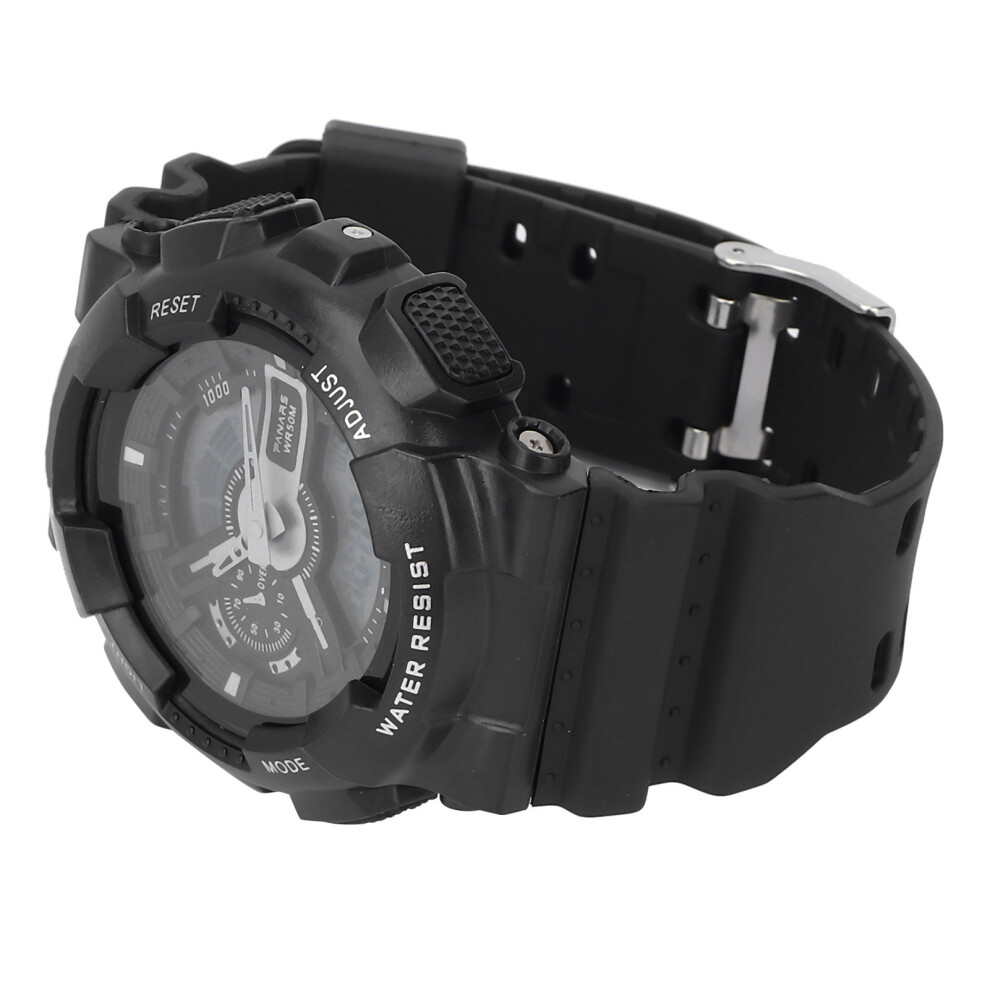
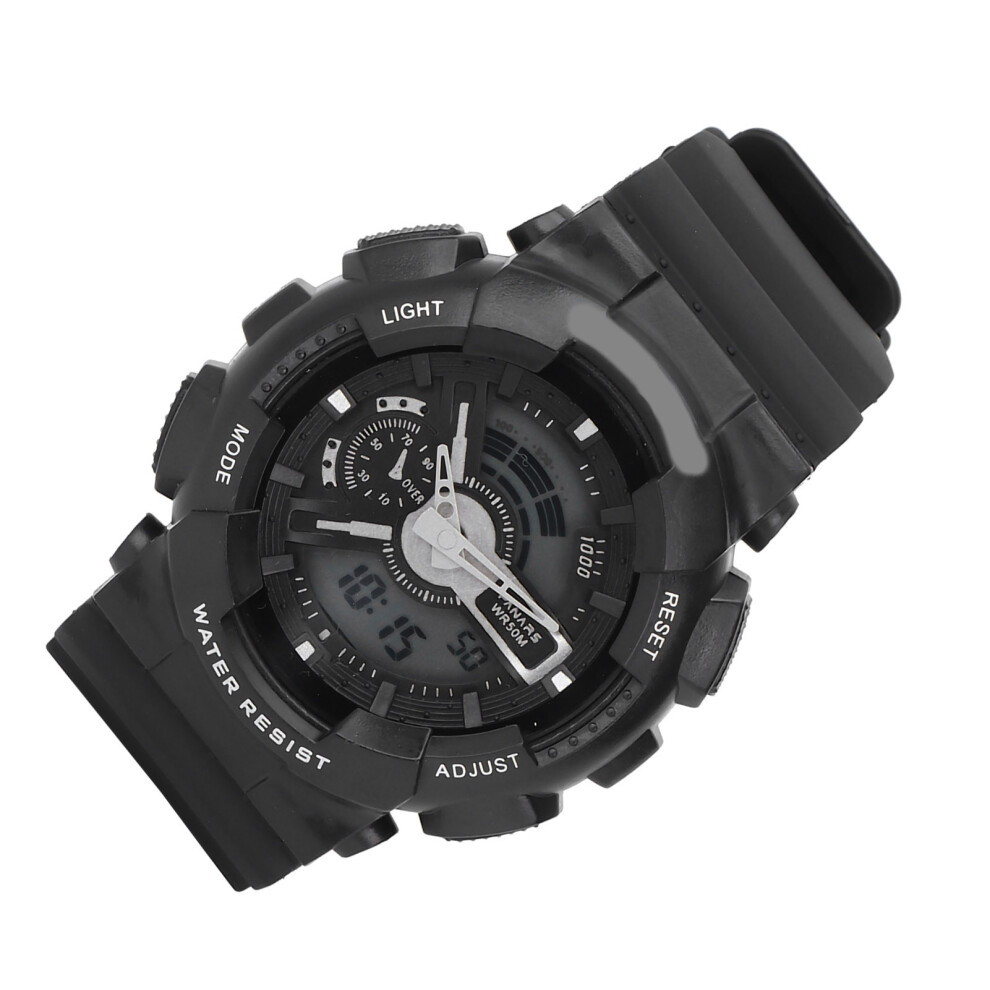
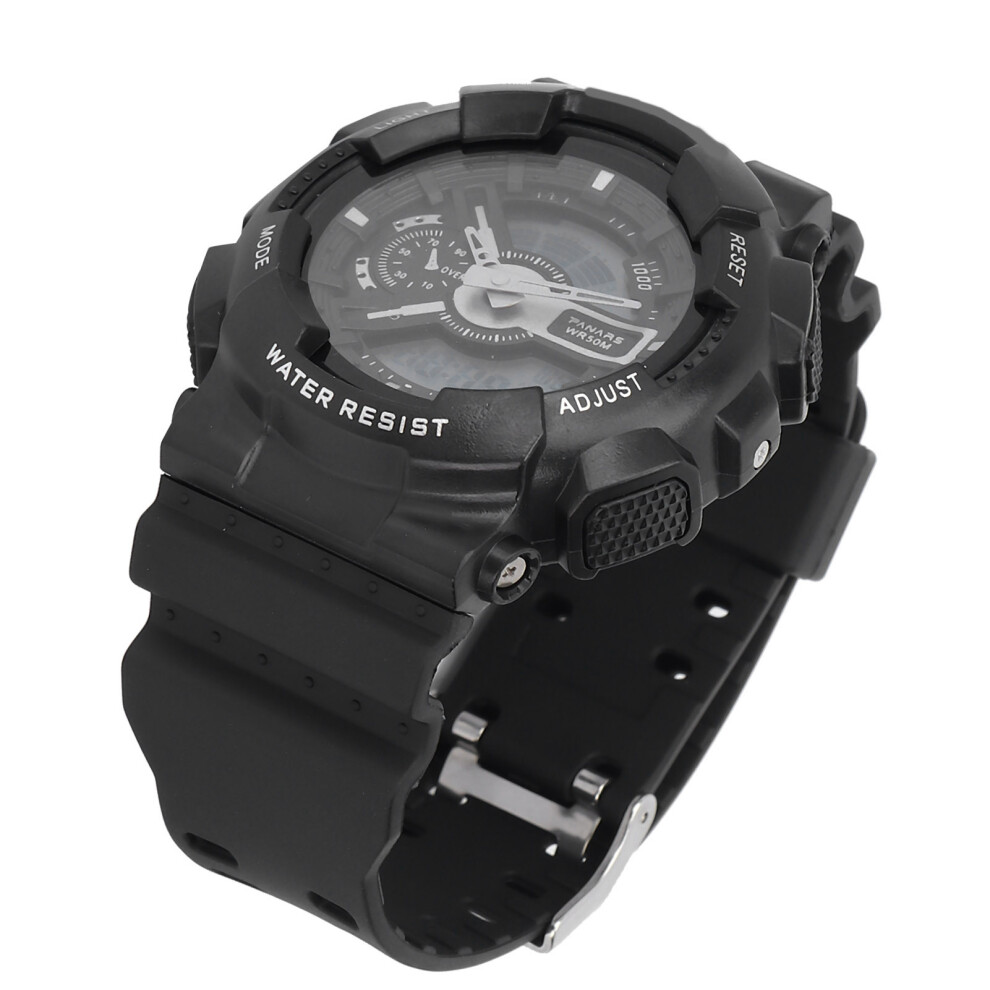
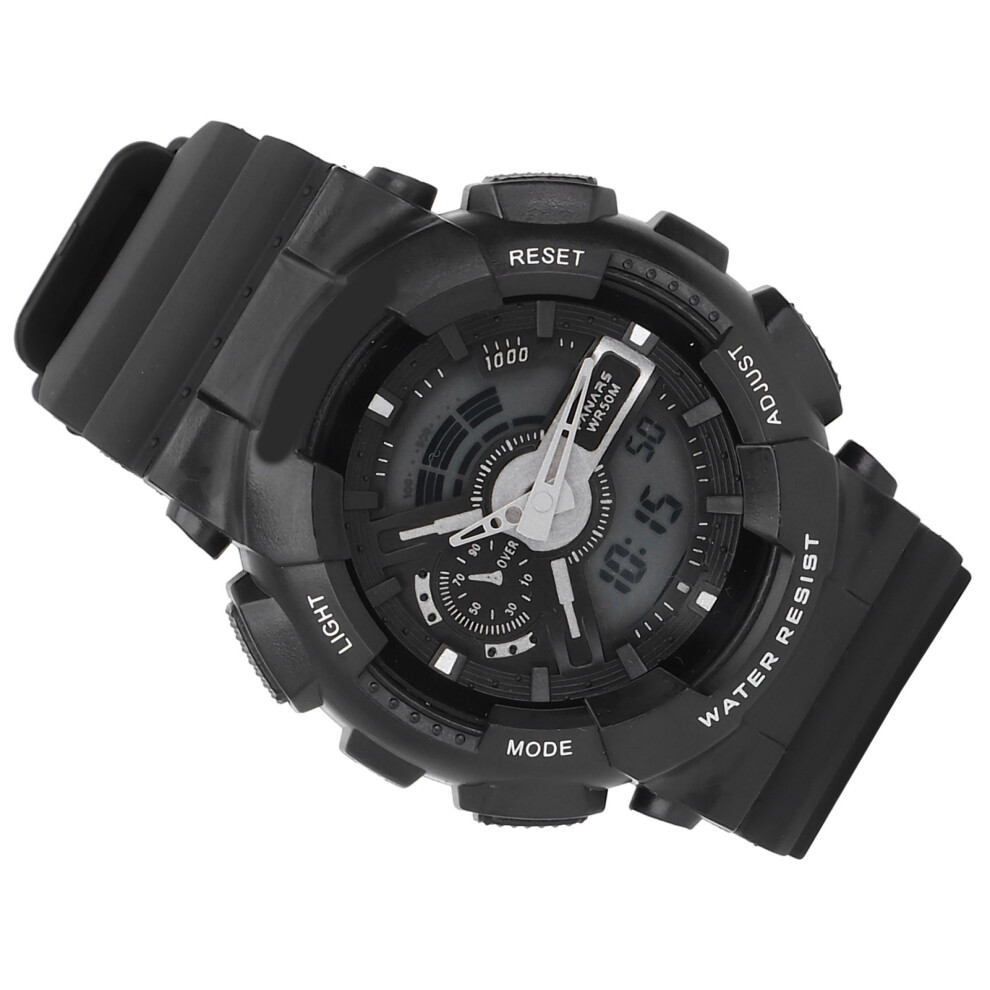
1、Suitable for daily use and especially designed for people who like doing all kinds of sports. 2、Adopted the EL lamp, which allow you can read the time clearly even in the backlight. 3、With fashionable and beautiful appearance, suitable to wear in any occasion. 4、Waterproof design, allow you can feel free to wear the watch when you wash hands or get wet in the rain. 5、Please do not press any buttons under the water to prevent damage of the waterproof rings.
Item Type: Digital Sports Watch
Material: PlasticBattery Type: LR1130 Button Battery (Included)
Battery Capacity: 65mAh
Watch Dial Diameter: Approx.50mm / 1.97in
Watchband Width: Approx.22mm / 0.87in
Thickness: Approx.14.7mm / 0.58inUses: Night light, alarm, hourly chime, waterproof, stopwatch, week date display, 12/24H time mode.
How to use: When timing and alarm state is adjusted, if "S" or "R" key is pressed, press "M" key, it will directly return to the normal time display state.
Display status at normal time, press "S" key, display date; Press "R" to display the alarm time.
12/24 hour display: Under normal time display, press "M" for 3 times to enter the time adjustment state, press "R" for 2 times to enter the on time state, then press "S" until 12/24 hour display appears, then press "M" to return to normal time display.)
Time setting: Under the normal time display, press "M" three times to enter the time setting state, seconds flash, press "S" key to proofread seconds, press" R" key, minutes flash, press "S" to proofread minutes; Press "R" and "S" to proofread hours, dates, months and days respectively. Press "M" to return.
Alarm time setting: Under the normal time display, press the "M" key twice, and then press the "S" key to calibrate the hour; Press "R" key once, and then press "S" for calibration minutes; Press the "M" key to return.
Use of stopwatch: Under the normal time display, press "M" key once to enter the stopwatch working mode, press "S" key to start the stopwatch, then press "S" to stop the stopwatch, display the timing number, press "R" key to clear the number, press "M" key to return to the normal time display.
Alarm on time on/off setting: press the "R" key and then press the" S "key to select the alarm on/off; If the alarm is turned on, the alarm sign should be displayed.
When the alarm rings, press "S", the alarm stops, the interval of 4 to 5 minutes, the bell will rings again, press" R" key, the alarm will be closed again.
Hold down "R" button and then press "M" button to turn on/off the alarm on time function. When the alarm on time function is turned on, hold down the "R" key and the week should be displayed. Press "1" key, the electronic cold light will be on, and can delay 3 seconds. Long-term use of the electronic cold light function will consume a lot of power.
1 x Watch
1 x Instruction
Details
| OPC | PMMV925 |
|---|---|
| Codes | 667859205439 (UPC) |
| Seller | Ratings | Warranty | Returns | Price | Delivery | Total | Quantity |
|---|---|---|---|---|---|---|---|
|
Dispatched from:

|
(5 reviews) | - |
30 Days
Free Returns No
|
£13.14
|
+Free Delivery
Est. Delivery:
19th-23rd Oct
|
£13.14
|
Earn as you shop with instant Cashback on everything.
No catch, no cost
Become a Cashback VIP
Just 1 purchase unlocks bigger deals & rates
You'll only get instant Cashback at OnBuy! Enter your email below and we'll send you a copy of your basket to save you time later.
By entering your email address, you'll automatically be added to our database, where you can enjoy personalised Cashback offers and early access to our best deals. You can opt out of our emails at any time and we'll never share your details with anyone. Check our Privacy Policy and T&Cs to find out more.
Want access to personalised offers and the highest Cashback rates? Sign up to our emails below.
You can opt out of our emails at any time and we'll never share your details with anyone. Check our Privacy Policy and T&Cs to find out more.
This page has expired.
Refresh and continue