





















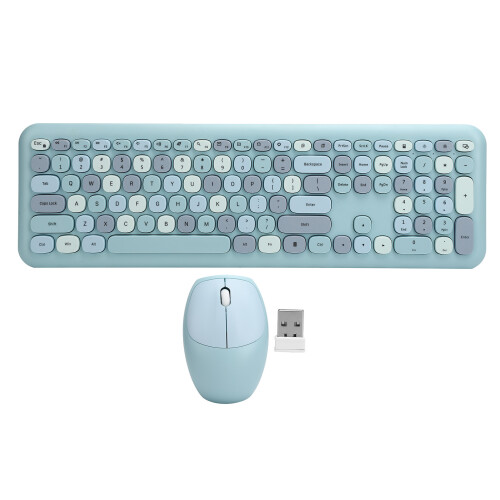
(Bleu) 2.4G Wireless Keyboard Mouse Set 110 Keys Blue
In stock
Smart shoppers OnBuy it!
- Earn Cashback on every purchase – spend it instantly on your next order
- Free delivery – on millions of items across the site
- Customers love us – 130,000 Trustpilot reviews and an 'Excellent' rating
Interest-free payment options available


See full product description & details
Delivery: Standard (Free) | Wed 5th - Mon 10th Aug
Returns: 30 days
180-day payment protection
Most Popular in Computer Keyboard & Mouse Sets

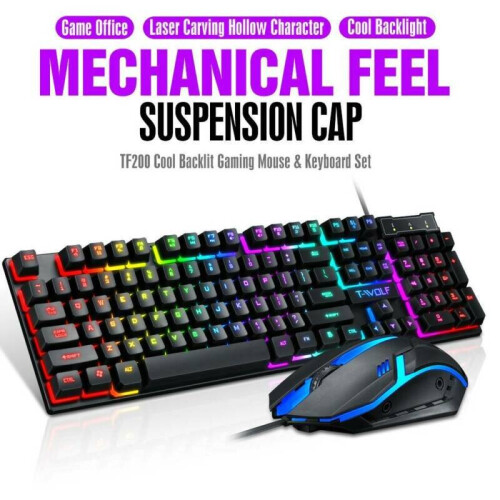

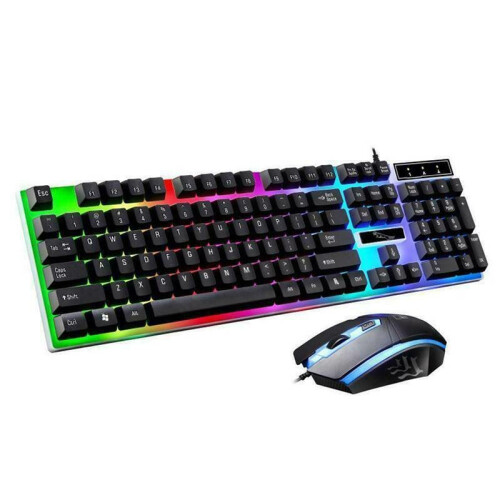
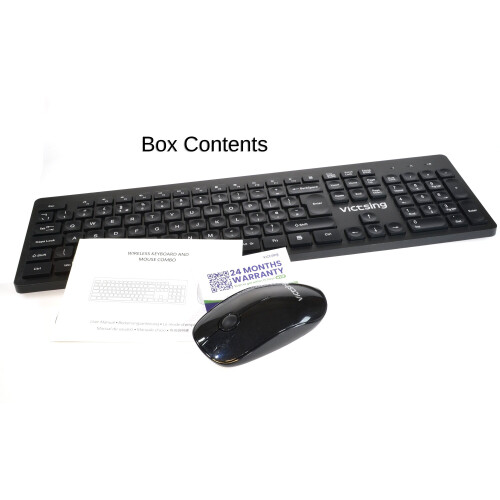
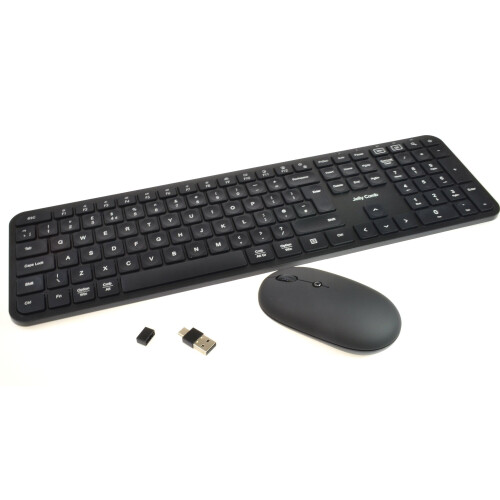




Summary
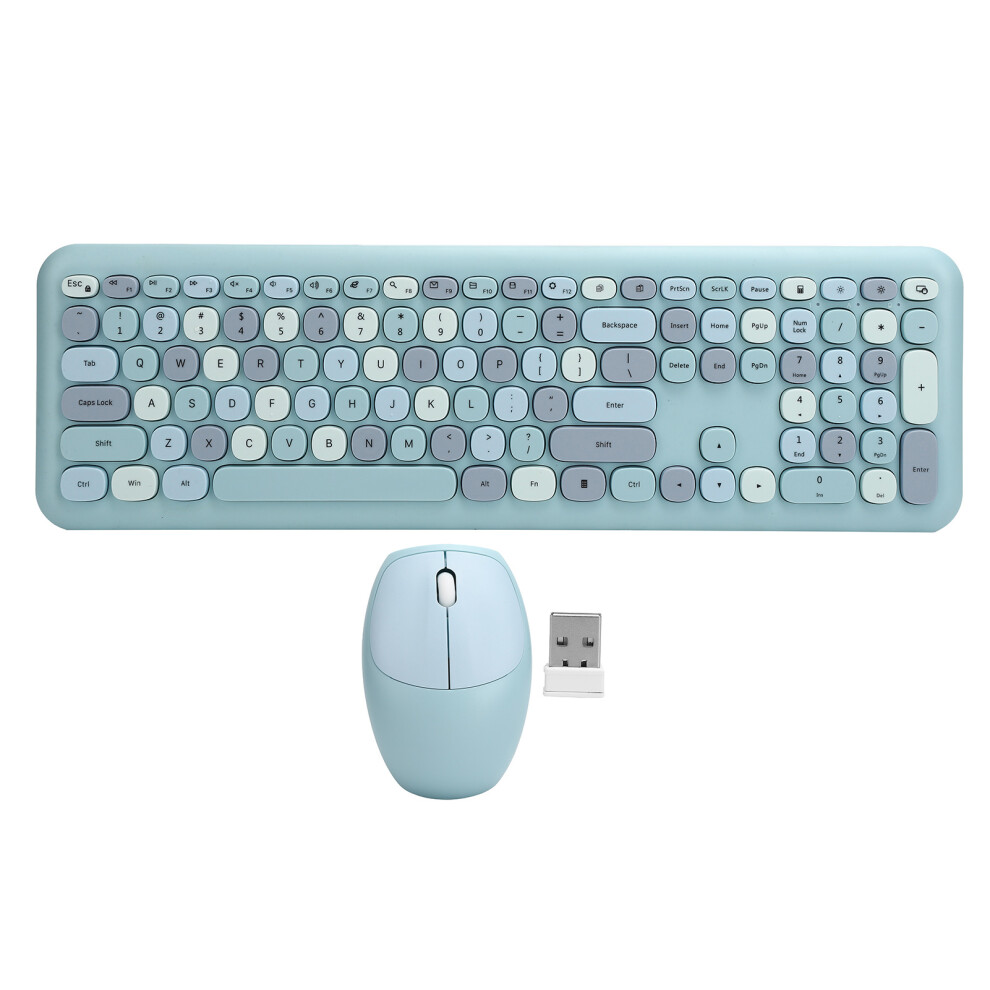
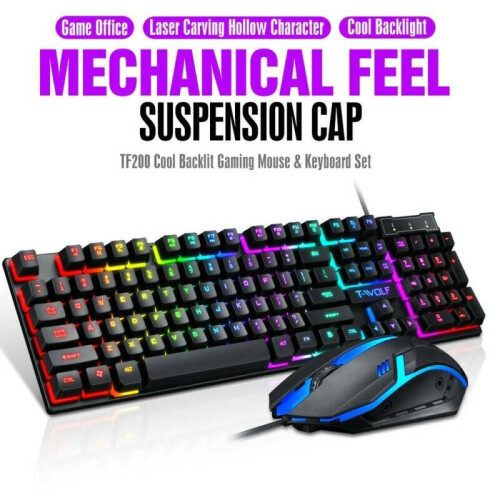
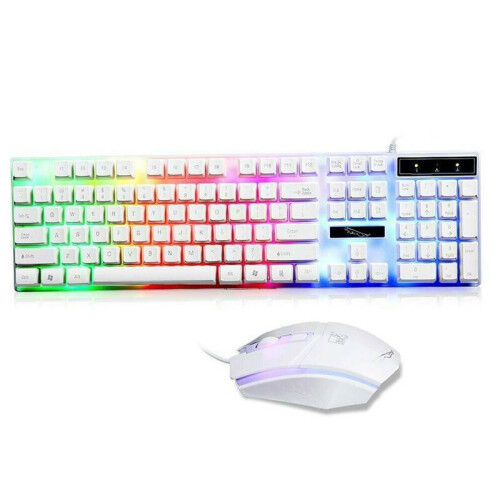
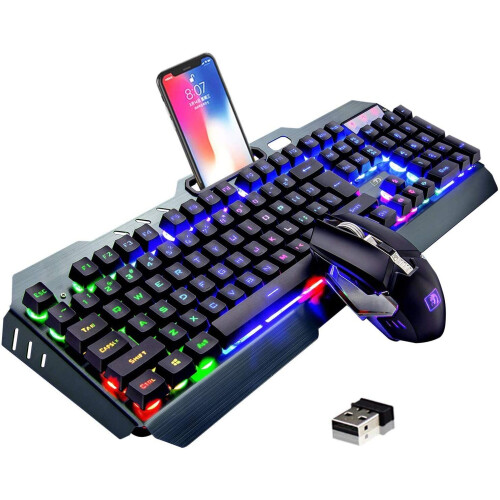
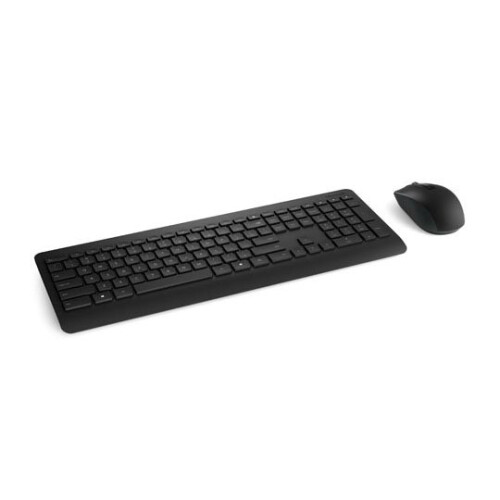
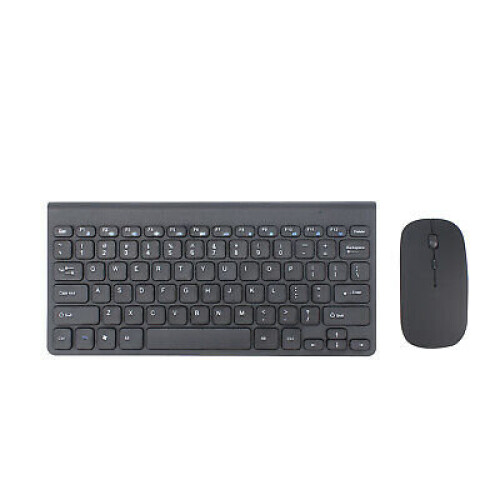
- Wireless Keyboard Mouse Set 2.4G Wireless 110 Keys Keyboard Mouse Computer AccessoryBlue
(Bleu) 2.4G Wireless Keyboard Mouse Set 110 Keys Blue Description
1、Multimedia button with one touch, FN + Multimedia composite key to achieve playback/pause, volume adjustment and other fast operations. 2、Golden ratio of the angle, wrist will not be tired even for long time typing to ensure the flexibility of the fingers. 3、Equipped with high performance 2.4 GHz chip, a wide range of stable wireless receiver. 4、Provide seamless and stable wireless environment, high‑speed and fast data transmission within 10m / 32.8ft. 5、Plug‑and‑play, 2.4GHz wireless technology, 10m / 32.8ft remote reception,1Mbps high‑speed transmission.
Item Type: Keyboard Mouse Set
Material: ABS
Number of Mouse Keys: 3 keys
Keyboard Number: 110 keys
Supported System: for Windows XP/Win7/Win8/Win10
Mouse/Keyboard Interface: USB
Mouse Battery: 1pc AA battery (not included)
Keyboard Battery: 1pc AAA battery (not included)Usage:
1. Take out the USB receiver from the bottom of the mouse and plug it into the USB port of the computer. The computer will automatically install the driver program.
2. Open the battery cover at the bottom of the mouse, and load an AA battery (not included)into the battery warehouse (pay attention to the polarity of the battery must be correct). After the mouse is powered on, it will automatically code, and it can be used normally.
3. Open the battery cover at the bottom of the keyboard, and put a AAA battery (not included) into the battery bin (note that the polarity of the battery must be correct). After the keyboard is powered on, the code will be automatically adjusted, and it can be used normally.
4. When carrying or not in use, you can also put the USB receiver into the receiver slot at the bottom of the mouse.
1 x Mouse
1 x Keyboard(Keycap color random)
1 x Manual
1 x Receiver
Details
| OPC | PKVBJTD |
|---|---|
| Codes | 609610615804 (UPC) |
| Links | Wireless Keyboard & Mouse Sets |
Compare Sellers for (Bleu) 2.4G Wireless Keyboard Mouse Set 110 Keys Blue
- New from £42.15
| Seller | Ratings | Warranty | Returns | Price | Delivery | Total | Quantity |
|---|---|---|---|---|---|---|---|
|
Dispatched from:

|
(5 reviews) | - |
30 Days
Free Returns No
|
£42.15
|
+Free Delivery
Est. Delivery:
5th-10th Aug
|
£42.15
|
Earn as you shop with instant Cashback on everything.
No catch, no cost
- Paid into your OnBuy account
- Spend it on your next purchase
- Save it or withdraw it
Become a Cashback VIP
Just 1 purchase unlocks bigger deals & rates