
























Product Images


In stock
Smart shoppers OnBuy it!
Interest-free payment options available


See full product description & details
Delivery: Standard (Free) | Thu 15th - Sat 17th Oct
Returns: 30 days
180-day payment protection
Summary
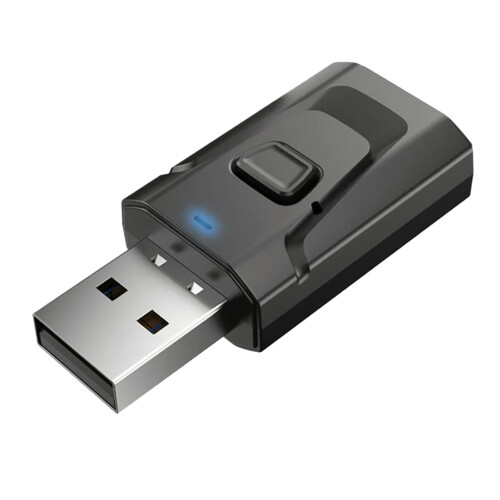
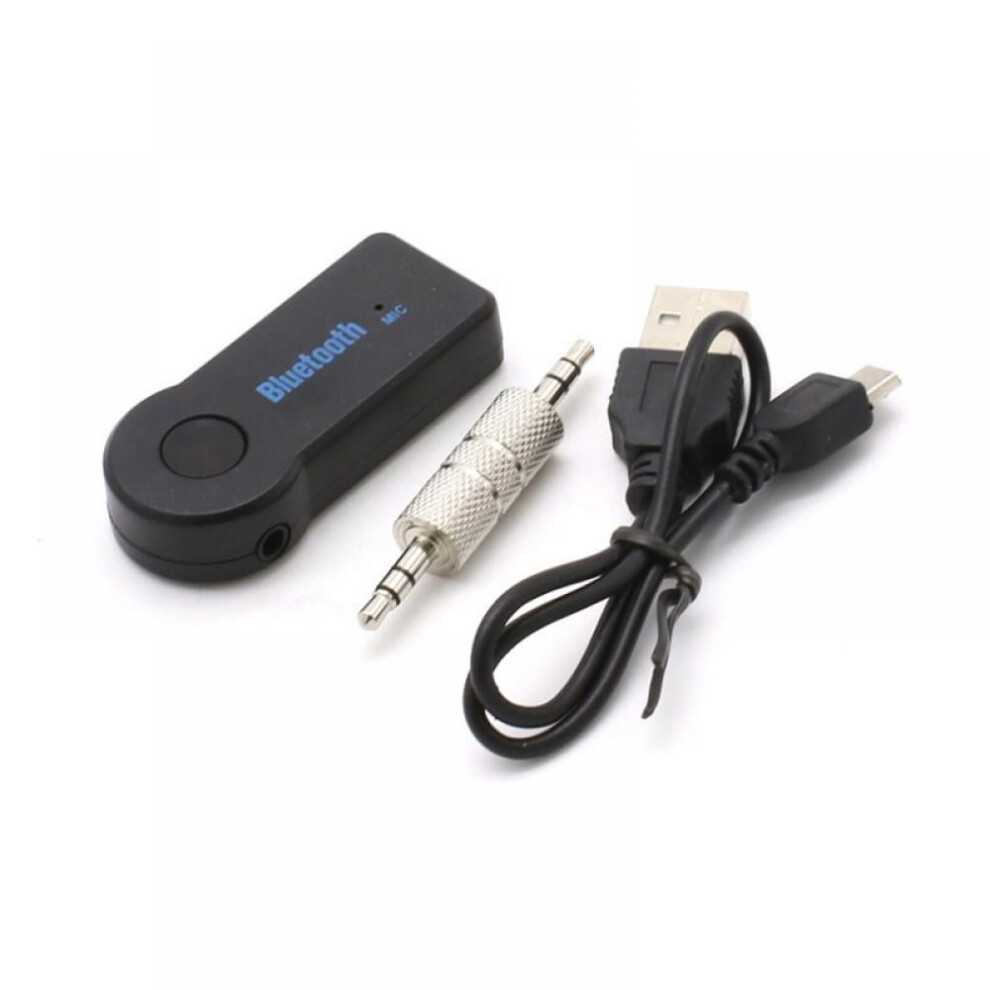
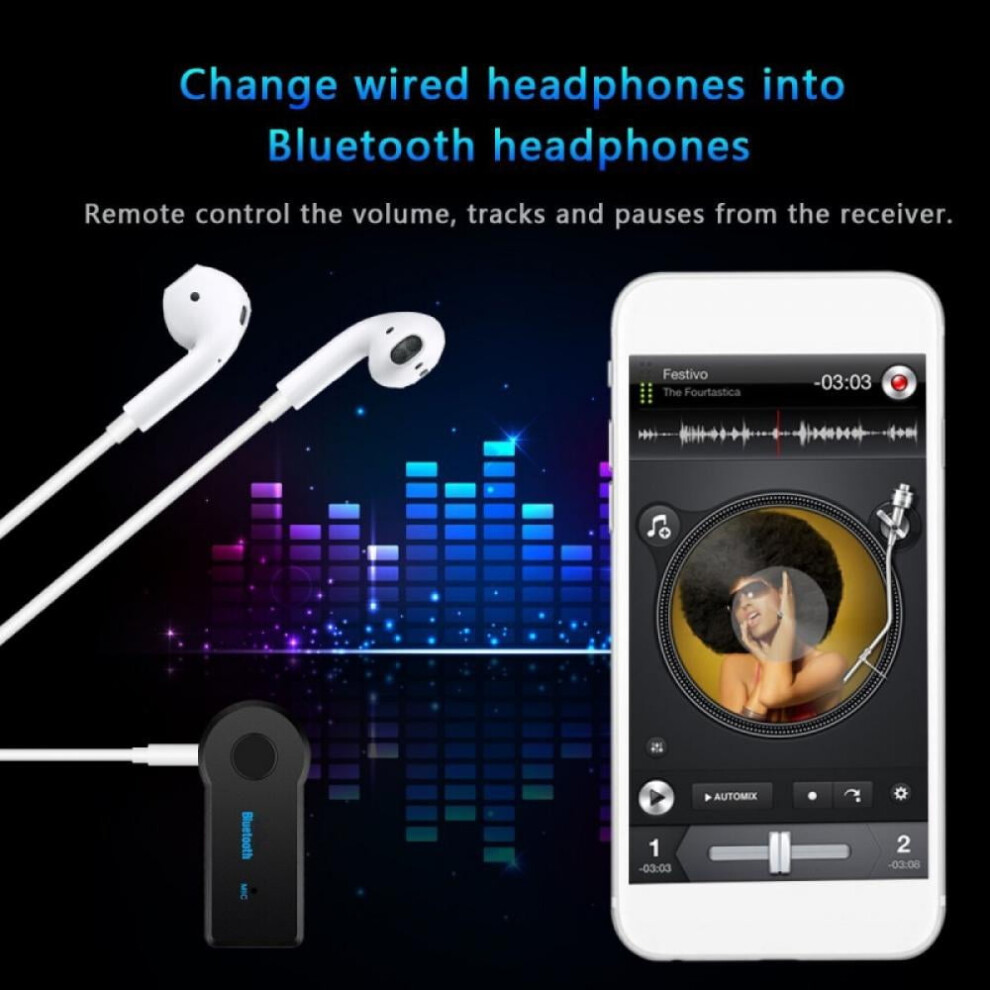
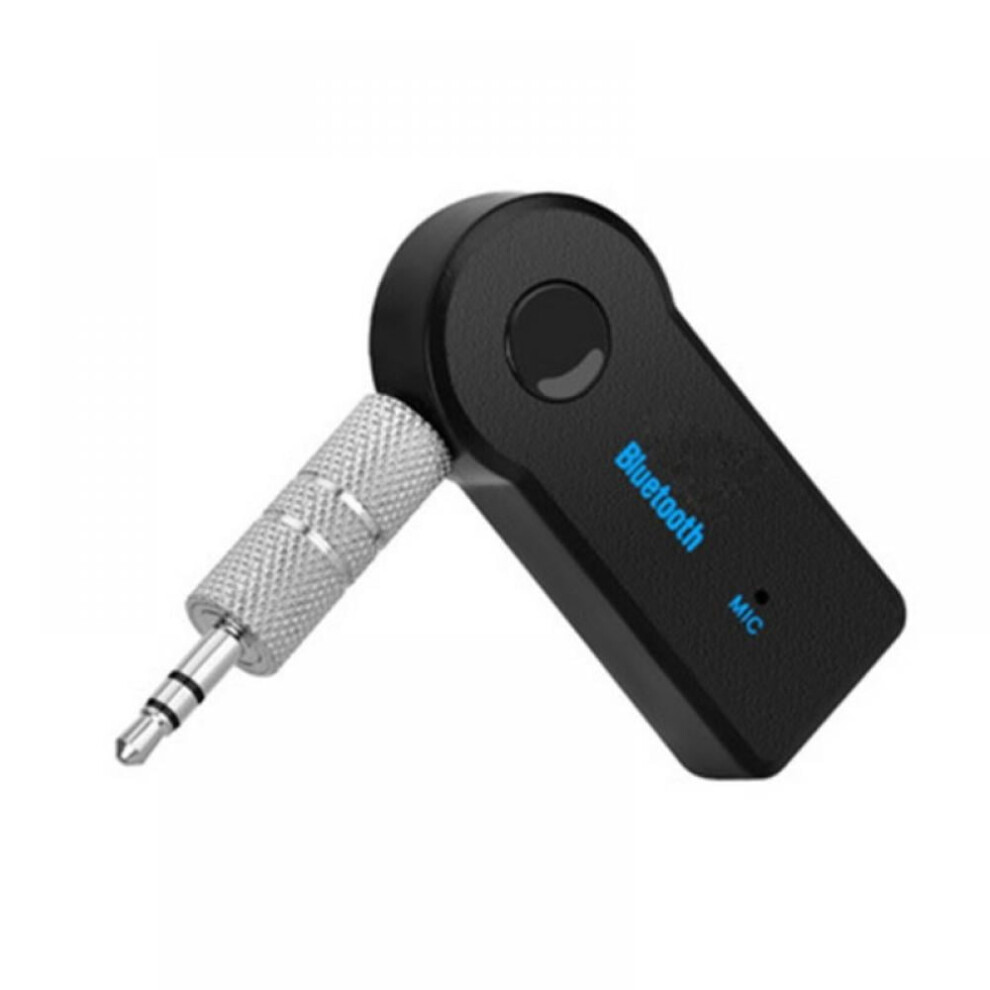
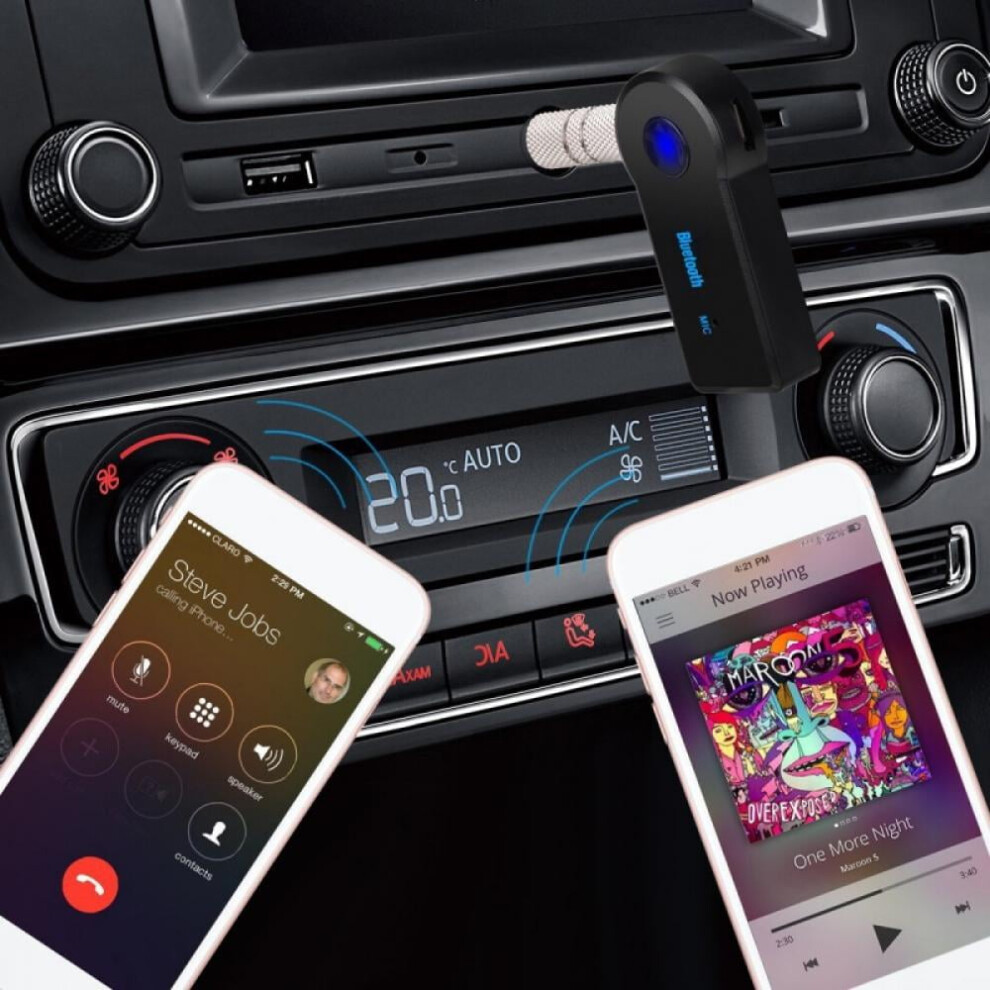
Parameter: 1. Product model: BT-350 2. Product material: plastic + metal 3. Product color: black 4.Interface type: 3.5mm 5. Bluetooth version: Bluetooth 5.0 6.Features: support for connecting headphones, mobile phones, speakers, and cars 7. Product size: 5 * 2 * 1cm 8. Product bare weight: 11g (Bluetooth receiver + metal adapter) 9. Total product weight: 25g (Bluetooth receiver + metal adapter + cable + manual + PP bag packaging) 10. Product packaging: sealed PP bag 11. Product functions: Bluetooth receiver, car Bluetooth receiver, car Bluetooth receiver, AUX Bluetooth receiver, audio adapter Instruction for use: I. Power on / off (1) Switch on: Press and hold the on / off button for 3 seconds until the blue LED light starts to flash. (2) Turn off the power: Press and hold the on / off button for 5 seconds. The red LED indicator will light up and then go out. Note: Read the user guide of the transmitter or mobile phone to learn how to turn on / off Bluetooth wireless technology. 2. Pairing If this is your first time using this device, please configure it first. (1) To enter pairing mode, press and hold the on / off button (button1) for 5 seconds until the red and blue LEDS flash. (2) Search for a music receiver on your phone or compatible transmitter. Touch and hold a button to turn on the power and it will automatically search for compatible transmitters; if connected to an compatible with Apple or Android device, you do not need to enter any code, and the LED light below the button indicates the device and charging status. (3) The devices should now be able to identify and pair with each other. After successful pairing, the LED on the music receiver will slowly flash blue. (4) To complete pairing, some devices require a password or passcode, please enter "0000". (5) After successful pairing, you can power off the device. To reconnect, just power them on, and you don't need to pair them again. Note: If you want to use the music receiver with another transmitter, you must restart the pairing process with the new device from the first step. After pairing a new transmitter, the old transmitter will no longer be paired with the music receiver and only one device can be connected at a time. 3. Play music (1) Connect the music receiver to the auxiliary (AUX) input of your home or car stereo using the supplied audio cable and adapter. (2) Make sure that the transmitter (mini jack, mobile phone, PC, PAD or compatible signal source) is turned on and paired with the music receiver, and the distance between the devices is not more than 10m. (3) The blue LED on the music receiver will flash slowly, indicating that it is connected. (4) Press "Play" and the music will be sent to the music receiver wirelessly. Note: If you can't hear the music: 1. Make sure your stereo system is set to "AUX" input or the input corresponding to the music receiver. 2. Check that the volume is not turned down or muted. 4.Charging (1) Connect the little end to the mini-USB input of the music receiver using the supplied USB cable. (2) Connect the other end to the USB input of the PC, laptop or USB power converter. The LED of the music receiver will light red during charging. (3) After charging is completed, the red LED will go out. Provides up to 6 hours of playback time when fully charged.
Details
| OPC | PW2WHRW |
|---|---|
| Codes | 972700493393 (UPC) |
| Seller | Ratings | Warranty | Returns | Price | Delivery | Total | Quantity |
|---|---|---|---|---|---|---|---|
|
Dispatched from:

|
(2 reviews) | - |
30 Days
Free Returns No
|
£17.58
|
+Free Delivery
Est. Delivery:
15th-17th Oct
|
£17.58
|
Earn as you shop with instant Cashback on everything.
No catch, no cost
Become a Cashback VIP
Just 1 purchase unlocks bigger deals & rates
You'll only get instant Cashback at OnBuy! Enter your email below and we'll send you a copy of your basket to save you time later.
By entering your email address, you'll automatically be added to our database, where you can enjoy personalised Cashback offers and early access to our best deals. You can opt out of our emails at any time and we'll never share your details with anyone. Check our Privacy Policy and T&Cs to find out more.
Want access to personalised offers and the highest Cashback rates? Sign up to our emails below.
You can opt out of our emails at any time and we'll never share your details with anyone. Check our Privacy Policy and T&Cs to find out more.
This page has expired.
Refresh and continue