





















Product Images


In stock
Smart shoppers OnBuy it!
Interest-free payment options available


See full product description & details
Delivery: Standard (Free) | Thu 10th - Sat 12th Sep
Returns: 30 days
180-day payment protection


Summary
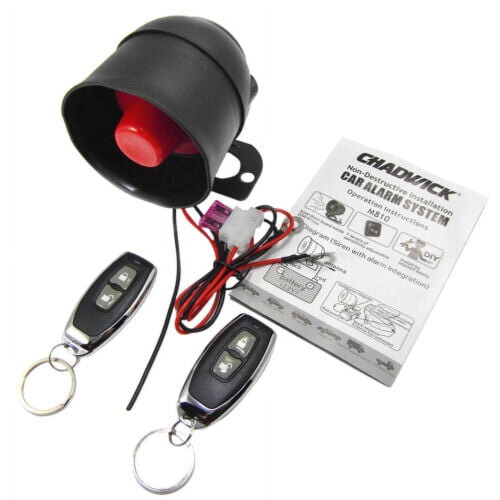
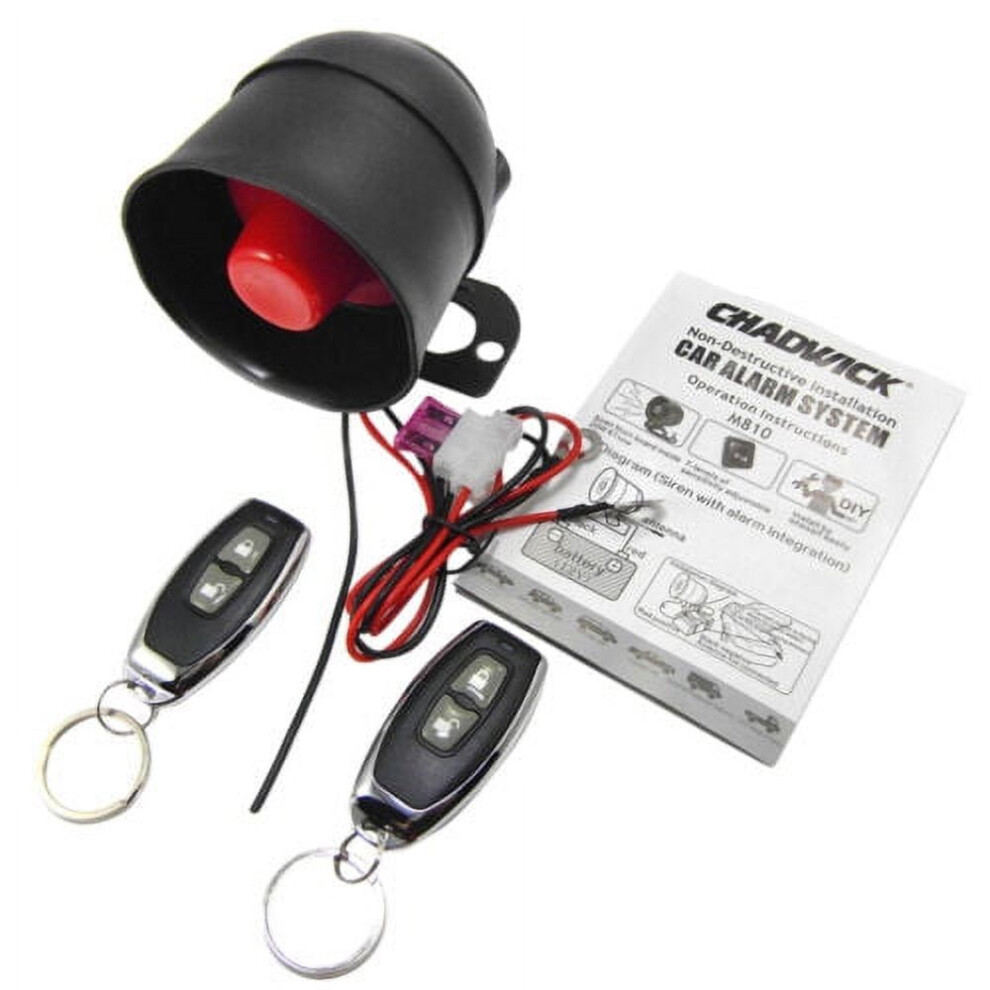
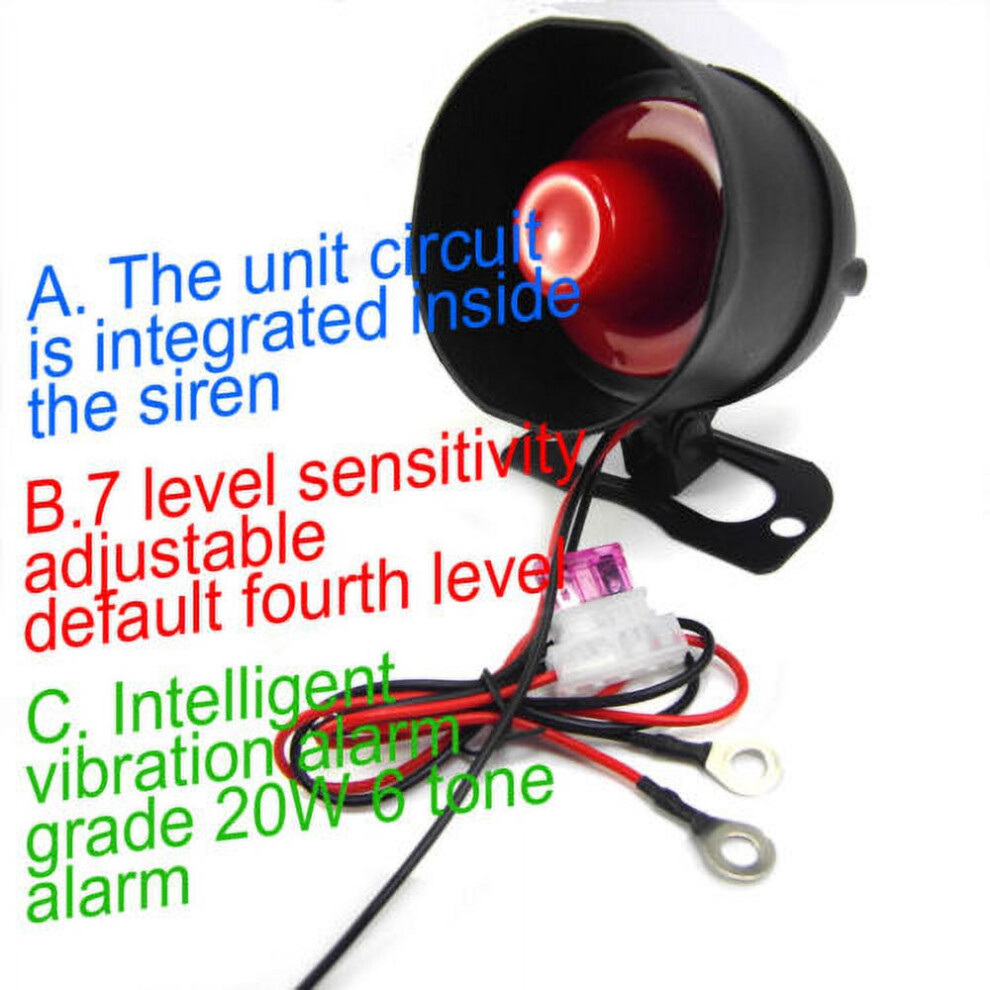
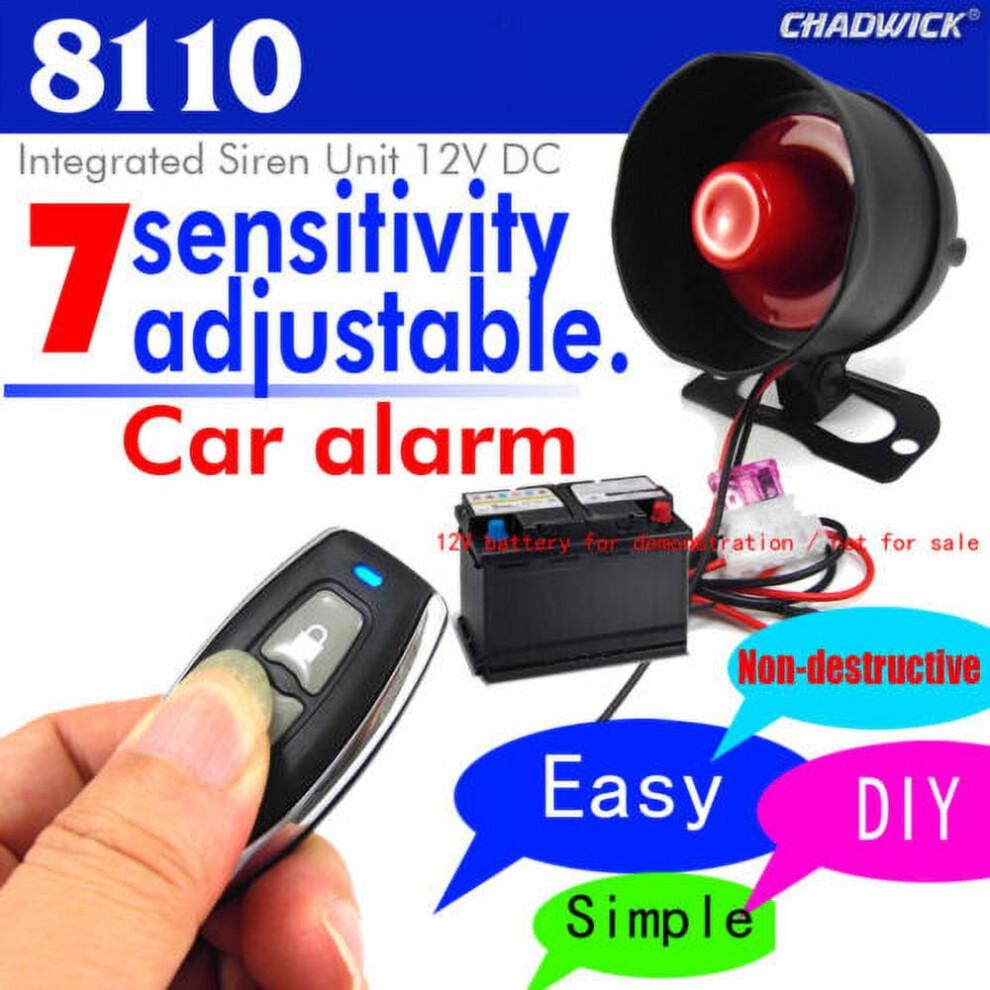
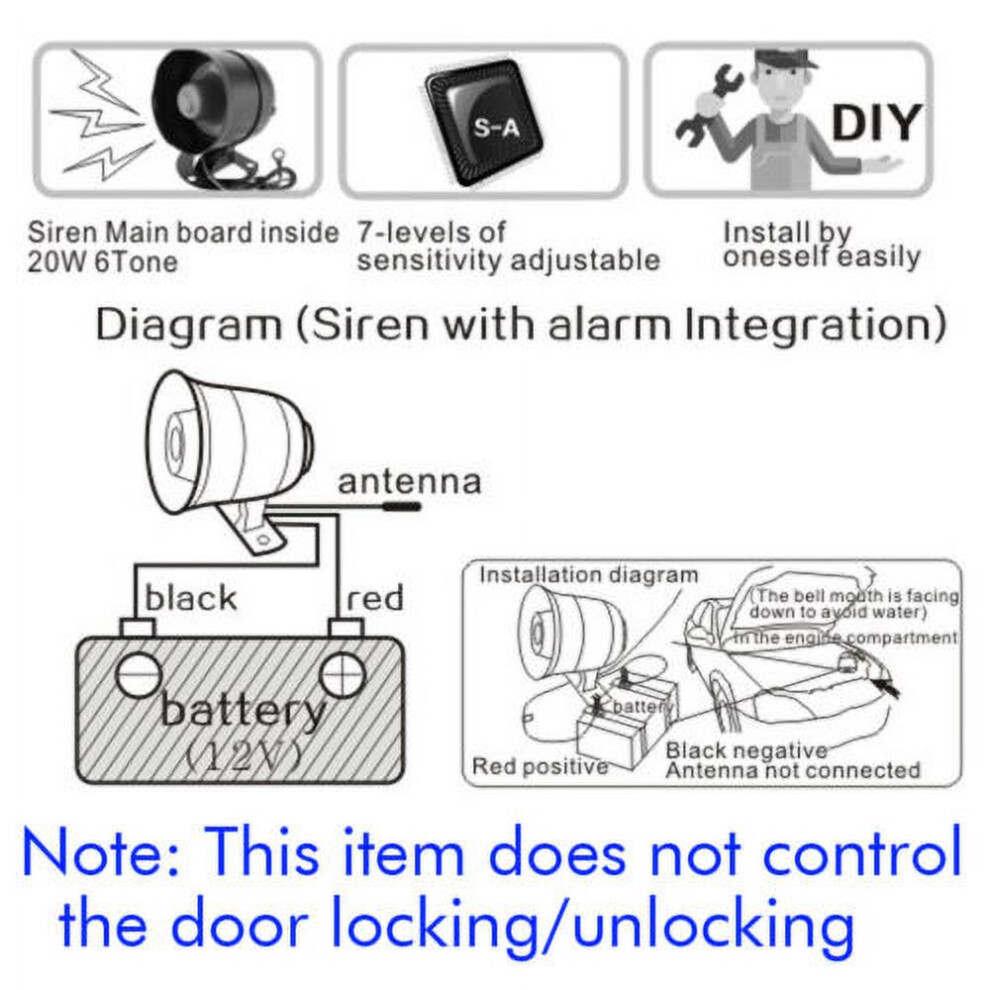
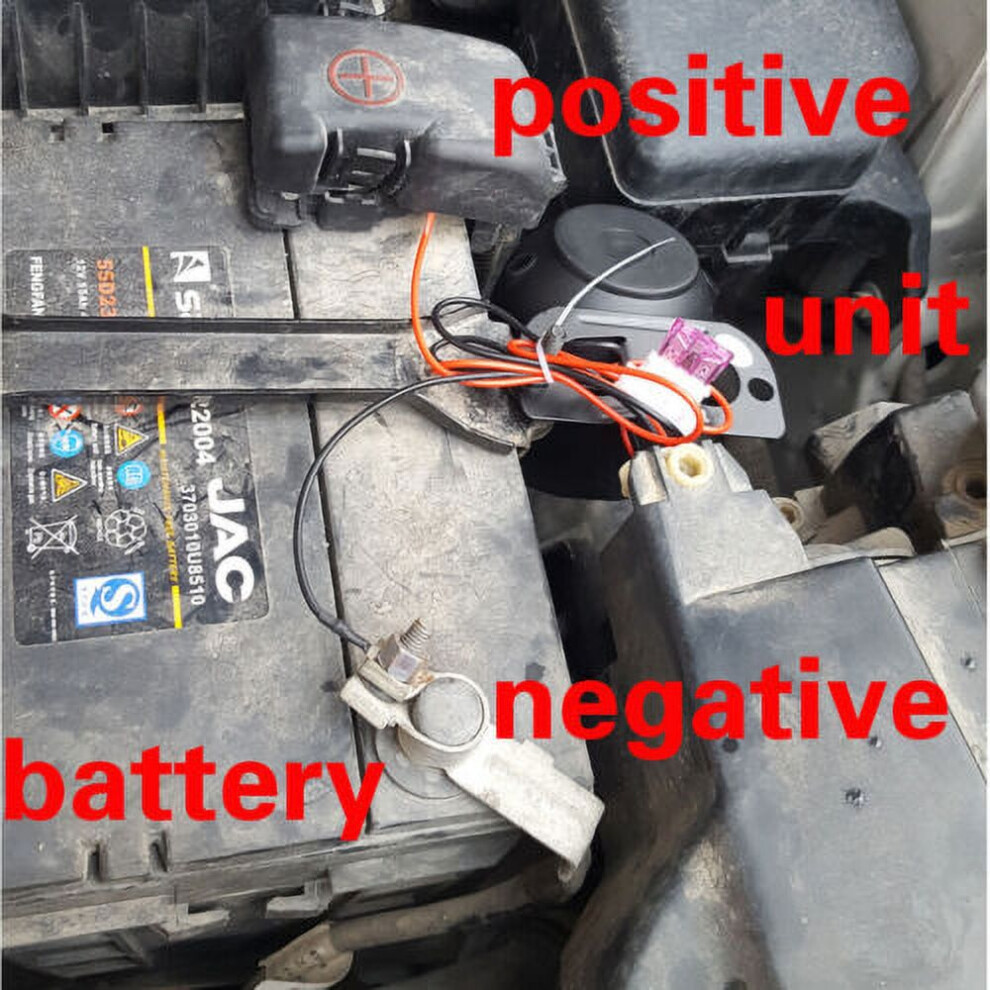
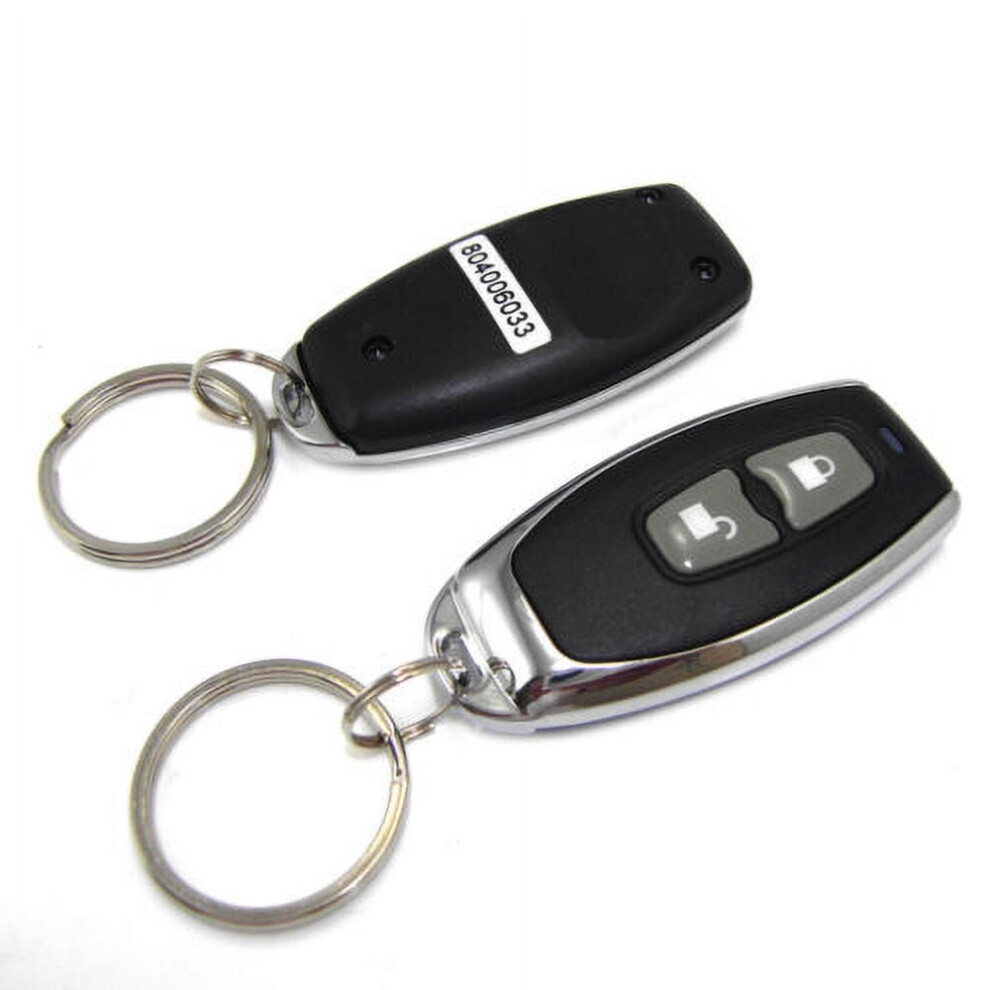
Description: 1. Press the " lock "button, the siren sounds once, then enter the anti-theft state in 5 seconds. If it is triggered by vibration, it will be sound for 5 seconds. If it is triggered in 3 seconds again,sounds for 30 seconds with 6 tones circulated. 2. Press the "unlock" button, the siren sounds twice, the unit disarm. 3. Car search function: Press "mute" or "bell" button, the siren sounds 30 seconds. Press any button to stop. No "mute" or "bell "button no functions. 4. Sensitivity adjustment: It has 7 levels, the 7th is the highest sensitivity, and the 1st is the lowest sensitivity. Default is the 4th. A. Increase sensitivity: Press the "lock"&"unlock" button for 3 seconds at the same time. If the siren sounds 4 times, it means that is the 4th gear. Press "lock" button once, the sensitivity increases one gear, that is the 5th gear, the siren sounds 5 sounds. By analogy, If the siren sounds 7 times, the sensitivity is 7th gear.(Caution the 7th is high and easy to report falsely). After confirming the required gear, do not operate the button for 5 seconds or press" lock"&"unlock" button for 3 seconds at the same time, and the siren will sound 3 times to exit the sensitivity adjustment mode. B. Reduce sensitivity: Press "lock"&"unlock" for 3 seconds at the same time. If the siren sounds 4 times, it means the current gear is the 4th. When press the " unlock " button once, the sensitivity is reduced by one gear, then the siren sounds 3 times, and then press " unlock" button again, the sensitivity is reduced to 2nd gear. The 1st gear is the lowest gear. After confirming the required gear, do not operate the button for 5 seconds or press "lock "&"unlock" button for 3 seconds at the same time, and the siren will sound 3 times to exit the sensitivity adjustment mode. 5. Learning code: Method 1: Press the learning code switch on the main unit inside, press any button on the remote, the siren will sound once, indicating that the learning code is successful, and the second remote learn code as first one. Method 2: Continuously touch the power/battery for 5 times. After the siren sounds, press any button on the remote, the siren sounds 3 times, the code is learned successfully. It can learn up to 2 remotes and the first remote automatically clears after the third remote was code learned. Specification: Main unit: Working voltage: DC 12 3V Static current:10 mA Siren: 10A Working frequency: 433.92MHZ Remote control: Working voltage: DC 12V Average static current:0 mA Battery:6V CR2016*2 About installation: The product need installed by the Profesionales with Car electrician certificated OR by oneself For 12V DC car The item without central door lock functons Package Include: 1x Main Control Unit 2x Remote Control 1x English User Manual
Details
| OPC | PXSQWSX |
|---|---|
| Codes | 9555307164449 (EAN) |
| Seller | Ratings | Warranty | Returns | Price | Delivery | Total | Quantity |
|---|---|---|---|---|---|---|---|
|
Dispatched from:

|
(27 reviews) | - |
30 Days
Free Returns No
|
£57.73
|
+Free Delivery
Est. Delivery:
10th-12th Sep
|
£57.73
|
Earn as you shop with instant Cashback on everything.
No catch, no cost
Become a Cashback VIP
Just 1 purchase unlocks bigger deals & rates
You'll only get instant Cashback at OnBuy! Enter your email below and we'll send you a copy of your basket to save you time later.
By entering your email address, you'll automatically be added to our database, where you can enjoy personalised Cashback offers and early access to our best deals. You can opt out of our emails at any time and we'll never share your details with anyone. Check our Privacy Policy and T&Cs to find out more.
Want access to personalised offers and the highest Cashback rates? Sign up to our emails below.
You can opt out of our emails at any time and we'll never share your details with anyone. Check our Privacy Policy and T&Cs to find out more.
This page has expired.
Refresh and continue