



Product Images

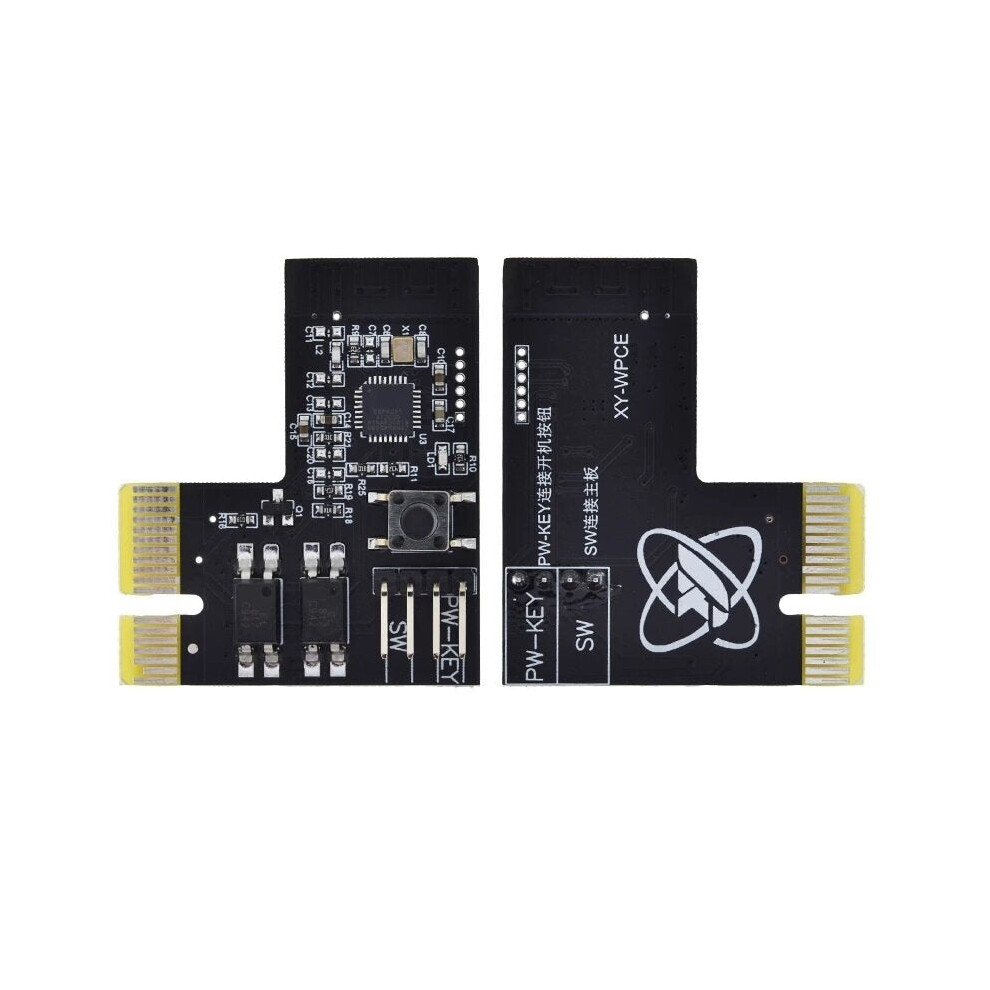
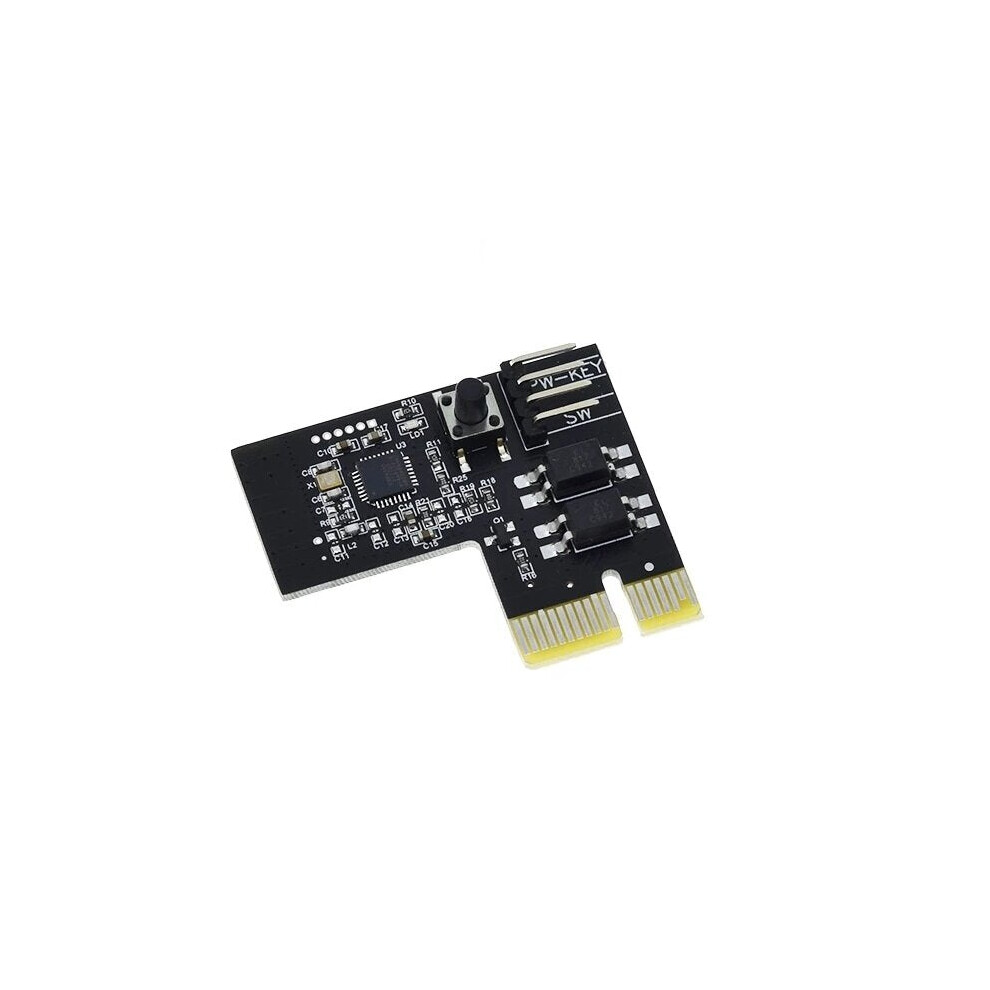
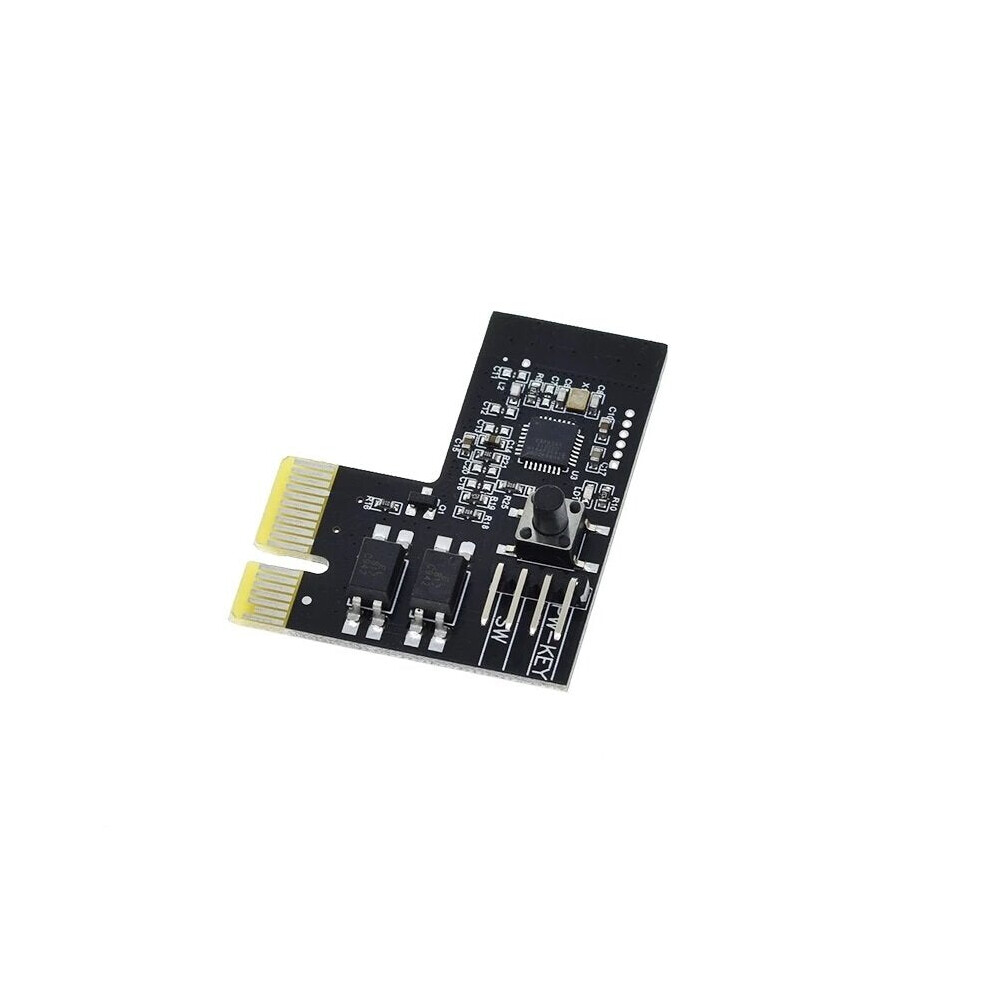
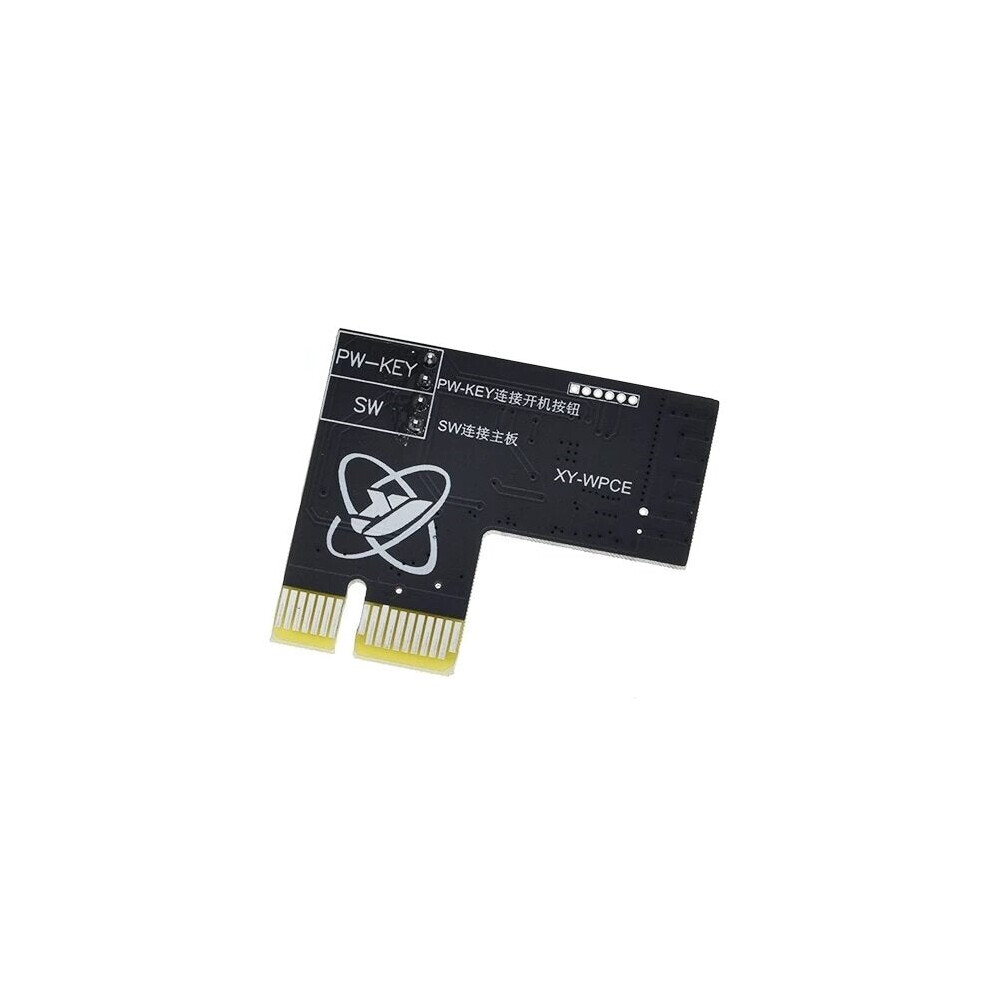
In stock
Smart shoppers OnBuy it!
Interest-free payment options available


See full product description & details
Delivery: Standard (Free) | Mon 16th - Wed 18th Nov
Sold by: GreenZech
Returns: 30 days
180-day payment protection











Description:
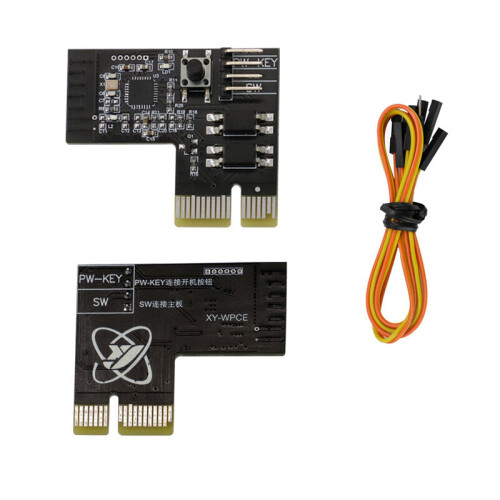
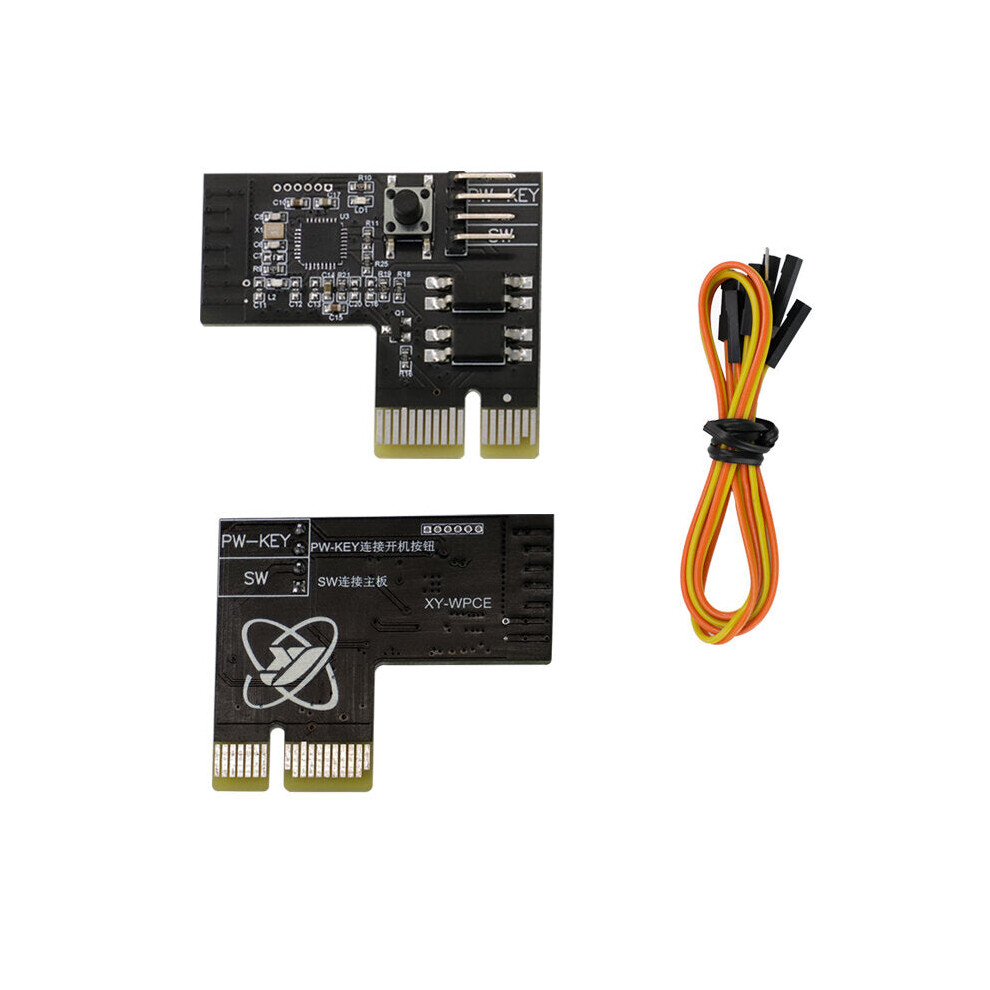
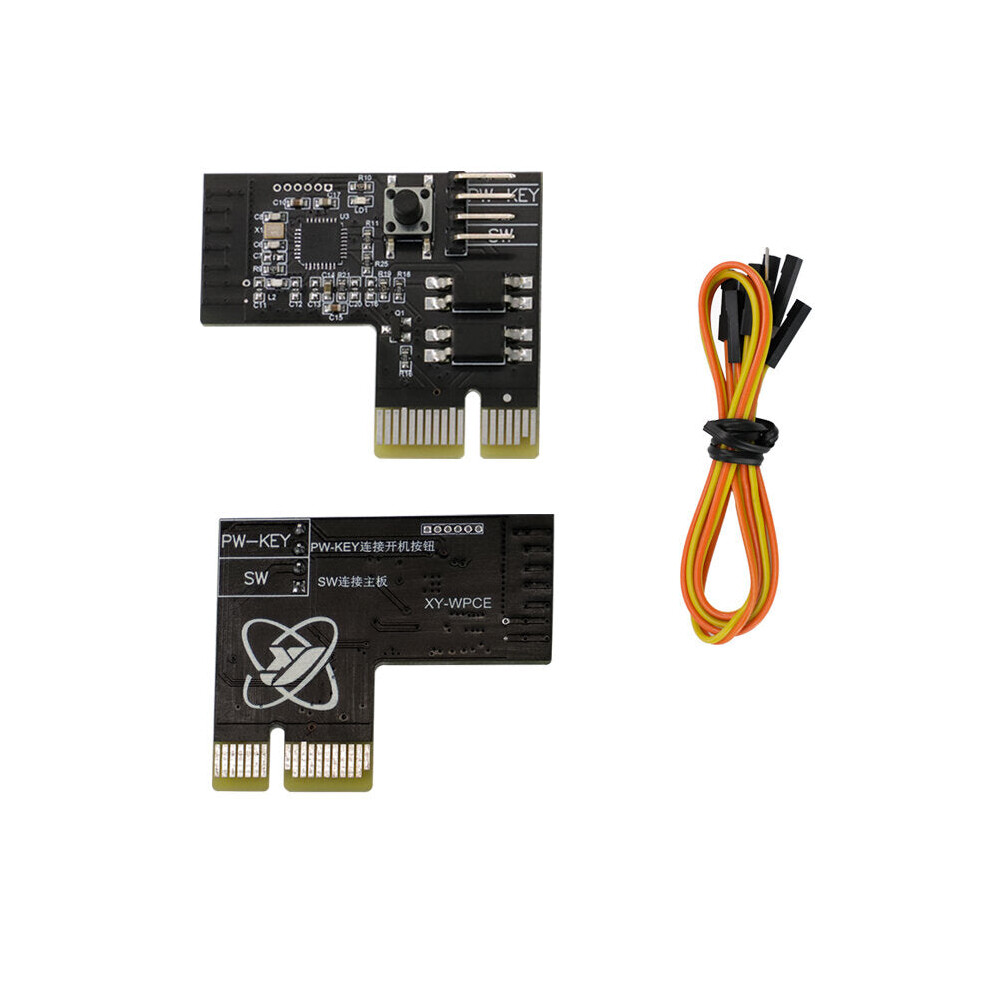
Card
slot
version:
Easy
to
install,
with
no
additional
computer
drive
installation.
PCIE
requires
no
additional
power
cord
to
reduce
trouble
with
cabling.
Press
the
key
for
5
seconds
to
enter
the
pairing
state.
Timiming
/
delay
switch.
Call
call
turns
on
automatically.
One-click
upgrade,
multi-person
control.
WeChat
reminder.
Action
log.
Display
the
computer
status
in
real
time.
Support
Tmall
spirit,
Xiaodu
voice,
Ai
students
voice
control.
Dual
WIFI
reinforcement
signal.
Support
for
hot
plug.
Installation
instructions:
1.The
computer
is
turned
off.
(Note:
1.
It
is
best
to
cut
off
the
power
supply
during
installation
2.
This
product
supports
electric
hot-plug,
but
pay
attention
to
the
rotating
fans
to
avoid
cutting!
!)
2.
Locate
the
connector
with
the
POWER
SW
on
the
motherboard
and
pull
it
out.And
insert
the
free
double
bus
DuPont
line
in
the
pull
out
position.
(note:
remember
the
pull
out
position)
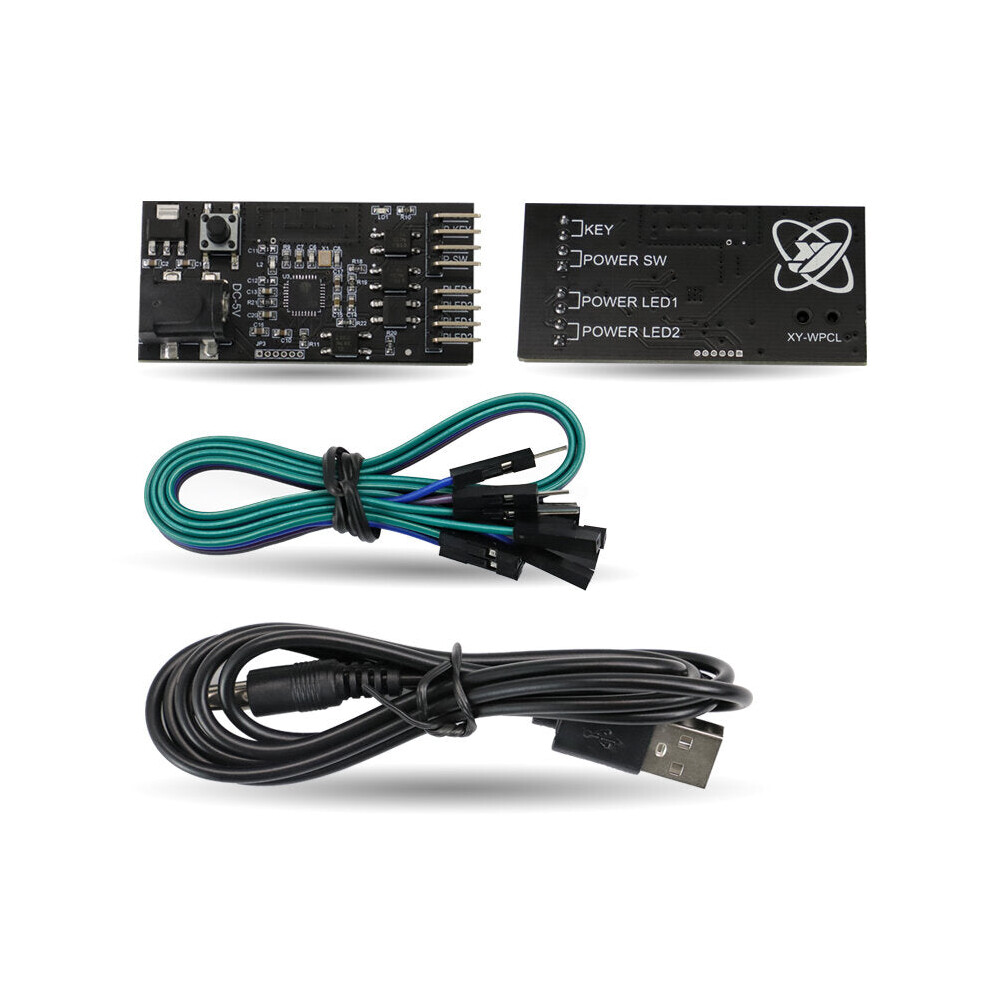
Curved
pin
version:
Input
power
supply
voltage:
DC-5V.
Simple
installation,
no
need
to
install
additional
computer
drivers.
Press
and
hold
the
button
for
5
seconds
to
enter
the
pairing
state.
Timing/delay
switch.
Automatically
turn
on
when
incoming
call.
One-click
upgrade,
multi-person
control.
WeChat
reminder.
Operation
log.
Real-time
display
of
computer
status.
Support
Tmall
Genie,
Xiaodu
Voice,
Xiaoai
Classmate
Voice
Control.
Double
WIFI
enhanced.
Installation
instructions:
1.
Cut
off
the
power
or
shut
down
the
computer.
2.
Locate
the
POWERSW
on
the
computer
motherboard,
remember
the
location
and
pull
it
out.
Install
a
DuPont
cable
to
the
unplugged
position.
3.
Connect
the
other
end
of
the
Dupont
line
to
the
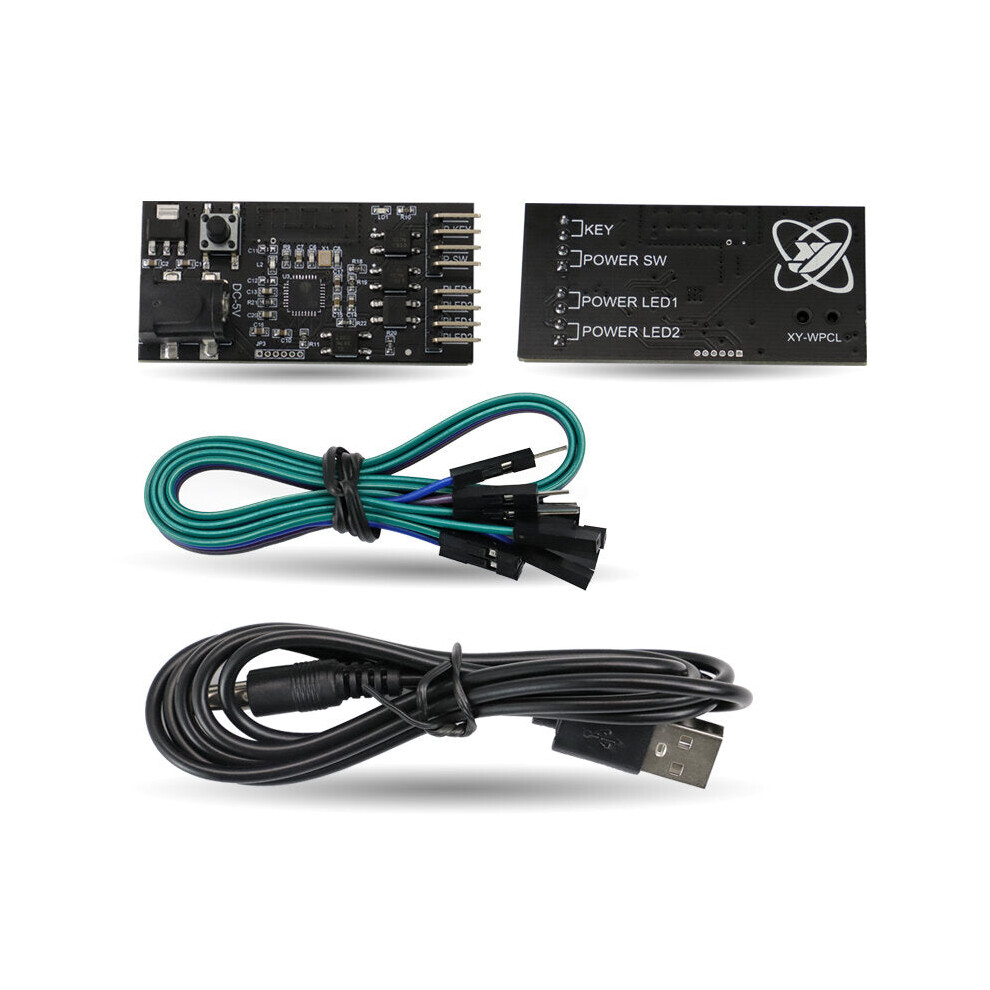
P???SW
pin
of
the
product.
The
removed
POWRESW
connector
is
connected
to
the
PW-KEY
pin
of
the
product.
(The
length
of
the
connecting
cable
is
not
enough,
you
can
use
the
DuPont
cable
we
donated
to
extend
it).
4.
Locate
the
POWERLED
on
the
computer
motherboard,
remember
the
location
and
pull
it
out.
Install
a
DuPont
cable
to
the
unplugged
position.
5.
Connect
the
other
end
of
the
DuPont
cable
to
the
PLED1
and
PLED2
pins
on
the
top
of
the
product.
The
POWERLED
connector
unplugged
from
the
motherboard
is
connected
to
the
PLED1
and
PLED2
pins
under
the
other
one
of
the
product.
Package
included:
1
x
Remote
startup
card
Details
| OPC | PGN7269 |
|---|---|
| Brand | GreenZech |
| Codes | 8727971213100 (EAN) |
| Seller | Ratings | Warranty | Returns | Price | Delivery | Total | Quantity |
|---|---|---|---|---|---|---|---|
|
Dispatched from:

|
(84 reviews) | 100 months |
30 Days
Free Returns No
|
£18.36
|
+Free Delivery
Est. Delivery:
16th-18th Nov
|
£18.36
|
Earn as you shop with instant Cashback on everything.
No catch, no cost
Become a Cashback VIP
Just 1 purchase unlocks bigger deals & rates
You'll only get instant Cashback at OnBuy! Enter your email below and we'll send you a copy of your basket to save you time later.
By entering your email address, you'll automatically be added to our database, where you can enjoy personalised Cashback offers and early access to our best deals. You can opt out of our emails at any time and we'll never share your details with anyone. Check our Privacy Policy and T&Cs to find out more.
Want access to personalised offers and the highest Cashback rates? Sign up to our emails below.
You can opt out of our emails at any time and we'll never share your details with anyone. Check our Privacy Policy and T&Cs to find out more.
This page has expired.
Refresh and continue