
























Product Images

In stock
Smart shoppers OnBuy it!
Interest-free payment options available


See full product description & details
Delivery: Standard (Free) | Wed 21st - Mon 26th Oct
Sold by: GreenZech
Returns: 30 days
180-day payment protection
Specification:
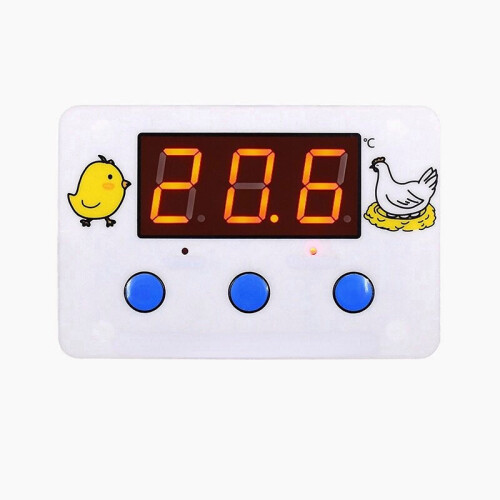
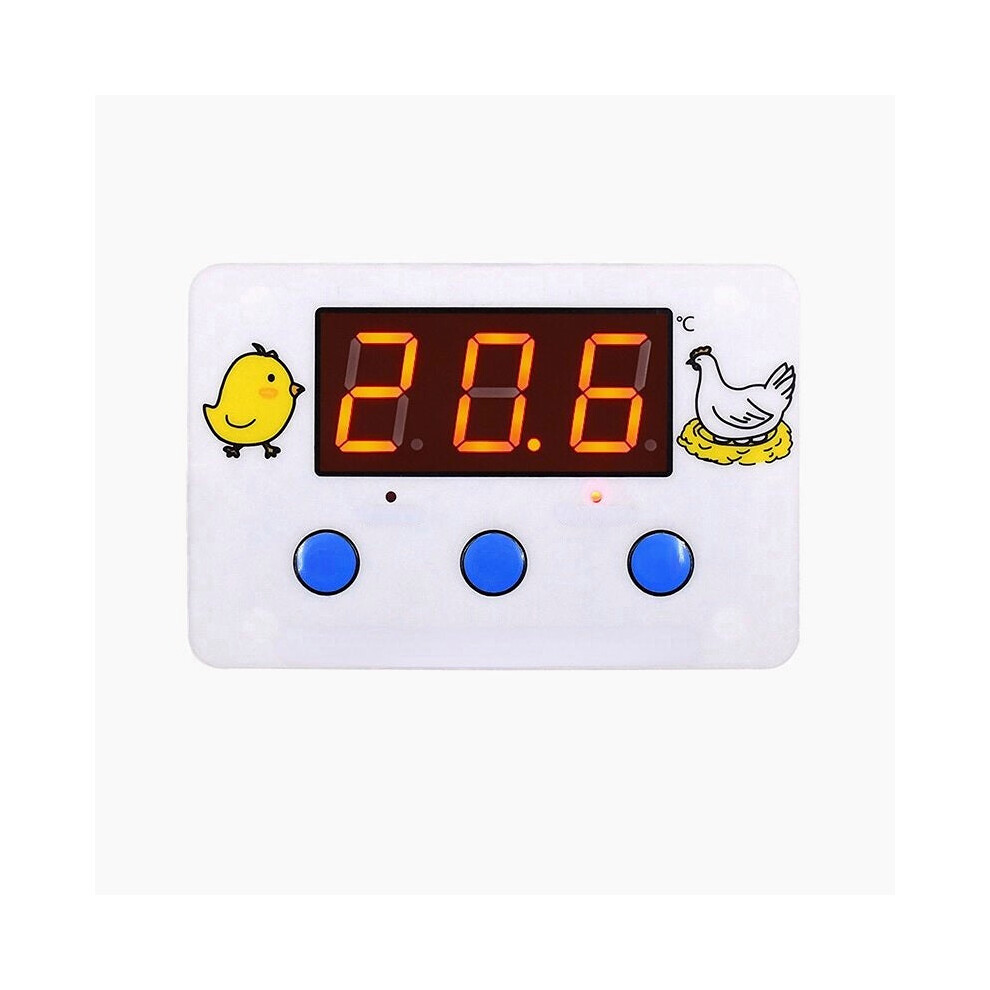
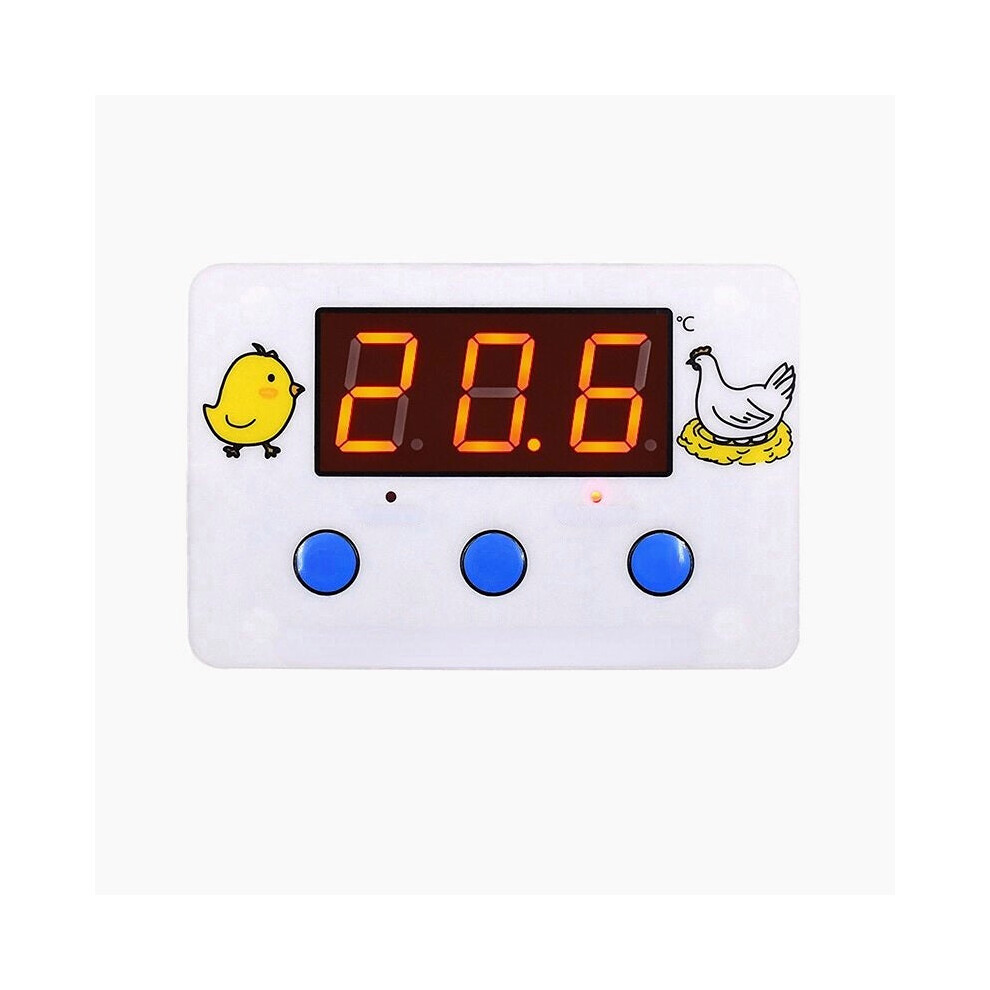
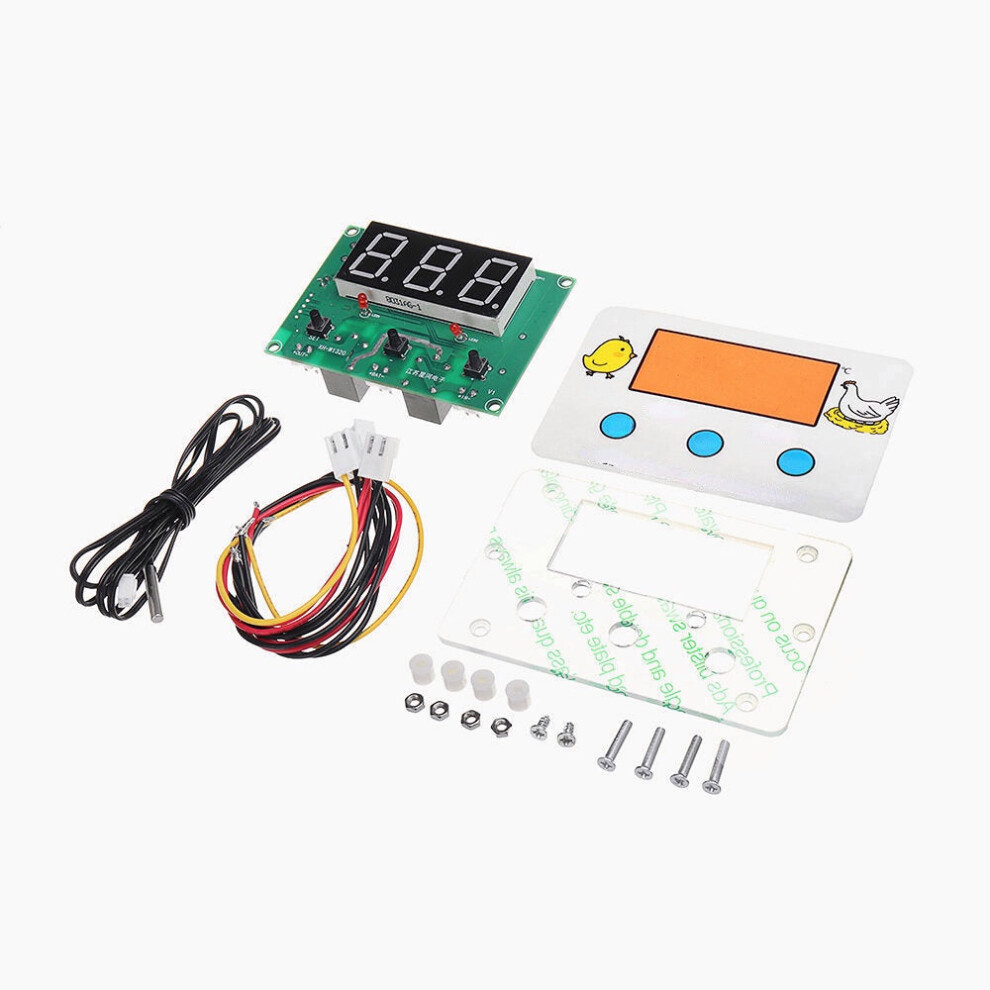
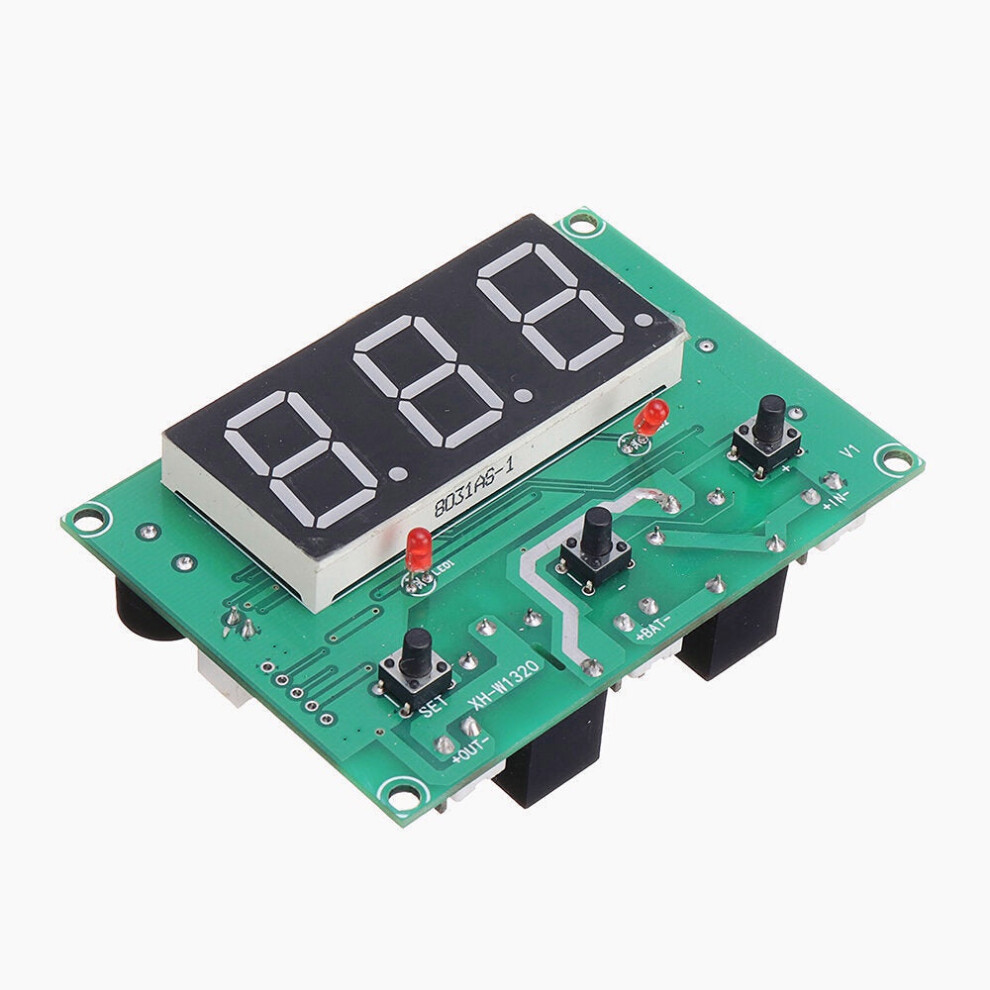
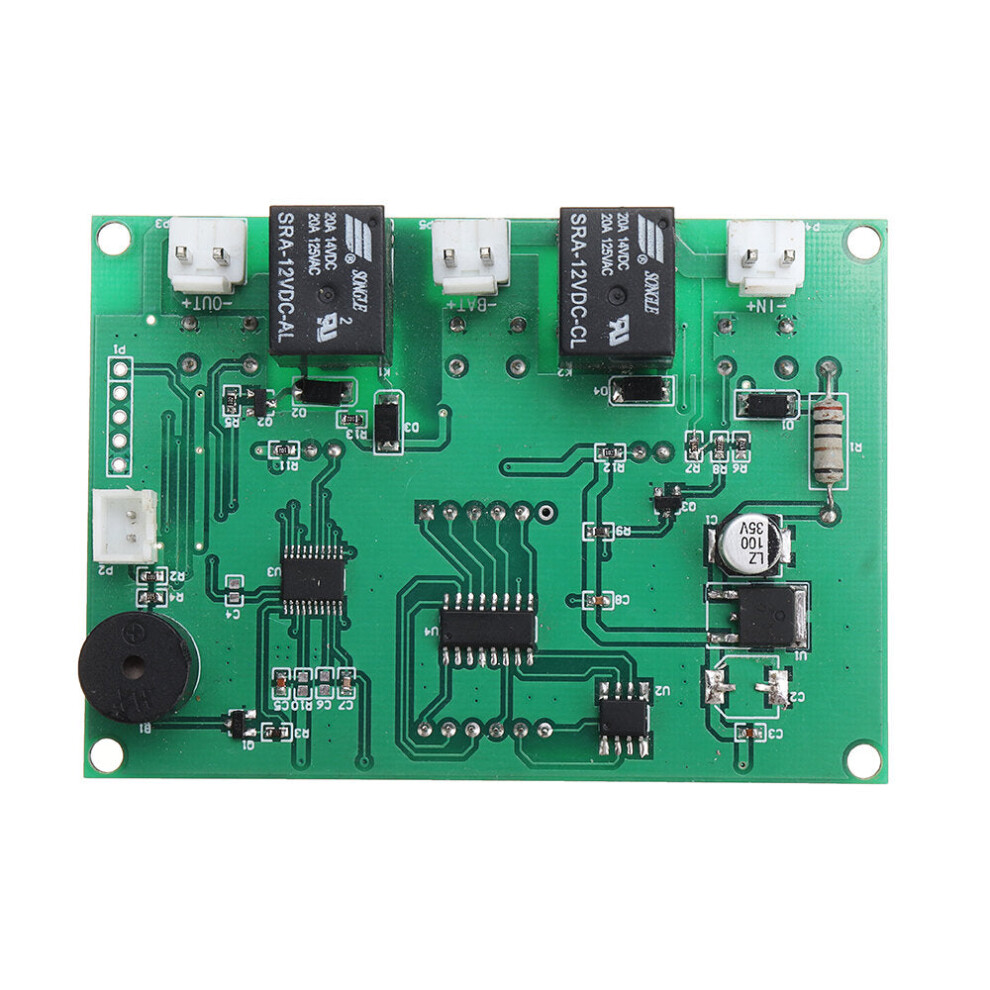
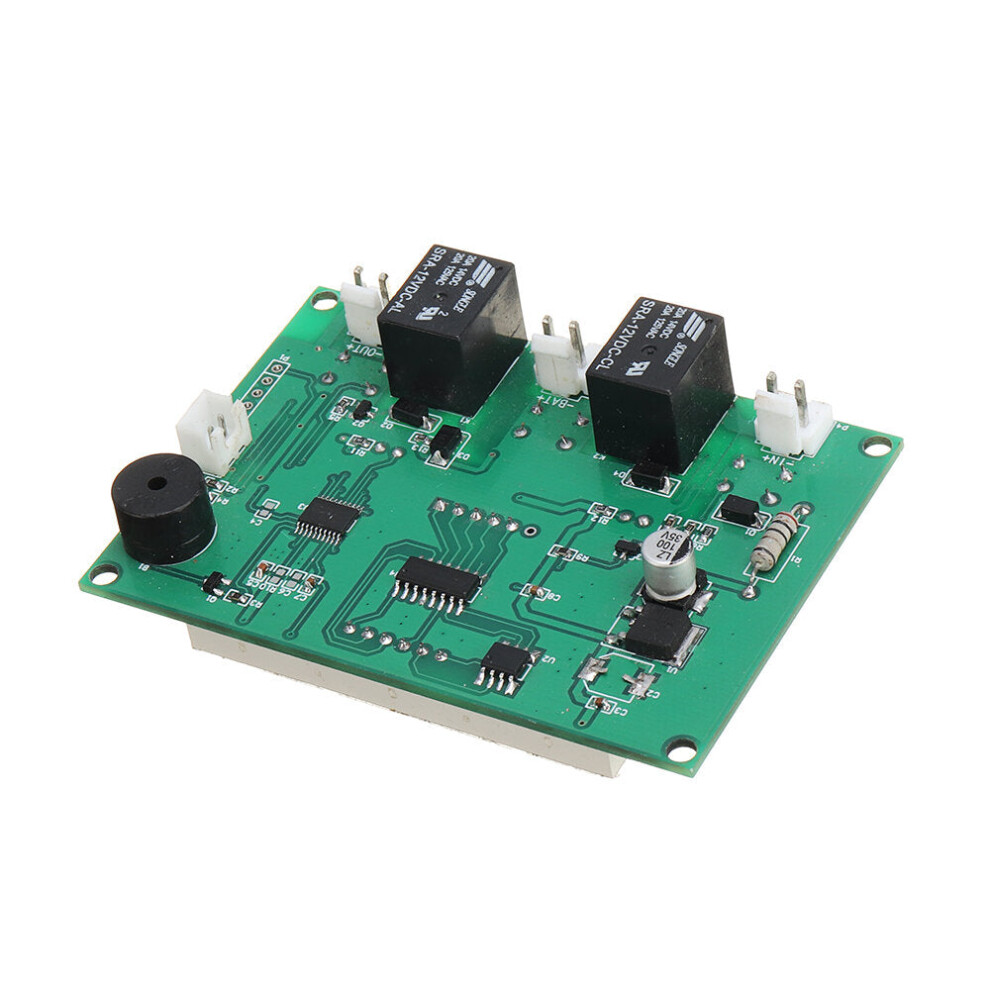
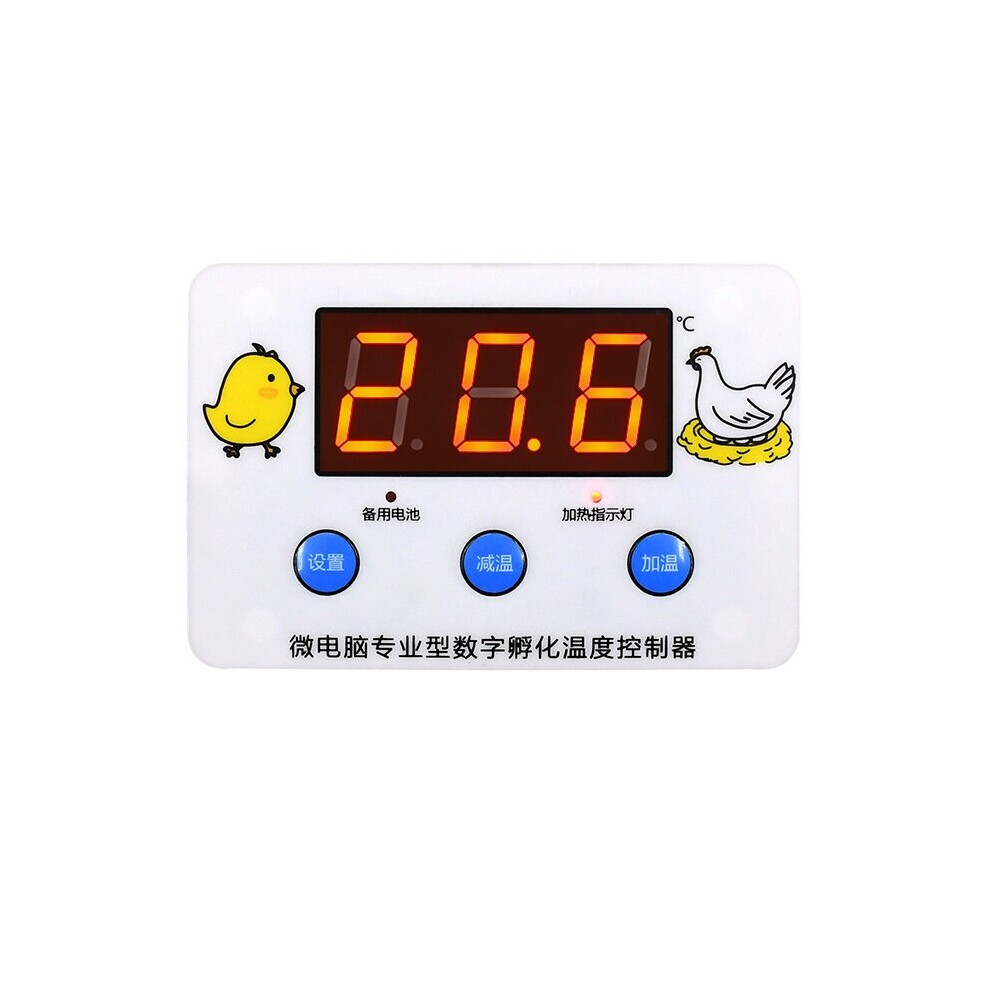
Product Name:Intelligent incubation temperature controller.
Temperature measurement range: -30 ~ 110 degree.
Temperature measurement accuracy: 0.1.
Temperature control range: -9.9 ~ 99.9 degree.
Temperature control accuracy: 0.1.
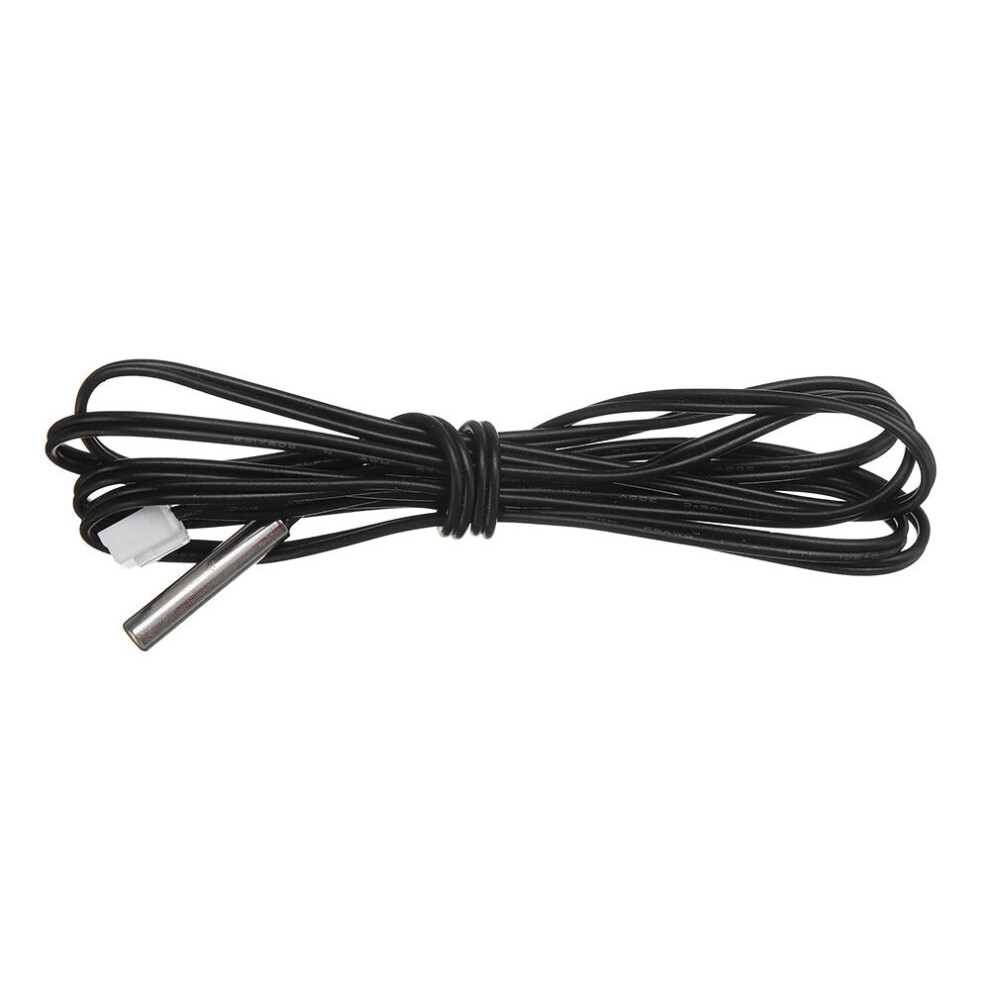
Temperature probe: 1 m probe.
Power supply voltage: DC12V/24V.
Applicable environment: - 15 ~ 55/ 20% ~ 85% RH.
Output type: 6A Relay direct output.
Dimension: 105* 70mm.
Embedded size: 85*60mm.
Installation hole distance: 95mm.
Product weight: 71g.
Package included:
1 xIntelligent incubation temperature controller.
Instructions for use:
Long press the setting button for 3 seconds to enter the menu P1 P2 P3 P4.
P1 hysteresis setting:
1. Long press the setting button for more than 3s to display the P1 hysteresis setting.
2. Shortly press the set button to display the hysteresis value, the factory value is 0.2.
(The setting range of hysteresis is 0.1~30)
3. Press the heating/decreasing key to adjust the value.
P2 temperature calibration:
1. Long press the setting key for more than 3 seconds to display P1, press the heating/decreasing key to switch to P2 temperature calibration.
2. Shortly press the SET button to display the calibration value, the factory value 0.0V(calibration range-9.9~9.9V)
3. Press the heating/decreasing key to adjust the value.
P3 delay start:
1. Long press the setting button for more than 3s to display P1, press the heating/decreasing button to switch to P3 delayed start.
2. Shortly press the setting button to display the delayed start value, the factory value is 0. (setting range 0~10 minutes)
3. Press the heating key to adjust the value.
4. After the setting is completed, the thermostat will delay after reaching the starting temperature, and then start again according to the set time.
P4 high temperature warning:
1. Long press the setting key for more than 3 seconds to display P1, and press the heating/decreasing key to switch to P4 high temperature alarm.
2. Shortly press the setter key again to display ON (function on)/OFF (function off).
3. Press the heating/decreasing key to adjust to ON, shortly press the setter key again to display the high temperature alarm value. (factory value 110V)
4. Press the heating/decreasing key to adjust the high temperature alarm value.
5. After the setting is completed, the thermostat will emit an alarm sound when the temperature reaches the alarm value.
I want to control the hatching temperature of chickens at 37.5~38 degree, how to set it?
1. Set the stop temperature: short press the set button and the screen number flashes, press the heating/decreasing button to adjust the value to 38 degree.
2. Set the hysteresis: long press the setting key for more than 3s, the screen displays P1, then short press the setting key. The displayed value is the current hysteresis value, and the difference between 37.5-38 is 0.5. Press the heating/decreasing key to adjust the value to 0.5.
3. After the setting is completed, the thermostat will start the heating equipment at 37.5??C for heating, and stop when the temperature rises to 38 degree, and it will continue to cycle.
I actually measured a temperature of 37.8, and the thermostat showed 37.6, how to calibrate it?
1. Enter the P2 temperature calibration menu: press and hold the setting key for more than 3 seconds to display P1, and then press the heating/cooling key to switch to P2. (temperature calibration)
2. Short press the setting key again to display the current calibration value. The display temperature of 37.6 is 0.2 lower than the measured temperature of 37.8. Press the heating/decreasing key to adjust the value to 0.2??? to complete the setting.
Details
| OPC | PJRDC86 |
|---|---|
| Brand | GreenZech |
| Codes | 8727971206478 (EAN) |
| Seller | Ratings | Warranty | Returns | Price | Delivery | Total | Quantity |
|---|---|---|---|---|---|---|---|
|
Dispatched from:

|
(81 reviews) | 100 months |
30 Days
Free Returns No
|
£26.60
|
+Free Delivery
Est. Delivery:
21st-26th Oct
|
£26.60
|
Earn as you shop with instant Cashback on everything.
No catch, no cost
Become a Cashback VIP
Just 1 purchase unlocks bigger deals & rates
You'll only get instant Cashback at OnBuy! Enter your email below and we'll send you a copy of your basket to save you time later.
By entering your email address, you'll automatically be added to our database, where you can enjoy personalised Cashback offers and early access to our best deals. You can opt out of our emails at any time and we'll never share your details with anyone. Check our Privacy Policy and T&Cs to find out more.
Want access to personalised offers and the highest Cashback rates? Sign up to our emails below.
You can opt out of our emails at any time and we'll never share your details with anyone. Check our Privacy Policy and T&Cs to find out more.
This page has expired.
Refresh and continue