






















Product Images


In stock
Smart shoppers OnBuy it!
Interest-free payment options available


See full product description & details
Delivery: Standard (Free) | Tue 16th - Thu 18th Jun
Returns: 30 days
180-day payment protection
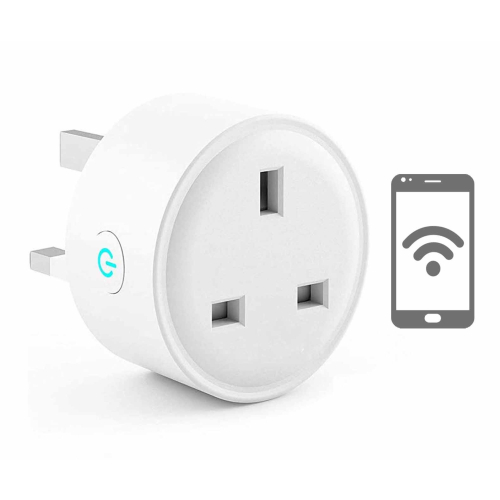
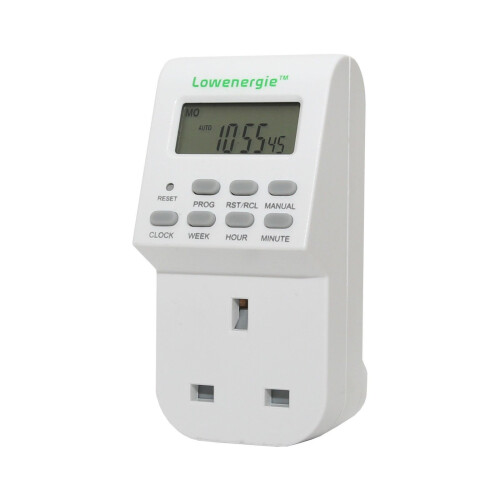
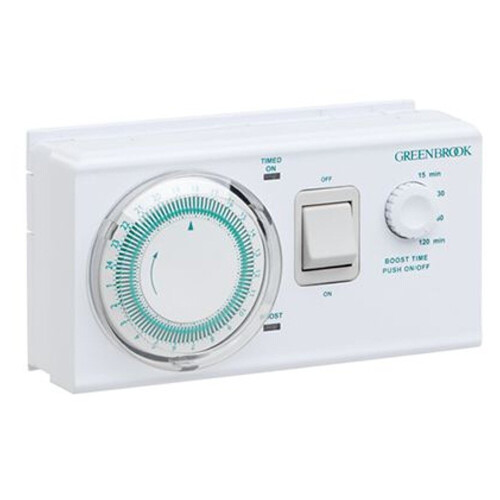
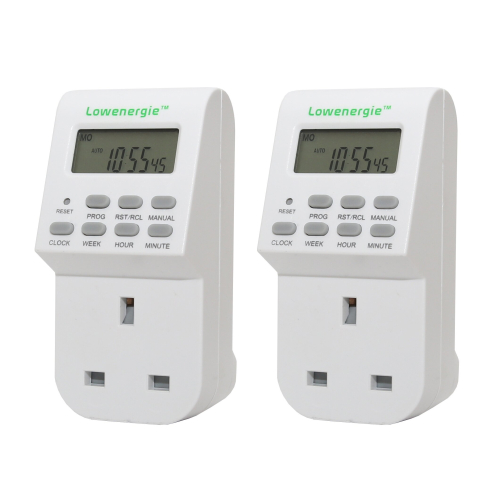
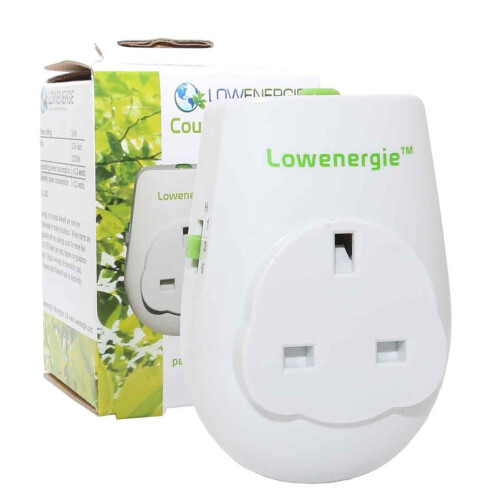

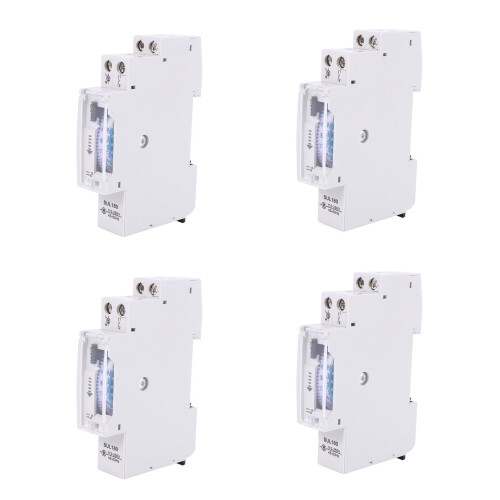
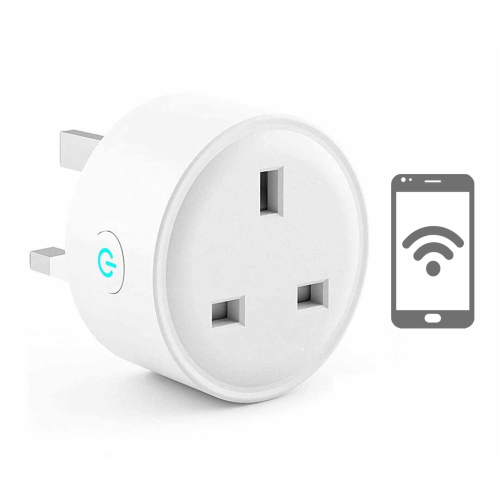
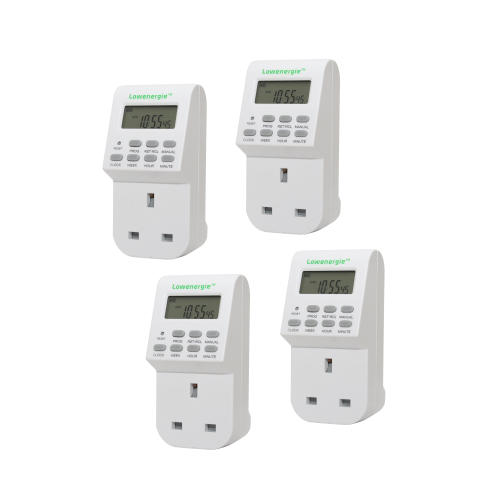

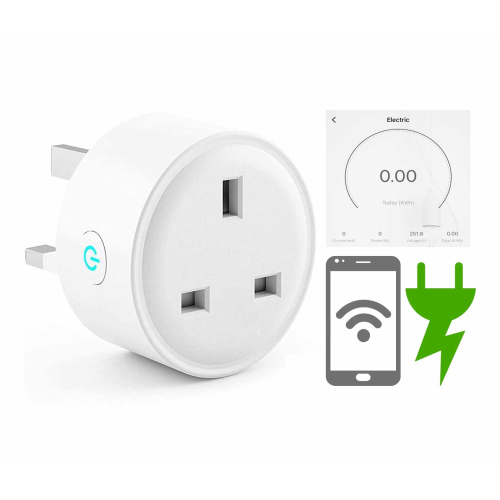
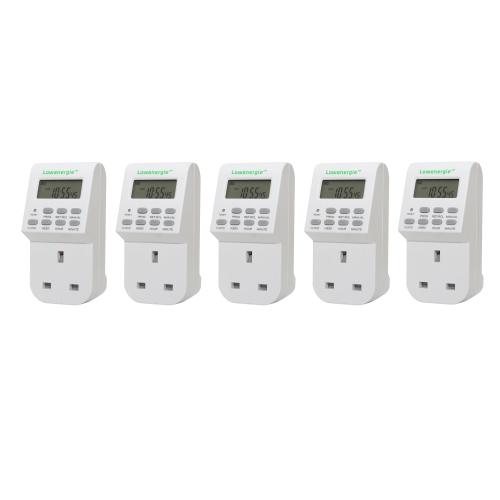

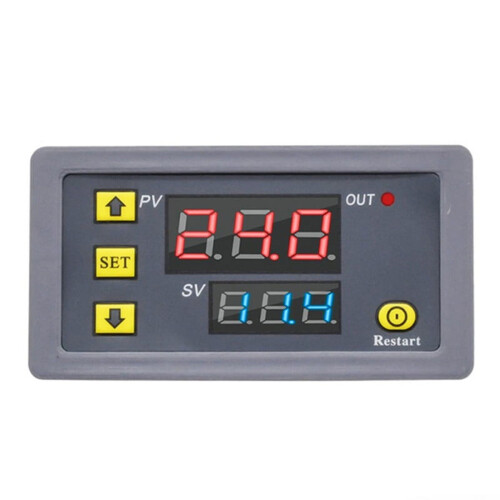
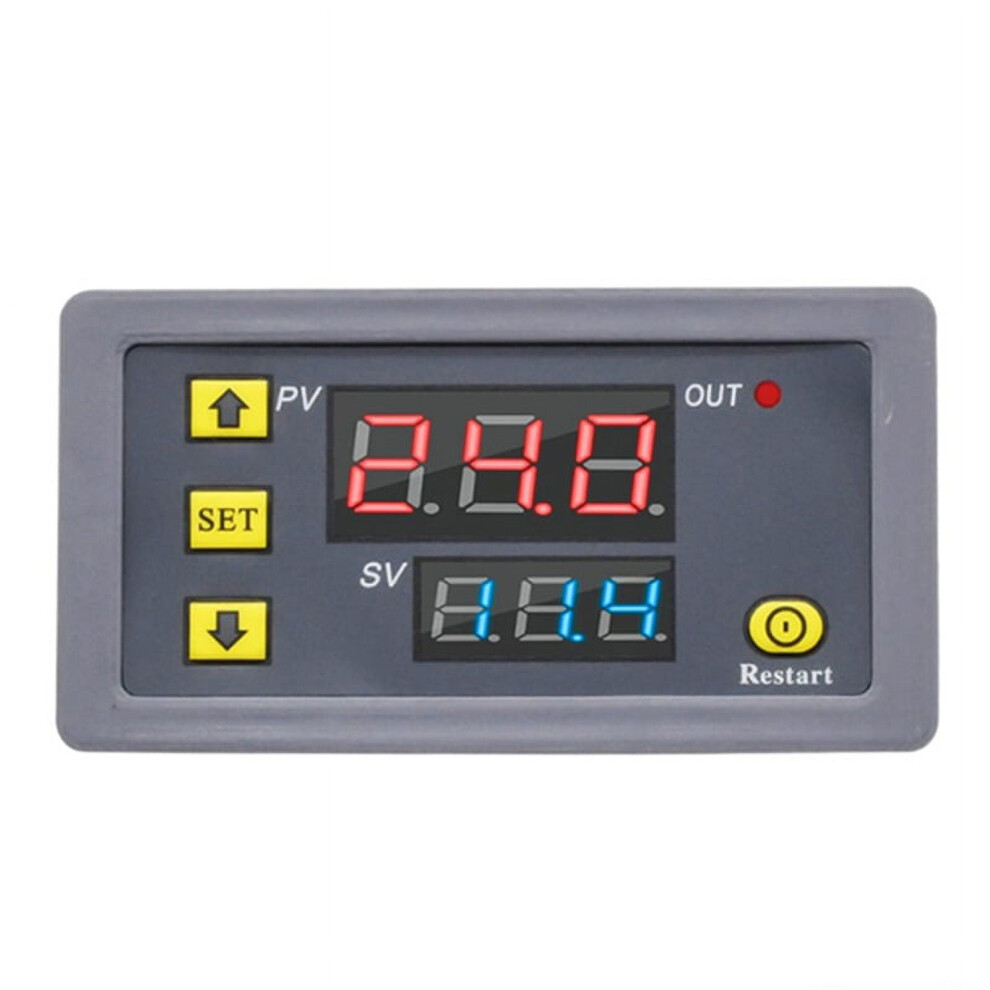
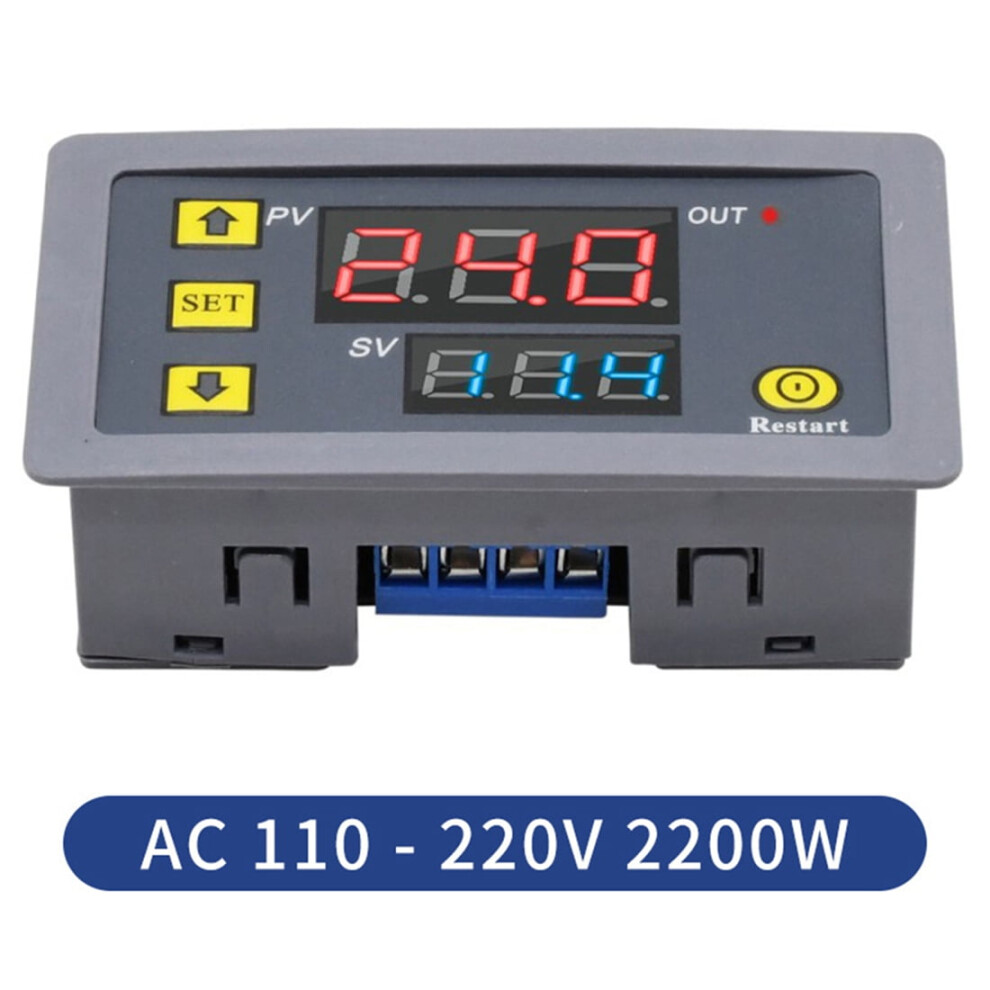
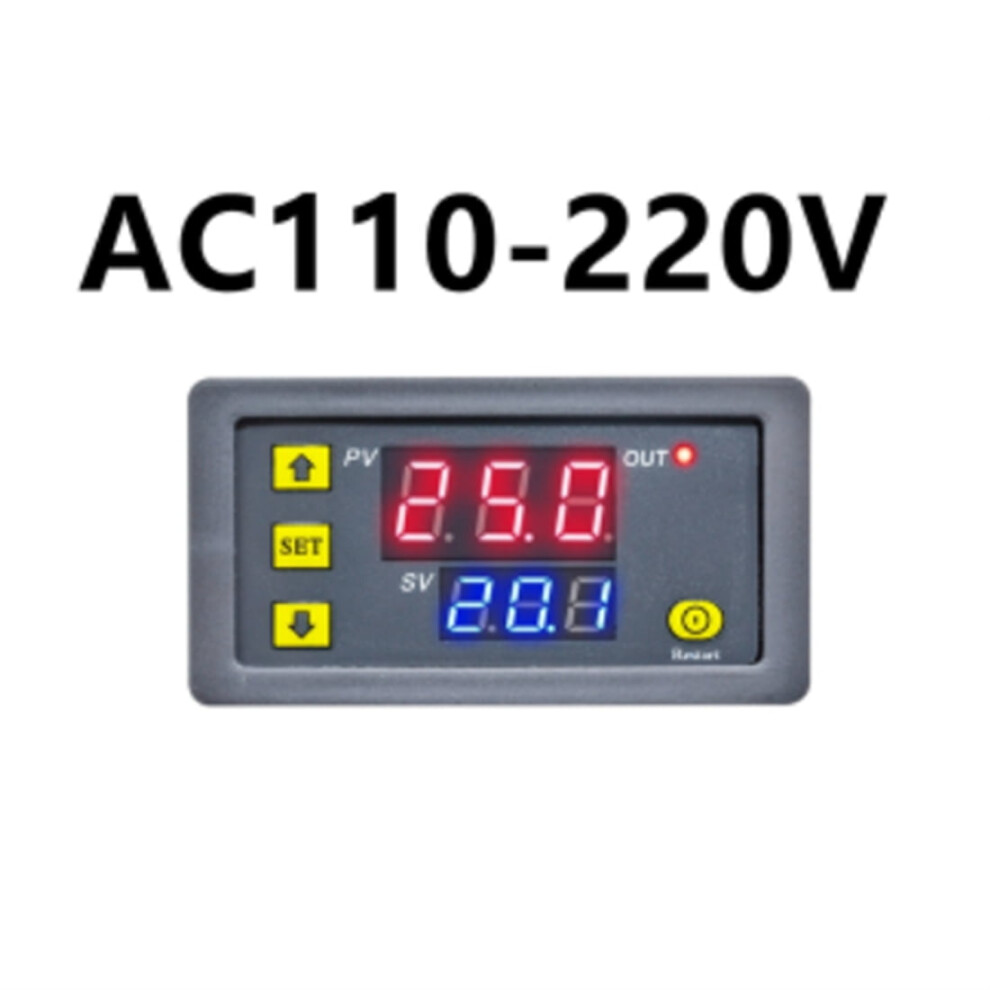
P0--0:T1 Timing mode is second. P0-1: T1 timing mode is minutes. P0--2:T1 Timing Time mode is hour. P1--0:Delay T1 time,relay pull(T1 ) P1--1:Relay release after T1 time delay (T1 ) P1--2:Delay T1 time,relay pull(T1 ),and then relay release after T2 time delay(T2 timing),then it is finished. P1--3:Relay release after T1 time delay(T1 ),then delay T2 time,relay pull(T2 timing),then it is finished. P1--4:Delay T1 time,relay pull(T1 ),and then relay release after T2 time delay(T2 ),cycling. P1--5: Relay release after T1 time delay(T1 ),then delay T2 time,relay pull(T2 ),cycling. Specifications: Timing range: 0-999s,0-999m,0-999h Relay: 20A Working current: 10A(maximum) Power: 1500W (maximum) Size: 79 x 26 x 43mm/2.99inch x 1.02inch x 1.69inch Hole size: 72 x 40mm/2.83inch x 1.57inch : Time Relay Contact Load: Low Power Model Number: Digital Time Delay Relay Usage: Voltage: AC110-220V color:Grey Material:plastic Package Contents: 1 x Dual Display Delay Relay Only the above package content, other products are not included. Note: Light and different displays may cause the color of the item in the picture a little different from the real thing. The measurement allowed error is +/- 1-3cm. Instruction Manual: 1. After setting the data, you must wait 6 seconds,6s post modules automatically save memory set data. 2. Press SET key once to enter the time setting mode,the red LED flashes, press the key to increase or decrease the setting time T1. 3. After setting time T1,short press the SET key again, the green LED flashes,and the time is set by pressing the key Time T2, T2 time setting is completed,press SET key again, the system will automatically save the memory setting time or wait for 6s, 6s module will automatically save the data memory. 4. Long press SET,enter parameter setting mode.There are two sets of parameters for the user to select P0, P1.Short press SET in the current mode to switch between P0 and P1. 5. In P0 parameter can be set by pressing the key to adjust their own timing mode.In the P1 parameter can be set by adding and subtracting keys work mode.
Details
| OPC | PR8TBHP |
|---|---|
| Codes | 9353595234857 (EAN) |
| Links | Digital Timer Plugs |
| Seller | Ratings | Warranty | Returns | Price | Delivery | Total | Quantity |
|---|---|---|---|---|---|---|---|
|
Dispatched from:

|
(3 reviews) | - |
30 Days
Free Returns No
|
£16.45
|
+Free Delivery
Est. Delivery:
16th-18th Jun
|
£16.45
|
Earn as you shop with instant Cashback on everything.
No catch, no cost
Become a Cashback VIP
Just 1 purchase unlocks bigger deals & rates
Wait! You've left
something behind...
You'll only get instant Cashback at OnBuy! Enter your email below and we'll send you a copy of your basket to save you time later.
No thanks, I'm alright for now
By entering your email address, you'll automatically be added to our database, where you can enjoy personalised Cashback offers and early access to our best deals. You can opt out of our emails at any time and we'll never share your details with anyone. Check our Privacy Policy and T&Cs to find out more.
Before you go...
Remember, you'll only get instant Cashback on everything at OnBuy!
Want access to personalised offers and the highest Cashback rates? Sign up to our emails below.
No thanks, I'm alright for now
You can opt out of our emails at any time and we'll never share your details with anyone. Check our Privacy Policy and T&Cs to find out more.