





















Product Images

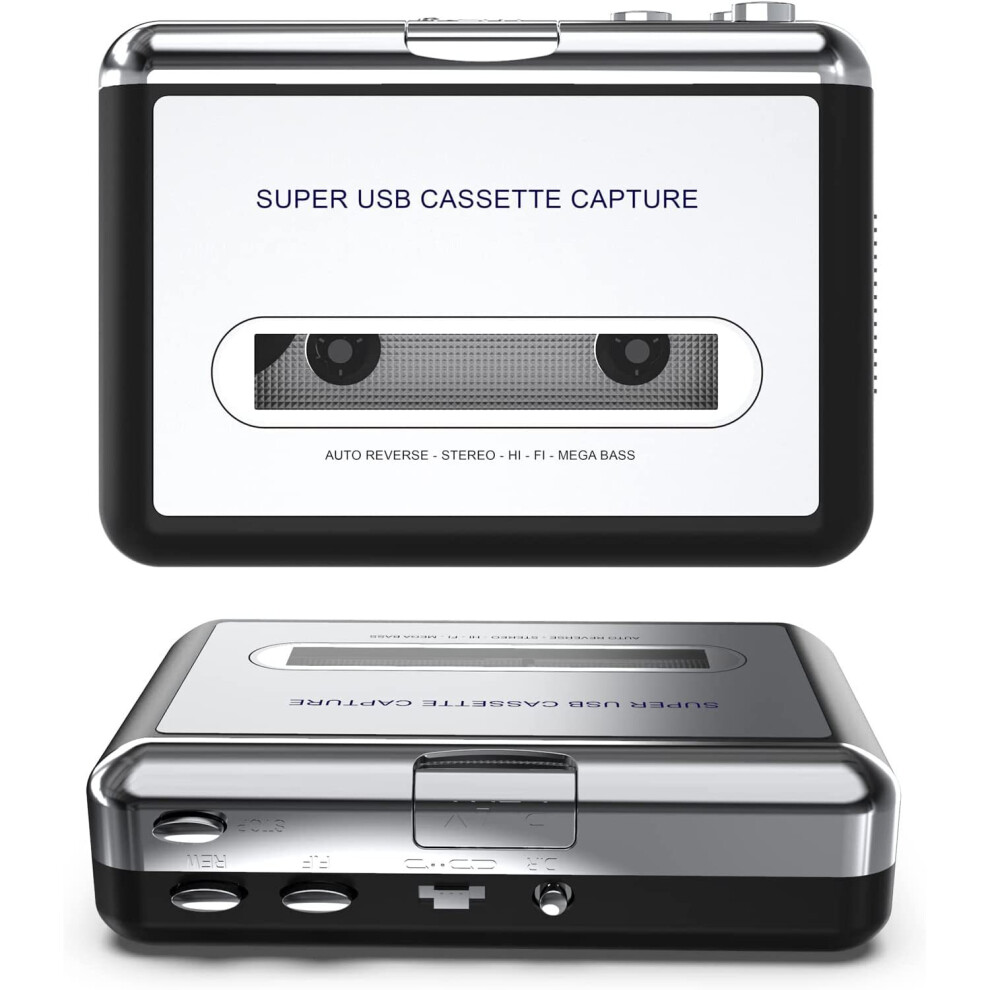
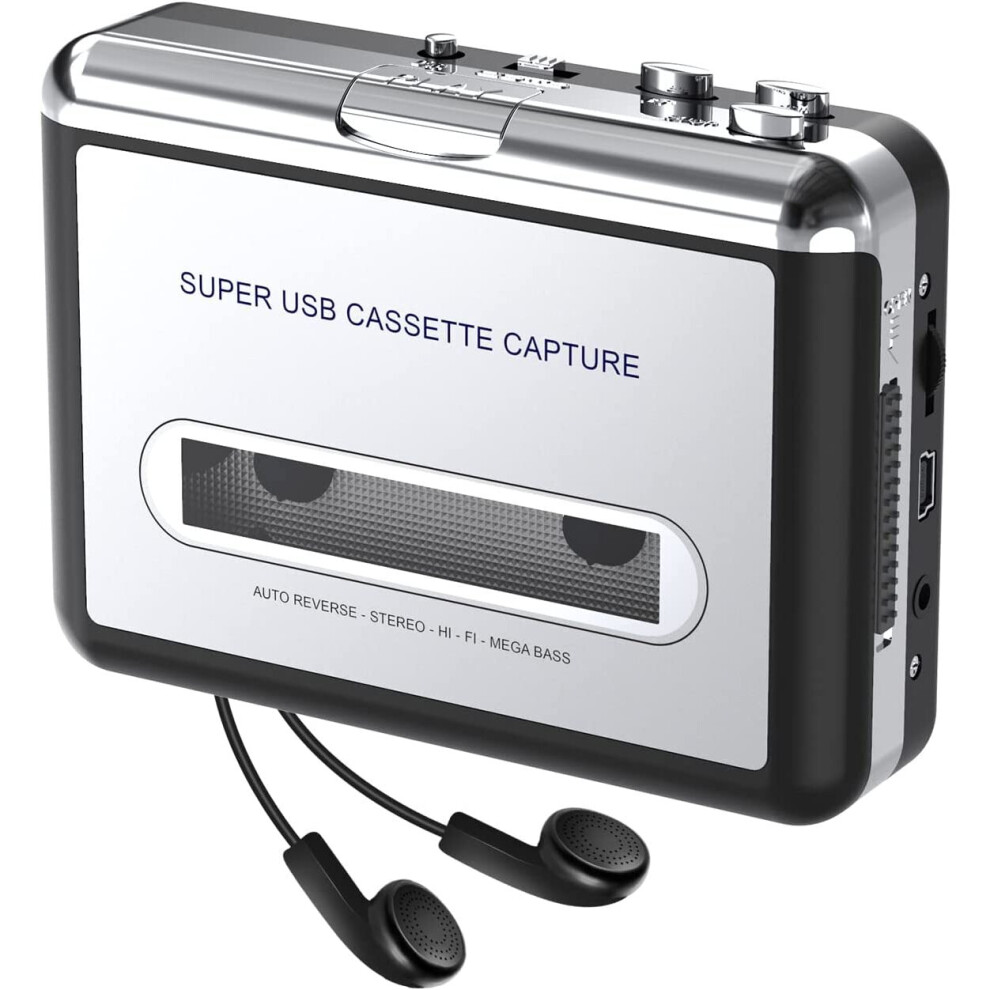
In stock
Smart shoppers OnBuy it!
Flexible payment options available


See full product description & details
Delivery: Standard (Free) | Fri 4th - Sat 5th Dec
Sold by: DIGITNOW(UK)
Returns: 30 days
180-day payment protection




Summary
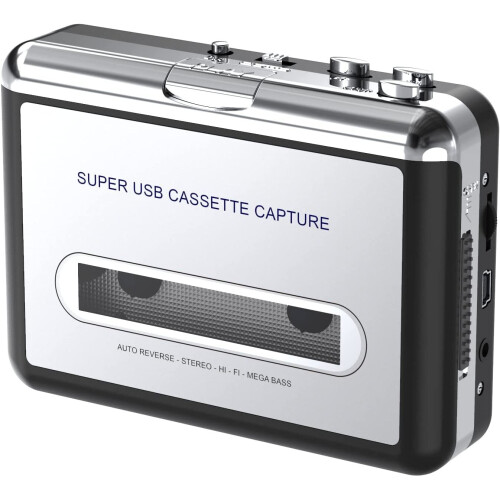
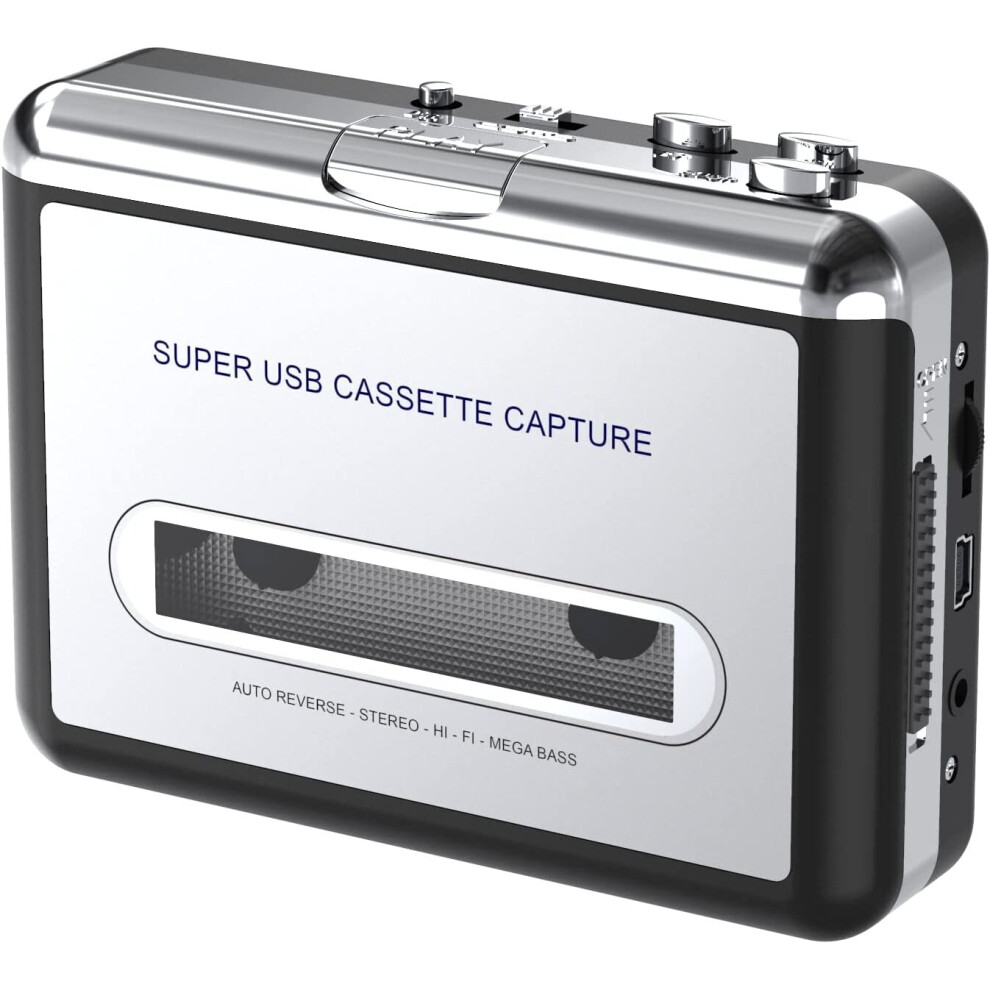
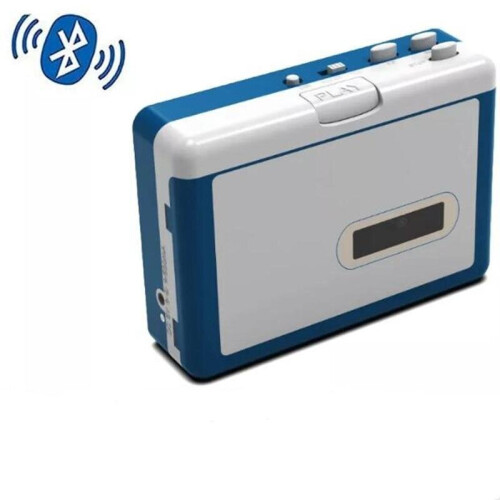
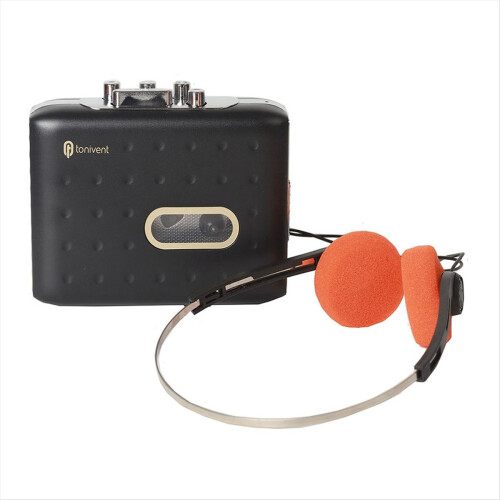
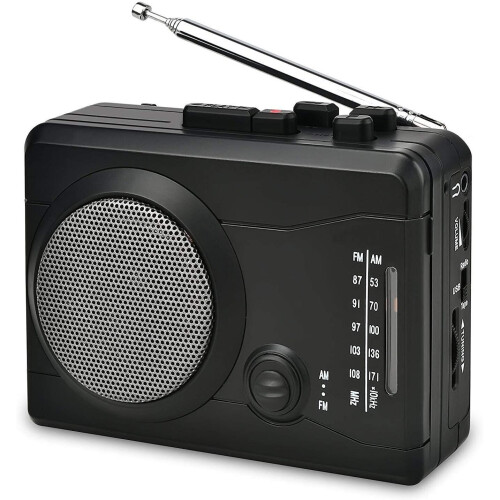
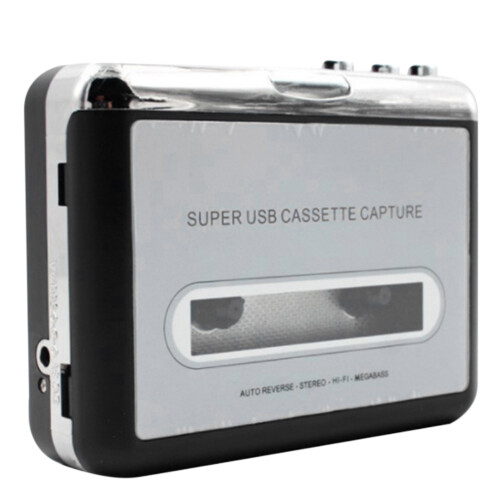
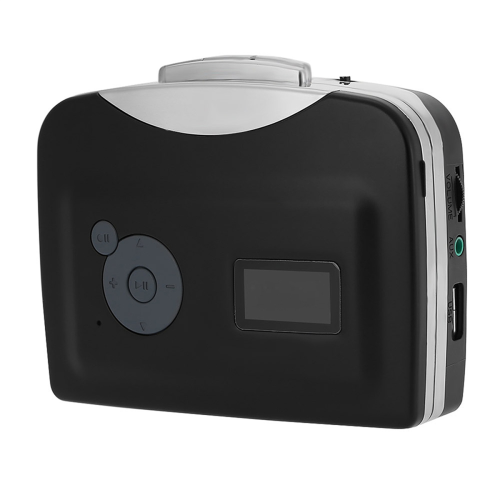
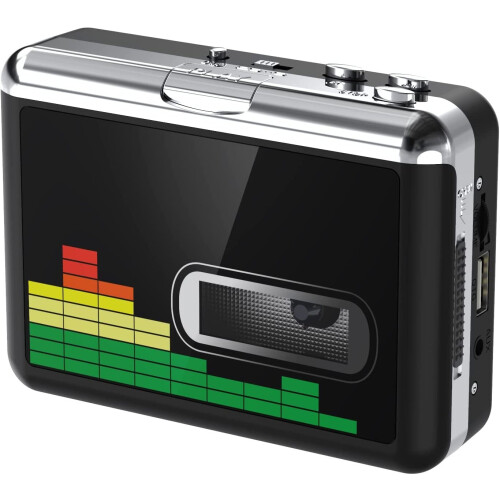
DIGITNOW! Portable Cassette Player/Cassette to MP3 Converter Capture Cassette Tape to MP3/CD Audio via USB
Product Description
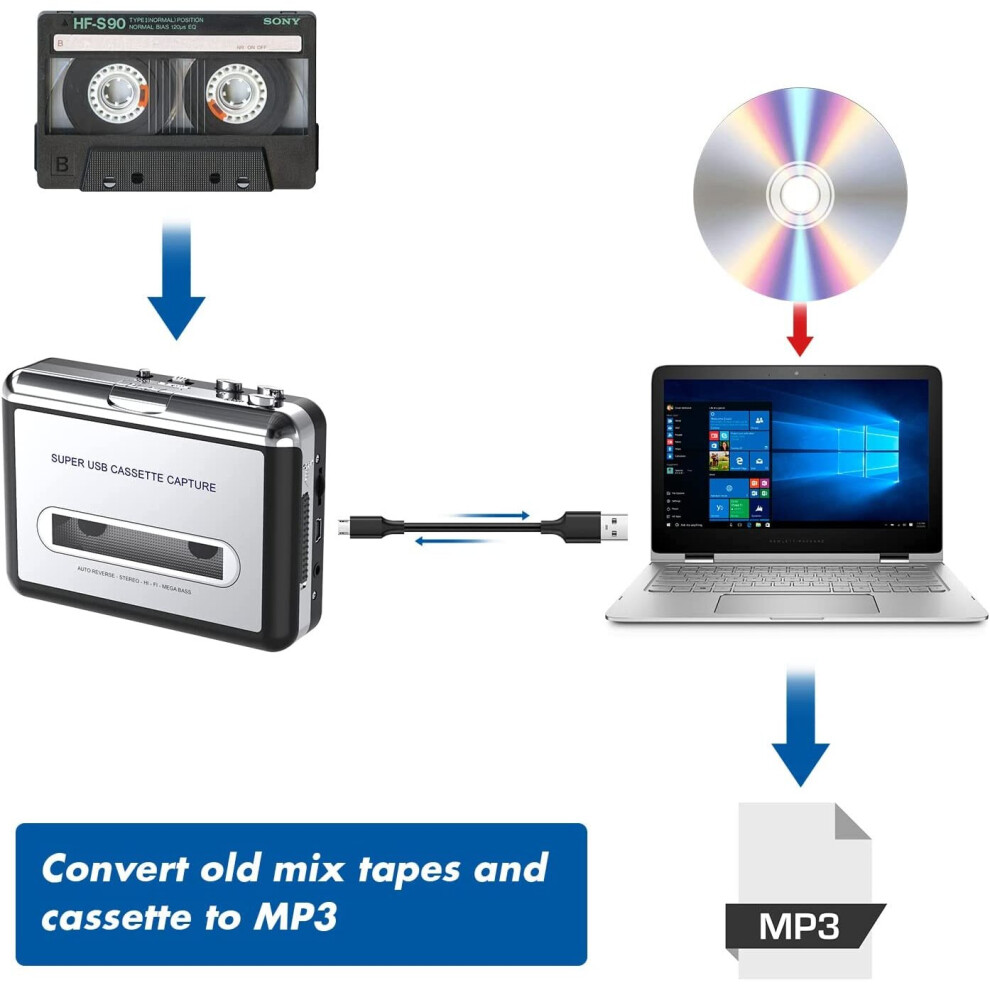
With the WeRecord USB cassette tape player, you can easily convert your cassette tapes to MP3 format!
Just plug it into your PC or Mac (no drivers are required), and load a cassette tape in and press Play. Then just click "Record" in the recording software (included!) and your music will be turned into digital format!
You can save your music as MP3 format and put it on your iPod/iPhone/MP3 player, or you can use your PC or Mac to burn a CD of your music.
Software, USB cable, instructions, and earbuds included.
Product Features
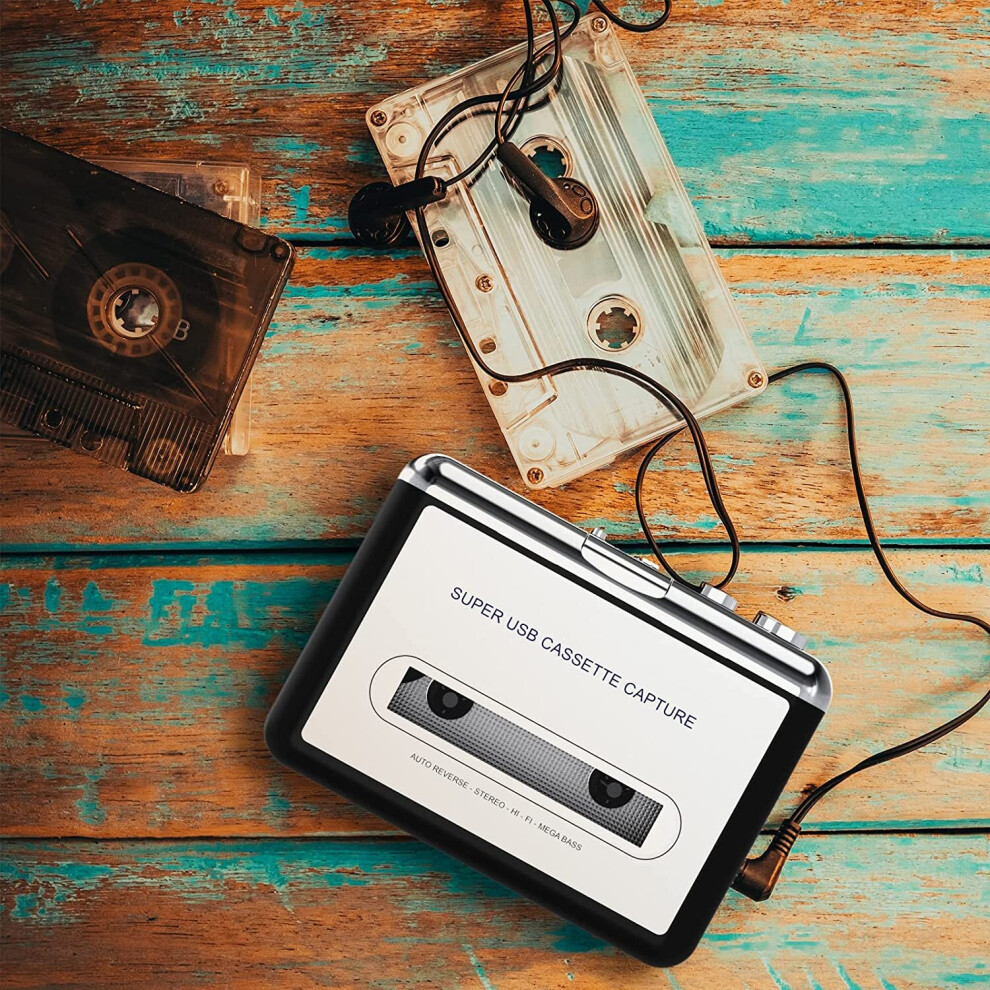
-Rediscover your cassette tapes on the go
-Convert your mix tapes and cassettes to MP3 to Playback on iPods/MP3 players or burn to CD
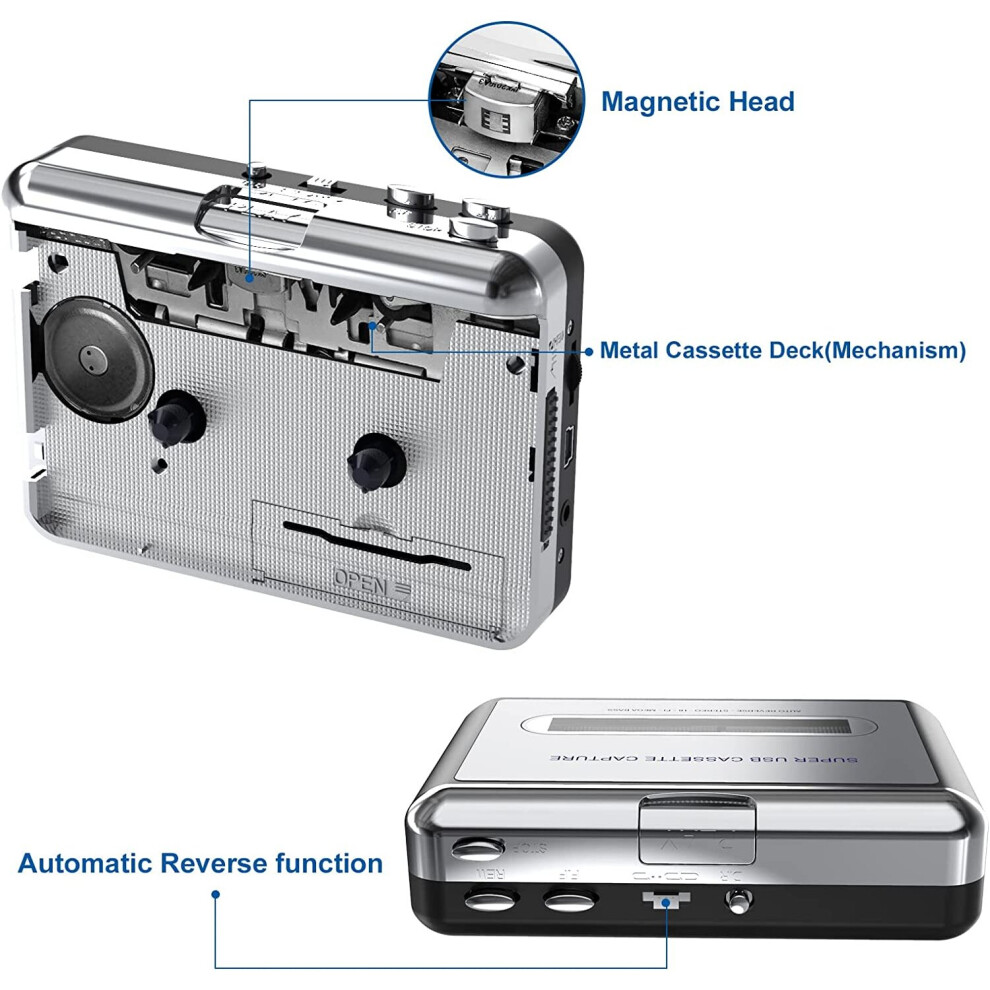
-Portable design fits in virtually any bag and enables you to play and transfer anywhere
-Plug and Play USB device, no drivers required
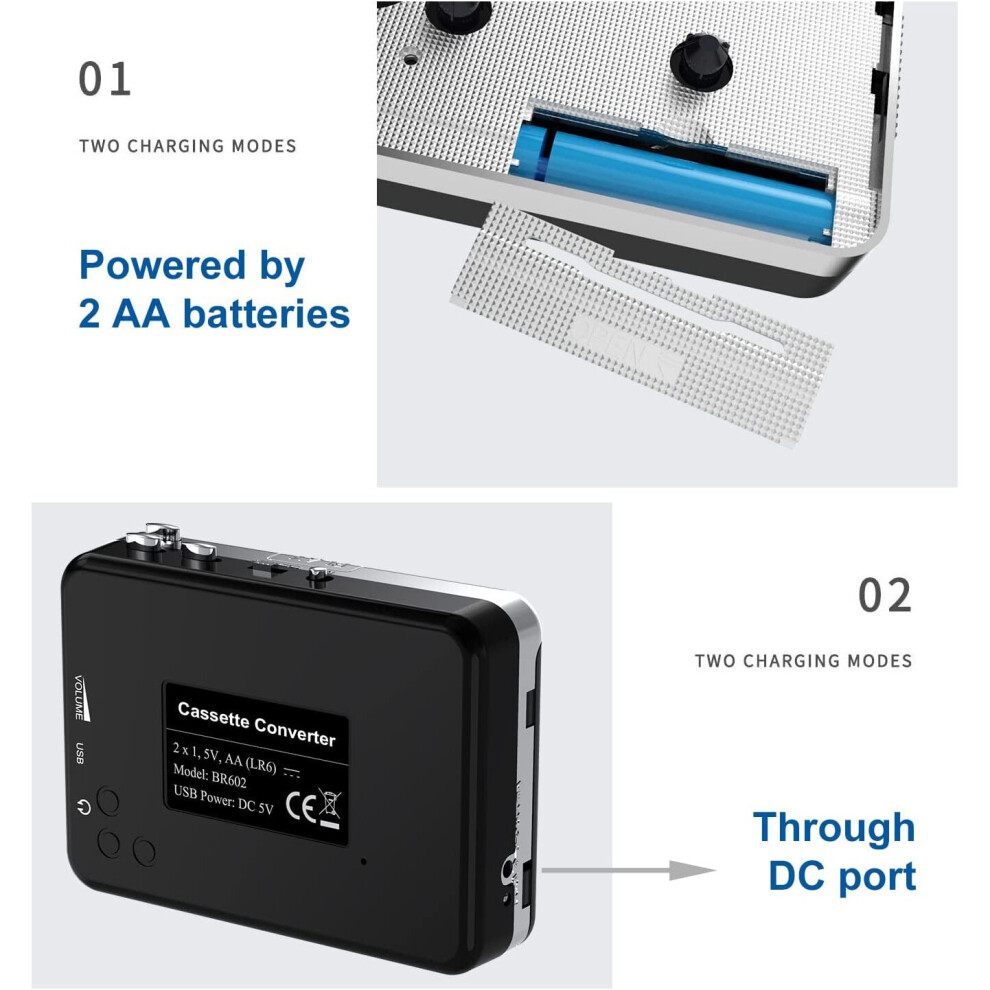
-Flexible battery or USB –powered operation
-Comes with Tape Converter software to guide you through transfer
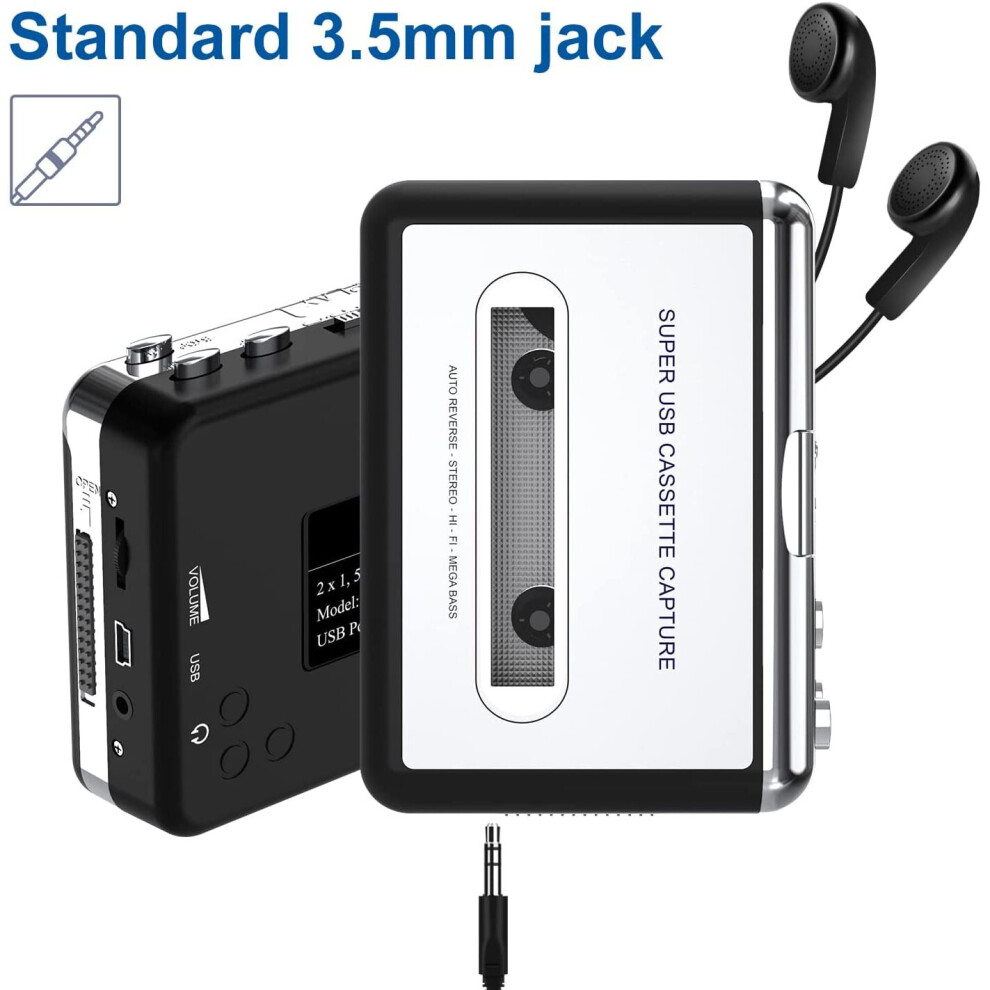
-Audio output enables you to listen on your stereo, Headphones, or another speaker system.
Package included:
1 x Digitnow USB Portable Cassette to MP3 Converter
1 x Mini CD
1 x User manual
1 x USB cable
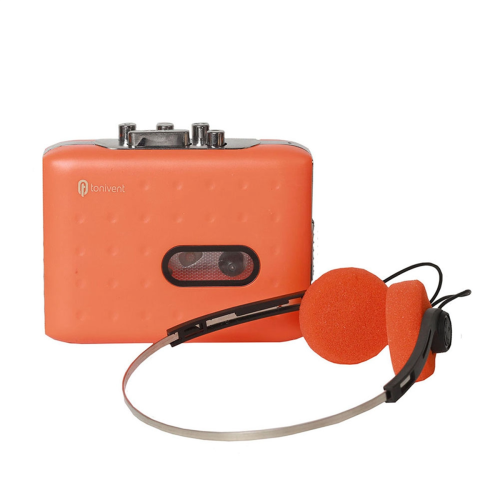
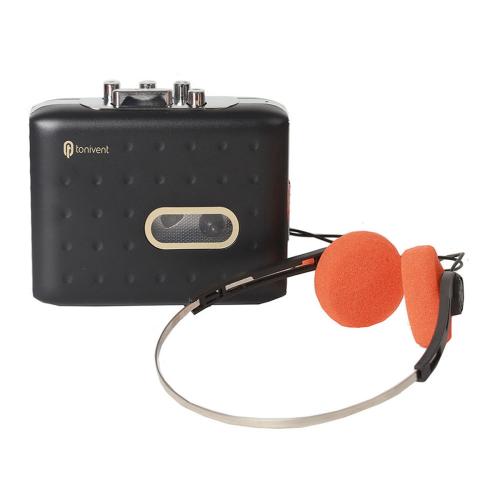
1 x Earphones
Pls note: this item has no speakers, you can enjoy your music with the headphone
-Rediscover your cassette tapes on the go
-Convert your mix tapes and cassette to MP3 to Playback on MP3 player or burn to CD
-Portable design fits in virtually any bag and enables you to play and transfer anywhere
-Flexible battery or USB-powered operation
-Comes with tape converter software to guide you through transfer
-Audi0o output enables you to listen on your stereo, headphones, or another speaker system
Missing thing is nice, tape recording notes nice moment, the tape is kept because there's our most valuable memory and most precious music. Now we can shift it into MP3 to store in USB flash disk and MPS player, loudspeaker box, other digital device and computer, simple and fast, but precious thing and move are less. Waken your old tape in your home! You can learn English with your small partner; you can remind the old of small things in the last century like yesterday; bring a chance for memory and move!
Hardware Installation
The Audio Capture device doesn't need any driver installation, Windows OS will install the driver automatically. Please connect audio capture USB connector into your computer's free USB2.0 port. The system will note "Found new hardware." Please wait for a Moment until system will note "The device is ready to use". Please check hardware installing correctly.
Right click "My Computer" and select "Properties", and select "Hardware"
Option, please click "Device Manager" key Then, please click "Sound, video and game controllers", then you will find the Device name –"USB Audio Device"
Software Installation
Maybe you need to pull the audio capture device and plug it into your computer again.
A, Double click "audacity" icon on your computer's desktop, please select your Language first, then click "OK"
1. Please click "Edit" key on the software panel, and select "Preferences".
2. Please select the recording device to be "USB Audio Device", and channels to Be "2(Stereo)".And select "Play other tracks while recording new one" and "Software Playthrough (Play new track while Recording it)", then click "OK"
Software Using
Now, we start to record analog audio to be digital MP3 format file.
Please click the red record key to start recording the audio that you wanted. And when You want to finish, please click the yellow stop key.
At the First time, we need to do more steps if we want to export as MP3 file.
Click "File", and select "Export As MP3"
You need to give one file name and location now.
Maybe you still need to write some information.
Now, you can get MP3 file through your analogue audio device.
You can use the file for your iPod by iTunes.
Details
| OPC | P9V87DW |
|---|---|
| Brand | Digitnow |
| Codes | 0768461566731 (EAN) |
| 768461566731 (UPC) | |
| Rank | Hot |
Detailed Product Information
| Weight | 173.3g |
|---|---|
| Height | 2.8cm |
| Length | 10.9cm |
| Width | 7.9cm |
| Weight | 173.3g |
| Height | 2.8cm |
| Length | 10.9cm |
| Width | 7.9cm |
| Weight | 173.3g |
| Height | 2.8cm |
| Length | 10.9cm |
| Width | 7.9cm |
| Seller | Ratings | Warranty | Returns | Price | Delivery | Total | Quantity |
|---|---|---|---|---|---|---|---|
| (462 reviews) | 12 months |
30 Days
Free Returns No
|
£19.99
|
+Fast & Free Delivery
Est. Delivery:
4th-5th Dec
|
£19.99
|
All OnBuy Reviews are Verified Reviews
Earn as you shop with instant Cashback on everything.
No catch, no cost
Become a Cashback VIP
Just 1 purchase unlocks bigger deals & rates
You'll only get instant Cashback at OnBuy! Enter your email below and we'll send you a copy of your basket to save you time later.
By entering your email address, you'll automatically be added to our database, where you can enjoy personalised Cashback offers and early access to our best deals. You can opt out of our emails at any time and we'll never share your details with anyone. Check our Privacy Policy and T&Cs to find out more.
Want access to personalised offers and the highest Cashback rates? Sign up to our emails below.
You can opt out of our emails at any time and we'll never share your details with anyone. Check our Privacy Policy and T&Cs to find out more.
This page has expired.
Refresh and continue