





















Product Images






Hurry only 1 left
Smart shoppers OnBuy it!
Interest-free payment options available


See full product description & details
Delivery: Standard (Free) | Mon 20th - Wed 22nd Jul
Returns: 30 days
180-day payment protection

Summary
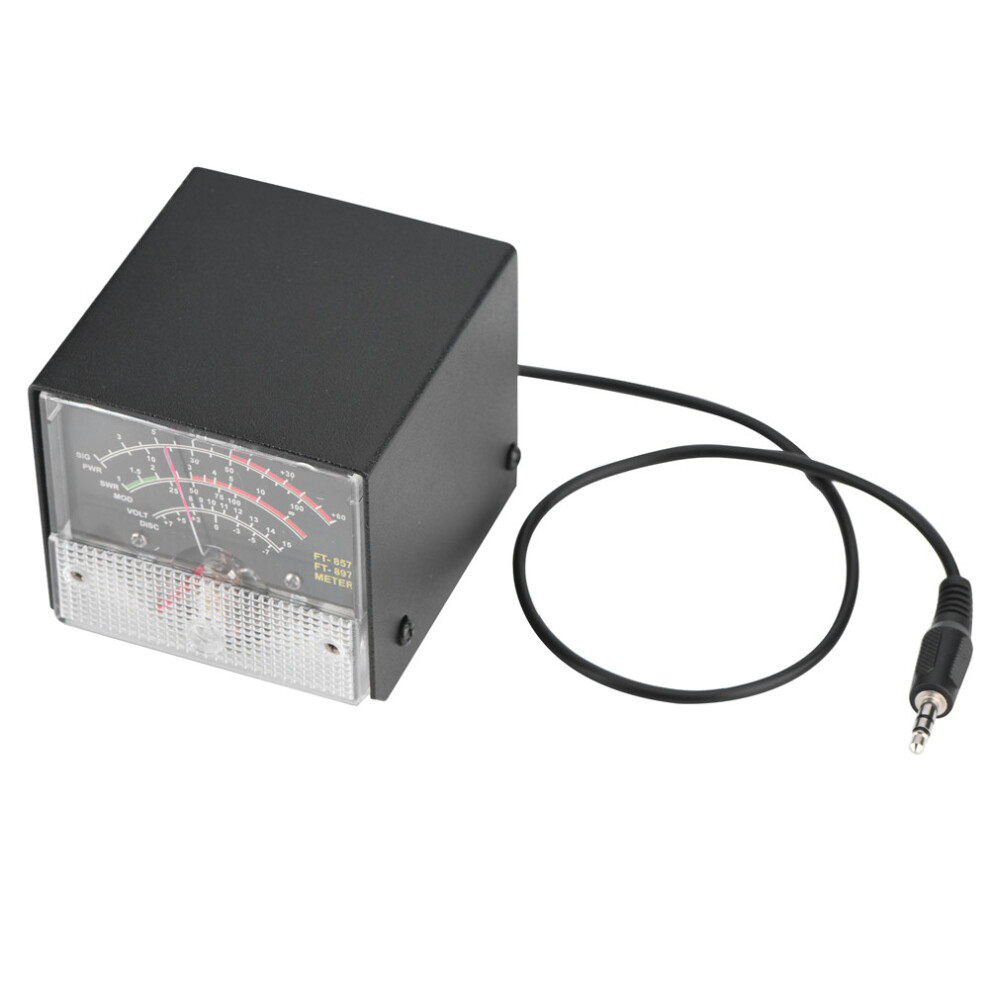
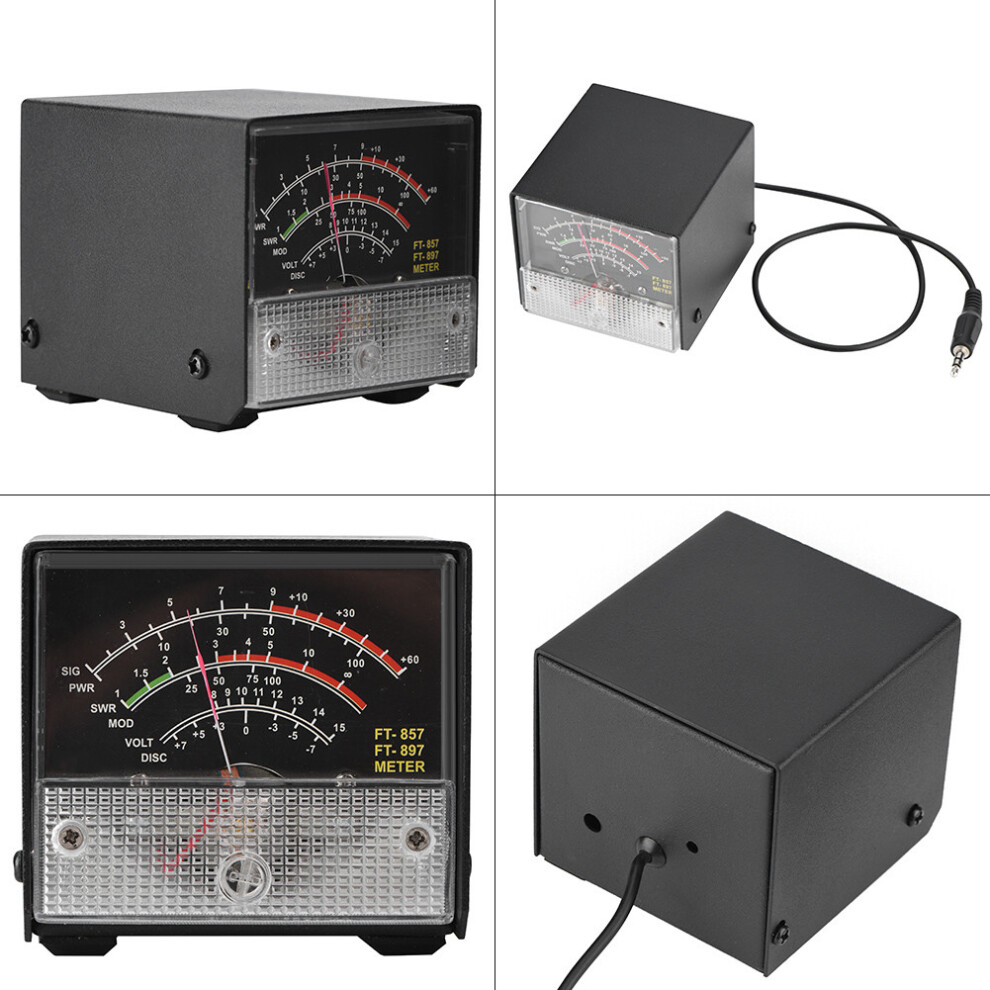
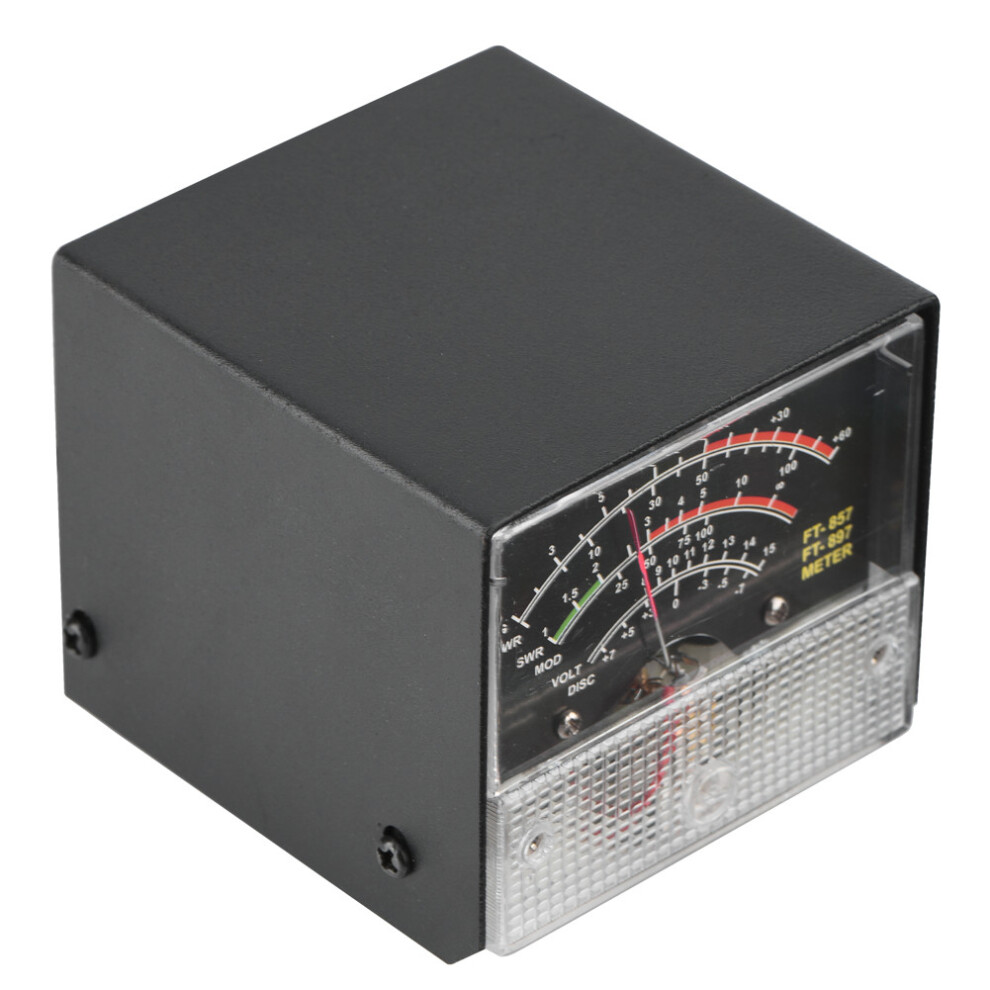
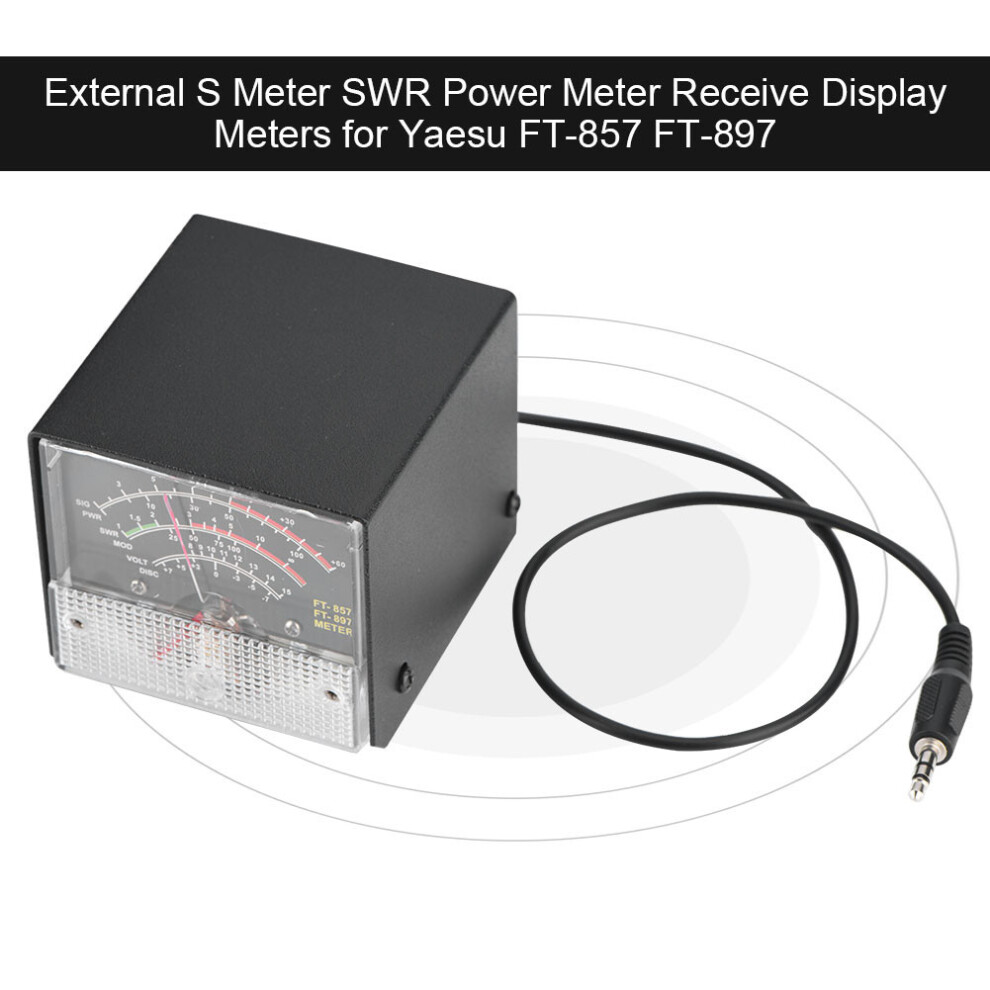
External S Meter SWR Power Meter Receive Display Meters for Yaesu FT-857/FT-897
Description:
This external multi-function expansion meter can only be applied for Yaesu FT-857D and for FT-897. With its and super stability can effectively detect and understand your Yaesu FT-857, for FT-897 and improve your work efficiency.
Features:
High performance and super stability.
Only be applied for Yaesu FT-857D and for FT-897.
Clearly displays The automatic level control voltage, modulation level, standing wave ratio and supply voltage.
and excellent durability.
Easy to operate.
Specifications:
Weight: 300g
Size: 6.7*7*6cm
Line length: 37cm
Colour: Black
Package List:
1 * External S Meter Display Meters for Yaesu FT-857/FT-897
FT-857D& FT-897D external header display setting method:
Receive Display Settings
1. press (FUNC) key to enter the setup menu, enable the extended menu.
2. rotate (SELECT) to call up the setup menu item No-061(MTR ARX SEL).
3. rotate (DIAL) to select an external instrument display:
-SIG: the input signal strength display
-CTR: Discriminator Center Meter
-VLT: battery voltage
-N / A: blank
-FS: buckle in the instrument 1mA full scale output signal calibration standard external instruments
-OFF: Turn off the meter.
4. press (FUNC) button to save the settings and exit the setup menu.
Emission Display Settings
1. press (FUNC) key to enter the setup menu, enable the extended menu.
2. rotate (SELECT) to call up the setup menu item No-061 (MTR ARX SEL).
3. rotate (DIAL) to select an external instrument display:
-PWR: transmit power display
-ALC: Automatic Level Control voltage display
-MOD: Modulation Level Display
-SWR: SWR display
-VLT: Display Supply Voltage
-N / A: blank
-OFF: Turn off the meter.
Calibration method is as follows
1. press (FUNC) key to enter the setup menu, enable the extended menu.
2. rotate (SELECT) to call up the setup menu item No-060 (MTR ARX SEL).
3. rotate (DIAL) to select FS.
4. with a small flathead screwdriver to adjust the calibration adjustment hole rear, so the header pointer to full scale.
5. the calibration is complete!
If you can not find the numbers 60, 61 menu, is this two radio hidden menu. Long press the F key to open the menu settings, the 1st menu set to ON, press the F key to open the exit to save the hidden menu.
Note:
The instrument has been calibrated delivery, but do not preclude the bumps transit results in a static pointer is not zero, in this case the instrument can be adjusted at the mask-side self-zeroing screws appear black.
Details
| OPC | PKYJ6GX |
|---|---|
| Codes | 7891352183878 (EAN) |
| Seller | Ratings | Warranty | Returns | Price | Delivery | Total | Quantity |
|---|---|---|---|---|---|---|---|
| (1 review) | - |
30 Days
Free Returns No
|
£22.51
|
+Free Delivery
Est. Delivery:
20th-22nd Jul
|
£22.51
|
Earn as you shop with instant Cashback on everything.
No catch, no cost
Become a Cashback VIP
Just 1 purchase unlocks bigger deals & rates
Wait! You've left
something behind...
You'll only get instant Cashback at OnBuy! Enter your email below and we'll send you a copy of your basket to save you time later.
No thanks, I'm alright for now
By entering your email address, you'll automatically be added to our database, where you can enjoy personalised Cashback offers and early access to our best deals. You can opt out of our emails at any time and we'll never share your details with anyone. Check our Privacy Policy and T&Cs to find out more.
Before you go...
Remember, you'll only get instant Cashback on everything at OnBuy!
Want access to personalised offers and the highest Cashback rates? Sign up to our emails below.
No thanks, I'm alright for now
You can opt out of our emails at any time and we'll never share your details with anyone. Check our Privacy Policy and T&Cs to find out more.