























Product Images



In stock
Smart shoppers OnBuy it!
Interest-free payment options available


See full product description & details
Delivery: Standard (Free) | Thu 12th - Tue 17th Nov
Returns: 30 days
180-day payment protection

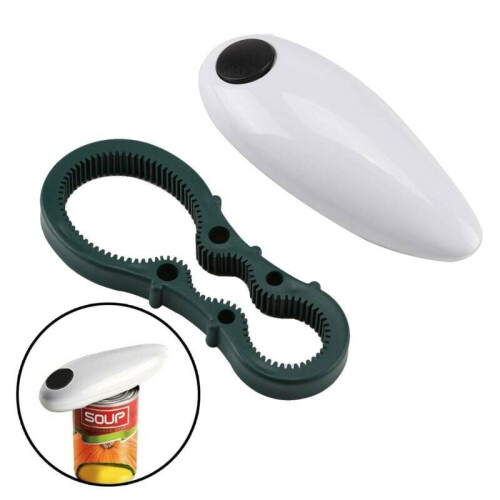
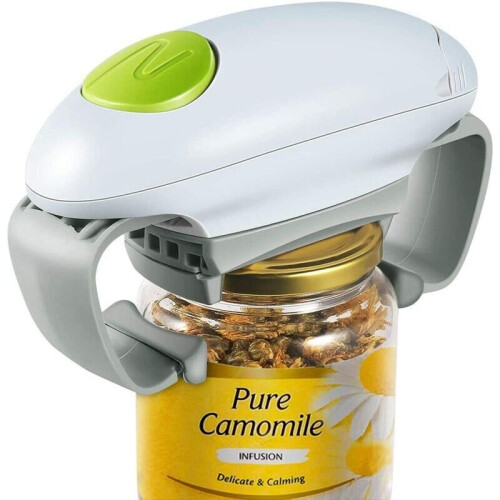
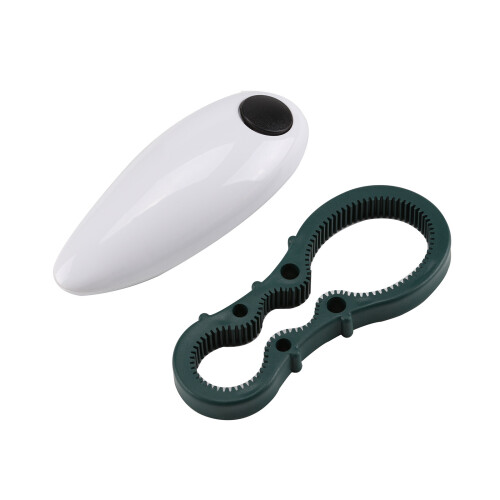
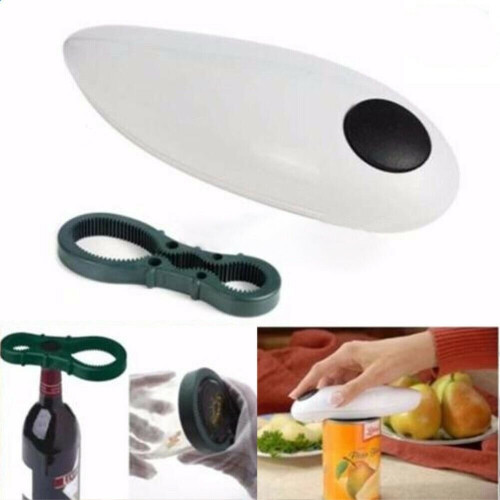

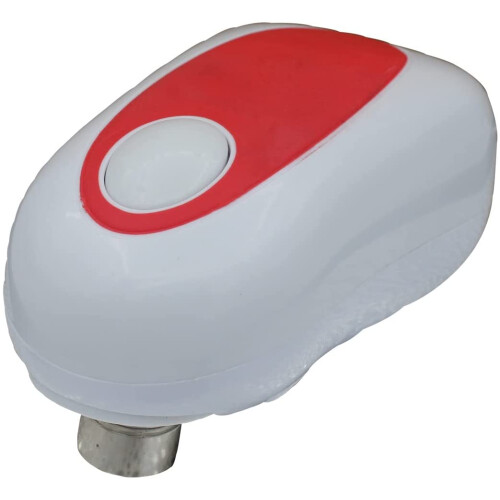
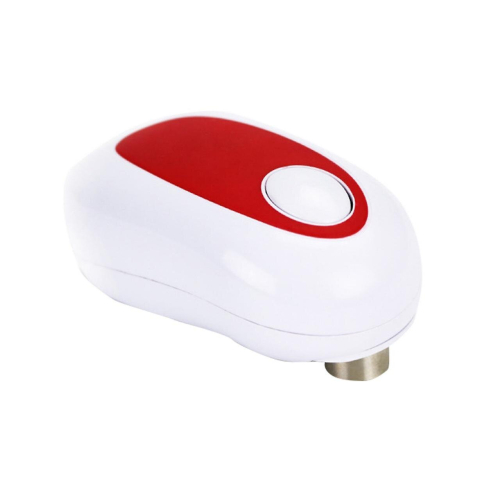
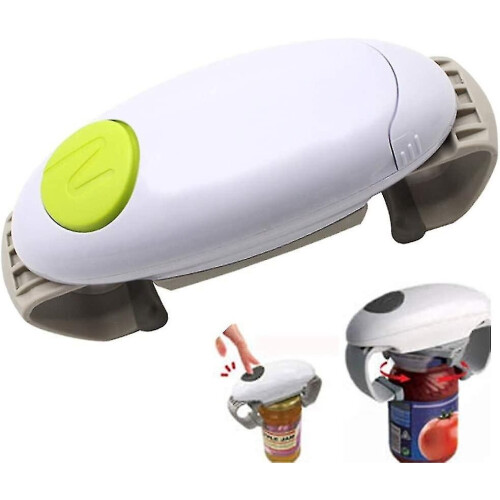
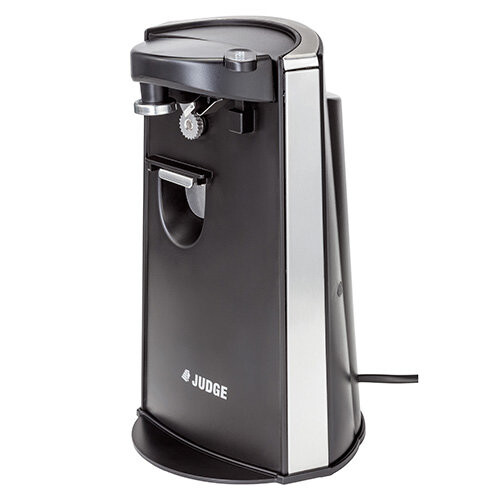

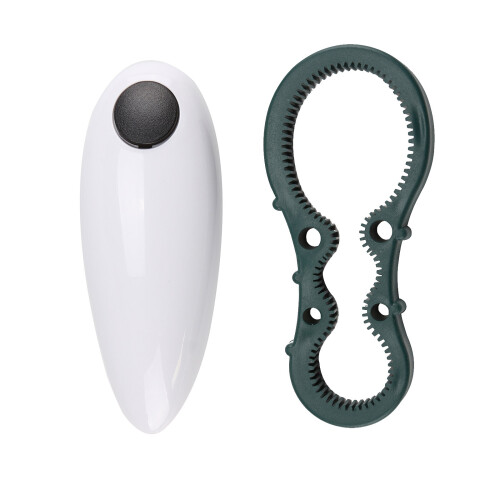
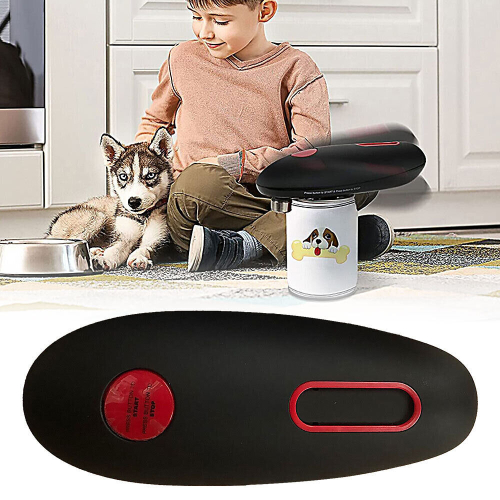
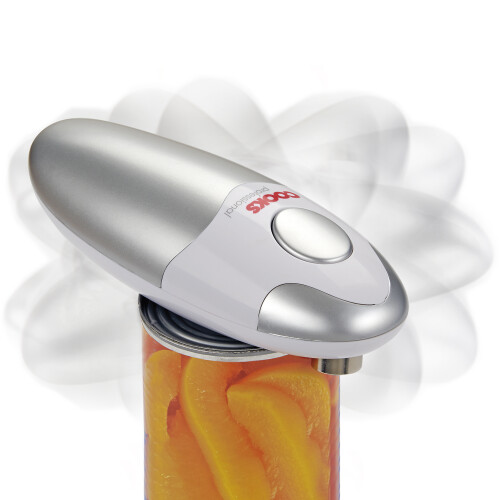


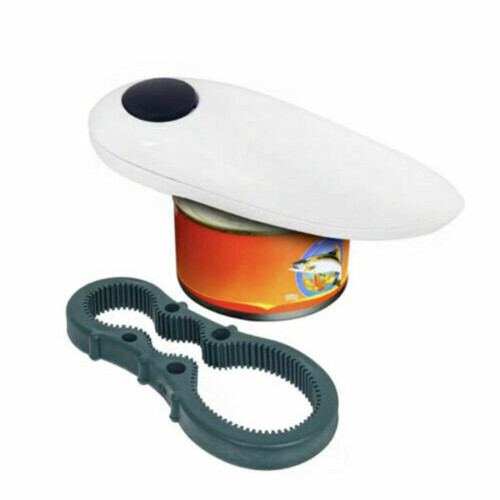
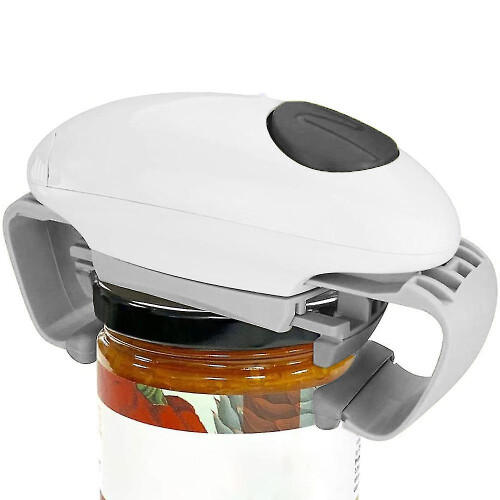
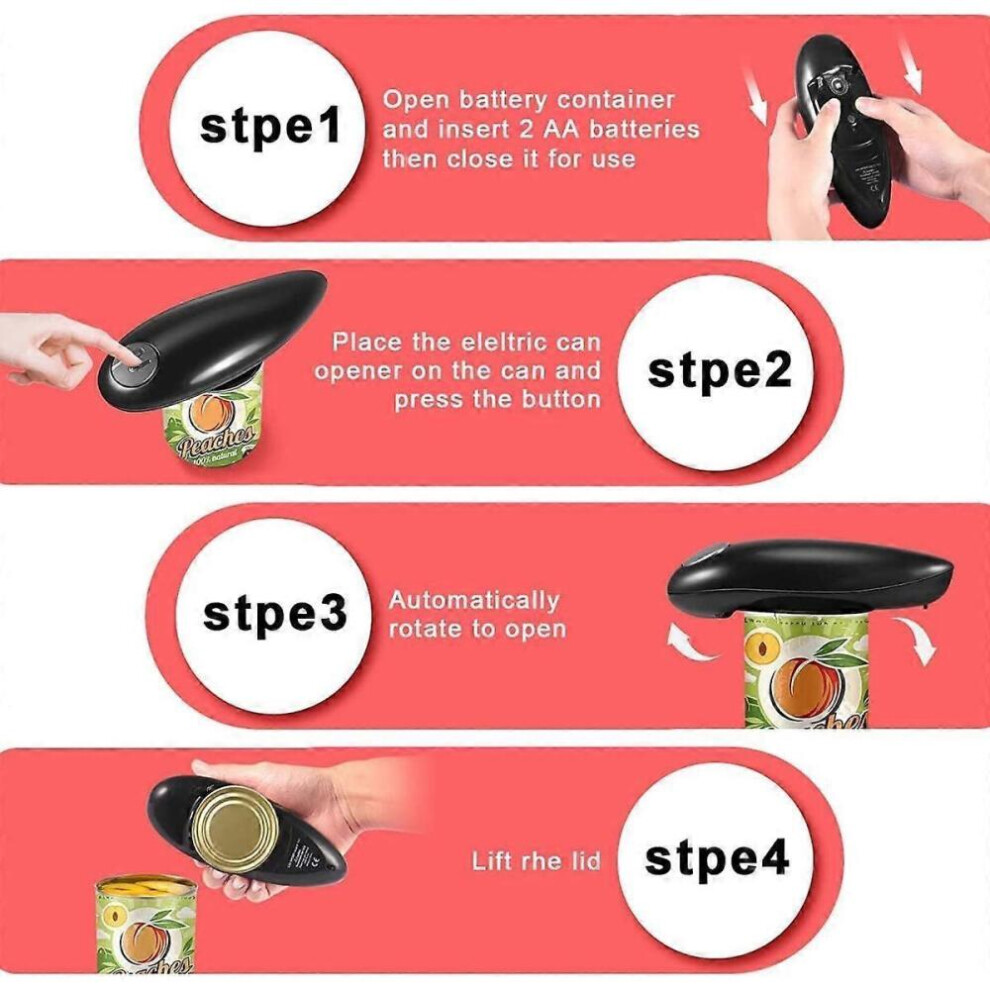
One-touch automatic can opener opens can save time and effort only need to insert two 2AA batteries(not included). You don't need to waste time and effort opening the cans.
Our electric can opener uses unique blade technology when opening the can, the outer ring is cut, leaving no sharp edges, after the can is opened, there is a magnet to attract the lid, and it will not fall into the food to ensure food safety.
The can opener electric opens almost size cans (excluding square and borderless rows). The electric can opener automatically cuts the can 360\u00B0 along the can lid.
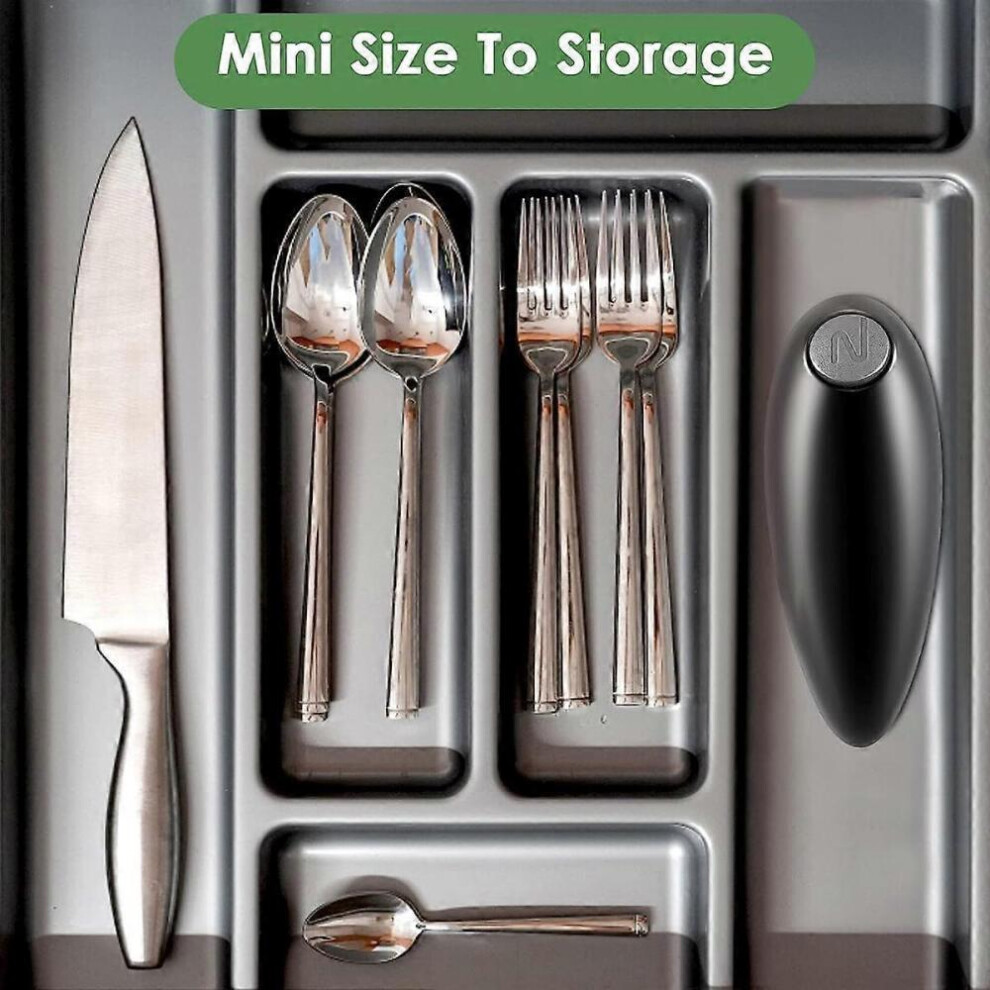
The automatic can opener's compact design allows you to open the can with one hand. Our electric can opener is specially designed for the elderly, arthritic patients, and the disabled, as well as the disadvantaged, and is a gift for relatives and friends, Our electric can opener is easy to disassemble, easy to clean, compact saves space can be placed in drawers and other places is portable for outdoor use kitchen gadgets can opener is electric with low noise when opening cans, and a quiet motor.
How to operate an electric can opener?
\u2460. Place the Can Opener on top of the can with its rim positioned in the groove between the Cutter and the Drive Wheel.
\u2461. With the can on a flat surface, press the electric can opener button for about one second and release, then the Can Opener will start cutting the side of the can.
\u2462. When the cutting has been completed, press the can opener button immediately to reverse the cutter.
\u2463. Make sure that the cutter resets to the start position and the motor stops. Then, lift the can opener off the can.
How to open the can opener battery back cover:
\u2460. Point the back of the can opener to someone and hold the can opener with both hands
\u2461. Two thumbs side by side on the back of the can opener
\u2462. Slide your thumb down hard
\u2463. Open the battery cover and insert the battery.
Warm tips:
\u2460. If the battery is exhausted, pressing the button may not release the jar. Remember to replace the battery.
\u2461. If the can is stuck, press the black button at the end of the can opener. Rotate it in the opposite direction to release the can.
\u2462. If the can opener is stuck on the can, you need to press the metal button to restore the blade
\u2463. Jars with heavy seams and uneven edges may block the can opener. If this happens, follow the steps above to release the canister
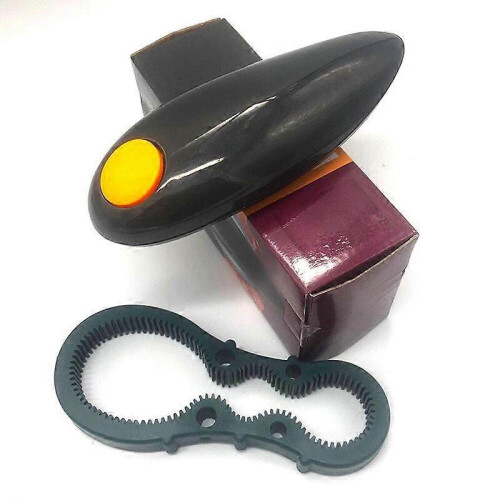
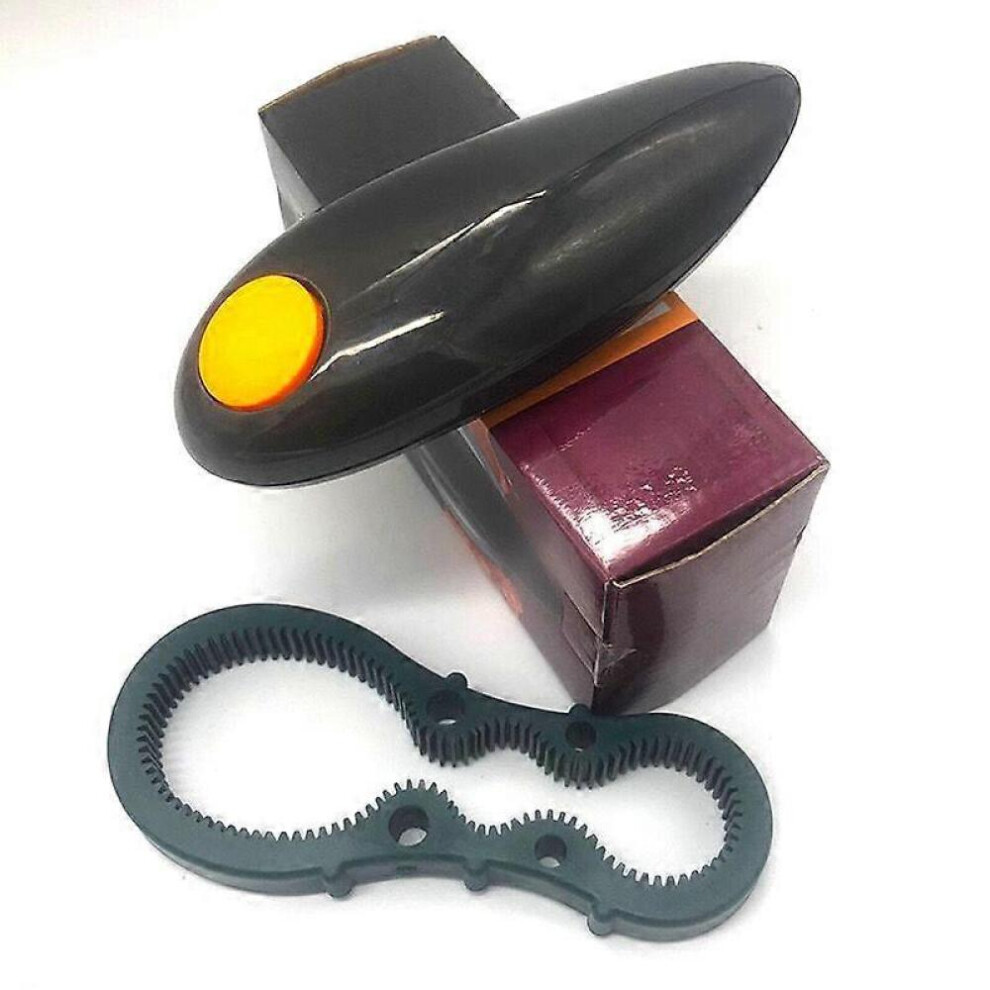
color:black
Details
| OPC | PPKCWHY |
|---|---|
| Codes | 8472608262531 (EAN) |
| Seller | Ratings | Warranty | Returns | Price | Delivery | Total | Quantity |
|---|---|---|---|---|---|---|---|
|
Dispatched from:

|
(2 reviews) | - |
30 Days
Free Returns No
|
£19.99
|
+Free Delivery
Est. Delivery:
12th-17th Nov
|
£19.99
|
Earn as you shop with instant Cashback on everything.
No catch, no cost
Become a Cashback VIP
Just 1 purchase unlocks bigger deals & rates
You'll only get instant Cashback at OnBuy! Enter your email below and we'll send you a copy of your basket to save you time later.
By entering your email address, you'll automatically be added to our database, where you can enjoy personalised Cashback offers and early access to our best deals. You can opt out of our emails at any time and we'll never share your details with anyone. Check our Privacy Policy and T&Cs to find out more.
Want access to personalised offers and the highest Cashback rates? Sign up to our emails below.
You can opt out of our emails at any time and we'll never share your details with anyone. Check our Privacy Policy and T&Cs to find out more.
This page has expired.
Refresh and continue