


Product Images

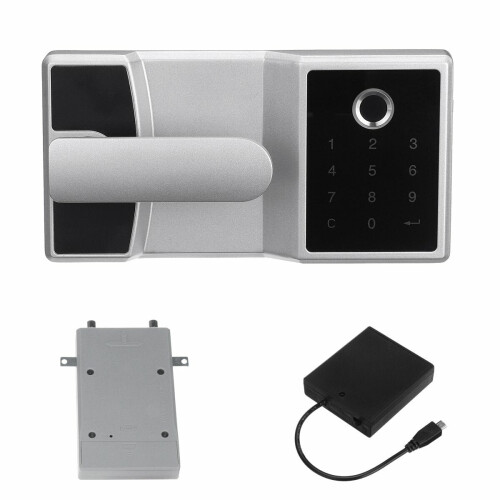
Sorry, this item is temporarily out of stock.


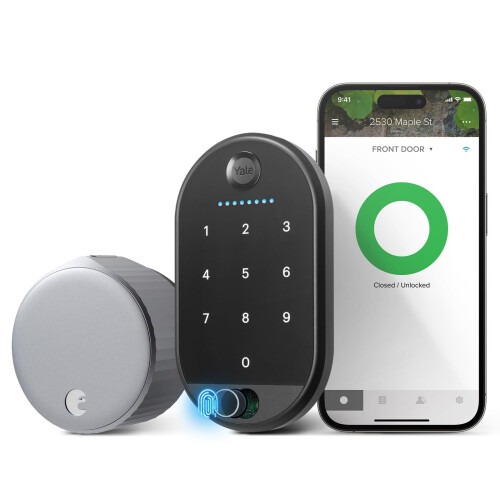


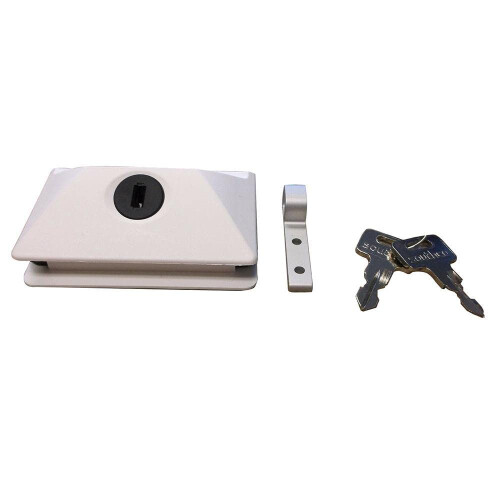


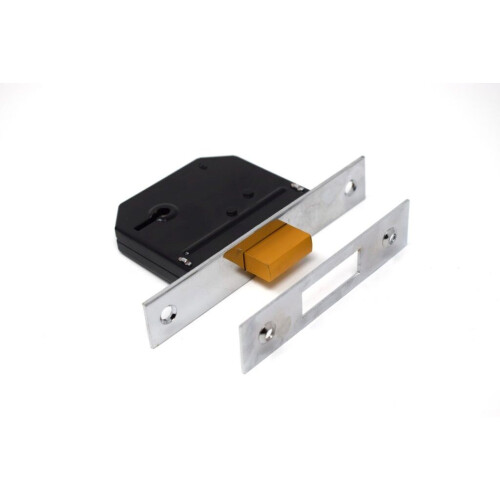


Would you like us to let you know when it's back?
Electronic Digital Lock Fingerprint Password Home Door Security Lock Cabinet Cash Box.
Features:
-Smart fingerprint password digital door lock.
-Fine workmanship and stable performance.
-Easy to install. Convenient and durable to use.
-Fit for file cabinet, drawer cabinet, wooden cabinet (not suitable for safety box, its too hard to install).
Light Indicator:
-Red light on: indicates alarm, error, low-voltage.
-Blue light on: indicates unlocking, the configuration is successful.
Operating Instruction:
A) Unlocking:
Enter 4-15 digits of the latest password you have modified, press key to unlock. If you have not modified the password, please enter the factory user password 1111. When the blue light is on, pull the cabinet door outward to unlock.
B) Locking:
When you put in the required items, push the cabinet door to the closed state.
C) Key Setting:
a) Manage password setting:
The manage password consists of 4-15 digits.
Modification method: long press password confirmation key for 5 seconds, the blue light flashes, input the old management password, press the password confirmation key to confirm, after a beep sound, enter the new management password, press the password confirmation key to confirm, two beep sound indicate that the new management password has been modified successfully.
b) User password setting:
The user password consists of 4-15 digits.
Modification method: press password confirmation key for twice in succession, the blue light will flash, input the old user password, press the password confirmation key to confirm, after a beep sound, enter the new user password, press the password confirmation key to confirm, two beep sound indicate that the new user password has been modified successfully.
D) Fingerprint Setting:
a) Add fingerprint: input C, 0, when the blue light is flashing, input the management password, and then confirm with the password confirmation key. when the blue light is flashing, put the same finger into the fingerprint acquisition area for 4 consecutive times.
b) Delete fingerprint: input C, 1, when the blue light is flashing, enter the management password, and then confirm with the password confirmation key. At this time, all fingerprint are deleted.
E) High Safety Mode:
a) Set high safety mode: input C, 2, when blue light flashes, enter management password, and then confirm with the password confirmation key.
b) Delete high safety mode: input C, 3, when blue light flashes, enter management password, and then confirm with the password confirmation key.
c) Manage password max. permissions, others need double verification to unlock.
For example, user password + fingerprint 1, fingerprint 1 + fingerprint 2
F) Alarm Function:
When the password is input incorrectly, the red light flashes. If the wrong password is input five times in a row, the main board program will automatically lock for 1 Mixeration key has no response, which can effectively prevent malicious password theft.
G) Low Pressure Alarm:
When the voltage is too low, the red light flashes after the password is input to unlock, and there are four groups of group sound alarms. After the low-voltage alarm, you can unlock the lock about 100 times. It is recommended that you replace the battery as soon as possible.
H) Restore Factory Settings:
Long press the RST on the back of the lock body for 3 seconds, the red light will flash and drop once to restore the factory setting.
Specification:
Color: Silver;
Material: Zinc Alloy;
Voltage: DC 6V;
Fingerprint Capacity: 50;
Working Supply: USB (for emergency supply) / 4x AA Batteries (NOT included);
Factory User Password: 1111;
Factory Management Password: 00000000;
Working Temperature: -25 ~ +55 / -13 ~ +131;
Storage Temperature: -25 ~ +55 / -13 ~ +131;
Working Humidity: 5% ~ 97% RH;
Dimension: 190 x 100 mm / 7.48 x 3.94 in (approx.).
Package Included:
1 x Fingerprint Password Lock (assemble required).
(battery NOT included).
Notice:
- Please allow slight dimension difference due to manual measurement.
- Please consider the actual sizes in the listing as the pictures are generally enlarged to show detail.
- There Mixerence due to the monitor, camera or other factors, please refer to the physical item.
- Due to different producing batches, product details Mixerent. If you Mixerence, please buy it carefully.
Details
| OPC | P9NHNDZ |
|---|---|
| Brand | GreenZech |
| Codes | 3654659227454 (EAN) |
Would you like us to let you know when it's back?
Electronic Digital Lock Fingerprint Password Home Door Security Lock Cabinet Cash Box
You'll only get instant Cashback at OnBuy! Enter your email below and we'll send you a copy of your basket to save you time later.
By entering your email address, you'll automatically be added to our database, where you can enjoy personalised Cashback offers and early access to our best deals. You can opt out of our emails at any time and we'll never share your details with anyone. Check our Privacy Policy and T&Cs to find out more.
Want access to personalised offers and the highest Cashback rates? Sign up to our emails below.
You can opt out of our emails at any time and we'll never share your details with anyone. Check our Privacy Policy and T&Cs to find out more.
This page has expired.
Refresh and continue