






















Product Images




In stock
Smart shoppers OnBuy it!
Interest-free payment options available


See full product description & details
Delivery: Standard (£6.88) | Wed 2nd - Tue 8th Sep
Returns: 30 days
180-day payment protection





Summary
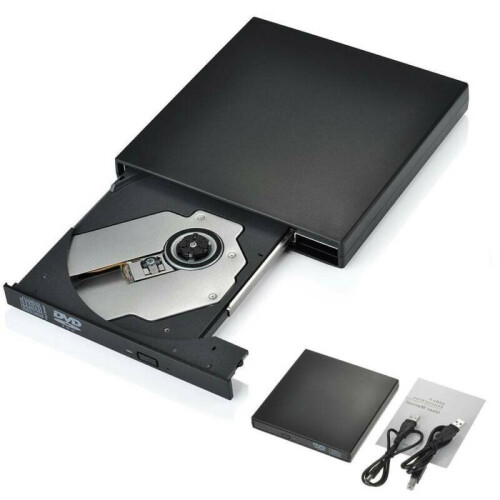
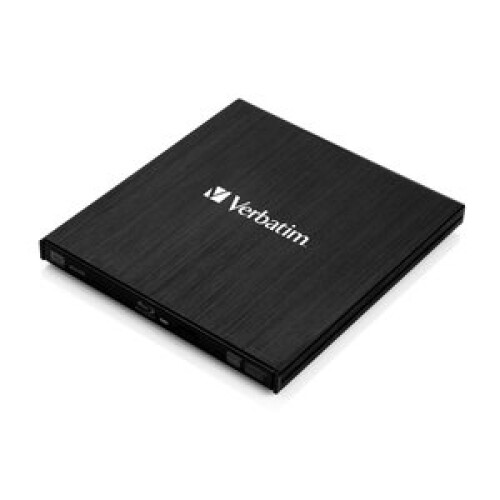
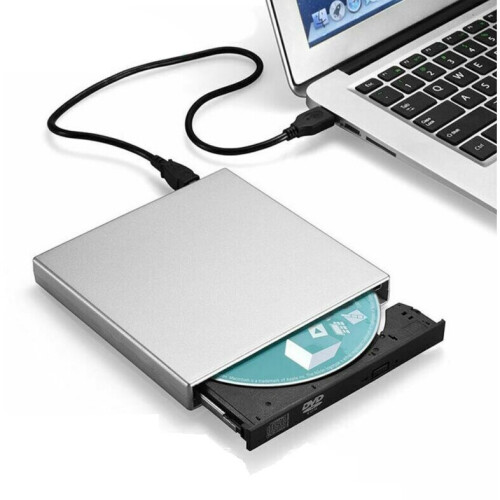
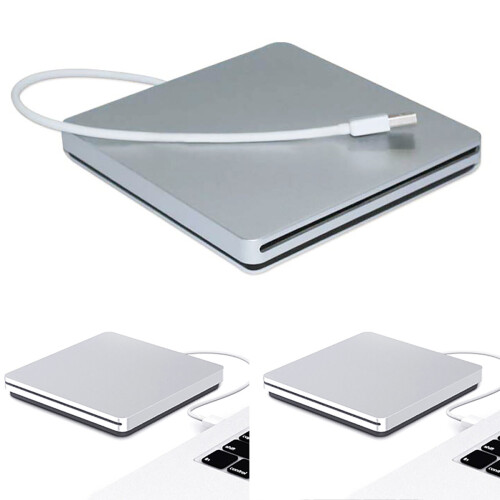
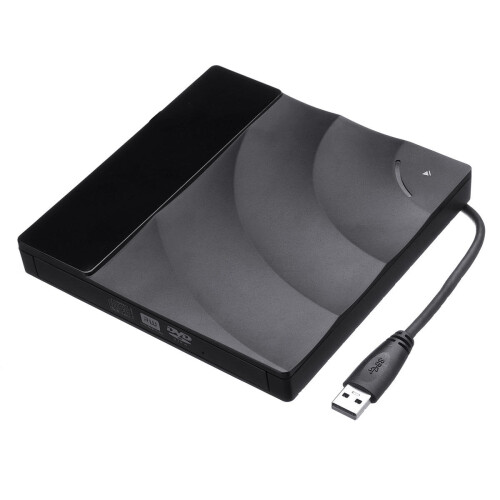
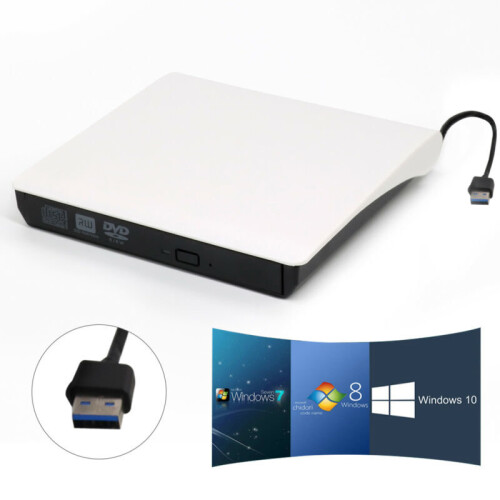
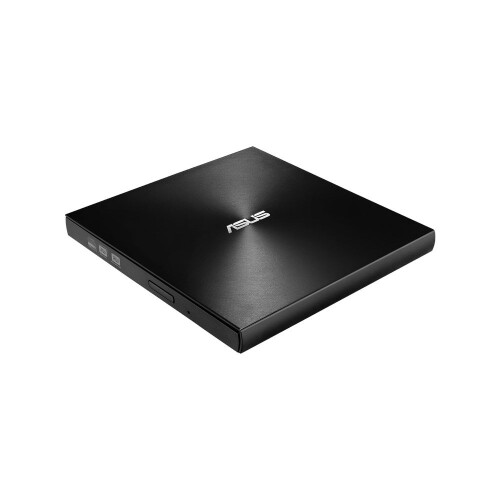
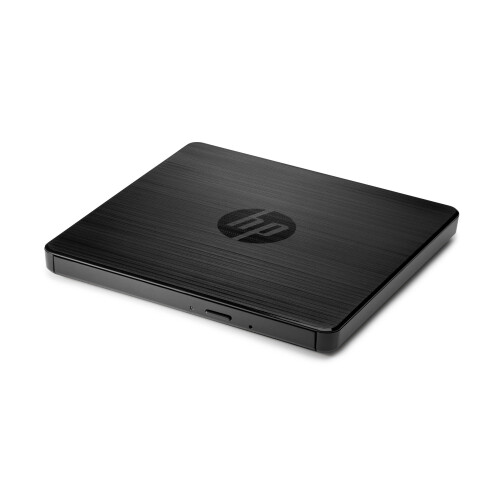
Support 100G Bluray Disc Read & Write:With the upgraded chip performance, the external blu ray drive has a larger storage capacity and a faster reading and recording speed. Blu-ray reading speeds are up to 6x, up to 8x, and CDs up to 24x. Higher stability, faster reaction, stable performance and strong fault tolerance. Give users a better experience.(It is Not compatible for Chromebooks,BD recorders,tablet iPads, tablets, , projectors, smartphones, and cars.)
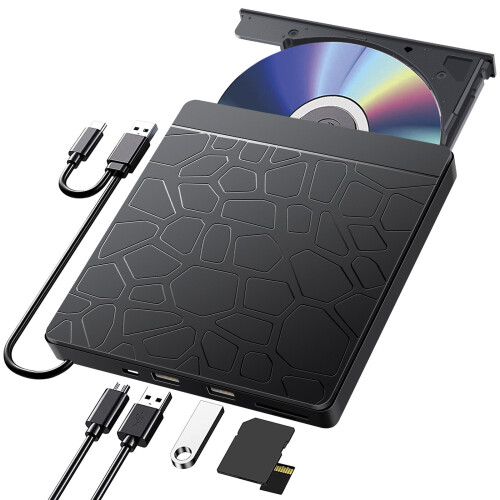
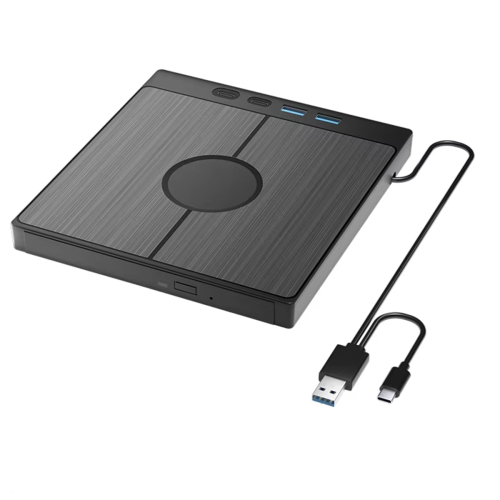
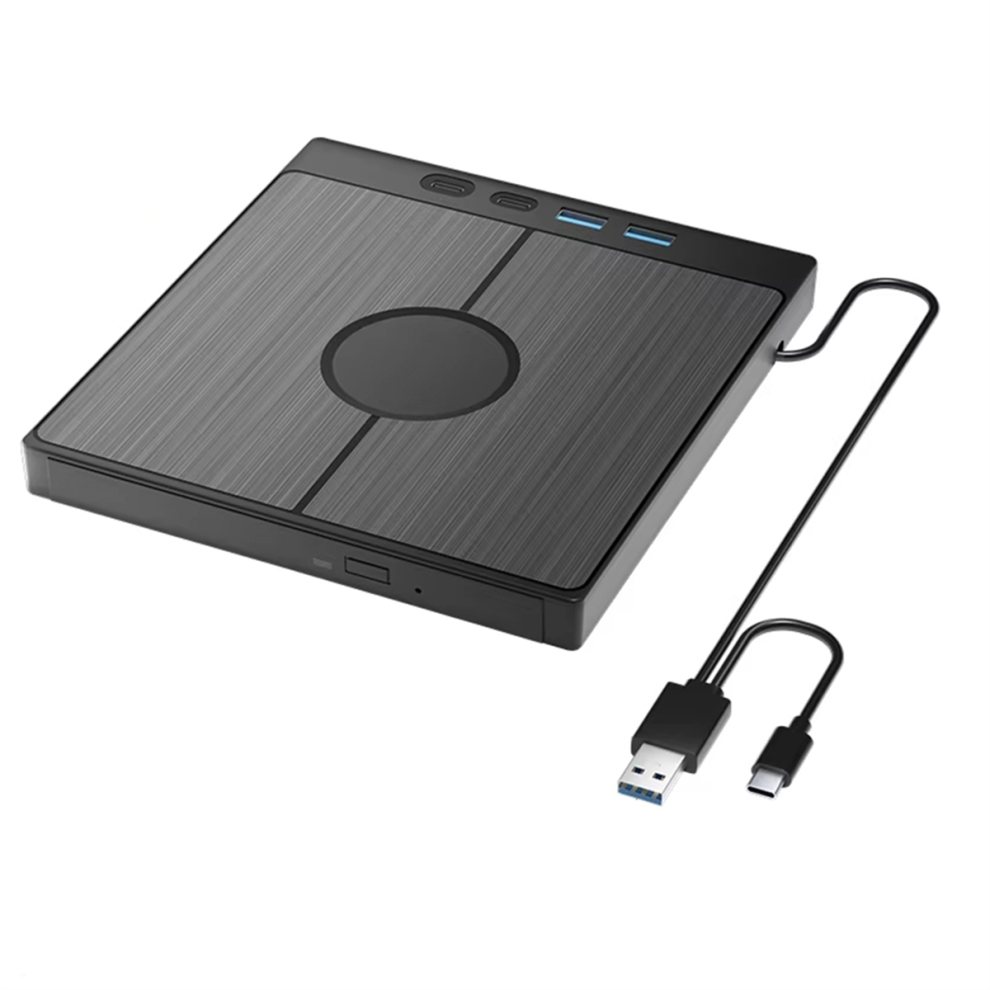
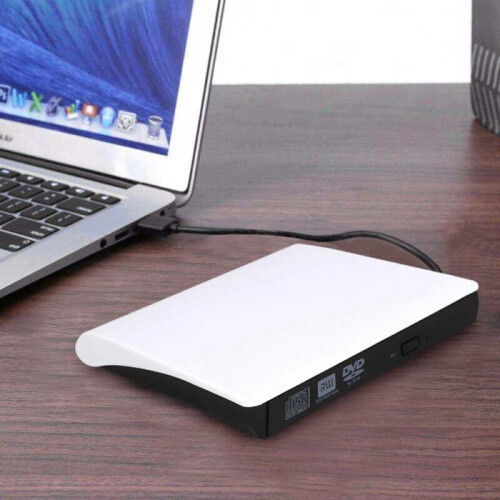
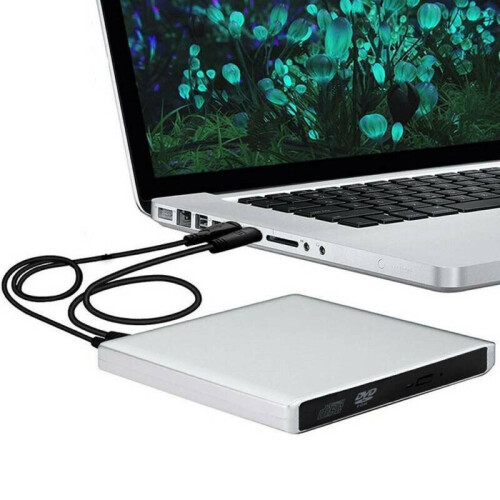
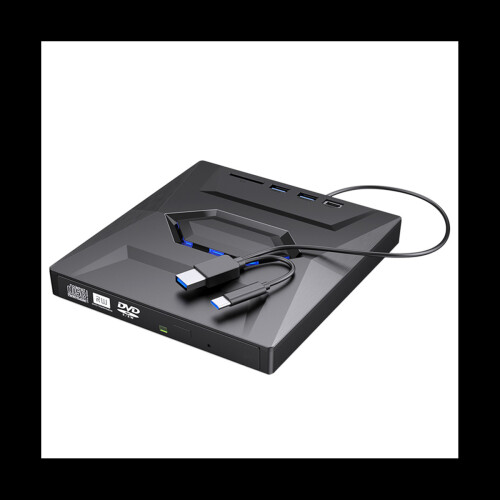
Multifunction: This external Bluray drive offers versatile features. It has 1 SD card slot, 1 TF card slot, 1 USB 3.0 ports and 3 USB 2.0 ports for data transfer or charging purposes. It supports reading BD/DVD/CD discs and writing BD/DVD/CD discs. You can easily copy music, , and data files from SD cards, TF cards, or through the USB/Type-C ports to your computer.
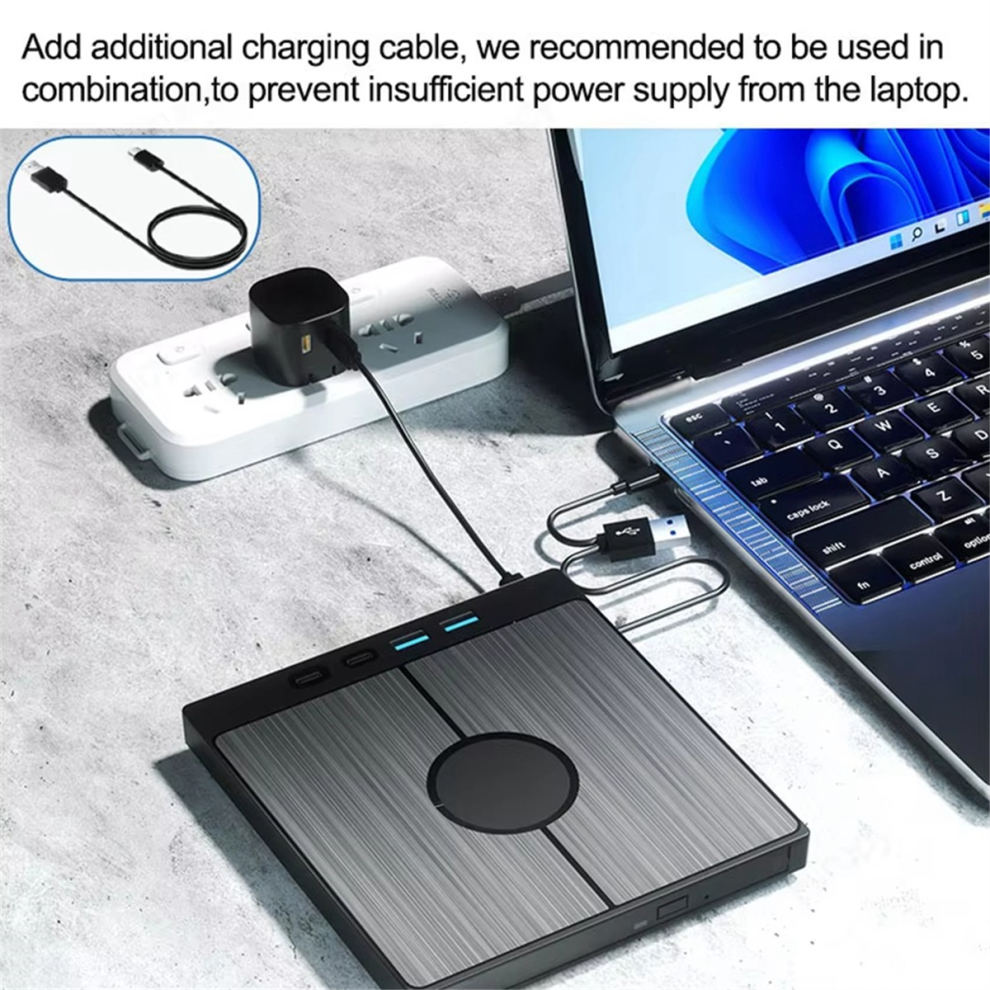
High-definition Video and Audio Recording: This external luray drive is easy to use and requires no external drivers. It can be powered by a single USB cable, and its body features an eject button for convenient disc loading. Simply the eject button and insert the disc, then plug the external bluray burner into your computer's USB interface.
that the playback software on your computer supports the bluray format. You can download the " BD&3D Advisor" tool to test compatibility. We recommend using professional bluray software like PowerDVD and Macgo Blu-ray Player to enjoy this product. (Please note that Bluray player software is not included).
About Bluray software: This external bluray DVD reader needs to download the bluray player software itself before it can read bluray DVD. Some software and for OS are not compatible,please make sure bluray playback software is compatible with your computer system.(Recommendations are as follows: Macgo blu-ray Player for OS. PowerDVD for . Blu-ray Master is free system.)
You can also transfer files from a Blu-ray player to an SD card, USB hard drive,or USB flash drive.(Please note that the SD card and TF card cannot be used simultaneously; you can only choose one at a time.However,both of them can function simultaneously with the 2 USB ports)
About Region codes:
An error may occur when playing a disc with a region code setting differentthan that of . To avoid the error,or to set the region code for thedriveto a different region code.Please follow this procedure to change the region code. Please be noted that the region code can only be changed five(5) times, including the initial setting. Please be aware that the fifth change becomespermanent. Therefore,avoid changing the region code unless absolutelynecessary. This procedure must be performed while logged in as Administrator or toanaccount with Administrator rights. A disc of the region being must bein this drive to complete the region code setting change.
The steps of changing the region codes: 1. Right-click My Computer and click Properties. 2. Click Hardware. 3. Click Device Manager. 4. Expand DVD/CD-ROM drives and select the optical drive. 5. Click Action and select Properties. 6. Select the DVD Region.
Different factory batches may have slight differences in appearance and silk screen printing,which not affect the use.
Colour:Black-Gray
Material:ABS
Package Contents:
1 * Blue ray External Optical Drive
Only the above package content, other products are not included.
Note: Light reflection and different displays may cause the color of the item in the picture a little different from the real thing. The measurement allowed error is +/- 1-3cm.
Details
| OPC | PJYYZMG |
|---|---|
| Codes | 4852077410659 (EAN) |
| Seller | Ratings | Warranty | Returns | Price | Delivery | Total | Quantity |
|---|---|---|---|---|---|---|---|
|
Dispatched from:

|
(88 reviews) | - |
30 Days
Free Returns No
|
£44.53
|
+£6.88 Delivery
Est. Delivery:
2nd-8th Sep
|
£51.40
|
Earn as you shop with instant Cashback on everything.
No catch, no cost
Become a Cashback VIP
Just 1 purchase unlocks bigger deals & rates
You'll only get instant Cashback at OnBuy! Enter your email below and we'll send you a copy of your basket to save you time later.
By entering your email address, you'll automatically be added to our database, where you can enjoy personalised Cashback offers and early access to our best deals. You can opt out of our emails at any time and we'll never share your details with anyone. Check our Privacy Policy and T&Cs to find out more.
Want access to personalised offers and the highest Cashback rates? Sign up to our emails below.
You can opt out of our emails at any time and we'll never share your details with anyone. Check our Privacy Policy and T&Cs to find out more.
This page has expired.
Refresh and continue