





















Product Images


Hurry only 1 left
Smart shoppers OnBuy it!
Interest-free payment options available


See full product description & details
Delivery: Standard (Free) | Mon 20th - Wed 22nd Jul
Returns: 30 days
180-day payment protection


Summary
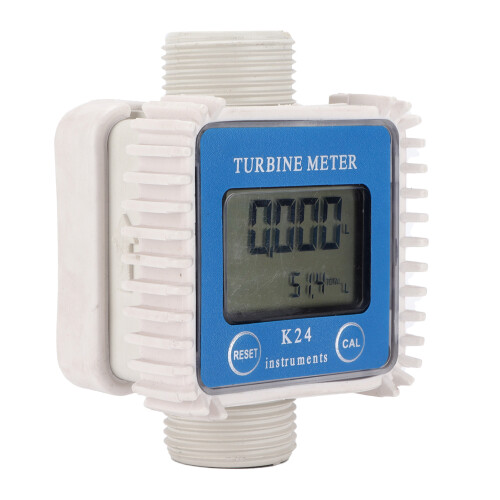
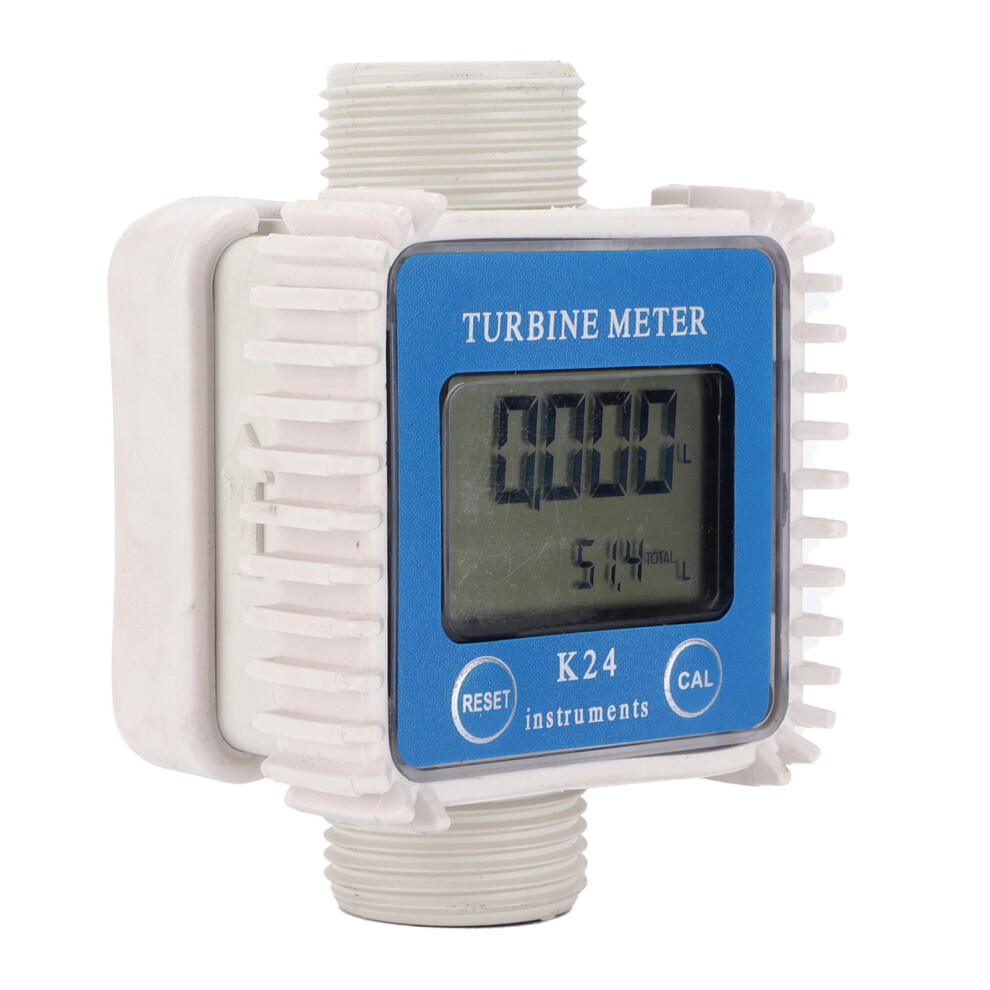
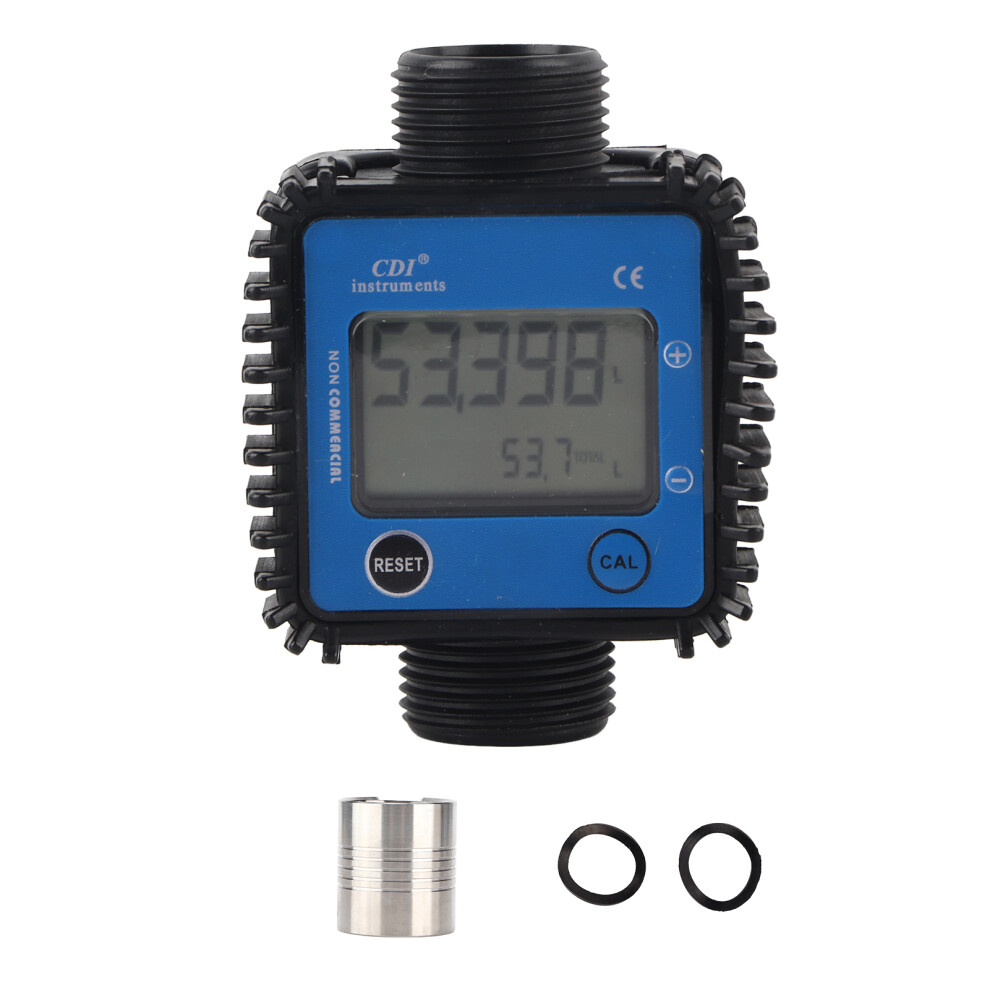
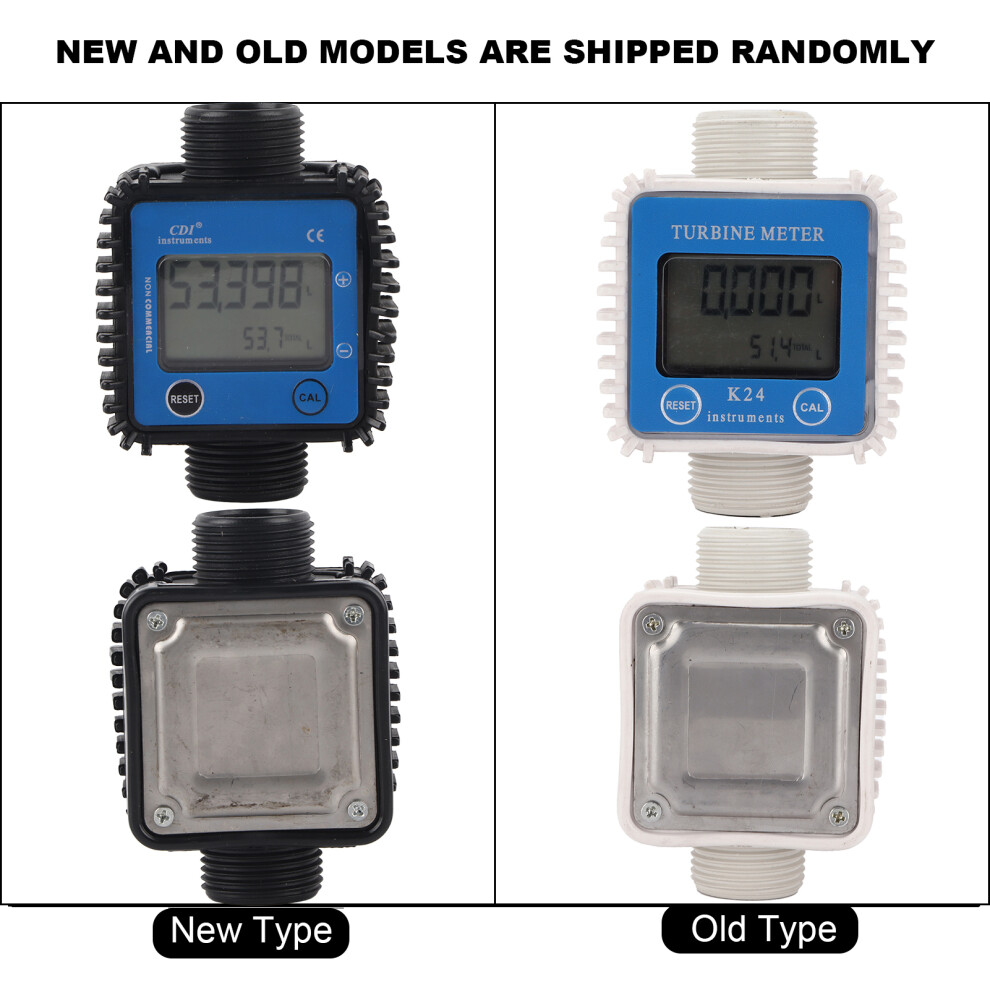
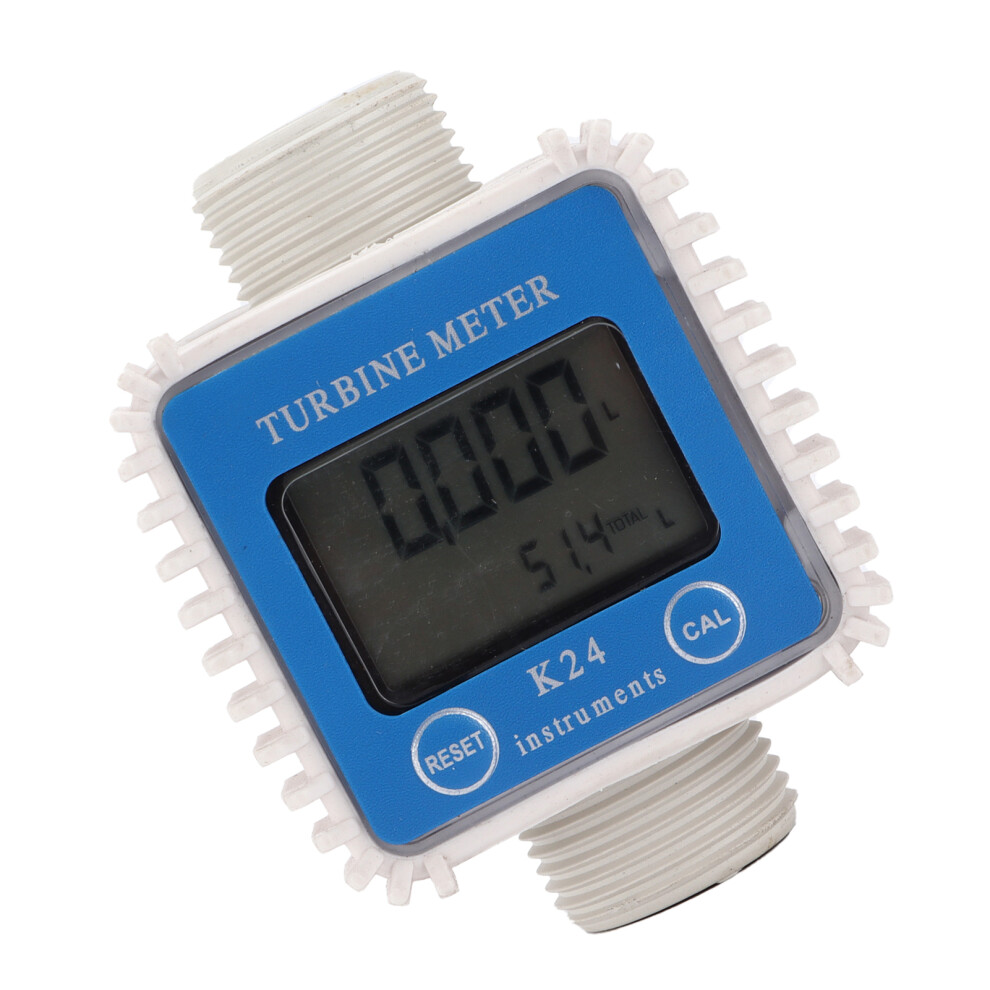
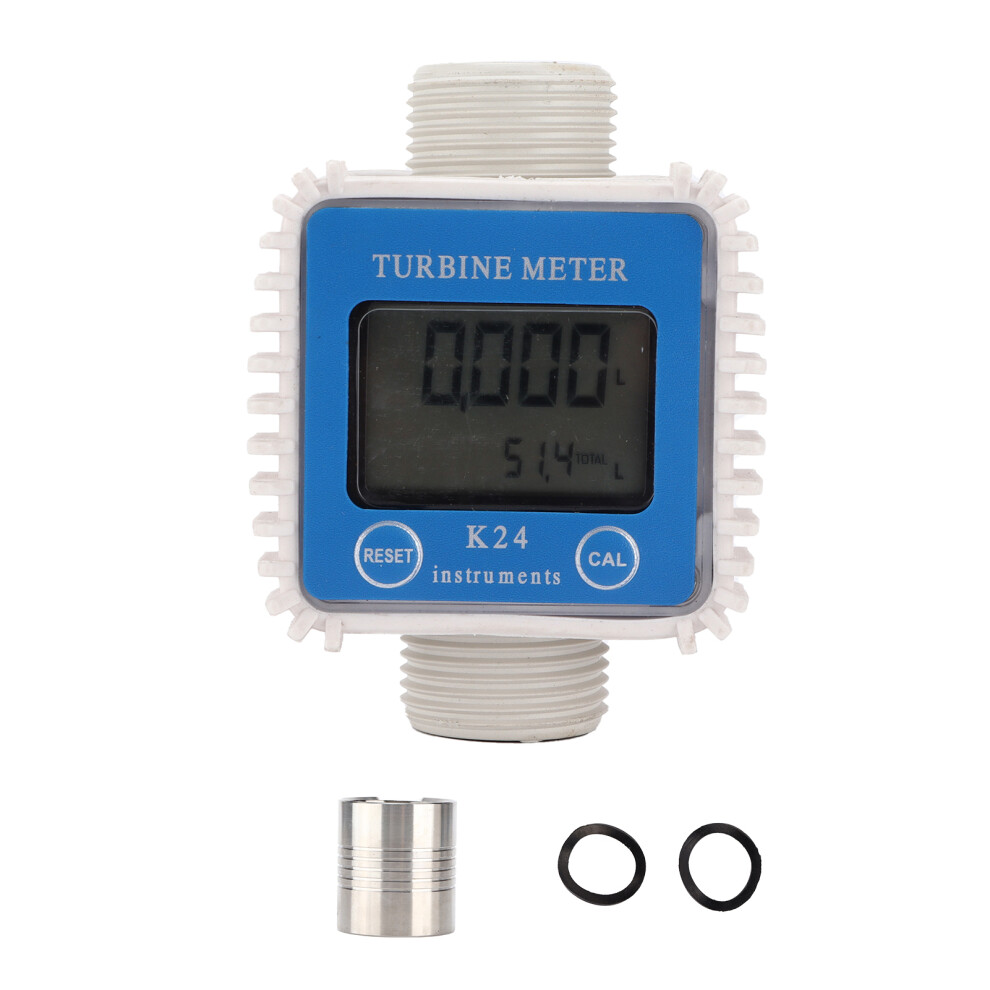
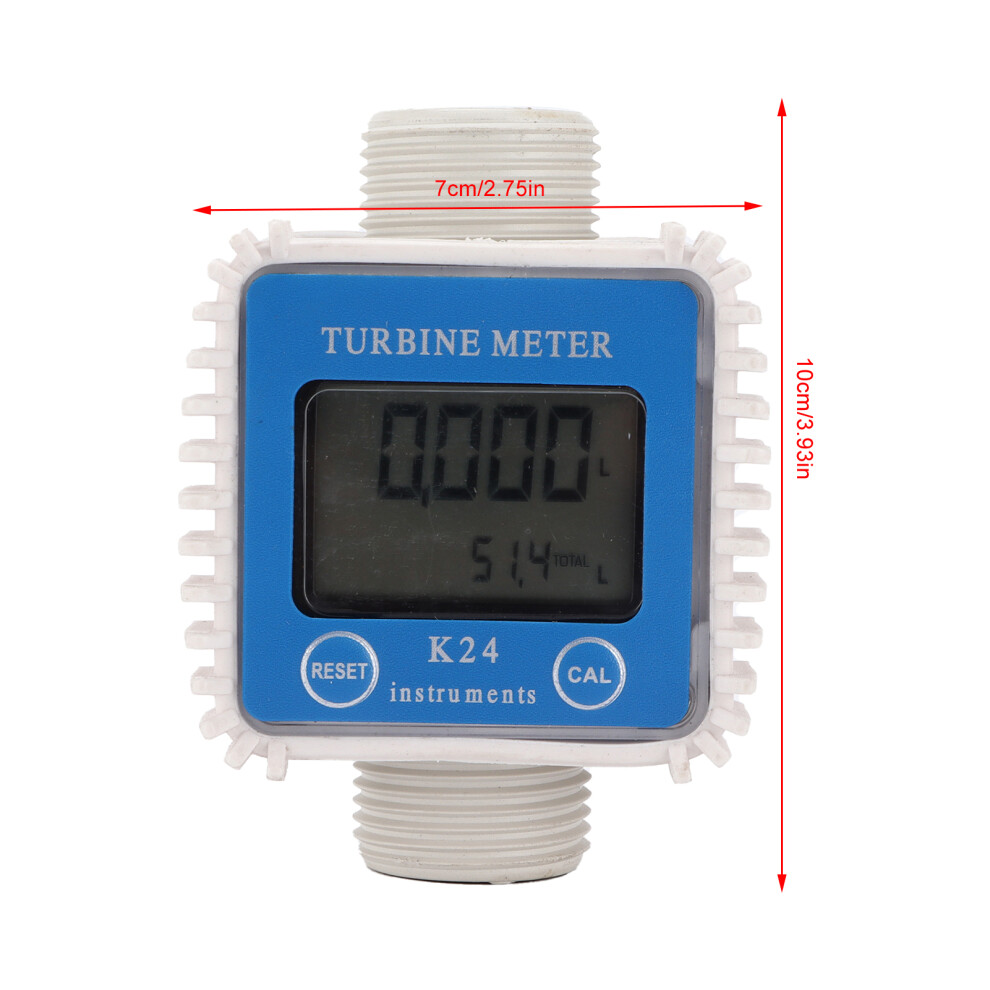
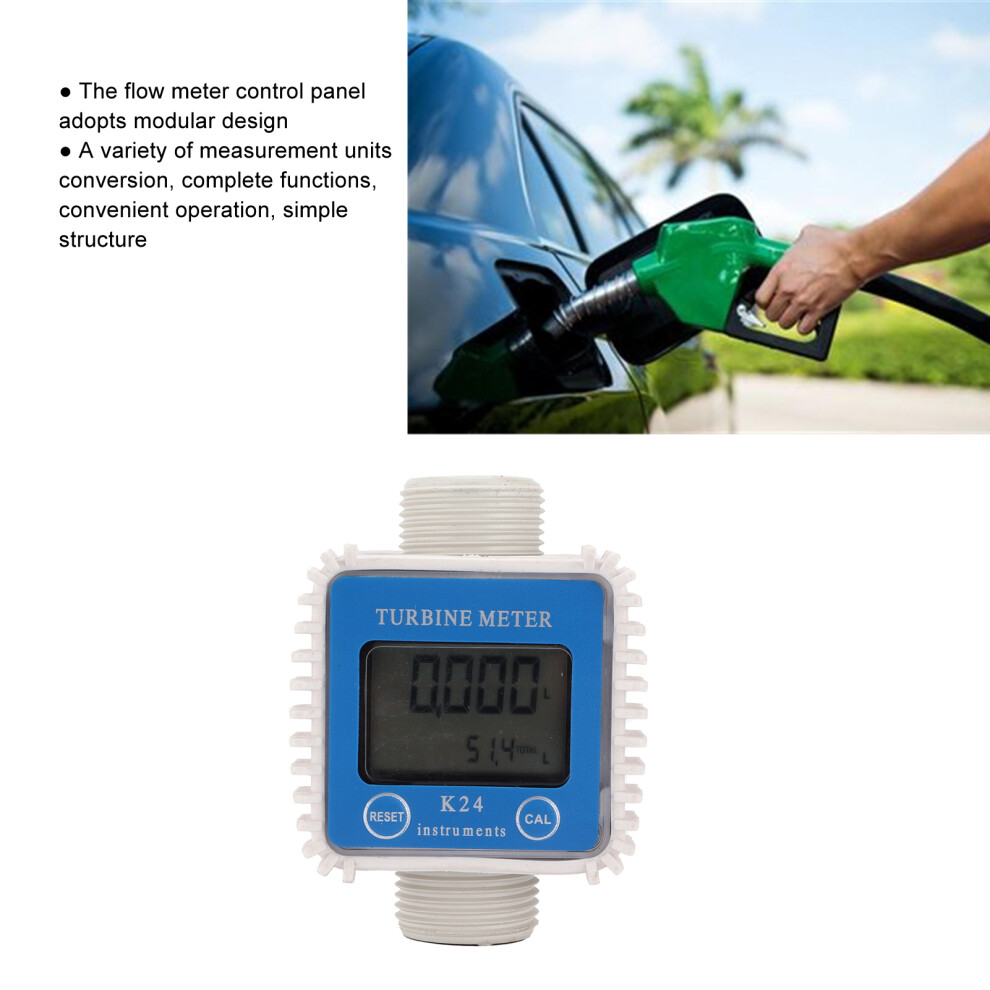
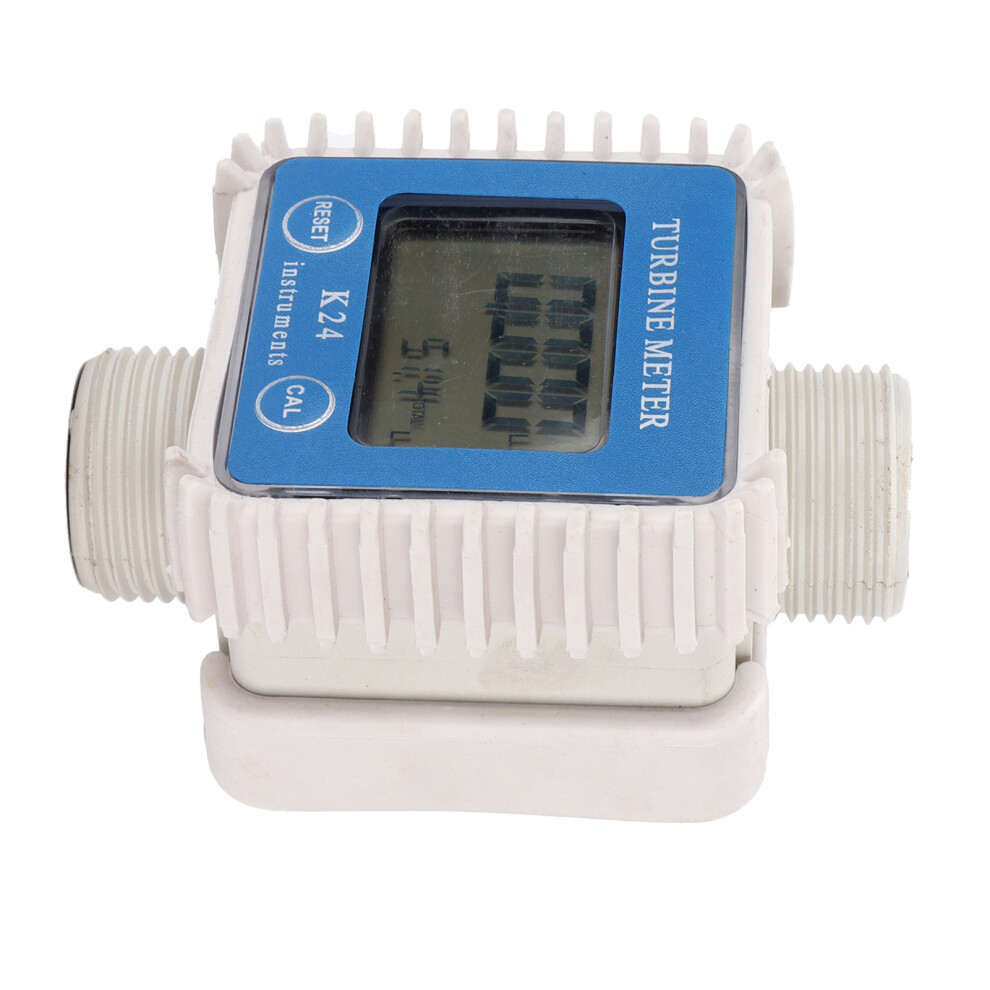
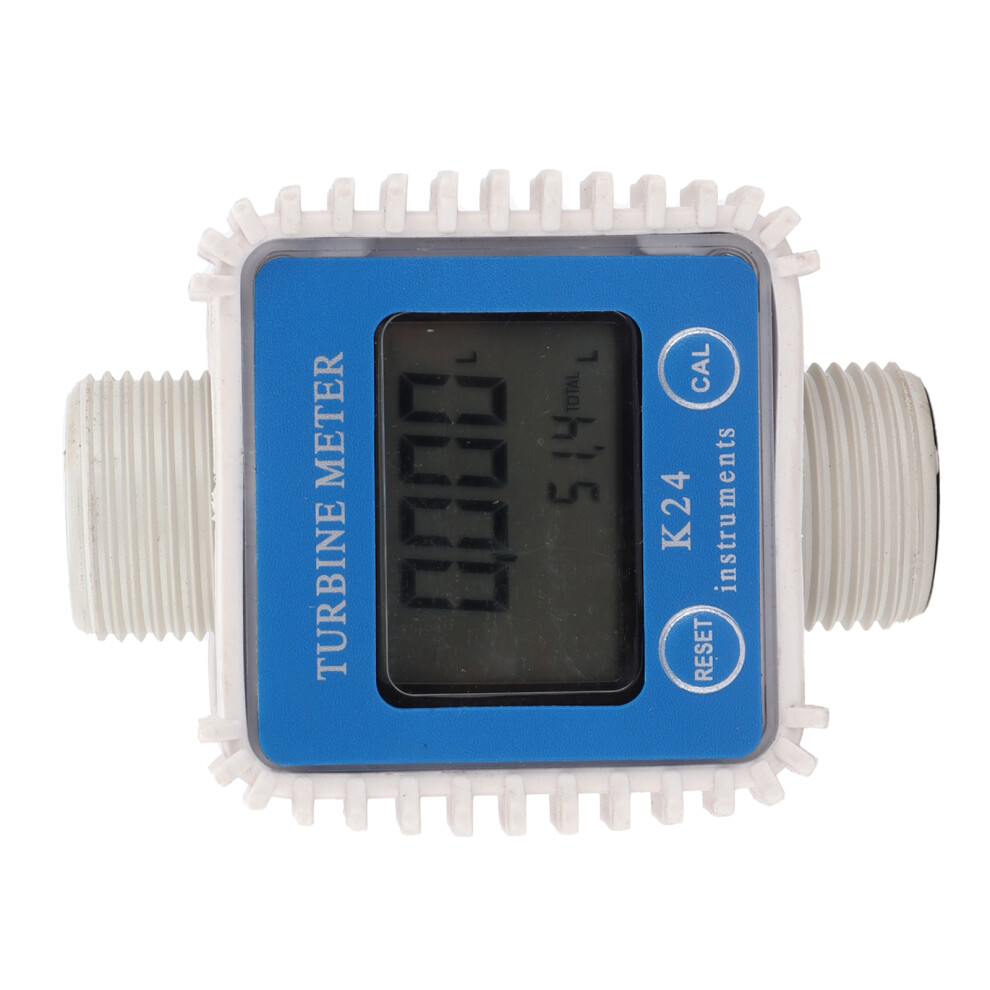
Flow Meter Indicator Electronic Digital LCD Professional for Diesel Gasoline Oil Methanol
Item Type: Flow Meter
Material: ABS
Standard: Vertical
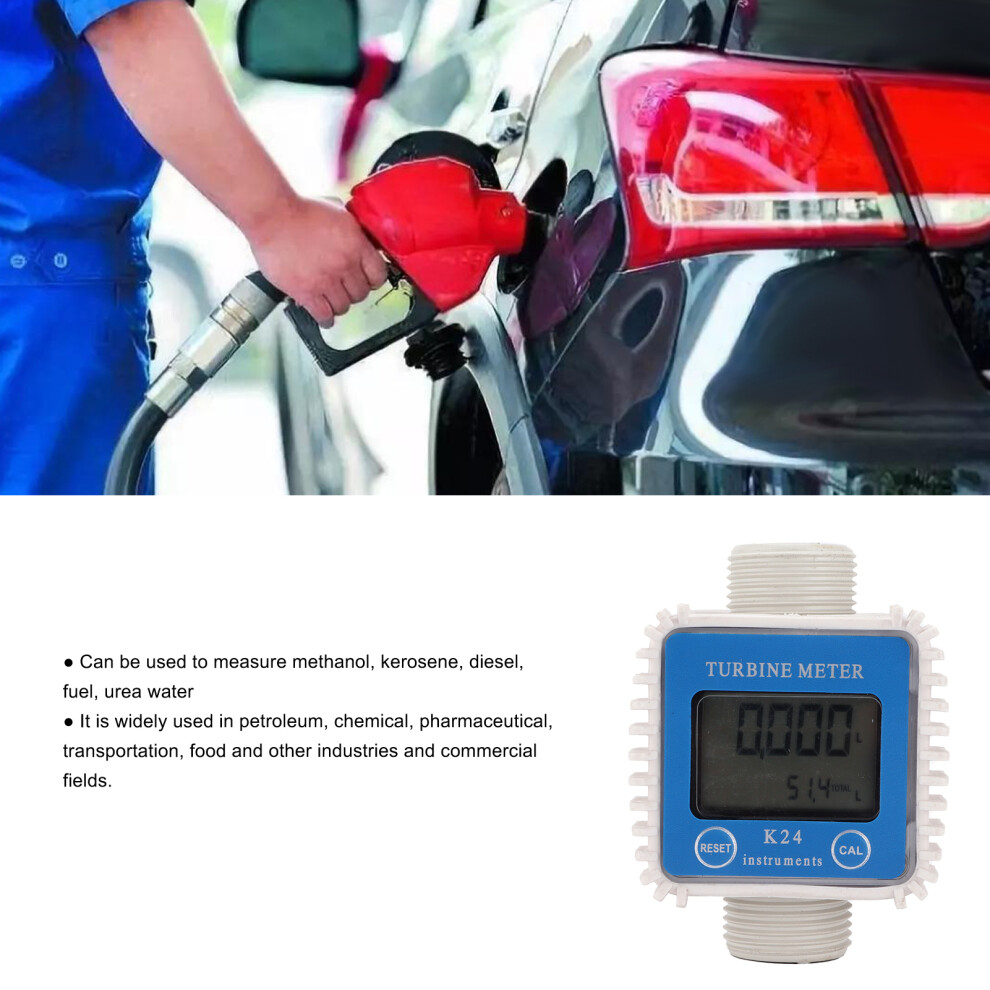
Media: Methanol, diesel fuel, kerosene, chemical liquid, urea water
Importers: 1in internal thread
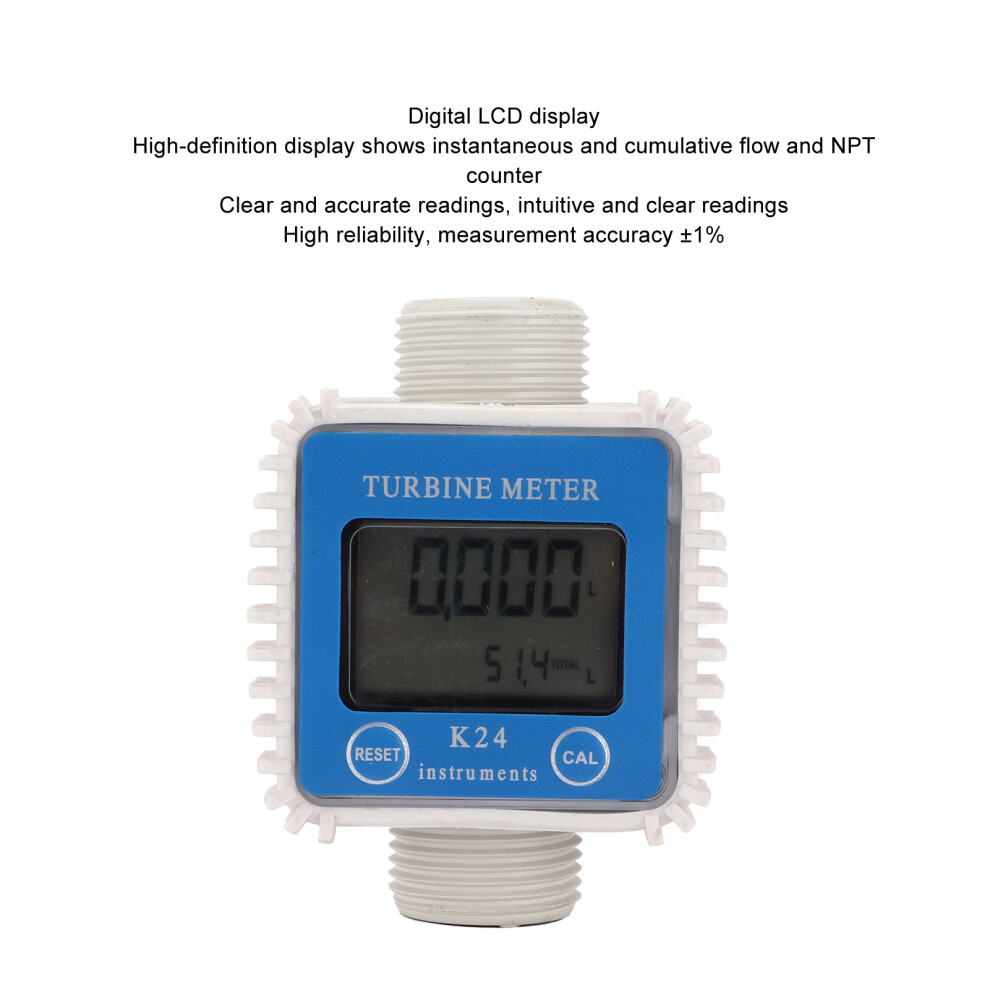
Measurement Accuracy: 1%
Repeatability: 0.5%
Maximum Working Pressure: 20BAR
Standby Time: 2 Years
Flow Range: 10 - 120L / MIN
Single Count: 0.00 - 999.9
Total Cumulative Number: 0.00 - 999999.9
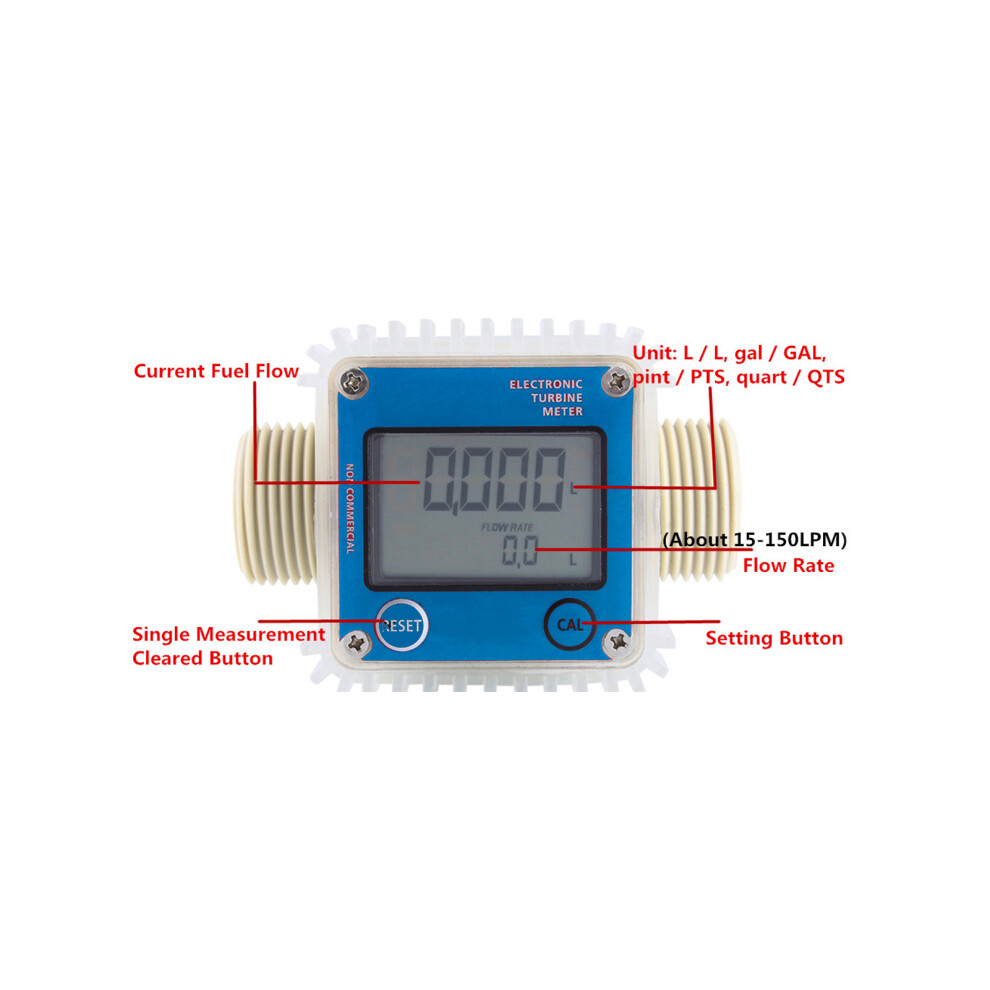
Unit: L / L, gal / GAL, pint / PTS, quart / QTS
Single Measurement Cleared: RESET
Battery: Built-in battery, 2 x AAA batteries, 500mAh(include batteries)
Setting Units of Measurement:
1. In the standby mode, or raise the amount of current display state
2. Press CAL + RESET button for 5 seconds
3. Enter unit conversion settings, press the RESET button
4. Followed by LTR - GAL - PT -QT - LTR choose the unit of measurement
5 .While the cumulative filling volume displayed in the current unit of measure conversion after
6. Press the MENU key for 3 seconds to exit the unit conversion settings.
Operating Instructions
1. Measuring Unit Setting
Under standby state or current amount display state, press and hold MENU+RESET buttons for 5 seconds to enter unit conversion setting, then press RESET button to select unit in turn of LTR - GAL - PT - QT - LTR. Press and hold MENU button for 3 seconds to exit unit conversion setting.
2. Accumulative and Current Amount Reset
Press and hold RESET button and LCD screen displays on full screen, wait till the full screen display end then loose the RESET button. At this time the accumulative amount and current amount is reset.
3. Error Coefficient and Accumulative Amount Inquire
Under standby state, press MENU + RESET button together, then LCD display shows the error coefficient on the upper row, and accumulative amount on the lower row.
4. Error Coefficient Calibration
Under standby state or current amount display state, press and hold MENU button for 3 seconds to enter error coefficient calibration mode. The first digit flashes, press MENU button to change position of the digit, and press RESET button to change digit. As this coefficient increases, output oil quantity reduces. Then press and hold MENU button for 3 seconds to end error coefficient calibration and return to current amount display state, and the current amount is reset as zero. The calibration error coefficient range is 0.1000 to 9.9999. For example, original coefficient is 1.000, when it displays 100 liters output of oil, the actual oil output is 100L. If you need 2 liter reduced, set the coefficient as 1.020, then the output would be 98L.
5. Maintenance
Details
| OPC | PHVZ98C |
|---|---|
| Codes | 4681322616900 (EAN) |
| Seller | Ratings | Warranty | Returns | Price | Delivery | Total | Quantity |
|---|---|---|---|---|---|---|---|
| (38 reviews) | - |
30 Days
Free Returns No
|
£45.41
|
+Free Delivery
Est. Delivery:
20th-22nd Jul
|
£45.41
|
Earn as you shop with instant Cashback on everything.
No catch, no cost
Become a Cashback VIP
Just 1 purchase unlocks bigger deals & rates
Wait! You've left
something behind...
You'll only get instant Cashback at OnBuy! Enter your email below and we'll send you a copy of your basket to save you time later.
No thanks, I'm alright for now
By entering your email address, you'll automatically be added to our database, where you can enjoy personalised Cashback offers and early access to our best deals. You can opt out of our emails at any time and we'll never share your details with anyone. Check our Privacy Policy and T&Cs to find out more.
Before you go...
Remember, you'll only get instant Cashback on everything at OnBuy!
Want access to personalised offers and the highest Cashback rates? Sign up to our emails below.
No thanks, I'm alright for now
You can opt out of our emails at any time and we'll never share your details with anyone. Check our Privacy Policy and T&Cs to find out more.