


Product Images








In stock
Smart shoppers OnBuy it!
Interest-free payment options available


See full product description & details
Delivery: Standard (Free) | Thu 12th - Tue 17th Nov
Sold by: liuzhi
Returns: 30 days
180-day payment protection











Summary
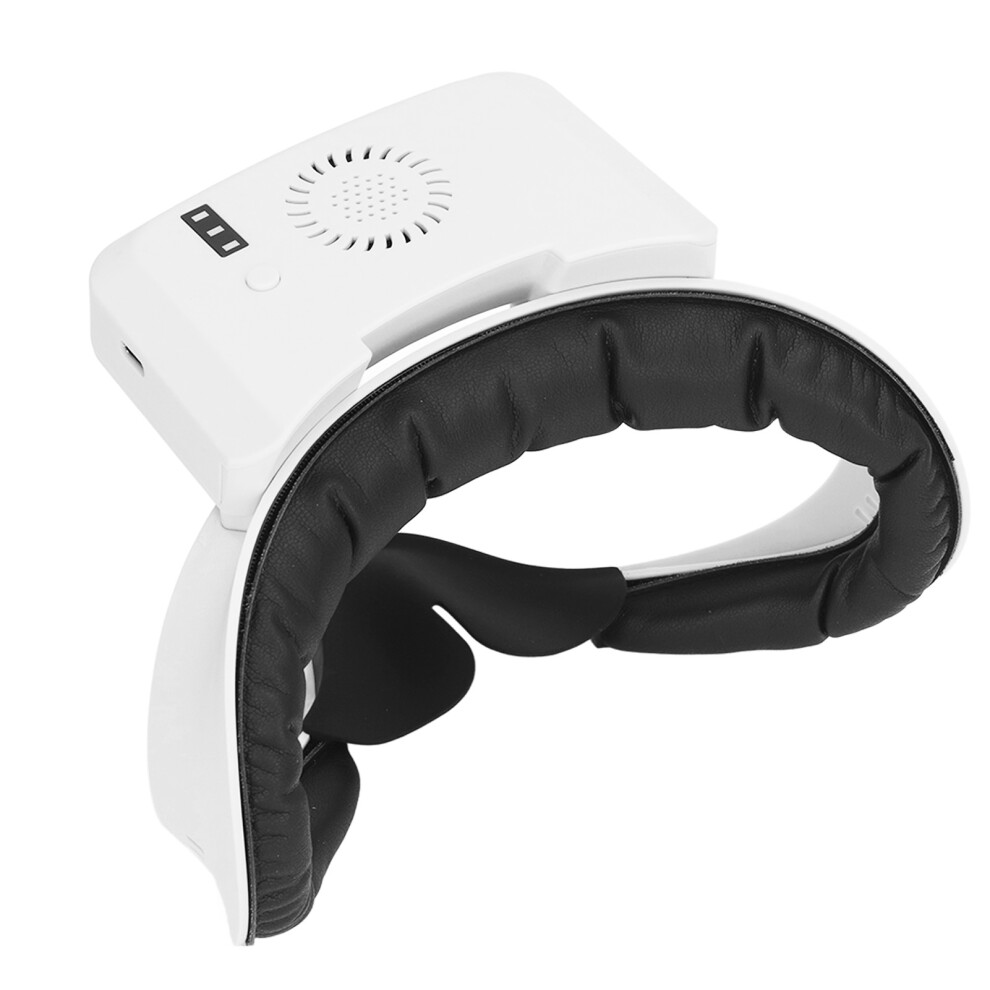
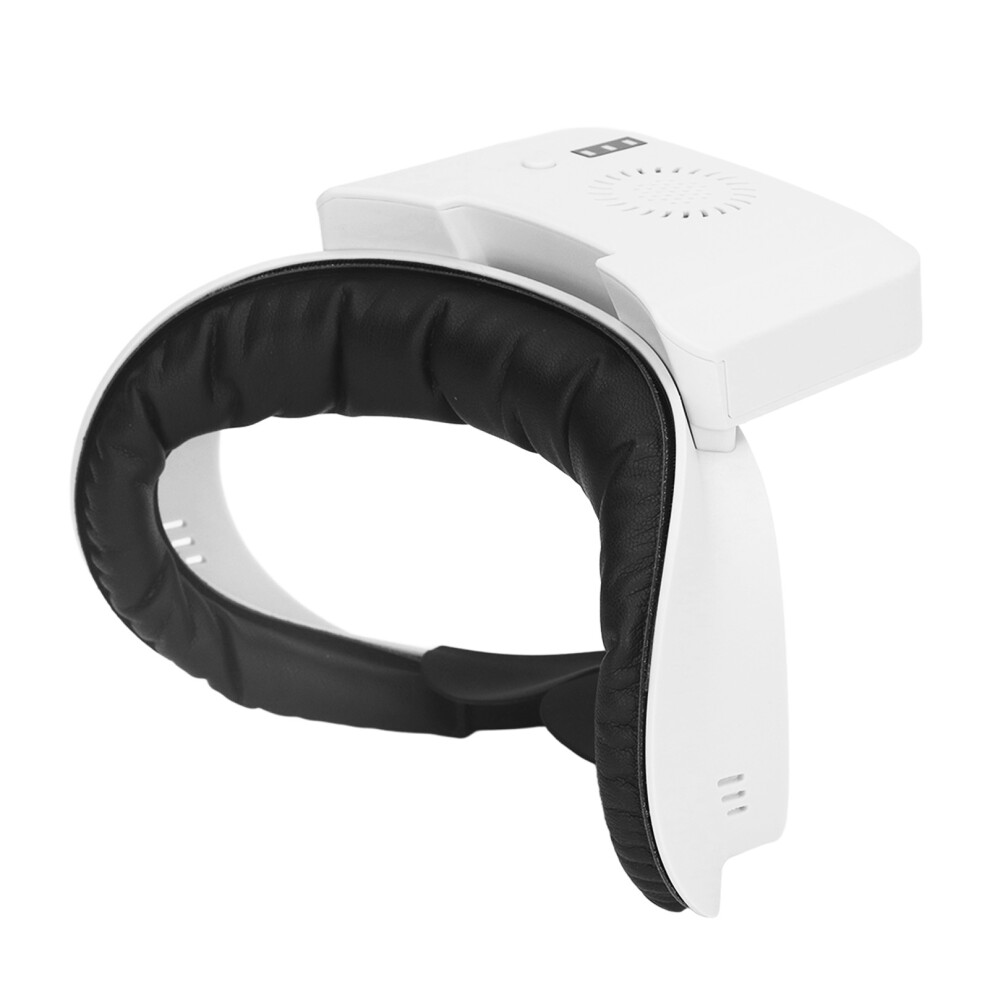
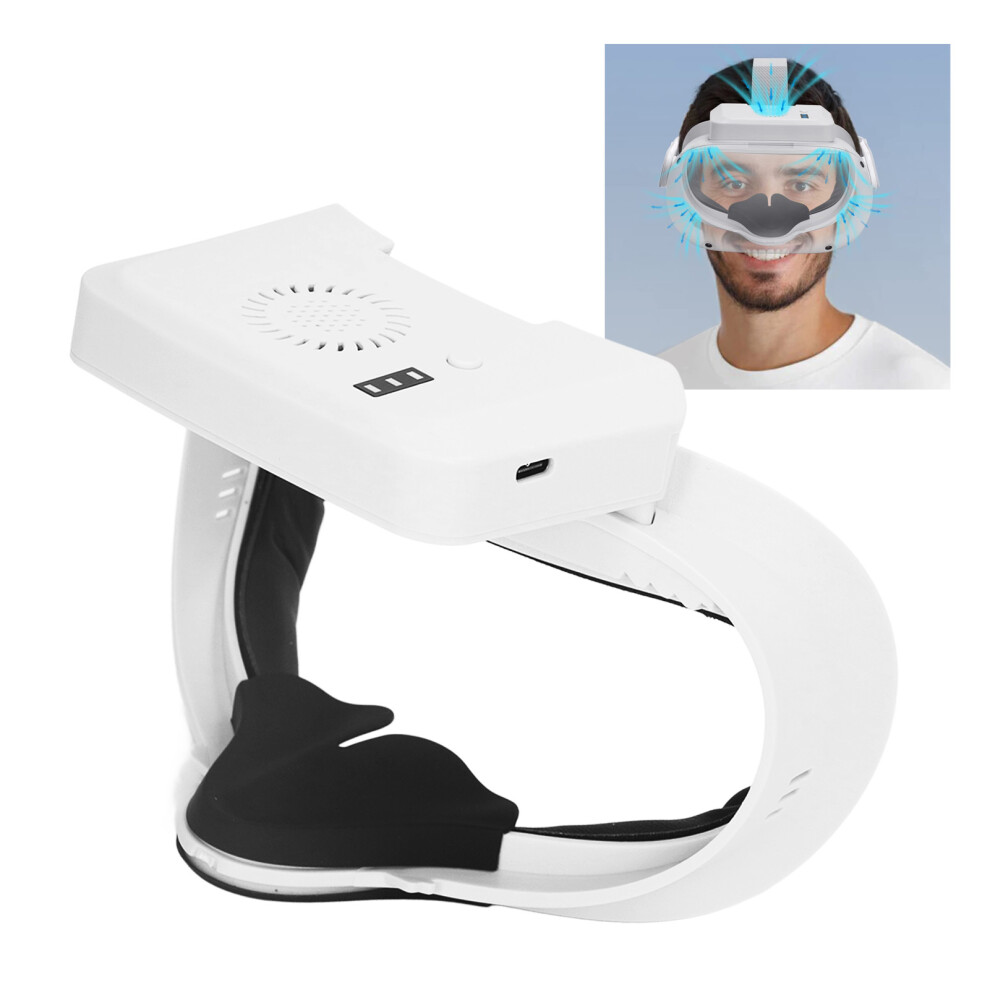
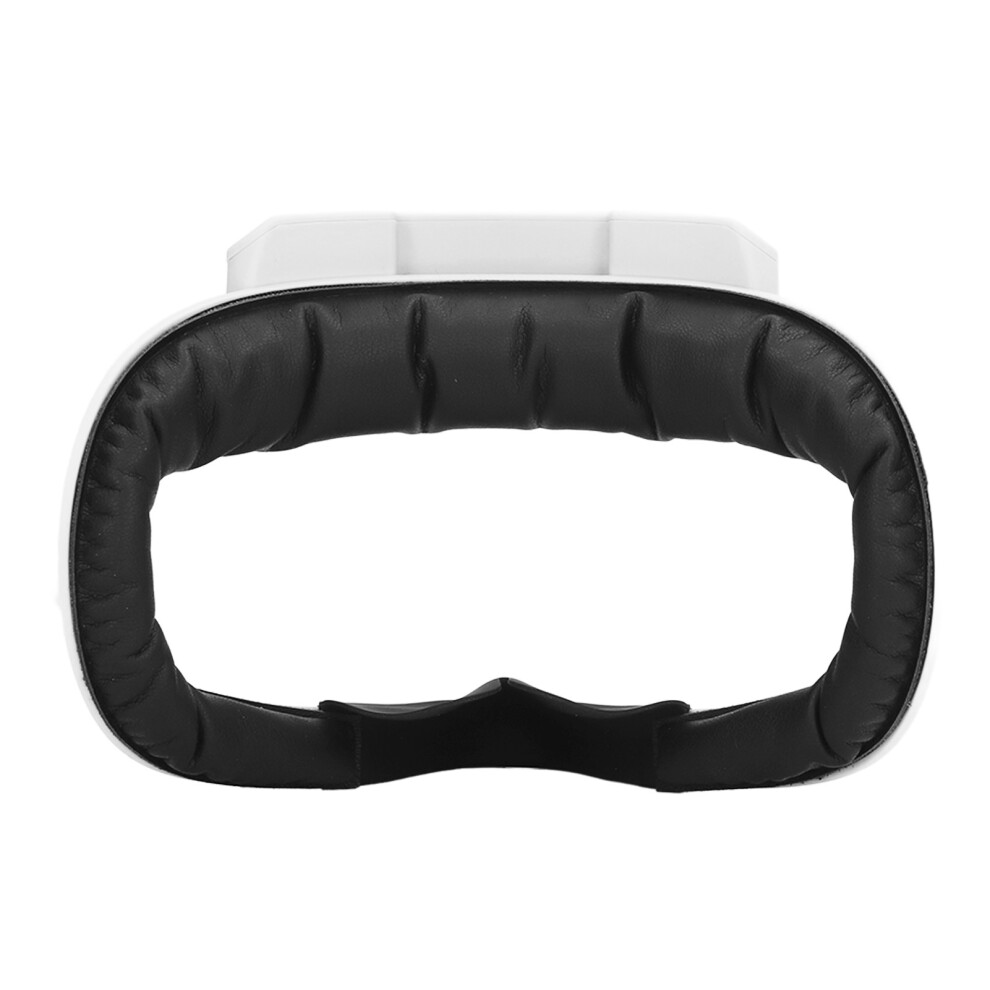
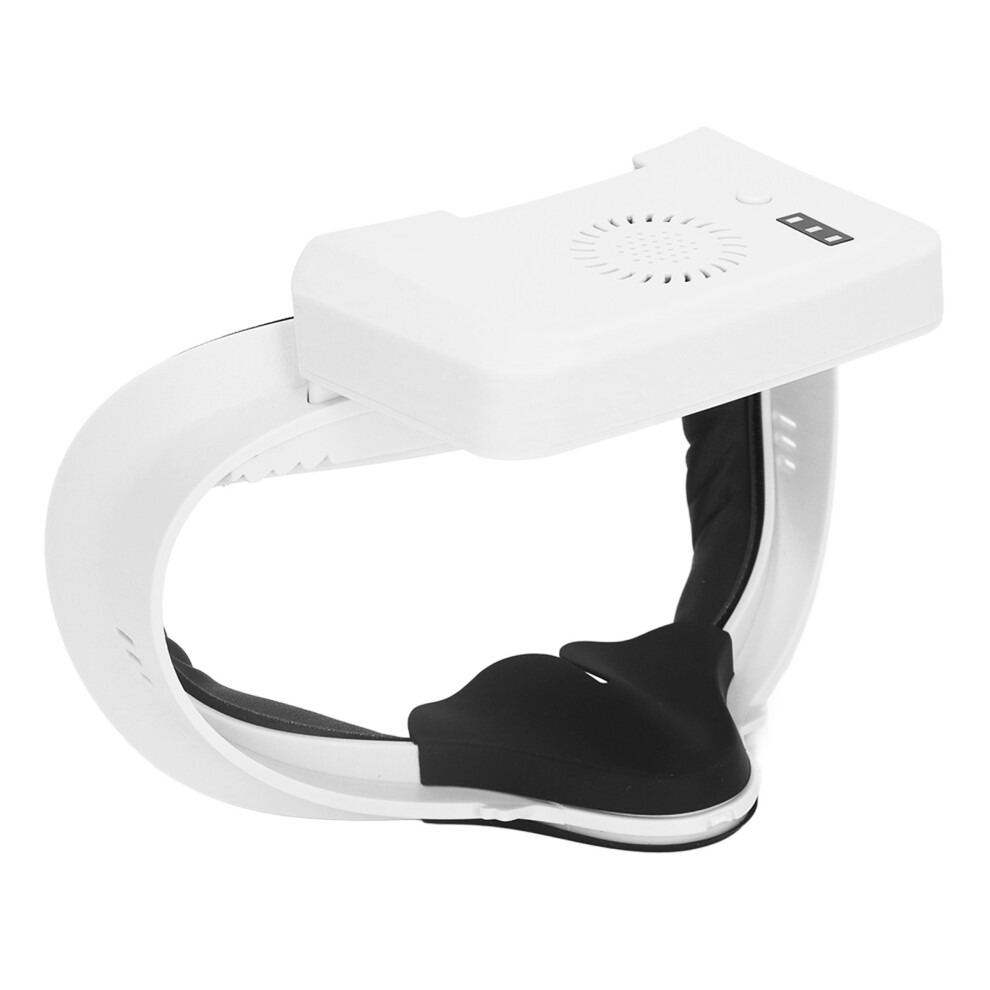
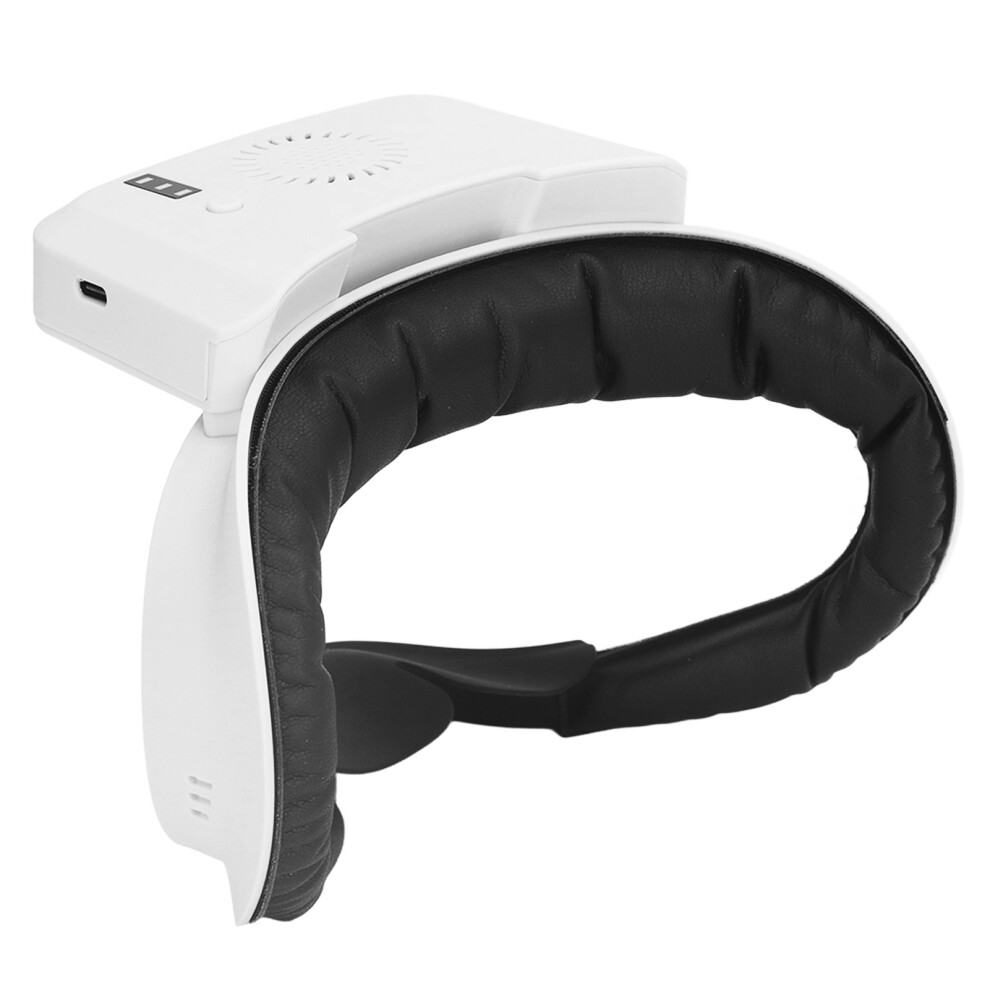
Gas Circulation Fan 3 Speeds Heat Dissipation Prevent Fogging Soft Pad Cooling Fan for Quest 2 VR
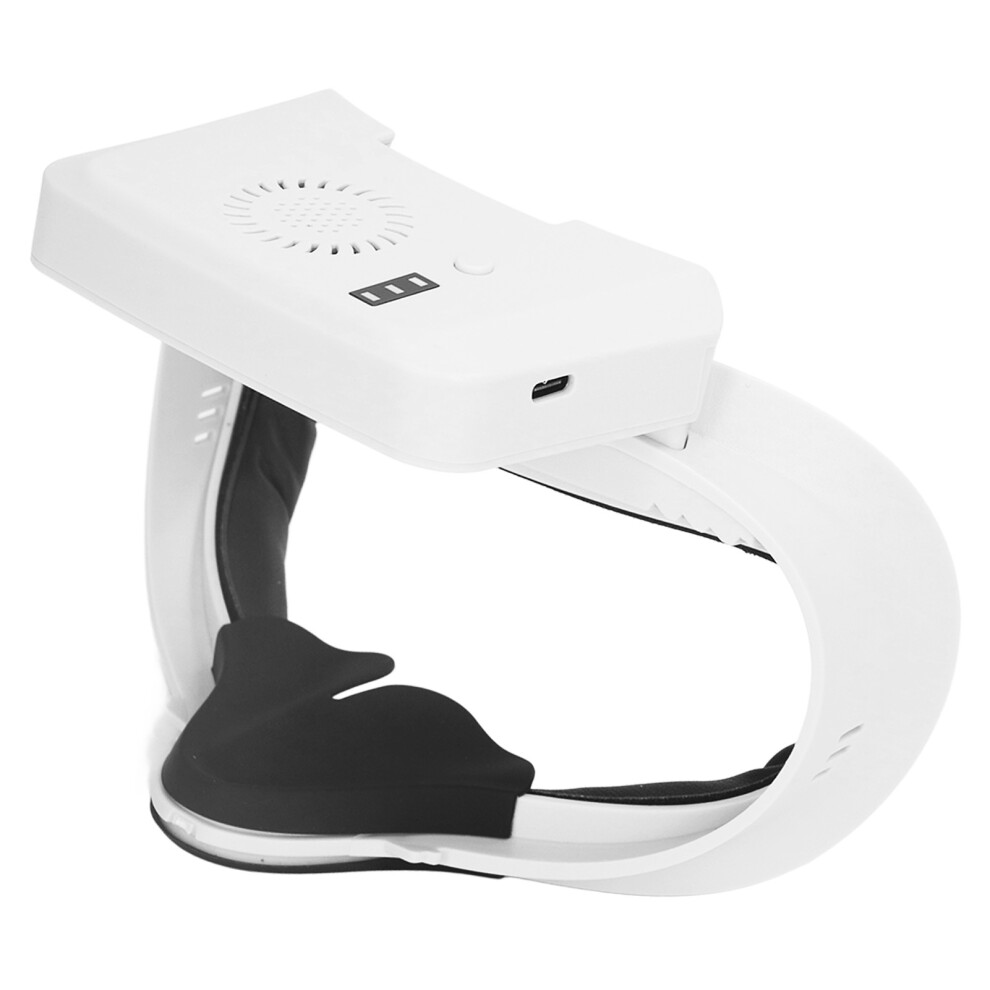
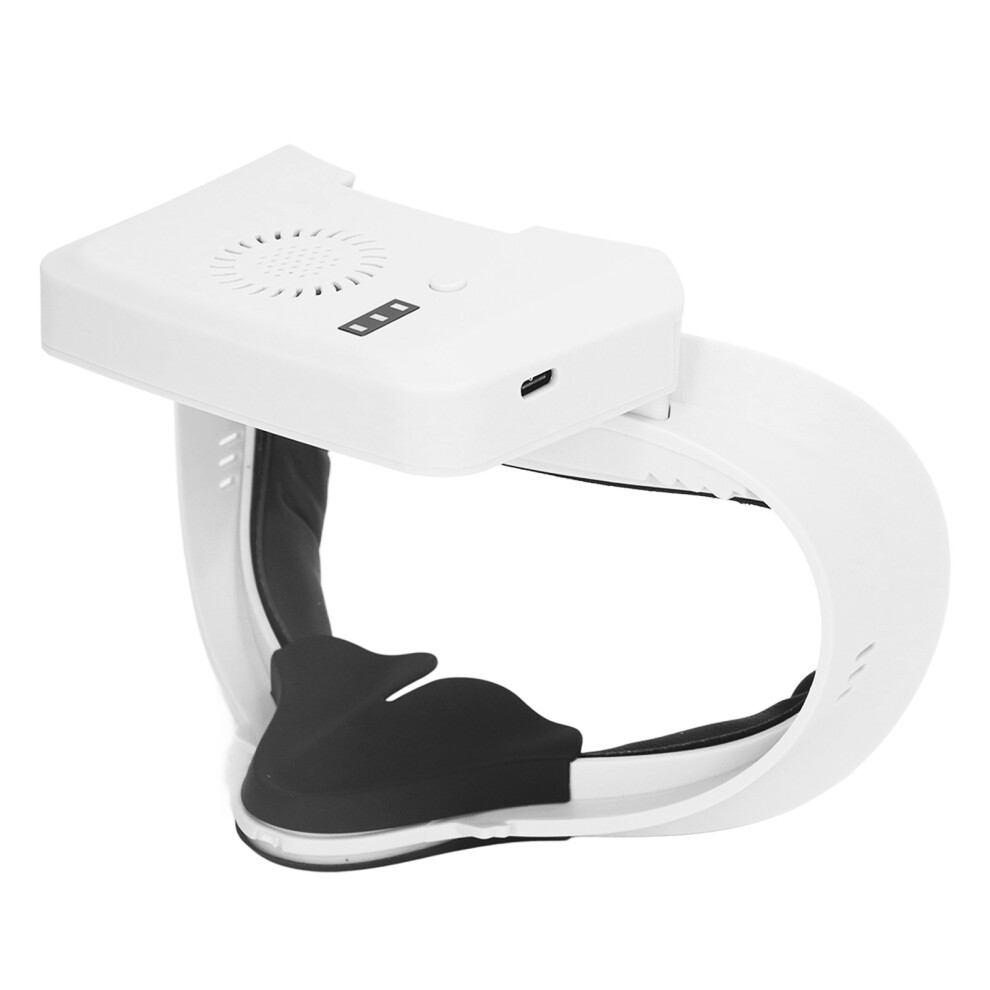
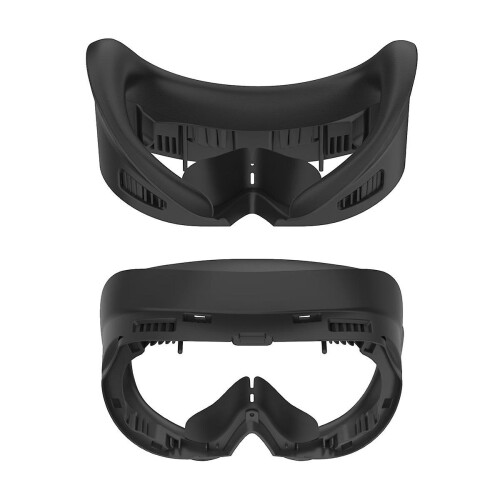
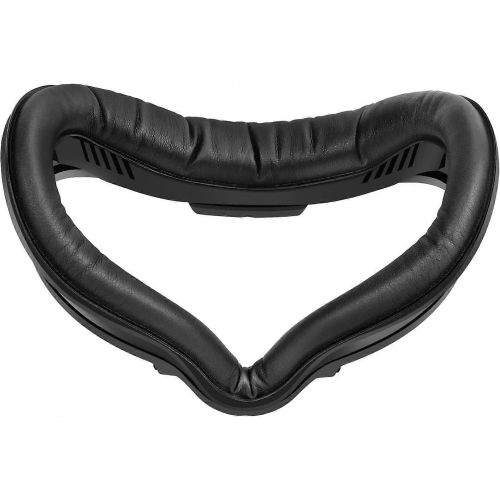
1、Prevent Fogging: VR fan sucks the heat outside to accelerate gas circulation so get your face cooler and less sweat, and stop the lens and glasses from fogging, provides you with better gaming immersion. 2、3 Speeds: VR cooling fan with 3 speed for different types of game modes, the fan has 2 built in 800mah batteries that can last from 3‑8 hours, and takes only one hour to fully charge. 3、Easy Install: To install the facial cover, just ensure the upper and lower 4 buckles are firmly attached to the headset and it snaps the headset very securely, tightly, and does not budge. 4、Light Weight: With silicone nose pads to prevent light from entering the headset, providing you with a better view, and ultra lightweight cooling fan can reduce the burden on your head. 5、2 Batteries: Cooling fan has two built in 800mAh batteries that act as a small emergency charger, providing emergency charging when the battery runs out and extending the VR life by 30 minutes.
Item Type: VR Cooling Fan Material: ABS Input: 5V 2A Output: 5V 500mA Battery Life: About 30 minutes Battery Type: 2 x Lithium Battery 800mAh(Included) Applicable Devices: For Quest 2 Operating instruction 1. Facial cover replacement operation: Remove the original VR facial cover, install the matching facial cover of this product on the VR host first, install the fan body on the new facial cover, install the complete facial cover on the VR device and fix it. 2. Charging and endurance operation: After the VR host is turned on, this product connects to the TYPE C interface of the VR host through the charging cable, which can automatically charge the VR host for about 30 minutes. 3. Product button operation: the button control fan is to press high, medium, low, off 4 rotation switch; Each time the fan gear is changed, the LED will first display the current gas volume gear, and then return the power indicator, indicating the battery power inside the product; When you press the button for the first time, the maximum gas volume of the third gear will be set by default. The 3 LED lights of the product will be on for 1 second, and then off, and the electricity will be displayed again. Press the button for the second time, switch to the level 2 medium gas volume, the two LED lights of the product for 1 second, and then off, and then display the electricity; Press the button for the third time, switch to level 1 low grade gas volume, one LED of the product is on for 1 second, and then out, and then display the electricity quantity; Press the button for the fourth time, turn off the fan, and the LED will go out for 2 seconds; Then the LED will display the power indicator again for about 8 seconds, and then go out again; If the VR host is connected within 8 seconds, the battery will continue to display; If the fan is off and the VR host is not connected, the LED display will be off after about 8 seconds. 4. Charging instruction for the product: when the fan is off, connect the 5V power supply to charge the product, and the LED light of the product power will flashing, and the three lights will be steady on after full. 5. If one LED indicator blinks after startup, the battery voltage is too low. The product needs to be charged in time. To ensure the normal operation and use of this product. 6.LED light display: 1 LED means 0-35% power; Two LED lights indicate 36%-75% power; Three LED lights indicate 76% to full power. Note: 1. This product is only used for VR headset display devices. 2. If the charging indicator or fan does not work properly, check whether the charging cable is properly connected or whether the battery is fully charged. 3. The built in battery of this product is used to charge VR devices.
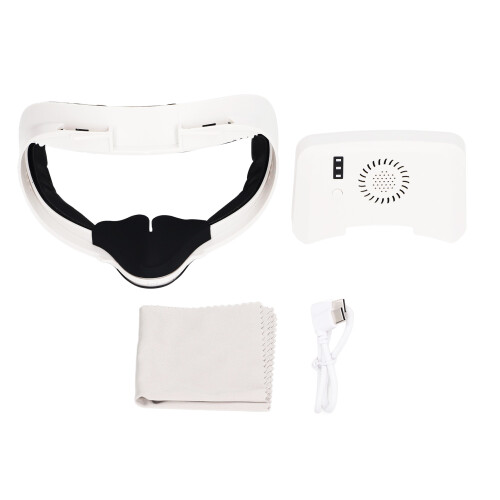
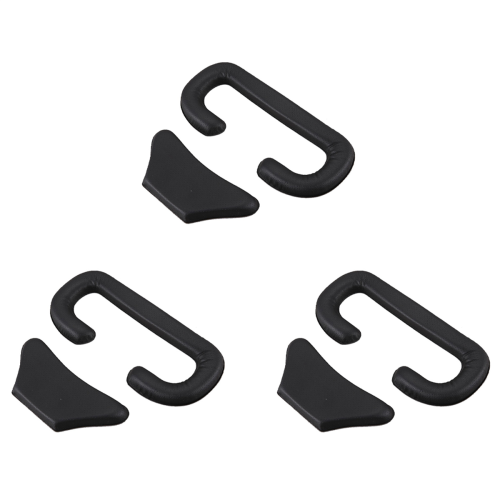
1 x Facial Cover 1 x Cooling Fan 1 x Sponge Cushion 1 x Charging Cable 1 x Manual 1 x Glasses Cloth
Details
| OPC | PK6ZHB5 |
|---|---|
| Codes | 8130196158857 (EAN) |
Product Data
Dimensions
| Height | 10.0cm |
|---|---|
| Width | 14.0cm |
| Seller | Ratings | Warranty | Returns | Price | Delivery | Total | Quantity |
|---|---|---|---|---|---|---|---|
|
Dispatched from:

|
(416 reviews) | 12 months |
30 Days
Free Returns No
|
£31.80
|
+Free Delivery
Est. Delivery:
12th-17th Nov
|
£31.80
|
Earn as you shop with instant Cashback on everything.
No catch, no cost
Become a Cashback VIP
Just 1 purchase unlocks bigger deals & rates
You'll only get instant Cashback at OnBuy! Enter your email below and we'll send you a copy of your basket to save you time later.
By entering your email address, you'll automatically be added to our database, where you can enjoy personalised Cashback offers and early access to our best deals. You can opt out of our emails at any time and we'll never share your details with anyone. Check our Privacy Policy and T&Cs to find out more.
Want access to personalised offers and the highest Cashback rates? Sign up to our emails below.
You can opt out of our emails at any time and we'll never share your details with anyone. Check our Privacy Policy and T&Cs to find out more.
This page has expired.
Refresh and continue