





















Product Images





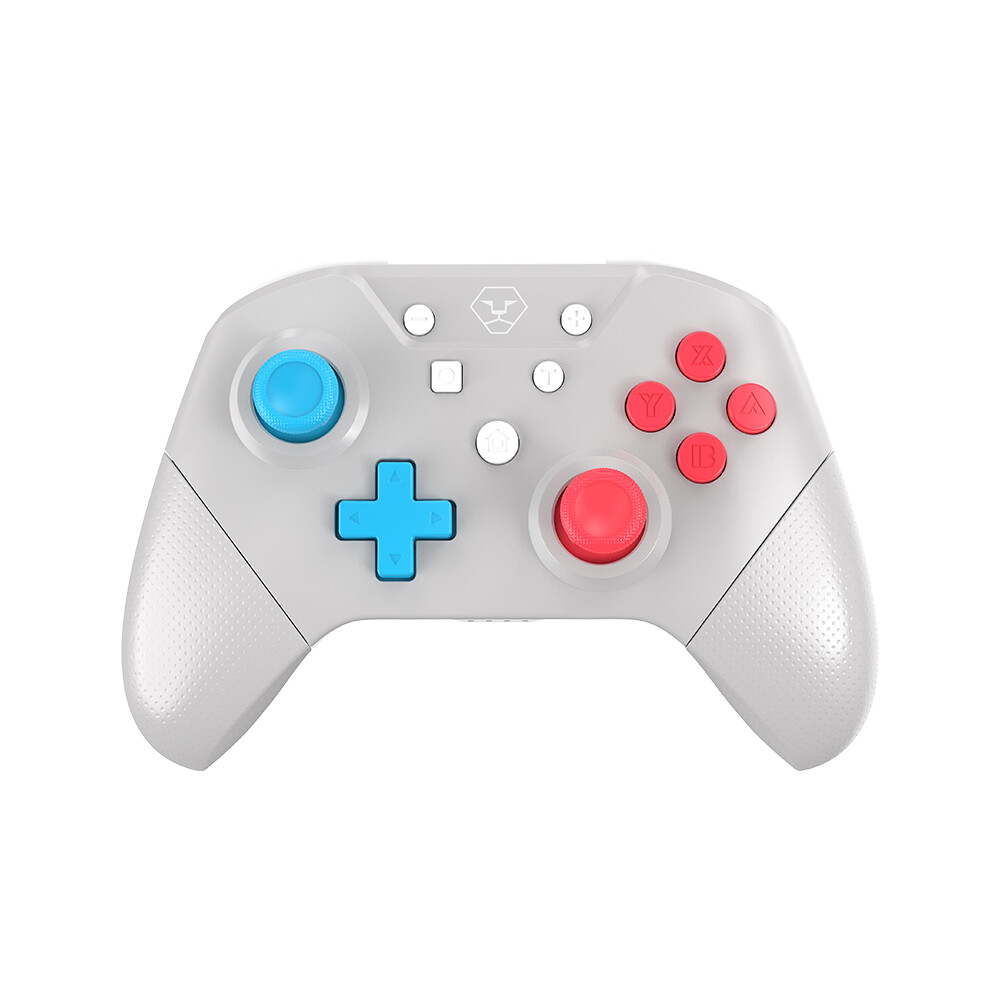


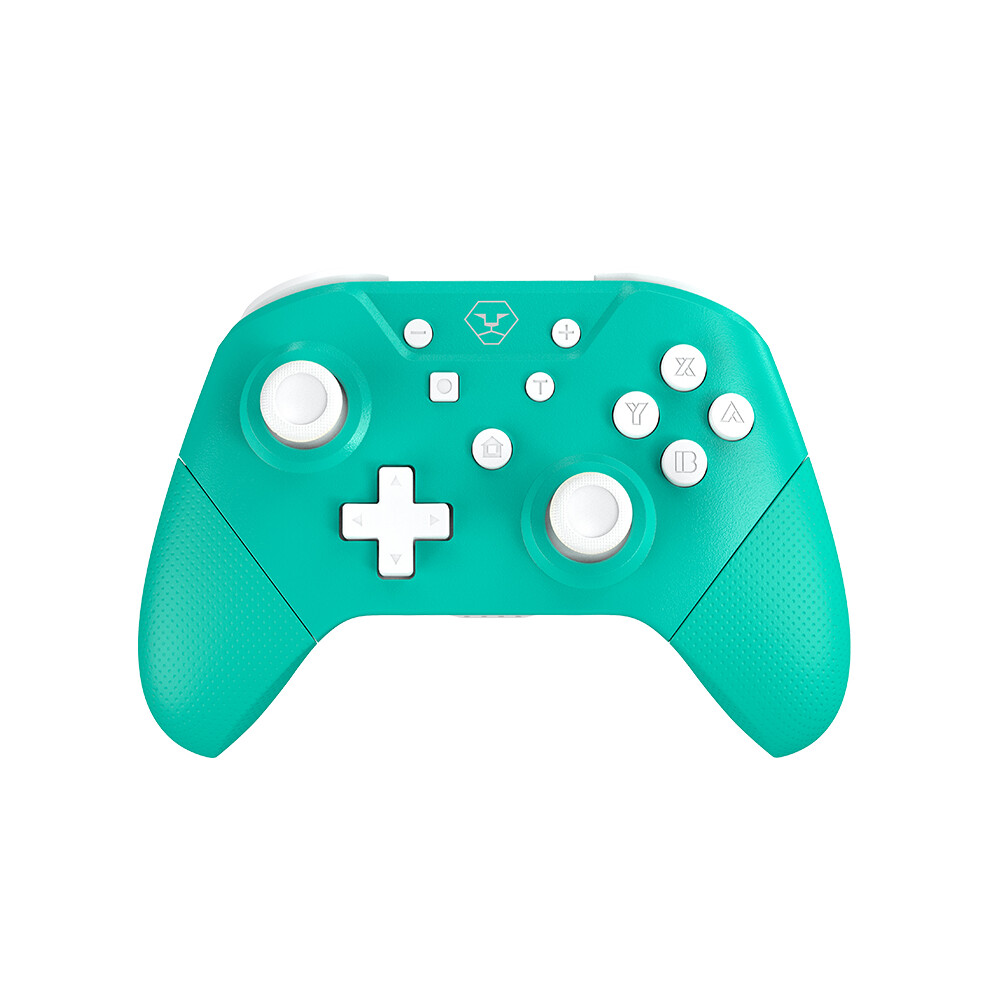
In stock
Smart shoppers OnBuy it!
Interest-free payment options available


See full product description & details
Delivery: Standard (Free) | Fri 26th - Mon 29th Jun
Returns: 30 days
180-day payment protection




Wireless connection instructions:
1. After the for Switch host is started, click the icon in the blank of the screen to enter the main menu.
2. Open the "contrellers" item of the for switch host.
3. Select "change grip/order" to connect to the controller.
4. Long press the "docking" button of the controller for 3 seconds to enter pairing, and 4 LED running lights flash. After connecting to the console, the channel light of the controller is alwasys bright.
Features:
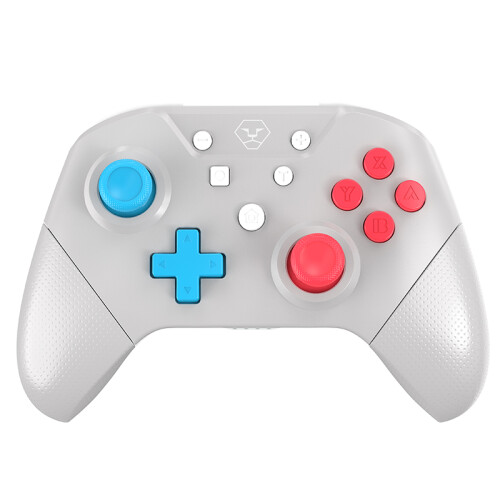
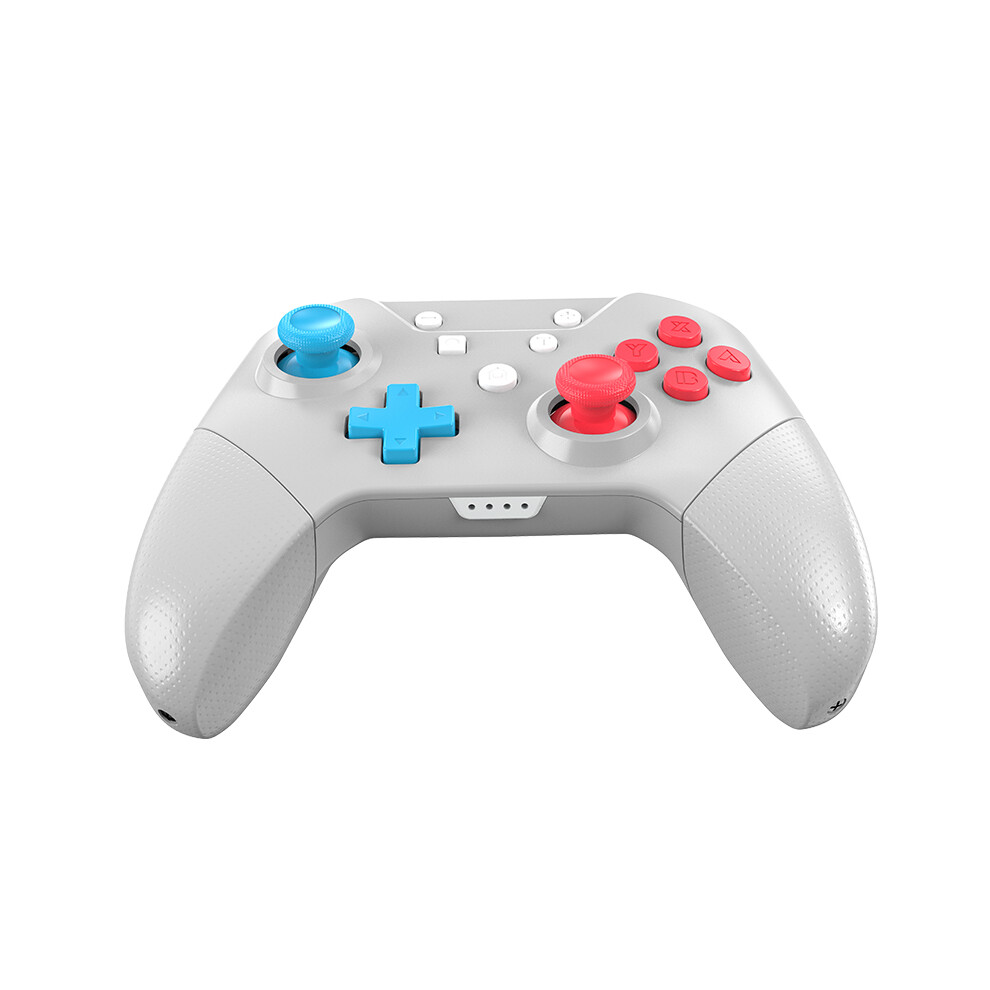
All keys and corresponding functions of the original for Switch controller, increase the function of adjusting the continuous speed and motor vibration strength;
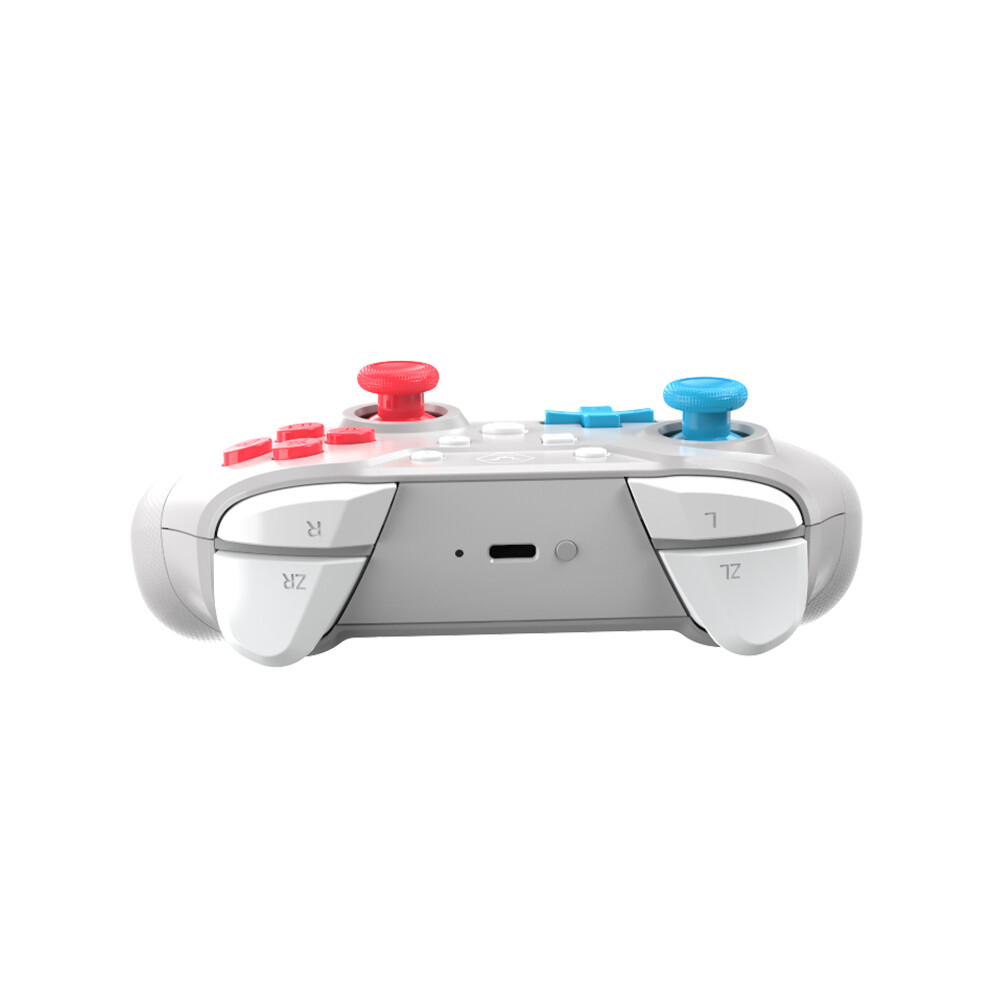
4 green LED status indicators and 1 orange LED charging indicator;
20 function keys, "docking" key is convenient for the first pairing and shutdown;
Built-in dual-motor, high-precision 3D joysticks;
With 6-axis gyroscope;
Compatible with PC host (support X_input mode).
Function description:
1. The controller connects to the for Switch host via USB cable. Unplug the USB cable and press any key to automatically connect the host via bluetooth;
2. Standby state, long press the "docking" button for 3 seconds, the controller will enter the matching state with the host bluetooth, LED 1-4 state is waterfull light on; Boot-Up State, short press the "docking" key, the controller will be standby;
3. When the for Switch host is locked, press the "HOME" button of the controller to wake up the host;
4. The controller does not support the upgrade function of the for Switch host, and the software update of the controller requires downloading our program and upgrading by connecting to the PC;
5. Turbo function: hold down any key of ABXY, then press the "Turbo" key, and the corresponding key will open the repeat mode. Hold down the "Turbo" key of the controller, and perform the right 3D upward and downward operation at the same time, adjust the speed of continuous firing.
6. The controller supports other key wake-up functions except L3, R3 and TURBO keys. After wake-up, the controller enters the state of back connection, and LED 1-4 is the state of waterfall lamp; Long press the "docking" button for 3 seconds to start the machine and enter the matching state, LED 1-4 running lights flashes, open the matching interface of the host, the matching is successful, and the corresponding channel light allocated by the host is always on; If the match fails, the controller will automatically standby after 60 seconds.
7. The controller is equipped with vibration and vibration intensity adjustment functions. In the "Settings" option of the for SWITCH host, the vibration function of the controller motor can be turned on or off manually. When the controller is connected, on the interface of "search controller" of the for SWITCH host, hold down the "Turbo" key of the controller and conduct upward and downward operation of the left 3D at the same time, which can enhance and reduce the vibration intensity of the motor. There are four gears of 100%-70%-30%-0% for the user to choose and adjust.
Calibrate Motion Controls and 3D joysticks:
1. Calibrate Motion Controls
A. After the Host and Controllers are connected successfully, return to the main menu of the screen.
B. Click "System Settings" - "Controllers and Sensors" - "Calibrate Motion Controls" - "Calibrate Controllers".
C. Place the controller on a flat, stable surface with the joystick facing upward. Hold "-" or "+" on the controller you want to calibrate.
2. Calibrate 3D joysticks
A. After the Switch host and Controllers are connected successfully, return to the main menu of the screen
B. Click "System Settings" - "Controllers and Sensors" - "Calibrate Control Joysticks" and press down on the joystick that you want to calibrate.
C. Press X to recalibrate and Press A to calibrate a different controller.
D. Move the joystick toward and release it when the color of the triangle changes.
E. Calibration complete.
Description:
1. The charging
Plug in the adapter, the orange light is always on; when fully charged, orange light is off.
2. Low power alarm
When the battery voltage of the controller is lower than 3.5v, the light in the corresponding channel flashes to indicate that the controller is low and needs to be charged.
3. Standby
When the controller is in the starting state, press the " docking " button to standby the controller;
When the controller in the matching state, 60 seconds after the code can not be automatically standby;
4. Controller display name
Pro Controller
5. Reset function
When the controller is abnormal, it can be reset by pressing the docking key
6. Receiving distance
The effective receiving distance of the controller is within 10M.
Parameters:
Sleep current: less than 2uA;
Pairing current: less than 20mA;
Operating current (without vibration) : less than 20mA.
Power supply: built-in polymer
Battery life: 8-10 hours
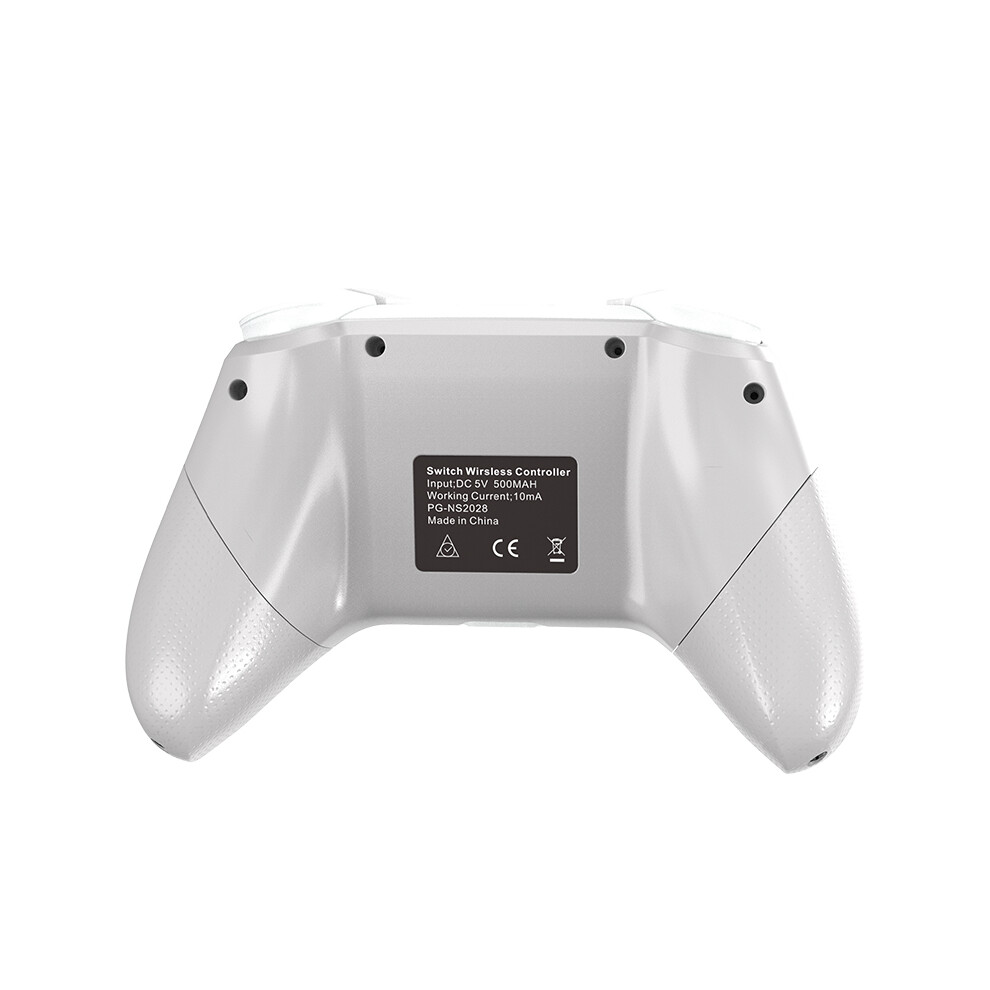
Battery capacity: 500MAH
Charging time: 3 hours
Charging voltage: DC5V
Charging current: 200MA
Package list:
1* Handle
1* Type-C Cable
1* Operating Instructions
Details
| OPC | PTX2TZK |
|---|---|
| Codes | 0110691707116 (EAN) |
| Seller | Ratings | Warranty | Returns | Price | Delivery | Total | Quantity |
|---|---|---|---|---|---|---|---|
| - | - |
30 Days
Free Returns No
|
£43.70
|
+Free Delivery
Est. Delivery:
26th-29th Jun
|
£43.70
|
Earn as you shop with instant Cashback on everything.
No catch, no cost
Become a Cashback VIP
Just 1 purchase unlocks bigger deals & rates
Wait! You've left
something behind...
You'll only get instant Cashback at OnBuy! Enter your email below and we'll send you a copy of your basket to save you time later.
No thanks, I'm alright for now
By entering your email address, you'll automatically be added to our database, where you can enjoy personalised Cashback offers and early access to our best deals. You can opt out of our emails at any time and we'll never share your details with anyone. Check our Privacy Policy and T&Cs to find out more.
Before you go...
Remember, you'll only get instant Cashback on everything at OnBuy!
Want access to personalised offers and the highest Cashback rates? Sign up to our emails below.
No thanks, I'm alright for now
You can opt out of our emails at any time and we'll never share your details with anyone. Check our Privacy Policy and T&Cs to find out more.