





























Product Images




In stock
Smart shoppers OnBuy it!
Interest-free payment options available


See full product description & details
Delivery: Standard (Free) | Mon 19th - Fri 23rd Oct
Sold by: GreenZech
Returns: 30 days
180-day payment protection
Specifications:
Product
Name:
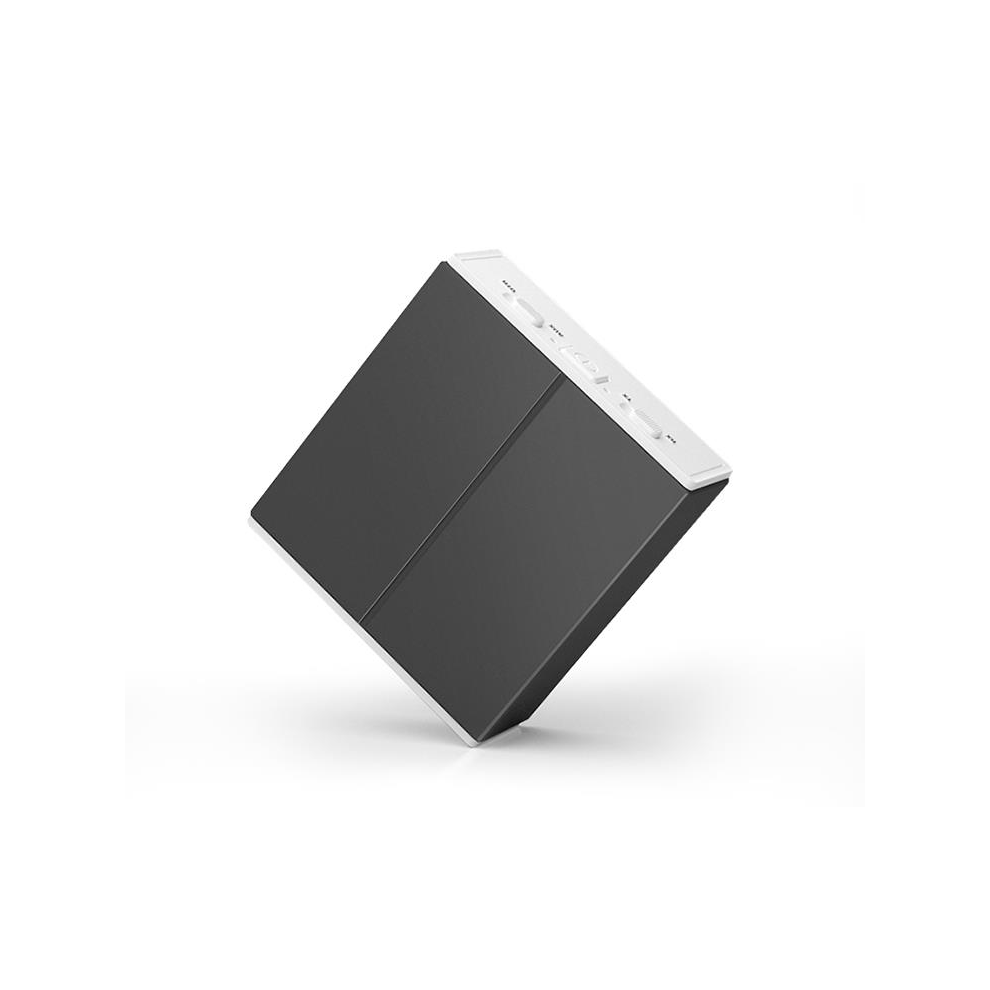
Bluetooth
Transmitter
Receiver.
Protocol:RX:A2DP
AVRCPTX:A2DP.
Operation
Range:
Up
to
10m
(without
any
blocking
objects).
Battery:400MA.
Working
Hours:RX>10_HTX>10_H.
ChargingHours:about
3
hours.
Voltage:DC
5V.
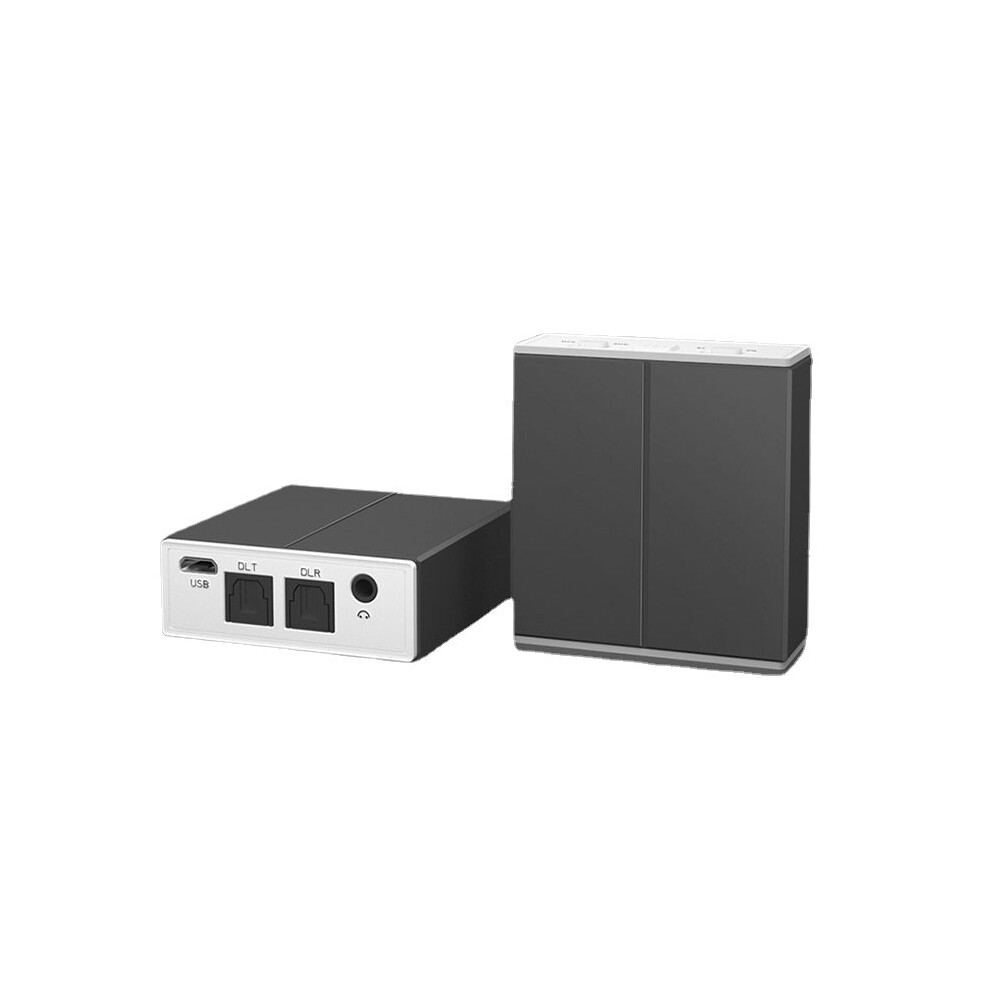
Input/output
connection:SPDIF,
3.5MM
stereo
audio
interface.
LED
indicator
definition:
-
Red
light
is
on:
When
the
device
is
charging,
it
will
automatically
go
out
after
being
fully
charged.
-
Blinking
red:
The
device
has
a
low
battery
alarm
and
the
charge
can
be
removed.
-Red
and
blue
lights
flash
alternately:
The
device
is
in
RX
receive
mode
(waiting
for
pairing).
-The
blue
light
flashes
twice
twice
(cycle
2S:)
The
device
is
in
the
RX
receive
mode
(reconnect
mode).
-The
blue
light
is
on:
The
device
is
in
the
RX
receive
mode
(the
connection
is
successful).
No
music
play)
-Fast
blue
light:
The
device
is
in
TX
receiving
mode.
(search
for
nearby
Bluetooth
devices)
-The
blue
light
flashes
slowly:
The
device
is
in
TX
receiving
mode.
(Bluetooth
is
successfully
connected)
Charging:
This
product
has
a
built-in
rechargeable
battery
for
long-term
standby
and
use.
When
the
product
is
in
normal
use,
the
red
light
flashes,
indicating
that
it
is
in
the
low
battery
alarm
mode
and
needs
to
be
charged.
(It
is
recommended
to
fully
charge
it
before
using
it
for
the
first
time.)
A.
Plug
one
end
of
the
Micro
USB
charging
cable
into
the
product
charging
port
and
the
other
end
to
the
standard
USB
5V
power
output
port
(such
as
mobile
phone
charger,
computer
USB
interface).
B.
The
red
light
is
on
when
charging,
and
the
red
light
is
off
after
charging
is
completed.
Note:
1.
When
the
battery
is
too
low
or
the
quality
of
the
charging
power
is
poor,
current
interference
noise
may
occur
during
charging.
2,
often
used
for
charging,
will
affect
the
battery
life.
3,
the
product,
please
try
not
to
low
battery
storage,
low
battery
storage
for
a
long
time
may
cause
the
battery
automatic
protection
can
not
supply
power.
Functional
Operation:
1.
Power
on/off:
long
press
the
on/off
button
(the
interval
should
not
be
lower
than
3S).
When
the
light
is
on,
it
means
the
boot
is
successful.
RX
boot
light
effect:
red
and
blue
lights,
TX
boot
light
effect:
blue
light
flashes
twice
and
once
off
(cycle
2S).
2.
The
device
automatically
enters
the
back-to-back
pairing
search
state.
When
the
device
is
turned
on,
the
device
automatically
enters
the
connection
state,
and
the
5S
does
not
return
to
automatically
enter
the
pairing
state
(the
TX/RX
lamp
effect
is
different).
3.
Quickly
enter
pairing
mode.
After
the
device
is
turned
on,
press
the
power
button
twice
to
quickly
enter
the
pairing
search
status.
4.
AUX/SPDIF
mode
switching:
The
device
audio
adopts
manual
switching
mode,
and
the
toggle
switch
to
SPDIF
is
the
optical
fiber
input/output
mode.
When
the
toggle
switch
is
connected
to
AUX,
the
interface
audio
cable
will
automatically
switch
to
AUX
(input/output),
and
you
can
use
AUX
according
to
your
preference.
Or
SPDIF
mode.
In
SPDIF
mode,
the
device
plugs
into
the
SPDIF
IN
port
and
implements
the
TX
(transmit)
function.
It
is
also
necessary
to
insert
the
SPDIF
OUT
port
to
implement
the
RX
(receive)
function.
AUX
Distinguishes:
-
In
RX
mode,
AUX
is
connected
to
external
speakers.
-In
TX
mode,
AUX
is
connected
to
external
audio
input.
Automatic
shutdown
function:
The
device
is
in
the
unconnected
state,
and
automatically
enters
the
sleep
mode
after
5
minutes.
It
needs
to
be
turned
on
and
off
again.
RX
receiving
mode:
In
the
receiving
mode,
this
product
can
transfer
the
music
on
the
mobile
phone,
computer
and
PAD
to
the
audio
equipment
with
AUX/SPDIF
audio
input
interface
through
the
Bluetooth
receiving
function
of
the
product.
Steps:
A.
Place
the
RX/TX
switch
on
the
side
of
the
device
on
the
RX
end
and
press
and
hold
the
power
button.
When
the
device
is
turned
on,
"the
red
and
blue
lights
are
on
(the
red
light
is
off
after
1S).
B.
Double-click
the
button,
the
device
quickly
enters
the
pairing
search
state,
and
the
red
and
blue
lights
alternately
flash
rapidly.
C.
Insert
the
fiber
optic
cable
into
the
device
SPDIFOUTRX
interface
or
3.5MM
audio
cable
into
the
AUX
interface,
and
insert
the
other
end
of
the
fiber
optic
cable
or
3.5MM
audio
cable
into
the
audio
input
port
of
the
audio
device
in
the
home.
Switch
freely
through
the
SPDIF/AUX
switch
on
the
side
of
the
device.
D.
Turn
on
the
Bluetooth
function
of
the
mobile
phone,
click
Search
for
Bluetooth
device,
select
and
click
the
device
name
_RBT-551_
in
the
Bluetooth
list.
E.
After
the
connection
is
successful,
the
blue
light
on
the
device
is
always
on,
you
can
use
this
device
to
enjoy
the
music!
TX
transmission
mode:
This
product
is
in
the
launch
mode
and
can
be
used
with
the
TV
to
wirelessly
forward
the
sound
to
a
Bluetooth
device
(Bluetooth
headset)
or
Bluetooth
speaker.
Steps:
A.
Turn
on
the
Bluetooth
speaker
or
Bluetooth
headset
waiting
to
be
connected
and
put
it
in
the
waiting
pair.
B.
Place
the
RX/TX
switch
on
the
side
of
the
transmitter
device
on
the
TX
end,
and
press
and
hold
the
(3S)
power
button.
When
the
device
is
turned
on,
the
blue
light
flashes
twice
and
goes
out
once
(cycle
2S),
and
the
boot
is
successful.
C.
Double-click
the
button,
the
device
quickly
enters
the
pairing
search
state,
and
the
blue
light
flashes
quickly).
D.
Insert
the
fiber
optic
cable
into
the
SPDIFINTX
interface
on
the
transmitter
device,
and
insert
the
other
end
of
the
fiber
optic
cable
into
the
TV
output
interface
of
the
home.If
you
are
using
the
AUX
audio
interface,
please
insert
the
3.5MM
audio
cable
into
the
AUX
interface
on
the
device,
and
insert
the
other
end
of
the
audio
cable
into
the
TV
audio
output
connector
in
the
home.
E.
On
the
device,
the
blue
light
flashes
quickly
and
search
for
a
Bluetooth
device
(Bluetooth
headset
or
speaker).
Please
connect
this
product
and
a
Bluetooth
device
(such
as
a
Bluetooth
headset)
within
1M.
F.
After
the
product
pairing
is
successfully
connected,
the
blue
light
is
slowly
on,
and
it
can
be
in
your
Bluetooth
speaker
or
earphone.
Note:
1.Different
Bluetooth
devices
(such
as
Bluetooth
headsets)
will
have
different
search
connections
depending
on
the
protocol
and
protocol
used.
On
the
device
in
2TX
mode,
the
blue
light
flashes
quickly
to
search
for
the
status
of
the
Bluetooth
device
(Bluetooth
headset
or
speaker).
2.It
is
recommended
to
put
the
Bluetooth
speaker
or
Bluetooth
headset
into
the
pairing
state
and
then
turn
on
the
device,
which
can
improve
the
connection
speed.
3.When
using
the
device,
please
do
not
place
the
device
on
a
metal
object,
and
place
the
device
in
front
of
the
TV
without
obstruction.
4.When
using
high-rate
audio
input
to
play
(such
as
Blu-ray
DVD
source),
it
may
cause
sound
interruption/snap
phenomenon.
This
product
supports
24bit/48KHZ
transmission.
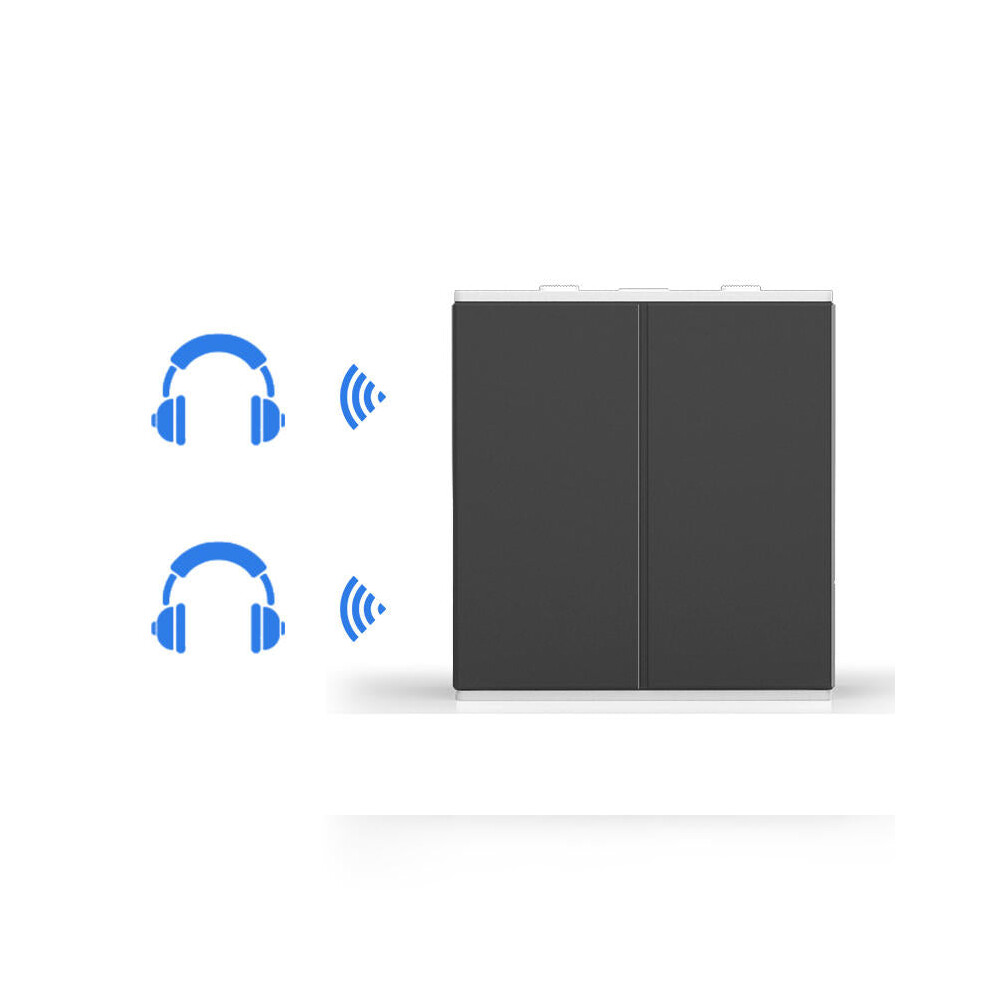
TX
transmission
mode
one
for
two
functions:
A.
Refer
to
the
above
connection
procedure
to
connect
to
Bluetooth
A
(Bluetooth
headset
or
speaker).
After
the
B
or
A
Bluetooth
device
(Bluetooth
headset
or
speaker)
is
successfully
connected,
please
turn
on
the
Bluetooth
device
No.
B
(Bluetooth
earphone
or
speaker)
and
put
it
in
the
standby
connection
state.
C.
Double-click
the
button,
the
device
quickly
enters
the
pairing
search
state
(the
blue
light
flashes
rapidly),
and
starts
to
search
for
the
Bluetooth
device
No.
B
(Bluetooth
earphone
or
speaker).
After
searching
for
the
Bluetooth
device
No.B,
it
will
automatically
connect.
D.
After
the
connection
is
successful,
the
blue
light
on
the
device
flashes
slowly,
and
the
A
and
B
Bluetooth
devices
(Bluetooth
headphones
or
speakers)
emit
sound
at
the
same
time.
Note:
1.If
you
cannot
search
for
the
Bluetooth
device
connected
to
B,
you
can
double-click
the
power
button
on
the
device.
Try
pairing
the
search
connection
again.
2.If
you
can't
connect
to
A
and
B
Bluetooth
devices
(Bluetooth
earphones
or
speakers)
at
the
same
time,
or
the
sound
is
not
normal
after
connecting
the
Bluetooth
device
(such
as
no
sound),
you
can
try
to
shut
down
and
restart
the
transmitter
device.
3.Because
there
are
differences
in
the
schemes
and
protocols
used
by
different
Bluetooth
devices
(Bluetooth
headsets
or
speakers),
the
next
time
the
transmitter
mode
is
used,
the
next
two
connections
may
be
unsuccessful
and
no
sound.
You
can
try
to
disconnect
a
Bluetooth
device.
Package
Included:
1x
Bluetooth
transmitter
Receiver;
1x
Product
Specification;
1x
USB
charging
cable;
1x
3.5MM
audio
cable;
1x
RCA
audio
cable;
1xFiber
optic
cable
Details
| OPC | PGRWYJT |
|---|---|
| Brand | GreenZech |
| Codes | 4250937585170 (EAN) |
| Seller | Ratings | Warranty | Returns | Price | Delivery | Total | Quantity |
|---|---|---|---|---|---|---|---|
|
Dispatched from:

|
(81 reviews) | 100 months |
30 Days
Free Returns No
|
£90.20
|
+Free Delivery
Est. Delivery:
19th-23rd Oct
|
£90.20
|
Earn as you shop with instant Cashback on everything.
No catch, no cost
Become a Cashback VIP
Just 1 purchase unlocks bigger deals & rates
You'll only get instant Cashback at OnBuy! Enter your email below and we'll send you a copy of your basket to save you time later.
By entering your email address, you'll automatically be added to our database, where you can enjoy personalised Cashback offers and early access to our best deals. You can opt out of our emails at any time and we'll never share your details with anyone. Check our Privacy Policy and T&Cs to find out more.
Want access to personalised offers and the highest Cashback rates? Sign up to our emails below.
You can opt out of our emails at any time and we'll never share your details with anyone. Check our Privacy Policy and T&Cs to find out more.
This page has expired.
Refresh and continue