


Product Images




In stock
Smart shoppers OnBuy it!
Interest-free payment options available


See full product description & details
Delivery: Standard (£7.08) | Fri 4th - Thu 10th Dec
Returns: 30 days
180-day payment protection






Summary
Product Overview
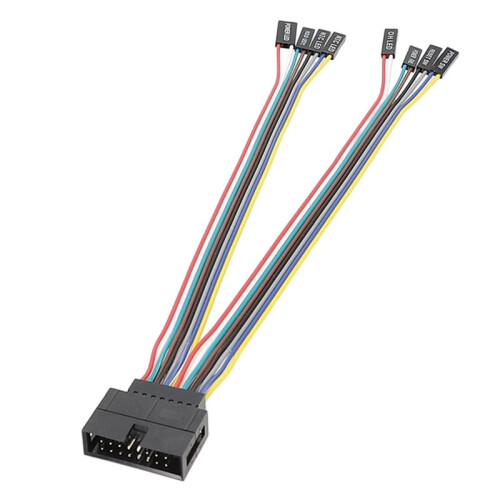
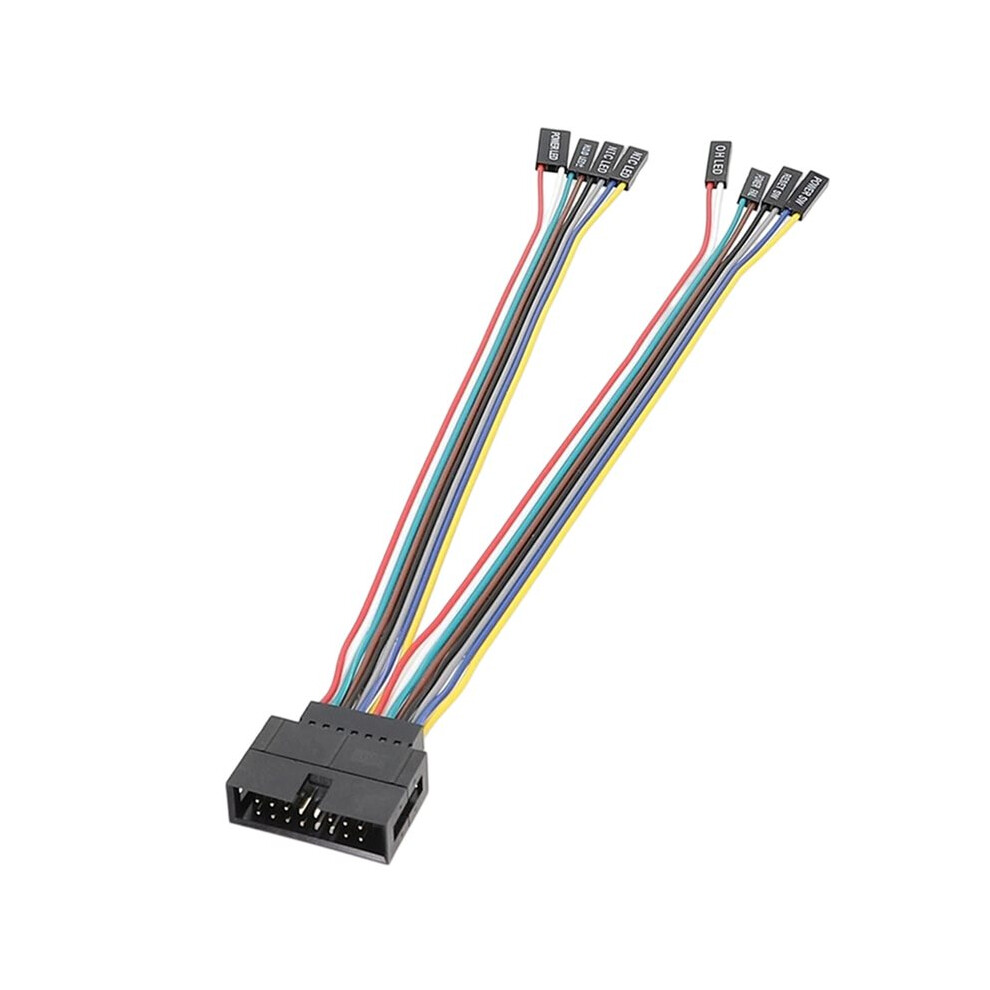
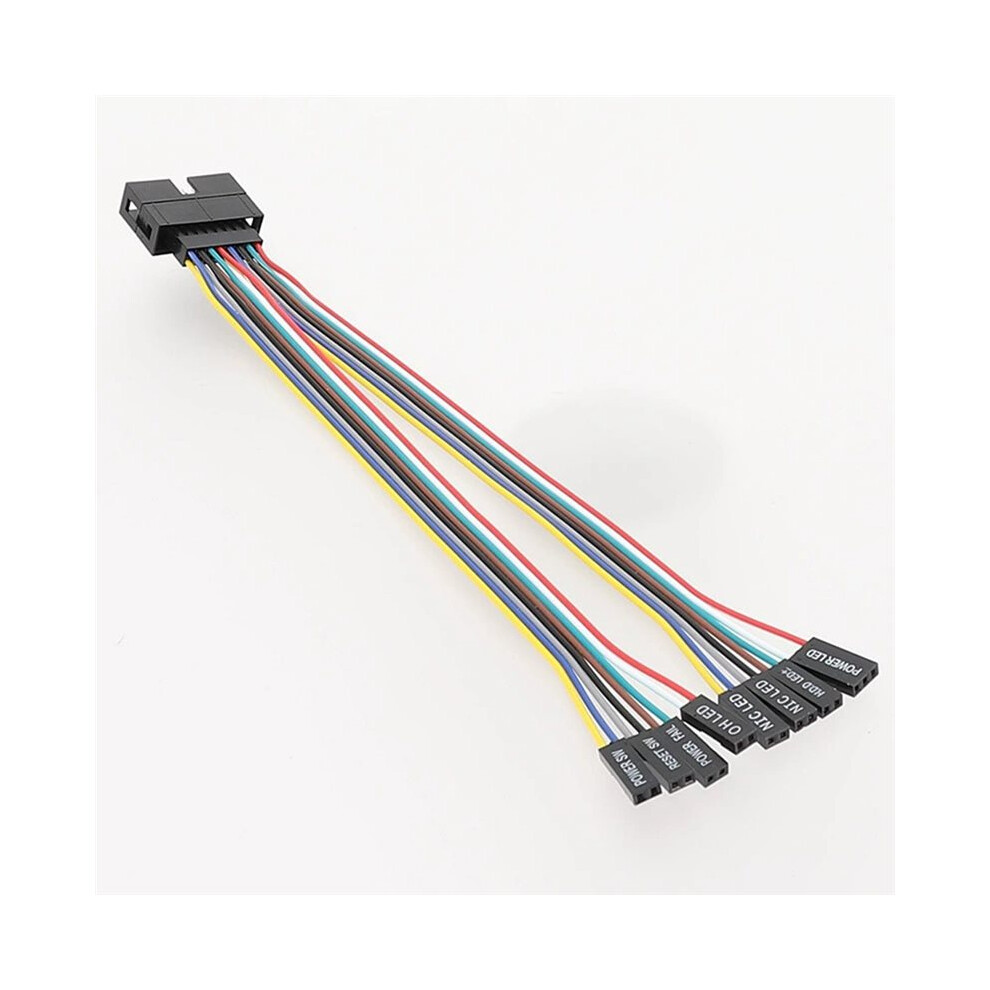
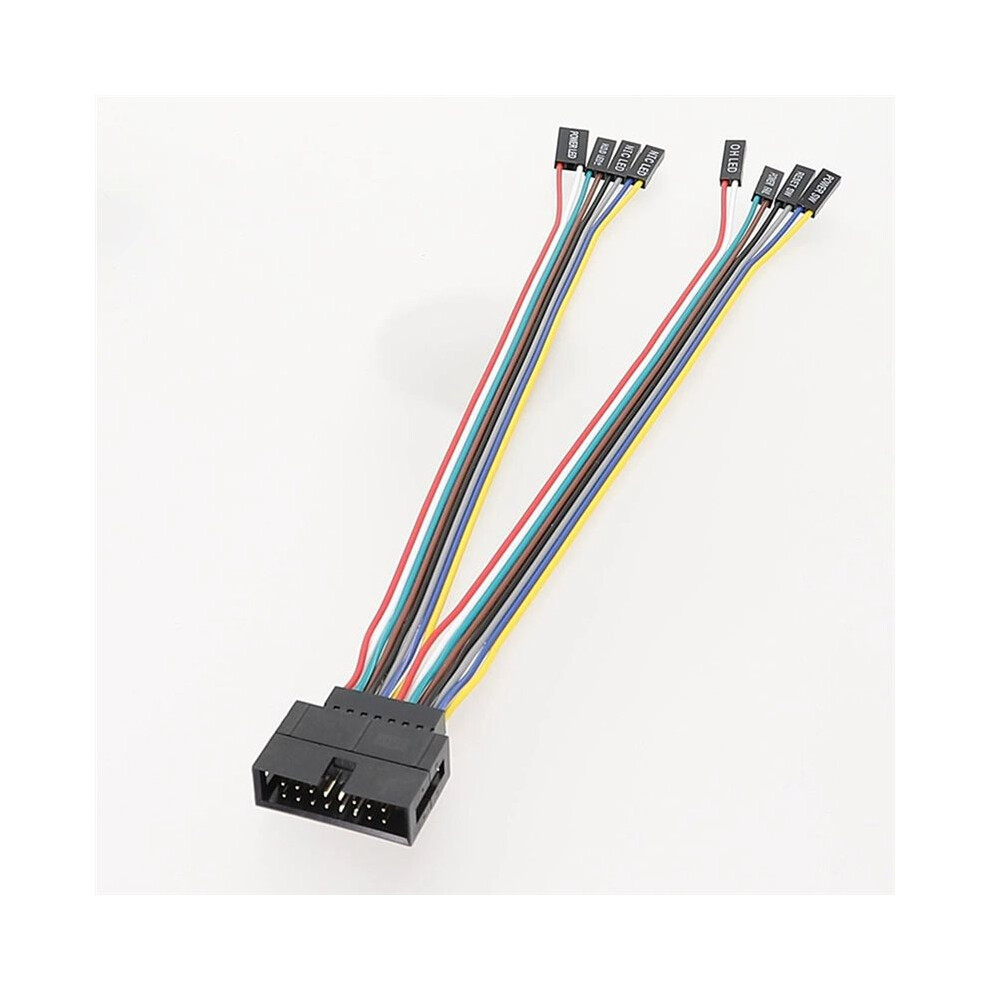
This GW-Multi Functional front panel connector adapter cable is designed for connecting server motherboards to standard computer cases and server chassis. It provides an easy way to extend or adapt the front panel switches and indicator LEDs, improving compatibility and installation flexibility for DIY builds, upgrades, and server maintenance.
Wide Compatibility
Compatible with a variety of server motherboards and intended for use in both tower and rackmount server cases, as well as standard ATX computer cases. Ideal for users who want to install boards in non-original chassis while maintaining full front panel functionality.
Front Panel & LED Extension
The adapter cable supports front panel power , reset , HDD activity LED, power LED, and other standard front panel signals (depending motherboard and case configuration). It enables reliable transmission of signals from the motherboard header to the case buttons and indicator lights.
Color: Black
Material: plastic
Package Contents:
1*Connector Cable
Details
| OPC | PVRHWYQ |
|---|---|
| Codes | 4712218178162 (EAN) |
Product Data
| Height | 2cm |
|---|---|
| Width | 20cm |
| Length | 15cm |
| Weight | 0.02kg |
| Colour | Black |
| Material | Plastic |
| Seller | Ratings | Warranty | Returns | Price | Delivery | Total | Quantity |
|---|---|---|---|---|---|---|---|
|
Dispatched from:

|
(152 reviews) | - |
30 Days
Free Returns No
|
£1.93
|
+£7.08 Delivery
Est. Delivery:
4th-10th Dec
|
£9.01
|
Earn as you shop with instant Cashback on everything.
No catch, no cost
Become a Cashback VIP
Just 1 purchase unlocks bigger deals & rates
You'll only get instant Cashback at OnBuy! Enter your email below and we'll send you a copy of your basket to save you time later.
By entering your email address, you'll automatically be added to our database, where you can enjoy personalised Cashback offers and early access to our best deals. You can opt out of our emails at any time and we'll never share your details with anyone. Check our Privacy Policy and T&Cs to find out more.
Want access to personalised offers and the highest Cashback rates? Sign up to our emails below.
You can opt out of our emails at any time and we'll never share your details with anyone. Check our Privacy Policy and T&Cs to find out more.
This page has expired.
Refresh and continue