





















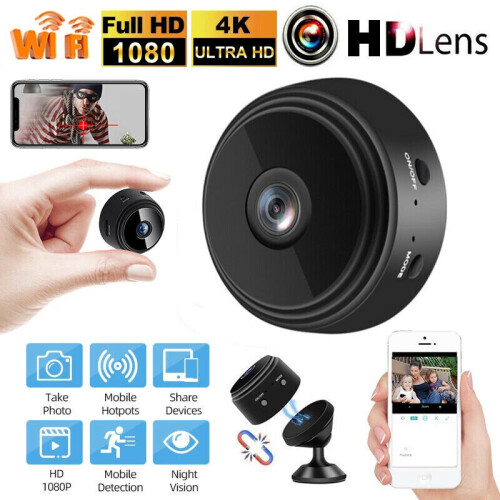

Product Images

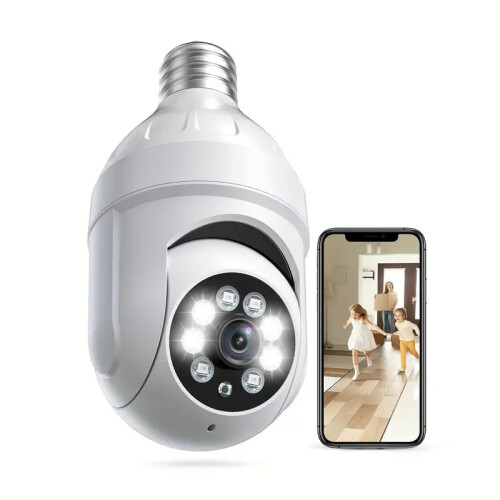

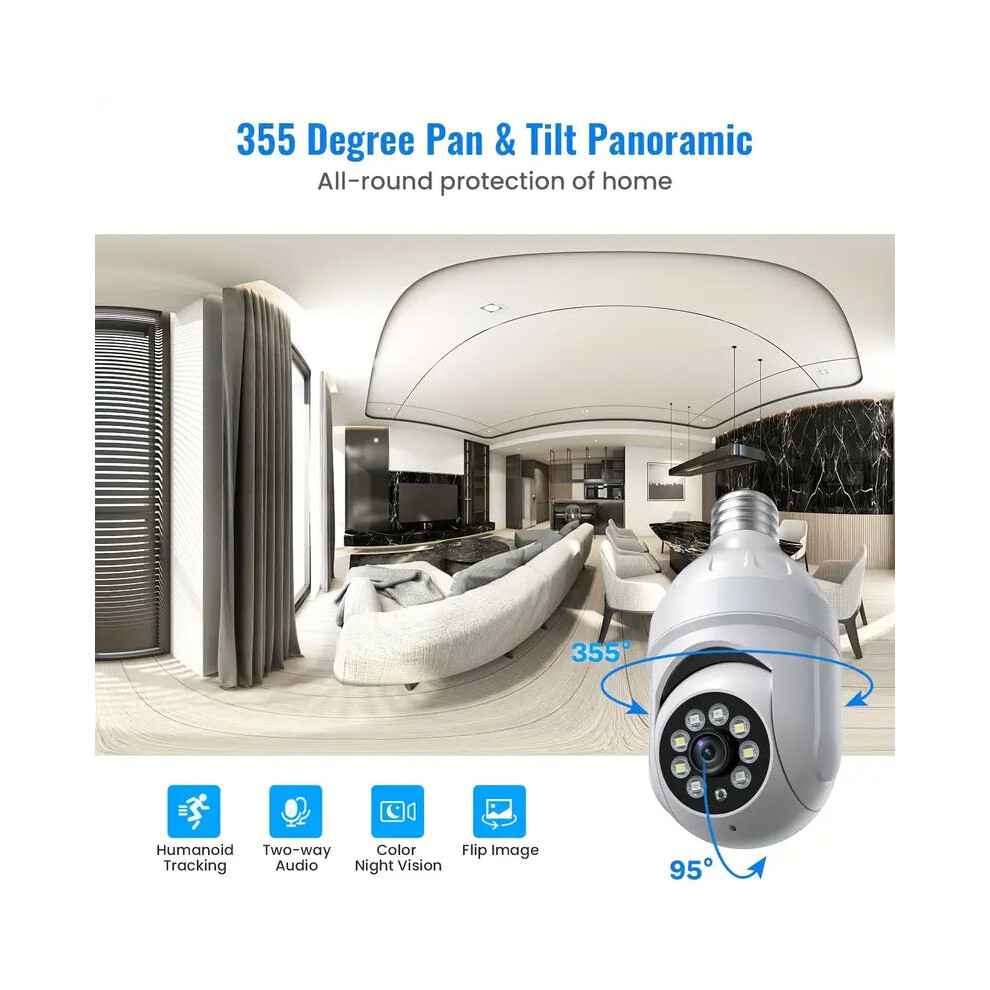
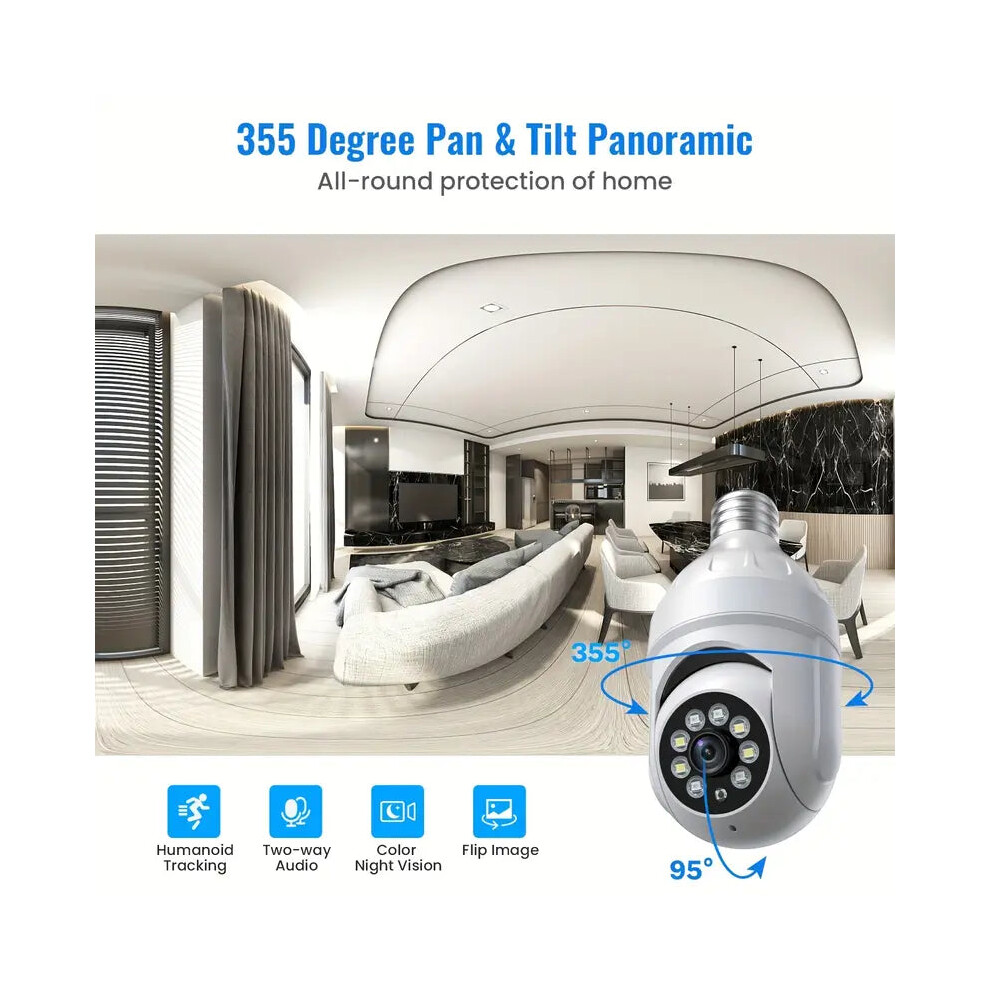
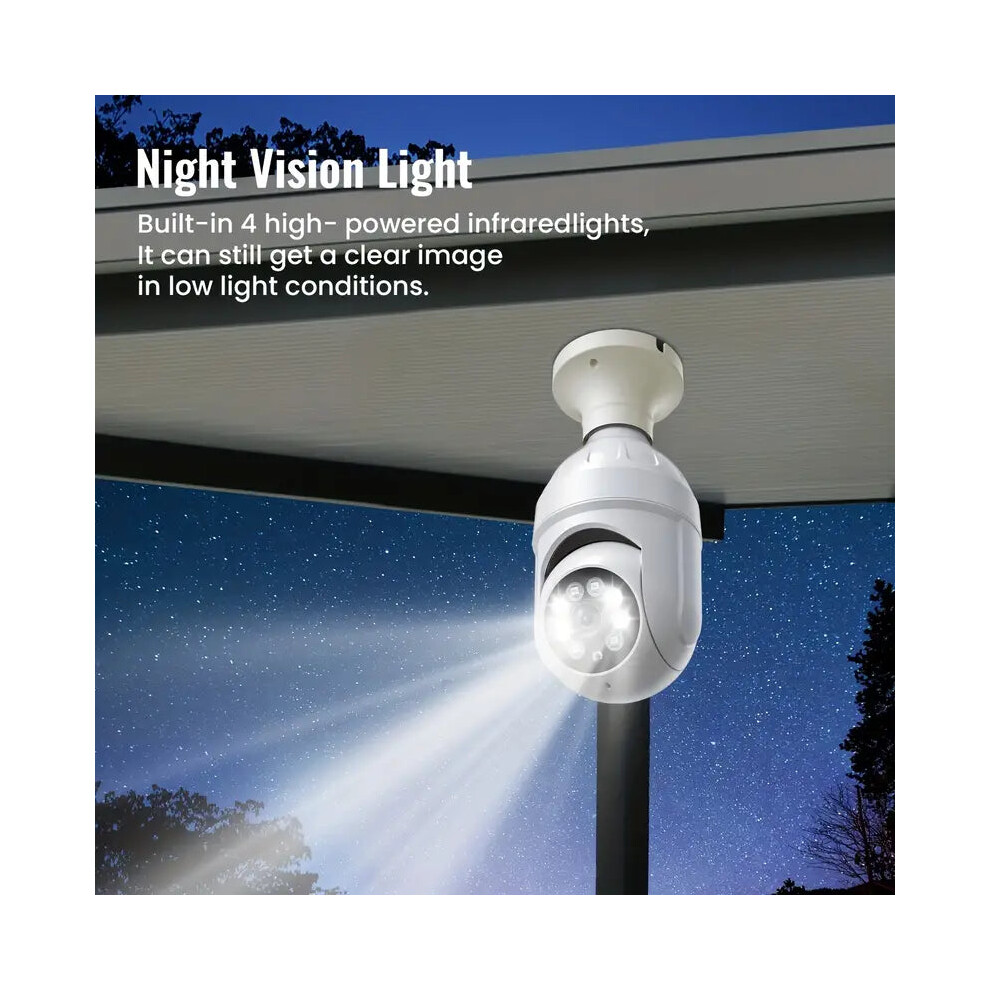
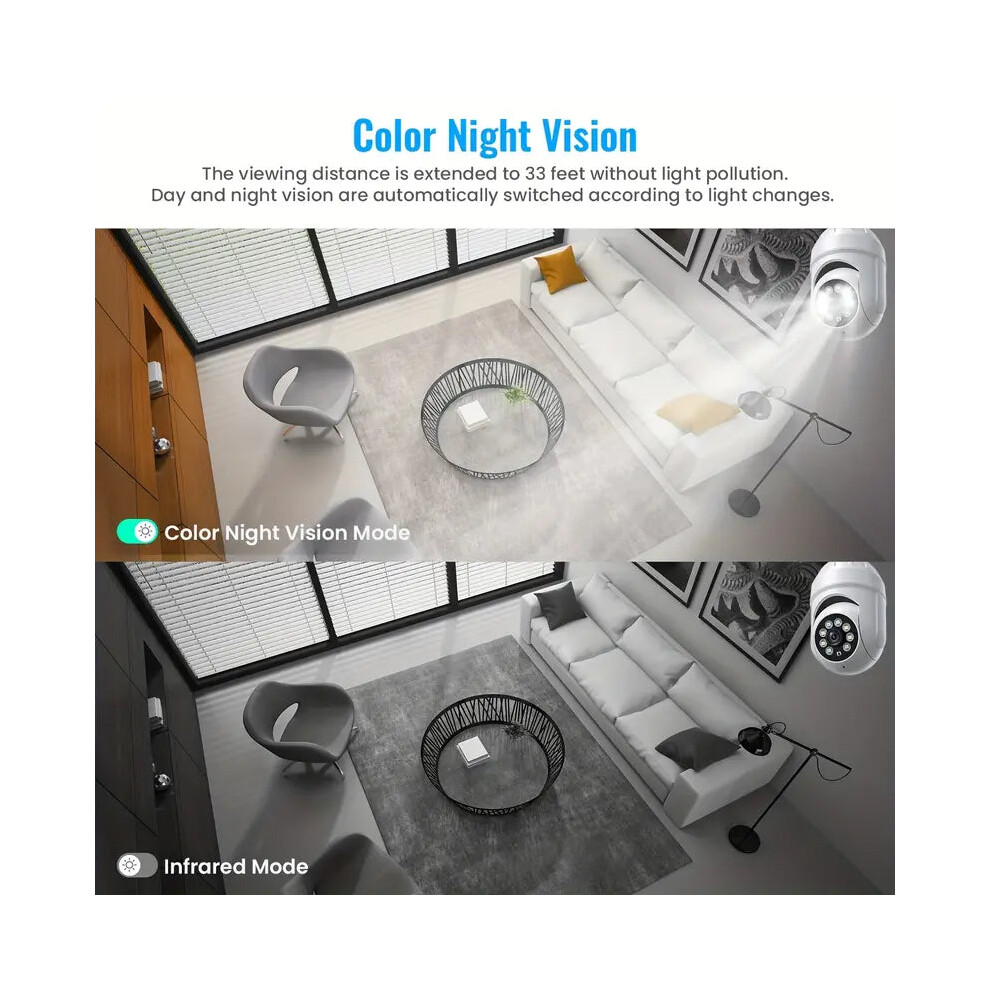
In stock
Smart shoppers OnBuy it!
Interest-free payment options available


See full product description & details
Delivery: Standard (Free) | Thu 6th - Tue 11th Aug
Sold by: NNE Living
Returns: 30 days
180-day payment protection
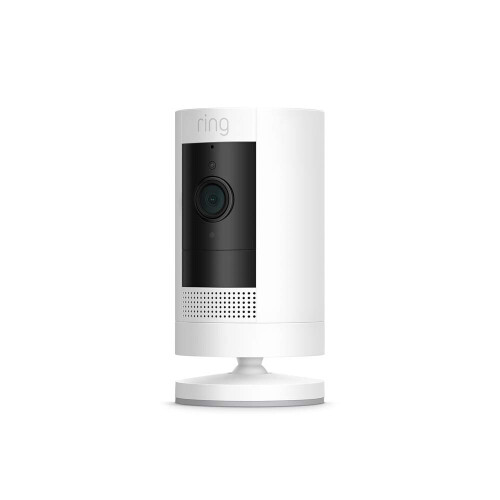
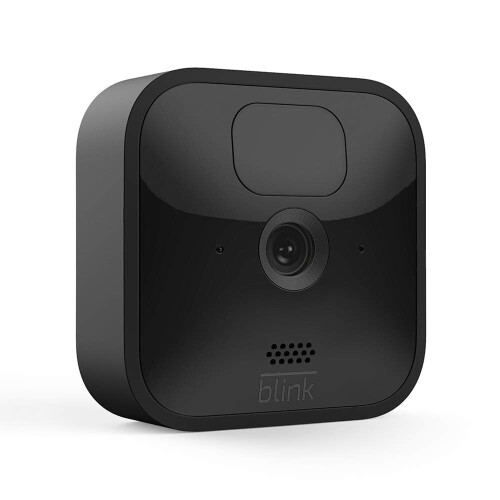
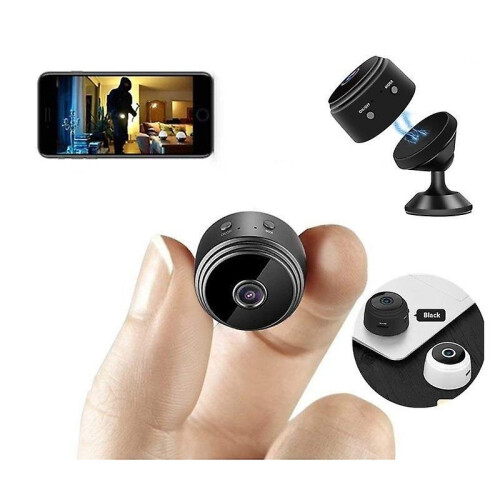
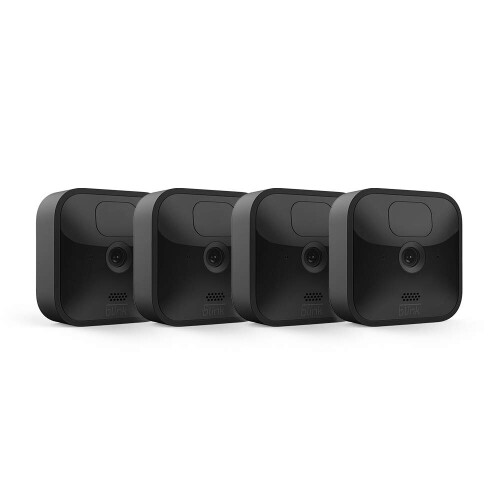
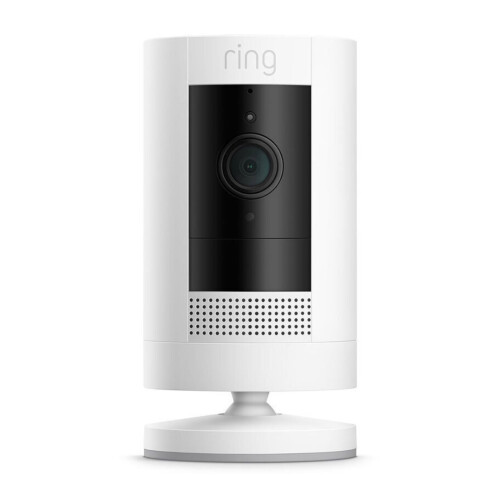
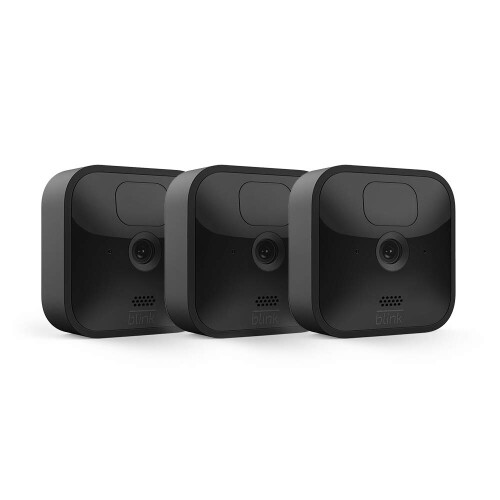
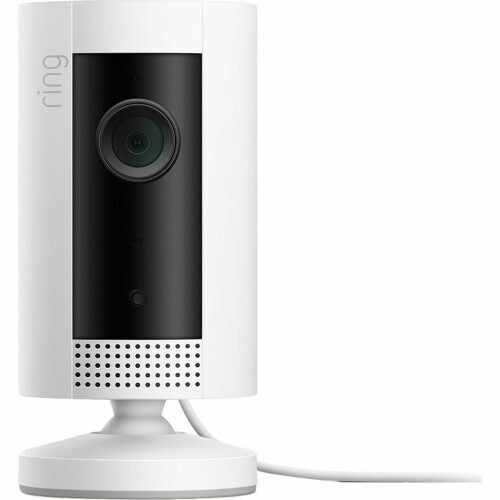


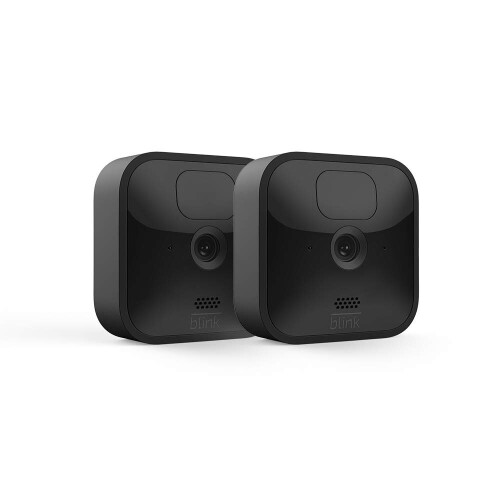

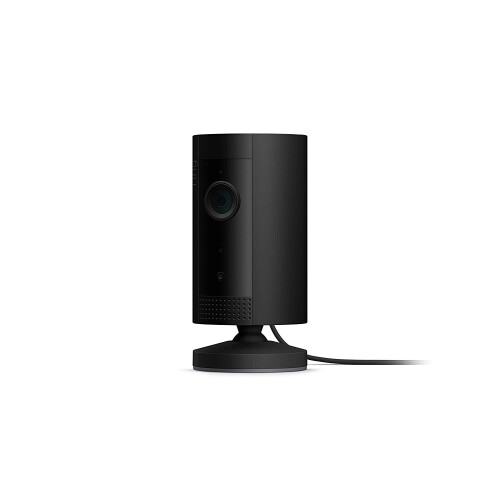
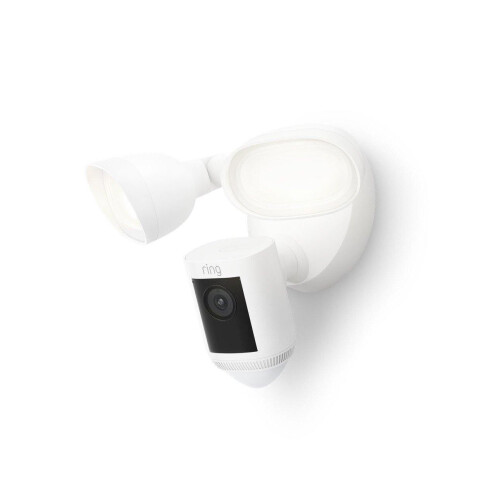
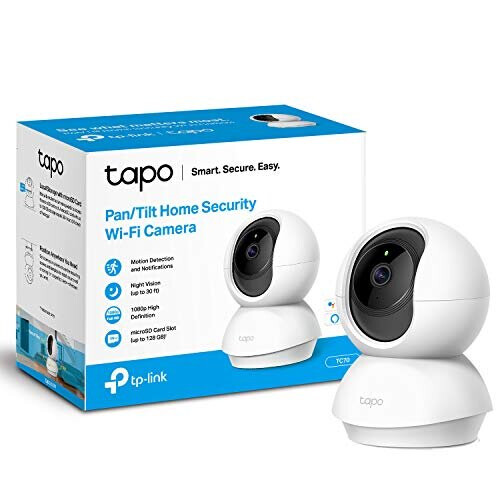
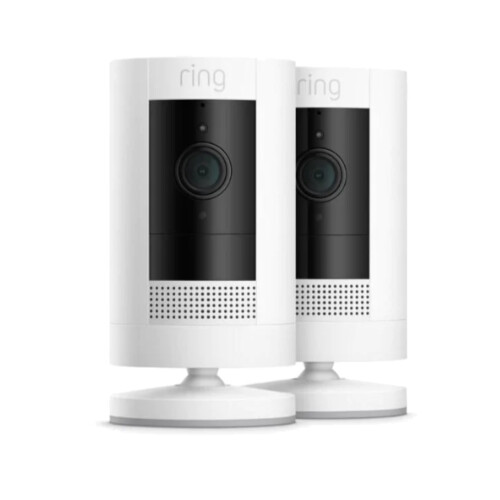
A Bright Idea for Home Security
Specifications:
Features:
How to set up the bulb camera in Aiwit App
1) Open Aiwit, sign up with email and log in your accout.
2) Click "+" icon to add the camera.
3) Select Device Type "IPC Camera", then select your model.
4) Press and hold the setup button at the bottom of the camera
untill you hear the device voice broadcast.
5) Tap "Yes", then emter 2.4gHz Wi-Fi network and password to
continue. (5gHz Wi-Fi is not compatible)
6) Use your device camera to scan the QR code shown on the app,
then tap Confirm once the WI-Fi setup is finished.
How do I share the light bulb security camera with family
1) Open the Aiwit App. Tap the Settings icon, then tap the Share icon to get to the Sharing Device page.
2) On the Sharing Device page, you can share the device via email or QR code scanning, and you can also transfer device.
3) The new user has to download the Aiwit App and create his/her own account first.
PS: Once account cannot stay logged in on multiple devices. You need to share device to other device.
Why cannot connect to WiFi?
The light bulb scurity camera works wit 2.4GHz WiFi only, 5GHz WiFi is not supported. Please make sure enter the 2.4G WiFi name and password.
Why is my light bulb scurity camera offline?
Offline means light bulb scurity camera is disconnected. There are two possible reasons:
1. The device is cut off power. Please check the power supply.
2. Wi-Fi was weak and the device disconnected from Wi-Fi.
Please reset the light bulb camera and reconnect with Wi-Fi.
Please make sure your Wi-Fi is stable and consider repositioning your router for a stronger connection. When Wi-Fi is not stable, it is likely to go offline or experience substantial delays. Restarting the router may fix these
How many users can view the light bulb scurity camera at the same time?
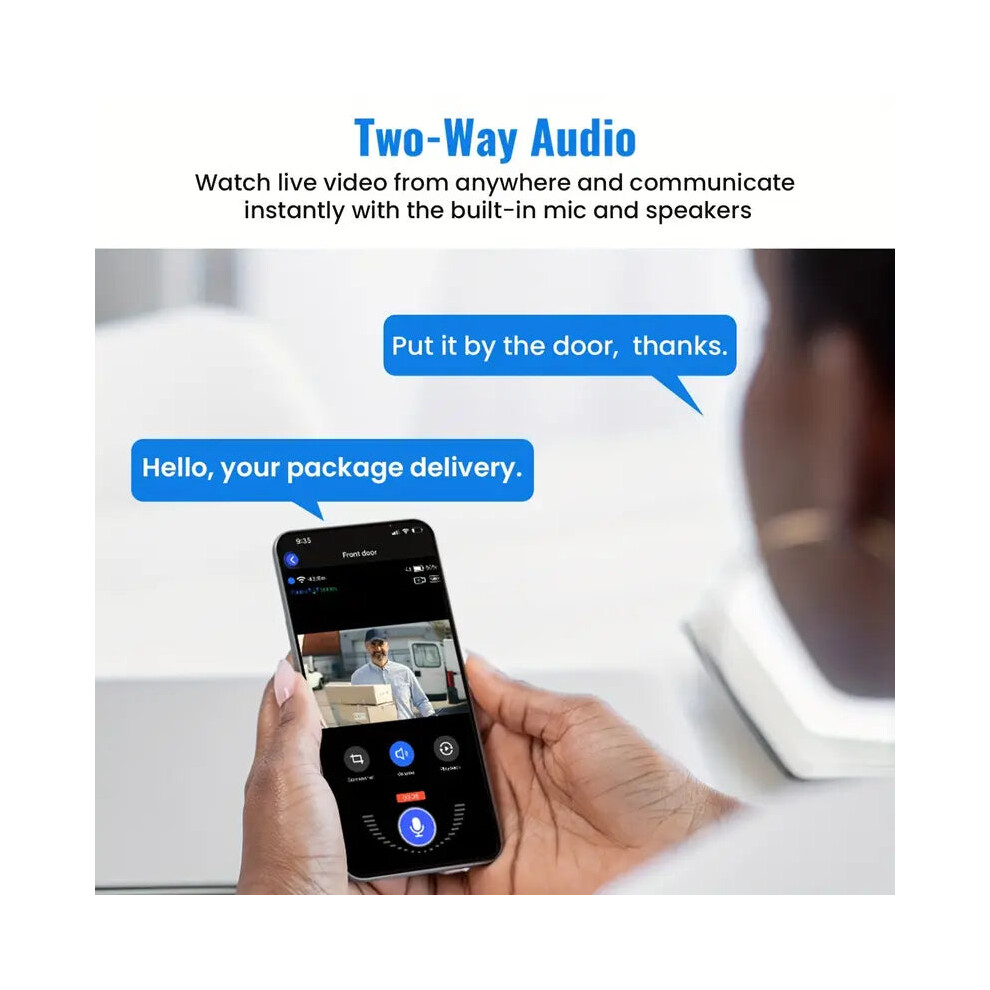
The owner account can share to 8 other accounts. Up to 3
users may view the video feed at one time, but only 1 user
can use the intercom.
Customer Service
If you have any questions regarding your light blub security camera, please feel free to contact our customer service team via Aiwit App.
Details
| OPC | PSBHHP5 |
|---|---|
| Brand | TM |
| Codes | 9362547017691 (EAN) |
| Links | Home Security Cameras |
| Seller | Ratings | Warranty | Returns | Price | Delivery | Total | Quantity |
|---|---|---|---|---|---|---|---|
|
Dispatched from:

|
(1 review) | 100 months |
30 Days
Free Returns No
|
£83.30
|
+Free Delivery
Est. Delivery:
6th-11th Aug
|
£83.30
|
Earn as you shop with instant Cashback on everything.
No catch, no cost
Become a Cashback VIP
Just 1 purchase unlocks bigger deals & rates
Wait! You've left
something behind...
You'll only get instant Cashback at OnBuy! Enter your email below and we'll send you a copy of your basket to save you time later.
No thanks, I'm alright for now
By entering your email address, you'll automatically be added to our database, where you can enjoy personalised Cashback offers and early access to our best deals. You can opt out of our emails at any time and we'll never share your details with anyone. Check our Privacy Policy and T&Cs to find out more.
Before you go...
Remember, you'll only get instant Cashback on everything at OnBuy!
Want access to personalised offers and the highest Cashback rates? Sign up to our emails below.
No thanks, I'm alright for now
You can opt out of our emails at any time and we'll never share your details with anyone. Check our Privacy Policy and T&Cs to find out more.