






















Product Images

In stock
Smart shoppers OnBuy it!
Interest-free payment options available


See full product description & details
Delivery: Priority (Free) | Fri 6th - Mon 9th Nov
Sold by: YOHOU
Returns: 30 days
180-day payment protection
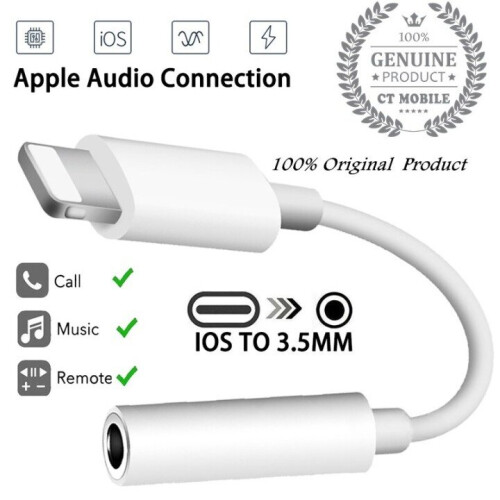
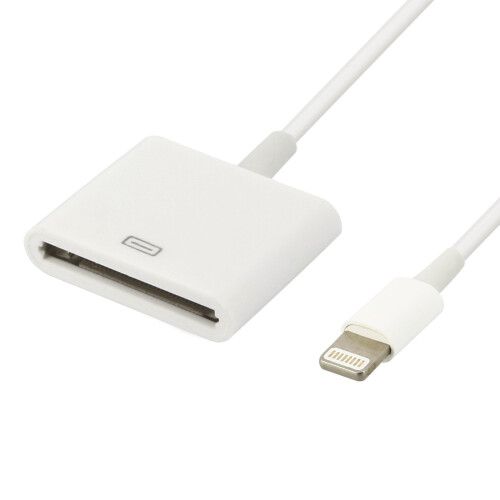
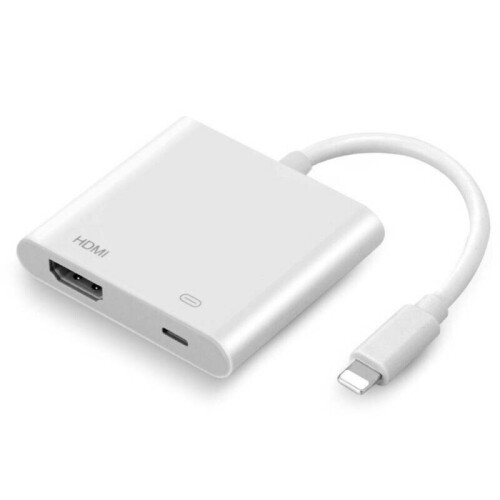
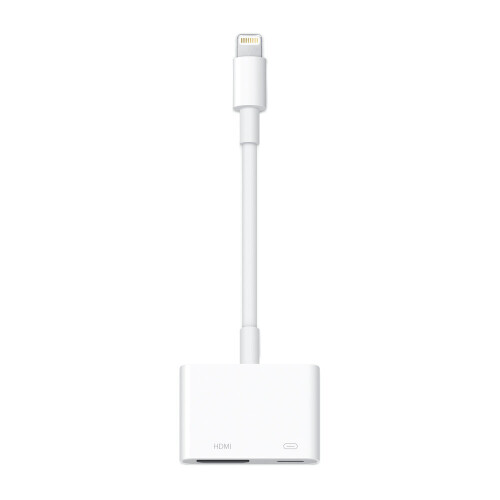
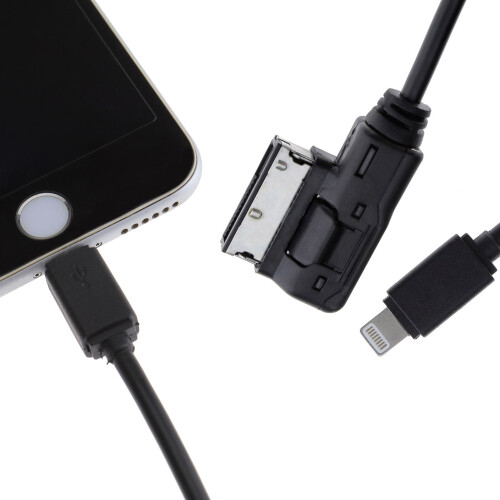


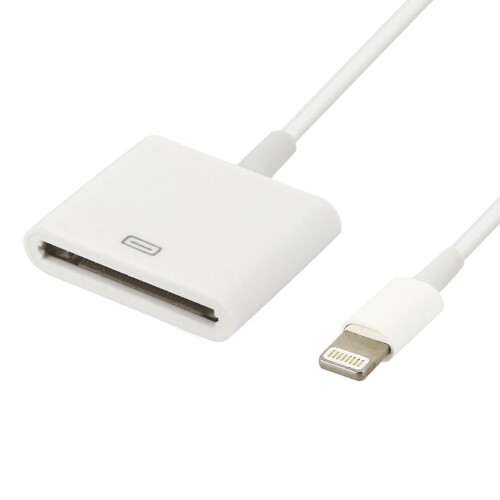
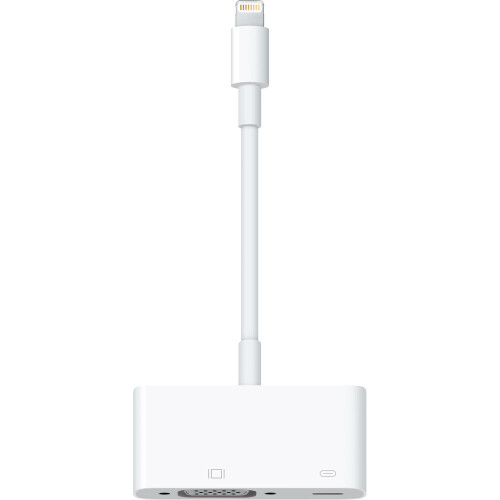
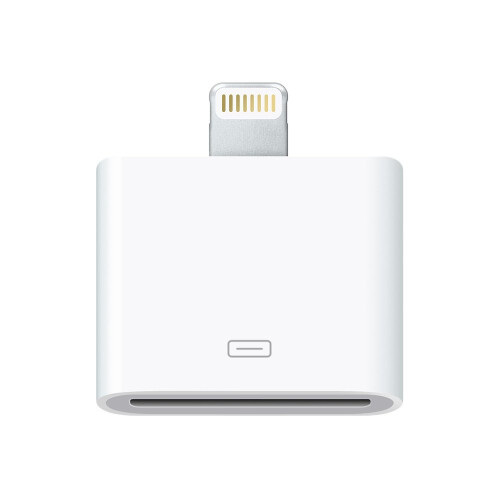


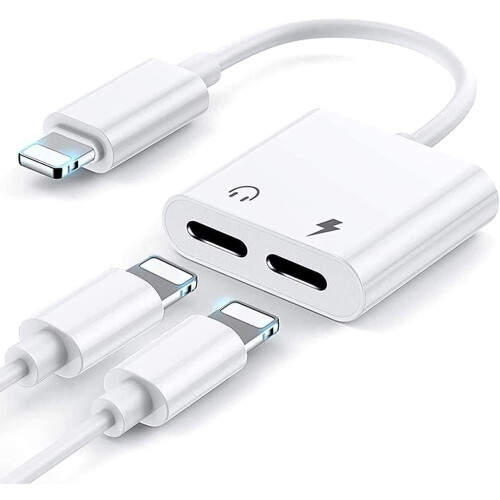
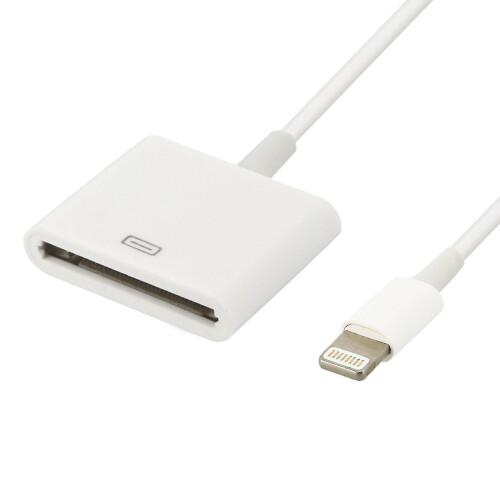
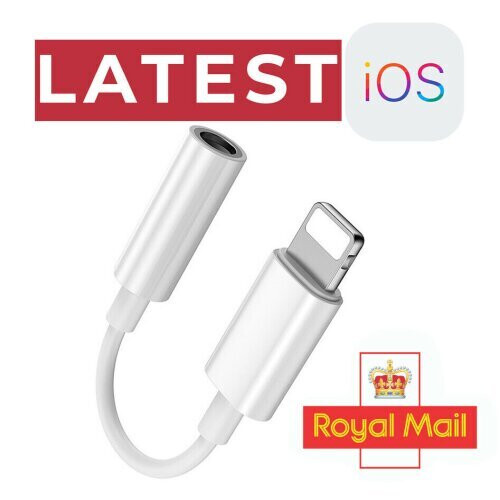
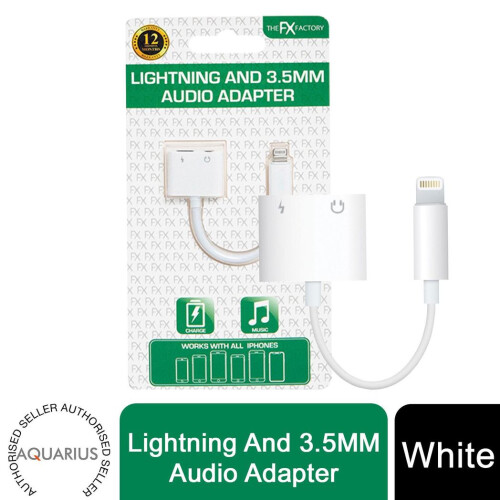
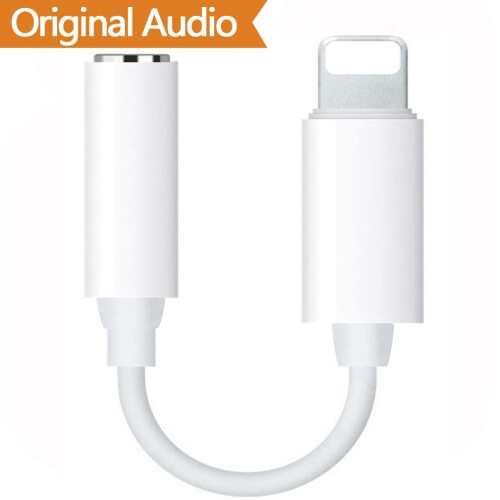
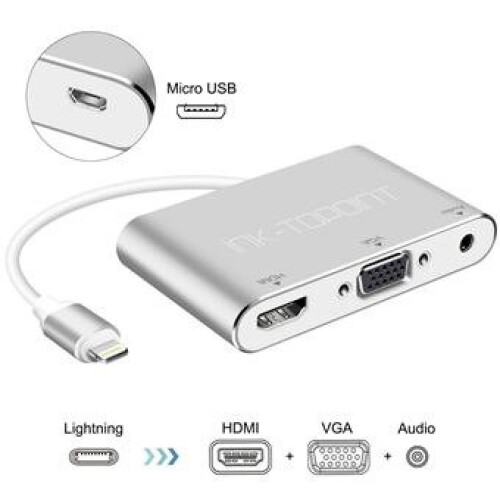
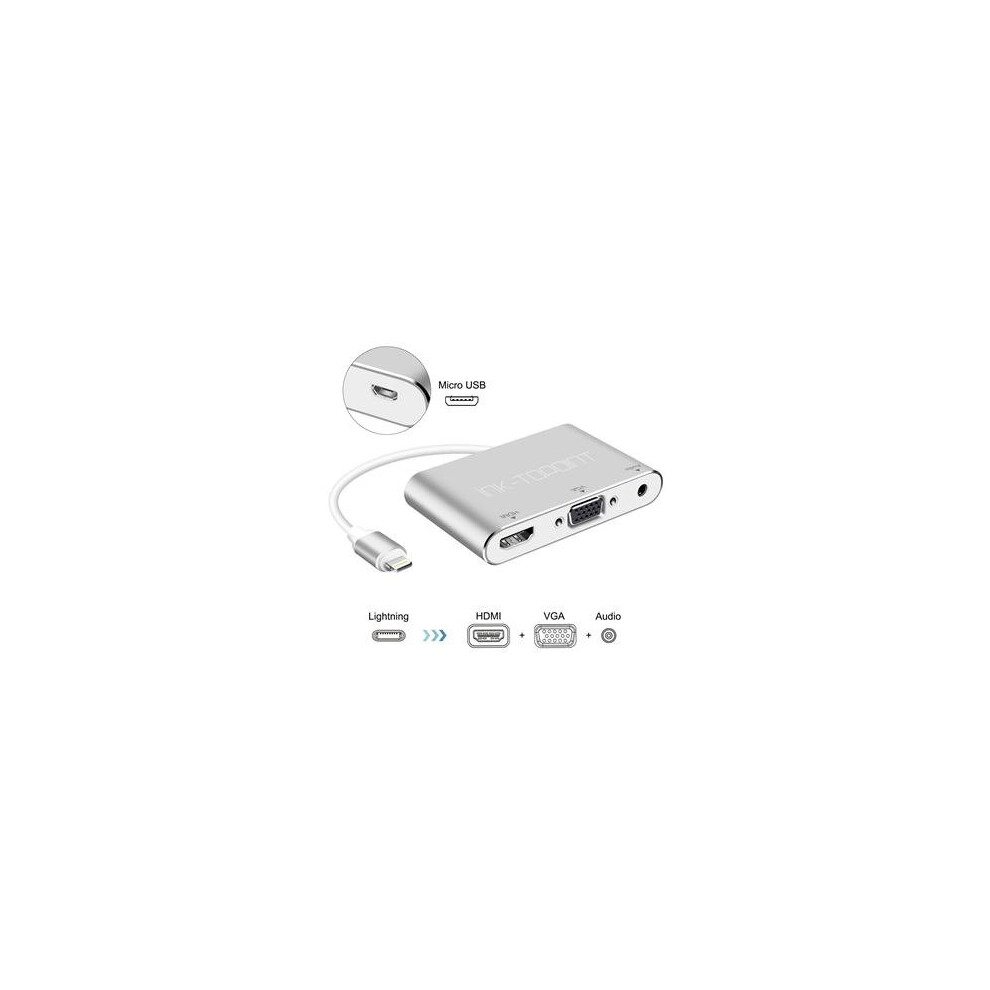
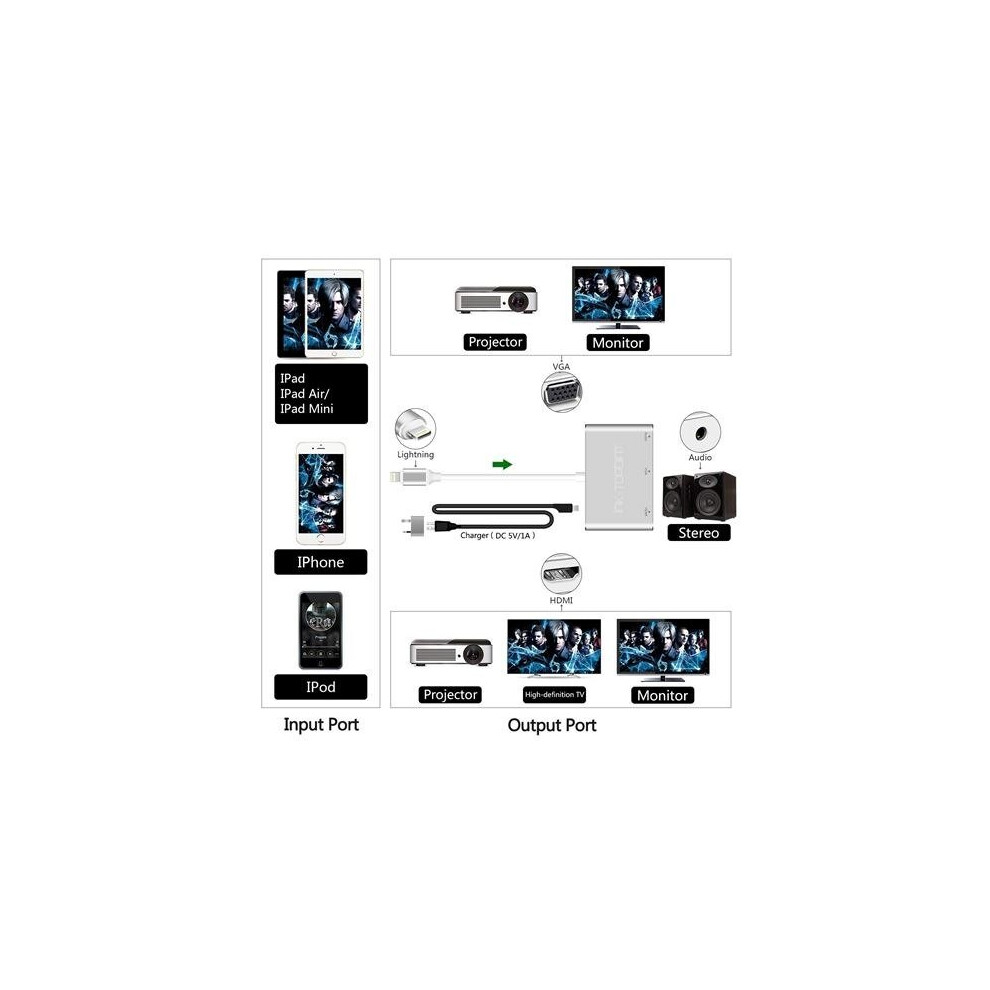
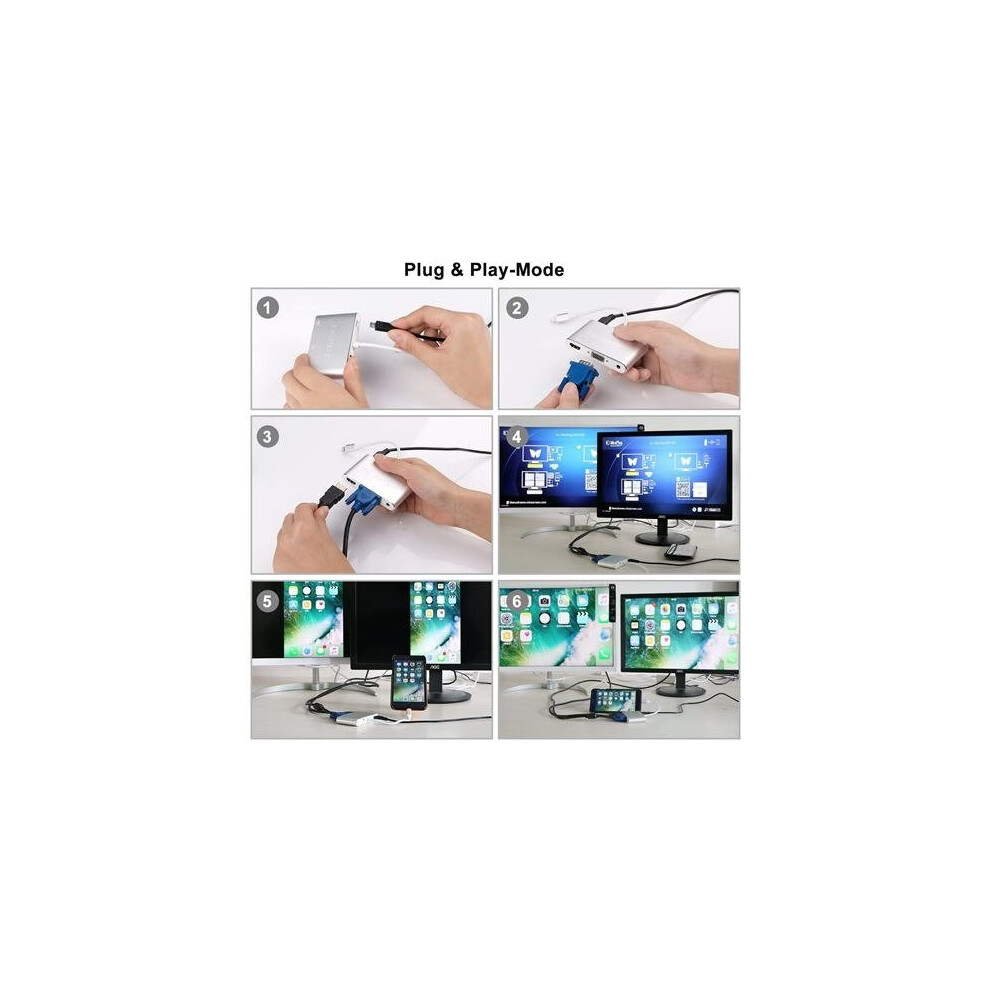
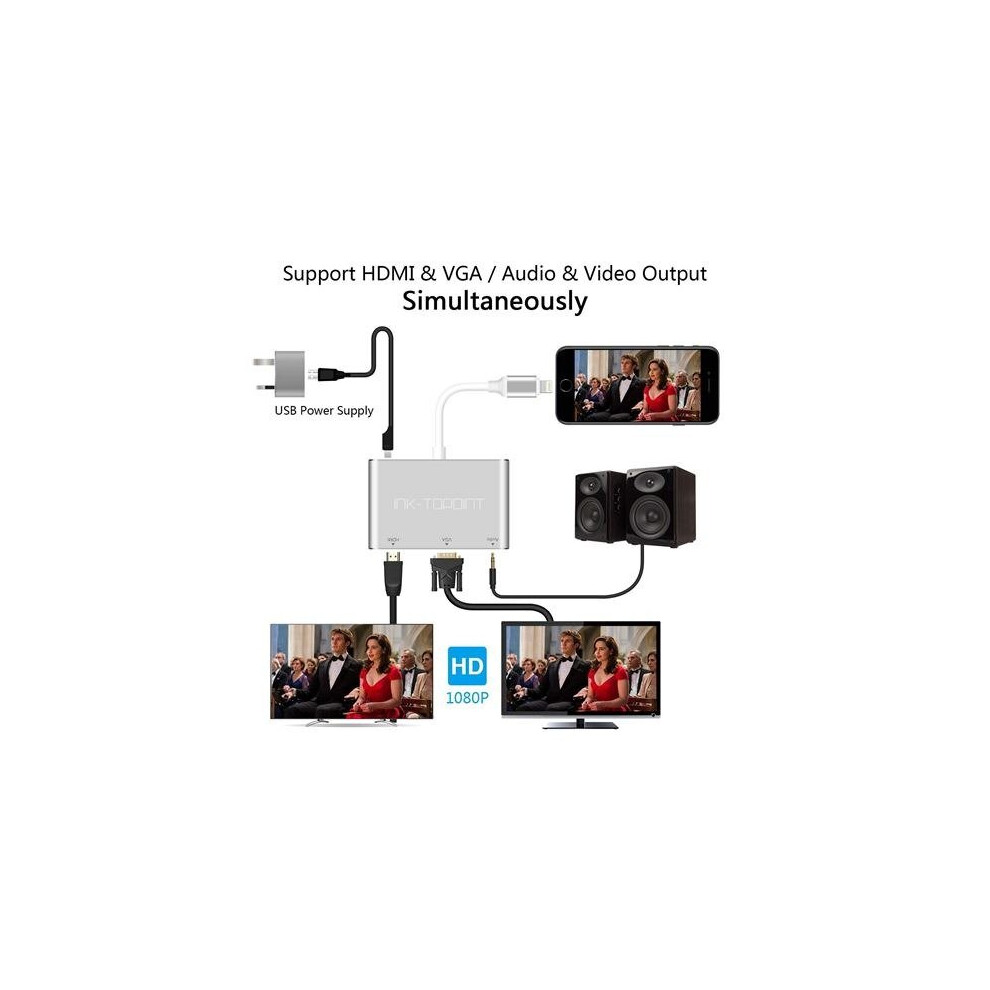
[Multi-function] Support HDMI and VGA/audio and video output at the same time. Use this digital AV adapter to connect your iPhone-iPad-iPod to TV-Projector-Display-it will help to output audio and video at the same time. Supports high-definition output up to 1080p. [Aluminum alloy and ABS material] Aluminum alloy sandblasting material-scratch resistant. It is worth mentioning that thickening-gold-plated interface design-u-better capacity-oxidation resistance-durable and wear-resistant. ABS material is used around the interface-corrosion resistance-impact resistance. [Compatible models] Compatible with iOS 8 and 10. Support iPhone 7 / 7- 6 / 6S / 6S Plus- 5 / 5S / se / 5 C- iPad Pro / iPad mini / iPad Air / iPod. [How to use] Make sure that the Apple Lightning-Adapter has been loaded-first connect the USB cable, and connect the HDMI/VGA/audio display and other output devices. Tap "-Trust" when prompted by the phone. Wait a few seconds for your on-screen display device. Turn on the personal hotspot in the phone settings, and then tap -Mirror selection on AirPlay. [Note] Not support netflex / btsports / Netflix / HBO Go / comcast player / Amazon Prime / Hulu / DIRECTV may not support payment to other in-app videos. This product requires 5V/1A power supply. Make sure that the battery of the mobile phone or iPad is low and that the power of the iPad is not less than 40%. -Apple Lightning Adapter is loaded-USB cable. Connect HDMI / VGA / audio display and other output devices. Tap "-Trust" when prompted by the phone. Wait a few seconds for your on-screen display device. Turn on the personal hotspot in the phone settings, and then tap -Mirror selection on AirPlay. [Note] Not support netflex / btsports / Netflix / HBO Go / comcast player / Amazon Prime / Hulu / DIRECTV may not support payment to other in-app videos. This product requires 5V/1A power supply. Make sure that the battery of the mobile phone or iPad is low and that the power of the iPad is not less than 40%. -Apple Lightning Adapter is loaded-First, connect the USB cable to HDMI / VGA / audio display and other output devices. Tap "-Trust" when prompted by the phone. Wait a few seconds for your on-screen display device. Turn on the personal hotspot in the phone settings, and then tap -Mirror selection on AirPlay. [Note] Not support netflex / btsports / Netflix / HBO Go / comcast player / Amazon Prime / Hulu / DIRECTV may not support payment to other in-app videos. This product requires 5V/1A power supply. Make sure that the battery of the mobile phone or iPad is low and that the power of the iPad is not less than 40%. Connect HDMI/VGA/audio display and other output devices. Tap "-Trust" when prompted by the phone. Wait a few seconds for your on-screen display device. Turn on the personal hotspot in the phone settings, and then tap -Mirror selection on AirPlay. [Note] Not support netflex / btsports / Netflix / HBO Go / comcast player / Amazon Prime / Hulu / DIRECTV may not support payment to other in-app videos. This product requires 5V/1A power supply. Make sure that the battery of the mobile phone or iPad is low and that the power of the iPad is not less than 40%. Connect HDMI/VGA/audio display and other output devices. Tap "-Trust" when prompted by the phone. Wait a few seconds for your on-screen display device. Turn on the personal hotspot in the phone settings, and then tap -Mirror selection on AirPlay. [Note] Not support netflex / btsports / Netflix / HBO Go / comcast player / Amazon Prime / Hulu / DIRECTV may not support payment to other in-app videos. This product requires 5V/1A power supply. Ensure that the battery of the mobile phone or iPad is low and that the power of the iPad is not less than 40%. -When prompted by the phone. Wait a few seconds for your on-screen display device. Turn on the personal hotspot in the phone settings, and then tap -Mirror selection on AirPlay. [Note] Not support netflex / btsports / Netflix / HBO Go / comcast player / Amazon Prime / Hulu / DIRECTV may not support payment to other in-app videos. This product requires 5V/1A power supply. Make sure that the battery of the mobile phone or iPad is low and that the power of the iPad is not less than 40%. -When prompted by the phone. Wait a few seconds for your on-screen display device. Turn on the personal hotspot in the phone settings, and then tap -Mirror selection on AirPlay. [Note] Not support netflex / btsports / Netflix / HBO Go / comcast player / Amazon Prime / Hulu / DIRECTV may not support payment to other in-app videos. This product requires 5V/1A power supply. Make sure that the battery of the mobile phone or iPad is low and that the power of the iPad is not less than 40%. Then click the mirror selection on AirPlay. [Note] Not support netflex / btsports / Netflix / HBO Go / comcast player / Amazon Prime / Hulu / DIRECTV may not support payment to other in-app videos. This product requires 5V/1A power supply. Make sure that the battery of the mobile phone or iPad is low and that the power of the iPad is not less than 40%. Then click the mirror selection on AirPlay. [Note] Not support netflex / btsports / Netflix / HBO Go / comcast player / Amazon Prime / Hulu / DIRECTV may not support payment to other in-app videos. This product requires 5V/1A power supply. Make sure that the battery of the mobile phone or iPad is low and that the power of the iPad is not less than 40%.
Details
| OPC | PBYHTWC |
|---|---|
| Codes | 9054464403632 (EAN) |
| Rank | In demand |
| Seller | Ratings | Warranty | Returns | Price | Delivery | Total | Quantity |
|---|---|---|---|---|---|---|---|
|
Dispatched from:

|
(59 reviews) | - |
30 Days
Free Returns No
|
£16.82
|
+Free Priority Delivery
Est. Delivery:
6th-9th Nov
|
£16.82
|
Earn as you shop with instant Cashback on everything.
No catch, no cost
Become a Cashback VIP
Just 1 purchase unlocks bigger deals & rates
You'll only get instant Cashback at OnBuy! Enter your email below and we'll send you a copy of your basket to save you time later.
By entering your email address, you'll automatically be added to our database, where you can enjoy personalised Cashback offers and early access to our best deals. You can opt out of our emails at any time and we'll never share your details with anyone. Check our Privacy Policy and T&Cs to find out more.
Want access to personalised offers and the highest Cashback rates? Sign up to our emails below.
You can opt out of our emails at any time and we'll never share your details with anyone. Check our Privacy Policy and T&Cs to find out more.
This page has expired.
Refresh and continue