


Product Images



In stock
Smart shoppers OnBuy it!
Interest-free payment options available


See full product description & details
Delivery: Standard (Free) | Fri 13th - Mon 16th Nov
Sold by: Benz Shop
Returns: 30 days
180-day payment protection


Summary
GuKKK
Mini
Printer,
Mobile
Photo
Printer,
Portable
Mini
Photo
Printer,
Wireless
Photo
Printer
Thermal
Printer,
Smartphone
Bluetooth
Printer,
for
Learning
Aid,
Notes,
Journal
(Colourful)
GuKKK
Bluetooth
thermal
printer
-
make
beautiful
moments
immortal!
Do
not
hesitate,
it
is
a
great
gift
for
students,
office
workers,
lovers,
friends,
family,
etc.
Bringing
you
this
Bluetooth
mini
printer
is
a
practical
and
meaningful
gift!
High
performance
design.
Bluetooth
instant
connection,
no
wires
required
to
connect
with
smartphones,
easy
operation,
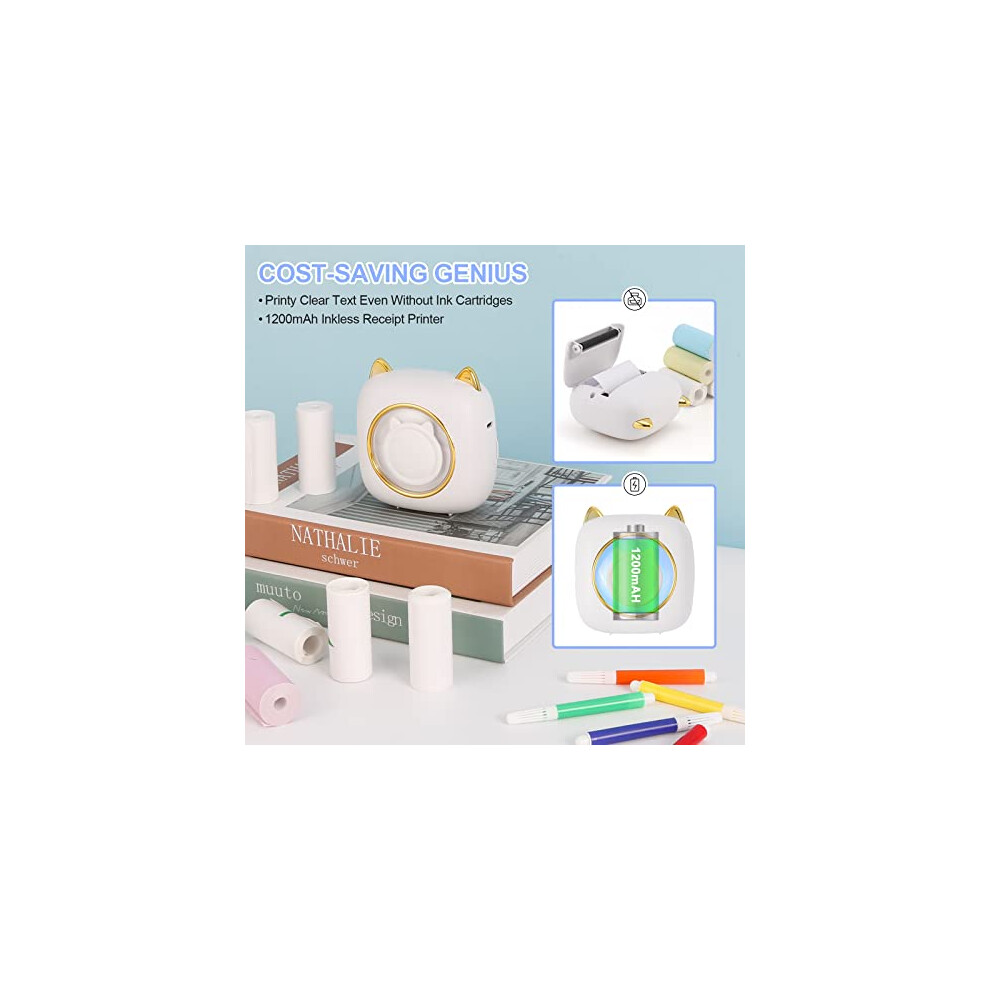
long
battery
life
of
1200mAh,
saves
time
and
effort.
Experience
the
freedom
of
printing
anytime
and
anywhere
and
capture
the
beauty
in
no
time.
Energy
saving
and
environmental
protection.
The
Bluetooth
thermal
printer
uses
thermal
printing
technology,
does
not
use
ink,
is
more
environmentally
friendly
and
cleaner.
Cool
black
and
white
images
to
make
your
photos
look
more
stylish.
Excellent
quality
The
thermal
printer
has
a
resolution
of
200
DPI
and
a
high-quality
print
head
for
crisp
print
quality.
Record
every
warm
moment
anytime
and
anywhere,
and
clear
images
can
bring
you
back
to
these
beautiful
and
meaningful
moments.
Strong
functional
design
You
will
be
amazed
at
the
functionality
of
the
Bluetooth
printer,
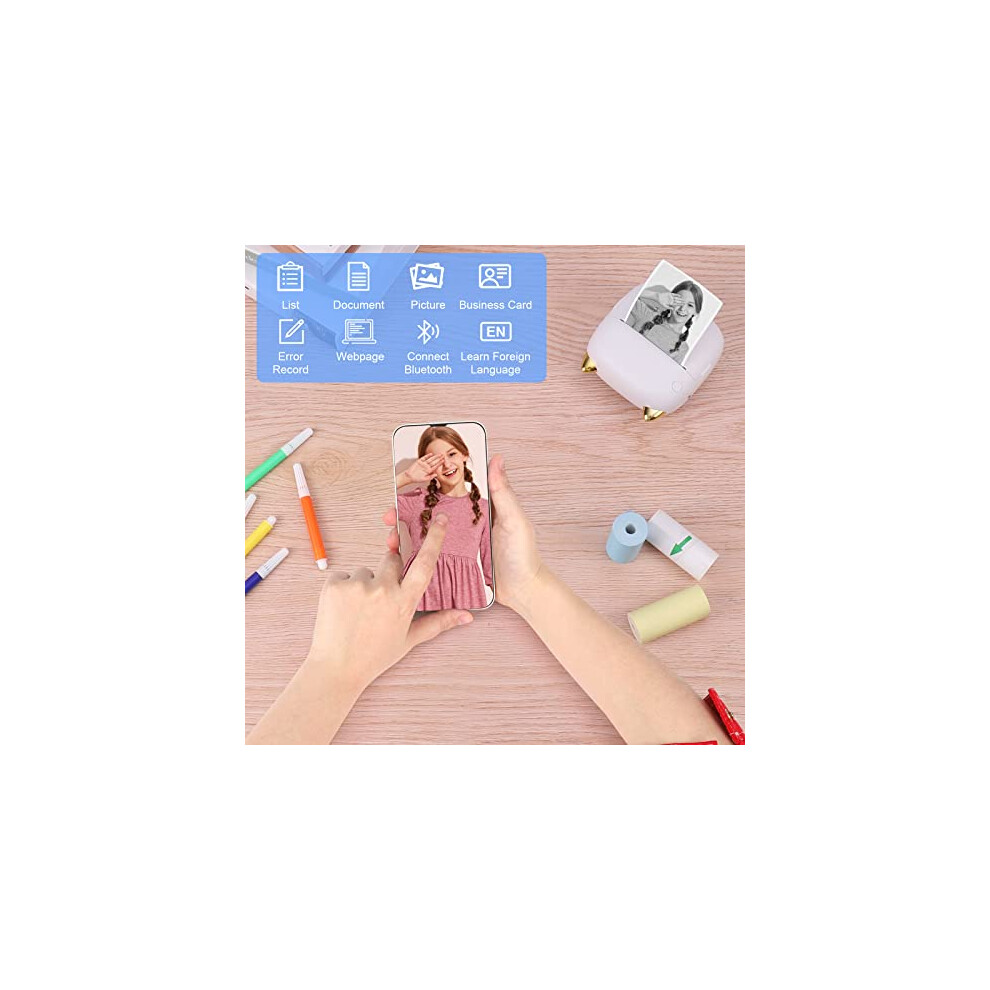
which
supports
multiple
functional
applications,
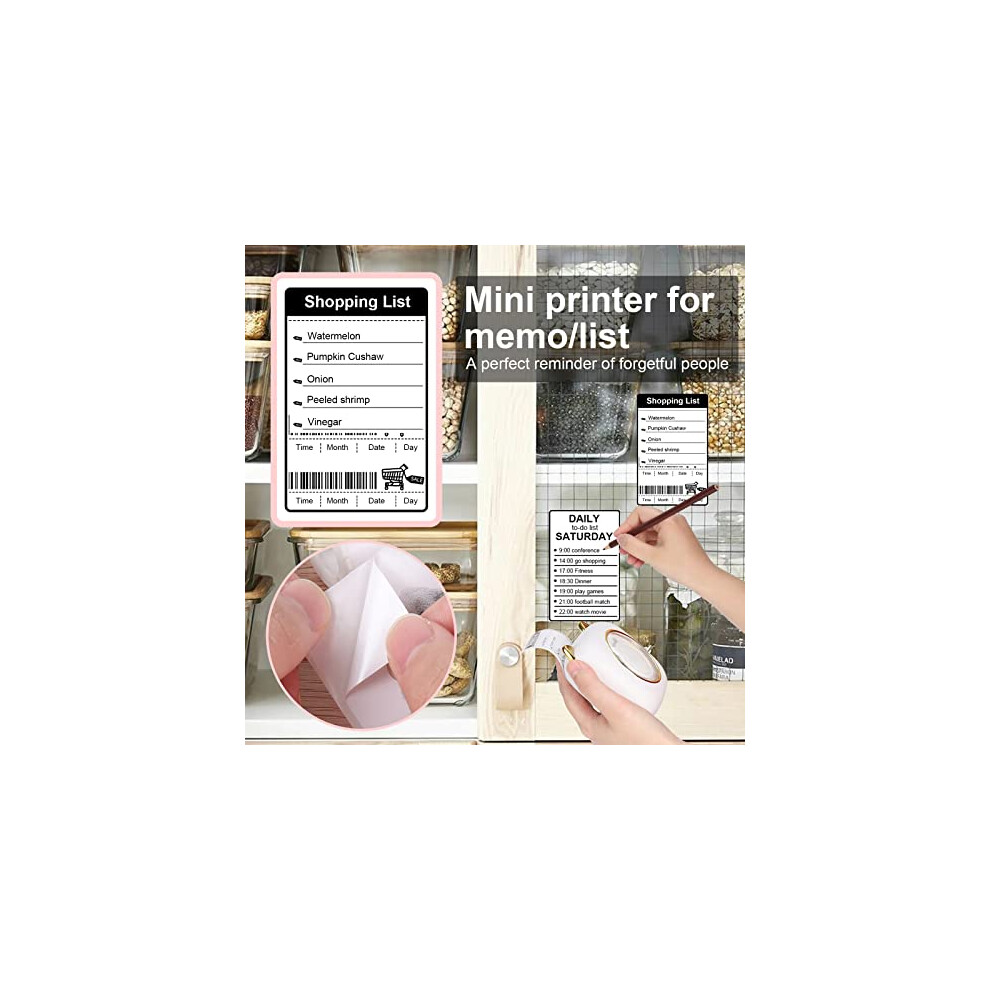
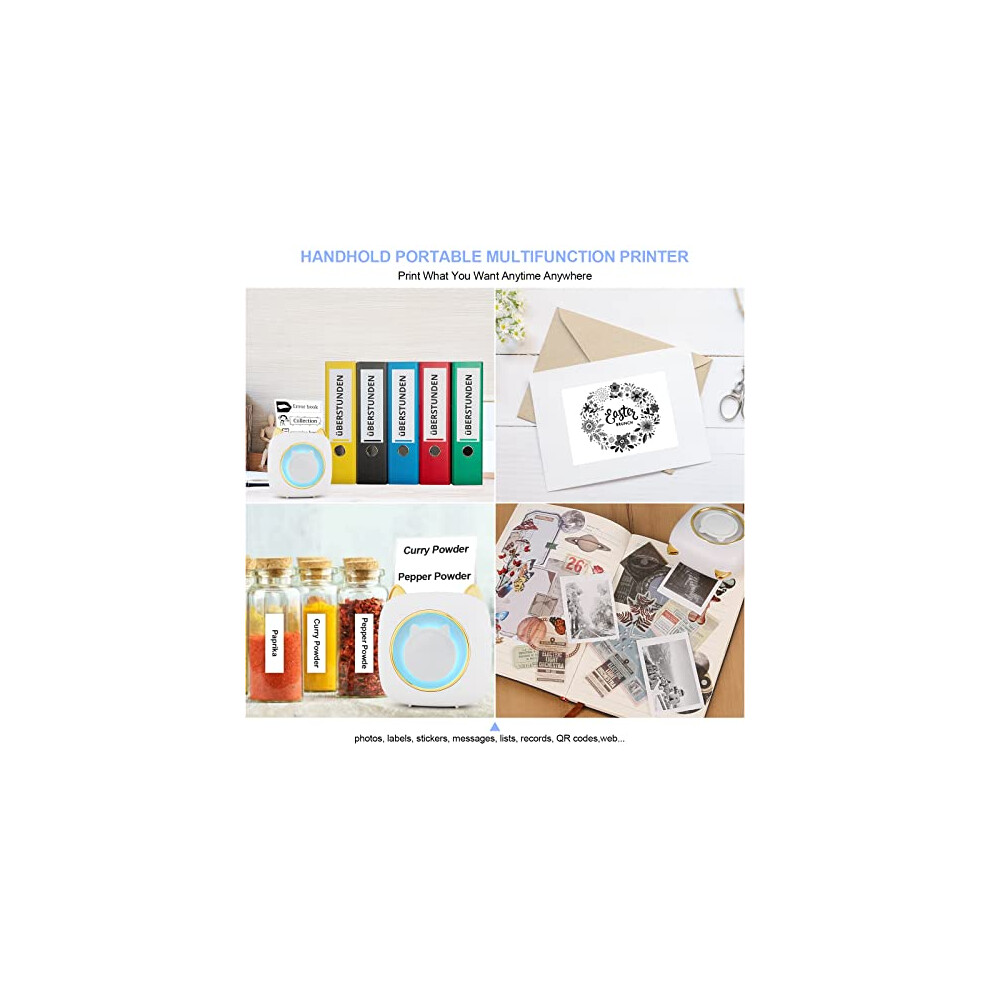
you
can
print
photos,
labels,
stickers,
notes,
work
plans,
shopping
lists
and
more.
Record
your
happy
life,
make
your
study
and
work
more
efficient,
and
bring
a
new
entertaining
experience.
Product
specifications:
Material:
ABS
Printer
size:
8*8*3.5cm
Printing
paper
size:
57
x
26
mm
(it
is
recommended
to
use
printing
paper
of
the
size
57
x
25
mm,
as
exceeding
this
size
can
easily
lead
to
paper
jams).
Print
speed:
max.
40
mm/s.
Resolution:
200
DPI
Connection
method:
Bluetooth
connection
Charging
method:
USB
Print
type:
thermal
printing.
Built-in
battery:
1200mAh
Package
includes:
1
x
printer.
5
x
thermal
printing
paper
(2
white
+
1
red
+
1
green
+
1
yellow).
1
x
USB
cable.
1
x
instruction
sheet.
5
x
watercolour
pencils.
Steps
to
use:
1.
Download
the
app
from
the
Google
Store
or
Apple
Store:
"Tiny
Print".
2.
Turn
on
the
Bluetooth
of
the
mobile
phone
and
press
and
hold
the
on/off
button
of
the
printer
to
turn
it
on;
3.
Click:
My
devices,
search
for
Bluetooth
devices:
GBXX-XXXX,
and
pair;
4.
Select
the
function
to
print
in
the
app,
click
"Print"
to
print,
and
you're
done.
Tips:
1.
The
printer
can
only
print
in
black
and
white
and
does
not
support
colour.
2.
To
avoid
paper
jams,
wrap
the
printing
paper
tightly
and
place
it
in
the
mini
pocket
thermal
printer.
Brand:
GuKKK
Model:
X5
Color:
coloured
Size:
8.2*8.2*4.5
cm
Manufacturer:
GuKKK
Item
dimensions:
8.2H
x
4.5L
x
8.2W
cm
Details
| OPC | PDVHQVR |
|---|---|
| Brand | GuKKK |
| Codes | 0738508673340 (EAN) |
| Links | Photo Printers |
| Seller | Ratings | Warranty | Returns | Price | Delivery | Total | Quantity |
|---|---|---|---|---|---|---|---|
| (235 reviews) | - |
30 Days
Free Returns Yes
|
£34.76
|
+Free Delivery
Est. Delivery:
13th-16th Nov
|
£34.76
|
Earn as you shop with instant Cashback on everything.
No catch, no cost
Become a Cashback VIP
Just 1 purchase unlocks bigger deals & rates
You'll only get instant Cashback at OnBuy! Enter your email below and we'll send you a copy of your basket to save you time later.
By entering your email address, you'll automatically be added to our database, where you can enjoy personalised Cashback offers and early access to our best deals. You can opt out of our emails at any time and we'll never share your details with anyone. Check our Privacy Policy and T&Cs to find out more.
Want access to personalised offers and the highest Cashback rates? Sign up to our emails below.
You can opt out of our emails at any time and we'll never share your details with anyone. Check our Privacy Policy and T&Cs to find out more.
This page has expired.
Refresh and continue