






















Product Images

In stock
Smart shoppers OnBuy it!
Interest-free payment options available


See full product description & details
Delivery: Standard (Free) | Wed 4th - Mon 9th Nov
Returns: 30 days
180-day payment protection


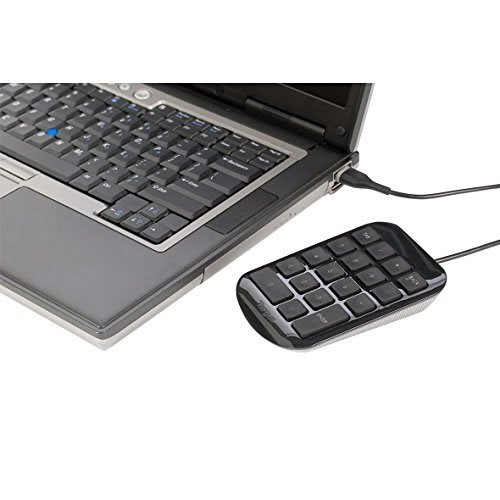
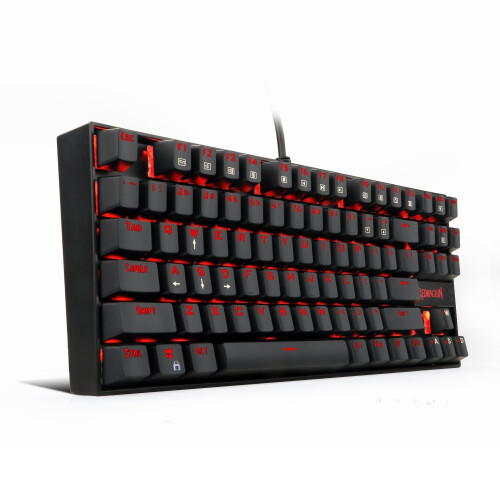
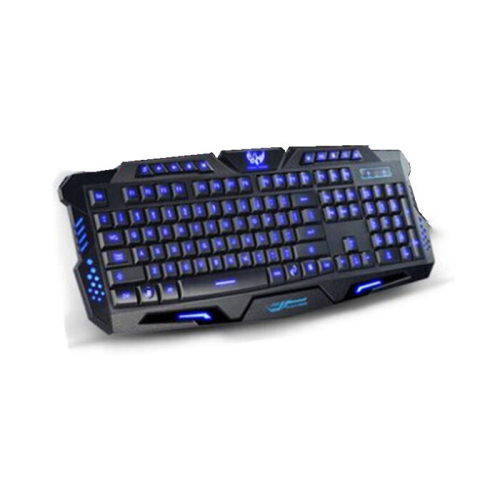

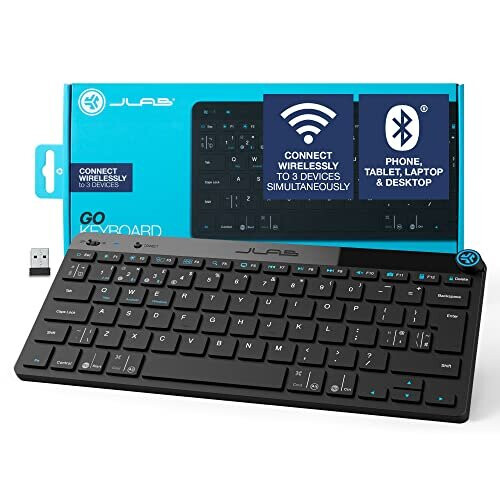



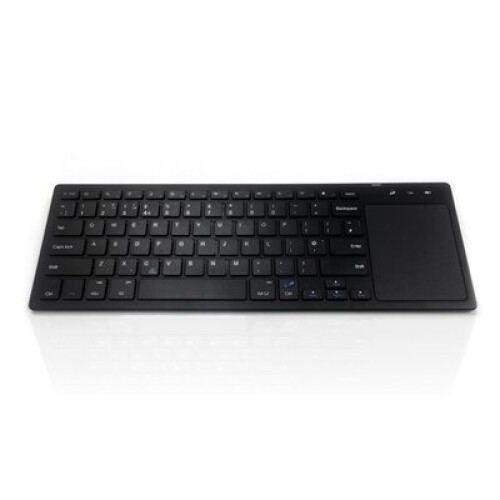
Summary
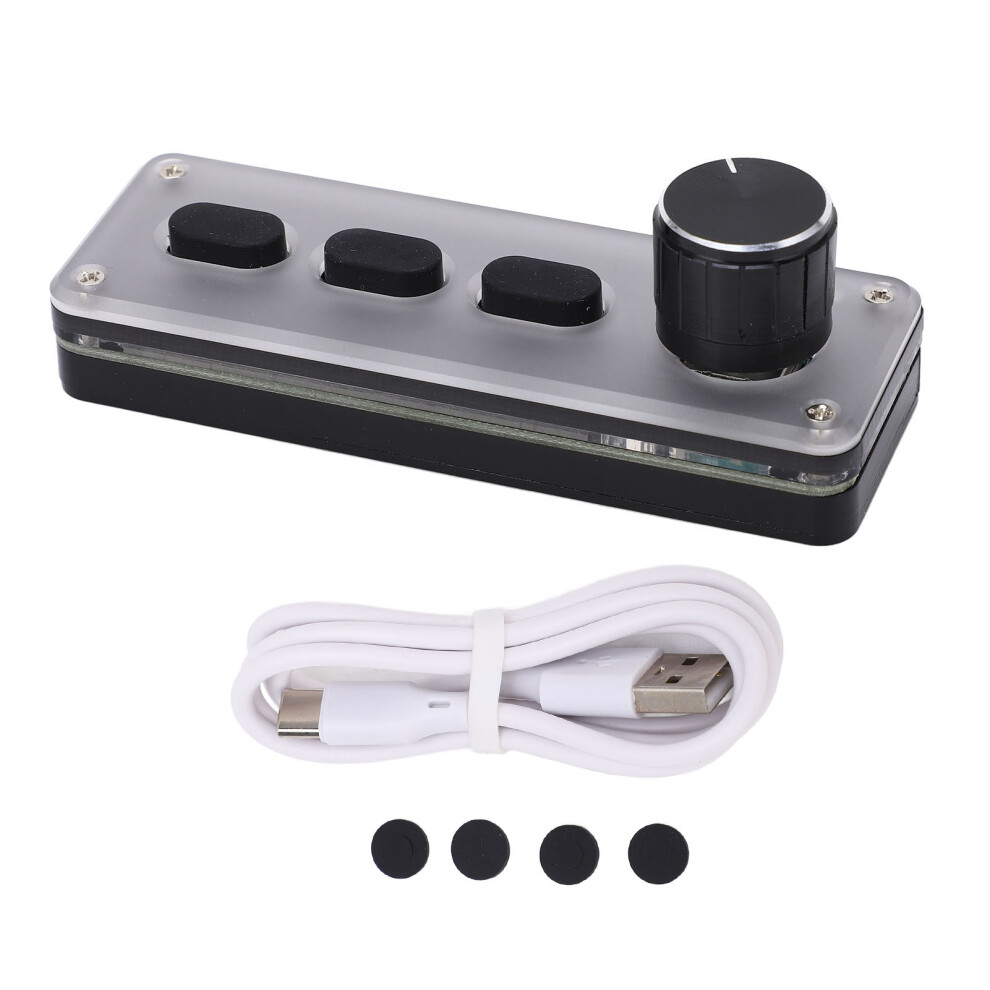
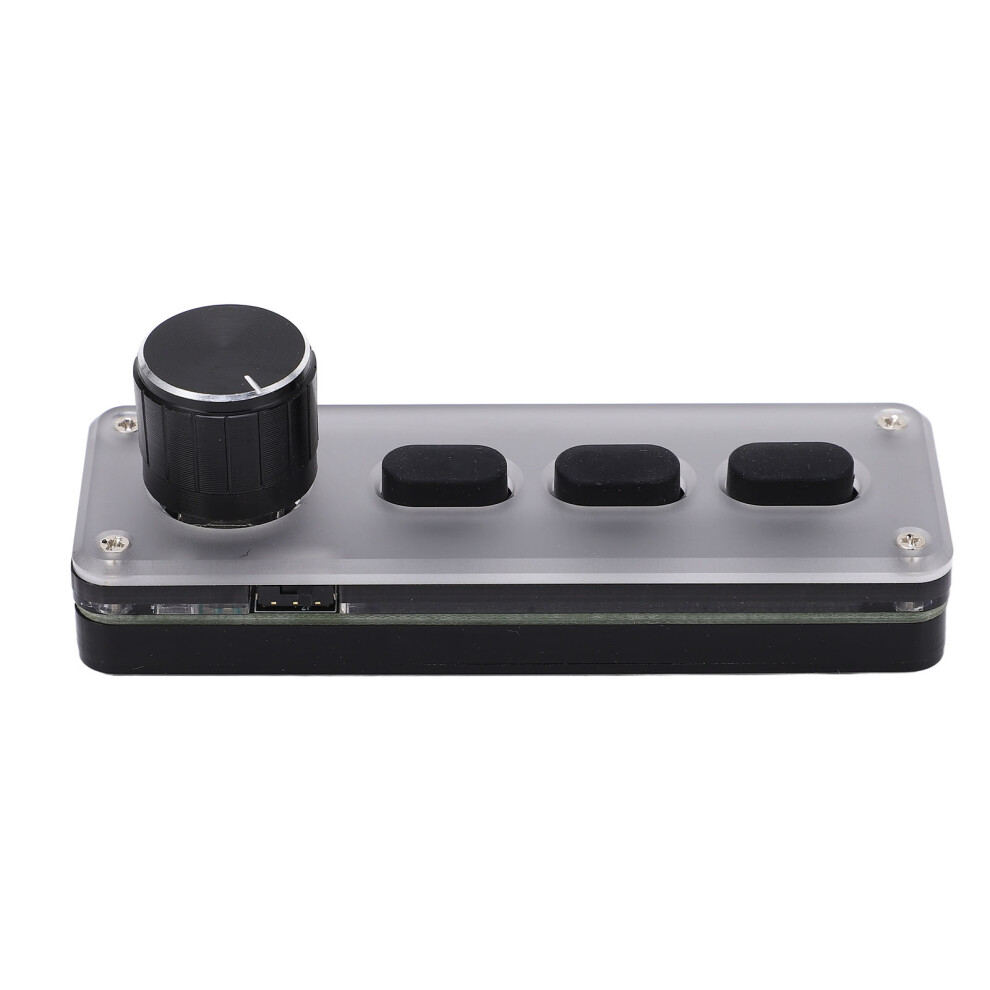
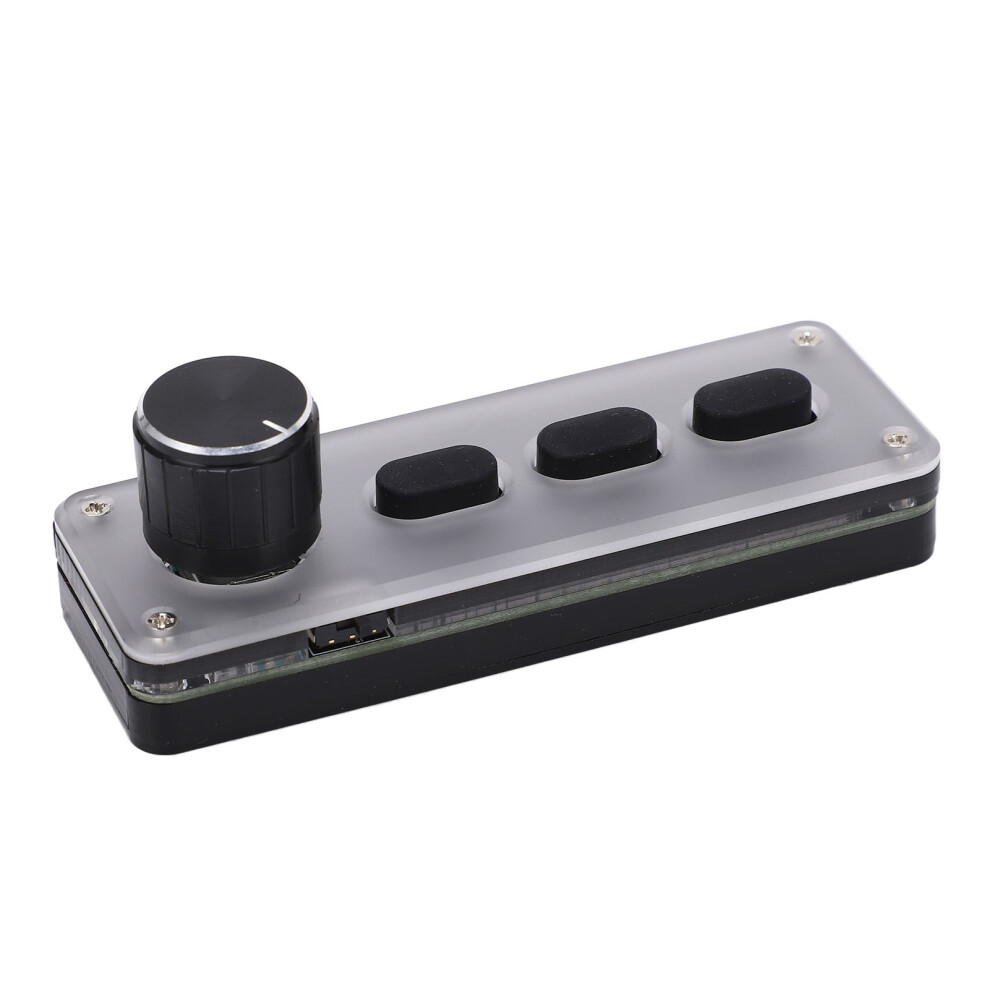
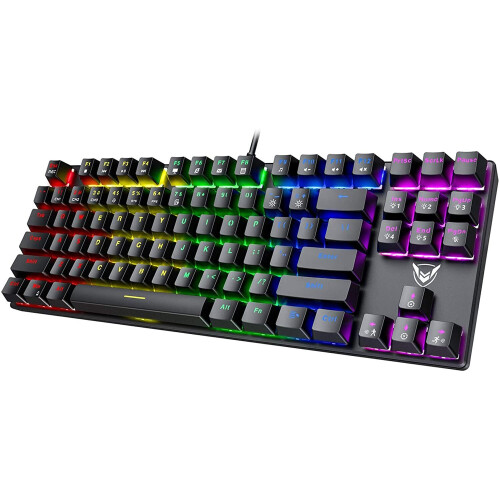
1、Wireless and Wired Connection: This is a customized Bluetooth wireless and wired dual mode keypad, with a Type C to USB interface, plug and play, no drive required. 2、Convenient Shortcut Keys: All the key functions on the standard for Windows keyboard can be set, and the complicated shortcut key combination function can be realized with one key, with storage function. 3、Multi Layer Function: There are three layers of functions. One key can be set three different shortcut keys. After setting on for Windows system, it can be used on systems that support USB protocol, such as for Linux, for OS X, etc. 4、Mini and Portable: The mechanical game keyboard is simple to operate and can be connected to multiple keyboards. It is compact and easy to carry, with a long lifetime. 5、Multi Purpose: Programmable keyboard is applicable to office, drawing design, games, music, multimedia, industrial control, laboratory, production line testing and other fields.
Item Type: Programmable Keyboard
Material: Silica Gel, Acrylic
Purpose: Suitable for recording studio, office, drawing design, game, music, multimedia, industrial control, laboratory, production line testing and other fields
Connection Mode: Bluetooth Wireless, USB Wired Connection
System Support: for Windows, for Vista, for Linux, for OS X
Key Life: Up To 50 Million Times
Size: Approx. 100 x 34 x 33mm / 3.94 x 1.34 x 1.3in
Battery Type: 600mAh Lithium Battery x 1 (Built in)
Charging Voltage: DC5V, 1A
Working Temperature: - 10-50 How to Use:
1. Connect the keypad to the computer and open the customized software on the computer;
2. On the customized definition software, click (yellow area) key setting area or knob setting area, and then click any key (green area) of KEY1‑KEY12 or knob 1 or knob 2 to be set; when selected, it will display red.
3. Click the function key corresponding to the simulation keyboard on the customized software, and click Download to prompt that the download is successful, and our customized keypad can be used. For example, if I want to set keypad key 1 as the shortcut key for copying (Ctrl+C), click the Key Setting Area on the software, click KEY1, and then click Ctrl and C on the software simulation keyboard, and click Download to prompt that the download is successful.
4. Multimedia function setting: click to simulate keyboard multimedia on the setting software, select the function we need to set, click Download to download, and you can use it when the download is successful
5. Mouse function setting: click the analog keyboard and mouse on the setting software, click the button or the button corresponding to the knob, select the function we need to set, click Download to download, and it will prompt that the download is successful. (Prompt: You can set the mouse function, but you cannot move the computer cursor temporarily)
6. Layer function setting: click the top right of the setting software to select the layer that we need to set, then click the function that needs to be set on the simulation keyboard, click Download to download, and you will be prompted that the download is successful. The keyboard has three layers of functions, that is, one key can set three different functions. The layer keys on the keyboard can be pressed to switch to one layer, and the corresponding indicator light flashes at the same time
7. Bluetooth connection: First pull out the USB data cable (USB wired mode is entered by default when connecting to the USB interface), and then turn the battery switch on to the ON side. Then turn on the Bluetooth function on the computer or mobile phone, search for a Bluetooth name named HID Keyboard or MINI_KEYBOARD, click the Bluetooth name to pair, and use it after a successful connection
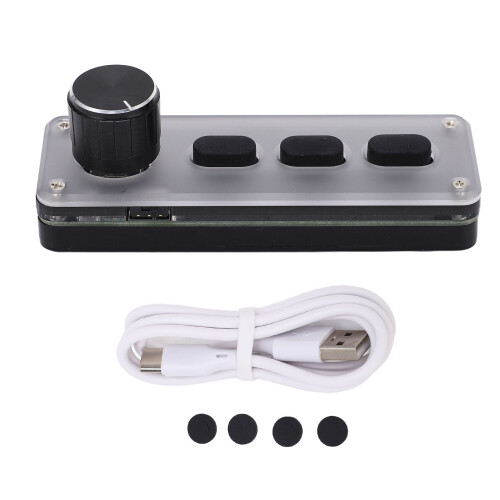
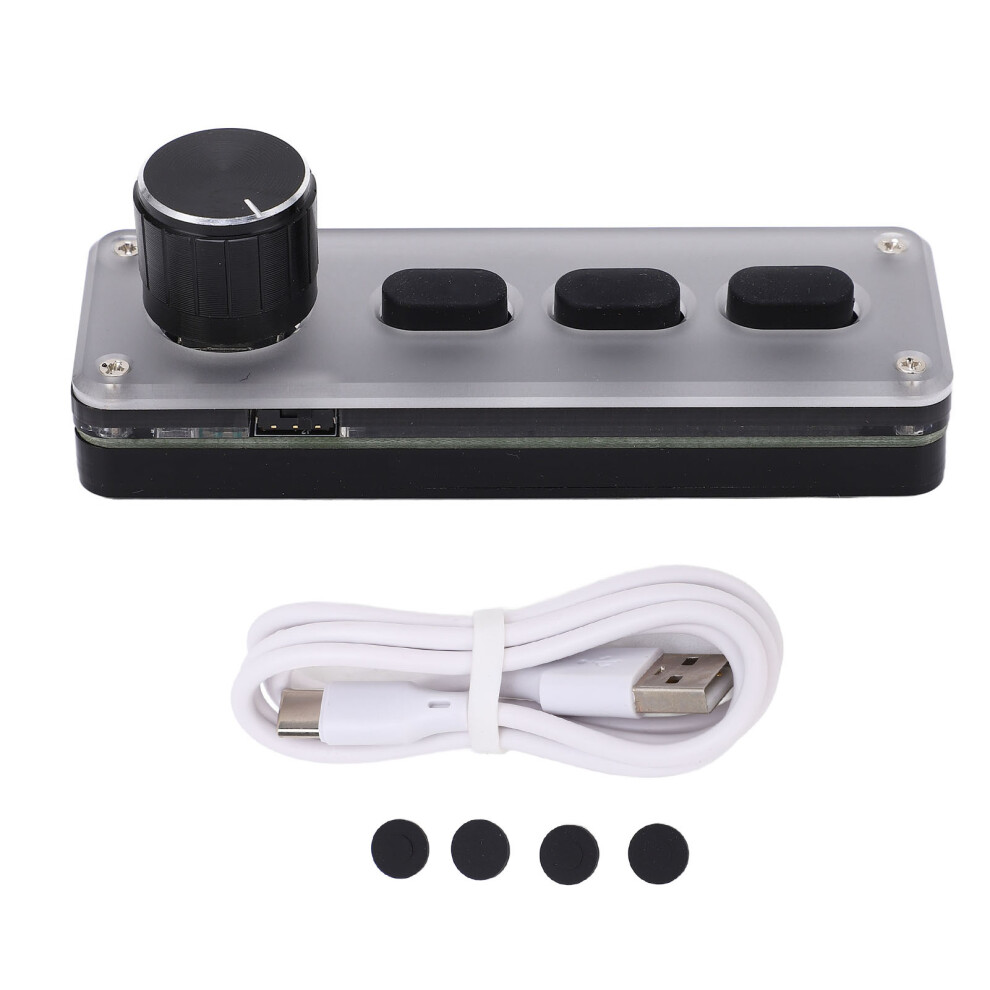
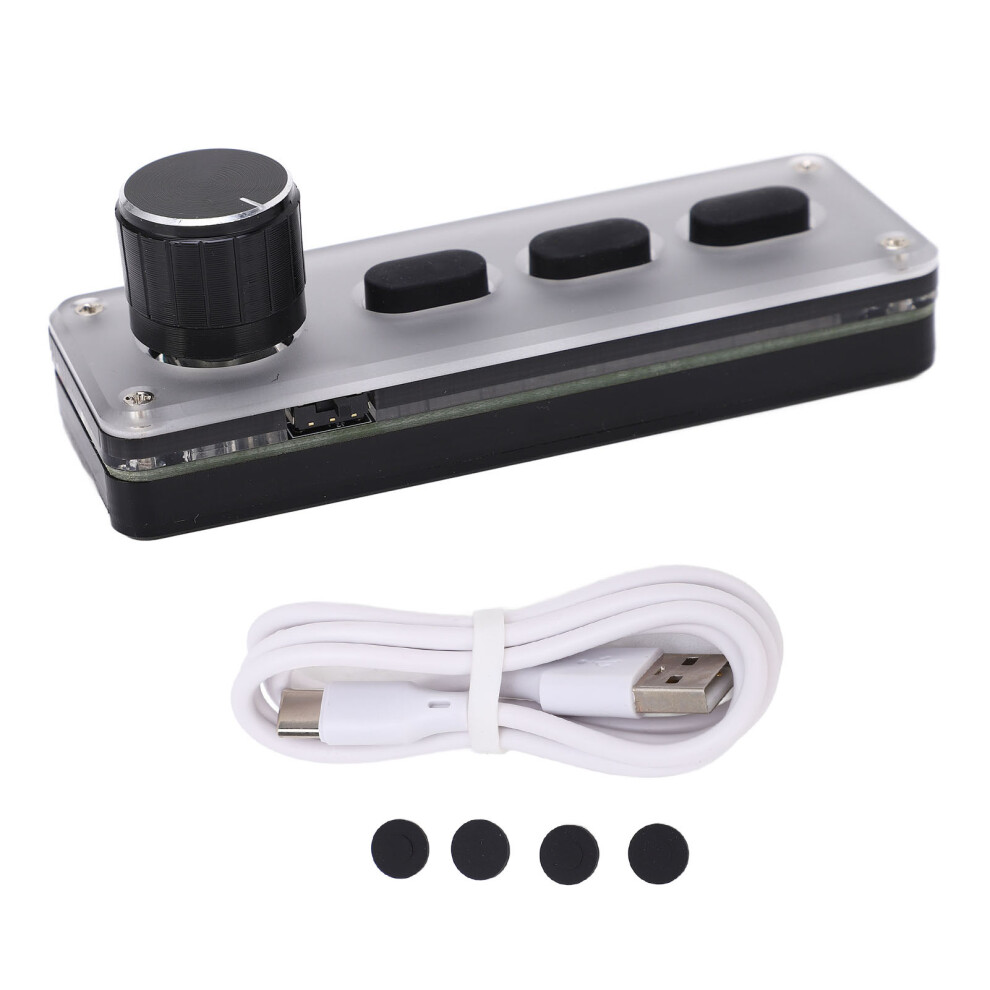
1 x Keyboard
1 x USB Cable
4 x Pad
Features
Details
| OPC | PMK5F8F |
|---|---|
| Codes | 604725132598 (UPC) |
| Links | Bluetooth Keyboards |
| Mechanical Keyboards | |
| Gaming Keyboards |
| Seller | Ratings | Warranty | Returns | Price | Delivery | Total | Quantity |
|---|---|---|---|---|---|---|---|
|
Dispatched from:

|
(8 reviews) | - |
30 Days
Free Returns No
|
£30.64
|
+Free Delivery
Est. Delivery:
4th-9th Nov
|
£30.64
|
Earn as you shop with instant Cashback on everything.
No catch, no cost
Become a Cashback VIP
Just 1 purchase unlocks bigger deals & rates
You'll only get instant Cashback at OnBuy! Enter your email below and we'll send you a copy of your basket to save you time later.
By entering your email address, you'll automatically be added to our database, where you can enjoy personalised Cashback offers and early access to our best deals. You can opt out of our emails at any time and we'll never share your details with anyone. Check our Privacy Policy and T&Cs to find out more.
Want access to personalised offers and the highest Cashback rates? Sign up to our emails below.
You can opt out of our emails at any time and we'll never share your details with anyone. Check our Privacy Policy and T&Cs to find out more.
This page has expired.
Refresh and continue