


Product Images


In stock
Smart shoppers OnBuy it!
Interest-free payment options available


See full product description & details
Delivery: Standard (£3.99) | Sat 5th - Fri 11th Dec
Sold by: Xinrongen Technology
Returns: 30 days
180-day payment protection


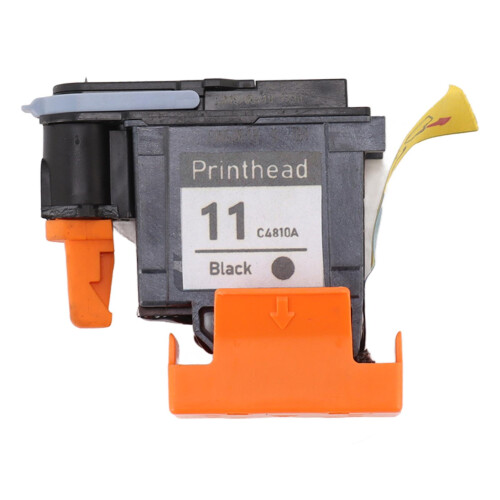

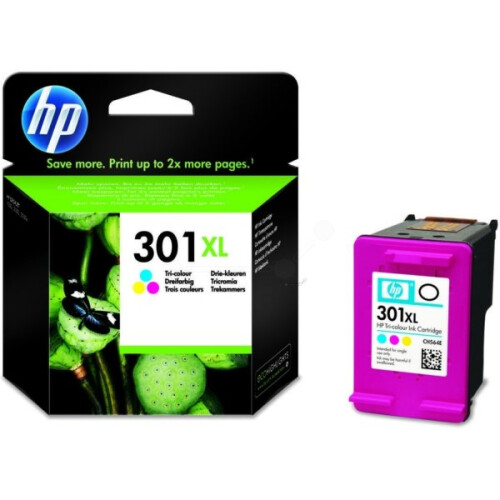


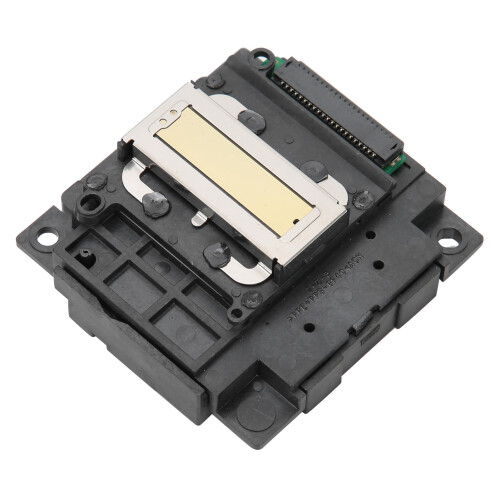


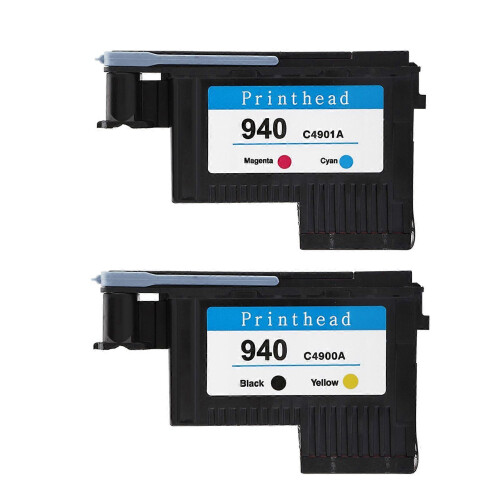
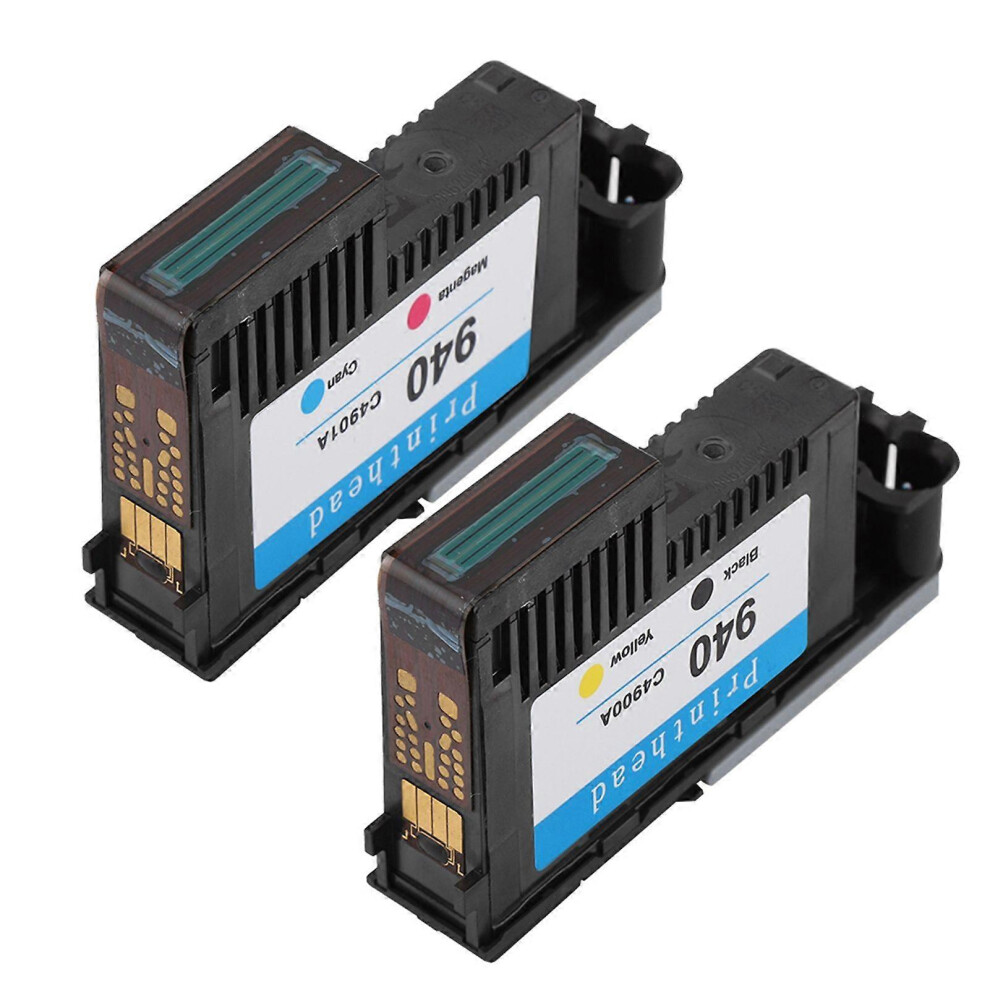
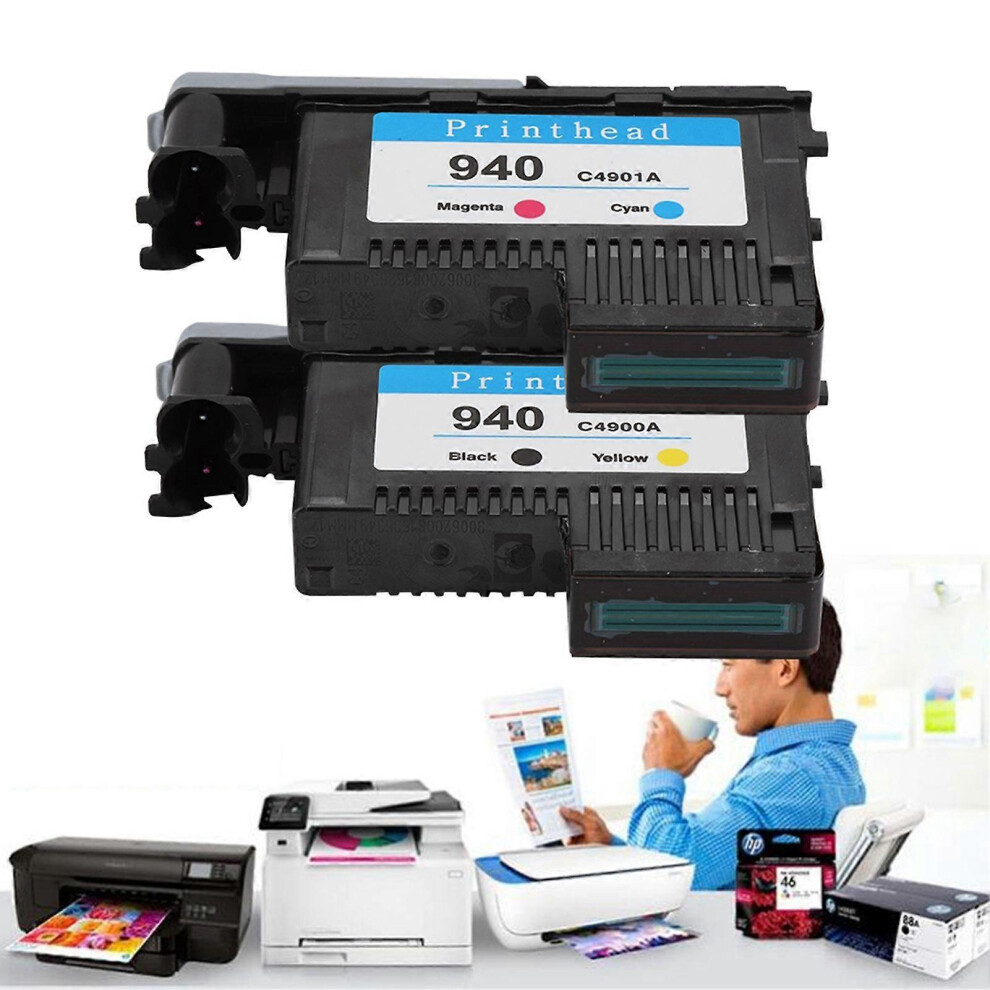
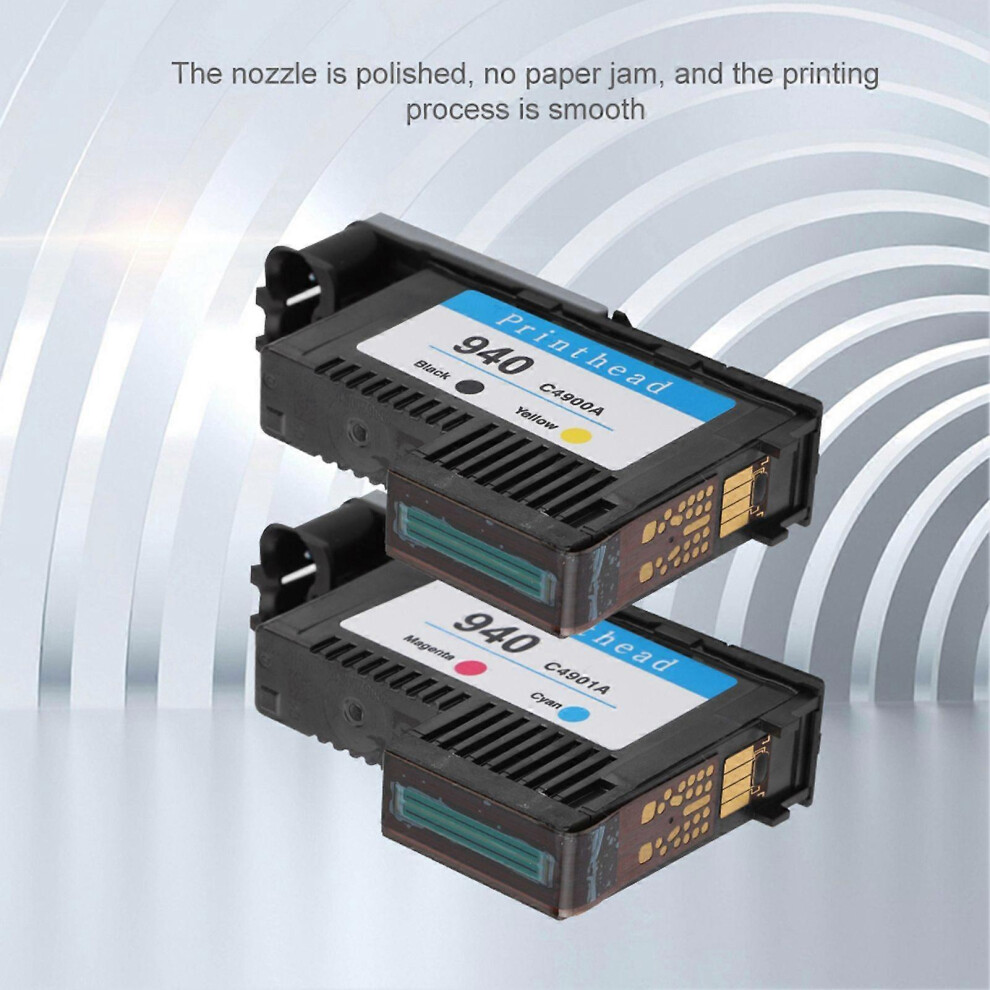
Features:1. This is a professional print head that is compatible with a wide range of models.2. This print head is smooth and stable, and the color is natural. It is a worthy print replacement that you deserve.3. Ink with high degree of reduction and sufficient ink to save your cost.4. The nozzle is polished, no paper jam, and the printing process is smooth.5. All use Bayer raw materials from Germany, the quality is guaranteed.Specification:Color: Black / Yellow, Magenta / Cyan, CMYK (Optional)Applicable models:for HP Officejet Pro8000/8500/8500A PrintheadSize: Approx. 94 x 57 x 20 mm / 3.7 x 2.2 x 0.8inWeight: approx. 80-160gNote: Please remove the polishing cardboard nozzle and remove the orange rubber plug before installation.Instructions:After receiving the product, remove the nozzle from the package. Before disassembling the protective device, shake the nozzle continuously to the left and right according to the figure to achieve the best use effect to achieve the best use effect. Then remove the protective device (orange with the outwardly turned handle). In order to avoid the internal inverted buckle of the protective device from damaging the circuit of the print head and causing the print head to fail to operate, pay attention to push the handle out as hard as possible. Then pull the reminder label together with the sealing blue tape to tear off. Finally, pull out the protective plug of the ink supply needle (the orange belt, please shake the nozzle arrow left and right before opening the protective clip).Installation steps:First take out the two old print heads, close the cover and turn on the printer power normally. After the print head indicator on the machine flashes, open the cover. At this time, the print head carriage (carriage) in the machine will move to the left of the machine. After it stops, install the two nozzles one by one and close the machine cover. The machine will perform calibration and print a test page. Some models will prompt "calibration failed" or "calibration failed" (this is a technical obstacle set by the original company for its products to monopolize the market, but the chip has a memory function after all nozzles are regenerated, making the calibration fail , Has nothing to do with the quality of the regeneration nozzle). In such a situation, click the "OK" or "Confirm" button on the machine panel according to the prompts, and the printing will proceed normally.Reminder: Some models will calibrate and print a test page every time they are turned on. This is normal and has nothing to do with the quality of the print head. Just click the "0k" or "confirm" button on the machinepanel. It will not be calibrated every time you print without turning off the machine. Some models of the machinewill perform a longer calibration before and after the first printing, which lasts about 20 minutes. At this time, please do not turn off the machineor press any control keys to avoid affecting the calibration.Precautions:(1) Avoid physical contact with the nozzle holes and circuits of the nozzle to avoid electrostatic breakdown of electroniccomponents and damage.(2) Check whether there is enough inkin the inkcartridgeof the printerat any time, and add it in time to avoid the lack of inkto burn the nozzle.(3) The machineshould not be left unused for too longto avoid clogging of the nozzles without a longtime.(4) The nozzles and inkcartridges should not be removed frequently or not installed for a longtime, so as to prevent the inksupply pipefrom entering the airand causing the inksupply to be discontinuous, and the nozzle lack of inkwill affect the printing effect or burn the nozzle.(5) If it prompts "KY print head failure" or "C business head failure", try to take out the two print heads, gently wipe the circuit contacts of the failed print head with an eraser, and then install and use.(6) When the printing effect is not satisfactory, the machinewith a control panel can execute the item "cleaning nozzle" in the "setting" option on the panel. When a machinewithout a control panel is printing, a printericonwill appear in the lower right corner of the computer screen. After clicking on it, click "Printer" and then "Properties" in the dialog boxof the county float, and then find the "Printercleaning" item after entering. Different models have different attributes, and some models may not have this function. The nozzle can be taken out and soak the nozzle hole with clean50-60 degree drinking water for 3-5 minutes. Pay attention to the nozzle hole soaking, and the water levelshould not be higher than the circuit contact. Then lightly print the nozzle hole with a cleanpaper towel, and print several times And cleanthe water stains before installing the machineto use.It is also recommended to set the print quality to "bestquality" to also improve the printing effect..
Details
| OPC | PNNWBJX |
|---|---|
| Codes | 6935161356359 (EAN) |
| Seller | Ratings | Warranty | Returns | Price | Delivery | Total | Quantity |
|---|---|---|---|---|---|---|---|
|
Dispatched from:

|
(28 reviews) | - |
30 Days
Free Returns No
|
£50.98
|
+£3.99 Delivery
Est. Delivery:
5th-11th Dec
|
£54.97
|
Earn as you shop with instant Cashback on everything.
No catch, no cost
Become a Cashback VIP
Just 1 purchase unlocks bigger deals & rates
You'll only get instant Cashback at OnBuy! Enter your email below and we'll send you a copy of your basket to save you time later.
By entering your email address, you'll automatically be added to our database, where you can enjoy personalised Cashback offers and early access to our best deals. You can opt out of our emails at any time and we'll never share your details with anyone. Check our Privacy Policy and T&Cs to find out more.
Want access to personalised offers and the highest Cashback rates? Sign up to our emails below.
You can opt out of our emails at any time and we'll never share your details with anyone. Check our Privacy Policy and T&Cs to find out more.
This page has expired.
Refresh and continue