






















Product Images


In stock
Smart shoppers OnBuy it!
Interest-free payment options available



See full product description & details
Delivery: Standard (Free) | Fri 10th - Mon 13th Jul
Returns: 30 days
180-day payment protection











Summary
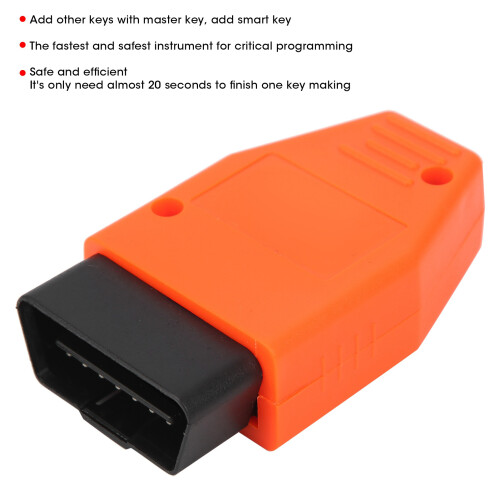
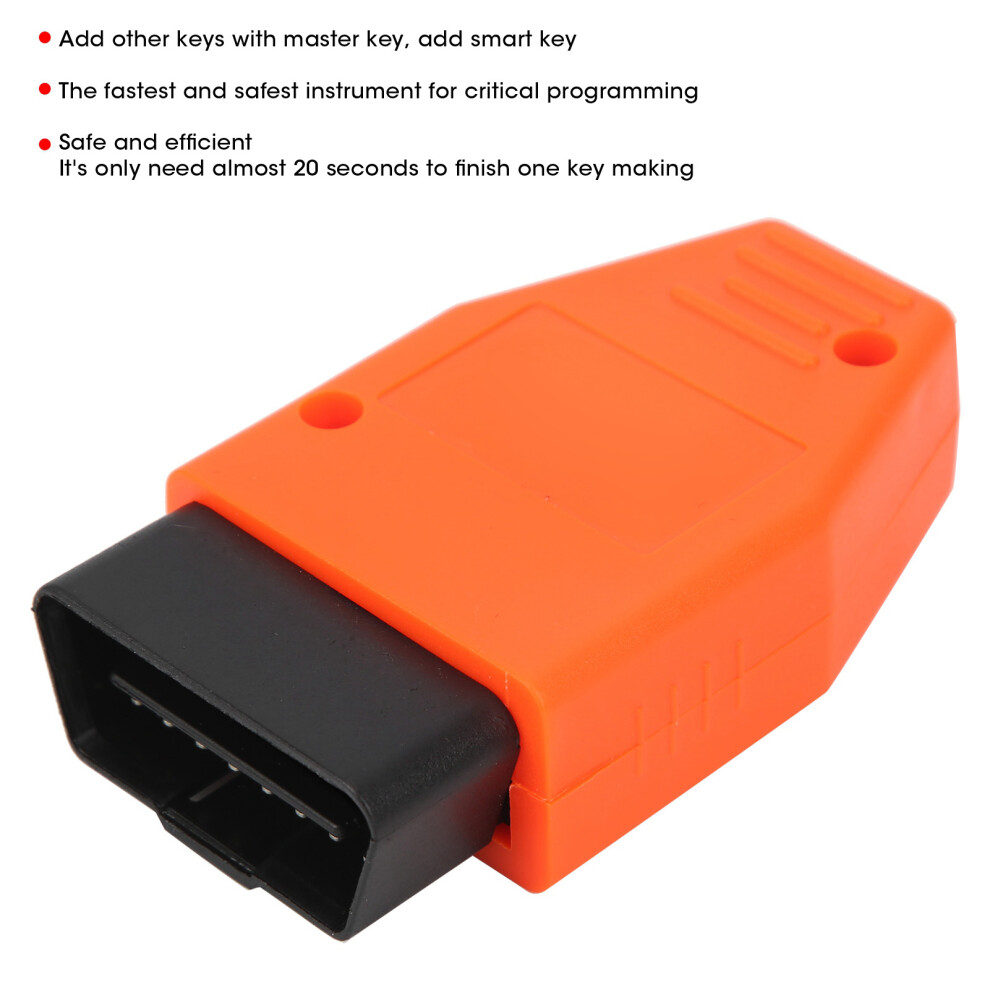
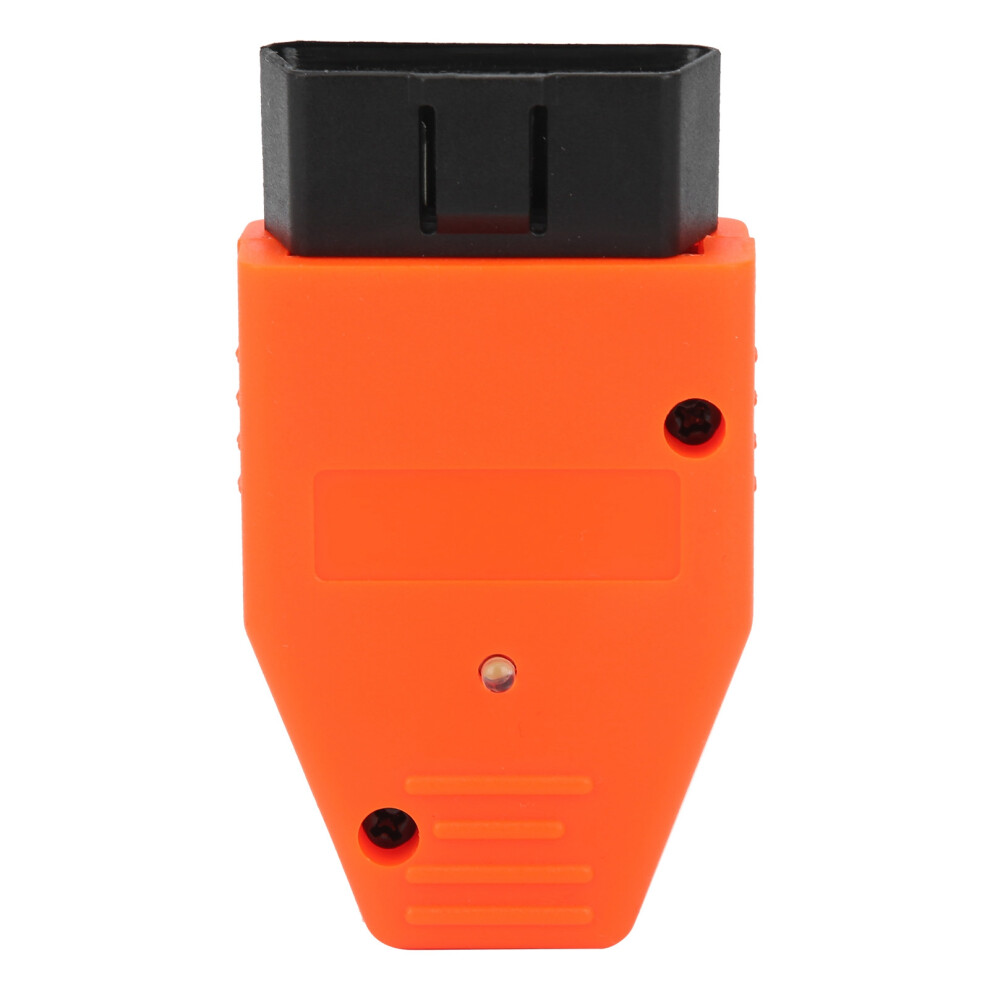
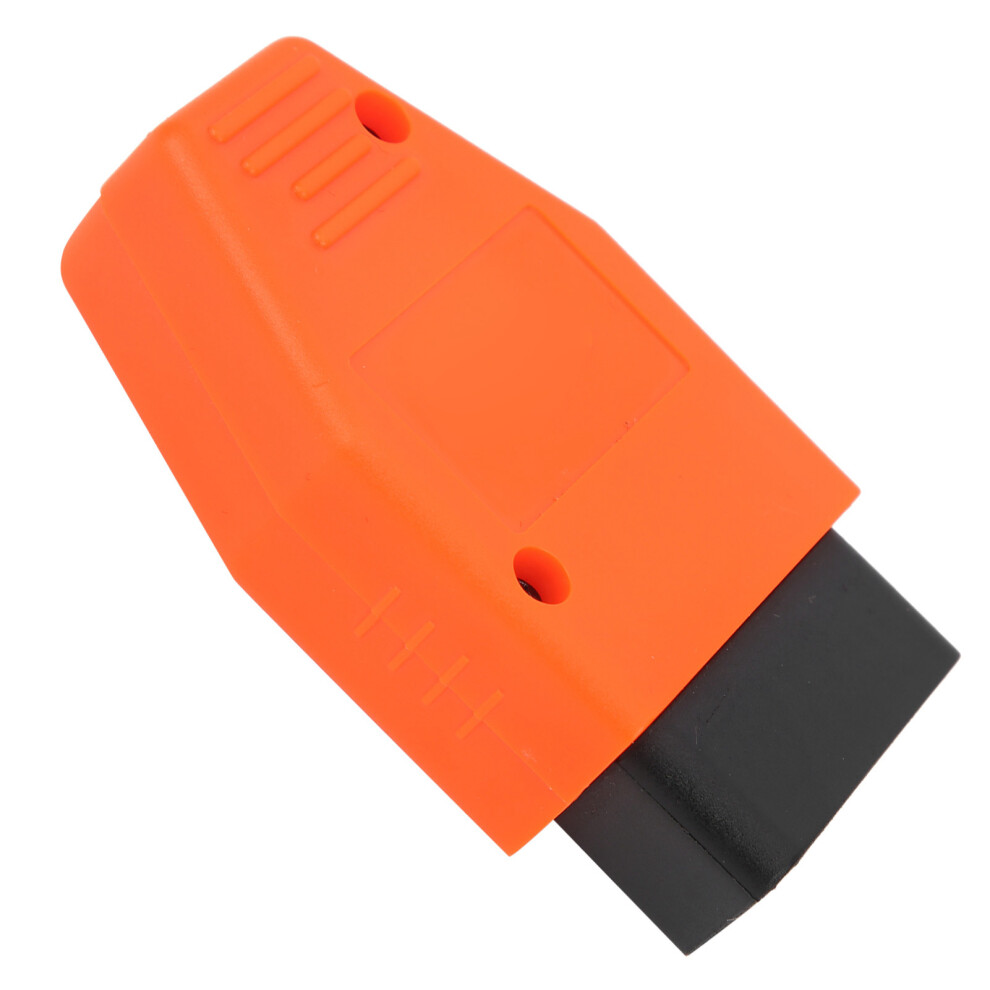
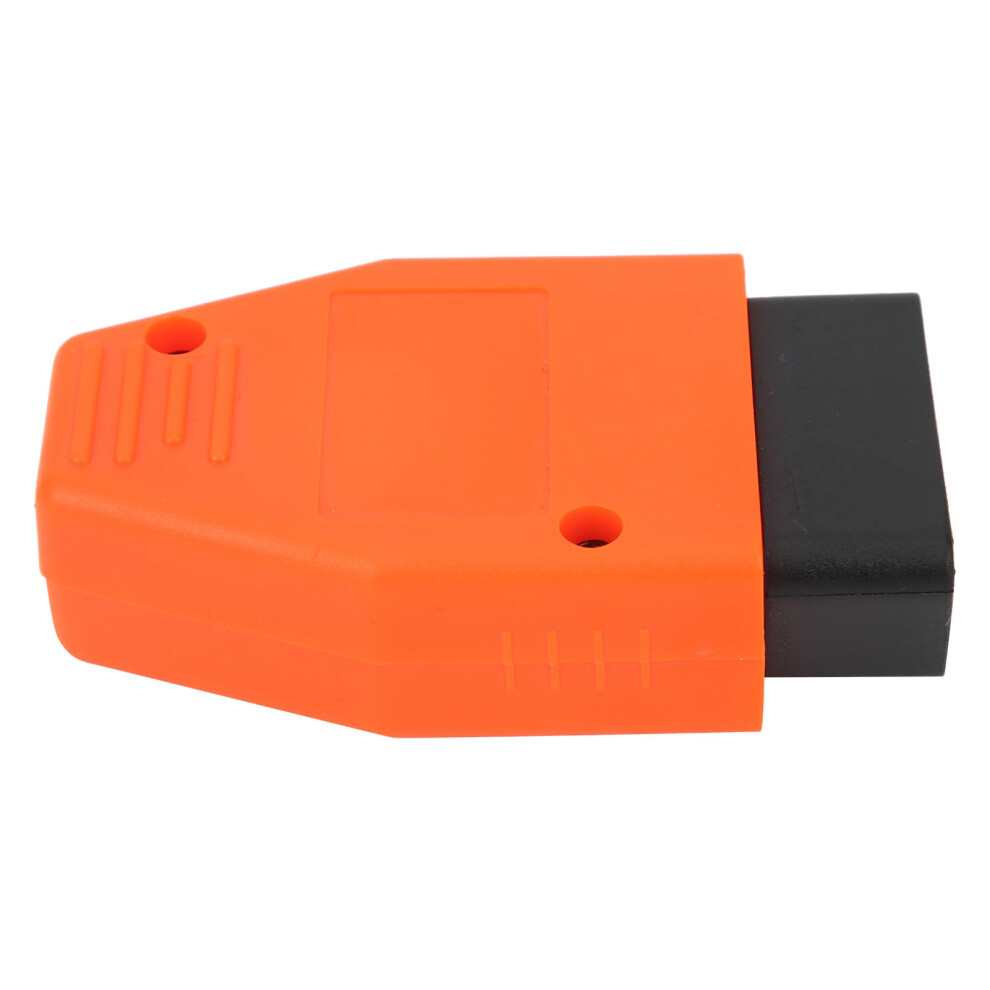
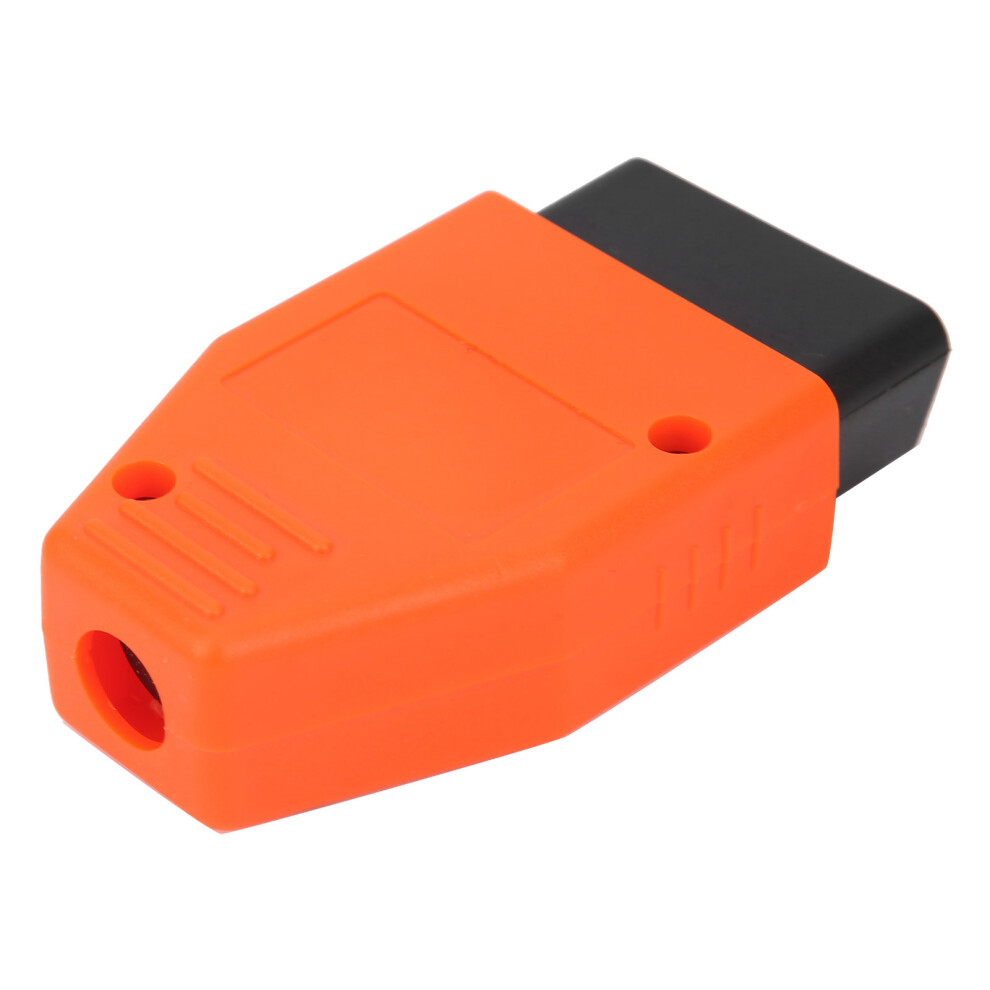
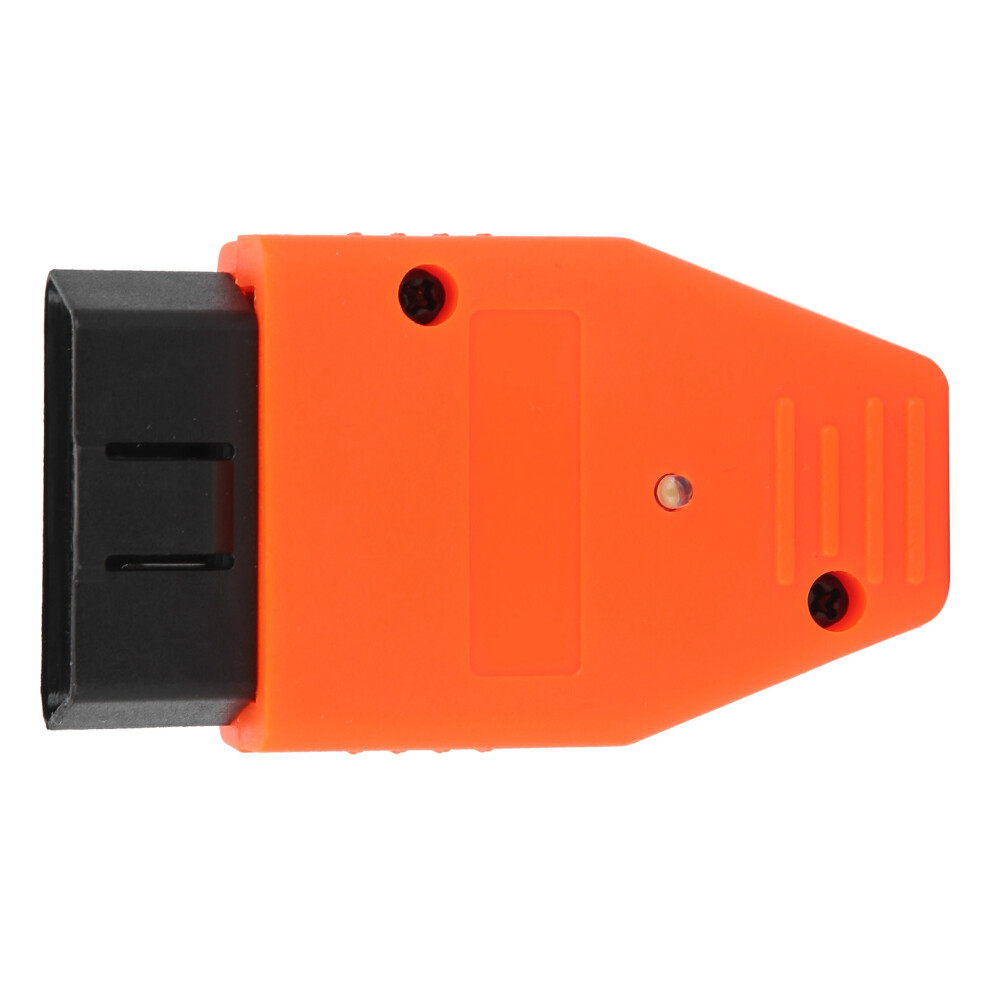
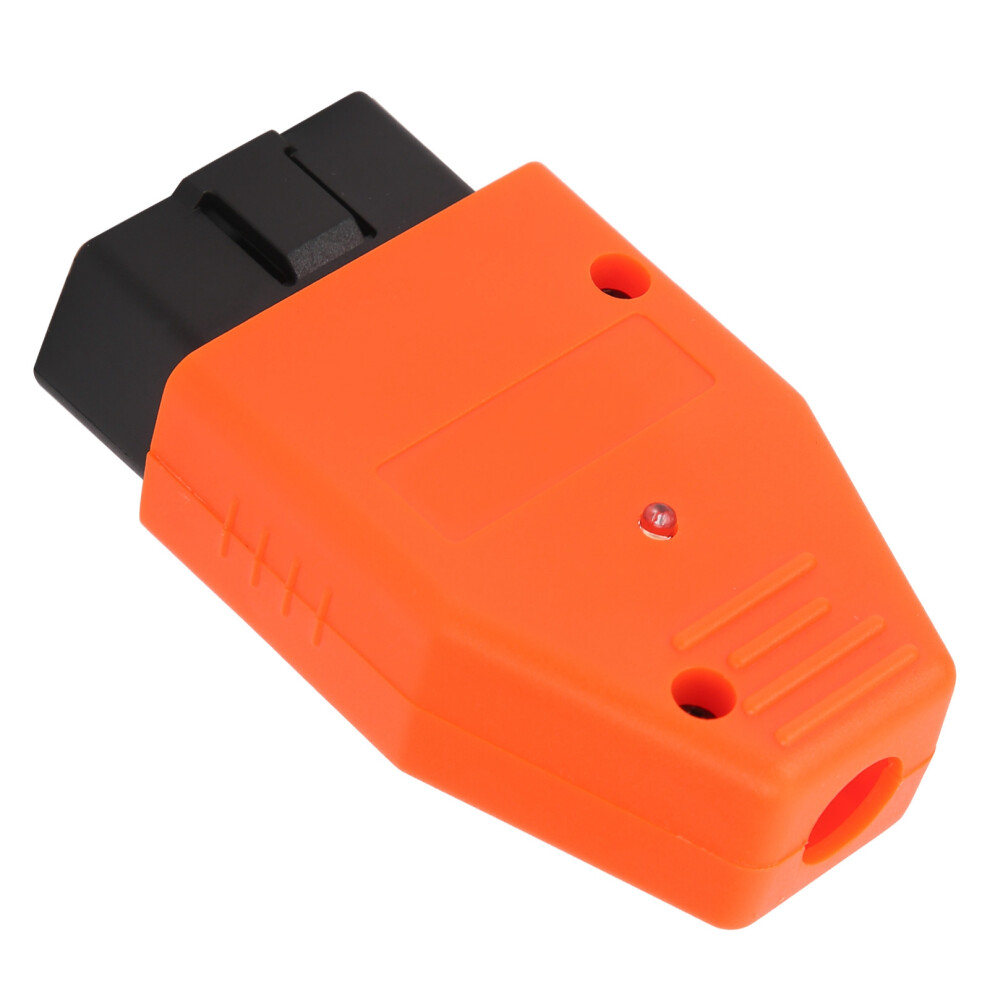
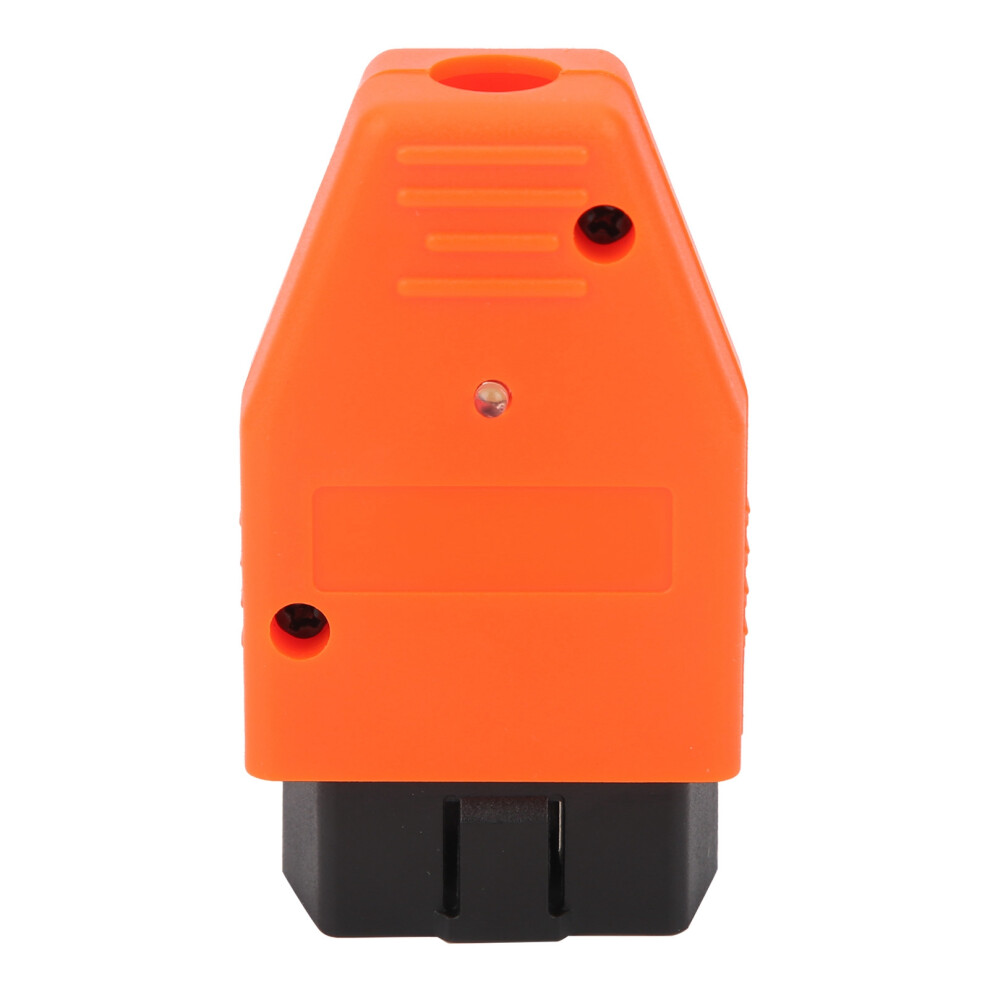
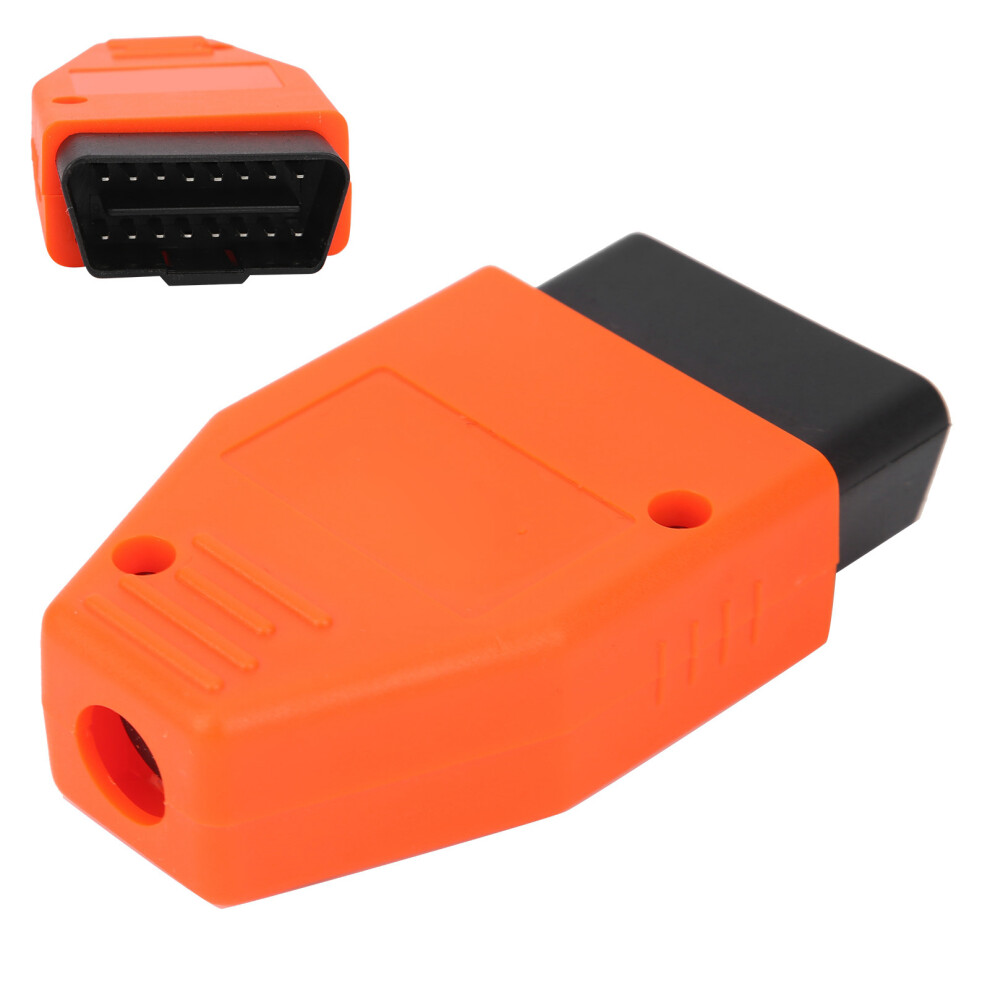
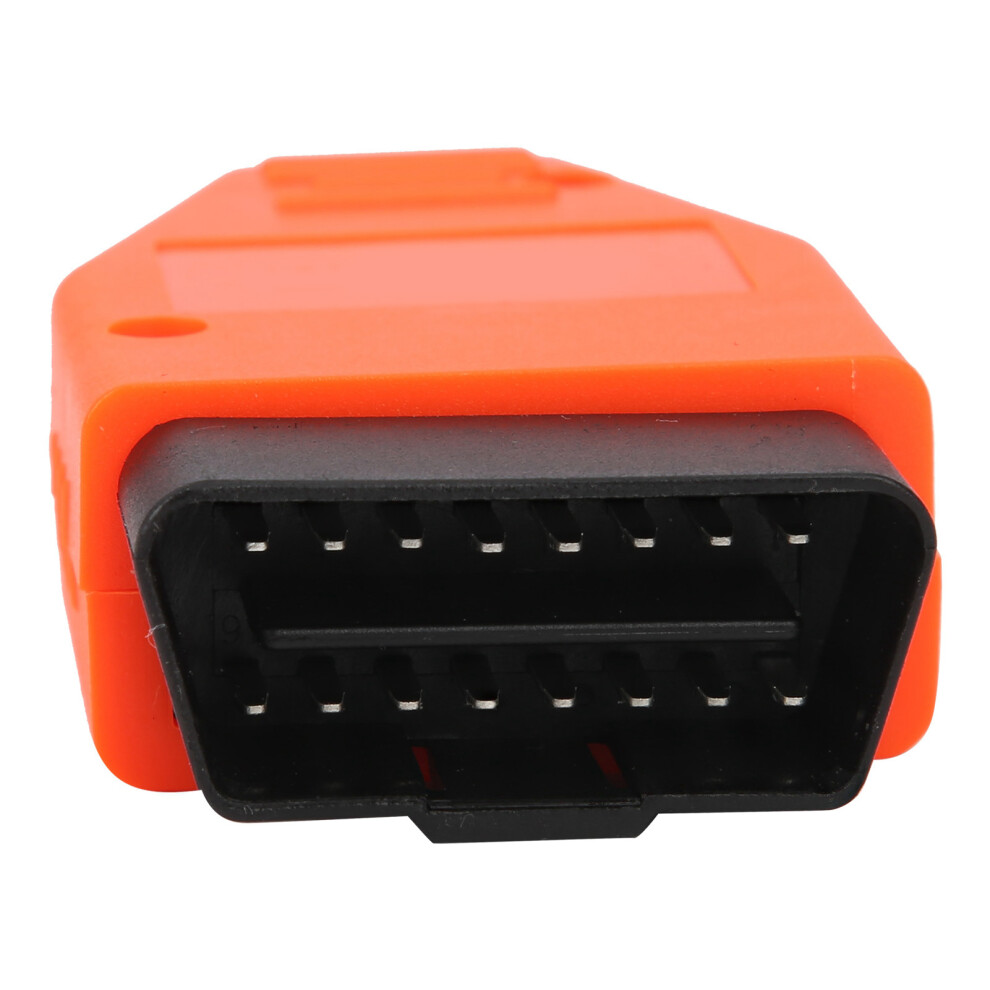
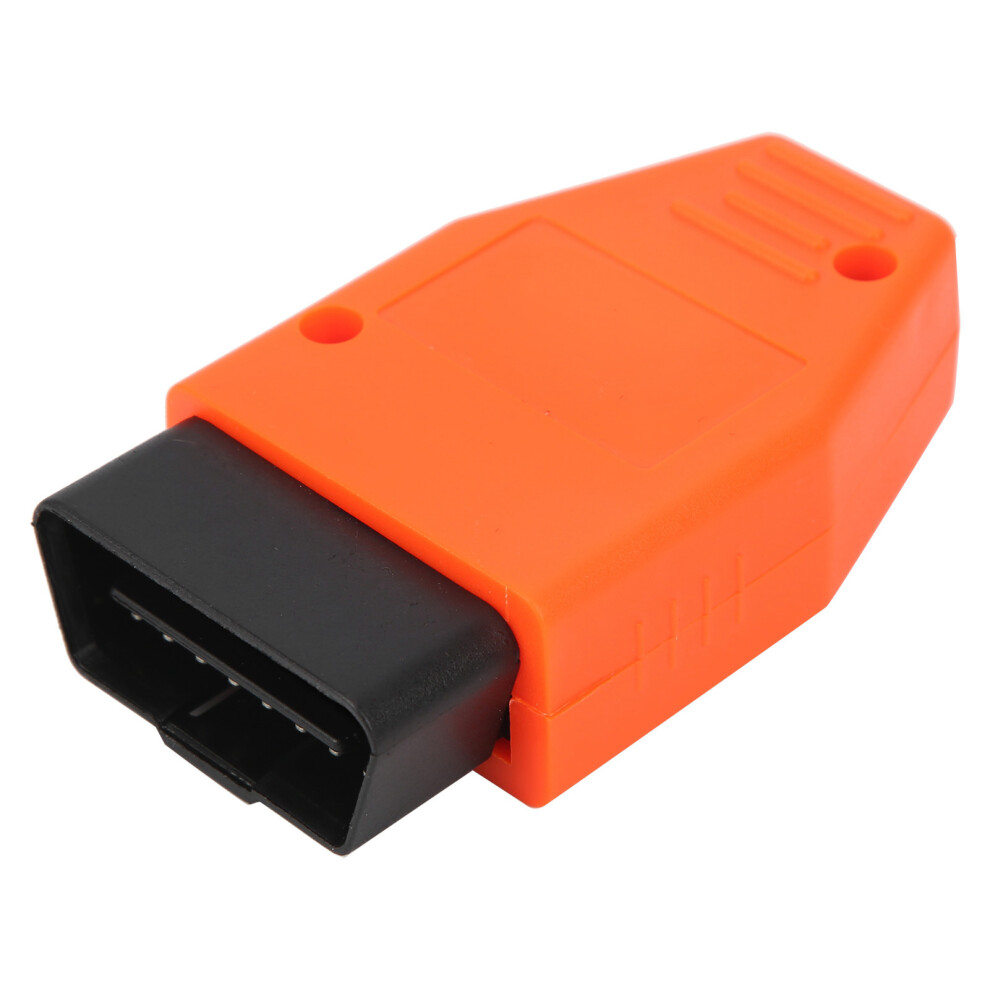
Smart Key Maker Programmer OBD Auto Keys Matching Device Security High Effeciency
Item Type: Smart Key Maker Programmer
Material: ABS
Color:Red
Description:
Security and High Efficiency: It's only need almost 20 seconds to finish one key making. It can be used securely for all the 4D and smart keys anti-theft system without the dangerous to destory the anti-theft system. This product is the fastest and safest instrument to do the key programming
The Detailed Operating Steps are as Following:
Common Keys:
1.Turn the ignition switch "ON" using the key with the orginal 4D chip.
2. Insert the key programmer to the car diagnostic interface OBD, and the instrument will enter into the procedure of car auto searching with a short sound of "di". 7 seconds later, the key programmer connect with the car computer successfully with the short sound of two or three "di"(two means the car is belong to the second generation and the three means third generation.); After 20 seconds, the instrument will enter into the "learning key procedure" with a long sound of "di".
3. Reading the key code
3.1.Match two main keys and one subsidiary key to the IMMO computer(attention: There must be two new main keys and one subsidiary key)
a) Insert the first new key into the ignition lock and wait for 5 seconds,and then the SEC light turns on.(Don't turn on the ingntion when the key is inserted.)
b) Insert another main key into the ignition lock and wait for 5 seconds, and then the SEC light turns on.(Don't turn on the ingntion when the key is inserted.)
c) Insert the subsidiary key into the ignition lock and then the SEC light turns off. (Don't turn on the ingntion when the key is inserted.)
3.2.Only match one or two main keys to the immo computer ( Close the matching mode manually after the matching finished.)
a) Insert the first main key and wait for 5 seconds, SEC light turns on. (Don't turn on the ingntion when the key is inserted.)
b)Insert the second main key and wait for 5 seconds, SEC light turns on. (Don't turn on the ingntion when the key is inserted.)
c)Insert the first finished key, turn on the ignition quickly for 5 times and then take out.
Using the smart key
1. Add the other keys into the main key
1.1..Insert the key programmer to the car diagnostic interface OBD, and the instrument will enter into the procedure of car auto searching with a short sound of "di".
1.2.Push the start-button twice. After 7 seconds the vehicle will connect the devices successfully, and the equipment will send off a sound of "di" with 4-5 times, (4 sounds mean that the system is the 4th period, 5 sounds mean that the system is the 5th period); after waiting for 30 seconds the equipment will send off a long soung of"di", it means the car enter into "learning key state."
2. When lost all keys or only have the deputy key, we need to do it initialize:
2.1.Hold down the LED button on the equipment, and insert it into the OBD, and release the button after the sound of "di" twice,the device enter into the state of search vehicles in this time. :
2.2..Push the start-button twice. After 7 seconds the vehicle will connect the devices successfully, and the equipment will send off a sound of "di" with 4-5 times, (4 sounds mean that the system is the 4th period, 5 sounds mean that the system is the 5th period); after 5 seconds the lights of SEC will be off; after waiting for 10-16 minutes the equipment will send off a long sound of "di", and the SEC lights flashing, that means the car enter into "learning key state."
3. Learning the intelligent key to the anti-theft of computer:
When the sign back of the intelligent keys near the launch button, will hear 2 sounds of "di" "di" at this time, the SEC lights will flash twice;after learning all the intelligent keys, it have to wait for 30 seconds until the SEC lights flash,and the system will close the learning pattern automatic.
Details
| OPC | PMWM5SJ |
|---|---|
| Codes | 4161359905371 (EAN) |
| Seller | Ratings | Warranty | Returns | Price | Delivery | Total | Quantity |
|---|---|---|---|---|---|---|---|
| (3 reviews) | - |
30 Days
Free Returns No
|
£19.65
|
+Free Delivery
Est. Delivery:
10th-13th Jul
|
£19.65
|
Earn as you shop with instant Cashback on everything.
No catch, no cost
Become a Cashback VIP
Just 1 purchase unlocks bigger deals & rates
Wait! You've left
something behind...
You'll only get instant Cashback at OnBuy! Enter your email below and we'll send you a copy of your basket to save you time later.
No thanks, I'm alright for now
By entering your email address, you'll automatically be added to our database, where you can enjoy personalised Cashback offers and early access to our best deals. You can opt out of our emails at any time and we'll never share your details with anyone. Check our Privacy Policy and T&Cs to find out more.
Before you go...
Remember, you'll only get instant Cashback on everything at OnBuy!
Want access to personalised offers and the highest Cashback rates? Sign up to our emails below.
No thanks, I'm alright for now
You can opt out of our emails at any time and we'll never share your details with anyone. Check our Privacy Policy and T&Cs to find out more.