























Product Images


In stock
Smart shoppers OnBuy it!
Flexible payment options available


See full product description & details
Delivery: Standard (Free) | Sat 5th - Tue 8th Dec
Sold by: Speedbox Tuning
Returns: 30 days
180-day payment protection







Summary
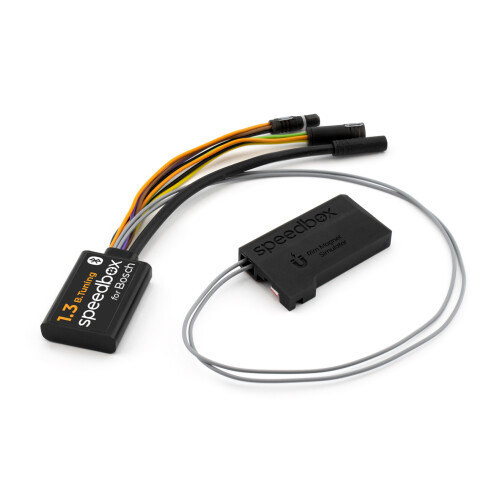
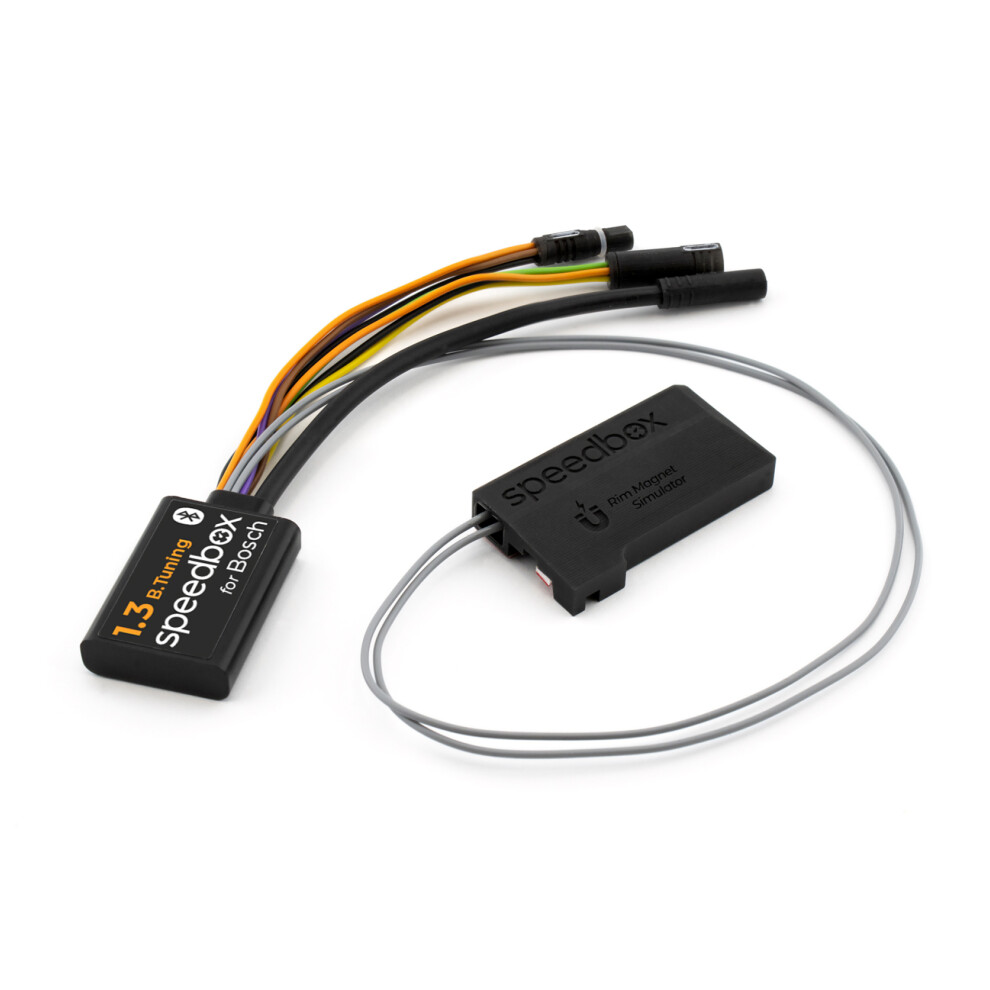
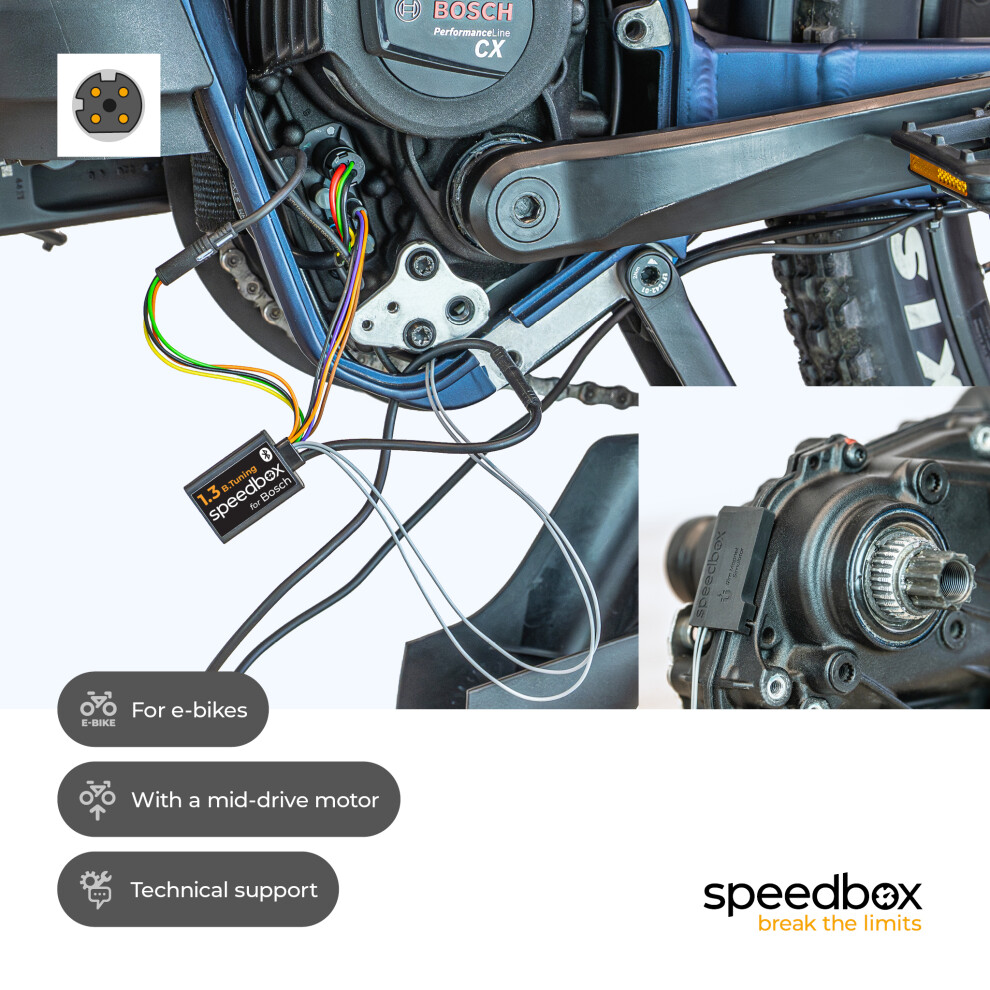
The SpeedBox 1.3 B.Tuning is a basic tuning chip with integrated Bluetooth for Bafang e-bikes. It is compatible with motors using UART and CAN communication protocols.
SpeedBox 1.3 doubles the original 25 km/h speed limit of your e-bike to 50 km/h. After installation, the e-bike display shows actual values up to 23 km/h. At higher speeds, actual values are available in the SpeedBox Connect App.
COMPATIBILITY
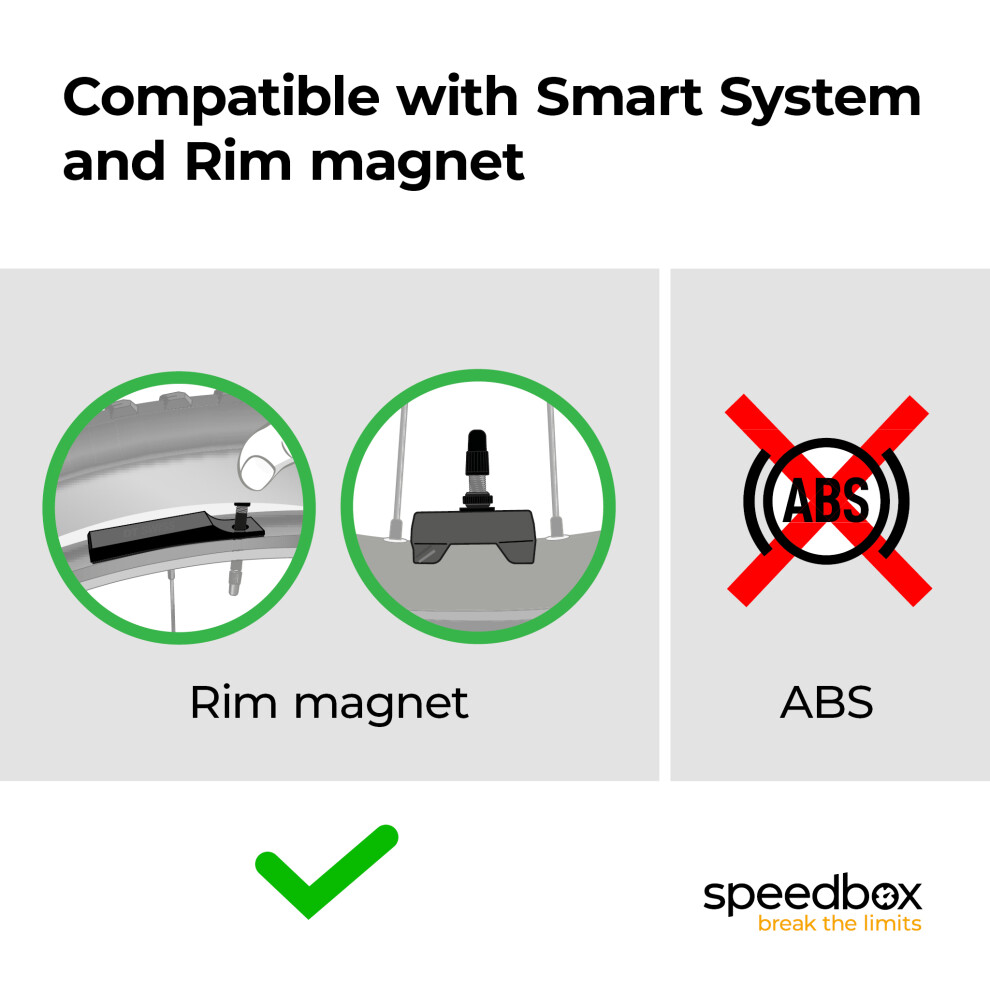
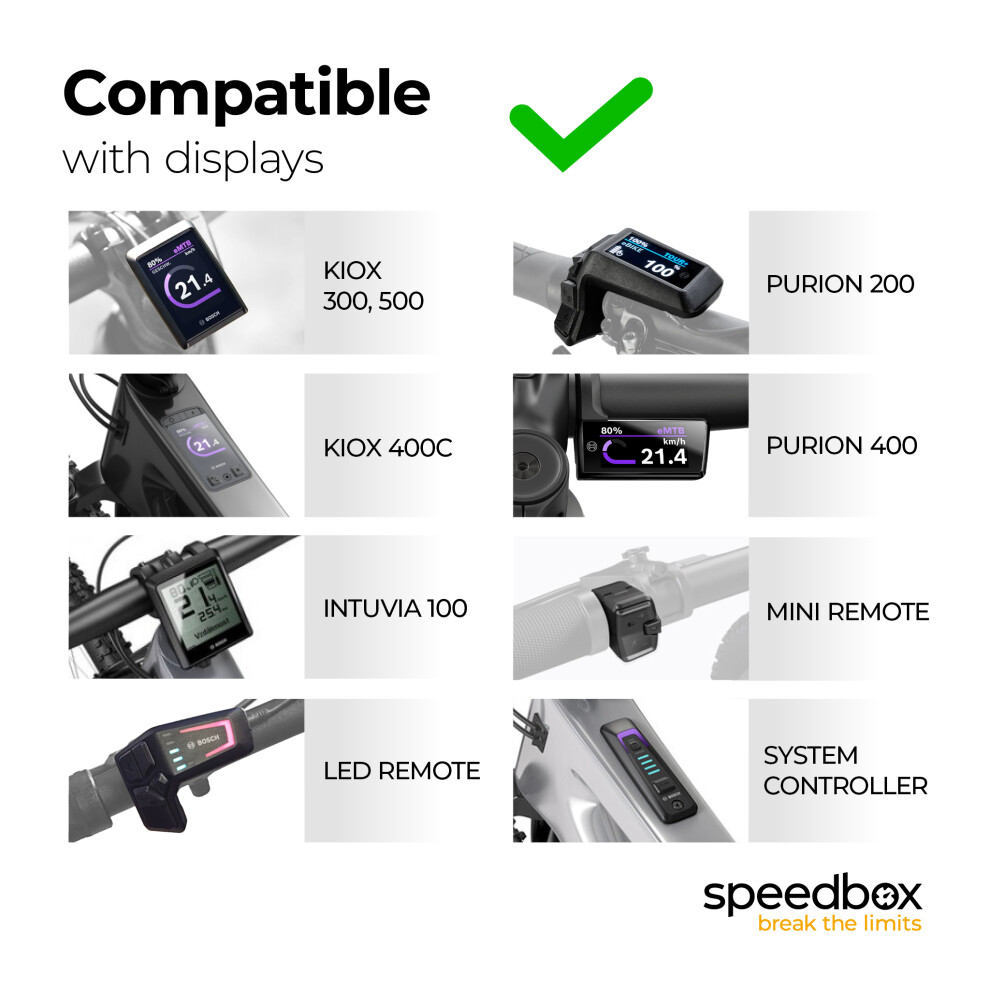
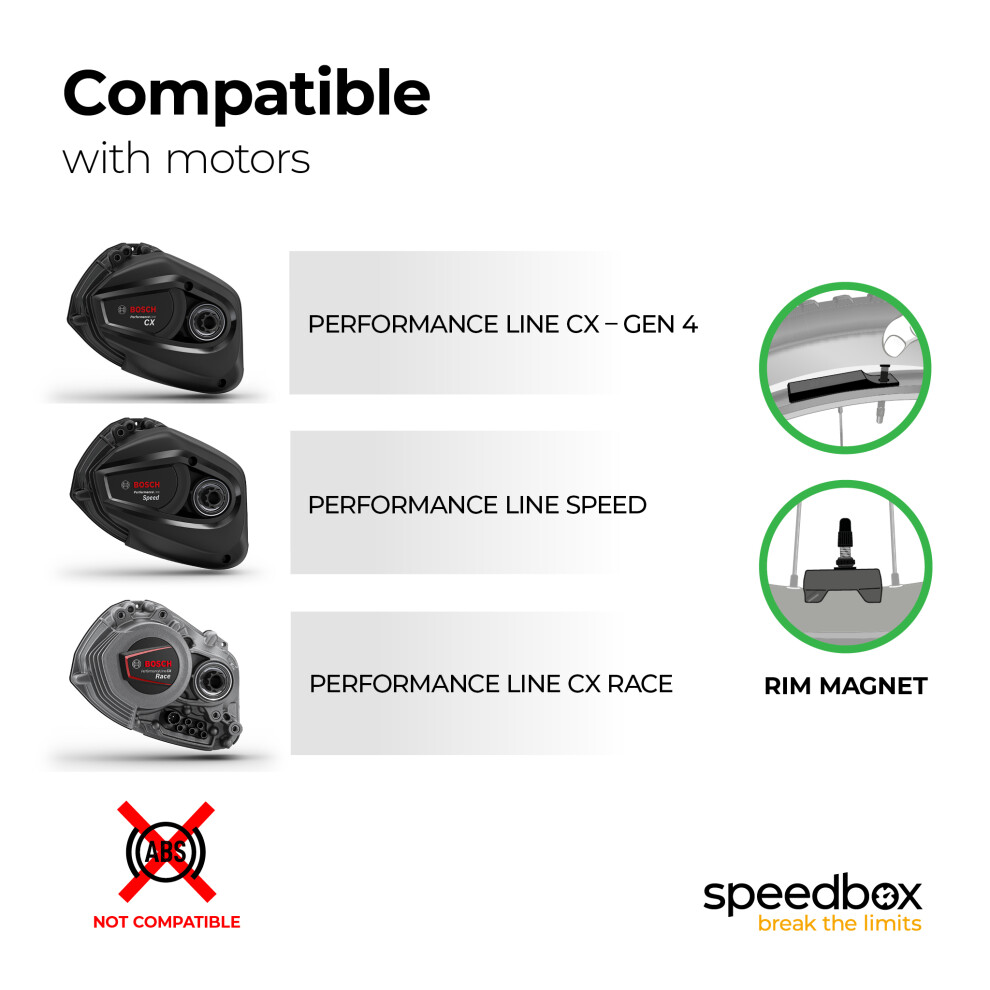
Motors: Bafang Max Drive M300, Bafang Max Drive M400 and Bafang Max Drive M420 with UART or CAN protocol
Compatible with: SpeedBox Connect
Not compatible with: Automatic gear shifting
TECHNICAL SPECIFICATIONS
Speed limit: Up to 50 km/h
Display readings: Actual values up to 23 km/h; at higher speeds, actual values are displayed in the SpeedBox Connect App
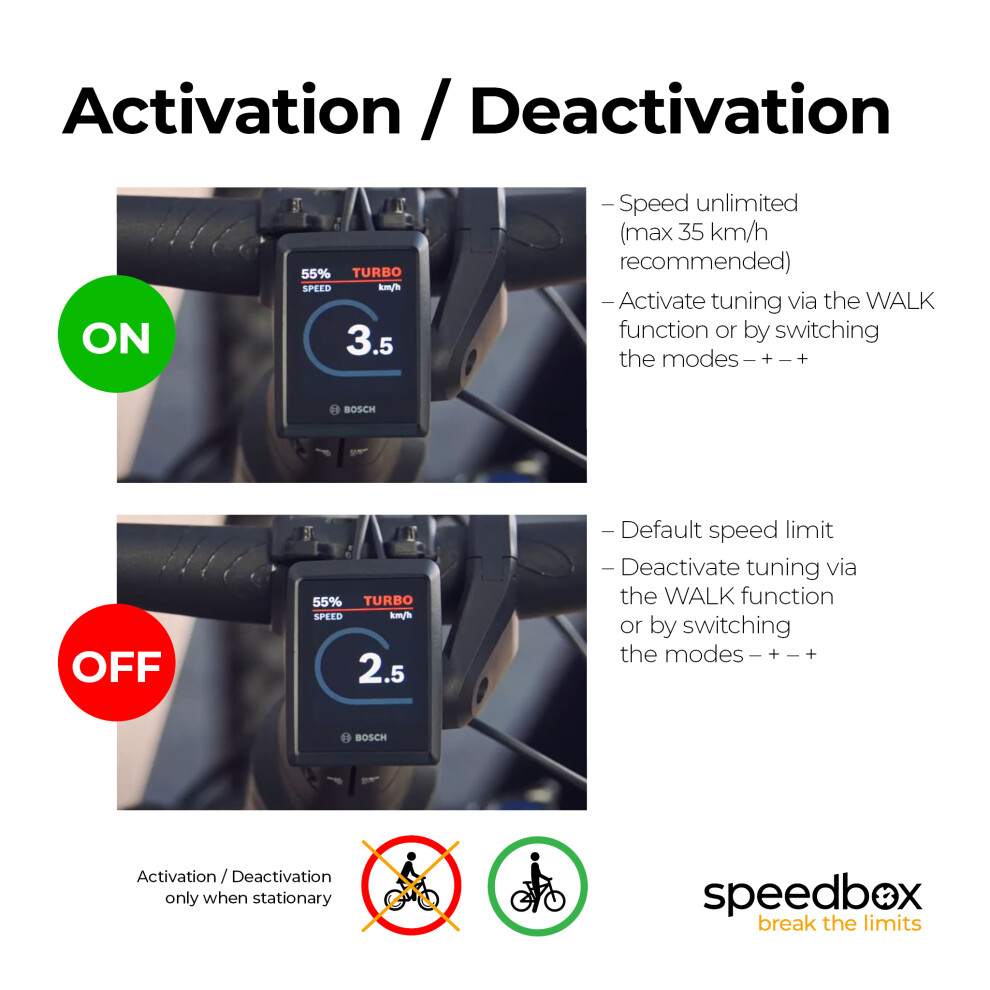
Activation/deactivation: Via the LIGHT button or the SpeedBox Connect App
Bluetooth: Yes
Minimum distance before installation: 10 km for a new e-bike
HOW DOES SPEEDBOX 1.3 WORK?
The chip is activated using the e-bike’s control panel. After pressing the LIGHT button, the active light symbol briefly appears on the display and you can ride at speeds of up to 50 km/h.
Press the LIGHT button again to deactivate the chip.
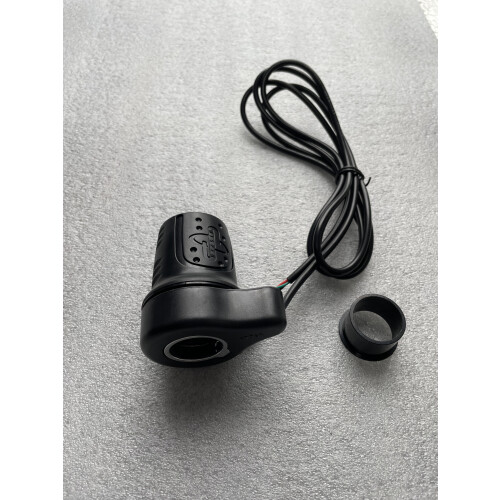
The optionally available Bafang light activation cable allows you to use SpeedBox and your e-bike lights at the same time.
SPEEDBOX CONNECT APP
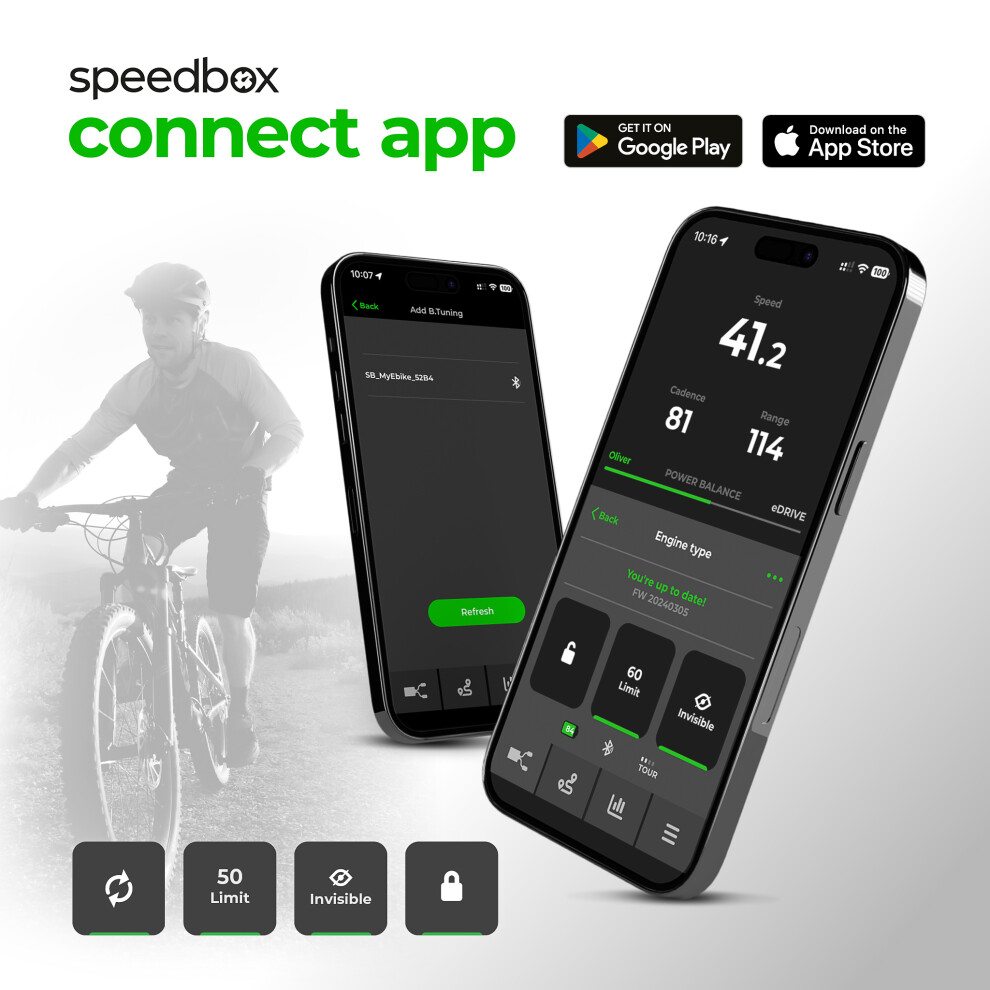
The app, developed specifically for the B.Tuning version, uses Bluetooth technology to connect your e-bike to your smartphone.
Once connected, you can view current riding data and parameters directly on your smartphone, save individual rides, compare them with friends and monitor your performance.
The app provides the following functions:
Tuning control
Speed-limit adjustment
Saving and displaying riding data
Motor diagnostics
A SpeedBox B.Tuning chip is not required to use the SpeedBox Connect App. However, connecting the app to the chip provides a complete overview of your riding performance. Your smartphone must support Bluetooth 4.0 or later.
INSTALLATION
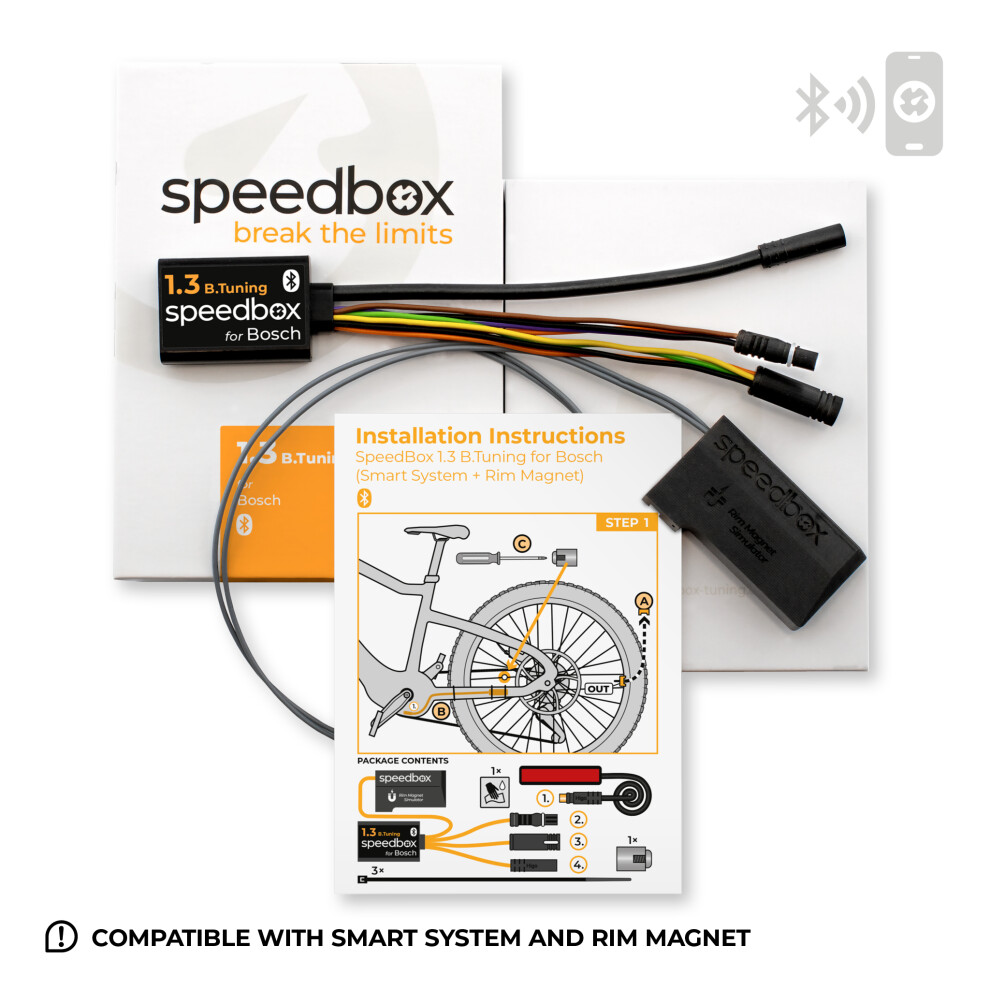
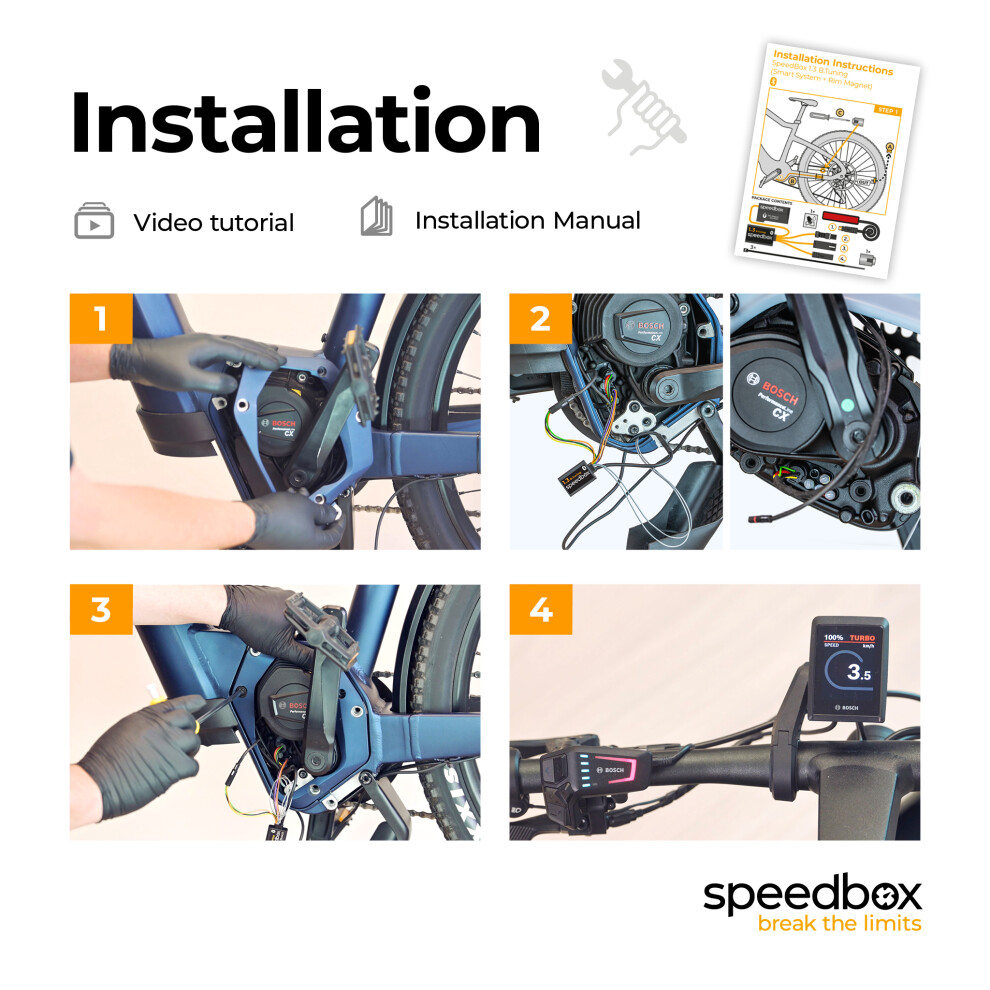
The chip can be installed at home using basic tools. Detailed instructions and installation videos guide you through the process step by step. Removing the SpeedBox is just as straightforward as installing it.
If you experience any problems during installation, please contact us.
If you plan to install the SpeedBox on a new e-bike, ride at least 10 km before activating the tuning.
If you update your e-bike’s software, remove the SpeedBox first. Once the software update has been completed, reinstall the SpeedBox.
WARNING
The use of modified e-bikes may be prohibited by law in some countries. The manufacturer accepts no liability for damage resulting from the use of SpeedBox products.
E-bikes fitted with SpeedBox products must not be used on public roads, cycle paths or in public spaces. They may only be used on private property and at the rider’s own risk.
Using SpeedBox may void your e-bike’s warranty. We recommend wearing additional protective equipment to reduce the risk of injury.
Details
| OPC | PYNSF69 |
|---|---|
| Brand | Speedbox |
| Codes | 8594206941950 (EAN) |
| MPN | SB13BT_B |
| Rank | In demand |
| Seller | Ratings | Warranty | Returns | Price | Delivery | Total | Quantity |
|---|---|---|---|---|---|---|---|
|
Dispatched from:

|
- | 24 months |
30 Days
Free Returns Yes
|
£270.00
|
+Free Delivery
Est. Delivery:
5th-8th Dec
|
£270.00
|
Earn as you shop with instant Cashback on everything.
No catch, no cost
Become a Cashback VIP
Just 1 purchase unlocks bigger deals & rates
You'll only get instant Cashback at OnBuy! Enter your email below and we'll send you a copy of your basket to save you time later.
By entering your email address, you'll automatically be added to our database, where you can enjoy personalised Cashback offers and early access to our best deals. You can opt out of our emails at any time and we'll never share your details with anyone. Check our Privacy Policy and T&Cs to find out more.
Want access to personalised offers and the highest Cashback rates? Sign up to our emails below.
You can opt out of our emails at any time and we'll never share your details with anyone. Check our Privacy Policy and T&Cs to find out more.
This page has expired.
Refresh and continue