























Product Images





Hurry only 1 left
Smart shoppers OnBuy it!
Interest-free payment options available


See full product description & details
Delivery: Standard (Free) | Mon 20th - Wed 22nd Jul
Returns: 30 days
180-day payment protection





Summary
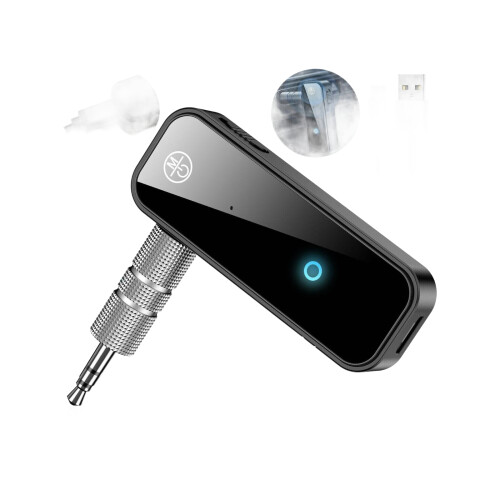
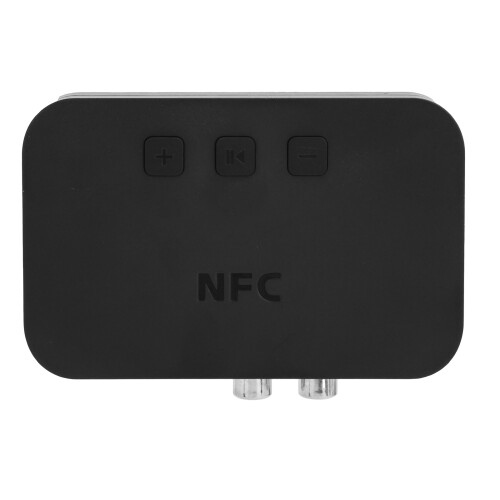
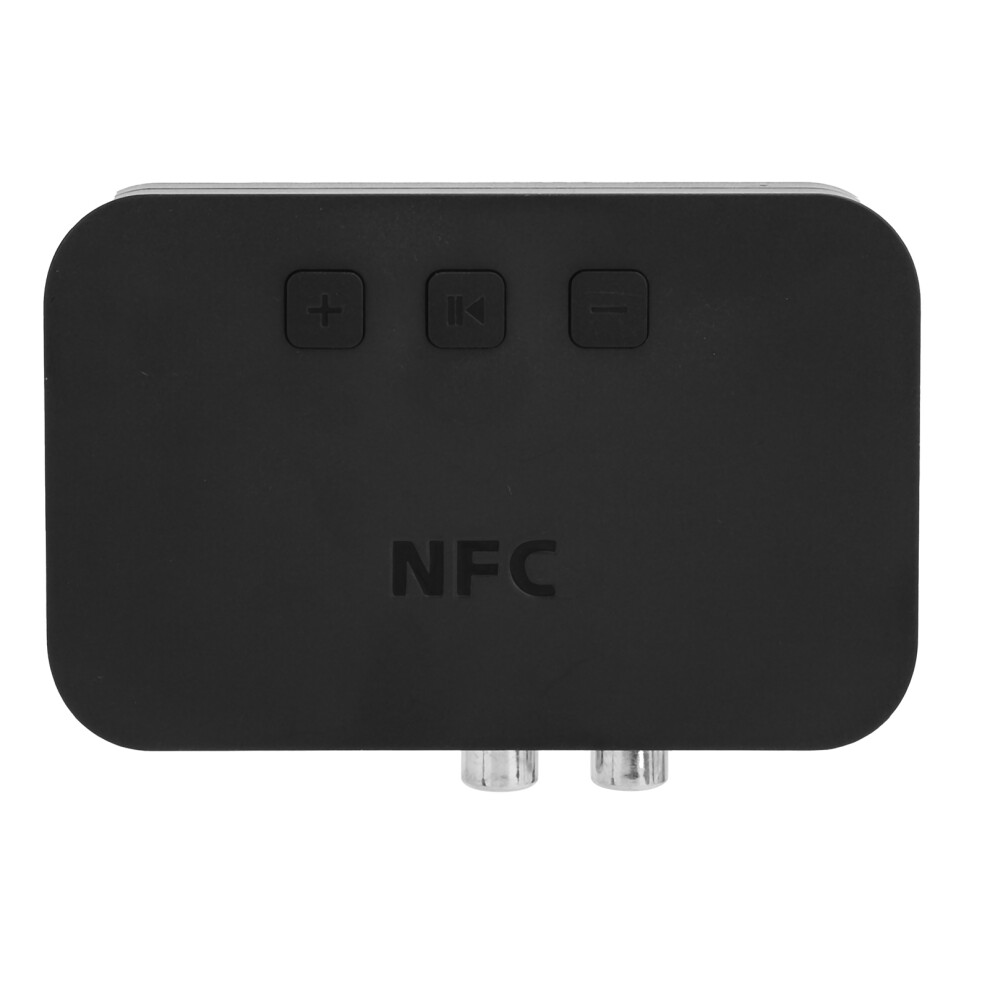
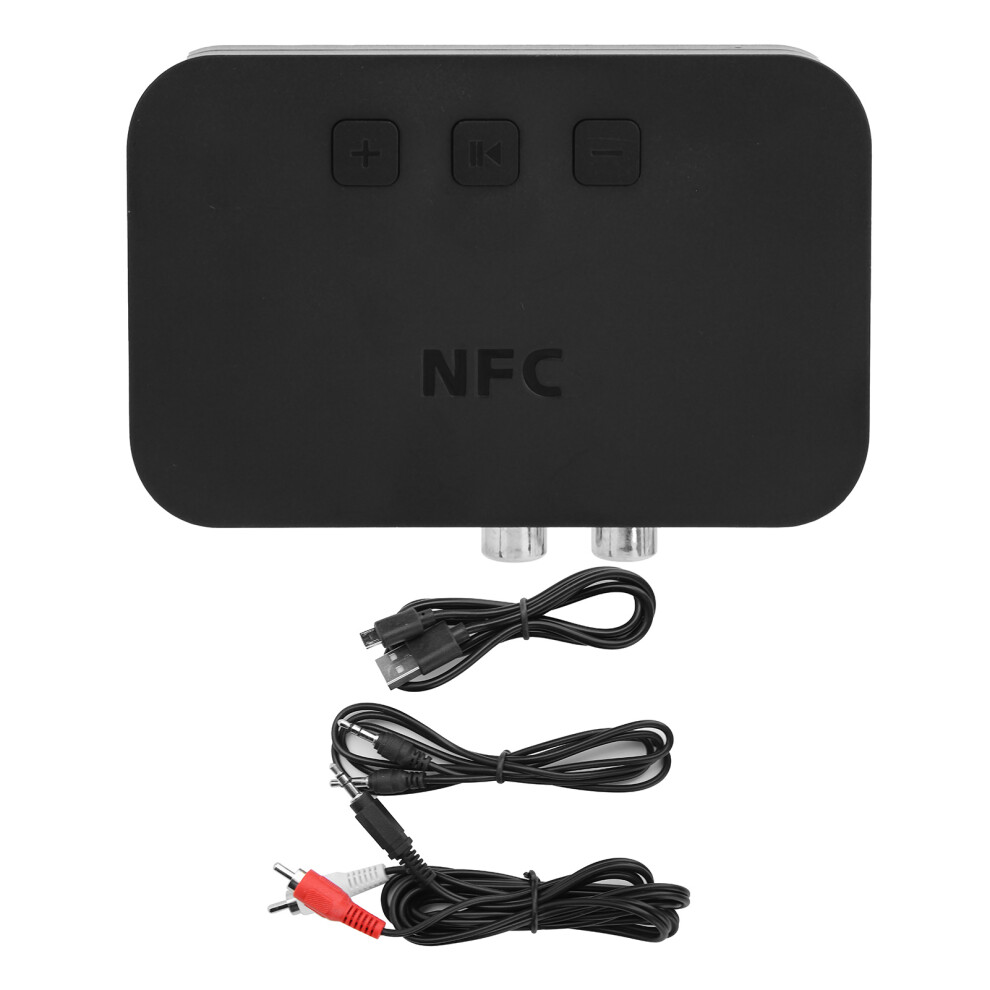
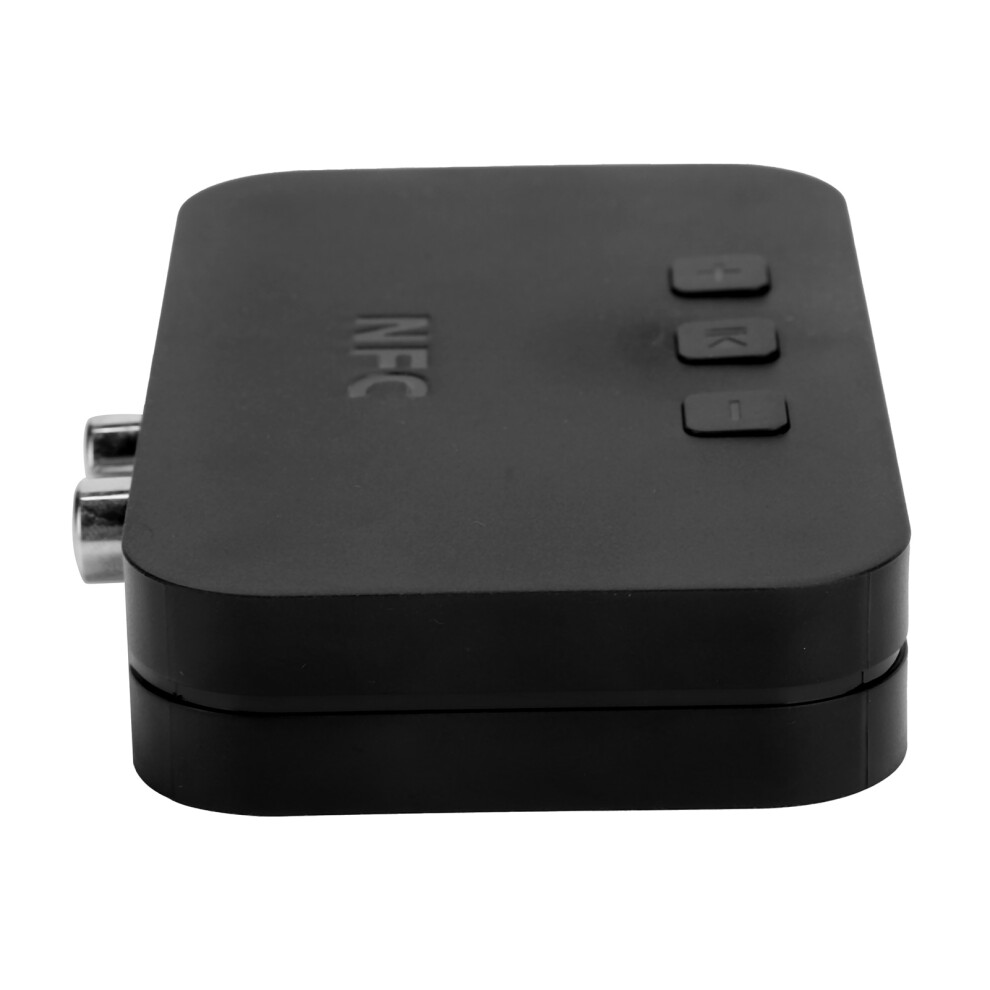
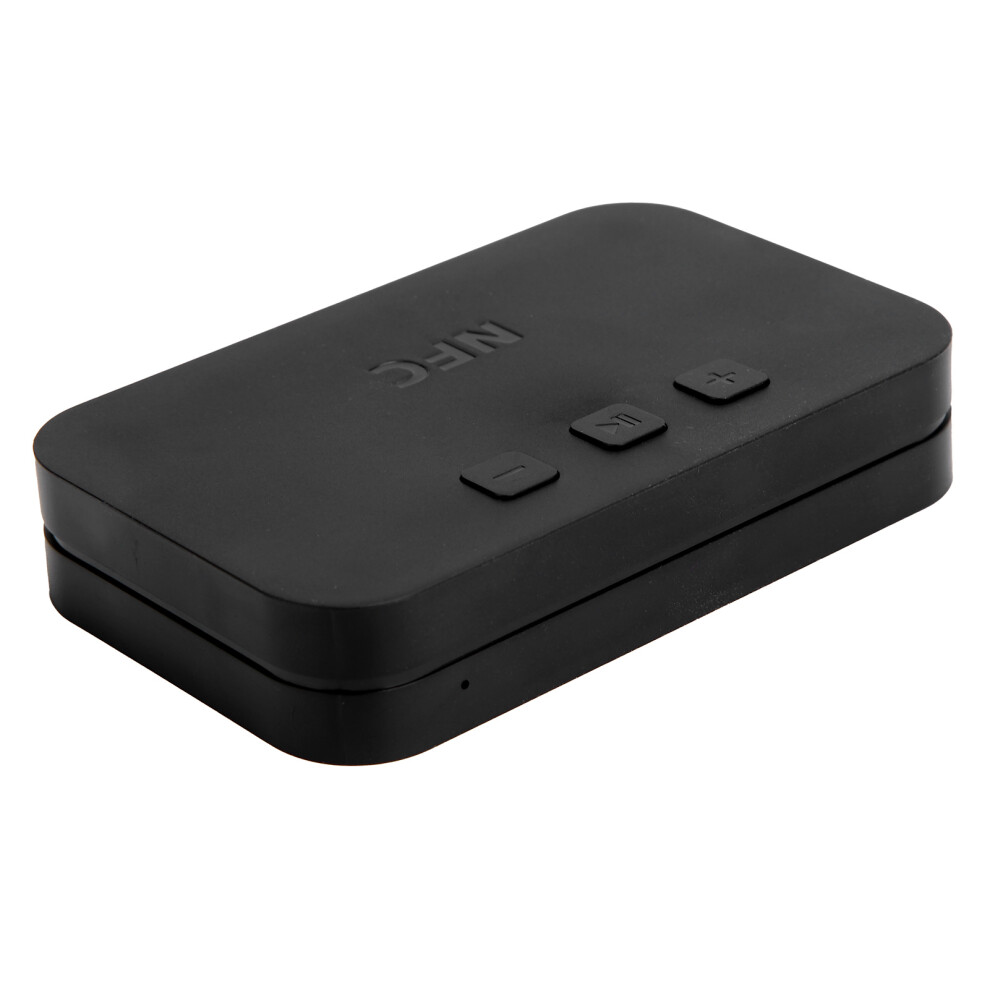
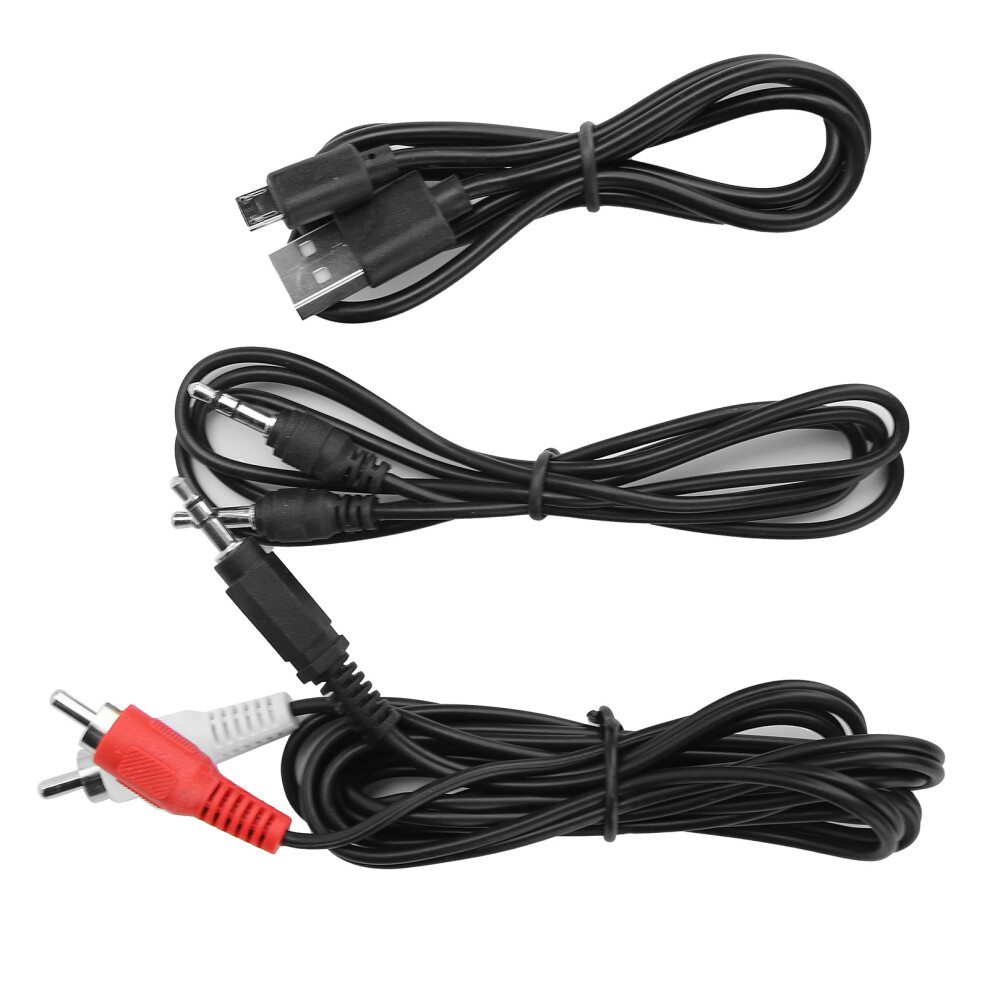
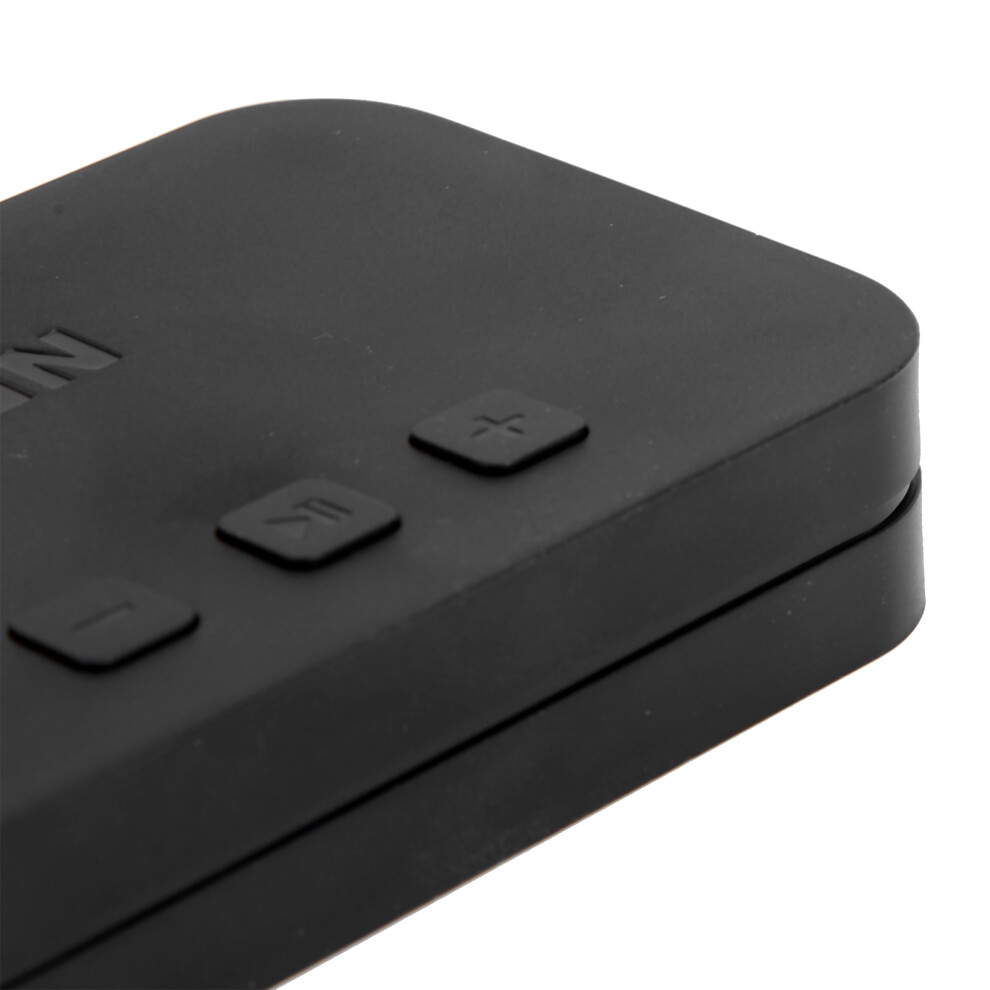
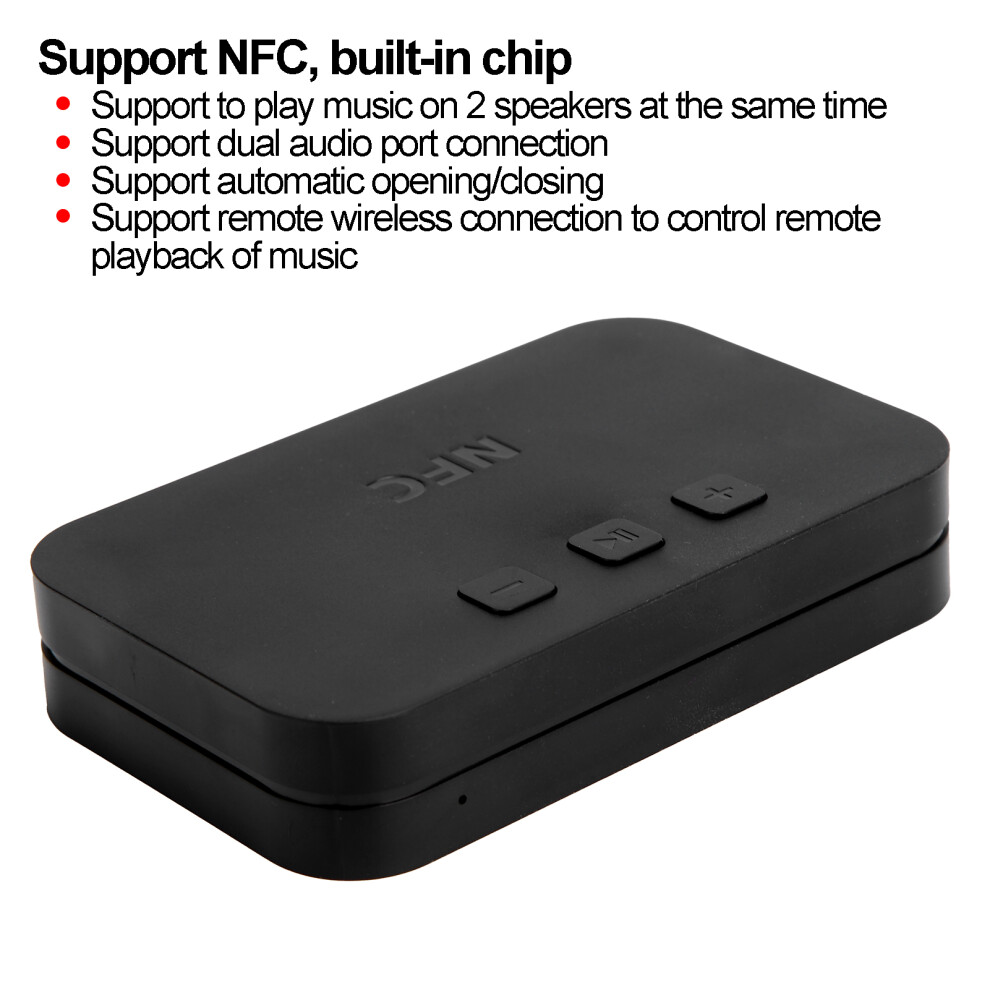
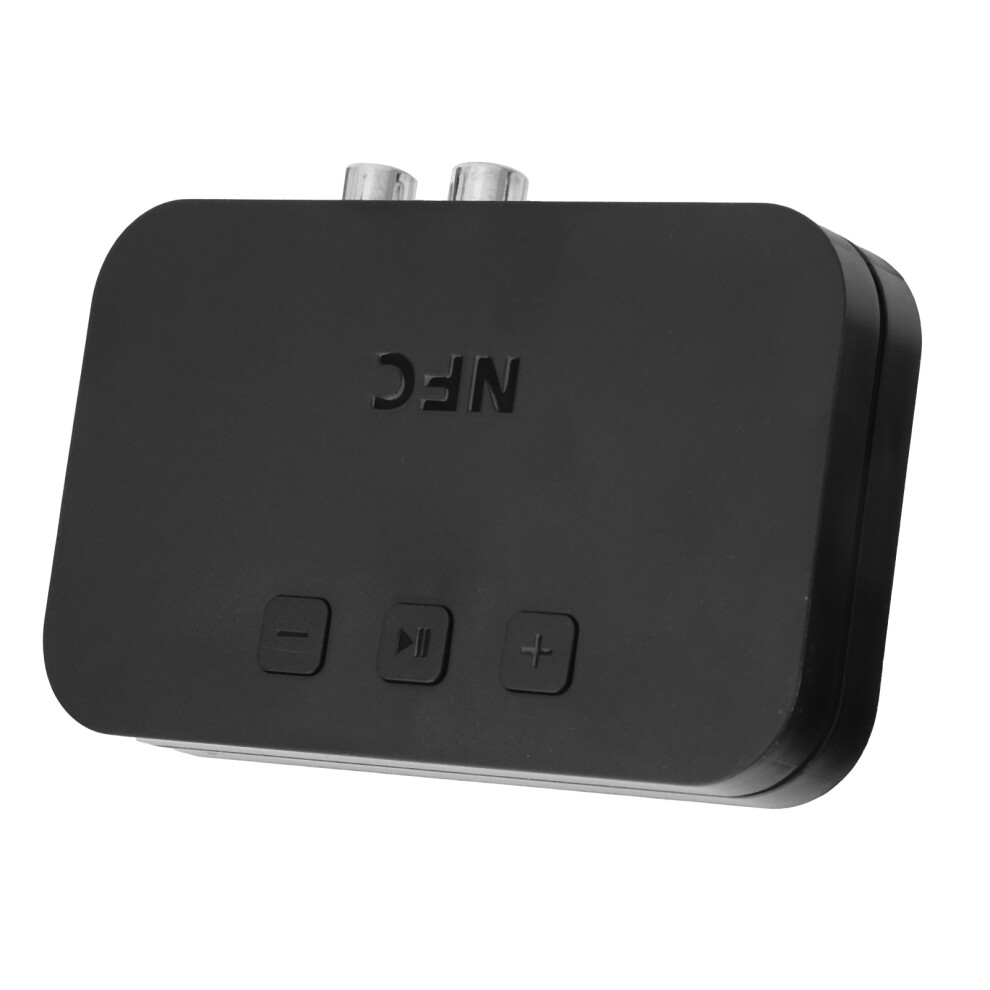
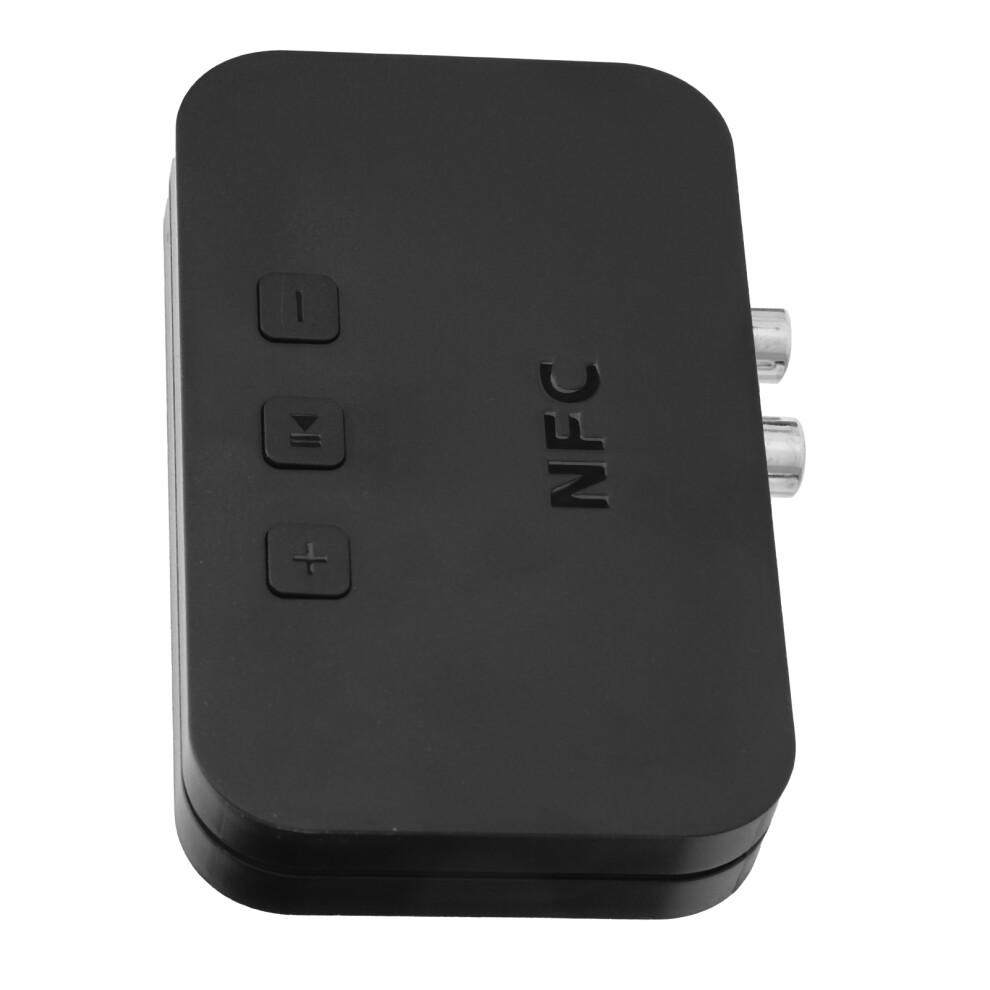
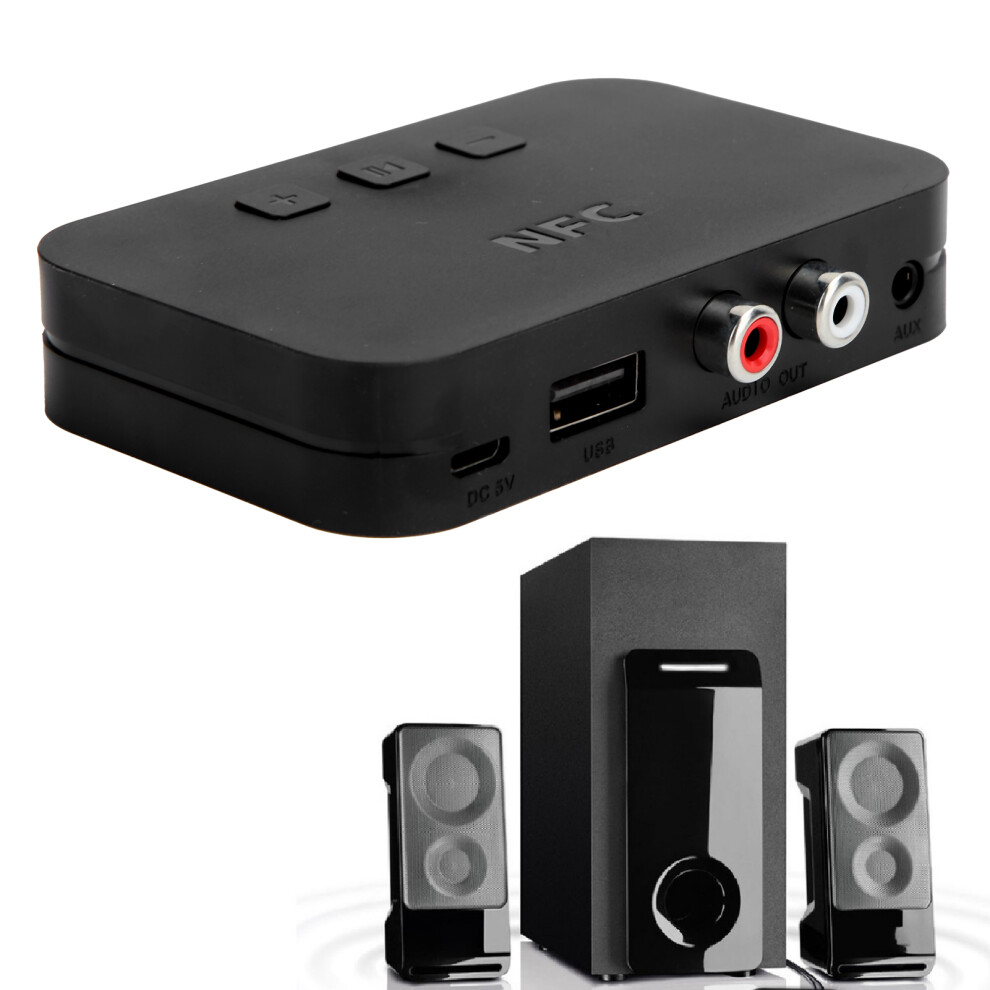
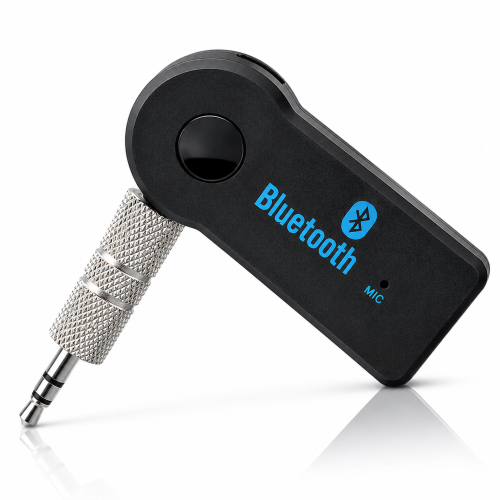
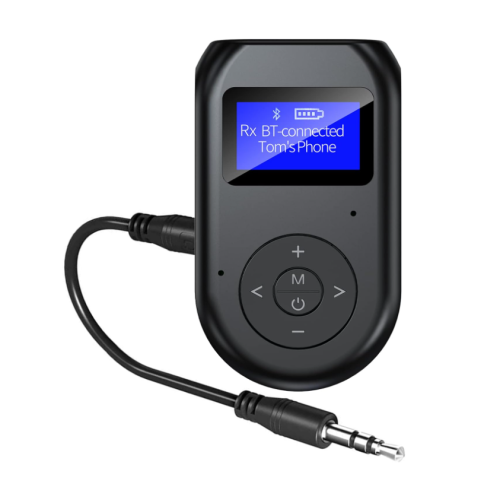
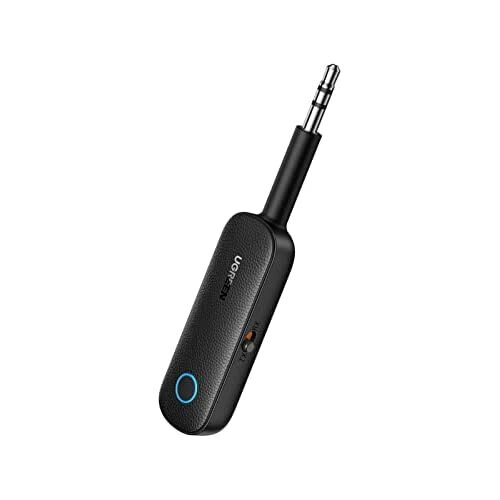
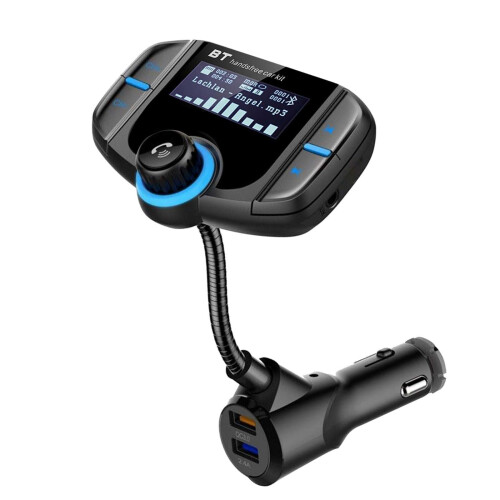
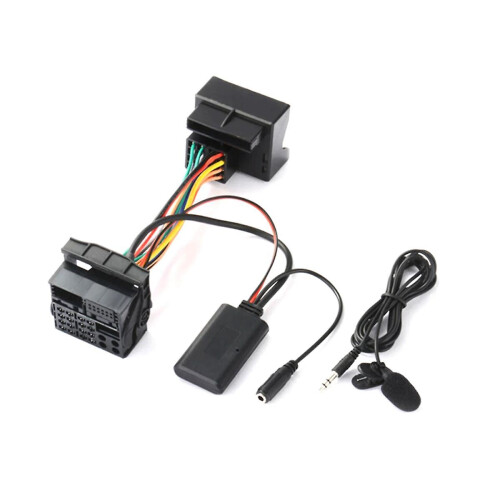
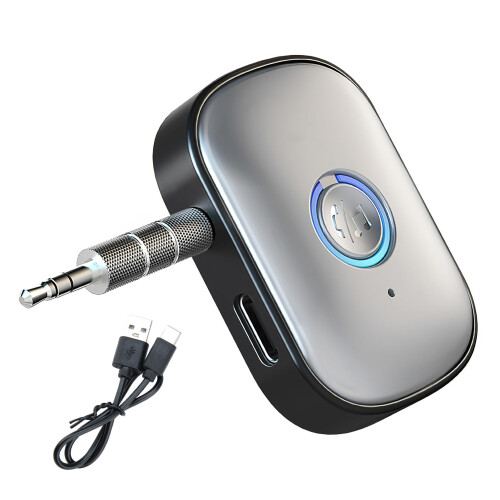
Ti‑800 RCA USB Wireless Bluetooth 5.0 Audio Receiver with 3.5mm A2DP AUX Port for Car Speaker
Item Type: Bluetooth Receiver
Model: Ti-800
Material: ABS
Bluetooth Version: Bluetooth 5.0
Distance: Approx. 10m / 32.8ft
Power Supply: DC5V
Compatibility: for all Bluetooth audio devices, support for A2DP / AVRCP / HFP protocol
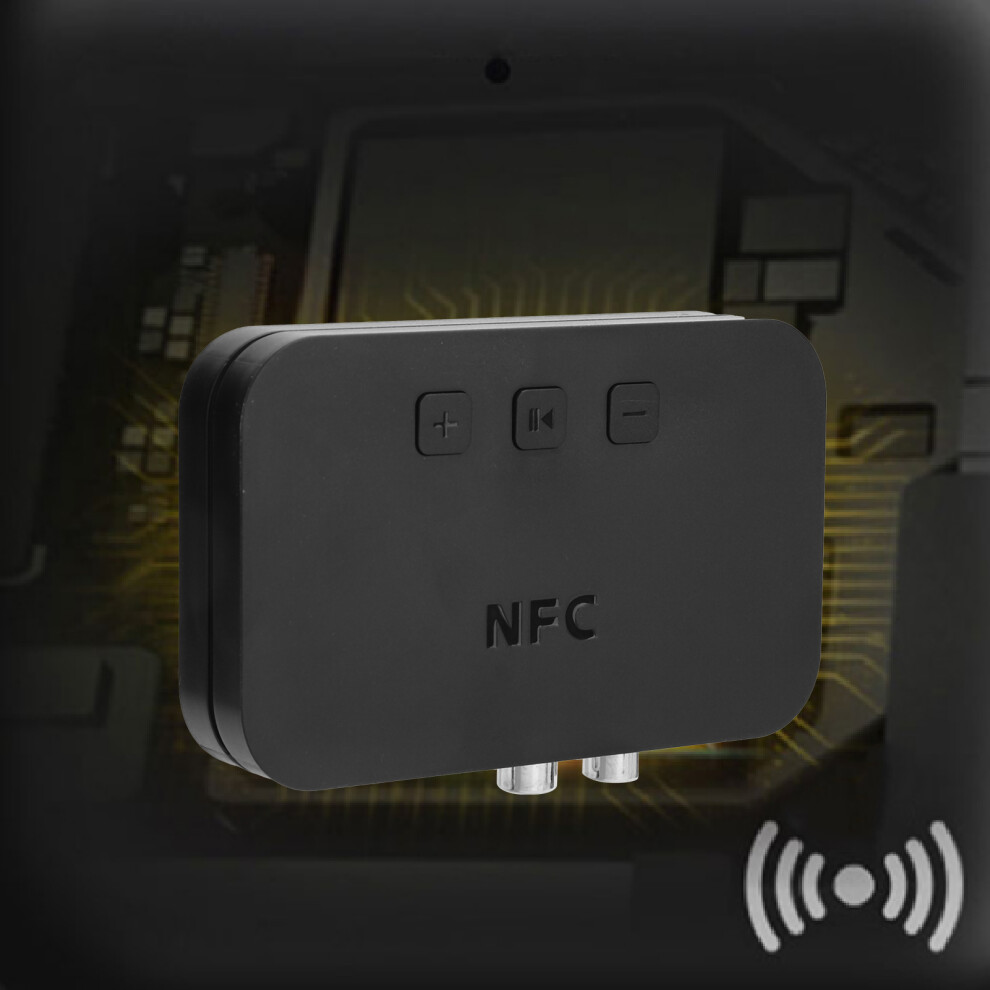
Function: support NFC, support 2 Bluetooth devices at the same time
Color: Black
How e:
Connect via NFC Pairing:
1. Connect the USB power supply line to the 5V power supply and see the blue indicator in the "indicator window" flashing and hear the prompt tone, indicating that the NFC desktop Bluetooth audio receiver has successfully entered the pairing standby state.
2. Turn on the NFC function of the mobile phone or other device.
3. Put the NFC sensing area of the mobile phone against the NFC sensing area of the NFC desktop Bluetooth audio receiver for about 2 seconds, see the dialog box on the mobile phone, and then click connect.
(If the popup dialog box needs to enter the pairing code, enter "0000" if it does not popup, please ignore.)
Connect via Bluetooth Pairing:
1. First connect the USB power supply line to the 5V power supply, and then connect to the product, you will see the blue indicator light flashing in the "indicator window" and hear the prompt tone indicating that the NFC desktop Bluetooth audio receiver has successfully entered the pairing state.
2. Turn on the Bluetooth function of the mobile phone or other device, search for the device named "Ti-800", and click Connect after the search is successful.
3. After clicking connect, the blue light of the "indicator window" flashes slowly and you hear the prompt tone. This means that the device is successfully connected.
Note: The next time you use it, you only need to press the power button for 3 seconds to turn it on to automatically connect to the mobile phone or other equipment you used last time.
U Disk Playback:
After the product is powered on, insert the USB flash drive into the USB port, and it will automatically switch to the USB flash drive to play. If you need to switch Bluetooth, just press and hold the play button.
Details
| OPC | PSW8WNH |
|---|---|
| Codes | 3241391907975 (EAN) |
| Seller | Ratings | Warranty | Returns | Price | Delivery | Total | Quantity |
|---|---|---|---|---|---|---|---|
| (2 reviews) | - |
30 Days
Free Returns No
|
£19.34
|
+Free Delivery
Est. Delivery:
20th-22nd Jul
|
£19.34
|
Earn as you shop with instant Cashback on everything.
No catch, no cost
Become a Cashback VIP
Just 1 purchase unlocks bigger deals & rates
Wait! You've left
something behind...
You'll only get instant Cashback at OnBuy! Enter your email below and we'll send you a copy of your basket to save you time later.
No thanks, I'm alright for now
By entering your email address, you'll automatically be added to our database, where you can enjoy personalised Cashback offers and early access to our best deals. You can opt out of our emails at any time and we'll never share your details with anyone. Check our Privacy Policy and T&Cs to find out more.
Before you go...
Remember, you'll only get instant Cashback on everything at OnBuy!
Want access to personalised offers and the highest Cashback rates? Sign up to our emails below.
No thanks, I'm alright for now
You can opt out of our emails at any time and we'll never share your details with anyone. Check our Privacy Policy and T&Cs to find out more.