


























Product Images





In stock
Smart shoppers OnBuy it!
Interest-free payment options available


See full product description & details
Delivery: Standard (Free) | Mon 12th - Wed 14th Oct
Returns: 30 days
180-day payment protection
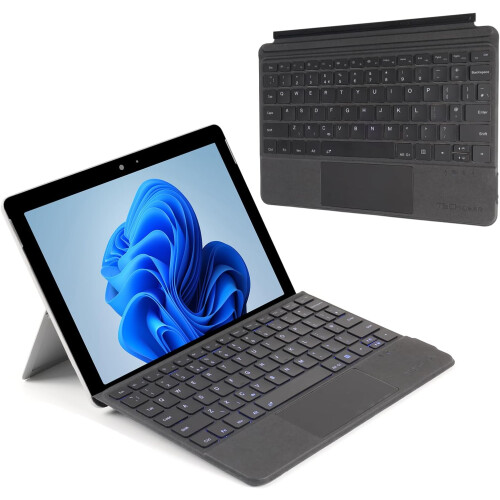
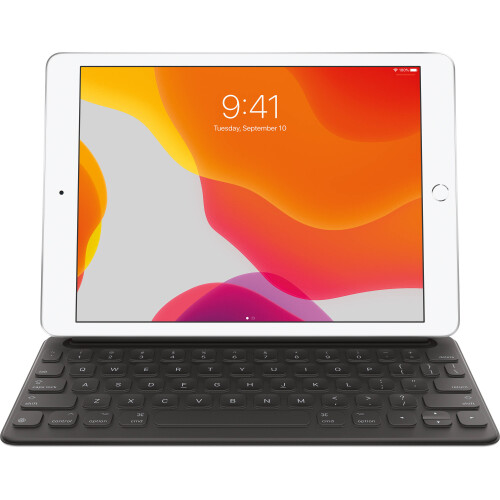
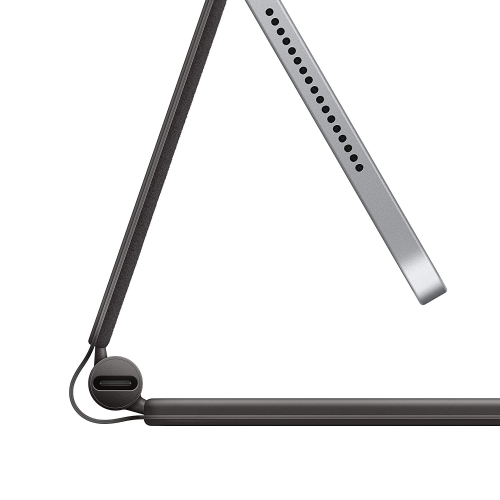
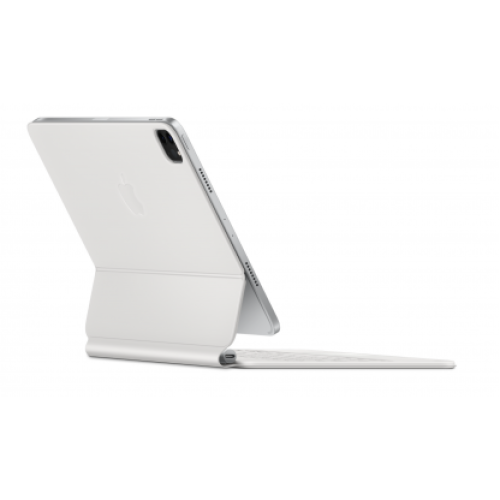
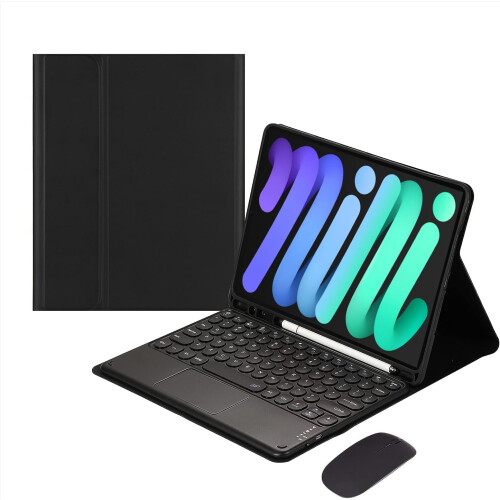
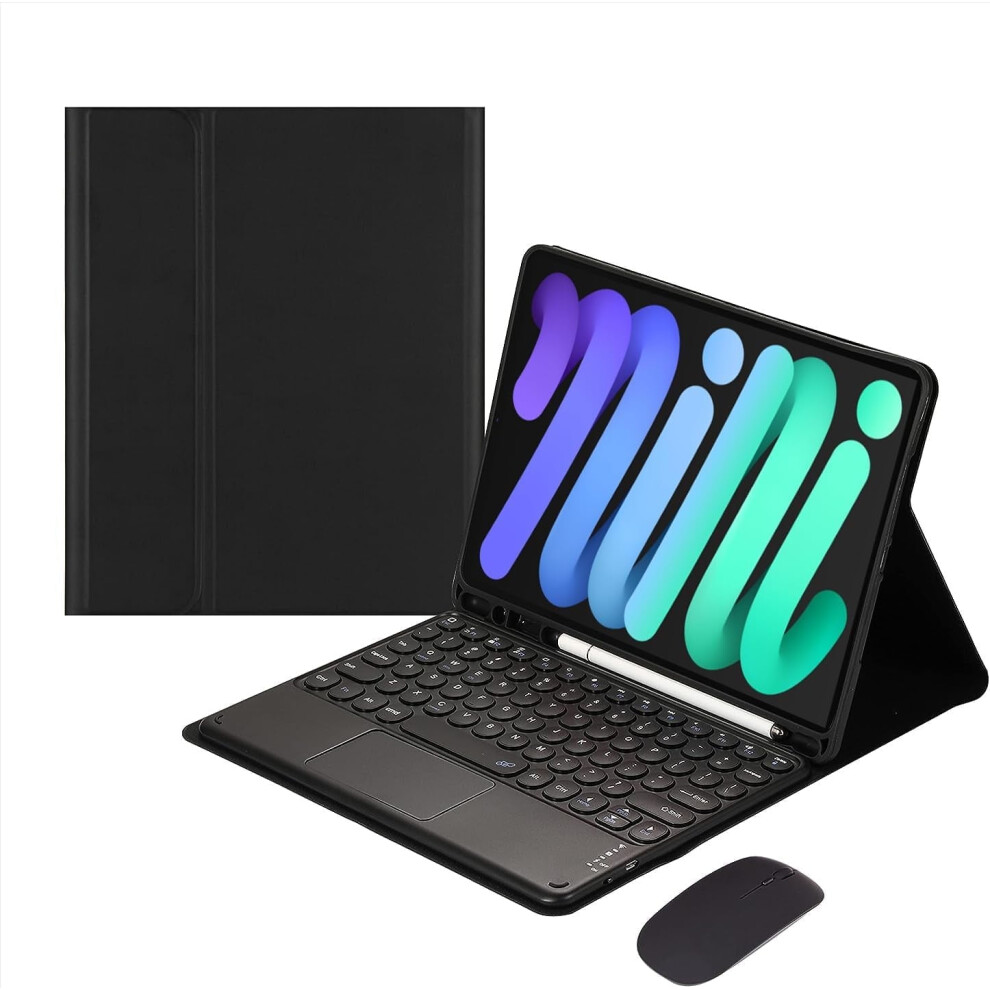
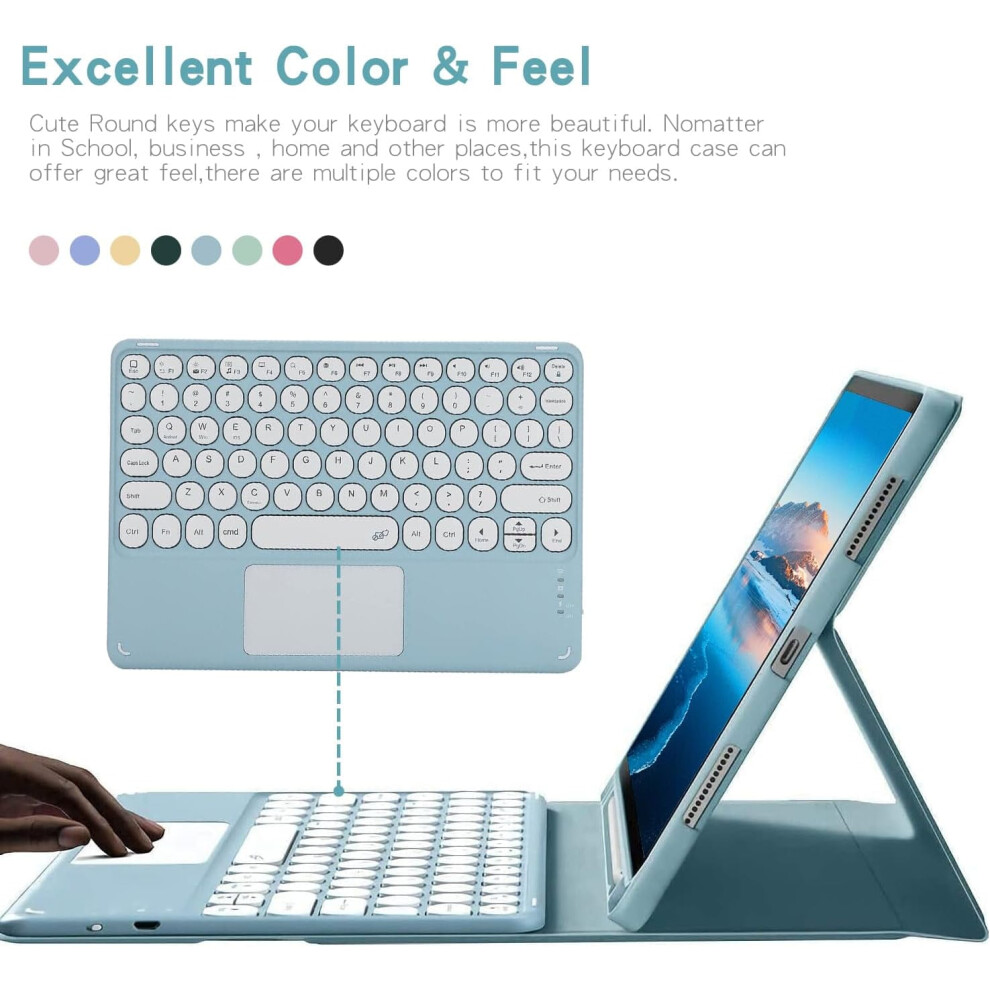
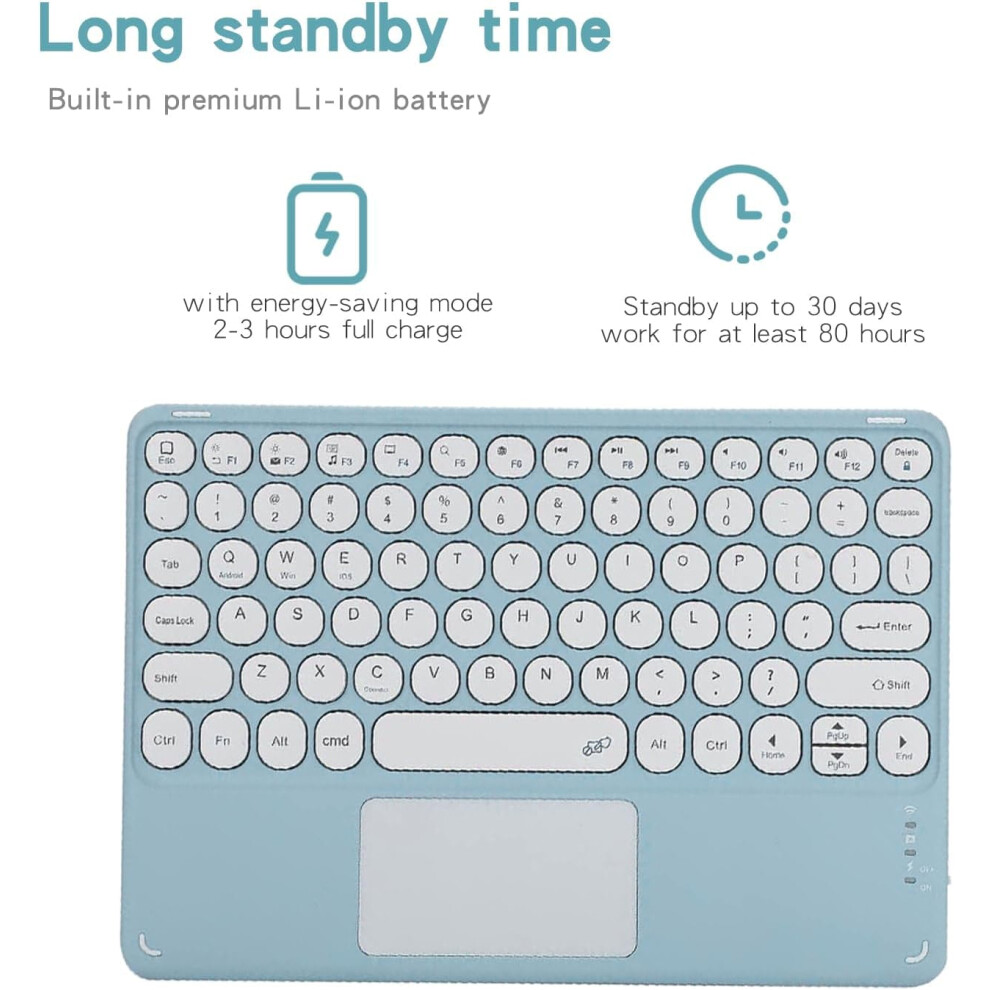
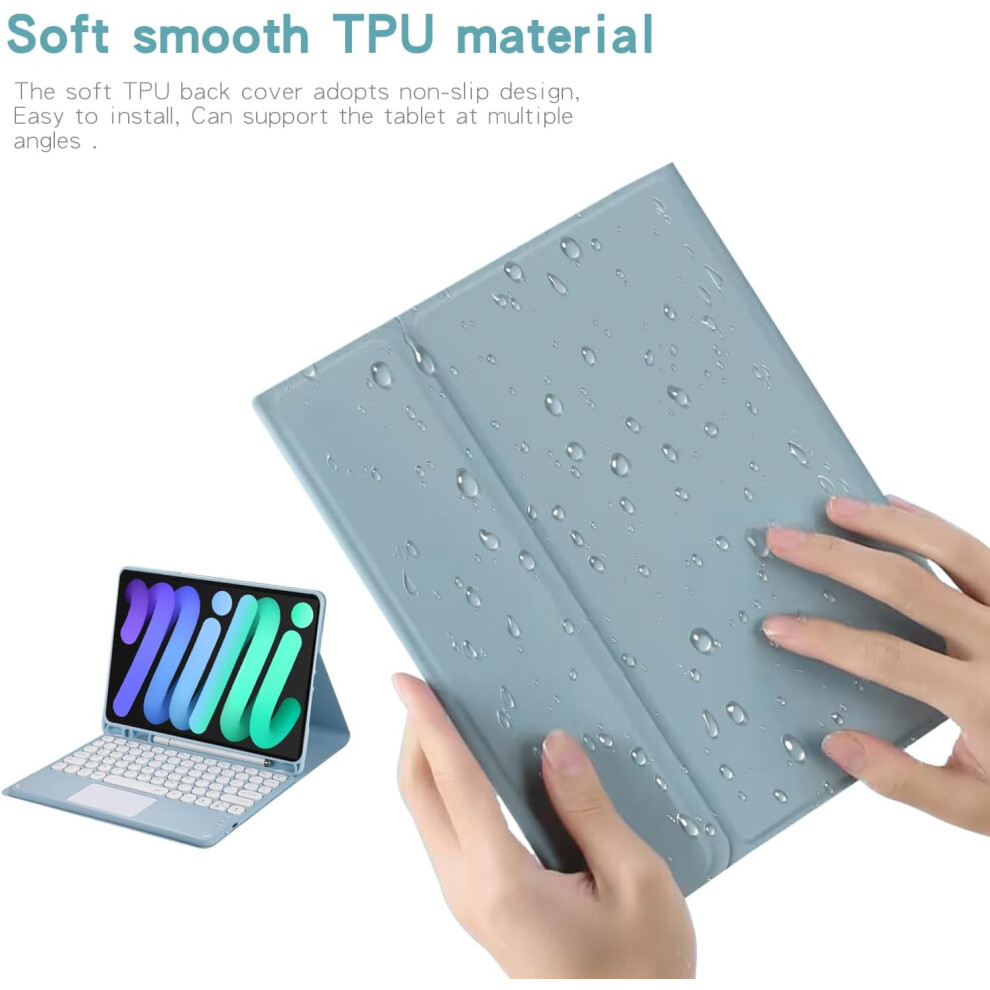
How to connect this keyboard to compatible with iPad 1: turn on the power button on the right side of the keyboard. (The power indicator will go out after flashing. This is to save power, not fault) 2: Press the "FN" key in the lower left corner of the keyboard, do not release it, and then press the "C" key. (Note: You need to press FN+C at the same time) At this time, you can see the Bluetooth indicator flashing, This turns on the Bluetooth of the keyboard. 3: From the compatible with iPad's home screen, tap Settings. Tap on Bluetooth. Make sure Bluetooth is set to On, then let it search for devices. Tap on a Bluetooth keyboard, when it appears, to pair. 4: if an authentication (PIN) code appears on the compatible with iPad screen, Enter the number with the keyboard and press the "Enter" key. 5: When the connection is complete, the Bluetooth indicator will go out, 6: This is a 3-system keyboard, If you are using this keyboard on your compatible with iPad, Please press "FN" key first, don't release it, then press "E" key, This is a system for the compatible with iPad About the compatible with iPad scroll direction: compatible with iPad products are different from windows products, In compatible with iPad default settings, compatible with iPad scroll direction moves in the opposite direction. If you don't like the opposite scroll direction, Please Switch off the following setting for your compatible with iPad: Settings>General>Trackpad & Mouse>Natural Scrolling Compatibility: Compatible with the new compatible with iPad Mini 7 (A17 Pro) 8.3" 2024 (model number: A2993,A2995, A2996) and compatible with iPad Mini 6th Generation 8.3" 2021 (model number: A2567, A2568, A2569). It will NOT work for any other model device. Trackpad Keyboard Detachable Bluetooth keyboard with Touchpad transforms your tablet into a laptop in less than a second. ( Notice: To use the keyboard touchpad, Please go to the compatible with iPad accessibility setting to turn on the assistive touch function first,and Upgrade Your compatible with iPad Software to iOS 13.0 Version or above). With Bluetooth + 2.4 G Mouse:This Wireless Color Mouse supports Bluetooth connection and 2.4 G wireless connection,Not only for compatible with iPad, also for other computers. Built-in Pencil holder Pencil Holder on the bottom can prevent the pen from being lost. Grab your Pencil effortlessly whenever you want, easily to carry your pencil with your device. **Pencil not included!** Long standby timeBuilt-in premium Li-ion battery with energy-saving mode, 2-3 hours full charge, Standby up to 30 days,work for at least 80 hours.
Details
| OPC | PWNNJ9R |
|---|---|
| Codes | 9496895323842 (EAN) |
| Seller | Ratings | Warranty | Returns | Price | Delivery | Total | Quantity |
|---|---|---|---|---|---|---|---|
|
Dispatched from:

|
(3 reviews) | - |
30 Days
Free Returns No
|
£88.43
|
+Free Delivery
Est. Delivery:
12th-14th Oct
|
£88.43
|
Earn as you shop with instant Cashback on everything.
No catch, no cost
Become a Cashback VIP
Just 1 purchase unlocks bigger deals & rates
You'll only get instant Cashback at OnBuy! Enter your email below and we'll send you a copy of your basket to save you time later.
By entering your email address, you'll automatically be added to our database, where you can enjoy personalised Cashback offers and early access to our best deals. You can opt out of our emails at any time and we'll never share your details with anyone. Check our Privacy Policy and T&Cs to find out more.
Want access to personalised offers and the highest Cashback rates? Sign up to our emails below.
You can opt out of our emails at any time and we'll never share your details with anyone. Check our Privacy Policy and T&Cs to find out more.
This page has expired.
Refresh and continue