






















Product Images



Hurry only 1 left
Smart shoppers OnBuy it!
Interest-free payment options available


See full product description & details
Delivery: Standard (Free) | Mon 13th - Wed 15th Jul
Returns: 30 days
180-day payment protection







Summary
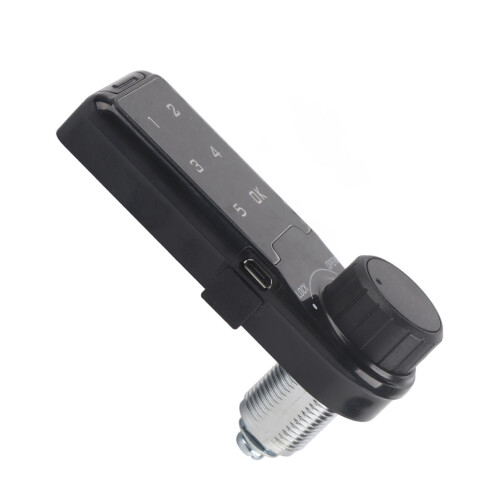
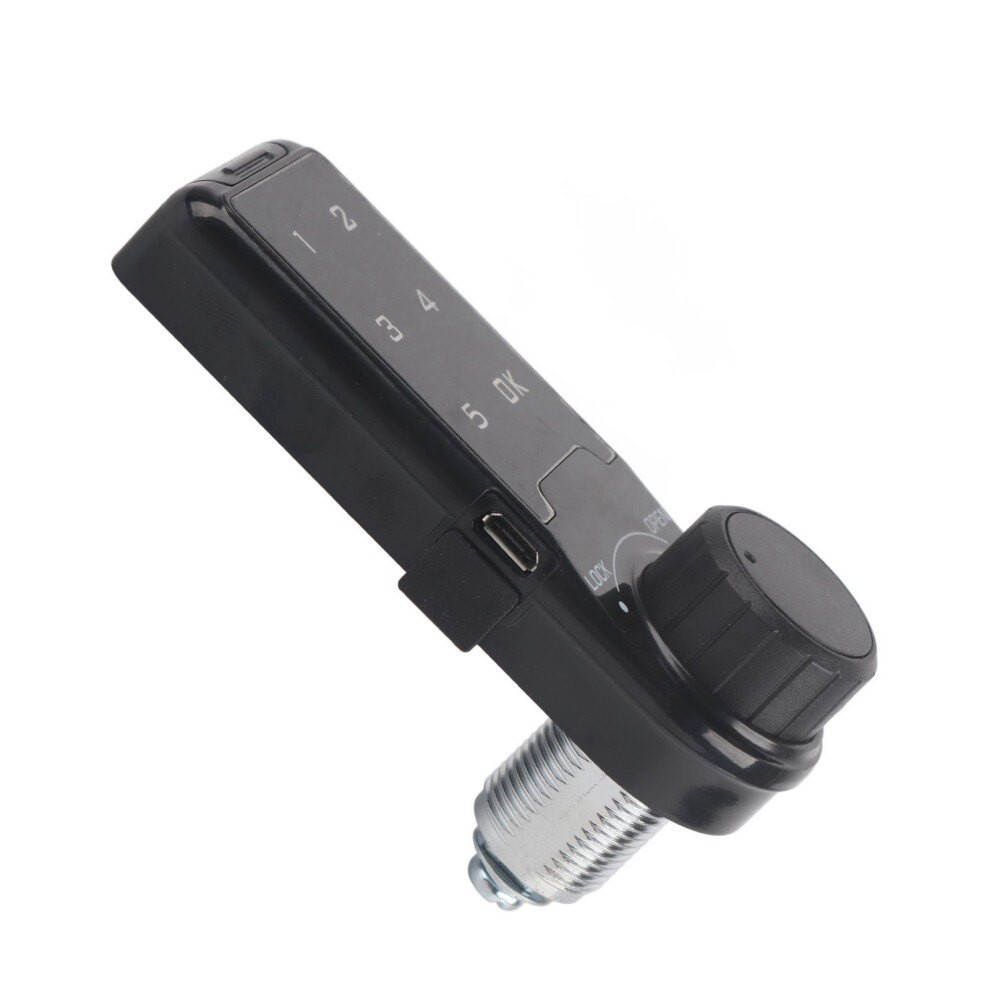
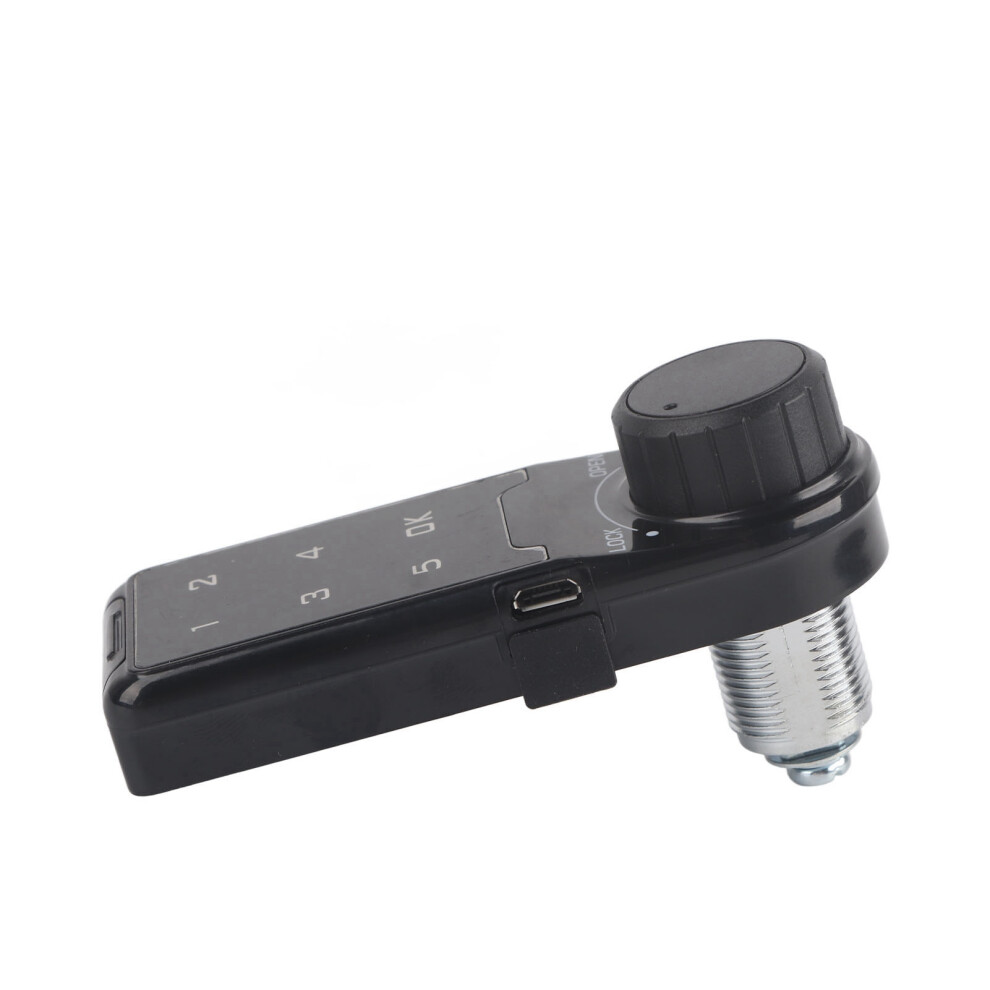
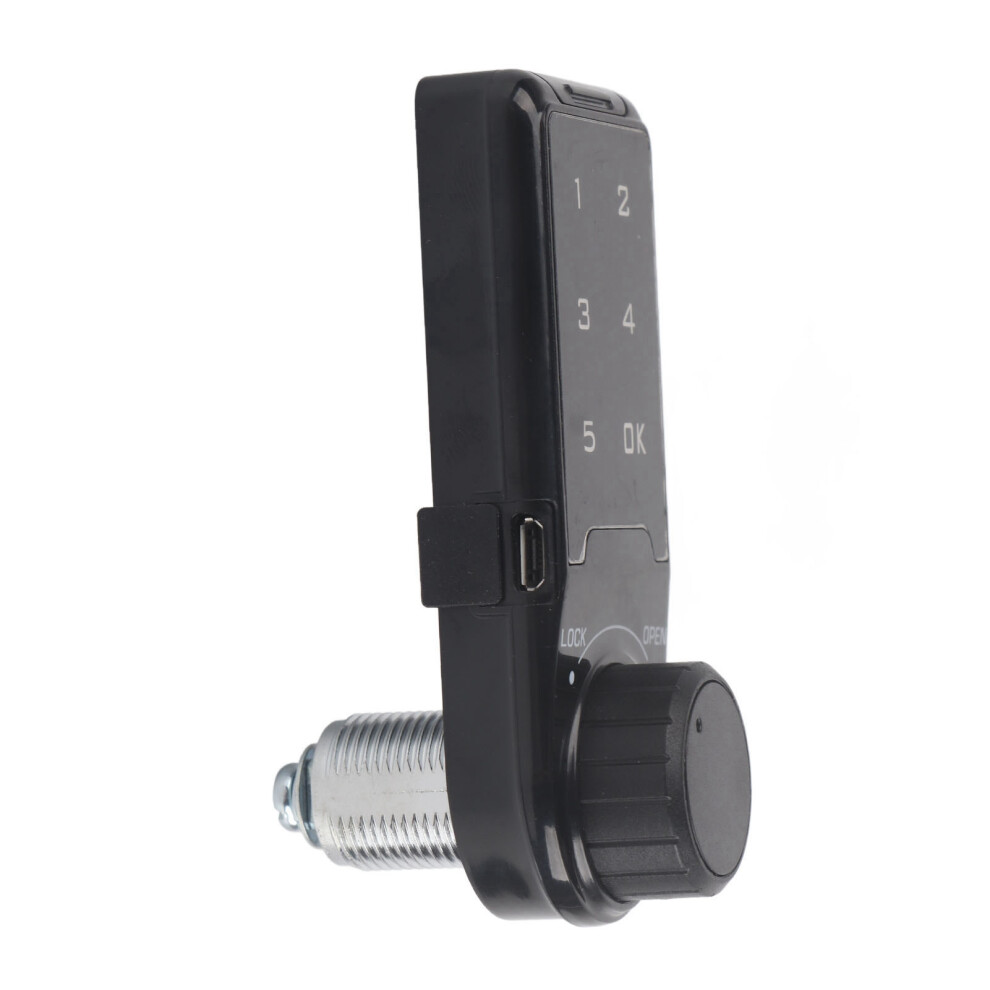
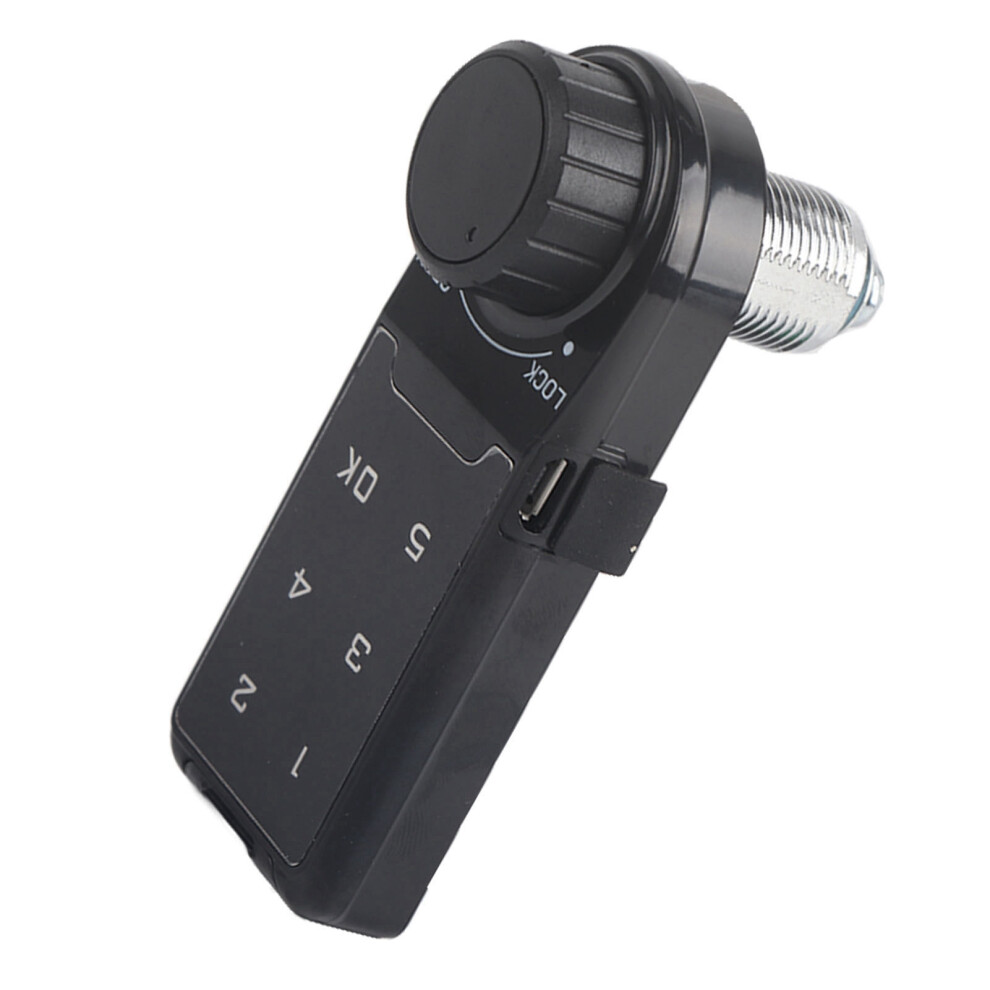
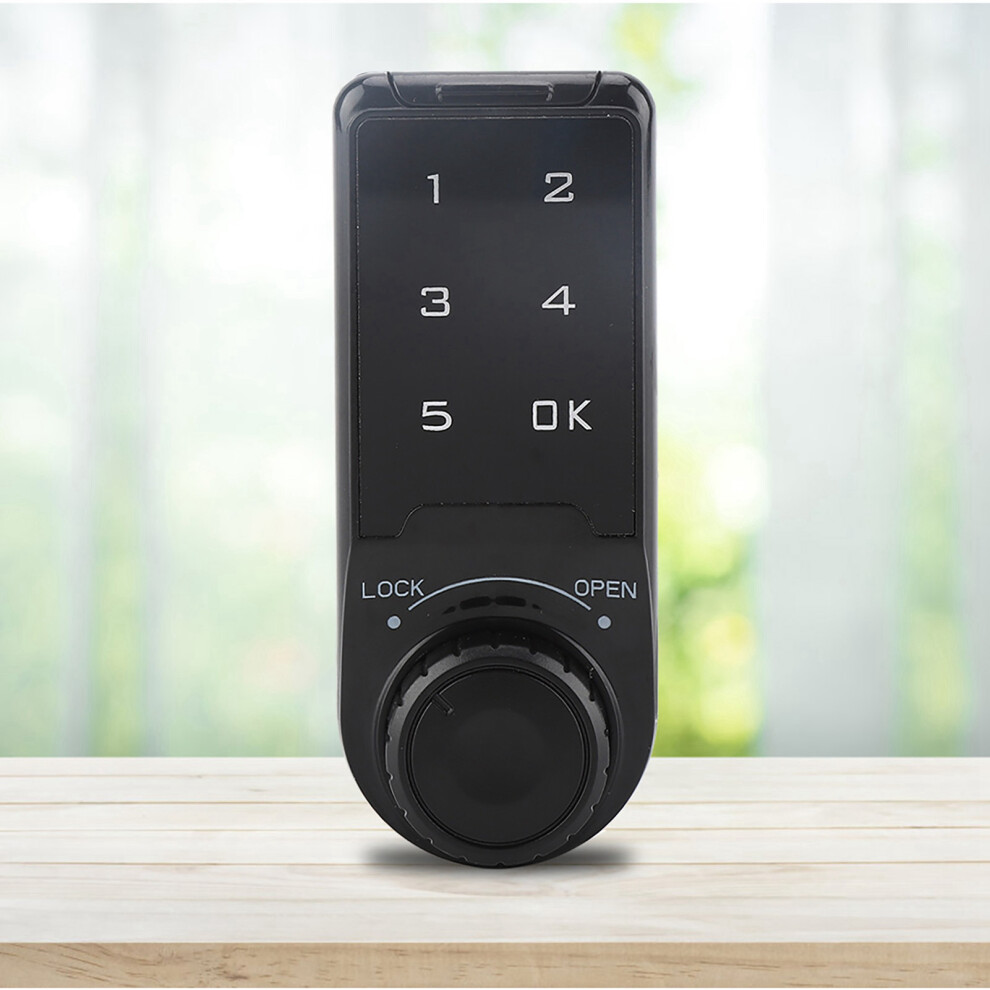
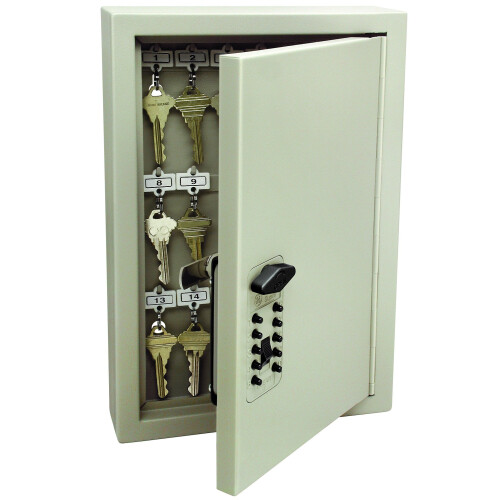
Touch Keypad Password Key Access Lock Digital Electronic Security Cabinet Coded Locker L=20mm
Features:
Made of ABS material, strong, accuracy, safe and durable.
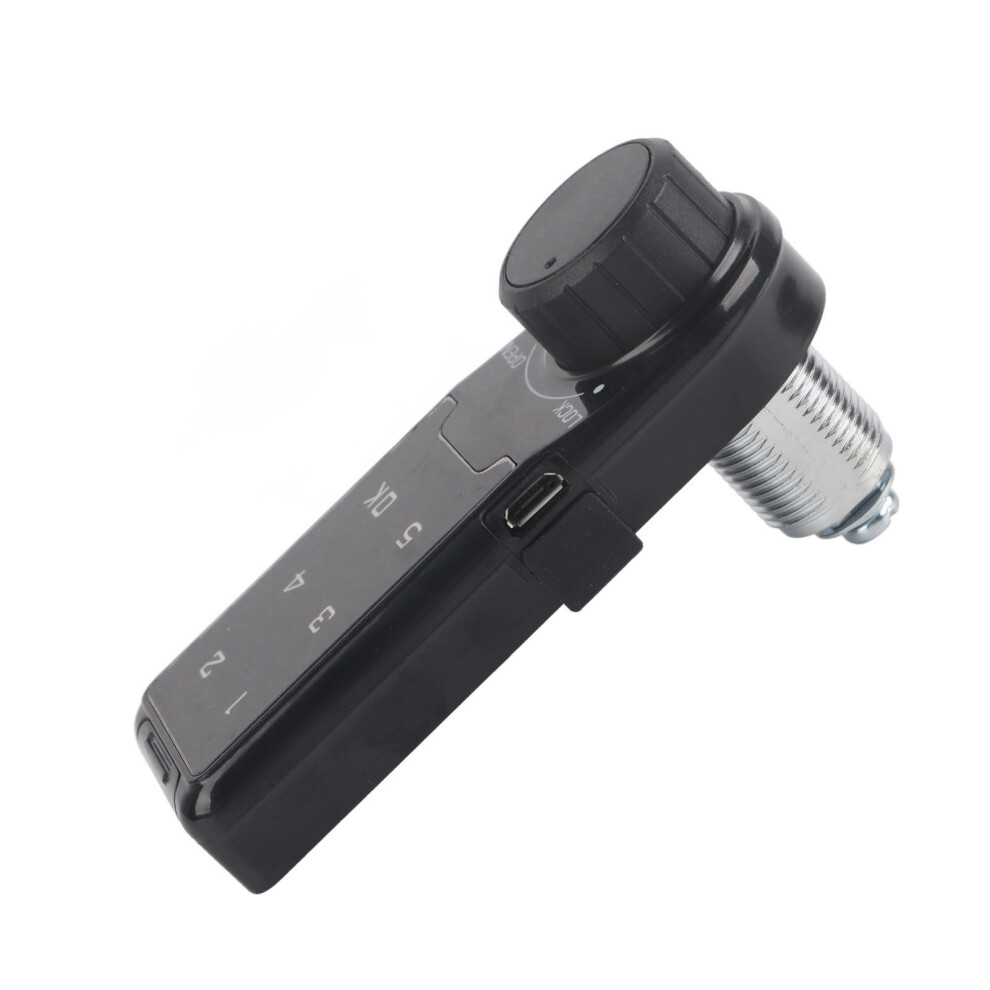
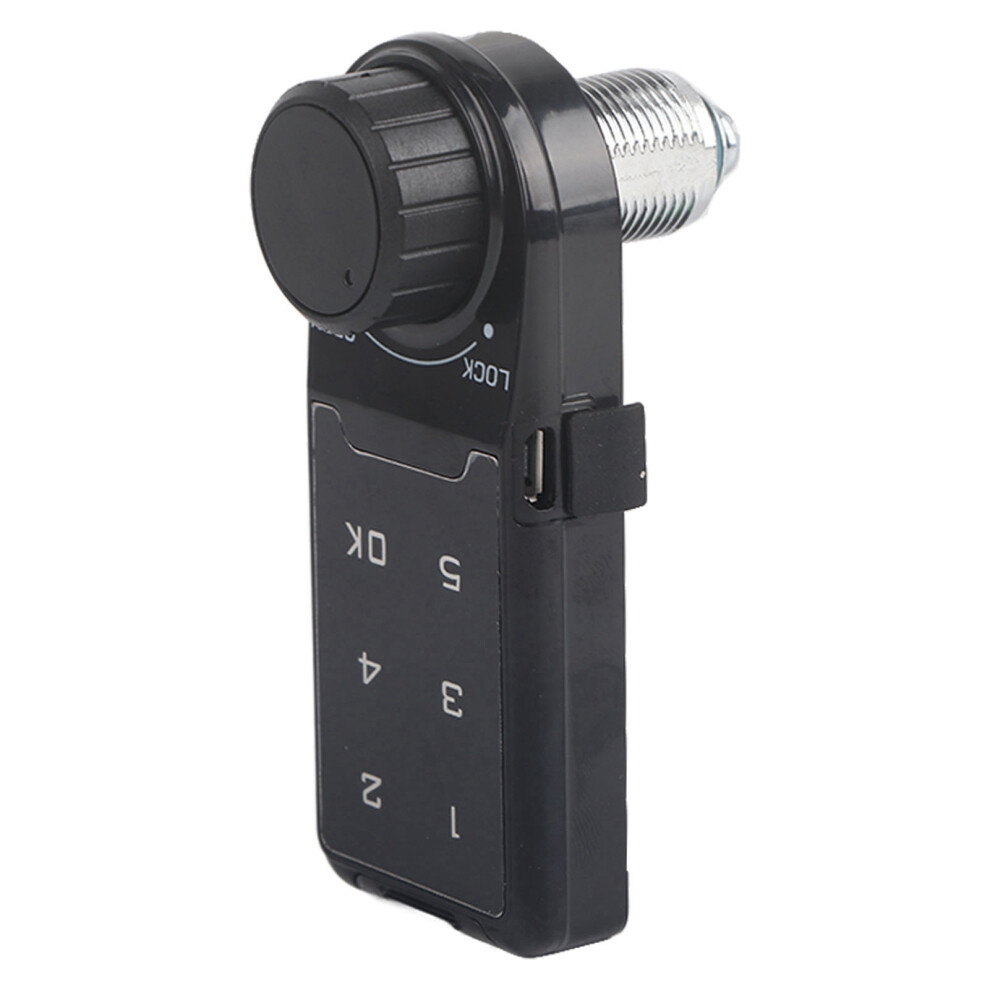
Touch keypad password lock, no keys needed. Cool e.
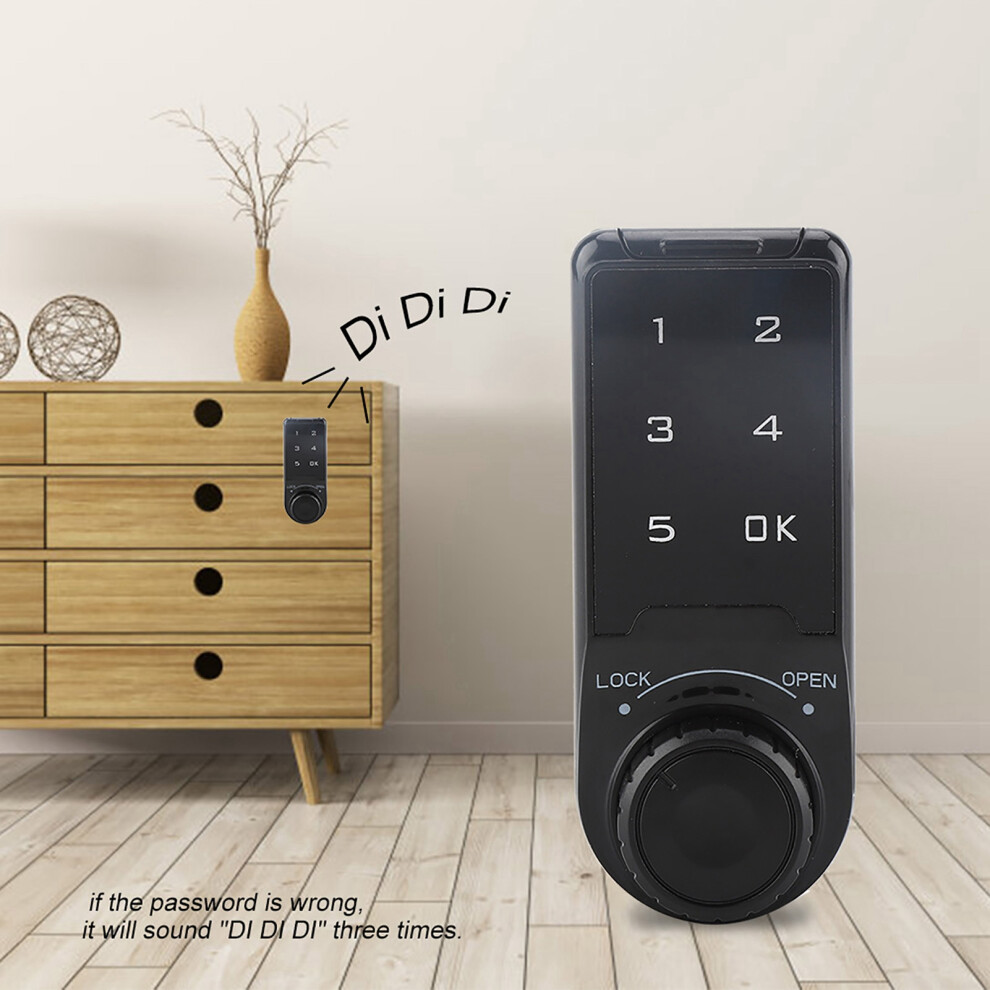
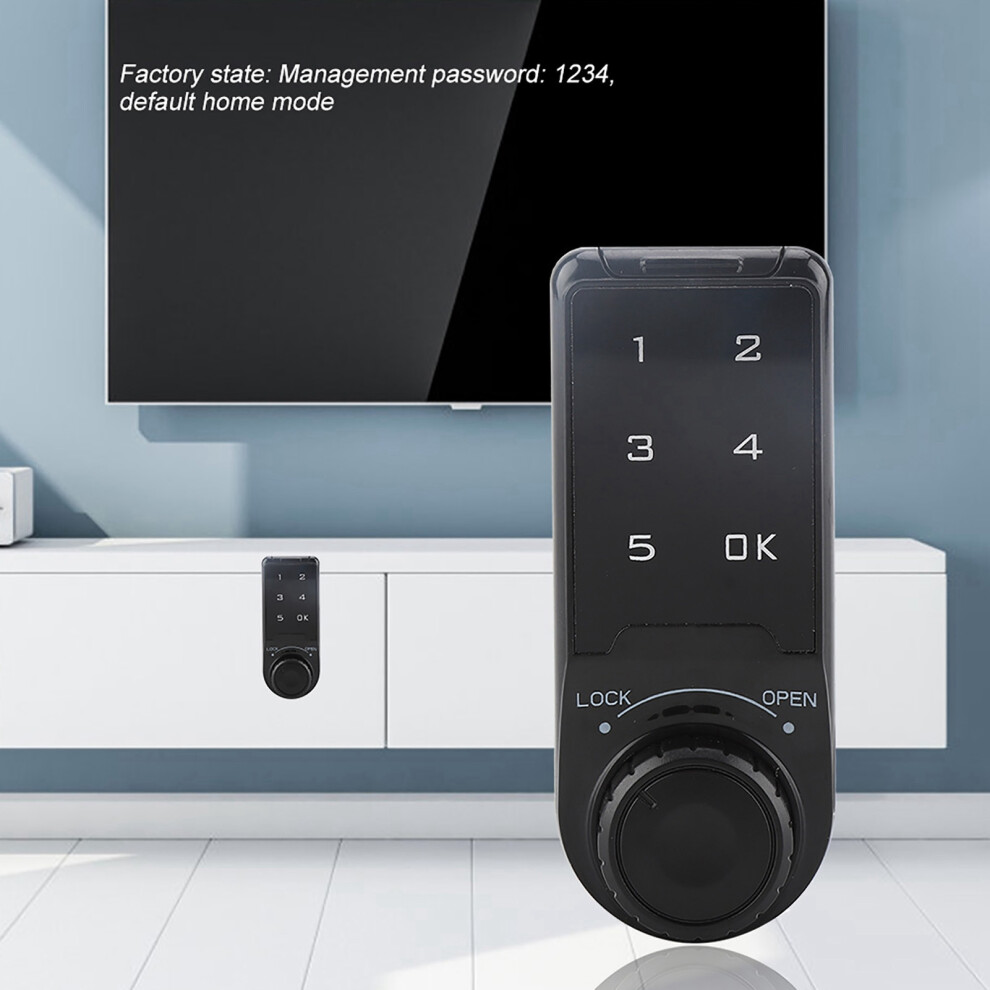
Factory state: Management password: 1234, default home mode, When lock is unlocked, the indicator light will be on, and if the password is wrong, it will sound "DI DI DI" three times.
Brief appearance, compact design, exquisite and accuracy workmanship.
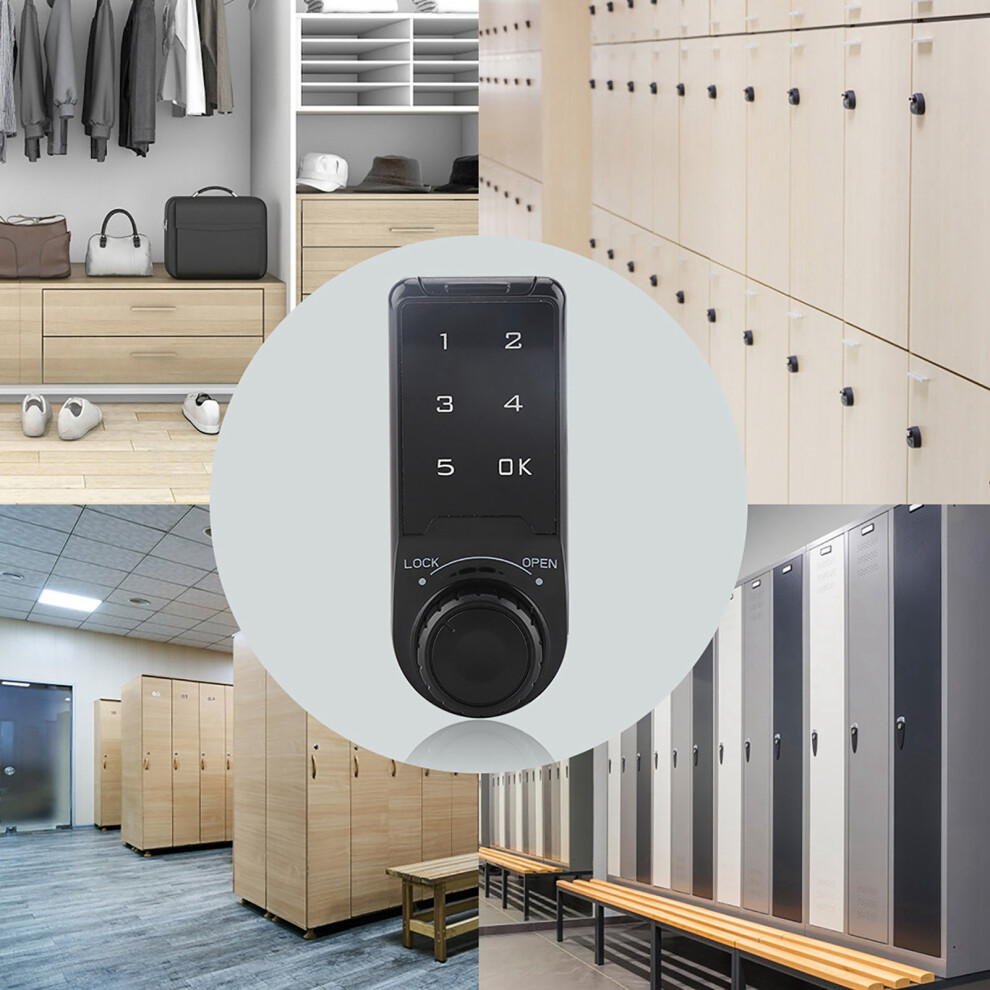
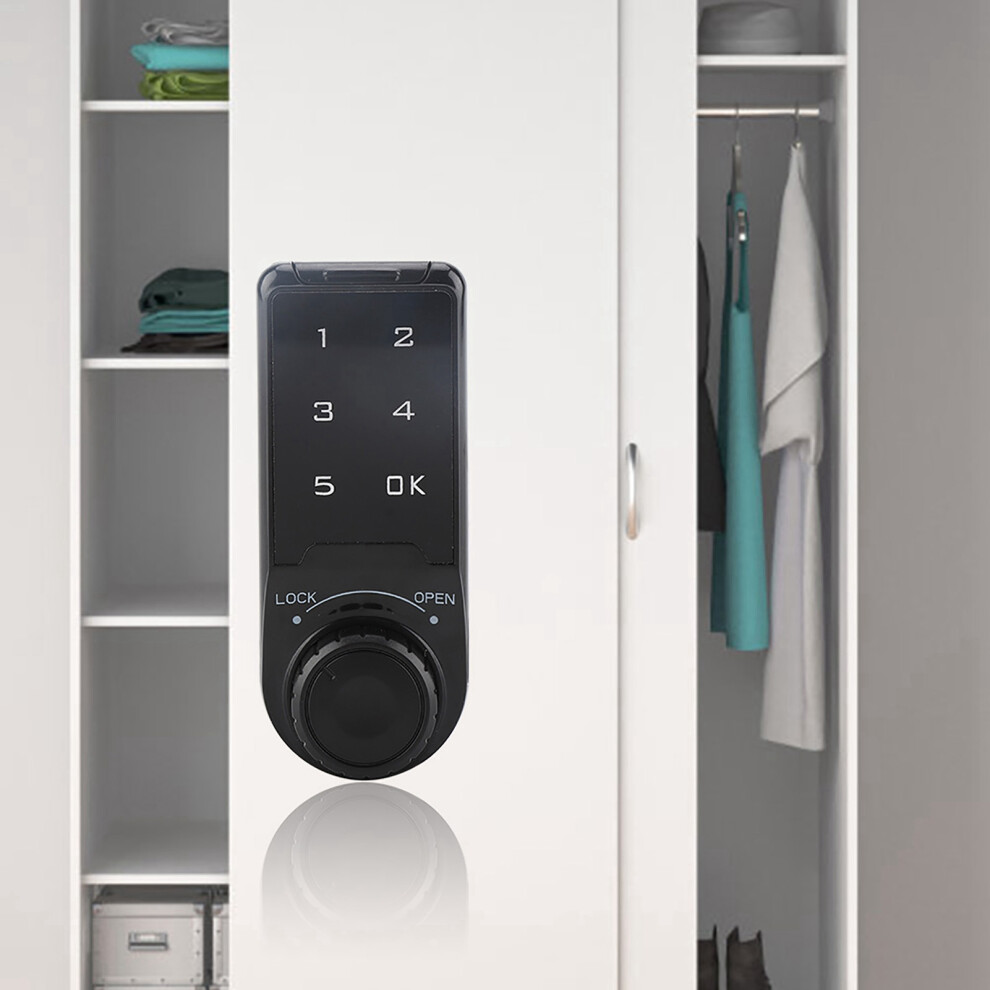
Applicable to agent, school, SPA/sauna bath center, swimming pool, gymnasium,golf course, supermarket, hotel, company, factory, household, business clue etc.
Specification:
Material: ABS
Maximum installation thickness: L = 20mm, L = 30mm (Optional)
Battery: 3V button cell (CR2032) (Not included)
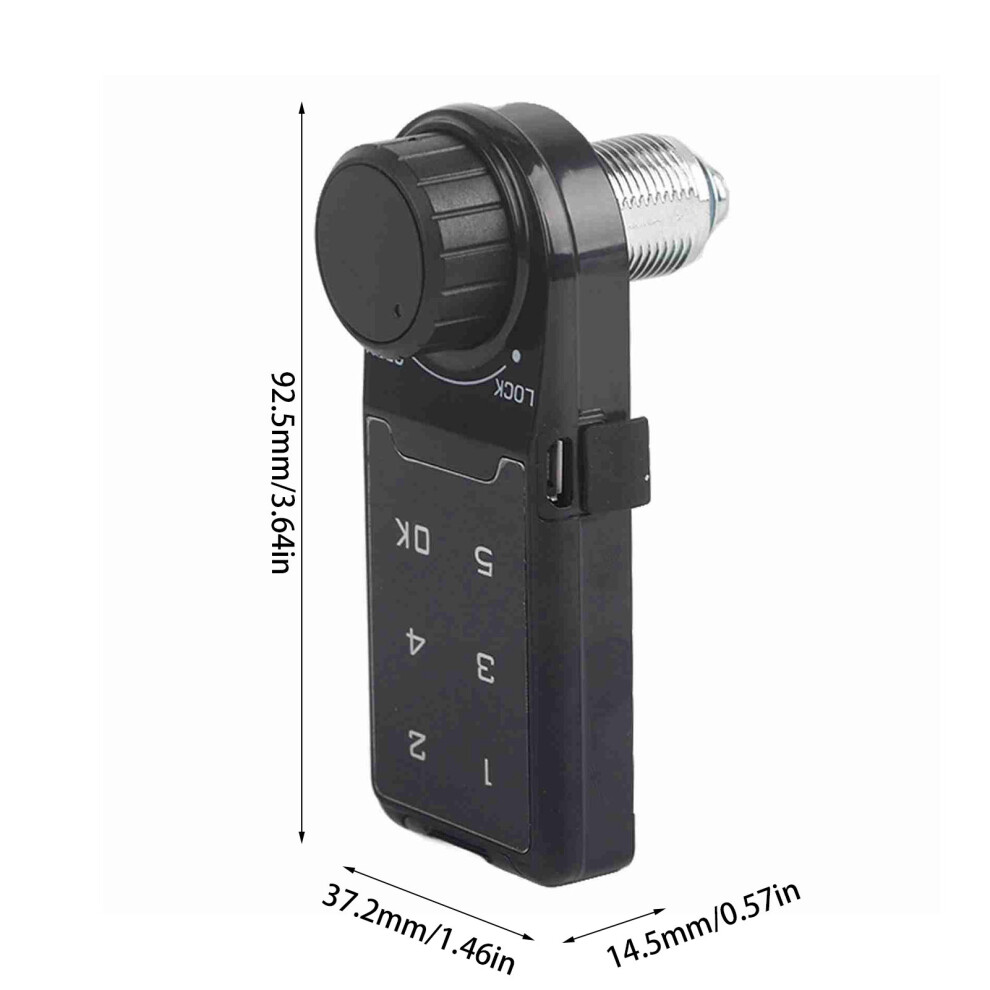
Size: 92.5 x 37.2 x 14.5 mm / 3.64 x 1.46 x 0.57 inch (appr.)
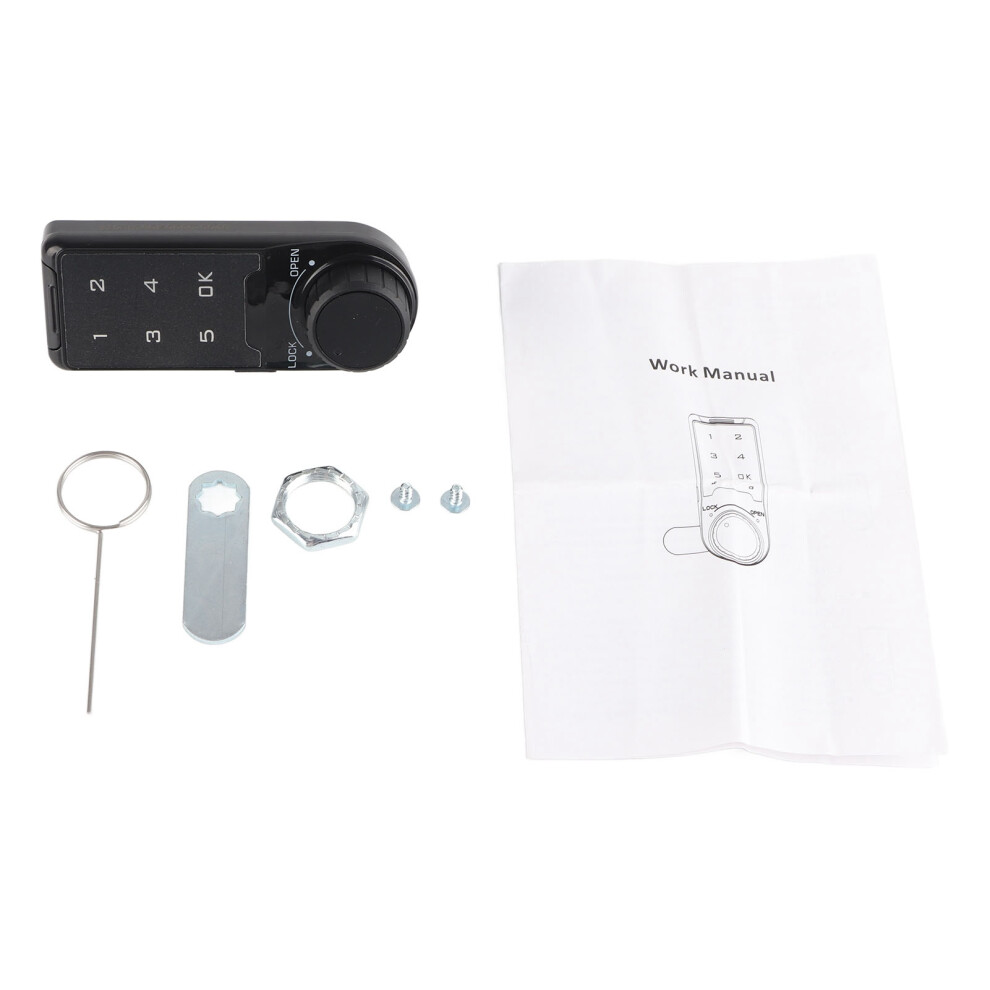
Package List:
1 x Code Security Lock
2 x Screws
1 x Hex nut
1 x Spring Bolt
1 x Fixed Ring
Instructions:
Enable public mode
1. Enter the correct management password "****+OK" key, the buzzer "di..." a long beep, the unlocking light is always on.
2. Press the OK button again for more than 2 seconds, the lock flashes, press the OK button again.
3. Enter the numbers "4, 4" and press the "OK" button, "di .." a long beep.
Set temporary password
1. Press the OK button, the unlock indicator flashes.
2. Enter the 4~15 password to be set.
3. Press the OK button, the buzzer will beep for a long time, and the lock will be opened and stored. The temporary password is set successfully. After entering the standby state, the light of the electronic lock will flash every 3 seconds.
*The temporary password can only be used effectively once, and it will automatically become invalid after use.
Turn off public mode
1. Enter the correct management password "+OK" key buzzer "di..." a long beep, the unlocking light is always on.
2. Press the "OK" button again for more than 2 seconds, the lock flashes, press the OK button again.
3. Enter the numbers "4, 3" and press the "OK" button, a long beep "di...".
Enable and disable false password function
1. Enter the correct management password, "OK" button, the buzzer "di..." a long beep, the unlocking light is always on.
2. Press and hold the OK button again for more than 2 seconds to flash, press the OK button again.
3. Enable input "4, 2" and press the "OK" button, "di..." a long beep.
Close the input "4, 1" and press the "OK" key "Beep .." a long beep.
When the fake password function is enabled, when entering the password, you can enter garbled codes before and after the correct password to cover up the real password and prevent others from prying into the password.
Note:
Please note that the new type and old type of this product will be sent randomly, and make sure you will not mind before ordering.
Details
| OPC | PSX2NJ9 |
|---|---|
| Codes | 4601392640933 (EAN) |
| Seller | Ratings | Warranty | Returns | Price | Delivery | Total | Quantity |
|---|---|---|---|---|---|---|---|
| (5 reviews) | - |
30 Days
Free Returns No
|
£14.01
|
+Free Delivery
Est. Delivery:
13th-15th Jul
|
£14.01
|
Earn as you shop with instant Cashback on everything.
No catch, no cost
Become a Cashback VIP
Just 1 purchase unlocks bigger deals & rates
Wait! You've left
something behind...
You'll only get instant Cashback at OnBuy! Enter your email below and we'll send you a copy of your basket to save you time later.
No thanks, I'm alright for now
By entering your email address, you'll automatically be added to our database, where you can enjoy personalised Cashback offers and early access to our best deals. You can opt out of our emails at any time and we'll never share your details with anyone. Check our Privacy Policy and T&Cs to find out more.
Before you go...
Remember, you'll only get instant Cashback on everything at OnBuy!
Want access to personalised offers and the highest Cashback rates? Sign up to our emails below.
No thanks, I'm alright for now
You can opt out of our emails at any time and we'll never share your details with anyone. Check our Privacy Policy and T&Cs to find out more.