


























Product Images


In stock
Smart shoppers OnBuy it!
Interest-free payment options available


See full product description & details
Delivery: Standard (Free) | Wed 30th Sep - Fri 2nd Oct
Returns: 30 days
180-day payment protection
Summary
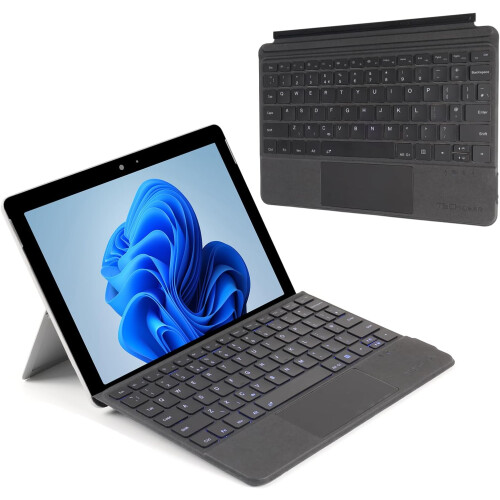
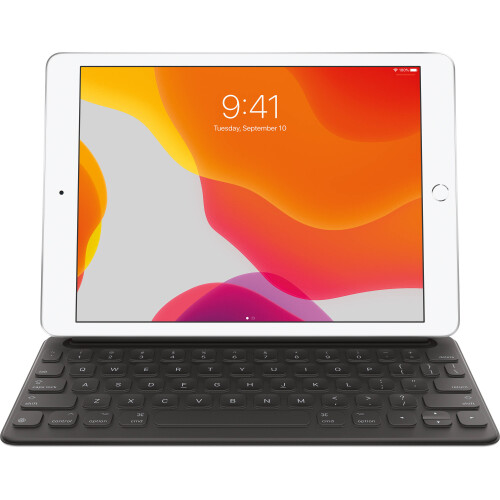
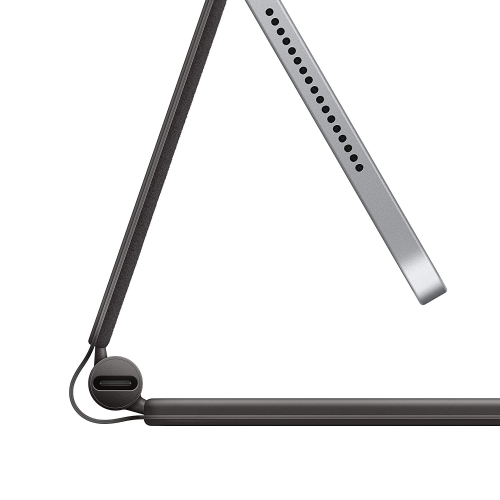
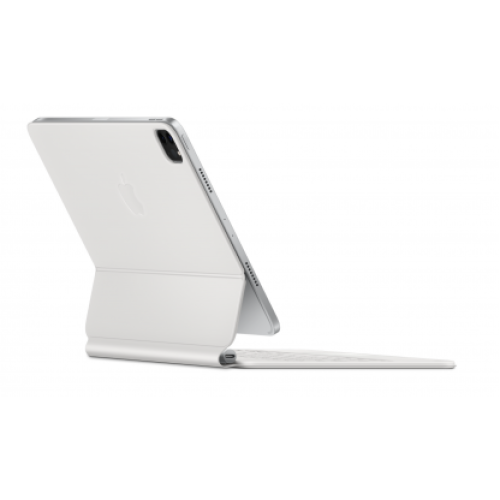
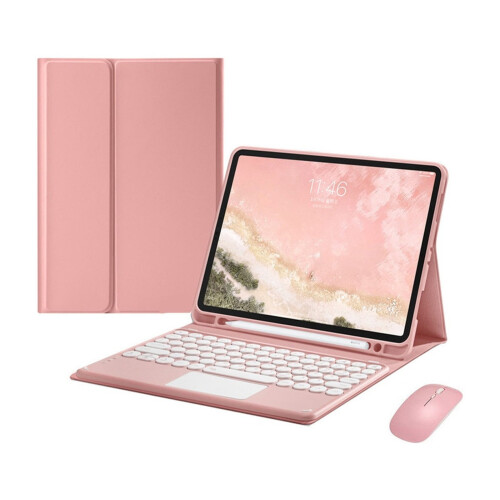
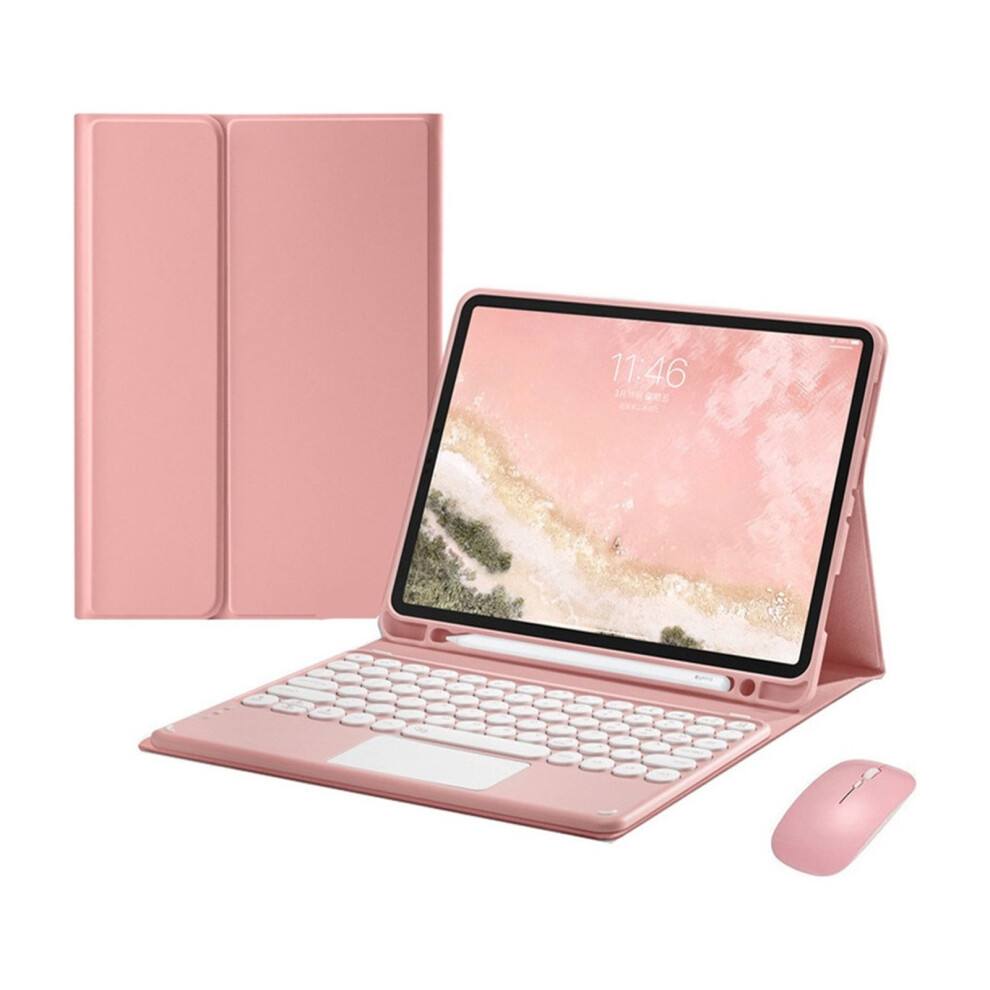
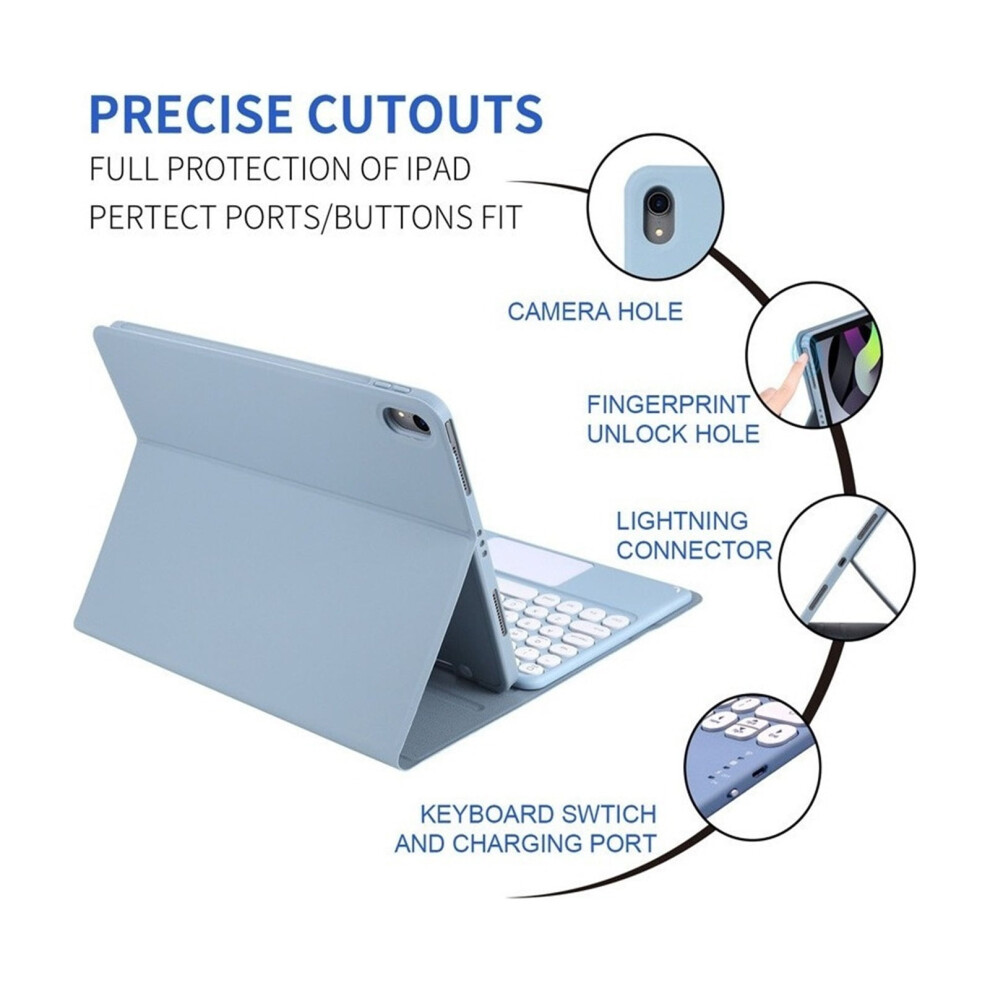
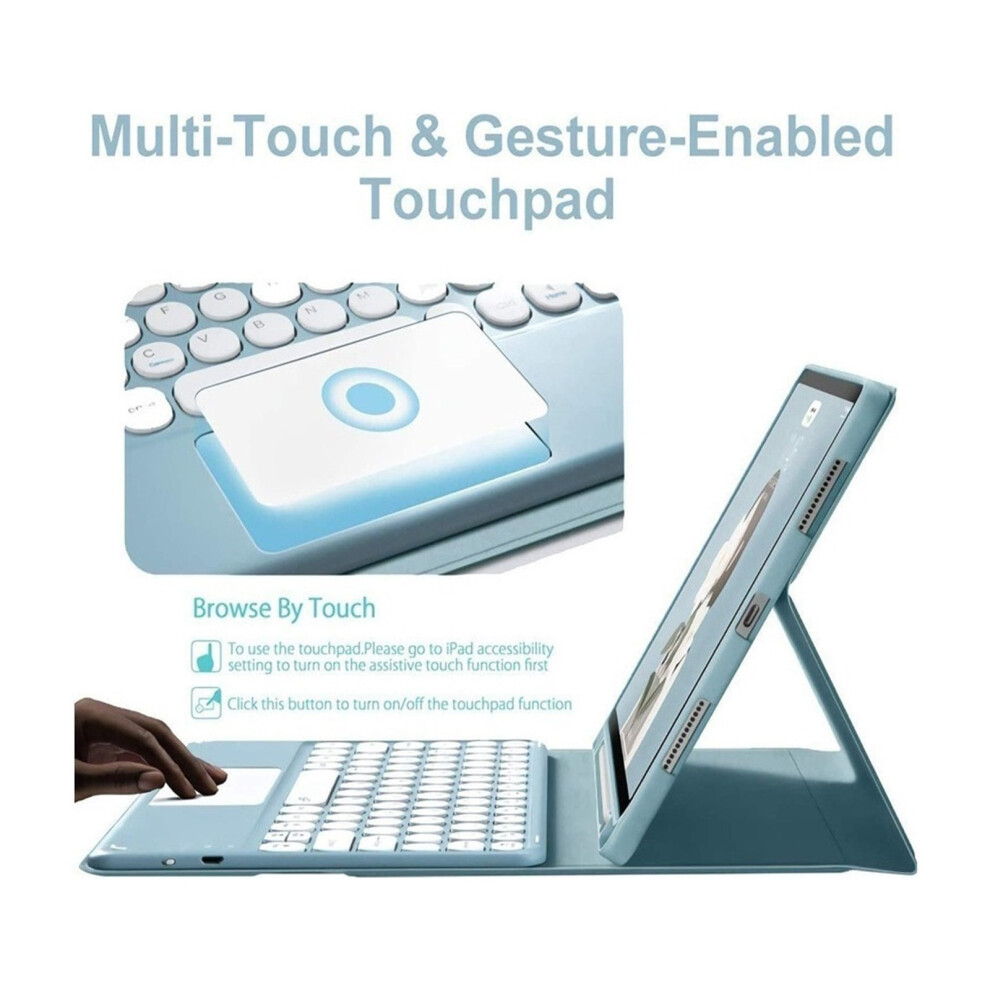
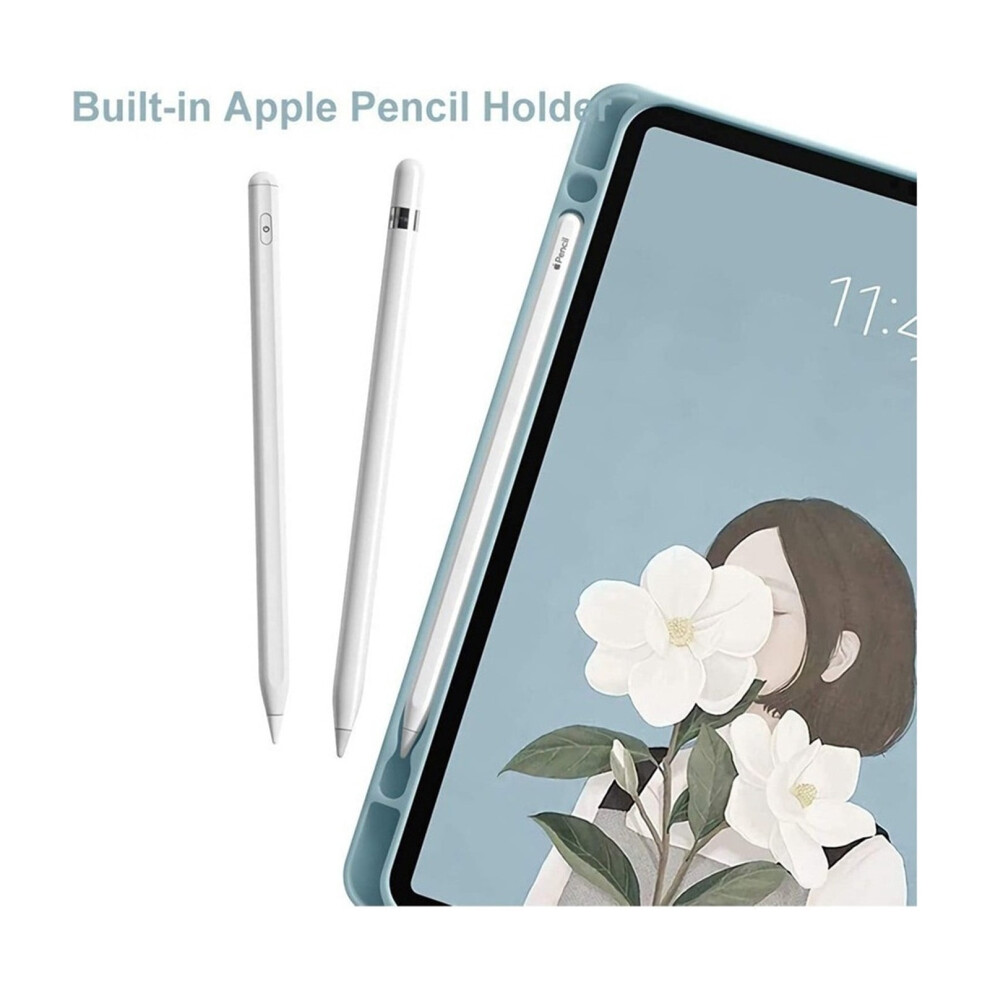
Case with Touchpad Keyboard Mouse compatible with iPad Air 3 10.5 2019/ Pro 10.5 2017 With Touchpad: The compatible with iPad keyboard comes with a touchpad, which supports multi-finger function and offers great help when you don't have a mouse in hand. compatible with iPad Touchpad SUPPORT Android, Windows and compatible with Apple IOS 13 (You need to open AssistiveTouch on compatible with iPad). Removable Keyboard Cover: The keyboard is removable and Bluetooth connectivity is easy. With this sleek and stylish design, you can transform your compatible with iPad into a laptop in less than a second and give your compatible with iPad complete protection. With Pen Holder: Comes with a pen holding slot that allows you to reach the pen effortlessly whenever you want to use the stylus (PEN NOT INCLUDED). Auto Sleep/Wake Function: Supports Auto Sleep/Wake function (only works WITHOUT the attached keyboard); Precise cutouts allow full access to all functions. Applicable models: compatible with Apple compatible with iPad Pro 10.5 2017 (A1701 A1709 A1852) For compatible with Apple compatible with iPad Air 3 10.5 2019 3rd Generation (A2152 A2123 A2153 A2154) Note 1: Before purchasing, please check the correct tablet model and choose to purchase. We are not responsible for purchase errors caused by not checking the model. Specification : Material: ABS (the keyboard); PU leather (the case) Bluetooth version: 3.0 Use distance : 10M Input: micro USB charging Operating frequency: 2.4 GHz. Operating voltage: 3.0-4.2V Working current: 2.5 mA Charging current: 200 mA Charging time: 4-5 hours. Critical life: 500 million. Working time: 100 hours Waiting time: 100 days. Battery capacity: 500 mAh. Critical life: 2-3 years How to use Make sure the keyboard is fully charged before using it for the first time (usually 4 to 5 hours) 1. Open the keyboard. After the power indicator light is on for 3 seconds. Press FN + C to log into the Bluetooth searching state. 2. Turn on and unlock the tablet and click the Settings icon. 3. Click the Bluetooth menu in the settings menu. 4. Turn on the Bluetooth switch, the tablet will automatically search for Bluetooth keyboard devices. 5. Discover the Bluetooth keyboard device: Bluetooth keyboard. click. The Bluetooth keyboard will pair automatically. 6. After the Bluetooth connection is successful. The pairing indicator turns off. This device will appear as Connected in the list of Bluetooth devices. Package Included: 1 x case for compatible with iPad 10.5 inch 2017 2019 (without pencil) 1 x keyboard 1 x Bluetooth mouse 1 x Micro USB 2.0 cable (only for keyboard, not for tablet) 1 x user manual
Details
| OPC | PTJP9Q2 |
|---|---|
| Codes | 9104899492722 (EAN) |
| Seller | Ratings | Warranty | Returns | Price | Delivery | Total | Quantity |
|---|---|---|---|---|---|---|---|
|
Dispatched from:

|
(37 reviews) | - |
30 Days
Free Returns No
|
£60.95
|
+Free Delivery
Est. Delivery:
30th Sep - 2nd Oct
|
£60.95
|
Earn as you shop with instant Cashback on everything.
No catch, no cost
Become a Cashback VIP
Just 1 purchase unlocks bigger deals & rates
You'll only get instant Cashback at OnBuy! Enter your email below and we'll send you a copy of your basket to save you time later.
By entering your email address, you'll automatically be added to our database, where you can enjoy personalised Cashback offers and early access to our best deals. You can opt out of our emails at any time and we'll never share your details with anyone. Check our Privacy Policy and T&Cs to find out more.
Want access to personalised offers and the highest Cashback rates? Sign up to our emails below.
You can opt out of our emails at any time and we'll never share your details with anyone. Check our Privacy Policy and T&Cs to find out more.
This page has expired.
Refresh and continue