





















Product Images

Hurry only 1 left
Smart shoppers OnBuy it!
Interest-free payment options available


See full product description & details
Delivery: Standard (Free) | Thu 23rd - Sat 25th Jul
Returns: 30 days
180-day payment protection






Summary
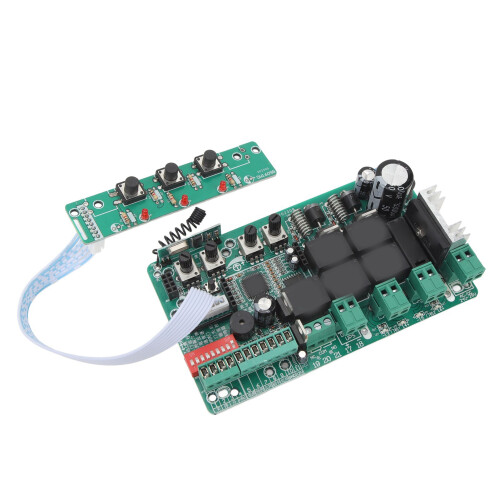
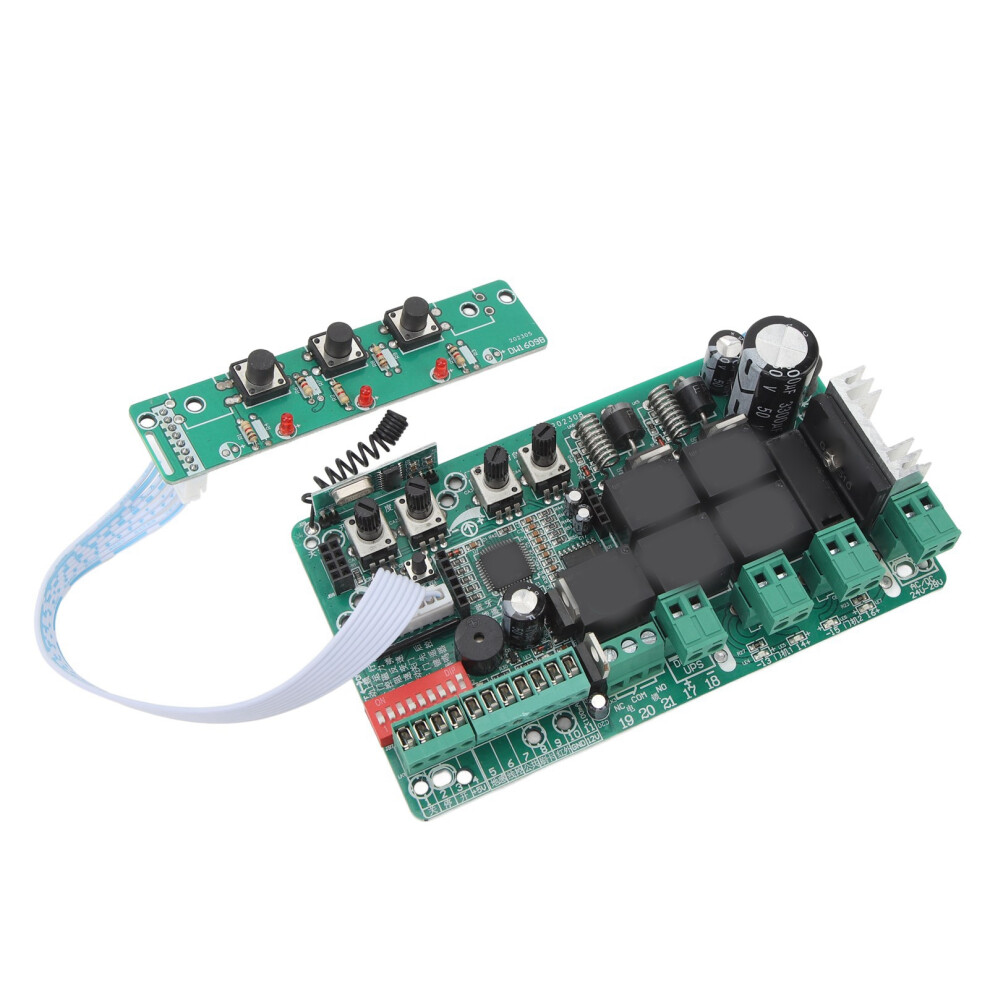
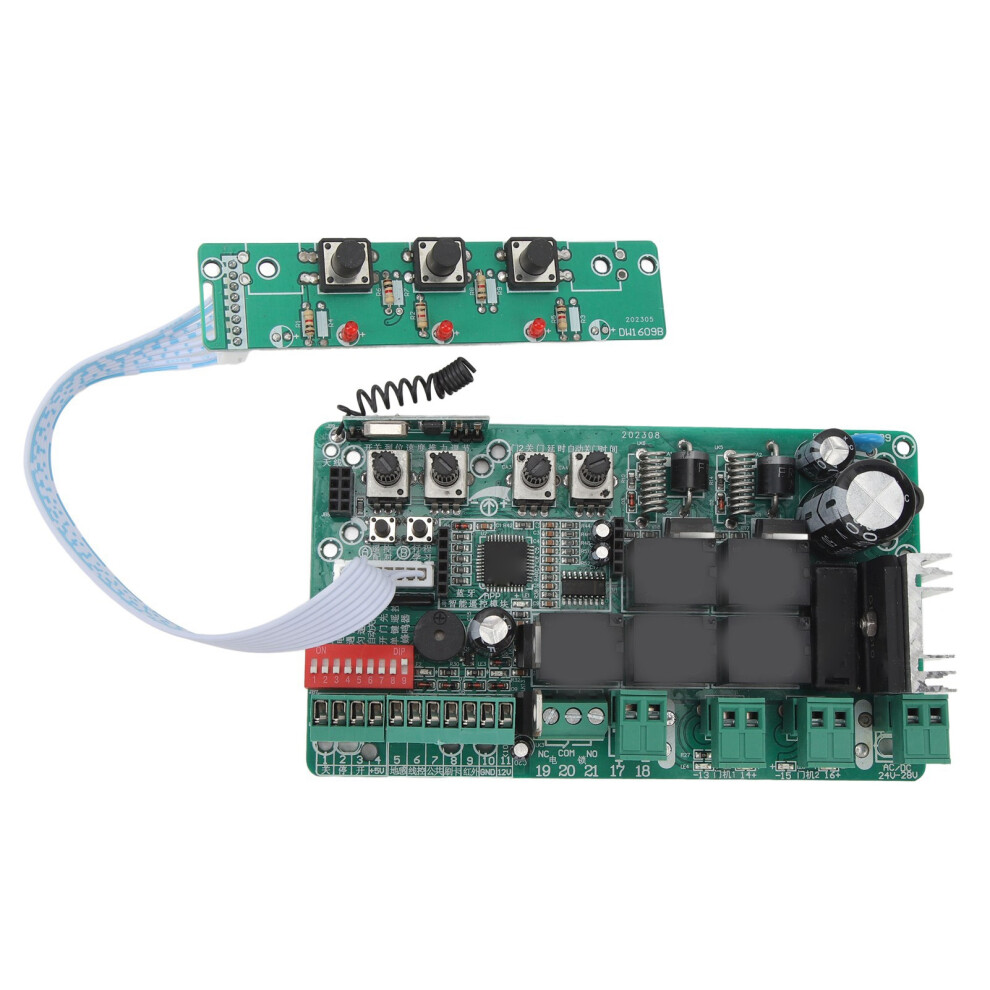
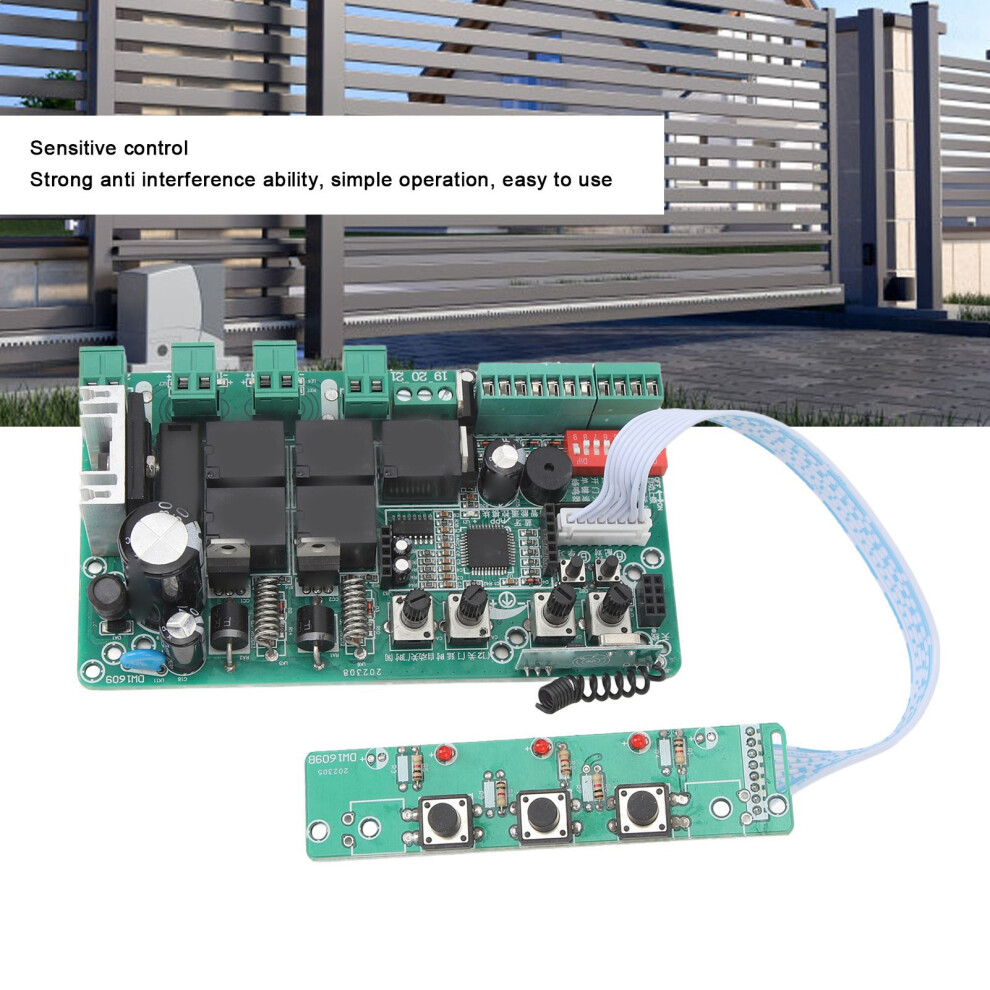
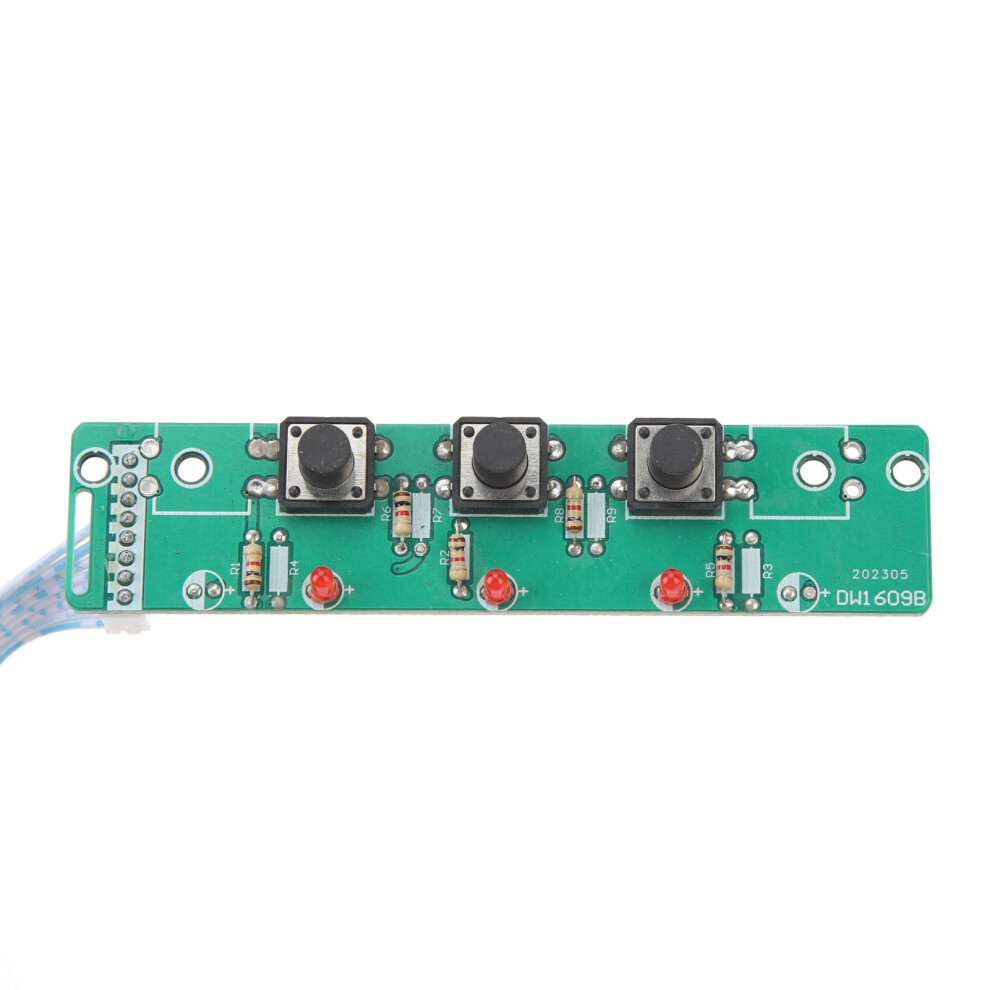
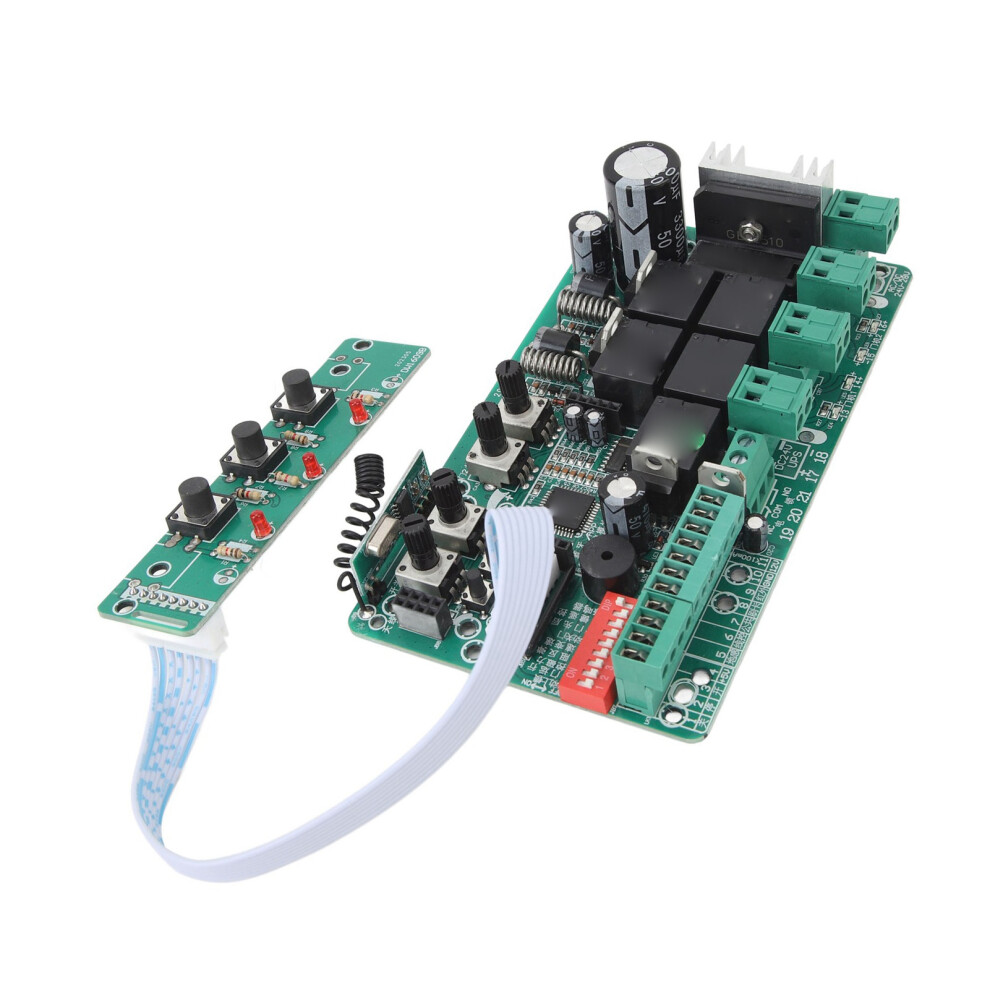
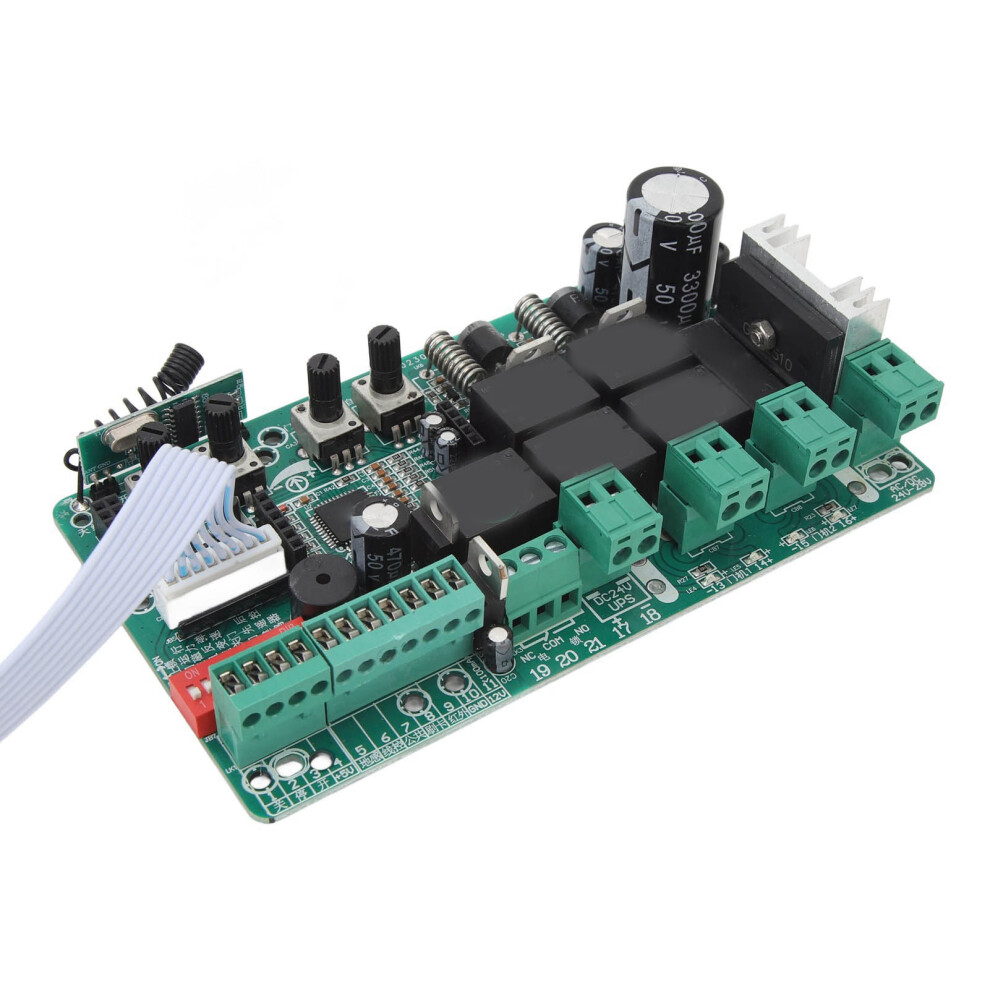
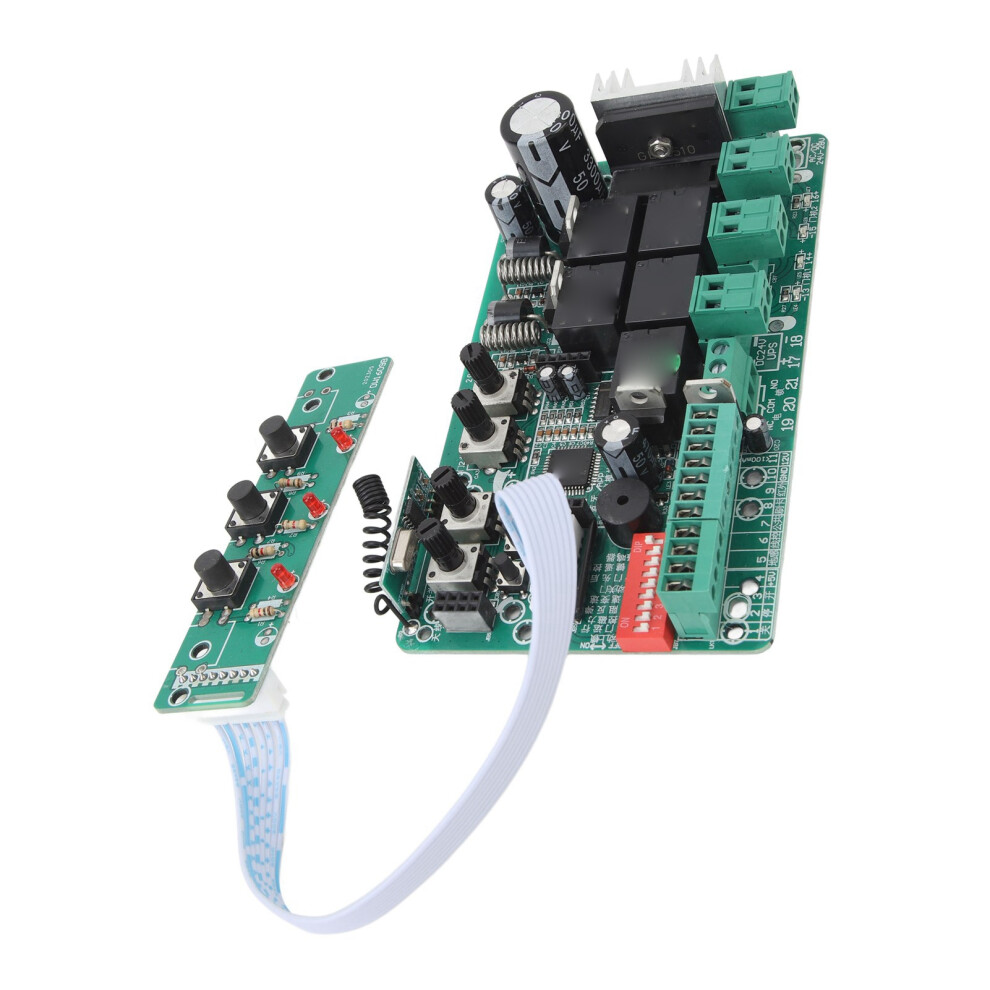
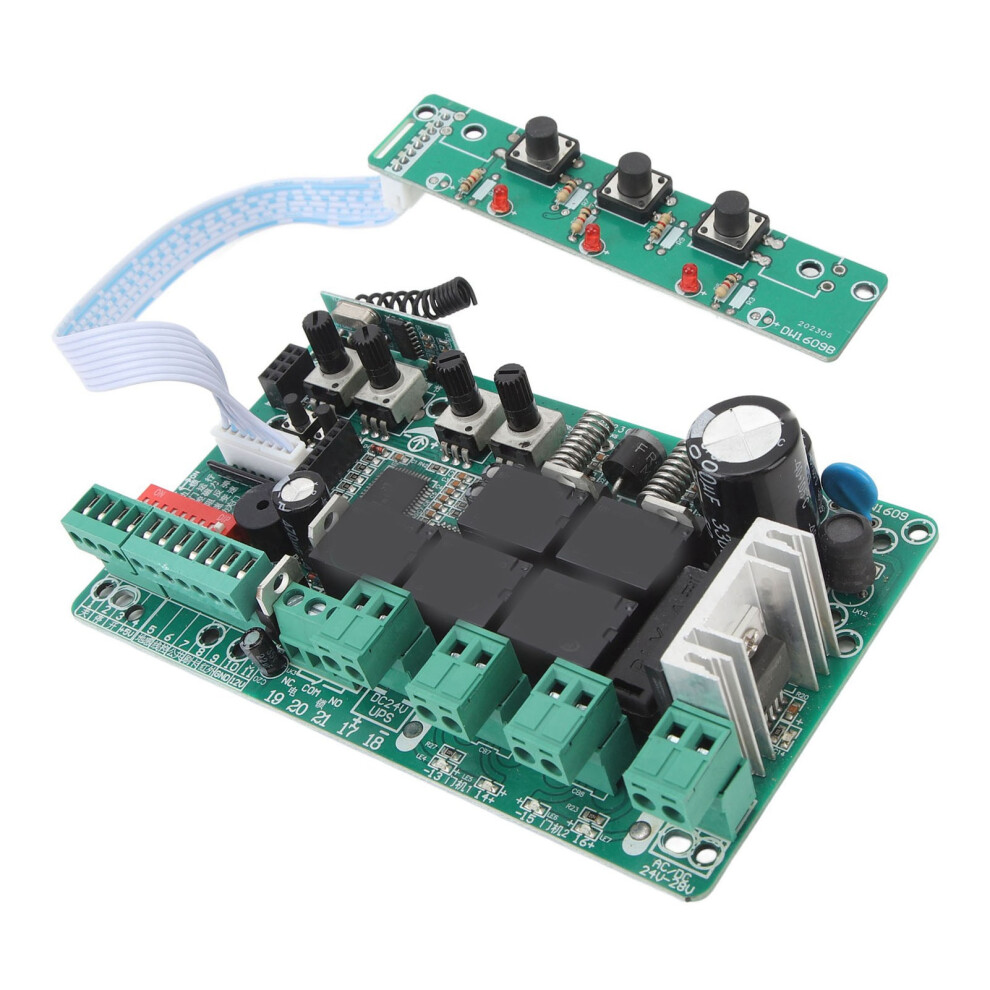
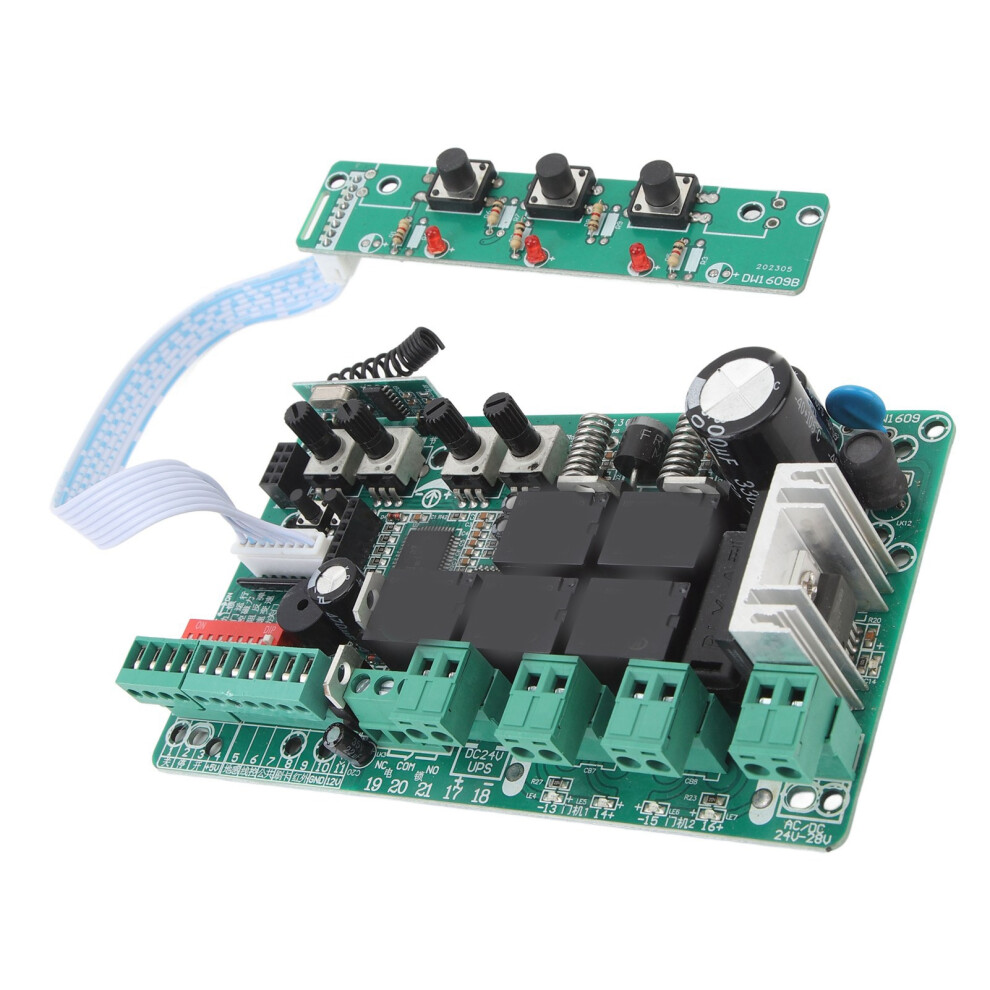
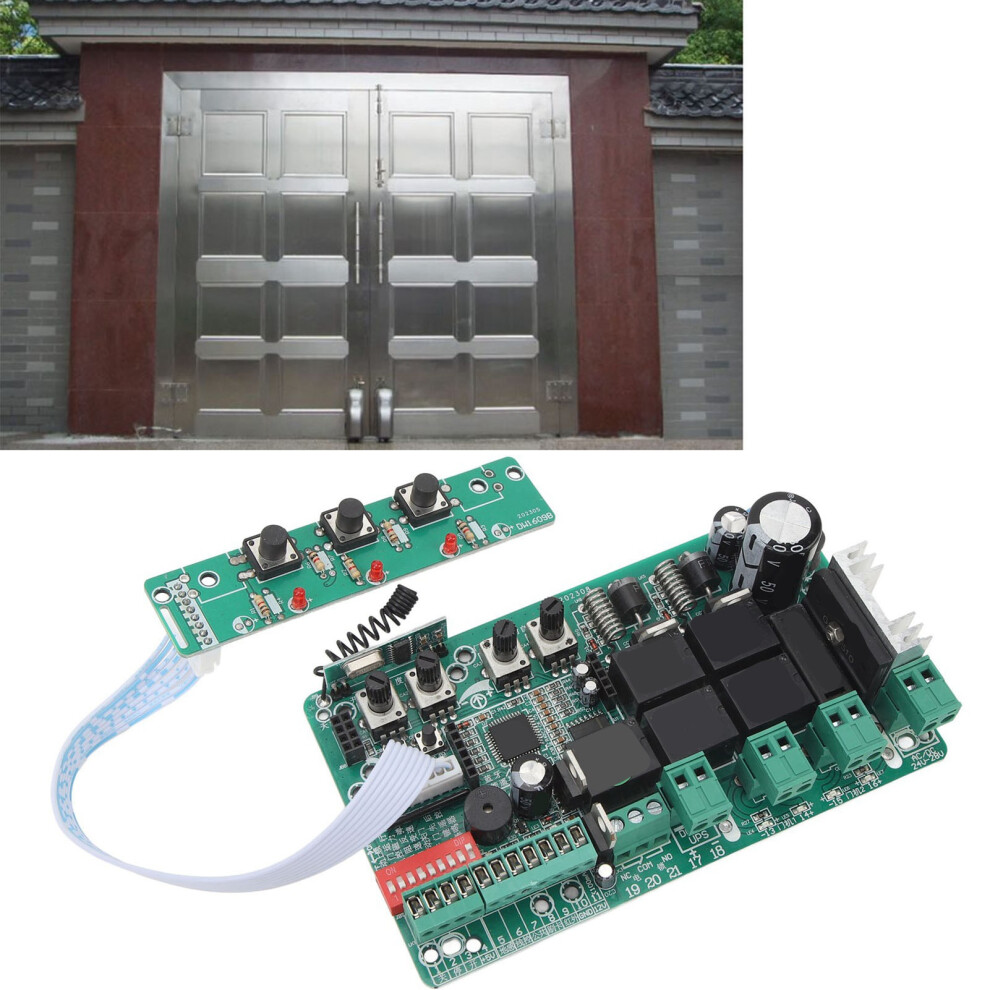
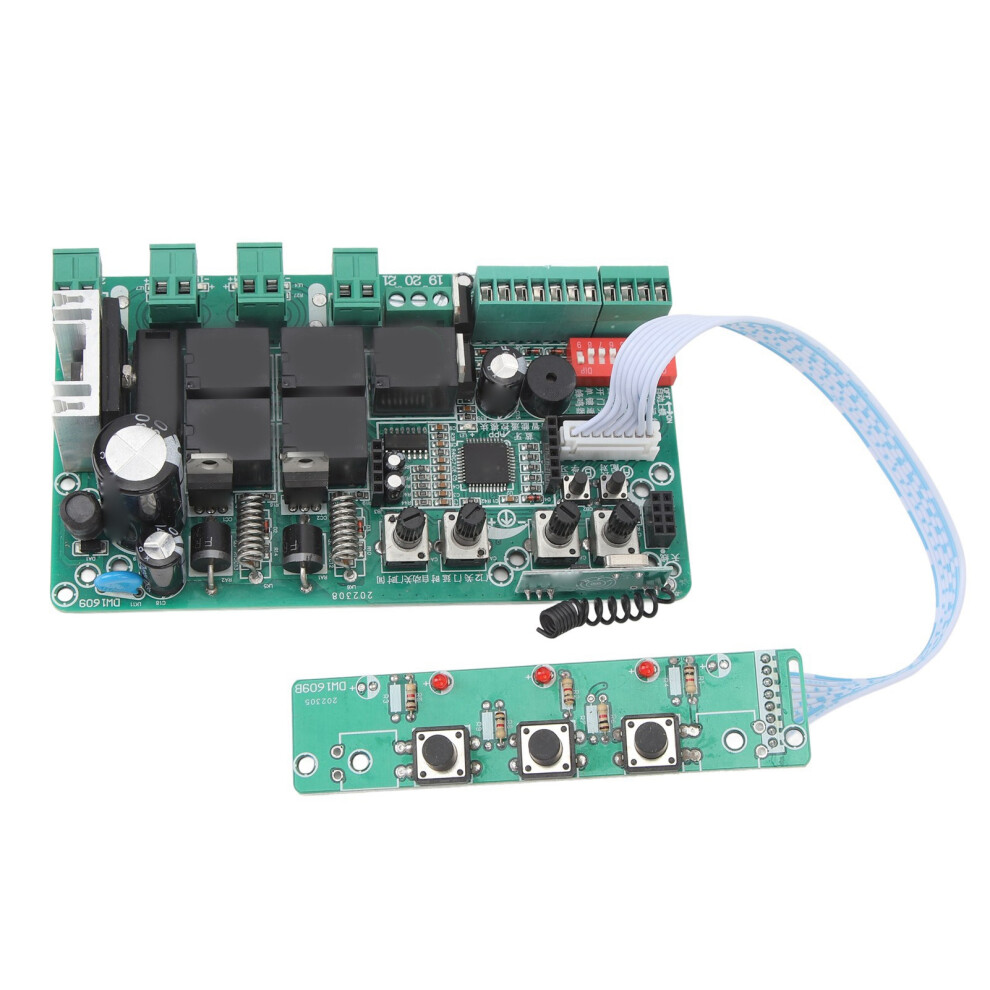
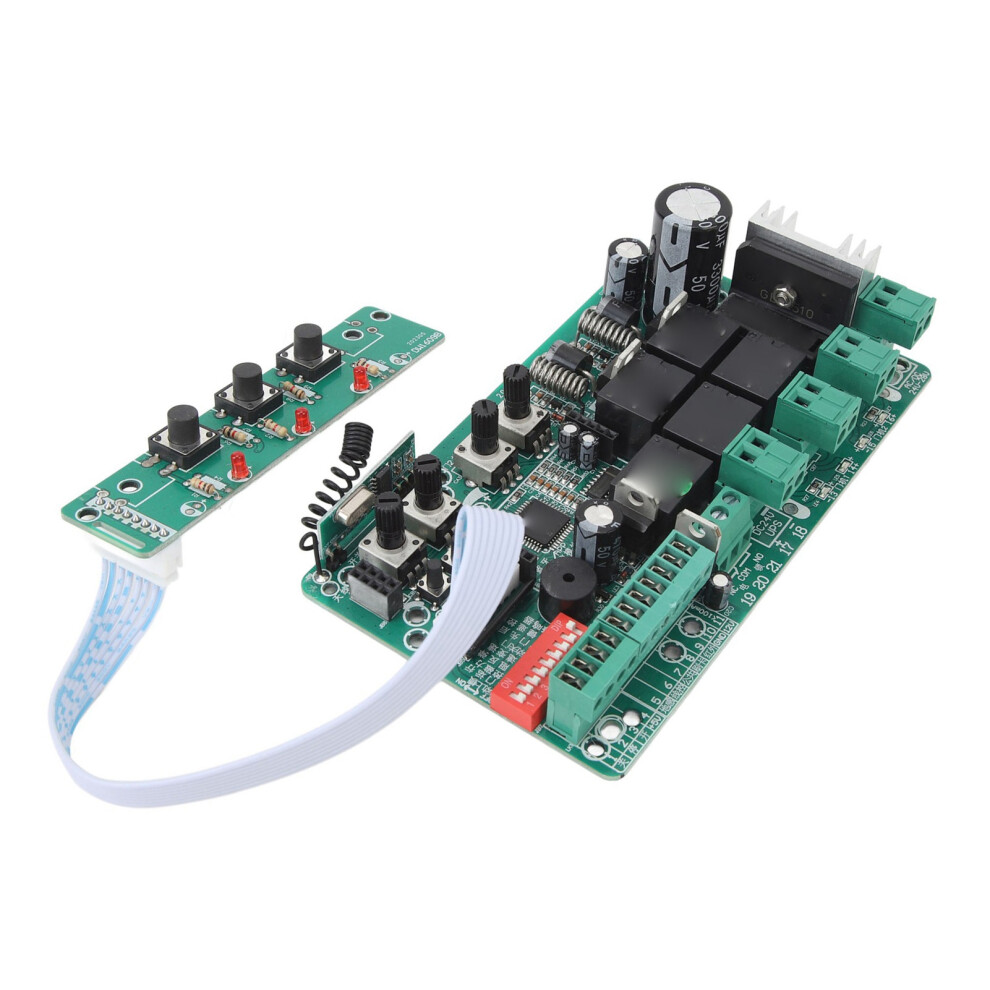
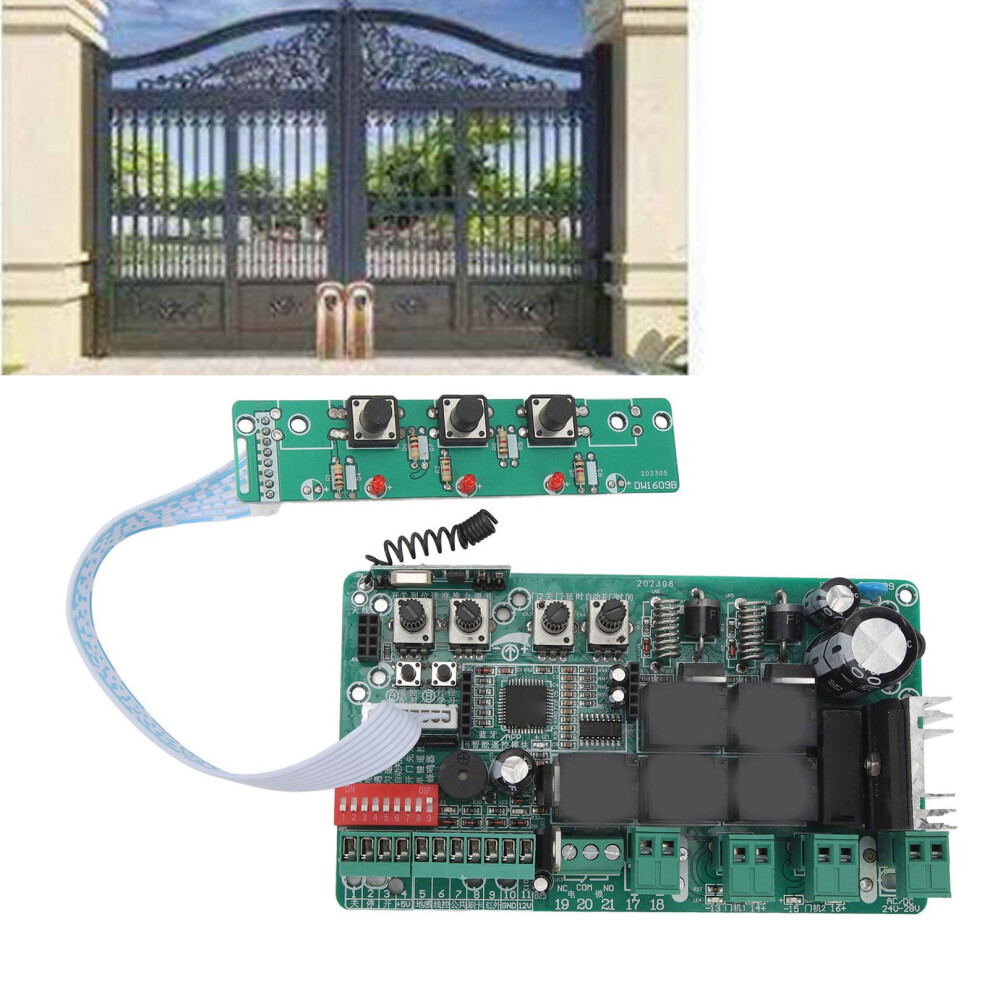
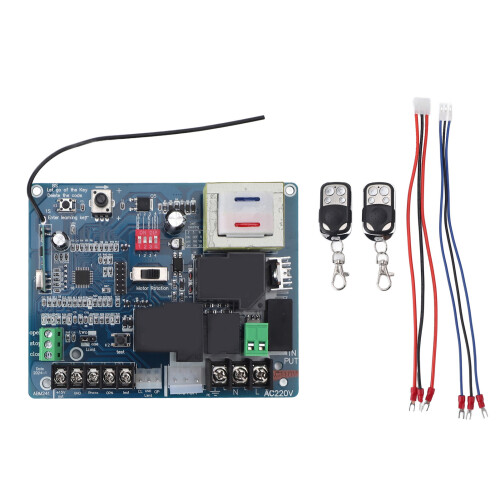
Circuit Board for Sliding Gate Openers Universal Main Electronic Control Board Replacement for Sliding Gate Motor and Accessories 220V
Item Type: Gate Opener Circuit Board
Material: Electronic component
Weight: Approx. 234g/8.3oz
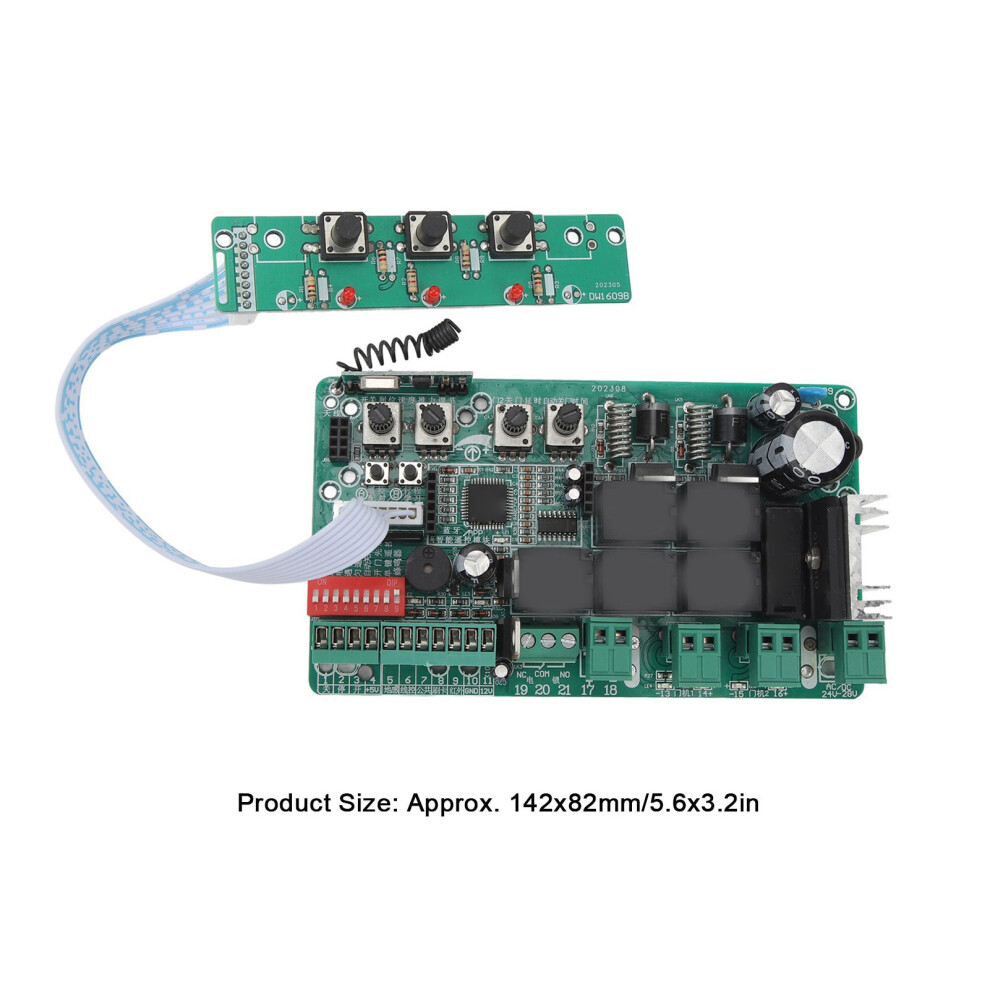
Product Size: Approx. 142x82mm/5.6x3.2in
Scope of Application: Motor controller
Motor Voltage: DC 24V
Press Button:
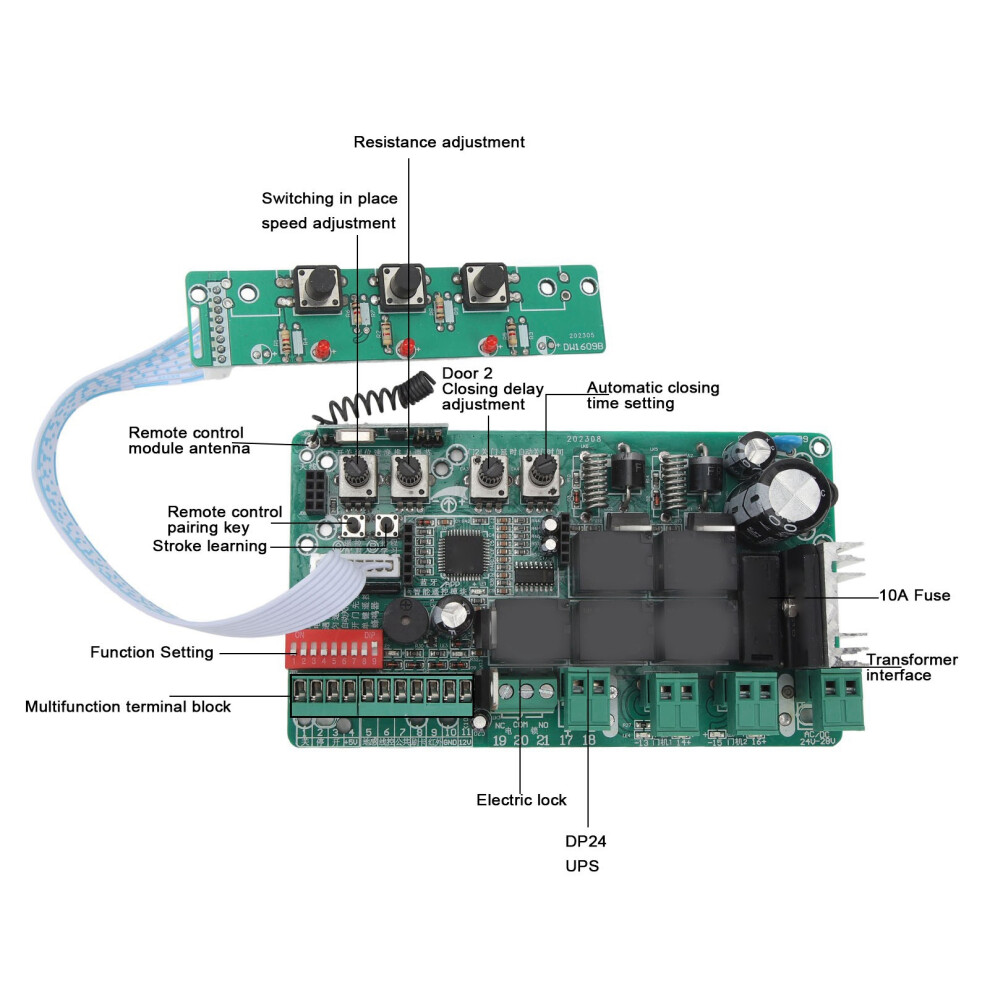
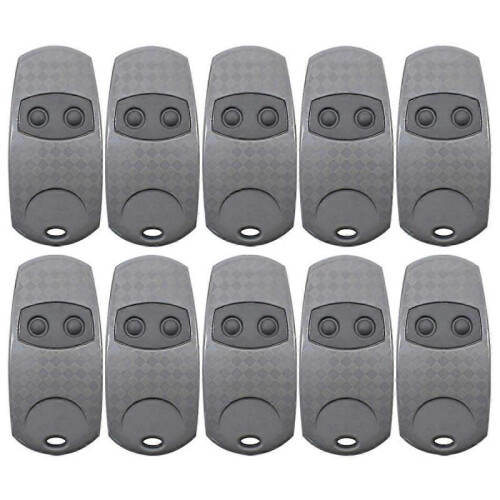
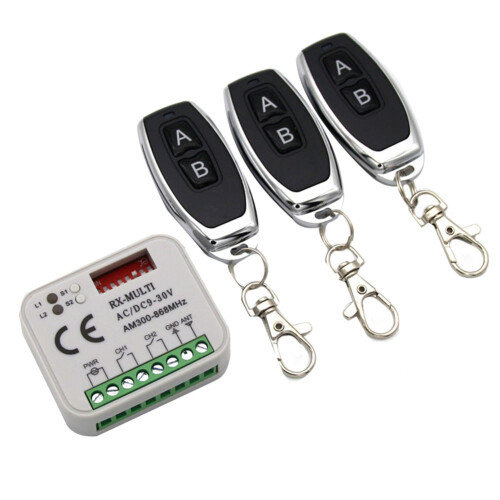
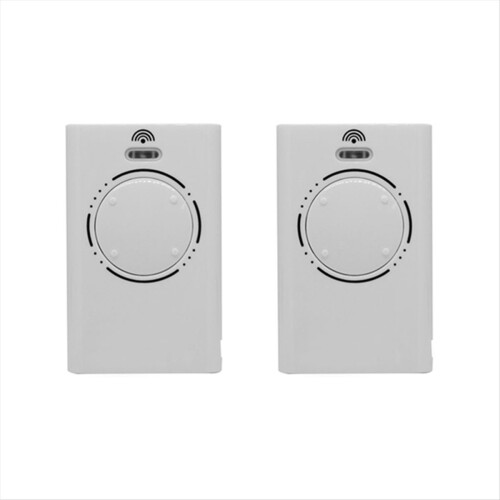
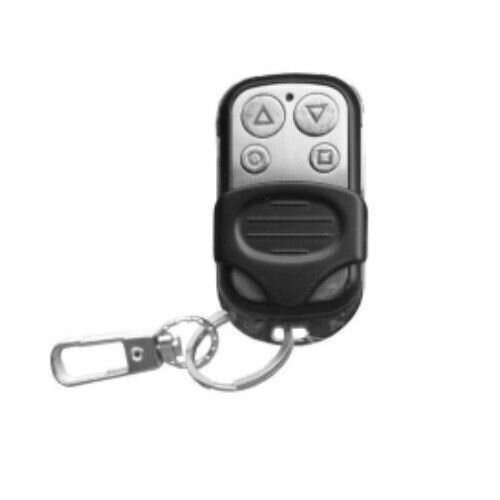
(1) Add remote control (shipping without remote control): Press "Remote Control Pairing" button for 1 second and release it, press the new remote control handle "stop button", and you will hear two sounds of successful pairing.
Clear the remote control: Press and hold the "Remote Control Pairing" button until the main board light blinks again and release it, it means that it has cleared all the previously learned remote controls.
Restore factory defaults: Press and hold the "Remote Control Pairing" button until the buzzer sounds to indicate that the system has restored factory defaults and cleared all remotes at the same time.
Remote control storage capacity: 60 remote control handles with learning code and exclusive code, 40 remote control handles with standard 301 scrolling code (determined by the type of wireless reception on the main board).
(2) Press and hold the "travel learning" button for 1 second to enter the travel learning mode, the door will automatically open and close the door once, and the learning will be completed with two beeps.
(Please pause other operations during the learning process, if you find abnormal operation, please press the stop button to exit the learning process, and restart the learning process after eliminating the abnormality!)
Note: The microprocessor through the trip learning, can effectively avoid in the open or close the process of operation, due to the door jammed, limit failure and so on caused by non stopping failure, improve the safety, reliability and durability of the door machine. (The time out stopping time of the door machine is 16 seconds)
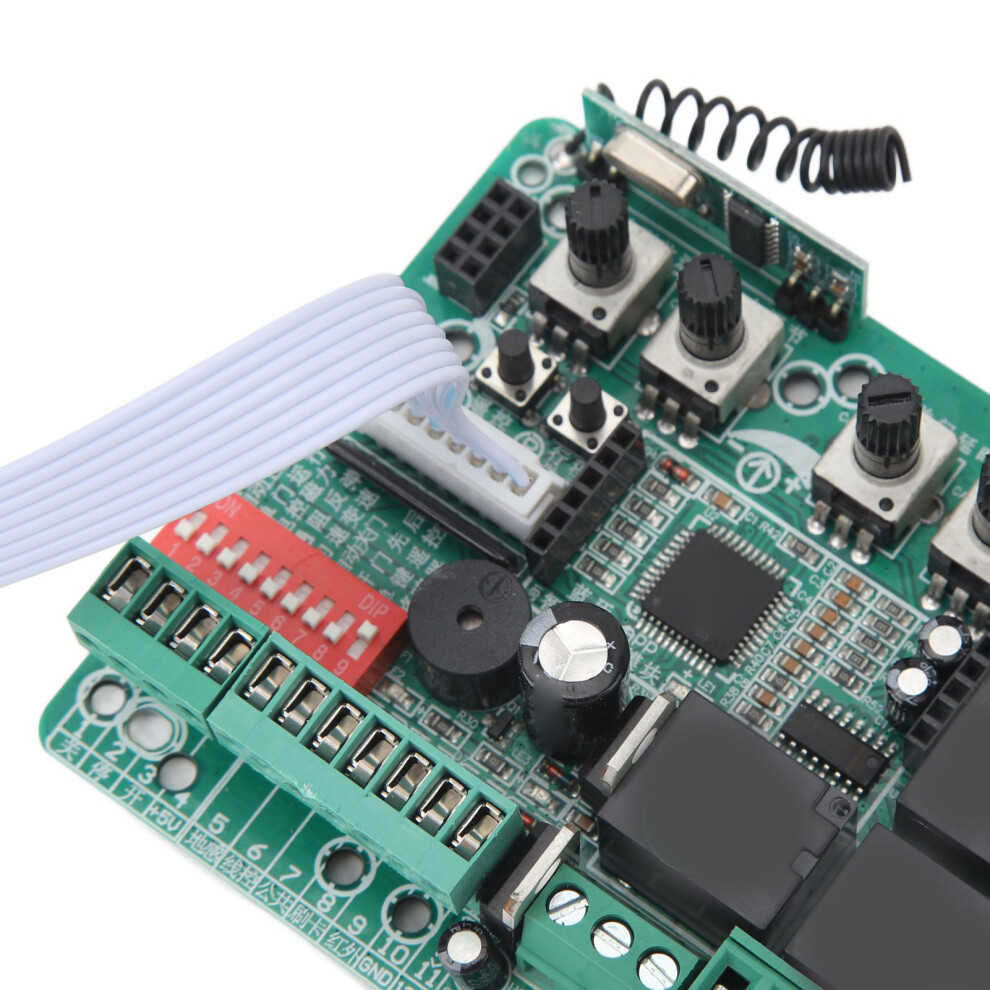
(3) 8 position code switch
1. Close to Automatic lock Note: If there is no operation within 10 seconds after the door is closed, the panel buttons and the switch buttons of the remote control will be locked, and only if the stop button of the remote control is pressed once first.
Only by pressing the stop button of the remote control (or dialing code for closing) can the switch operation be carried out smoothly.
2. Double door operation to Door 2 single door operation. Note: Door 2 single door operation refers to only door 2 open or close the door, door 1 does not move
3. Electronically controlled lock to magnetic lock (warning light). Note: electronically controlled lock refers to the door machine before the start of the electric lock is connected for 1 second after the disconnection, magnetic lock (warning light) refers to the door machine has a operation on the connection, no operation on the disconnection, can also be used as a warning light. The output of electric lock is relay mechanical switch output.
4. Stop in case of obstruction to rebound in place in case of obstruction. Note: stop in case of obstruction means that the door machine runs into obstacles or infrared electric eye signals the door machine automatically stops and opens the door to the limit position.
Note: Stopping in case of obstruction means that the door machine stops and opens automatically when it meets obstacles or is signaled by infrared electric eye.
5. Uniform speed operation to variable speed operation. Note: uniform speed operation: the door machine slowly accelerates to start to quickly open and close the door to the limit position to stop.
Note: Uniform speed operation: the door machine starts to accelerate slowly and opens and closes the door to the limit position.
6. Swipe card to open double doors to swipe card to open a single door. Note: This key is a multipurpose key, closing the door process with ground sensing signals are open double doors
Close the automatic door to automatic door closing, open the automatic door closing, in addition to the case of stopping in the event of obstruction, will automatically close the door.
7. Open the door at the same time to open the door successively, note: that is, open the door time difference, open the door successively refers to the door machine 2 open 2 seconds after the door machine 1 then open the door
8. Four key remote control to single key remote control. Note: single key remote control, remote control handle single key cycle control open, stop, close, stop ......
External signal input port:
Ground sense: ground sensor, realize there is a signal does not allow closing the door, wait 3 seconds after the withdrawal of the signal to close the door automatically (low effective)
Line control: external push button switch to realize the function of opening, stopping and closing cycle control by one button (low effective)
Public: wire control, card reading, infrared all need to a wire and this public port connected to the direction can be used.
Swipe card: Receive the open door instruction from external identity acquisition system, and the controller outputs the open door action. (Low level active)
Infrared: Infrared electric eye signal when closing the door, automatic shutdown (low level effective) Infrared electric eye power supply, please do not connect the "10" and "11" ports to get power.
Details
| OPC | PSHTMTM |
|---|---|
| Codes | 8781388821419 (EAN) |
| Seller | Ratings | Warranty | Returns | Price | Delivery | Total | Quantity |
|---|---|---|---|---|---|---|---|
| (6 reviews) | - |
30 Days
Free Returns No
|
£37.15
|
+Free Delivery
Est. Delivery:
23rd-25th Jul
|
£37.15
|
Earn as you shop with instant Cashback on everything.
No catch, no cost
Become a Cashback VIP
Just 1 purchase unlocks bigger deals & rates
Wait! You've left
something behind...
You'll only get instant Cashback at OnBuy! Enter your email below and we'll send you a copy of your basket to save you time later.
No thanks, I'm alright for now
By entering your email address, you'll automatically be added to our database, where you can enjoy personalised Cashback offers and early access to our best deals. You can opt out of our emails at any time and we'll never share your details with anyone. Check our Privacy Policy and T&Cs to find out more.
Before you go...
Remember, you'll only get instant Cashback on everything at OnBuy!
Want access to personalised offers and the highest Cashback rates? Sign up to our emails below.
No thanks, I'm alright for now
You can opt out of our emails at any time and we'll never share your details with anyone. Check our Privacy Policy and T&Cs to find out more.