
























Product Images

In stock
Smart shoppers OnBuy it!
Interest-free payment options available


See full product description & details
Delivery: Standard (Free) | Mon 12th - Wed 14th Oct
Returns: 30 days
180-day payment protection
Summary
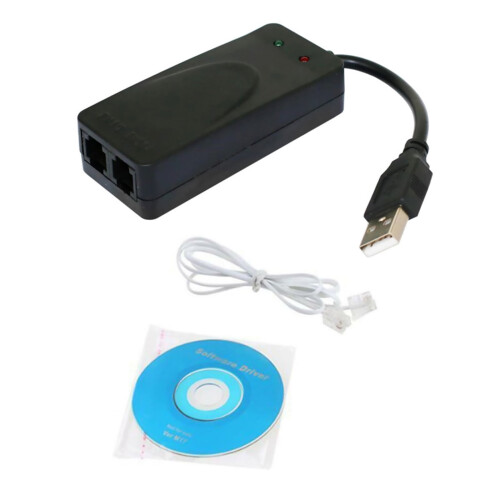
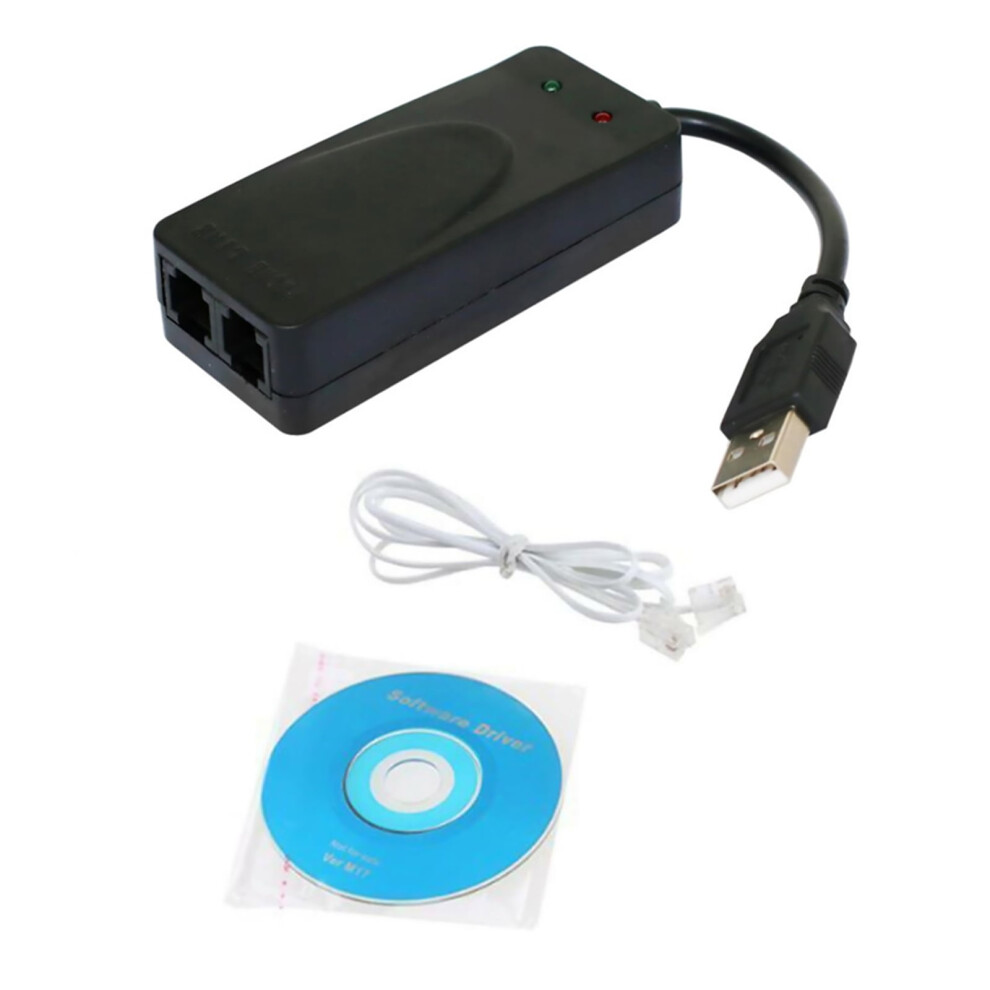
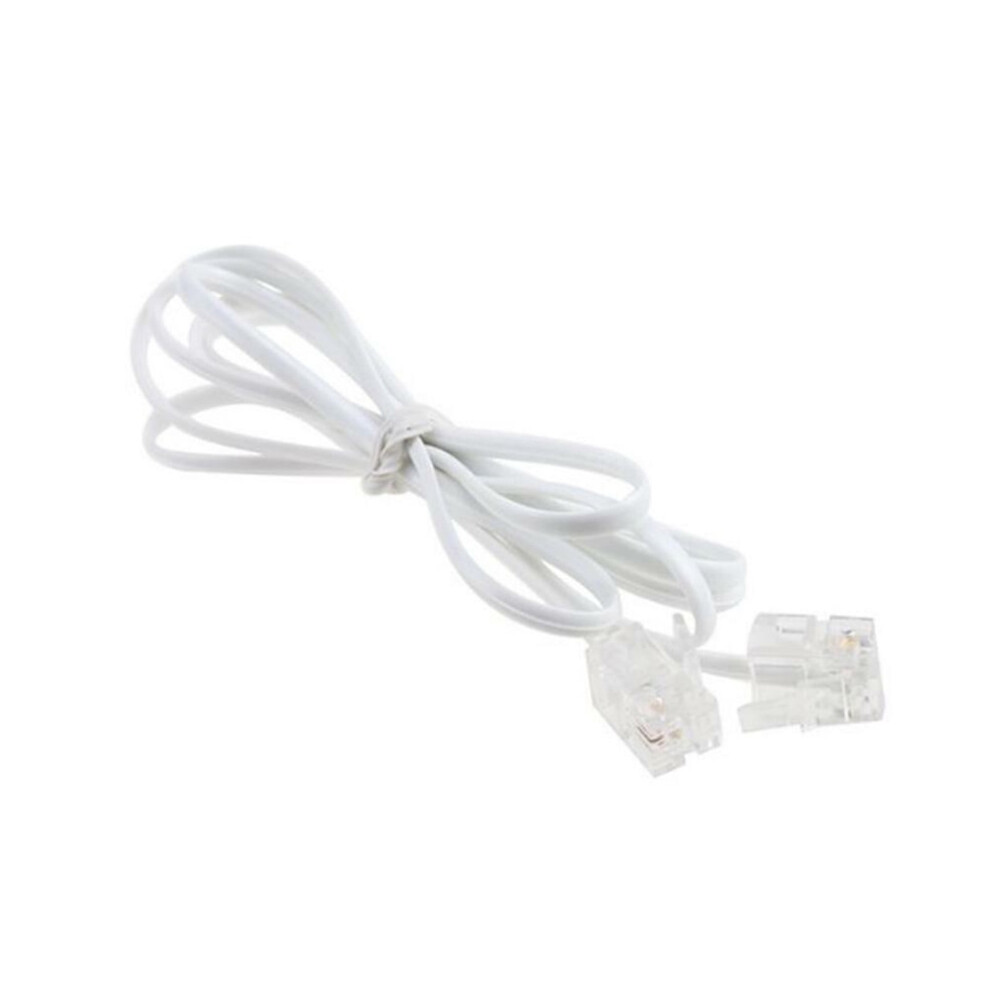
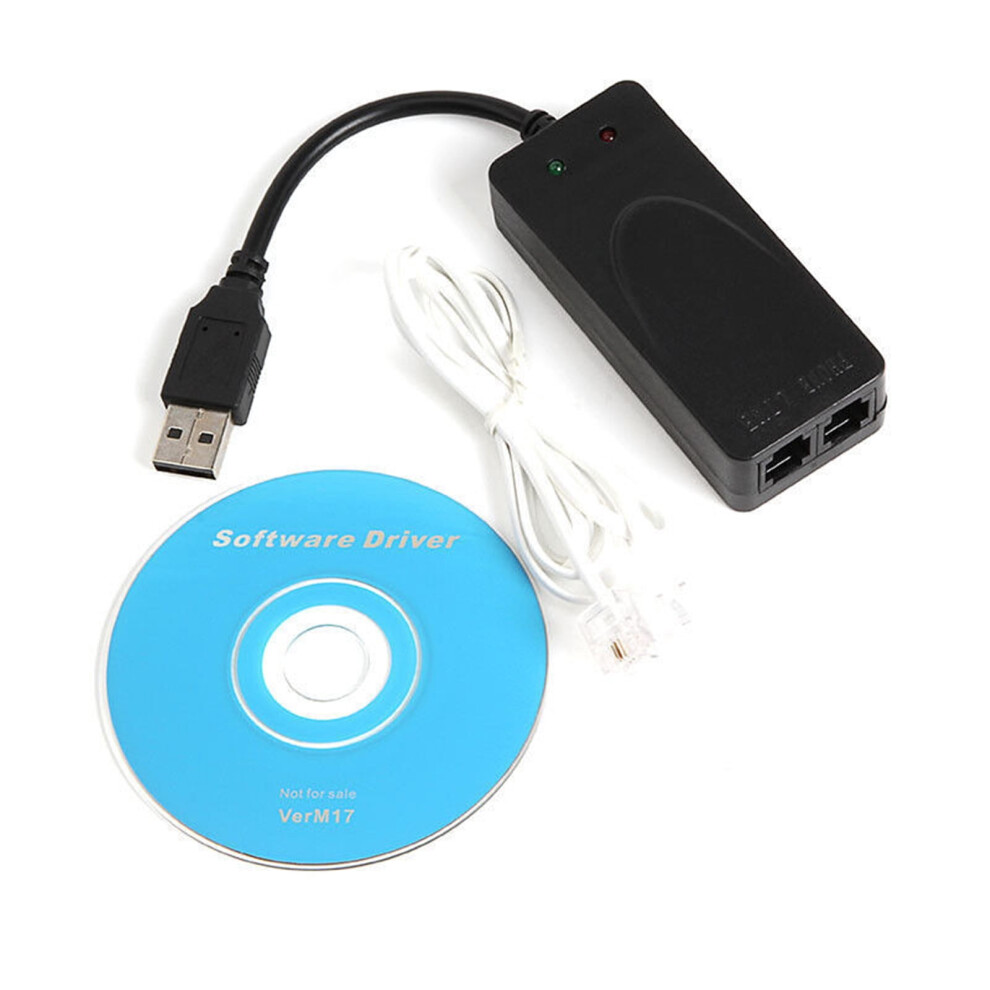
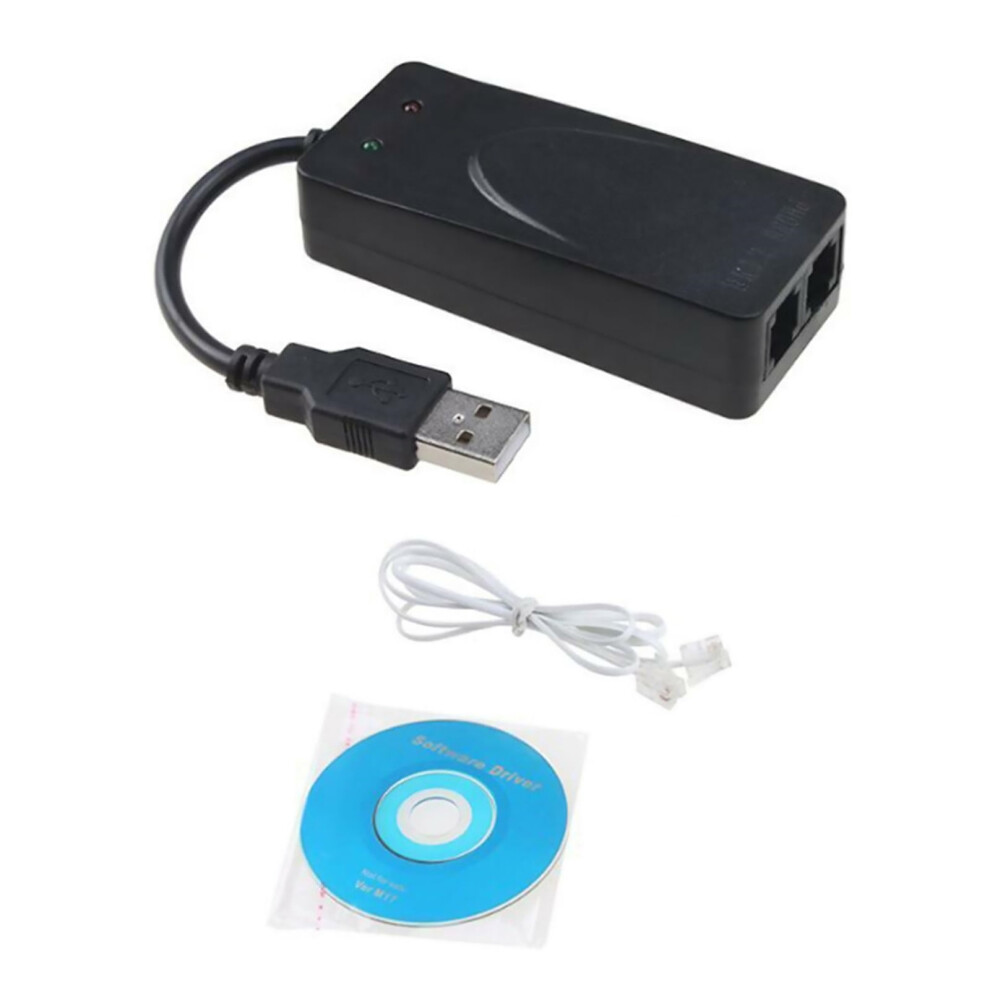
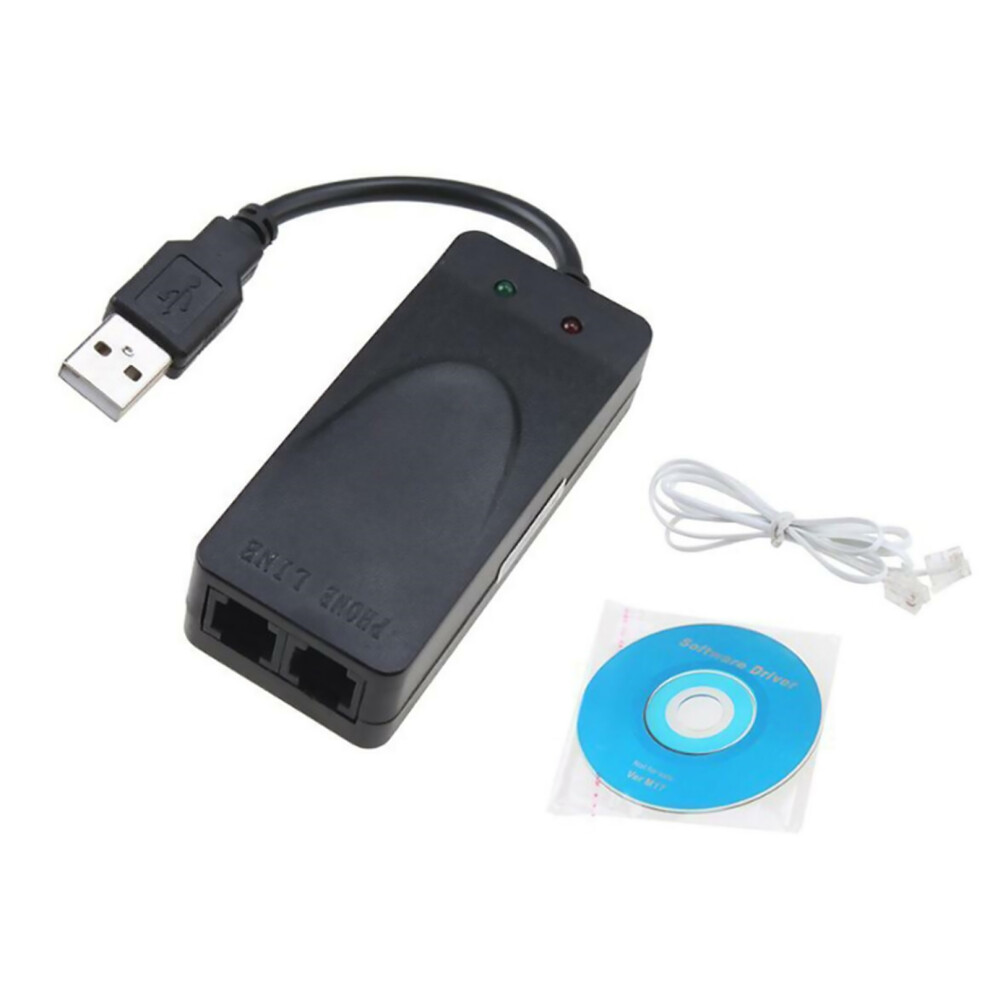
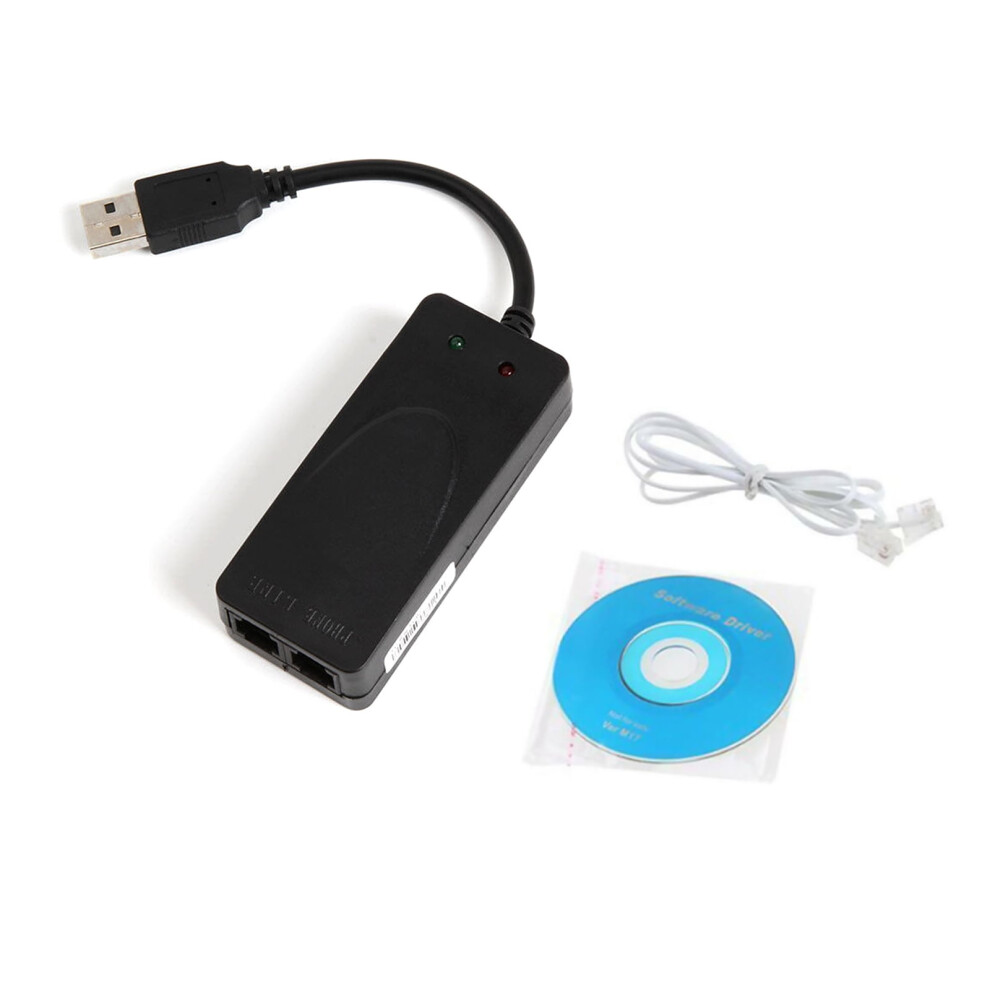
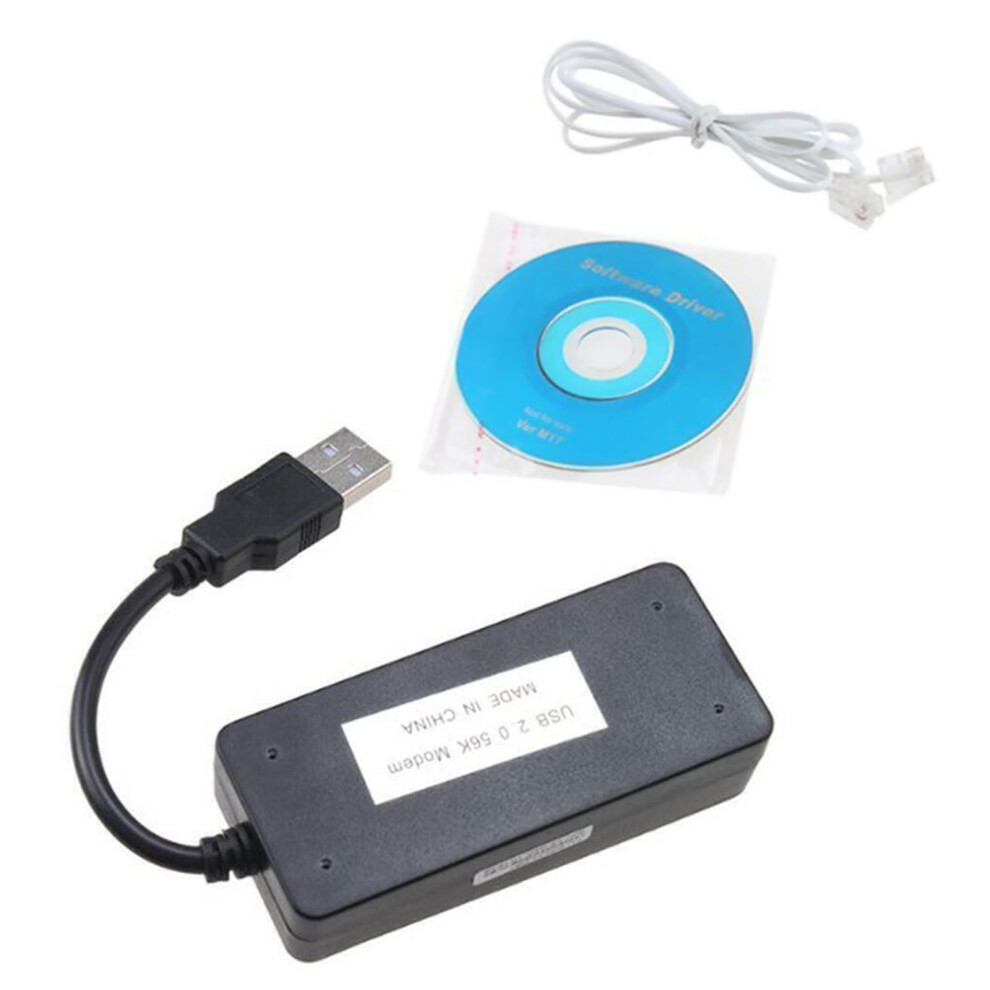
Features: It is not have voice function and cannot make or receive calls. Receive faxes, send faxes and dial up to the Internet (speed is only 56K), do not support dialing. Supports For Windows Win7/Win8/Win 10 Protection circuit fast lightning protection circuit to enhance its anti-lightning function Please note: it is just a Fax Data Model adapter. Installation method: 1. Connect the modem: Connect the modem to the computer's USB port, and plug the telephone line to the other end of the modem. If you need to connect the telephone, you can connect the external line to the telephone, and then connect a line from the telephone extension port to the modem. 2. Install the driver: Put the driver CD into the CD-ROM drive, the computer prompts to find the new hardware after plugging in the cat-select manual installation-click Browse, select the cx-fu02/winxp folder on the CD (win7 system will automatically install the driver normally, no manual required installation). After the driver is installed, open the control panel-there will be a modem named usb data fax voice modem in the telephone modem option. 3. Install the fax software (take the fax software that comes with the system as an example): win7 just need to double-click the FAX printer-tools-fax printer configuration-device in the control panel-printer fax, and allow sending and receiving. Package include: 1* Dual RJ11 Ports USB 56K Fax Data Modem
Details
| OPC | PXTMVV8 |
|---|---|
| Codes | 928754400771 (UPC) |
| Seller | Ratings | Warranty | Returns | Price | Delivery | Total | Quantity |
|---|---|---|---|---|---|---|---|
|
Dispatched from:

|
(26 reviews) | - |
30 Days
Free Returns No
|
£38.66
|
+Free Delivery
Est. Delivery:
12th-14th Oct
|
£38.66
|
Earn as you shop with instant Cashback on everything.
No catch, no cost
Become a Cashback VIP
Just 1 purchase unlocks bigger deals & rates
You'll only get instant Cashback at OnBuy! Enter your email below and we'll send you a copy of your basket to save you time later.
By entering your email address, you'll automatically be added to our database, where you can enjoy personalised Cashback offers and early access to our best deals. You can opt out of our emails at any time and we'll never share your details with anyone. Check our Privacy Policy and T&Cs to find out more.
Want access to personalised offers and the highest Cashback rates? Sign up to our emails below.
You can opt out of our emails at any time and we'll never share your details with anyone. Check our Privacy Policy and T&Cs to find out more.
This page has expired.
Refresh and continue