






















Product Images

Hurry only 1 left
Smart shoppers OnBuy it!
Interest-free payment options available


See full product description & details
Delivery: Standard (Free) | Tue 14th - Thu 16th Jul
Returns: 30 days
180-day payment protection










Summary
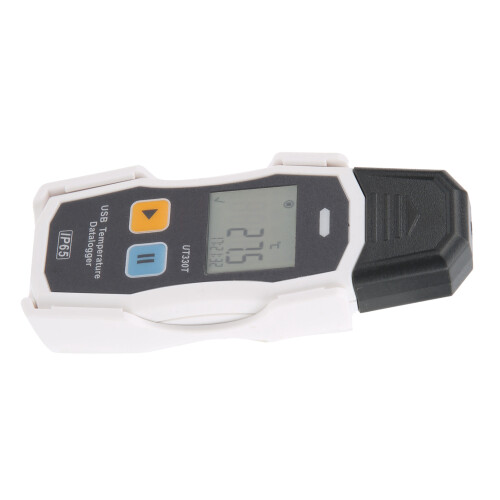
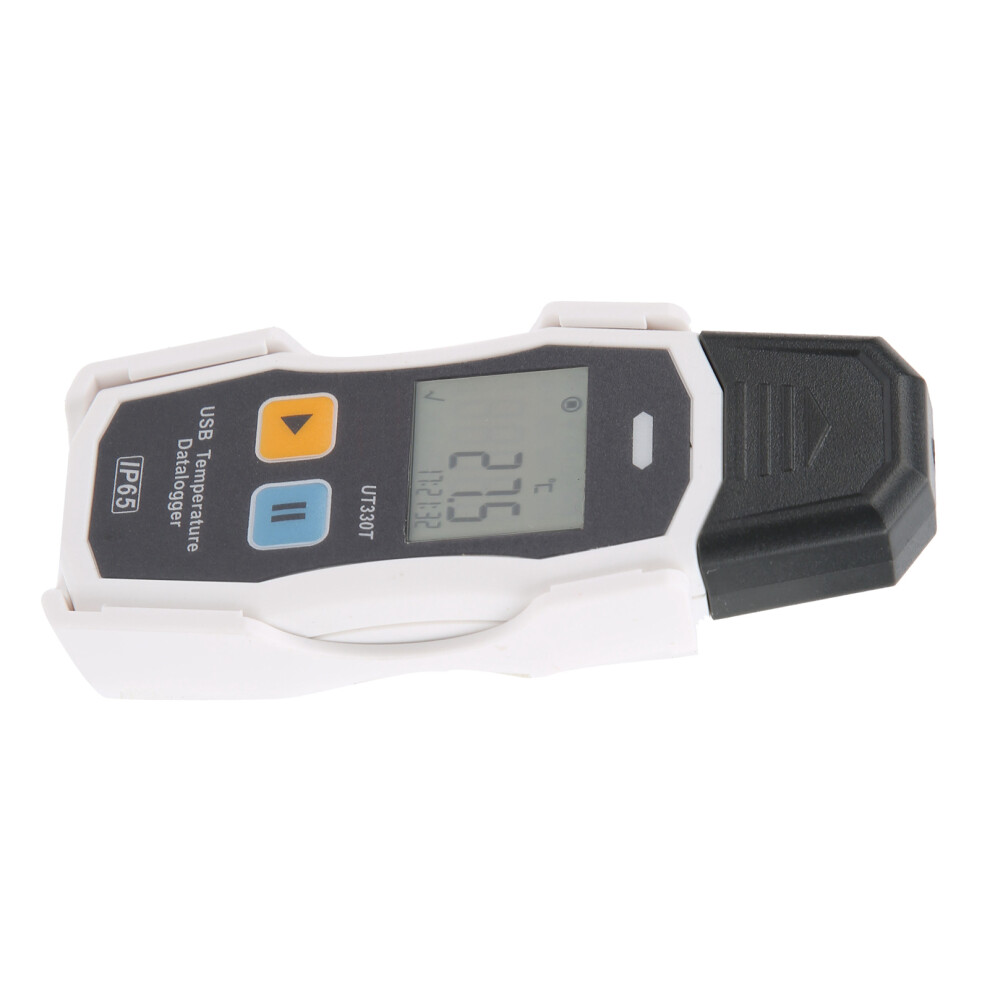
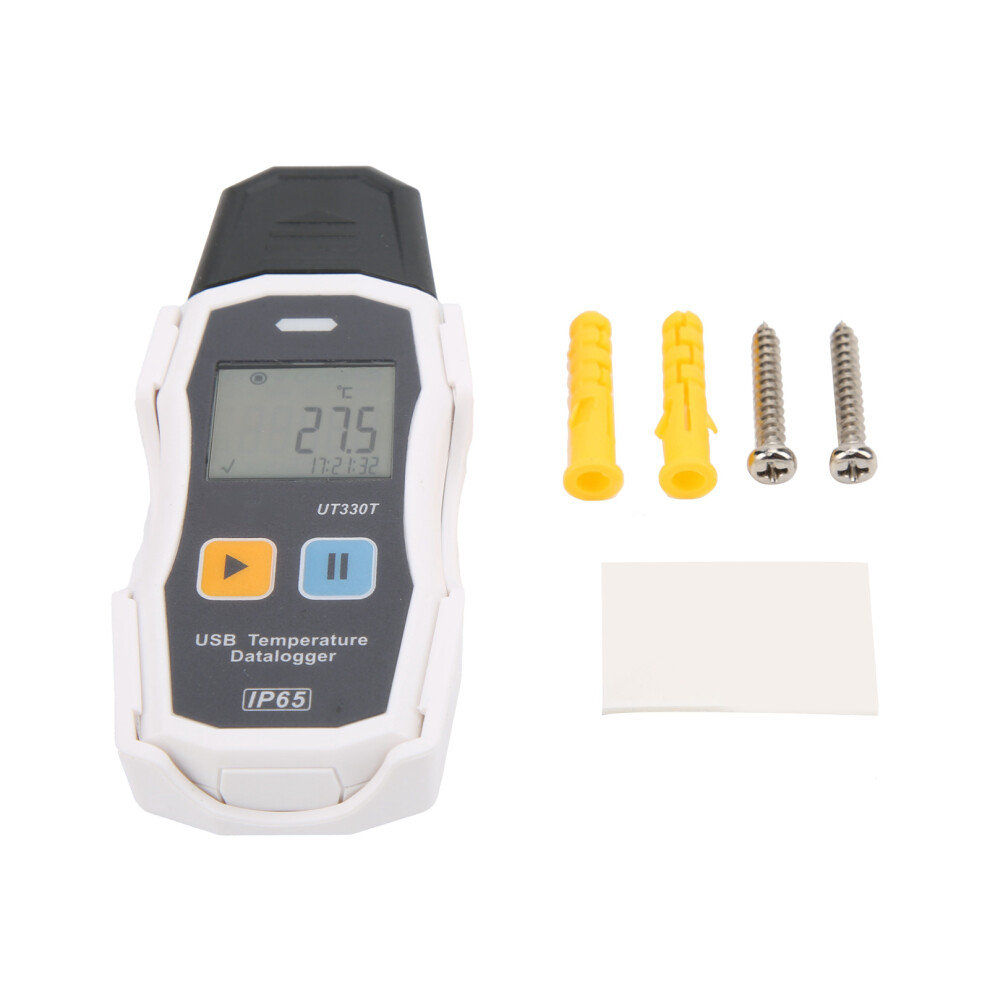
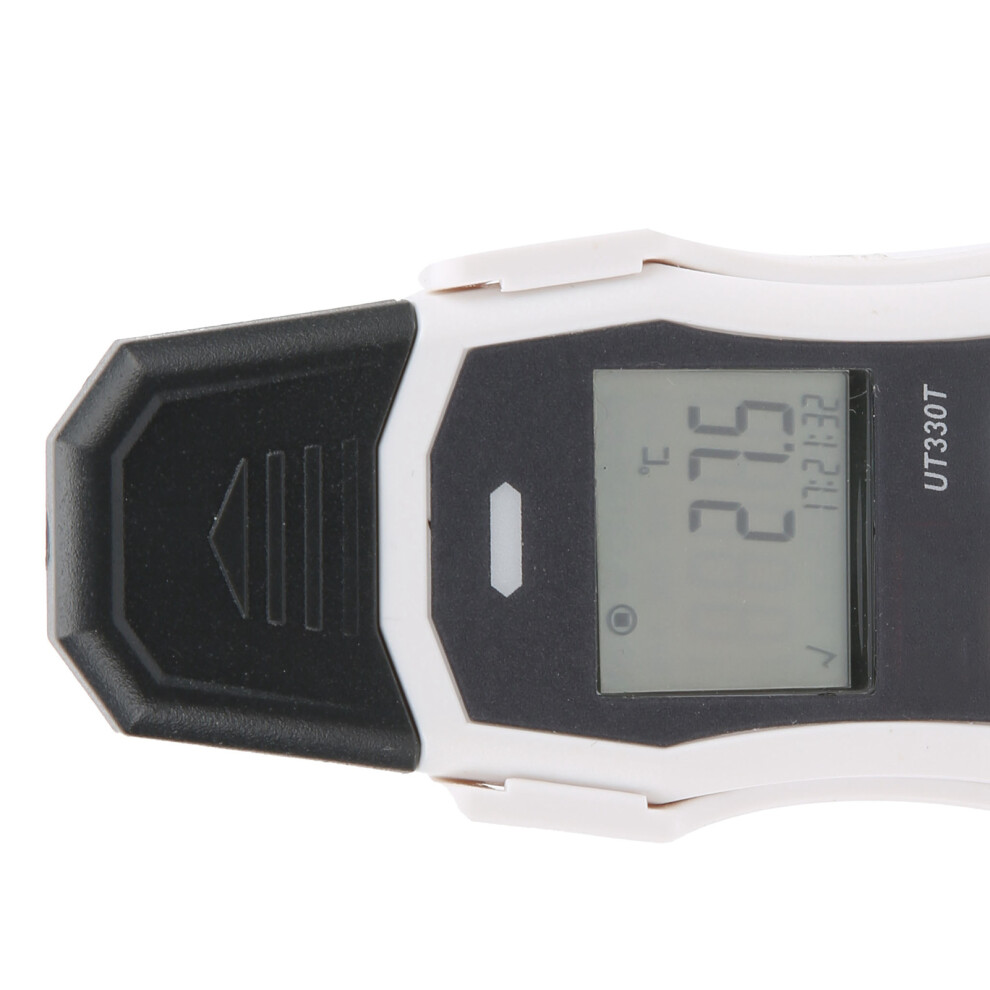
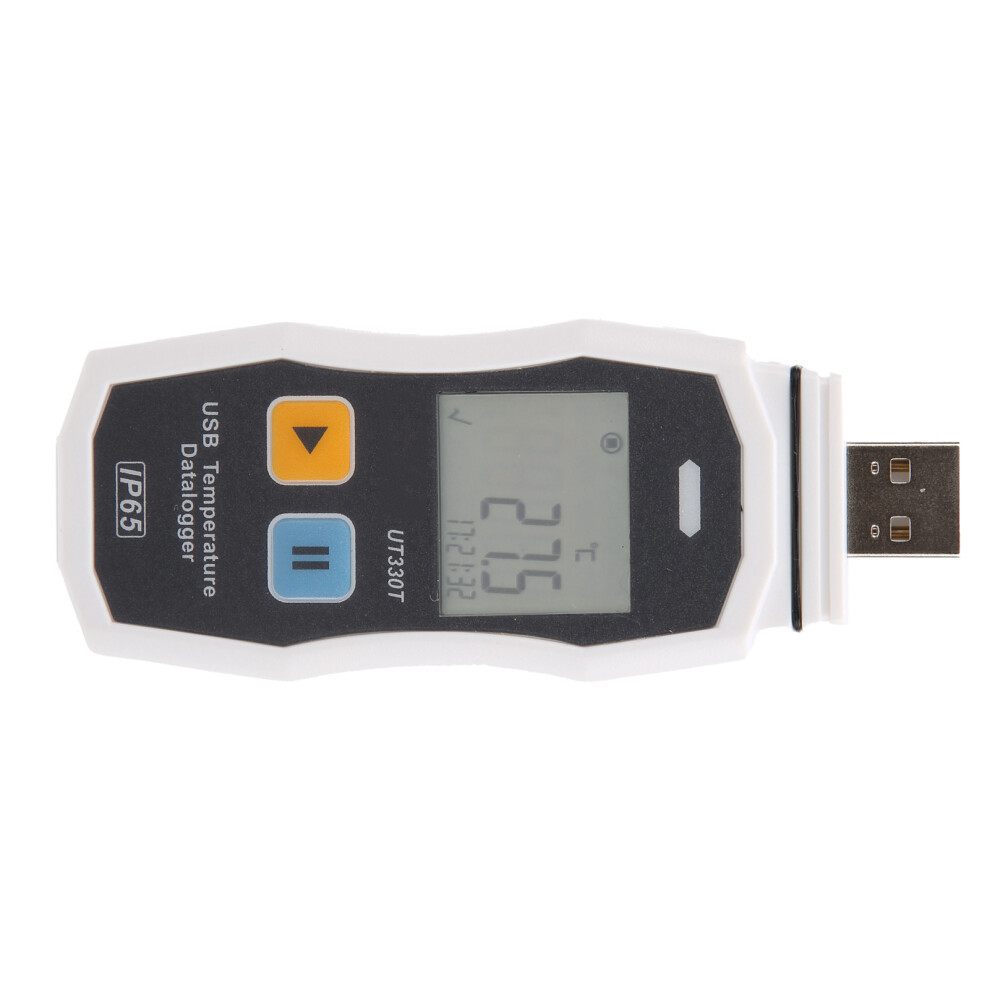
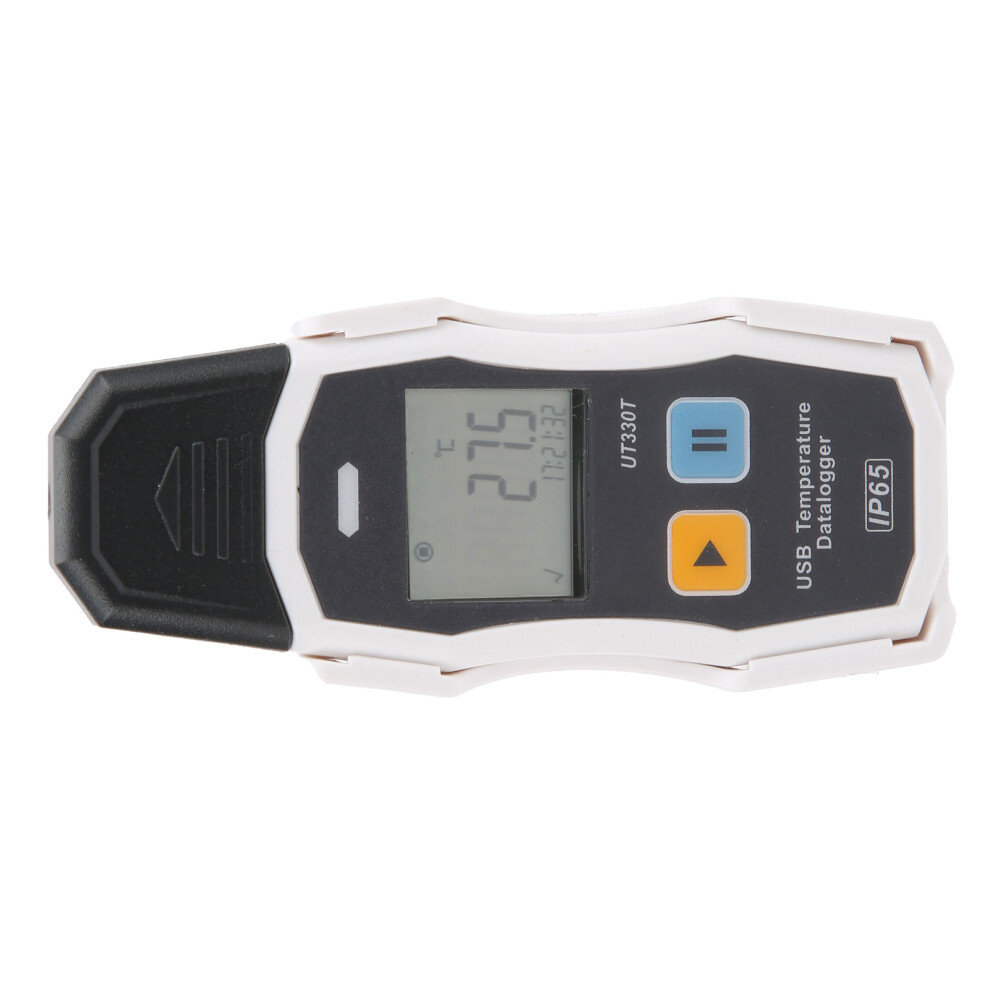
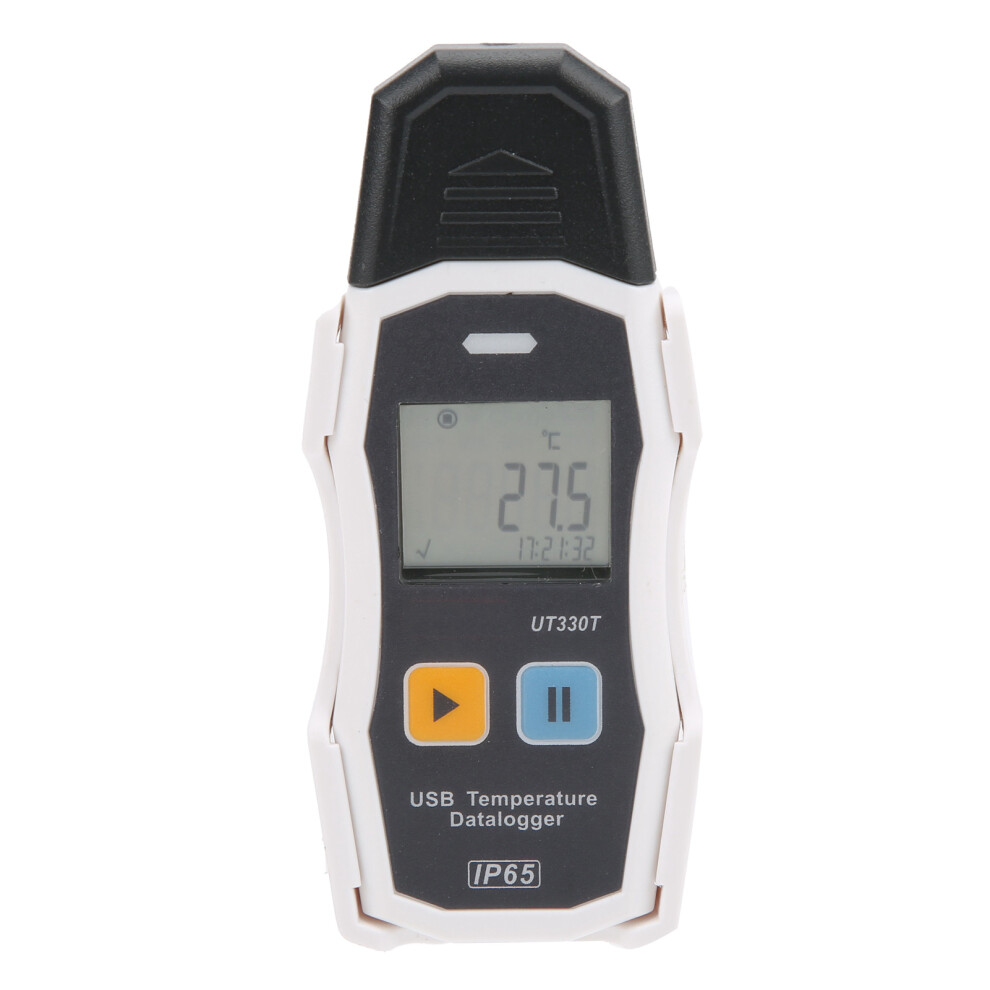
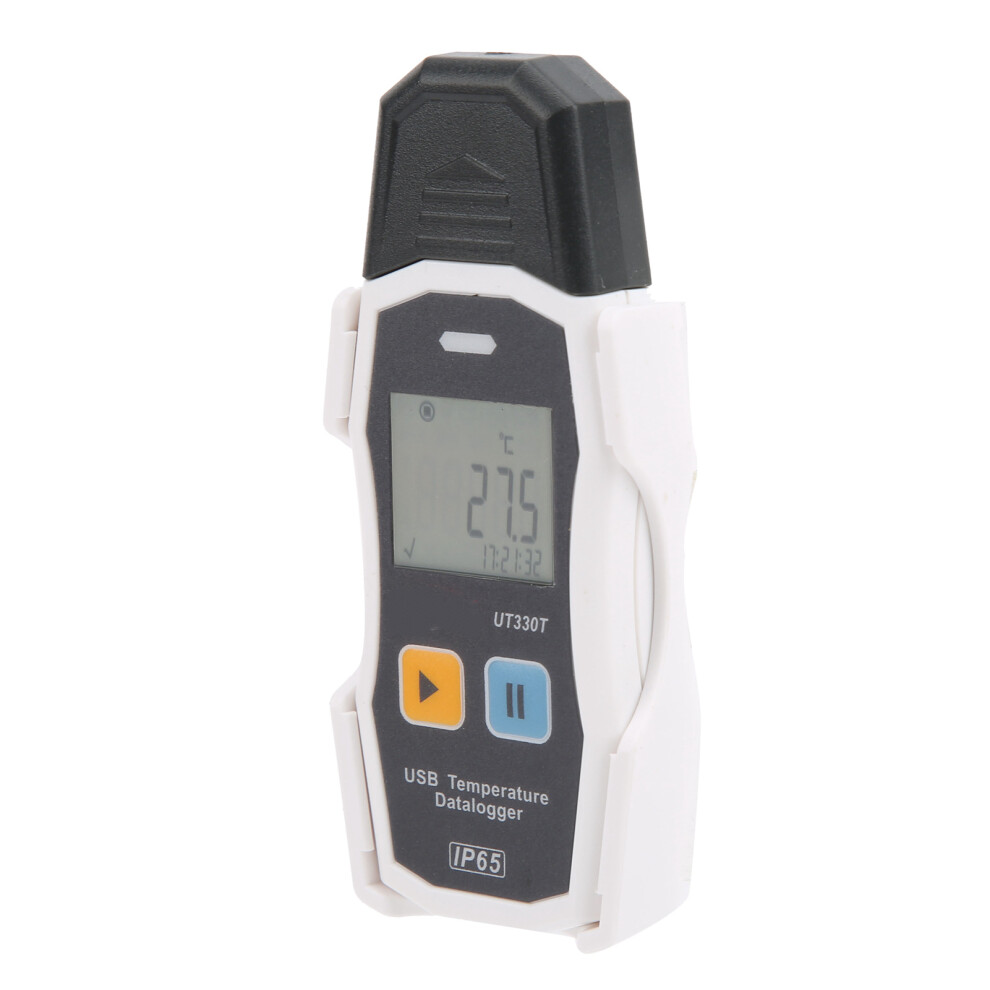
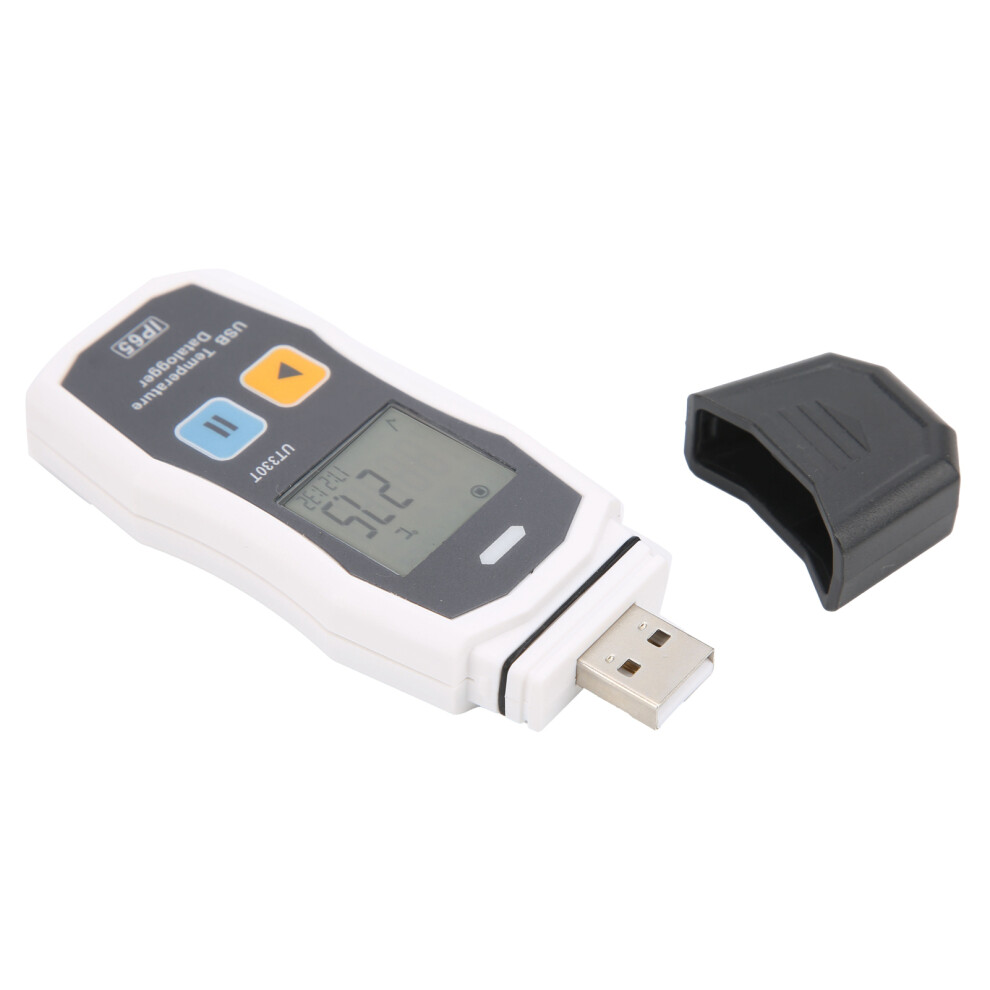
UT330T Temperature and Humidity Recorder USB Industrial Thermometer Indoor Temperature Meter
Item Type: Temperature Humidity Recorder
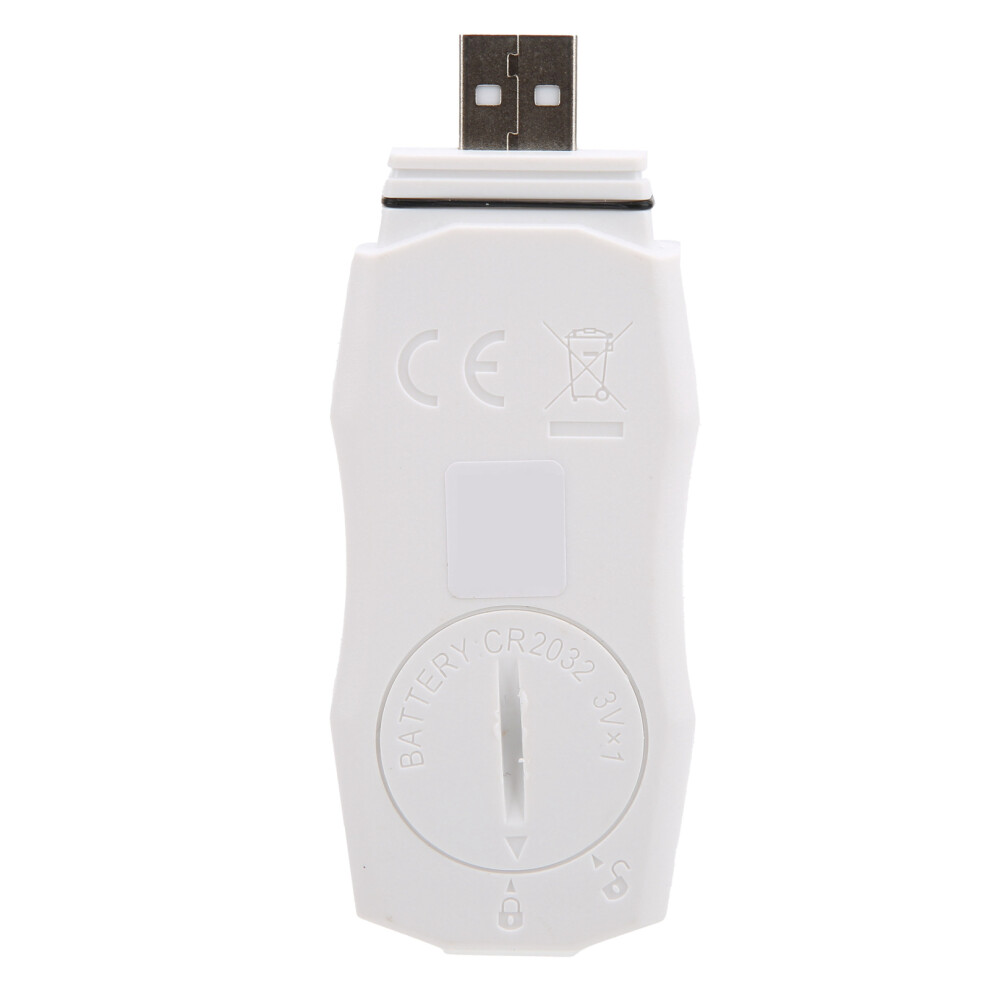
Material: ABSPower Supply: 1 x CR2032(3V) (not included)
Function
UT330T
TU330TH
Measuring range
Measuring accuracy
Measuring accuracy
Temperature
-30~20.1
0.8
0.4
-20.0~40.0
0.4
-40.1~70.0
0.8
Humidity
0~99.9%
2.5%RH
Resolution
Temperature: 0.1, Humidity 0.1%RH
Recording capacity
64000 groups
Recording interval
10s~24h adjustable
Unit/Alarm Setting
The default is ; the alarm type is divided into single/accumulative alarm, the default is single alarm
Startup mode
Button/software (immediately, delayed, timing)
Recording delay
0min~240min (default 0)
Device ID
0-255 (default 0)
Alarm delay
0s~10h (default 0)
Rest screen time
5s
Battery type
CR2032
Working time
According to the test interval of 15min, it can be recorded for 140 days
Working temperature and humidity
-30~70; 99%, non-condensing
Storage temperature
-50~70
Protection grade
IP65
How e:
1. Start the recorder
The start of the recorder can be configured as: button start, software start immediately, or scheduled start time. Press the key to turn on: In the state of the main interface of the recorder, long press the start button for 3 seconds to turn on the recorder. This start method supports delayed start. If the delay start time is set, the recorder will not record data immediately after the start of the recorder, and will wait until the delay time to start recording; the software will start immediately: after the recorder has configured the parameters, the recorder will be switched from the host computer Unplug the recorder from the USB interface, and the recorder will start recording at this time; scheduled timing start: After the recorder is configured with parameters, unplug the recorder from the USB interface of the host computer, and the recorder will start recording when the set time is reached , The key-on method cannot be turned on. (Note: If the battery is too low, it may not turn on normally and the battery needs to be replaced.)
2. Stop the recorder
According to the configuration, the recorder can be divided into: key stop and software stop, these two stop modes include the maximum recording capacity stop, and the key stop also supports the upper computer software stop. Press the button to stop on the main interface of the recorder. Long press the stop button for 3 seconds to stop the recorder. If the software stop mode is set, this function cannot be used. Software stop: After the recorder is connected to the upper computer software, you can click the stop button in the main interface of the upper computer to stop the recorder.
3. Sign
When the recorder is in the recording state, long press the start button for 3 seconds to perform the marking operation. At this time, the marking icon and the displayed measurement value flash three times, and then jump to the number of marking groups. A total of 10 groups can be marked, which is convenient for users to switch between environments sign or use for other sign recognition.
4. Alarm
When the recorder is running, if no alarm occurs, the green LED flashes at 10s intervals and the main interface display is small; if an alarm occurs, the red LED flashes at 10s intervals, and the main interface displays X. When the recorder is stopped, the LED is always off.
5. Data View
1). View data in the stopped state
After the recorder is started, stop the recorder after storing data. Insert the USB port on the PC at this time, and the visible LED flashes, indicating that the PDF report is being generated. Do not unplug the recorder at this time. According to the number of records recorded by the recorder, generate The report may take several seconds to several minutes. Please wait patiently for the report to be generated. After the PDF report is generated, you can open the POF file in the U disk to view the data, or open the host computer software, and download the data through the host computer software to view and analyze.
2). View data in running state
When the recorder is running, after storing data, insert the 15B port of the PC at this time. The recorder will generate a PDF report for all the data currently inserted before, and the recorder will continue to record the data, but this continues to record The data will only be generated when it is inserted into the USB next time. After the PDF report is generated, you can open the PDF file in the U disk to view the data, or you can open the host computer software, and download the data through the host computer software to view and analyze. When the recorder is running, as long as there is a new data record, a new PDF report will be generated by inserting the 158 interface on the PC side. If there is no new record data, the previously generated PDF report will be kept.
Details
| OPC | PQ8F7FW |
|---|---|
| Codes | 3031378608175 (EAN) |
| Seller | Ratings | Warranty | Returns | Price | Delivery | Total | Quantity |
|---|---|---|---|---|---|---|---|
| (3 reviews) | - |
30 Days
Free Returns No
|
£43.67
|
+Free Delivery
Est. Delivery:
14th-16th Jul
|
£43.67
|
Earn as you shop with instant Cashback on everything.
No catch, no cost
Become a Cashback VIP
Just 1 purchase unlocks bigger deals & rates
Wait! You've left
something behind...
You'll only get instant Cashback at OnBuy! Enter your email below and we'll send you a copy of your basket to save you time later.
No thanks, I'm alright for now
By entering your email address, you'll automatically be added to our database, where you can enjoy personalised Cashback offers and early access to our best deals. You can opt out of our emails at any time and we'll never share your details with anyone. Check our Privacy Policy and T&Cs to find out more.
Before you go...
Remember, you'll only get instant Cashback on everything at OnBuy!
Want access to personalised offers and the highest Cashback rates? Sign up to our emails below.
No thanks, I'm alright for now
You can opt out of our emails at any time and we'll never share your details with anyone. Check our Privacy Policy and T&Cs to find out more.