
































Product Images

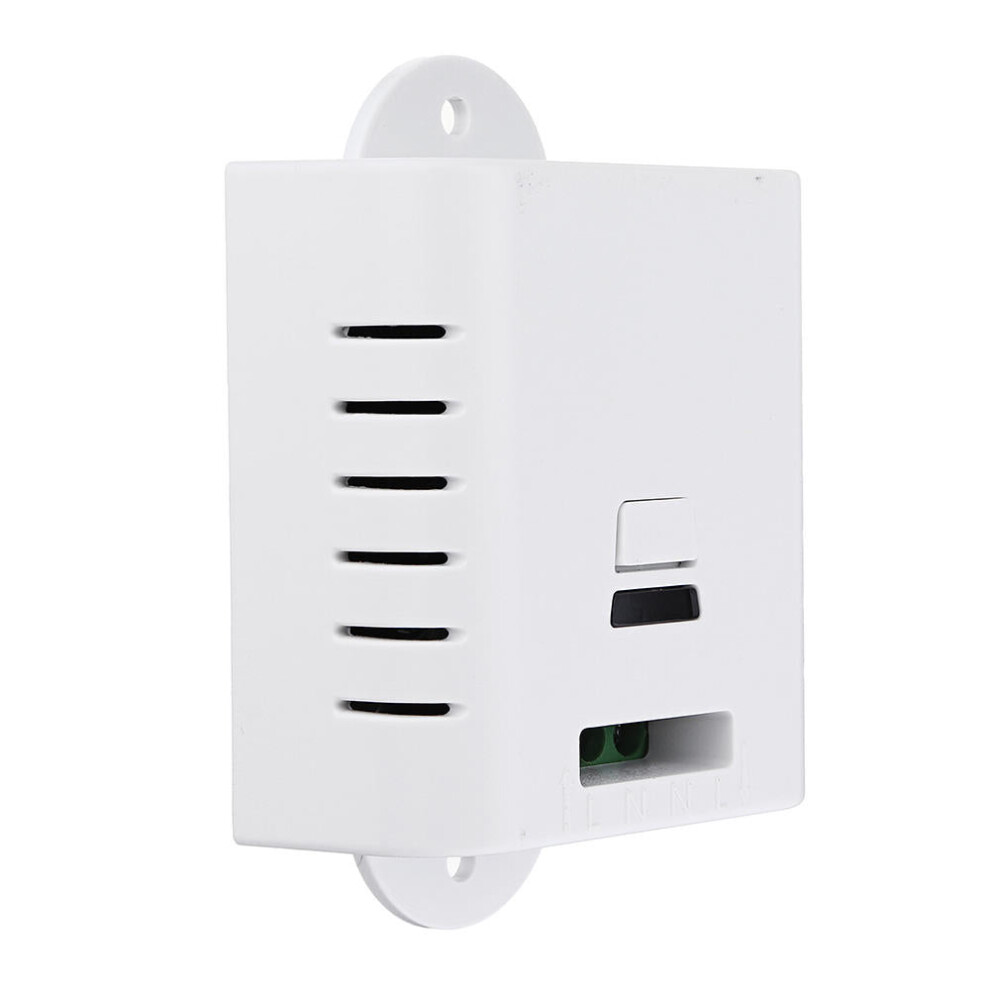
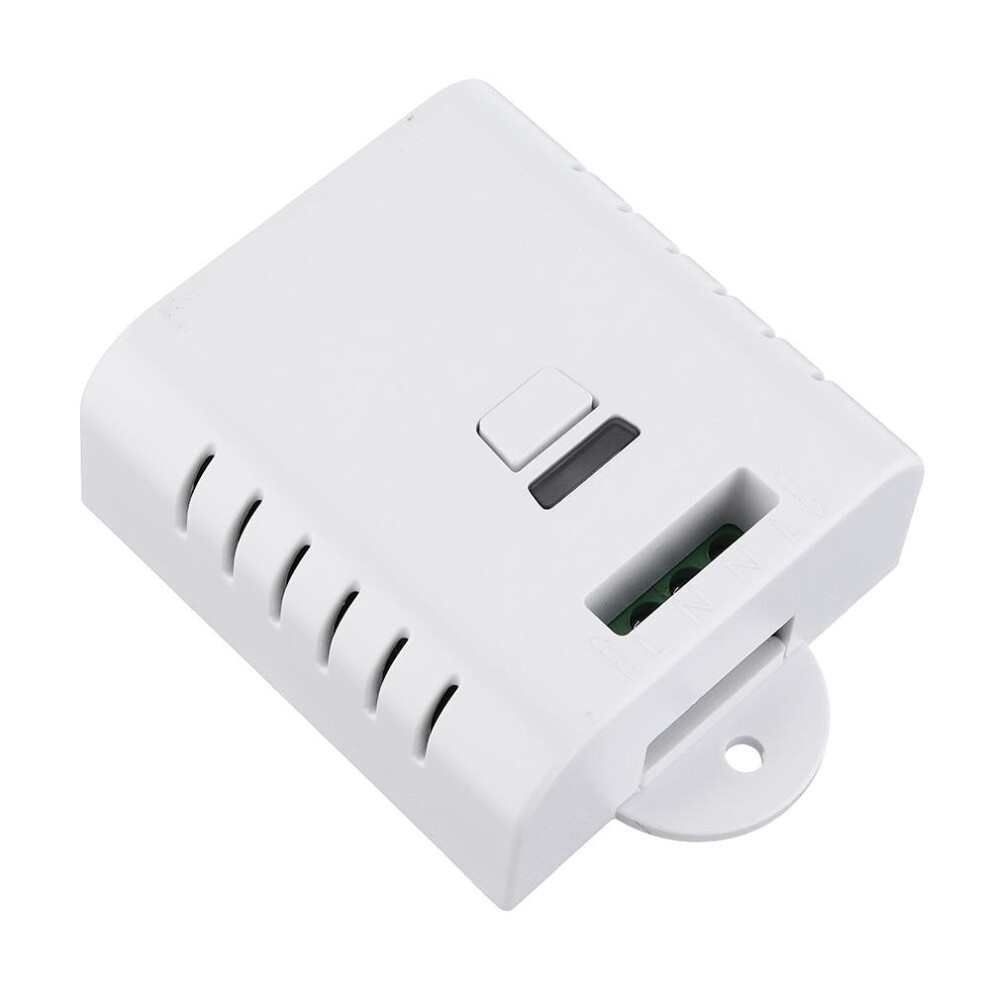
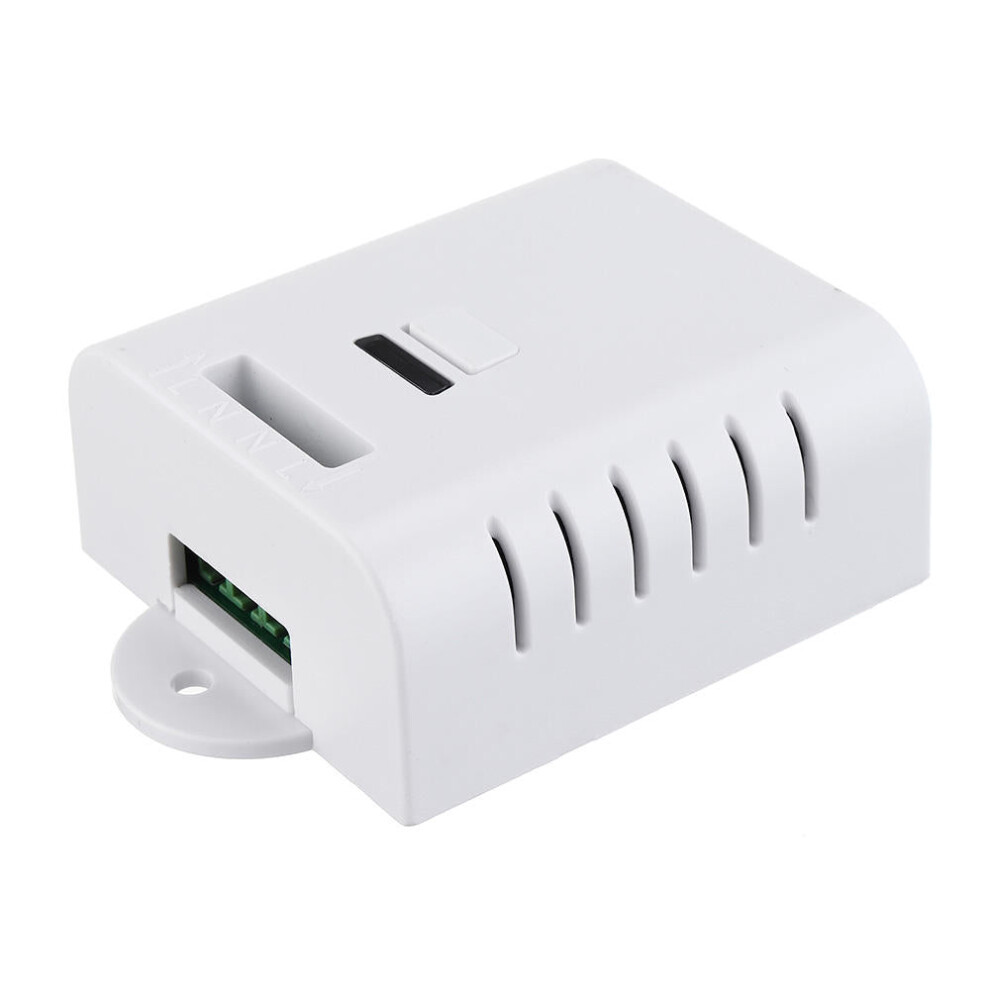
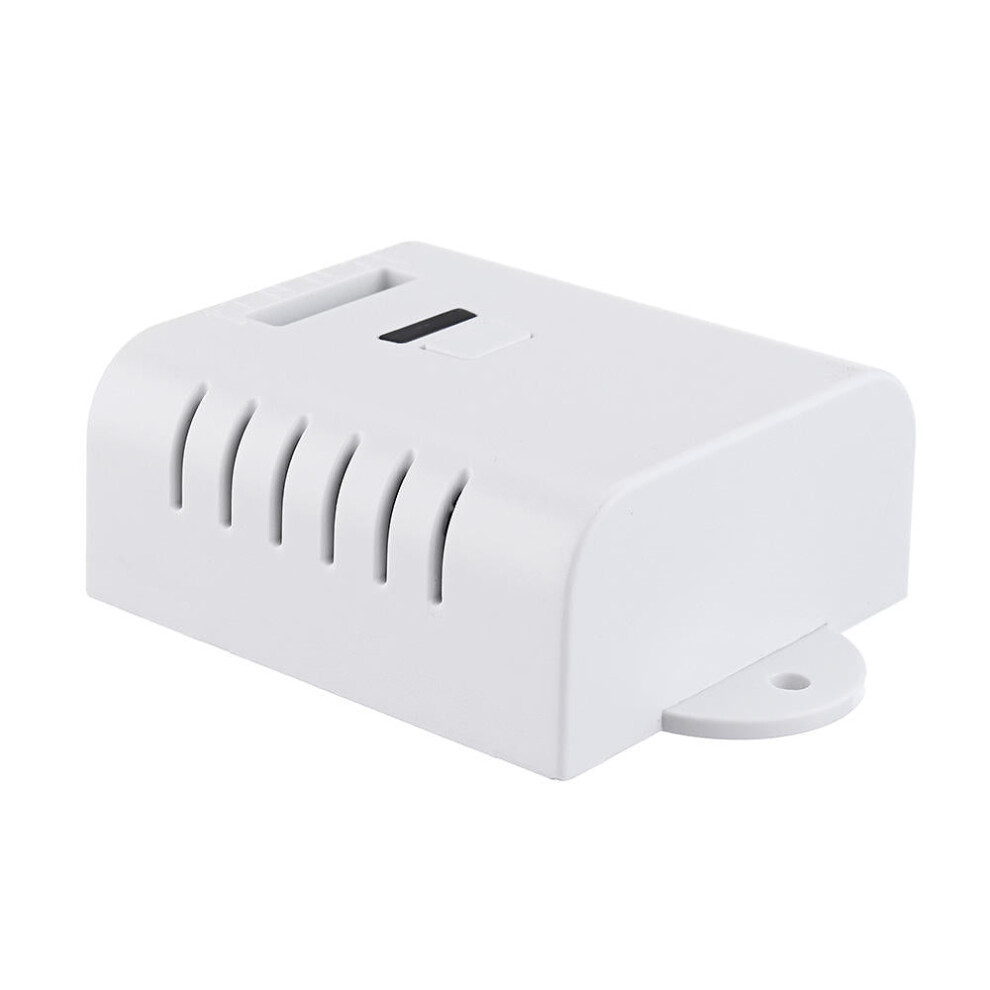
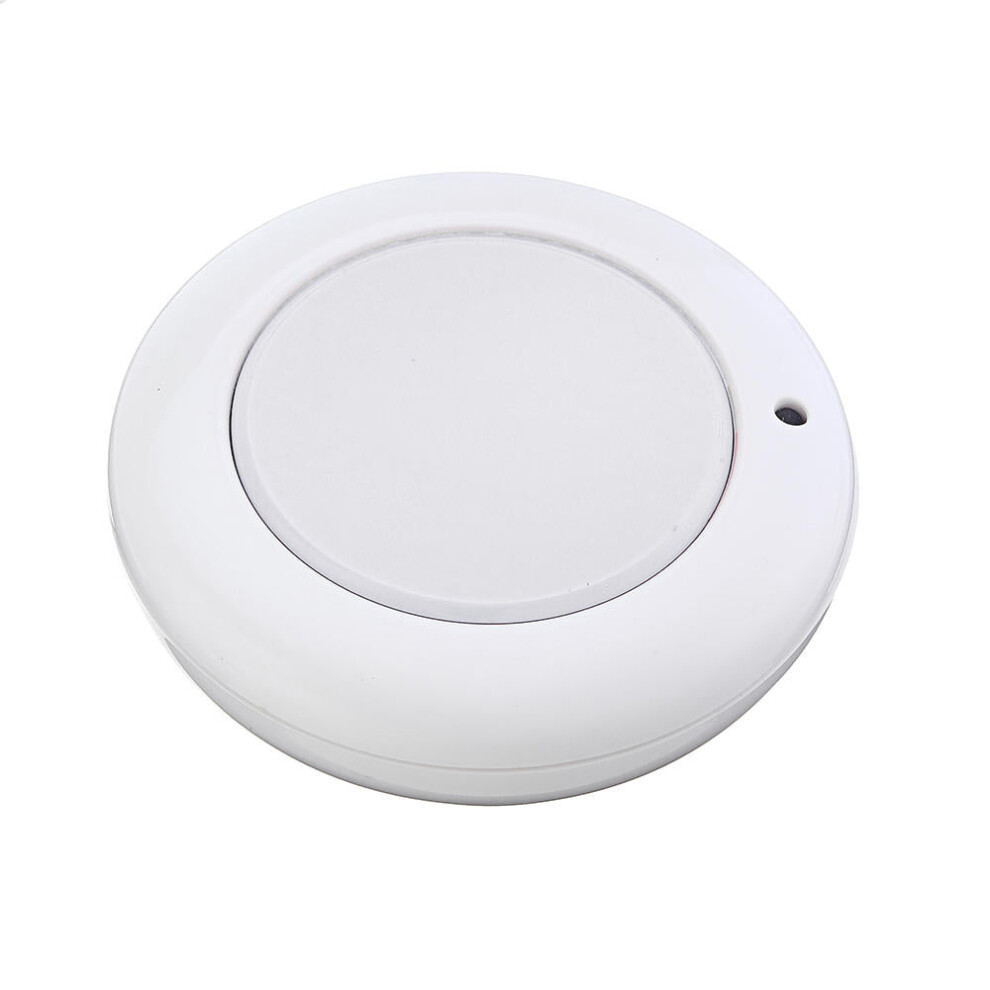
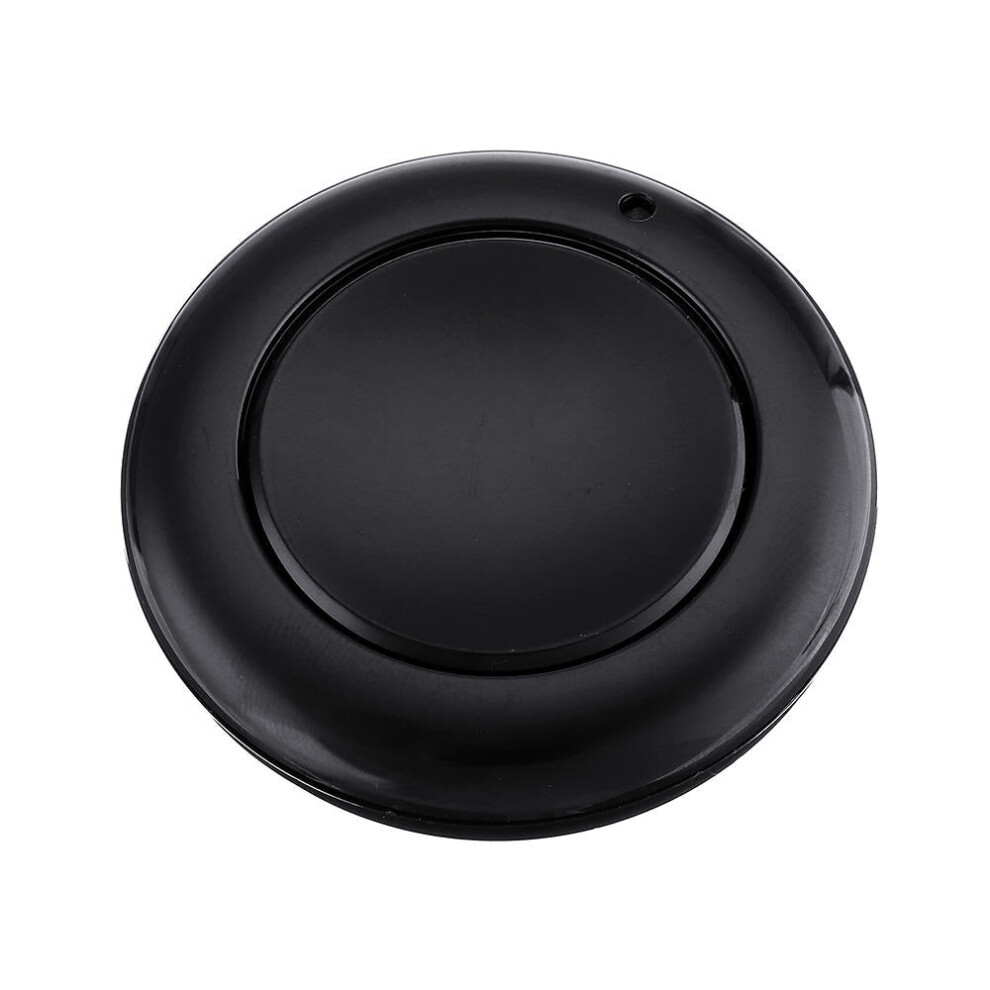
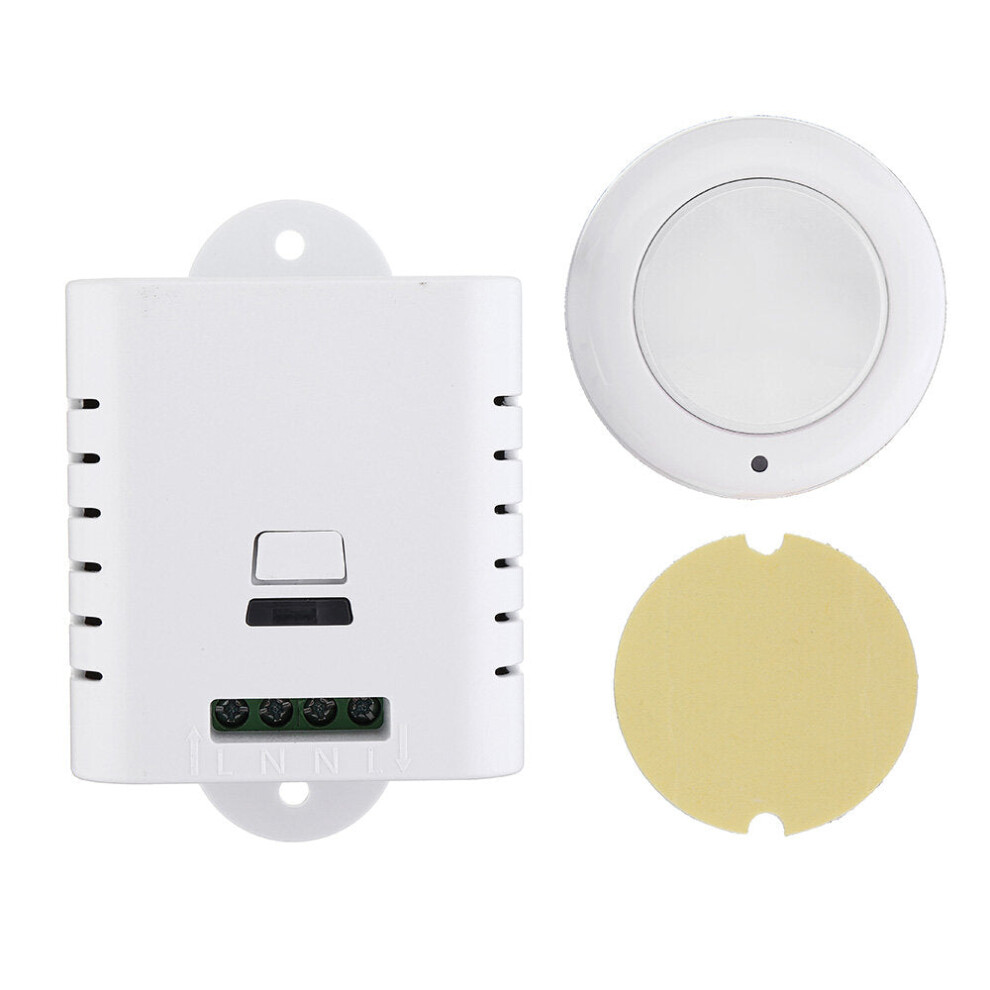
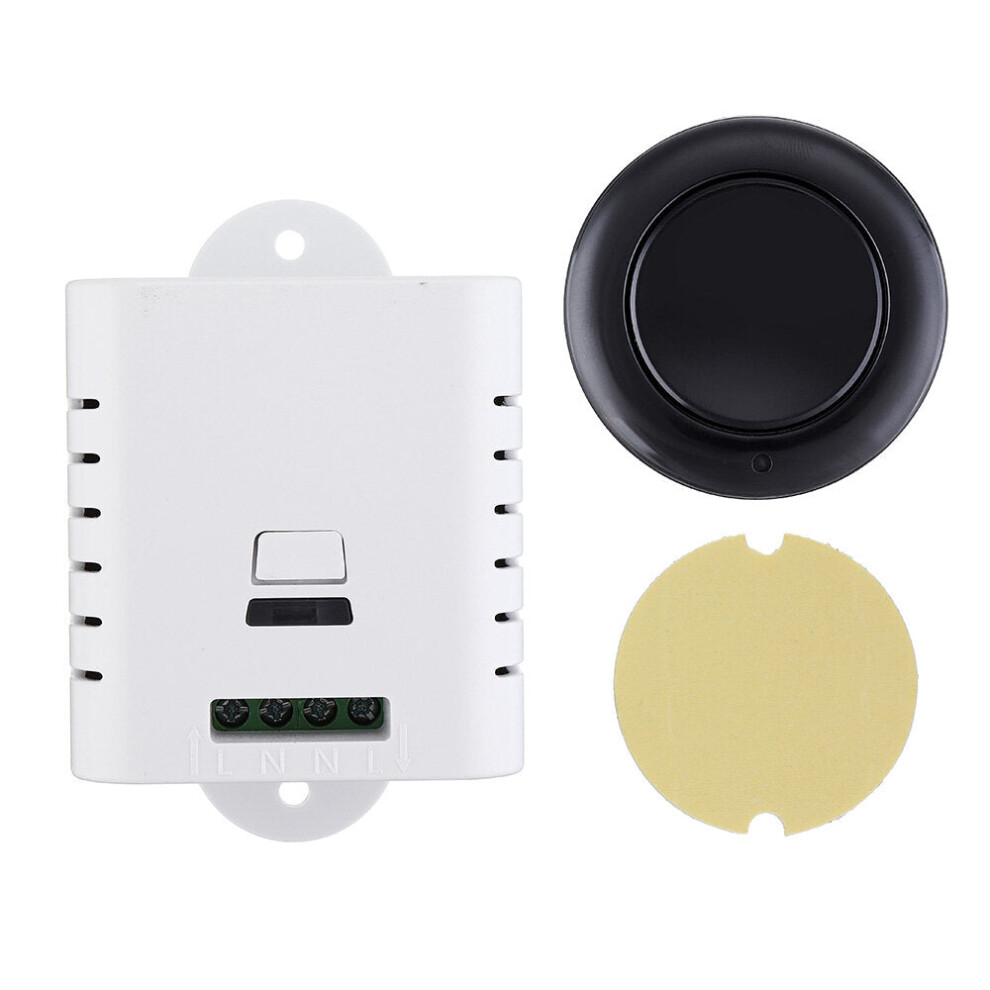
In stock
Smart shoppers OnBuy it!
Interest-free payment options available


See full product description & details
Delivery: Standard (Free) | Tue 13th - Sat 17th Oct
Sold by: GreenZech
Returns: 30 days
180-day payment protection
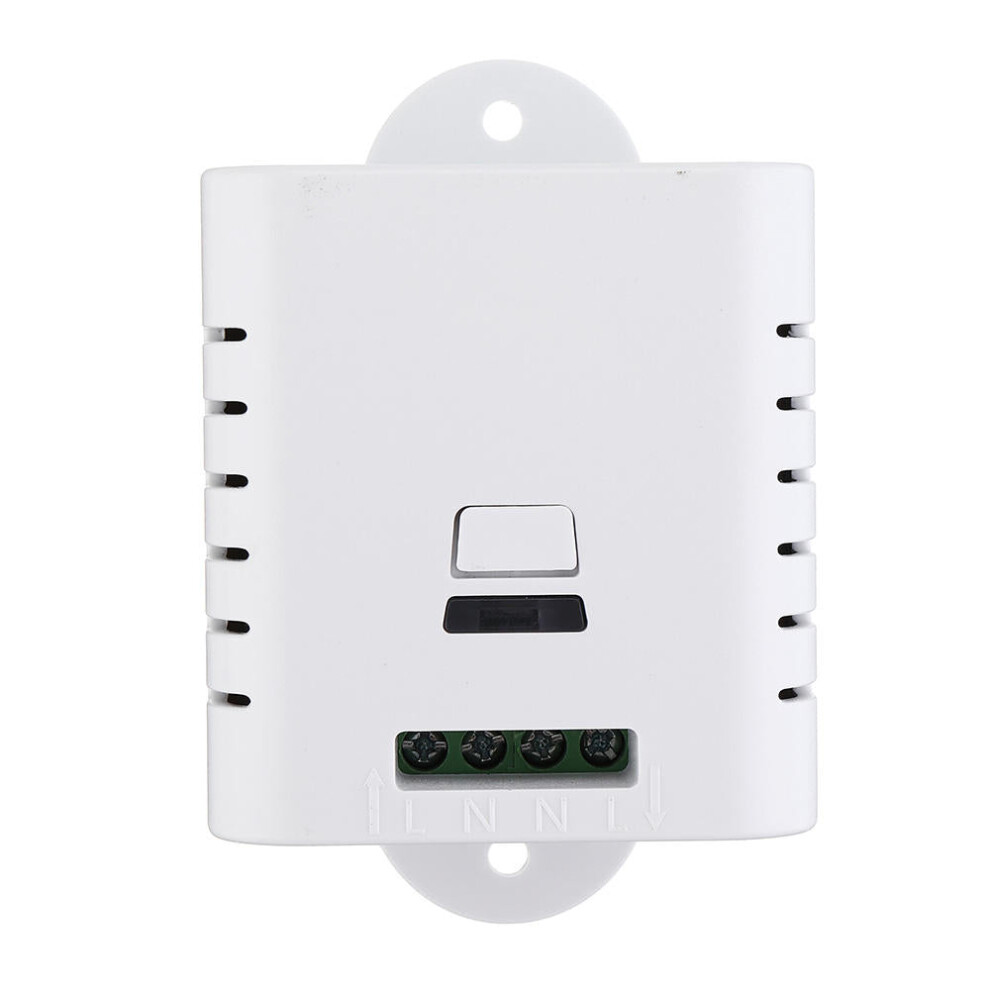
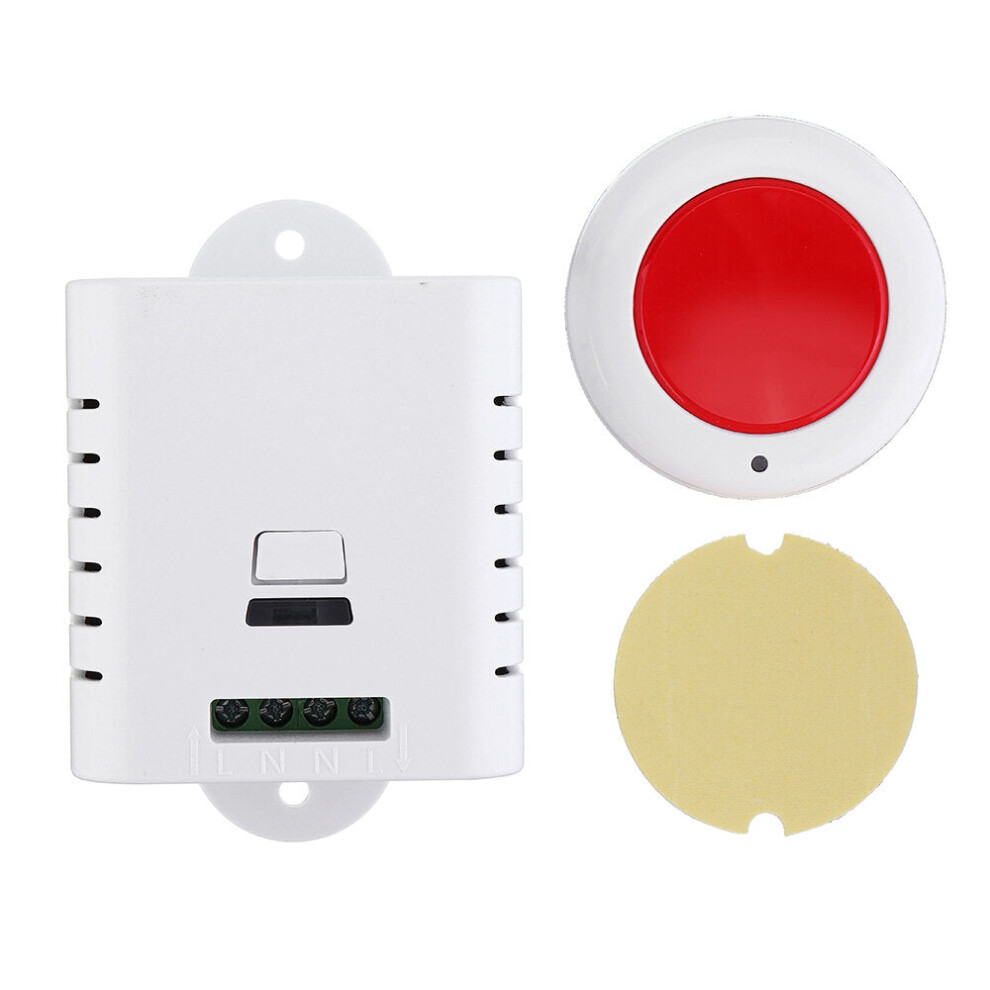
Feature:
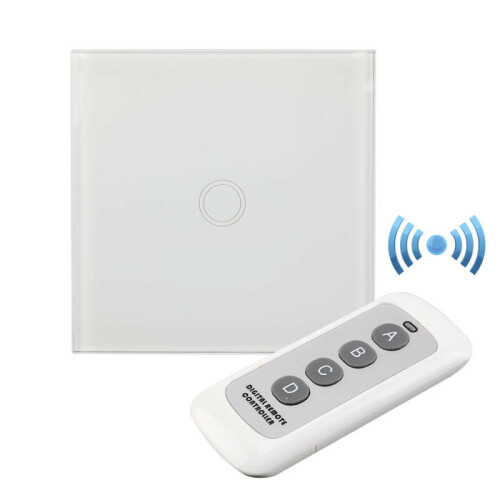
The
wireless
remote
control
switch
is
designed
with
two
working
modes:
manual
and
remote
control.
The
buttons
on
the
interface
are
the
manual
key
and
the
learning
button
of
the
remote
control.
In
the
remote
working
mode,
there
are
two
working
modes
that
can
be
adjusted
(self-locking
and
interlocking),
which
can
be
switched
through
the
learning
button
on
the
interface,
and
can
be
combined
with
any
of
the
more
than
10
wireless
remote
controllers.
Self-locking
working
mode:
that
is,
the
same
key
on
the
remote
control
to
learn
the
code,
the
same
button
is
pressed
to
open,
and
then
press
to
close;
In
the
interlock
working
mode:
the
two
different
keys
on
the
remote
control
are
used
to
learn
the
code,
press
one
button
to
open,
press
another
button
to
turn
off;
Specification:
Press
the
manual
button:
Switch
the
power
supply
(long
press
for
3
seconds,
learn
the
remote
control
code:
long
press
for
10
seconds,
clear
the
code
to
restore
the
factory).
Support
multiple
remote
control:
up
to
10
groups
of
codes.
The
power
supply
is
normally
closed:
the
power
is
off
after
the
power
is
turned
off.
Weight:
0.05KG.
Working
voltage:
AC85-250V.
Maximum
current:
AC10A.
Load:
2000W.
Specification:
55*51*25mm
(including
housing).
Operating
frequency:
315MHz
/
433MHz
(optional).
Working
mode:
self-locking,
interlocking
(switching
by
learning
method).
Self-locking
learning
code
method:
First,
after
the
wireless
remote
control
switch
is
powered
on,
connect
an
electric
appliance
to
manually
test
whether
the
remote
control
switch
is
working
normally.
Then
press
and
hold
the
learning
button
for
about
3
seconds,
the
learning
indicator
light
on
the
remote
control
switch
interface
is
on,
release
the
hand,
immediately
press
any
button
on
the
remote
control
twice,
the
learning
indicator
flashes
three
times
and
then
gray
out,
indicating
that
the
learning
is
successful.
Clearing
method:(Please
clear
the
code
and
then
correct
the
code
when
you
need
to
change
the
working
mode)
Press
and
hold
the
remote
control
switch
interface
learning
button
for
about
15
seconds.
The
learning
indicator
light
from
on
to
off
indicates
that
the
clear
code
is
successful.
Interlock
learning
pair
code
method:
First,
after
the
wireless
remote
control
switch
is
powered
on,
connect
an
electric
appliance
to
manually
test
whether
the
remote
control
switch
is
working
normally.
Then
press
and
hold
the
learning
button
on
the
remote
control
switch
for
about
3
seconds,
the
learning
indicator
on
the
interface
lights
up,
release
the
hand,
immediately
press
any
button
on
the
remote
control
(or
unlock
button),
and
then
press
another
button
(or
lock
button)
on
the
remote
control.
After
the
learning
indicator
flashes
three
times,
it
will
be
grayed
out,
indicating
that
the
learning
is
successful.
The
meaning
of
self-locking/interlocking/jogging:
Interlock:
Press
the
corresponding
button
of
the
remote
control,
the
corresponding
relay
is
turned
on,
and
then
press
another
remote
control
button;
the
relay
is
disconnected.
Non-lock,
jog:
press
the
remote
control
button,
the
corresponding
relay
is
turned
on,
release
the
remote
control
button;
the
corresponding
relay
is
disconnected.
Self-locking:
Press
the
remote
control
button
once,
the
relay
is
turned
on,
press
the
remote
control
button
again,
the
relay
is
disconnected.
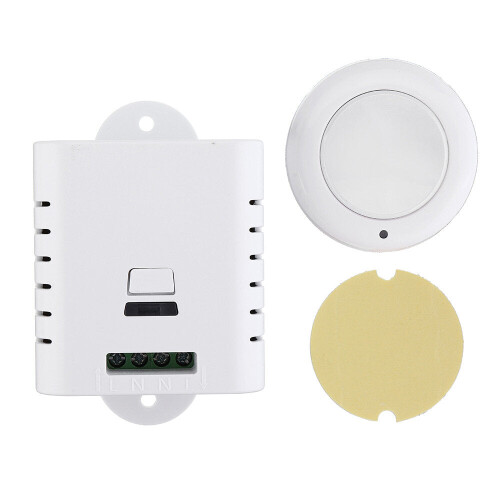
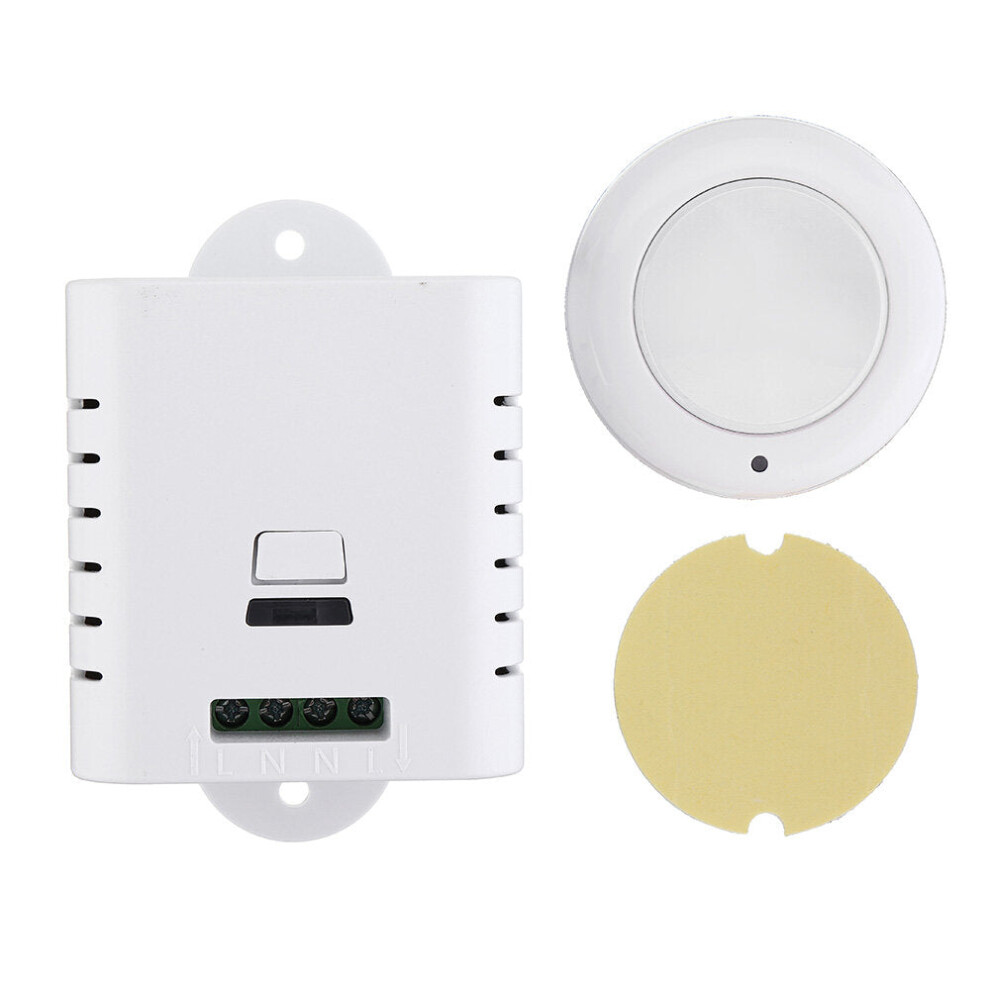
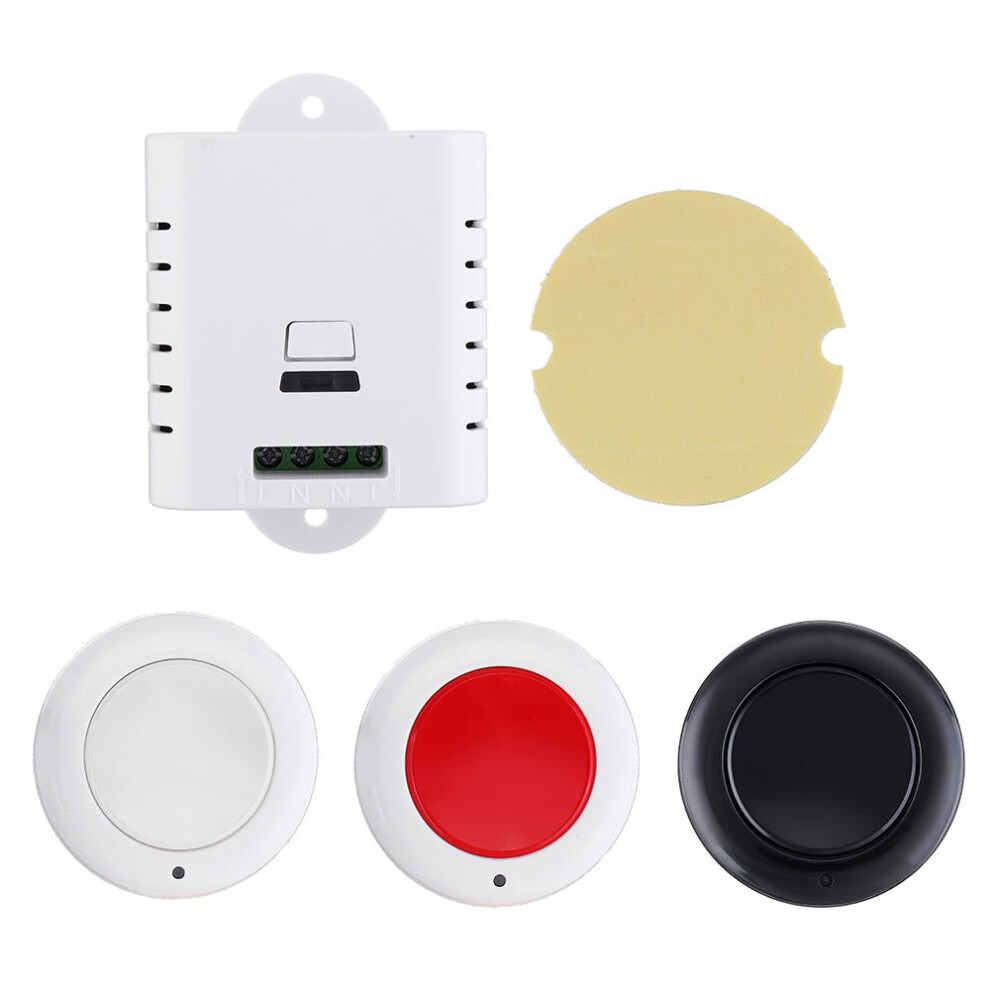
Package
includes:
1
x
Remote
control
switch
1
xTransmitter
(color
optional)
Details
| OPC | PGKD6D7 |
|---|---|
| Brand | GreenZech |
| Codes | 8727971211793 (EAN) |
| Seller | Ratings | Warranty | Returns | Price | Delivery | Total | Quantity |
|---|---|---|---|---|---|---|---|
|
Dispatched from:

|
(70 reviews) | 100 months |
30 Days
Free Returns No
|
£32.40
|
+Free Delivery
Est. Delivery:
13th-17th Oct
|
£32.40
|
Earn as you shop with instant Cashback on everything.
No catch, no cost
Become a Cashback VIP
Just 1 purchase unlocks bigger deals & rates
You'll only get instant Cashback at OnBuy! Enter your email below and we'll send you a copy of your basket to save you time later.
By entering your email address, you'll automatically be added to our database, where you can enjoy personalised Cashback offers and early access to our best deals. You can opt out of our emails at any time and we'll never share your details with anyone. Check our Privacy Policy and T&Cs to find out more.
Want access to personalised offers and the highest Cashback rates? Sign up to our emails below.
You can opt out of our emails at any time and we'll never share your details with anyone. Check our Privacy Policy and T&Cs to find out more.
This page has expired.
Refresh and continue