






















Product Images


In stock
Smart shoppers OnBuy it!
Interest-free payment options available


See full product description & details
Delivery: Standard (Free) | Mon 2nd - Wed 4th Nov
Sold by: GreenZech
Returns: 30 days
180-day payment protection


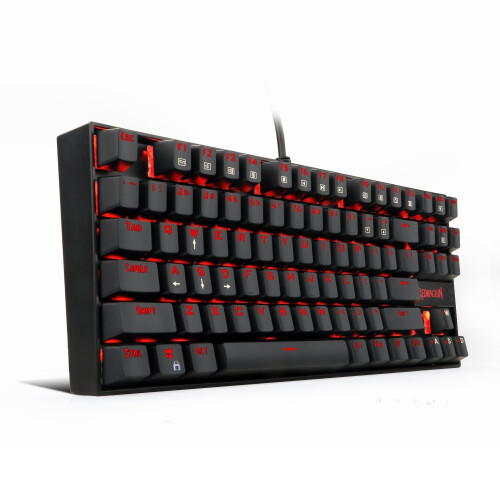


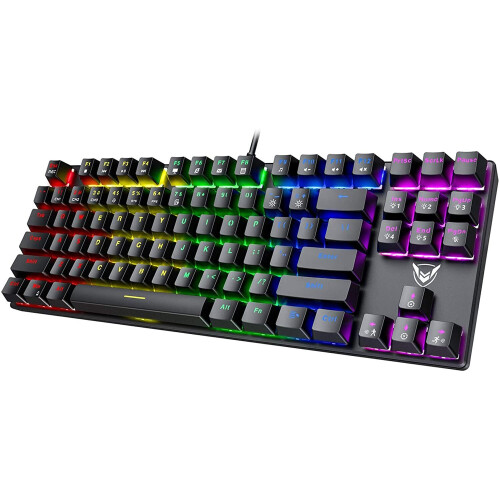


Features:
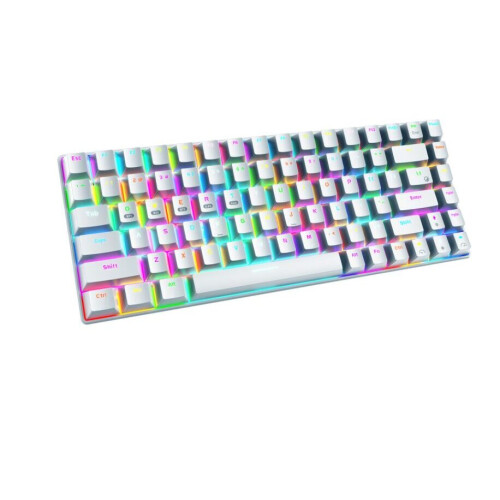
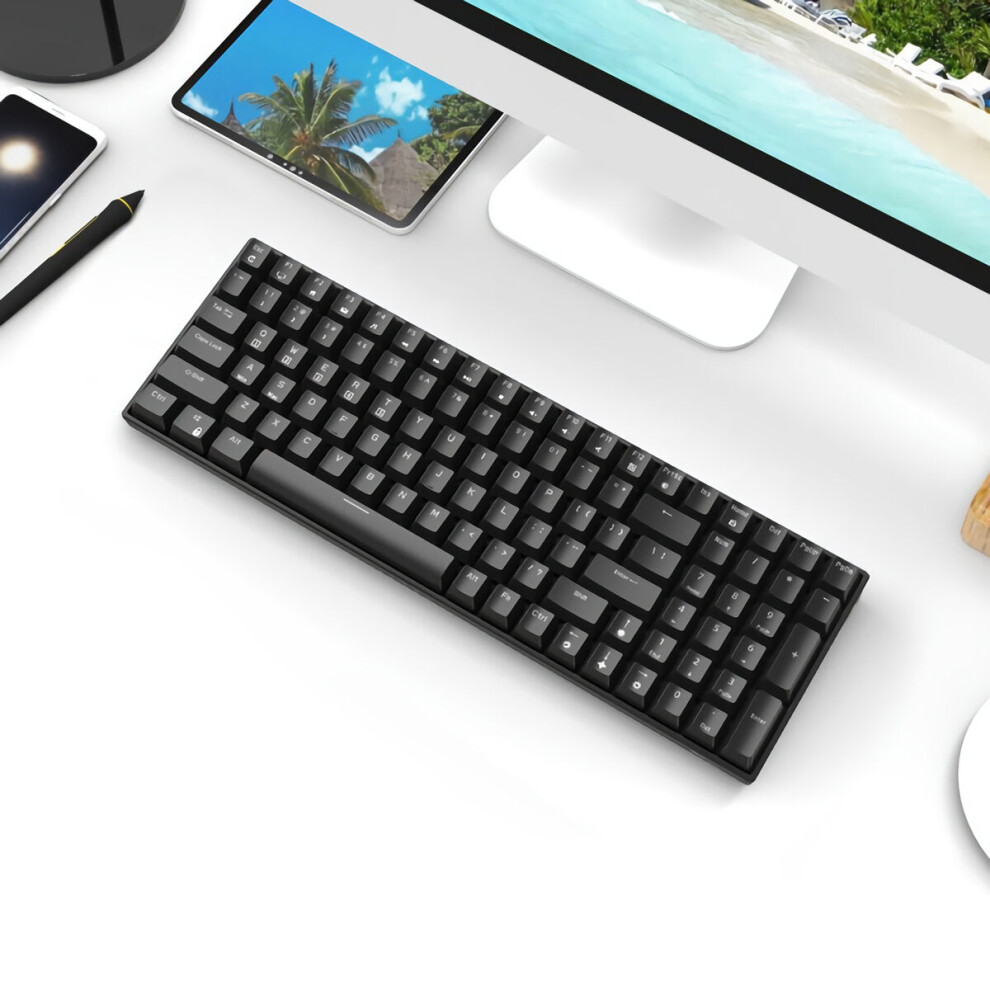
Keyboard
backlight:
white
backlight,
non-RGB
backlight.
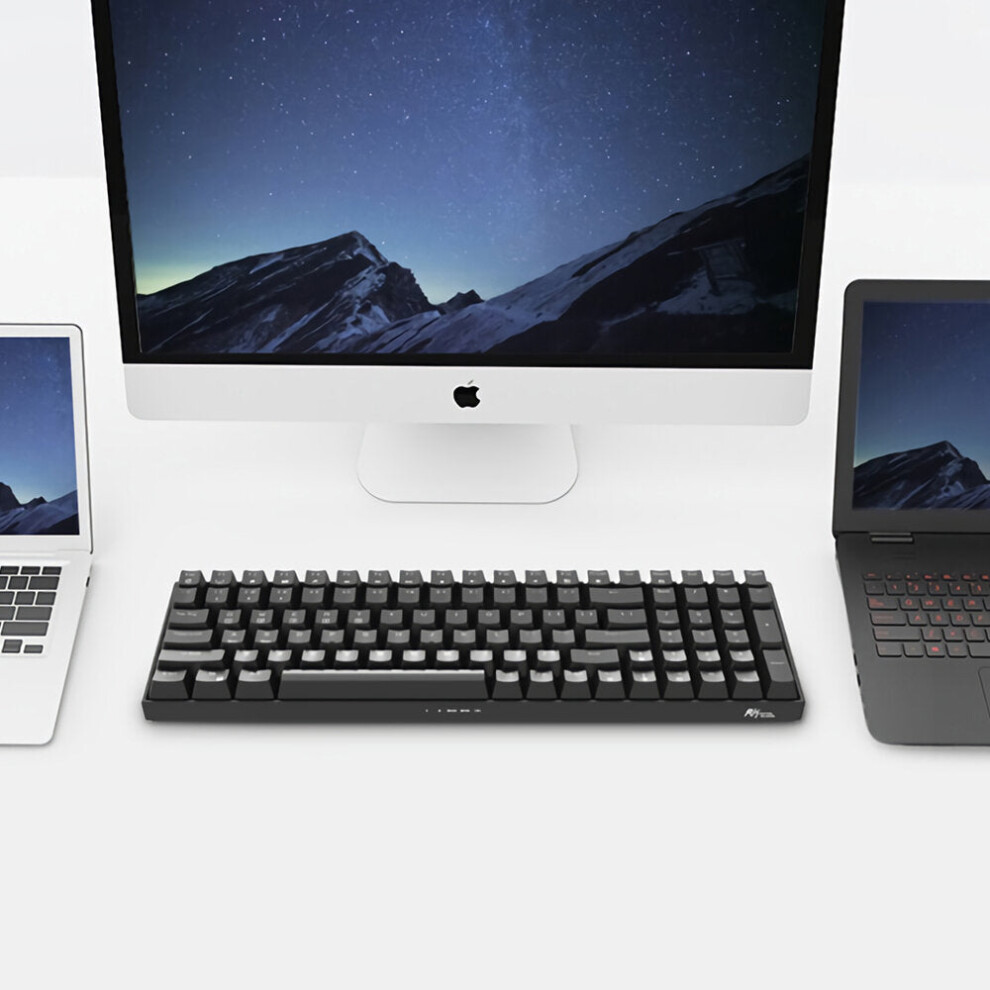
Three-mode
(Bluetooth/2.4G/wired)
switching/pairing
method:
Wired
mode:
Turn
switch
1
to
OFF,
connect
the
USB
to
the
device,
and
you
can
use
the
wired
mode.
2.4G
mode:
There
are
two
switches
on
the
back
of
the
keyboard,
switch
1
is
set
to
ON
state,
and
switch
2
is
set
to
G
state.
2.4G
pairing
method:
Switch
1
to
the
ON
state,
and
switch
2
to
the
G
state.
Long
press
FN+P
to
pair
the
code,
the
P
key
flashes
to
insert
the
receiver,
the
P
key
stops
flashing,
the
code
pairing
is
successful.
(Reminder:
The
receiver
has
been
paired
before
leaving
the
factory,
so
you
dont
need
to
pair
2.4G
again;
this
method
is
only
used
when
2.4G
cant
be
connected.
Its
the
first
time
you
set
it
up,
you
dont
need
to
set
it
every
time).
BT
mode:
two
switches
on
the
back
of
the
keyboard,
switch
1
is
turned
to
ON
state,
and
switch
2
is
turned
to
B
state.
BT
pairing
method:
1.
Switch
1
to
the
ON
state,
switch
2
to
the
B
state.
2.
FN+Q/W/E.
Long
press
any
group
of
pairing
code,
such
as
Fn+Q,
at
this
time
the
Bluetooth
indicator
light
keeps
flashing
red,
indicating
that
it
has
entered
the
pairing
state,
such
as
Fn+W,
at
this
time
the
Bluetooth
indicator
light
continues
to
blue
Blinking,
indicating
that
it
has
entered
the
pairing
state,
such
as
Fn+E.
At
this
time,
the
Bluetooth
indicator
light
continues
to
flash
green,
indicating
that
it
has
entered
the
pairing
state.
3.
Turn
on
the
computer/mobile
Bluetooth,
search
and
connect
the
device,
search
for
the
displayed
name:
BT3.0Keyboard
(connect
to
the
PC
terminal
Windows
7
or
lower
system),
BT5.0Keyboard_Por
(connect
to
the
Windows
8
or
higher
system
version,
mobile
device,
etc.).
4.
Complete
the
connection
And
so
on:
Repeat
the
above
steps,
Q/W/E
can
store
3
sets
of
Bluetooth
devices,
short
press
Fn+Q/W/E
when
using
switching,
you
can
switch
between
different
Bluetooth
devices
(Reminder:
Before
using
the
switch
,
Please
match
3
sets
of
Bluetooth
first).
Specification:
Name:
Mechanical
Gaming
Keyboard.
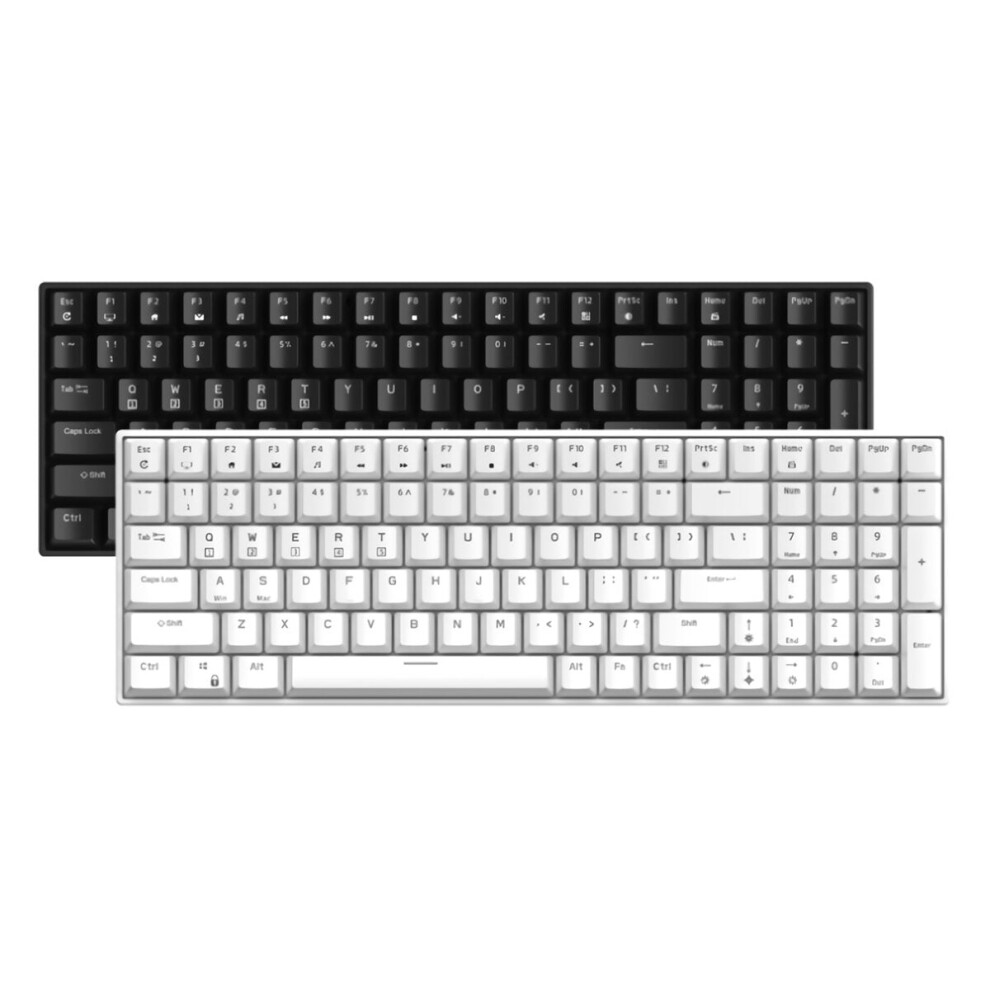
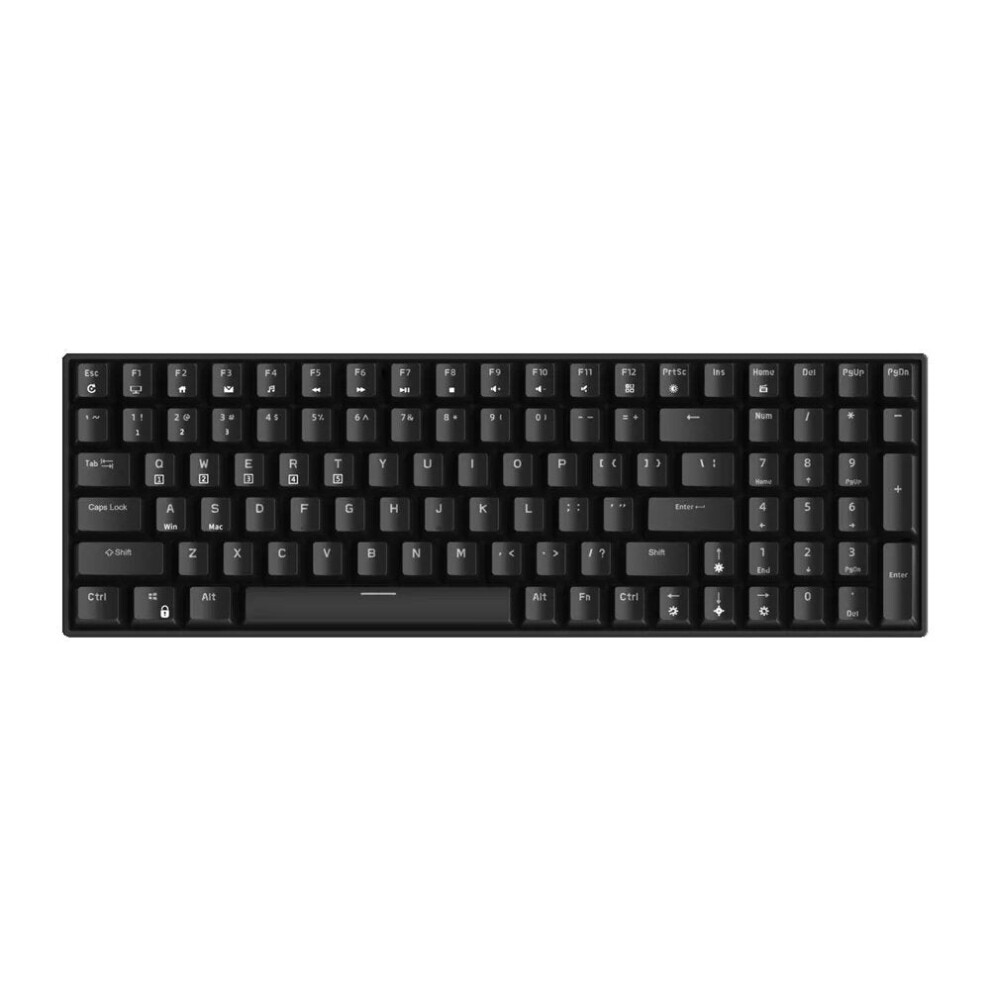
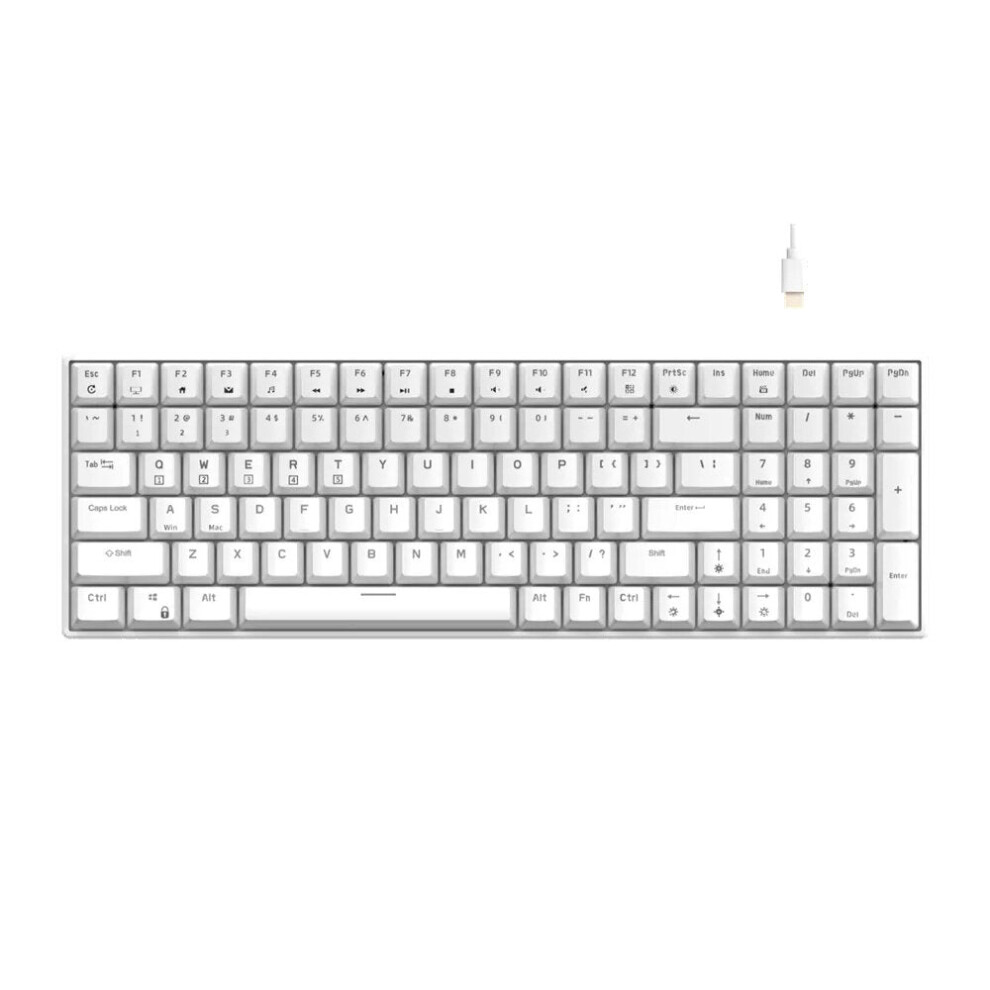
Color:
black
/
white.
Material:
ABS.
Connection:
Bluetooth3.0
+
Bluetooth5.0
+
2.4GHz.
Switch:
Brown
Switch,
Red
Switch,
Blue
Switch.
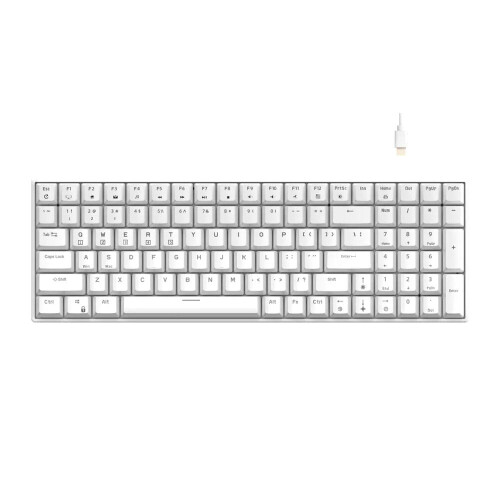
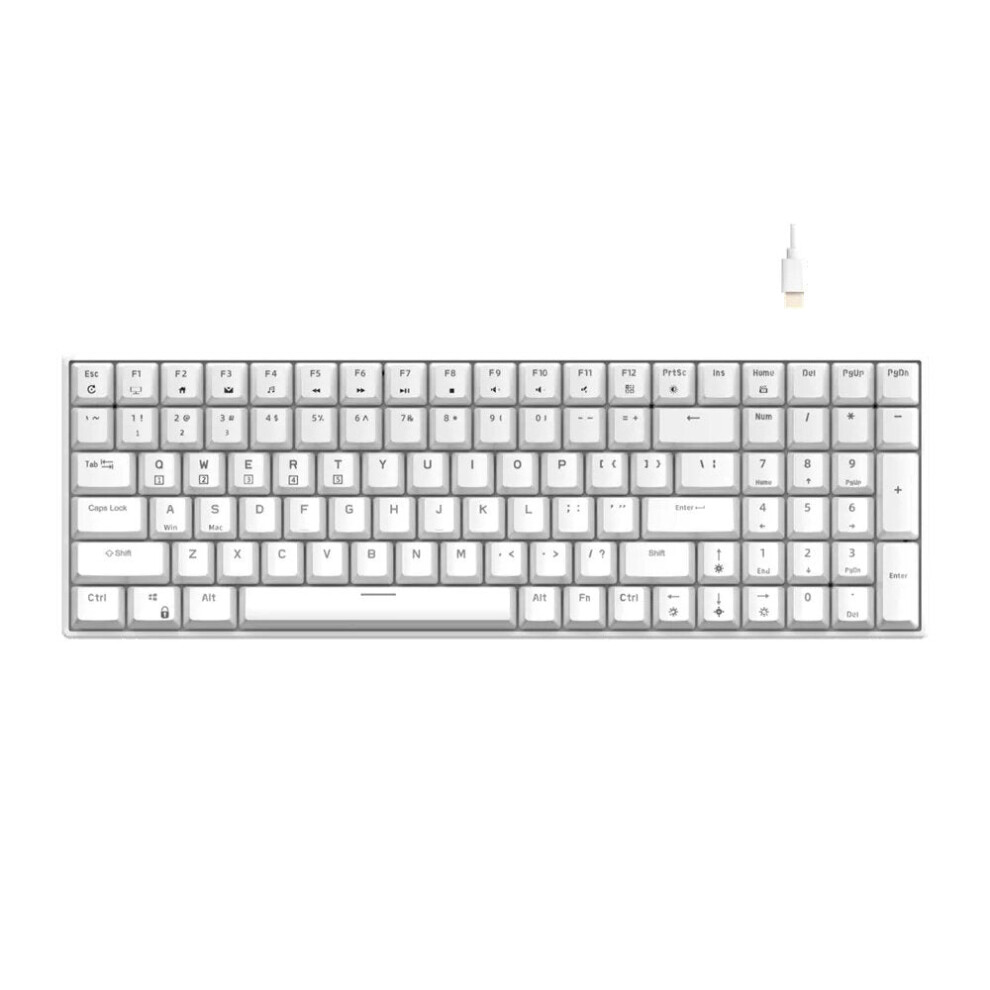
Keys
Number:
100
Keys.
Backlight:
White
Backlight.
Cable
length:
1.5m.
Battery:
Built-in
3750mAh
rechargeable
li-ion
battery.
Supported
system:
for
Mac
OS
/
IOS
/
Windows
7
/
8
/
10.
Package
Includes:
1
x
Mechanical
Keyboard.
1
x
Charging
Cable.
1
x
User
Manual
Features
Details
| OPC | PFZRBVS |
|---|---|
| Brand | GreenZech |
| Codes | 6112212786888 (EAN) |
| Links | Bluetooth Keyboards |
| Mechanical Keyboards | |
| Gaming Keyboards |
| Seller | Ratings | Warranty | Returns | Price | Delivery | Total | Quantity |
|---|---|---|---|---|---|---|---|
|
Dispatched from:

|
(82 reviews) | 100 months |
30 Days
Free Returns No
|
£223.44
|
+Free Delivery
Est. Delivery:
2nd-4th Nov
|
£223.44
|
Earn as you shop with instant Cashback on everything.
No catch, no cost
Become a Cashback VIP
Just 1 purchase unlocks bigger deals & rates
You'll only get instant Cashback at OnBuy! Enter your email below and we'll send you a copy of your basket to save you time later.
By entering your email address, you'll automatically be added to our database, where you can enjoy personalised Cashback offers and early access to our best deals. You can opt out of our emails at any time and we'll never share your details with anyone. Check our Privacy Policy and T&Cs to find out more.
Want access to personalised offers and the highest Cashback rates? Sign up to our emails below.
You can opt out of our emails at any time and we'll never share your details with anyone. Check our Privacy Policy and T&Cs to find out more.
This page has expired.
Refresh and continue