





















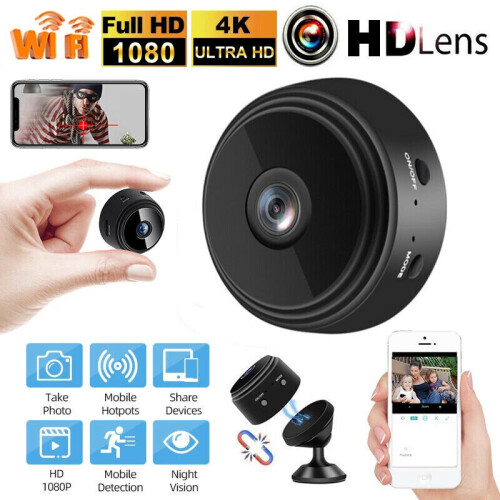
Product Images

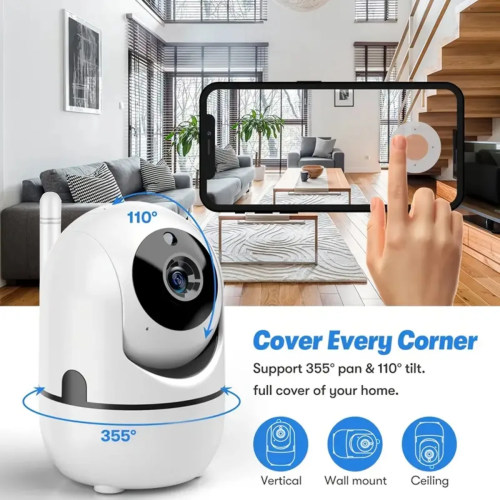
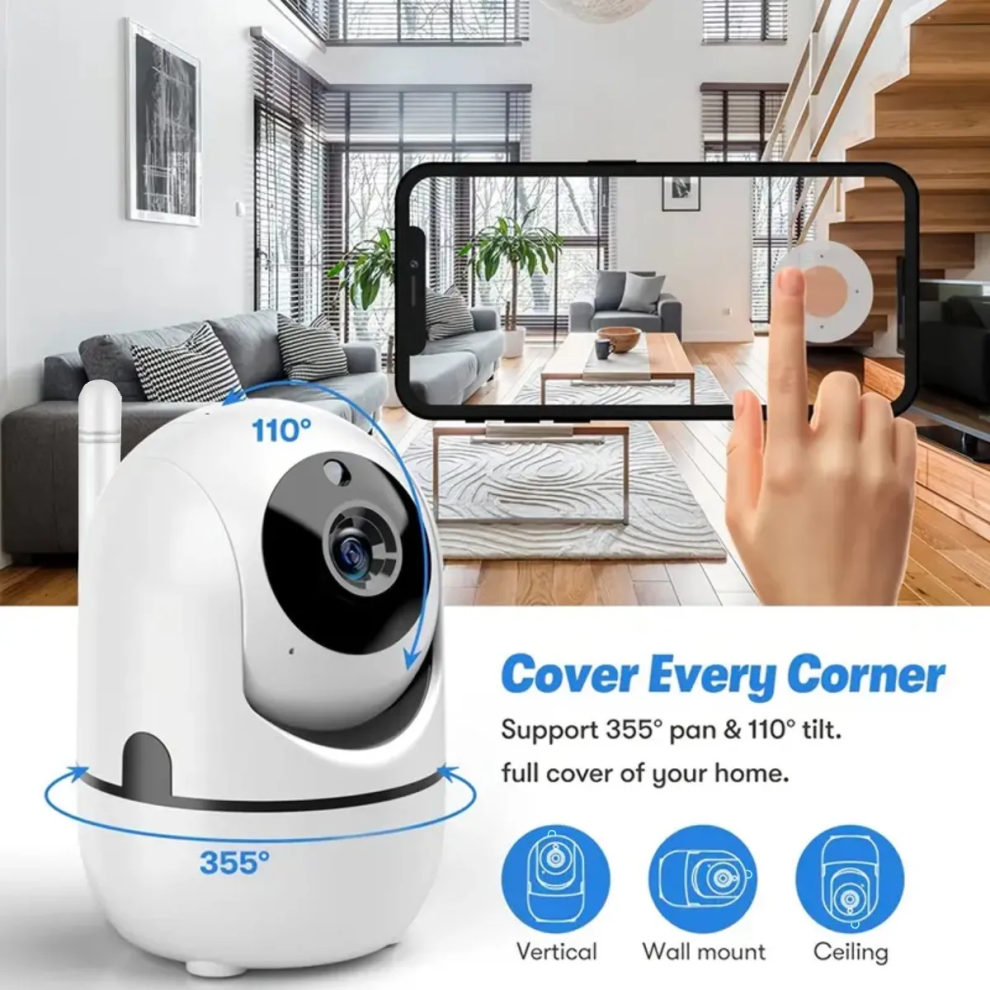
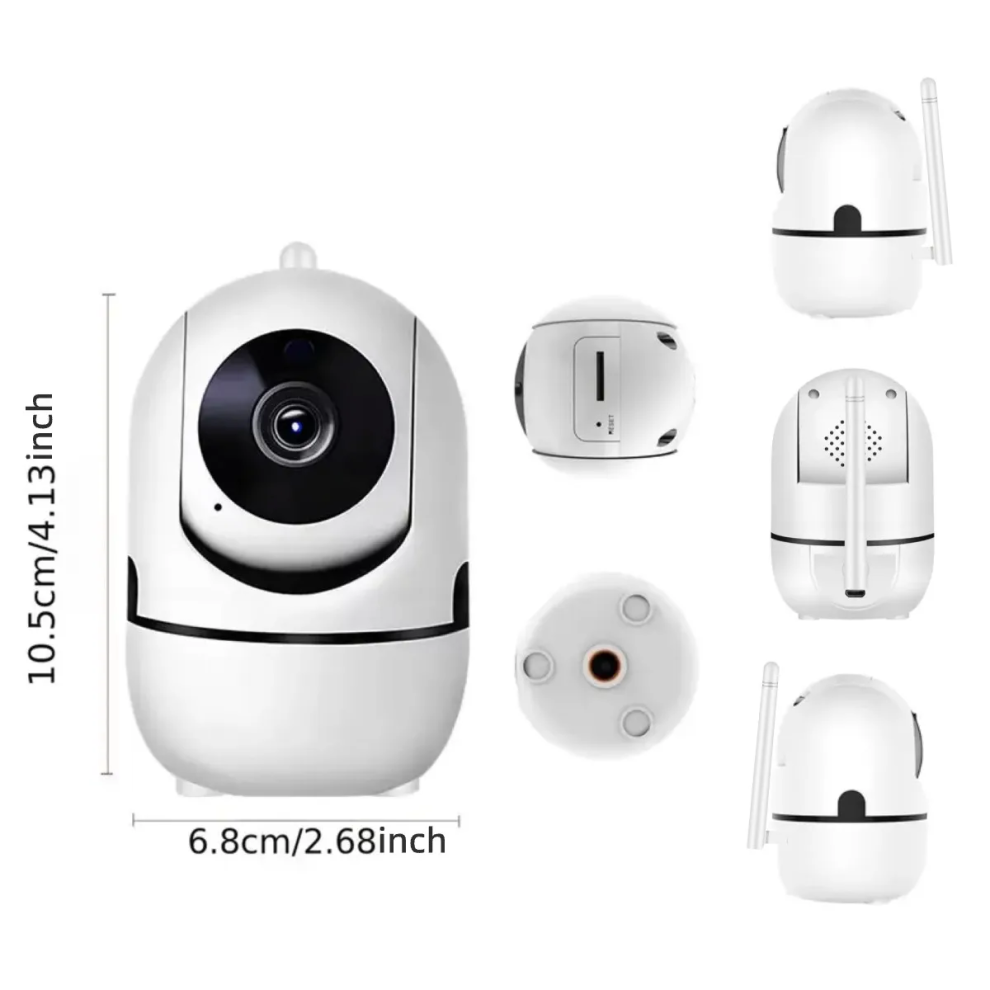


In stock
Smart shoppers OnBuy it!
Interest-free payment options available


See full product description & details
Delivery: Standard (Free) | Thu 29th - Sat 31st Oct
Sold by: Matic Network
Returns: 30 days
180-day payment protection
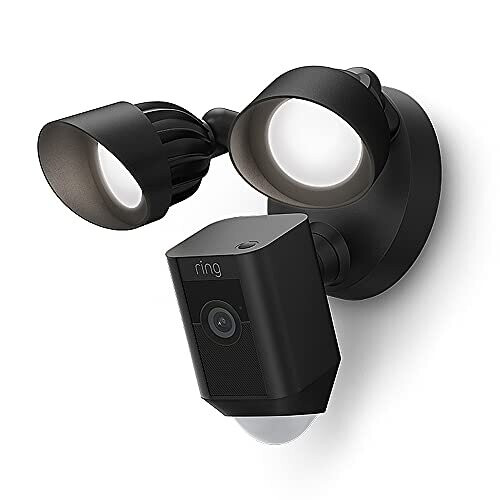
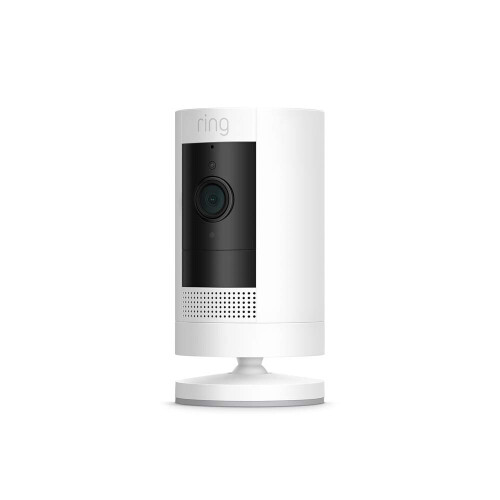
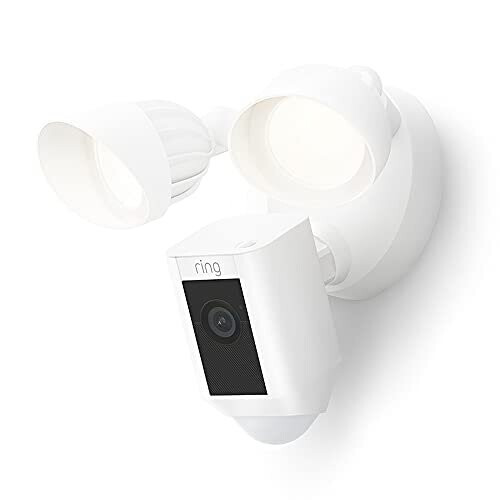





Summary
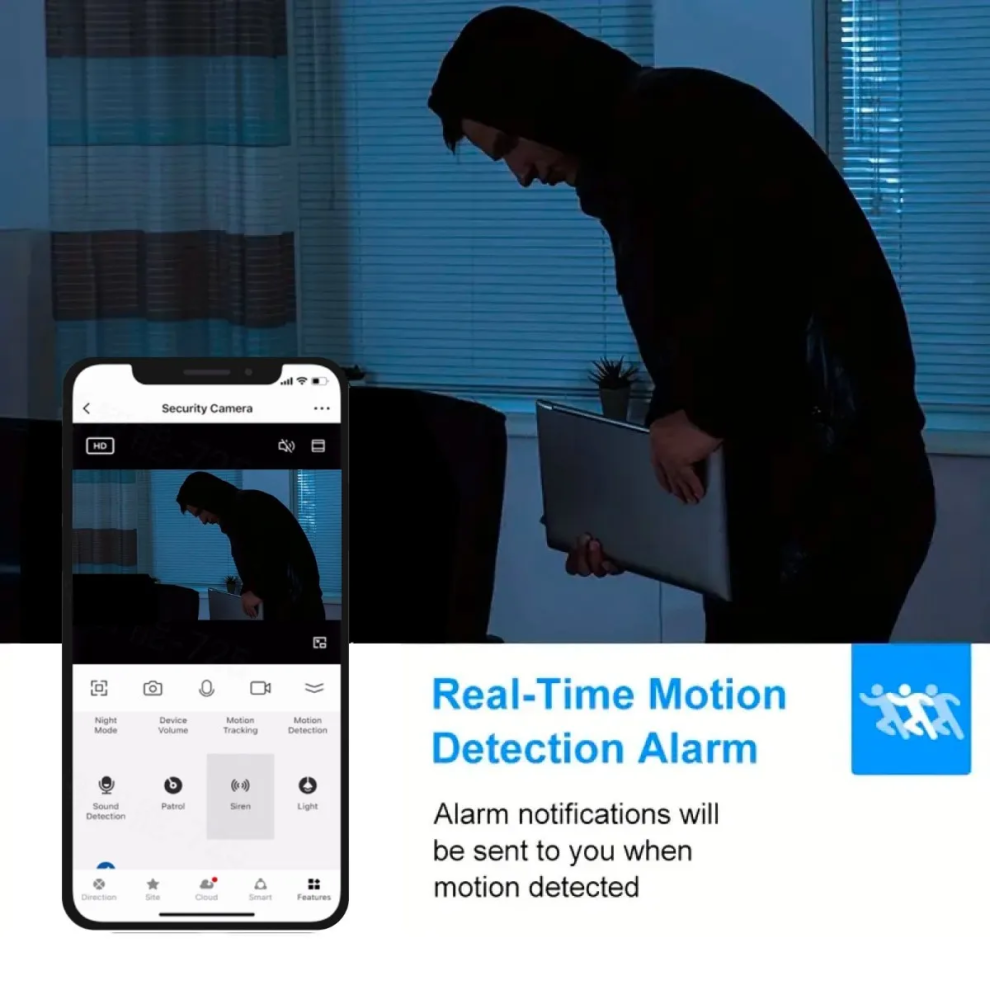
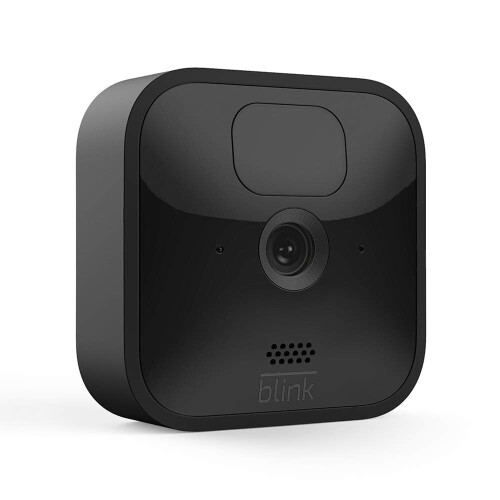
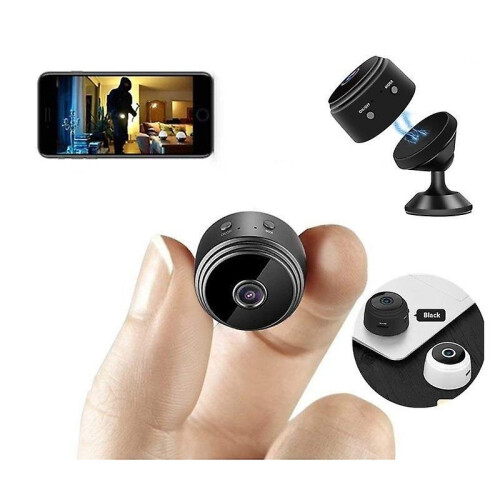
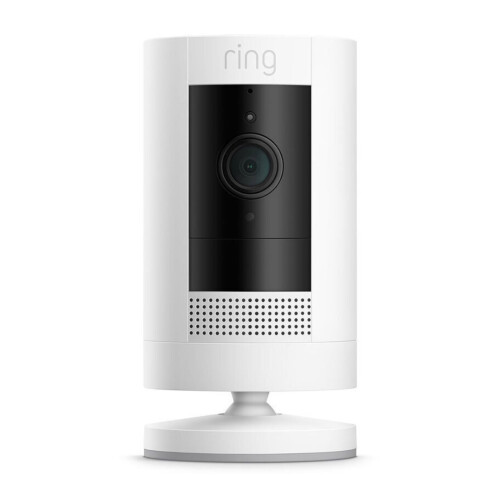
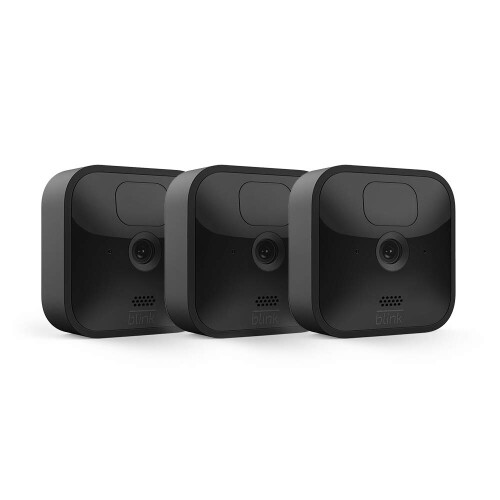
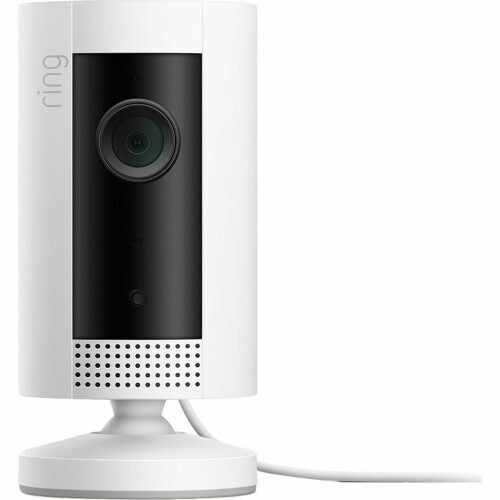
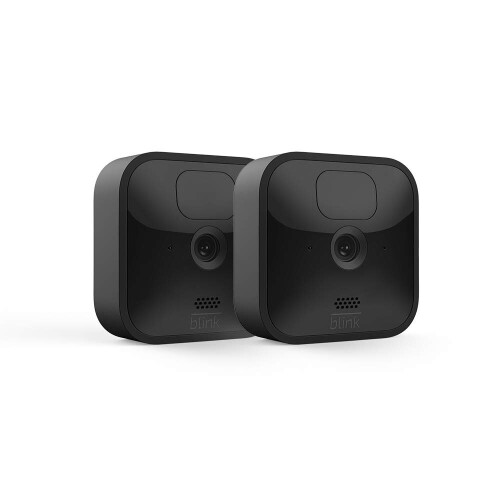
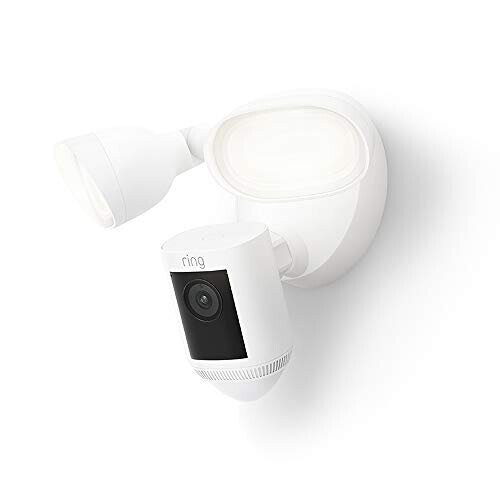
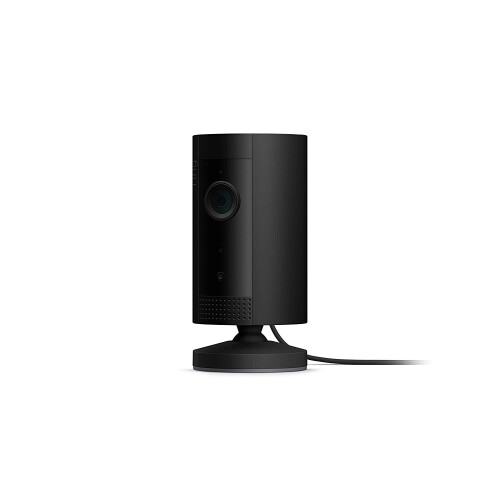
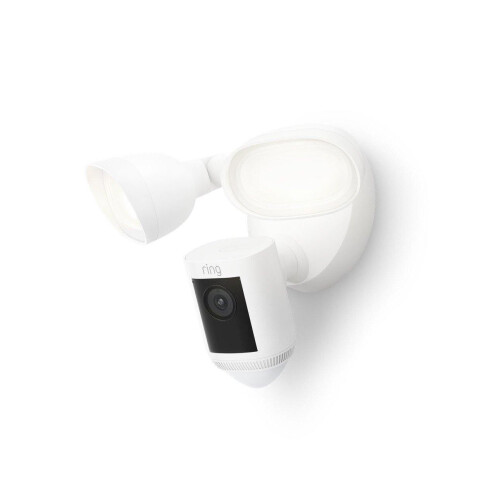
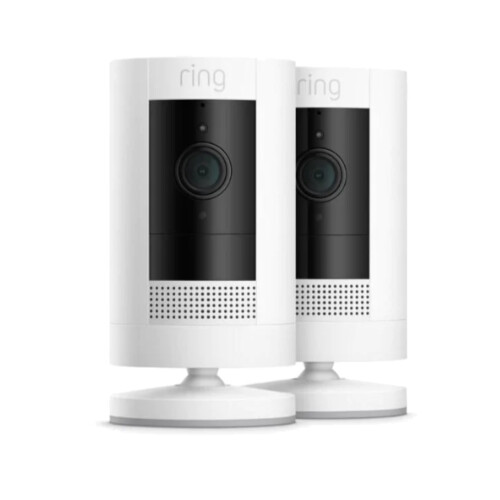
Home security cameras, indoor security cameras with night vision, 2.4 G Wi-Fi, Two-Way Talk, Motion Alert, Multiple Storage Options, AI intelligent human body tracking motion detection, alarm push, video monitoring.Ideal For Baby Monitor/ Pet Camera FCC CE ROHS(Without TF/SD Card)Note: The "Tinosec" APP HD camera product does Not support the "Smart Life" APP.
Download the Tinosec app
Search for "Tinosec" APP in the app store or use a browser to scan the QR code on the user manual to download
Step 1: add a camera by clicking the "+" button in the top right corner or the "Add Device" button in the middle .
Step 2: select "WiFi connection"(connect through WIFI, 2.4G wifi Qr code connection)
Note: Please follow the "User Manual" to select the appropriate network distribution method
Step 3: Check "I heard the prompt tone" (Note: If you don't hear the beep, press and hold "RESET" on the device. Hold for more than 5 seconds until you hear the beep.)
Step 4: Please enter the password of the current WiFi connection (note that the device name does not support special characters).
Step 5: The QR code appearing on the mobile phone is scanned against the camera, and the device sends out "QR code scanning successfully" or "WiFi connection successfully". Check "the prompt tone has been heard", click the next step and wait for the completion of the distribution network.
Step 6: Wait for the voice prompt to start using the device.
"Alarm" operation method:
1. "Manual alarm" setting: Open "Motion Detection" to detect object movement. The APP will synchronize and push "message prompts" to the mobile phone interface. When the moving object is still in the picture, you can manually turn on the "Siren" button, and the camera will sound an alarm.
Note: Push message frequency: Trigger once every 1 minute, message push only when the APP is not opened.
2. "Automatic alarm" setting: First, open the "Motion Detection" button in the "Function Menu" of the APP, and then enable the "Siren" button. When an object is detected to move, the camera will automatically sound an alarm.ton in the "Function Menu" of the APP, and then enable the "Siren" button. When an object is detected to move, the camera will automatically sound an alarm.
0.272
Details
| OPC | PG8WNR7 |
|---|---|
| Brand | Matic Network |
| Codes | 0000042192329 (EAN) |
| Links | Indoor Security Cameras |
| Home Security Cameras | |
| Wi-Fi Security Cameras |
Detailed Product Information
| Colour | White |
|---|---|
| Colour | White |
| Colour | White |
| Seller | Ratings | Warranty | Returns | Price | Delivery | Total | Quantity |
|---|---|---|---|---|---|---|---|
| (268 reviews) | - |
30 Days
Free Returns No
|
£30.00
|
+Free Delivery
Est. Delivery:
29th-31st Oct
|
£30.00
|
Earn as you shop with instant Cashback on everything.
No catch, no cost
Become a Cashback VIP
Just 1 purchase unlocks bigger deals & rates
You'll only get instant Cashback at OnBuy! Enter your email below and we'll send you a copy of your basket to save you time later.
By entering your email address, you'll automatically be added to our database, where you can enjoy personalised Cashback offers and early access to our best deals. You can opt out of our emails at any time and we'll never share your details with anyone. Check our Privacy Policy and T&Cs to find out more.
Want access to personalised offers and the highest Cashback rates? Sign up to our emails below.
You can opt out of our emails at any time and we'll never share your details with anyone. Check our Privacy Policy and T&Cs to find out more.
This page has expired.
Refresh and continue