






















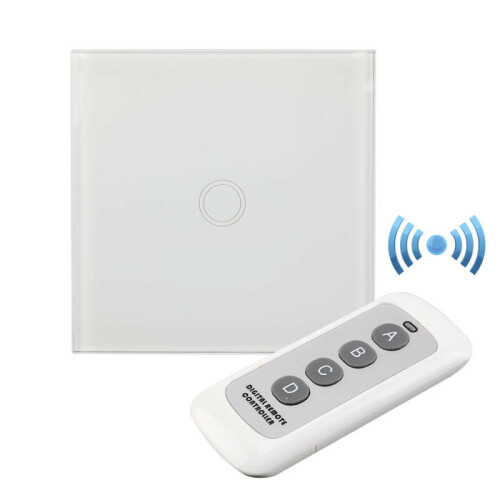
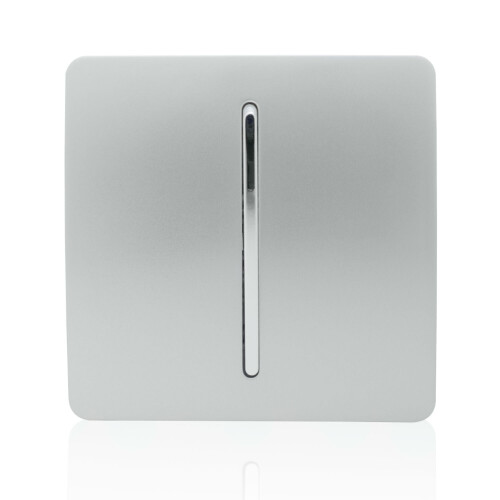


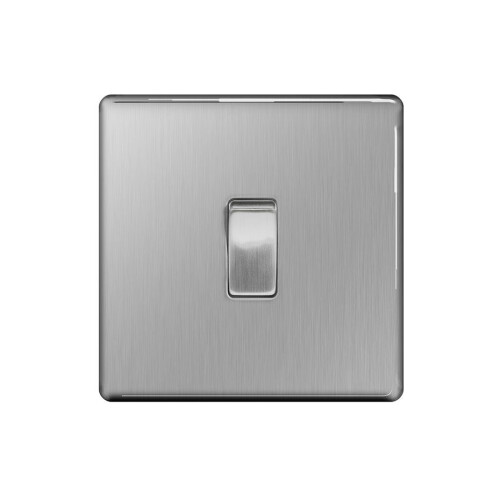

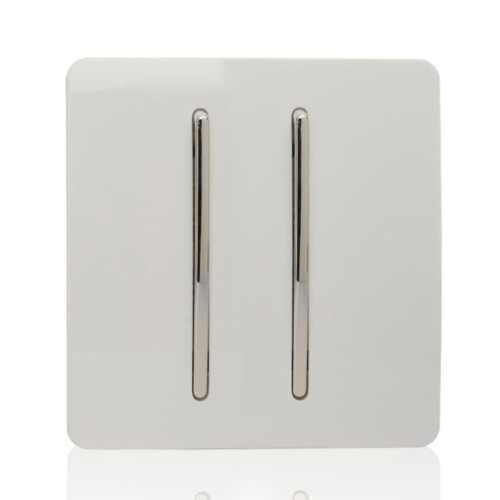







Product Images



In stock
Smart shoppers OnBuy it!
Interest-free payment options available


See full product description & details
Delivery: Standard (Free) | Wed 14th - Mon 19th Oct
Sold by: GreenZech
Returns: 30 days
180-day payment protection
Description:
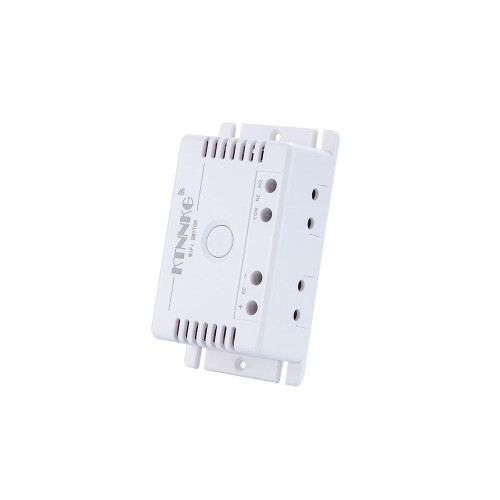
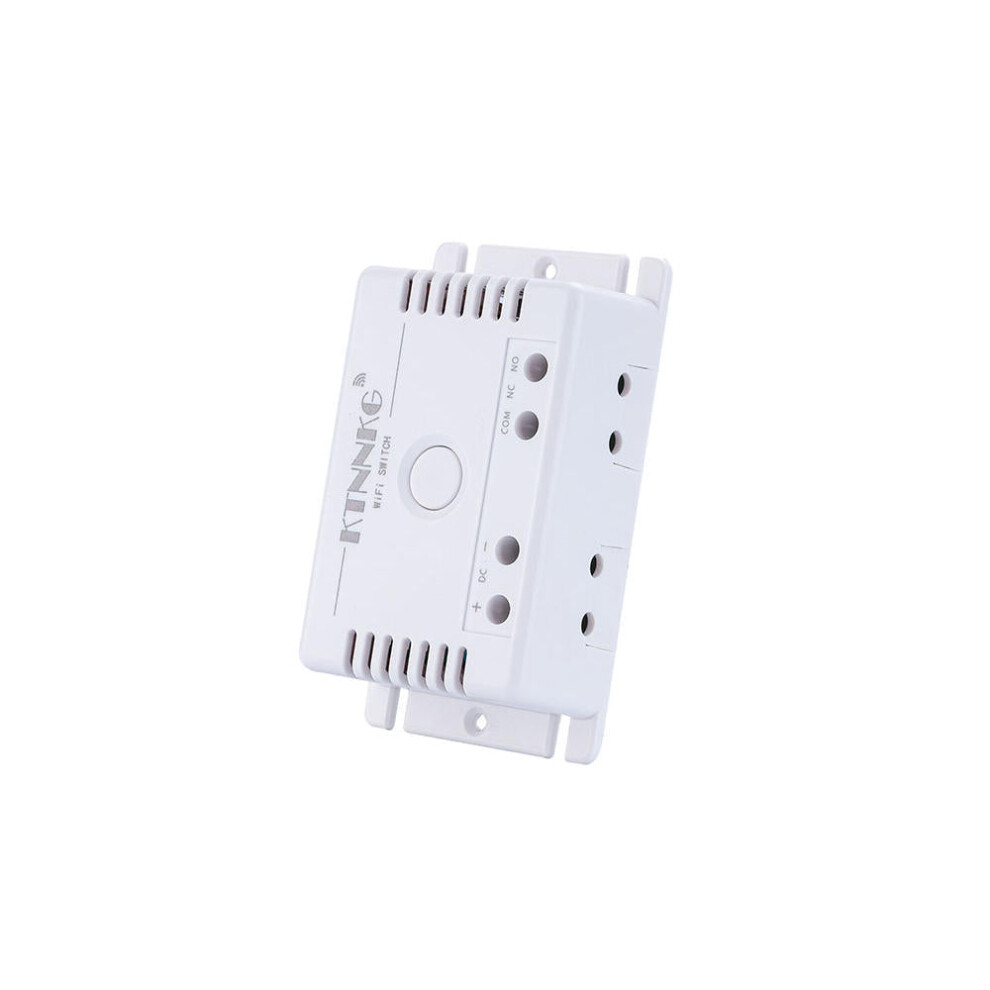
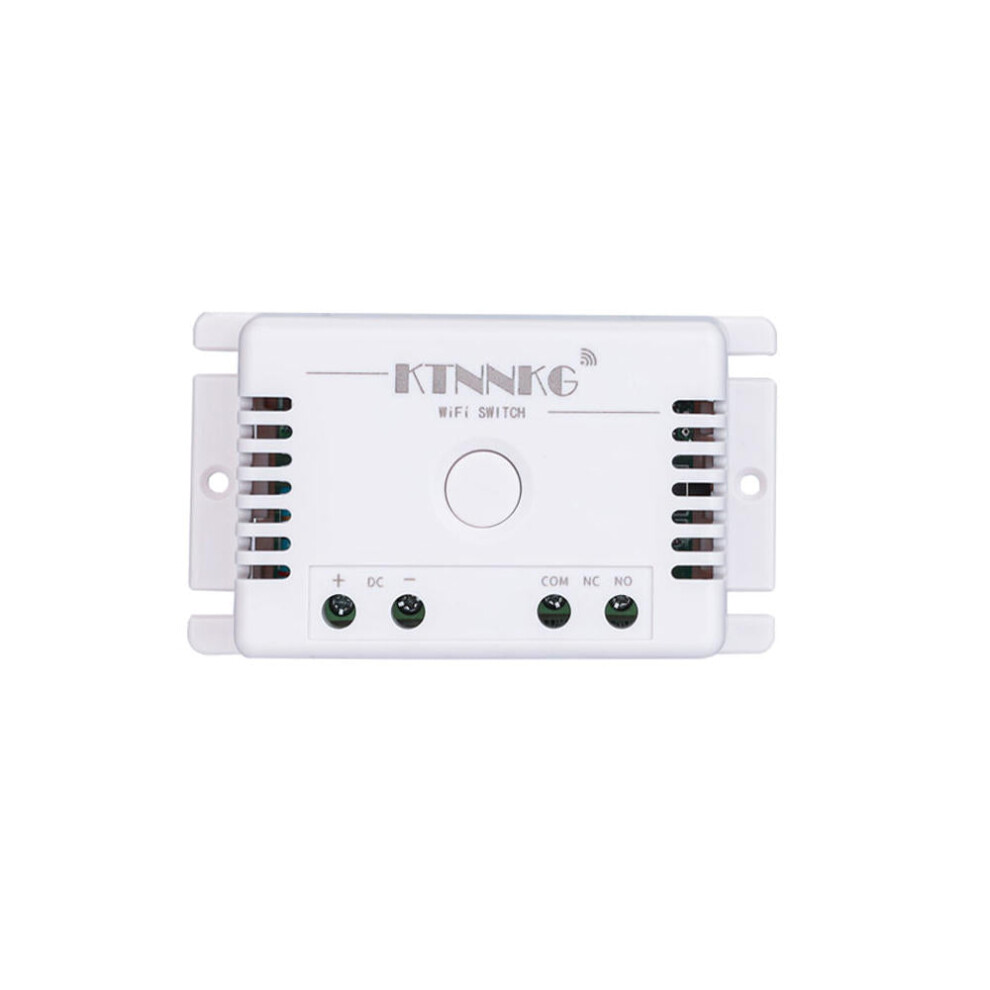
DC7-36V
Wifi
Smart
Light
Switch
Automation
Module
Smart
Life
/
Tuya
APP
Remote
Control
Work
with
Alexa
Google
Home.
How
to
pair
app
mode:
Turn
on
the
power
and
the
power
button
will
light
red;
Press
and
hold
the
"WiFi"
button
for
10
seconds,
the
blue
indicator
of
the
WiFi
indicator
starts
blinking,
which
means
waiting
for
pairing.
Open
the
TUYA
app
and
look
for
the
device.
When
pairing
for
the
first
time,
place
the
phone,
switch,
and
router
as
close
as
possible,
and
the
pairing
success
will
be
displayed
in
about
15s.
At
this
time,
the
blue
light
is
always
on.
At
this
time,
you
can
rename
the
device,
enter
the
app
page,
and
set
the
scene
and
location;
This
switch
is
off
by
default.
If
you
want
to
change
it,
you
can
enter
the
"Restart
Status
Setting"
of
the
app.
You
can
choose
"Power
Off",
"Power
On"
or
"Power
Off
Memory";
How
to
pair
remote
mode:
Turn
on
the
power,
the
power
button
lights
up
red.
Press
the
"Remote"
key
twice,
the
red
indicator
light
is
on,
then
press
the
remote
control
button,
the
red
light
flashes
3
times
quickly
and
then
goes
out,
release
your
finger,
the
self-lock
mode
is
set
successfully;
Press
the
"Remote"
key
8
times,
the
indicator
light
flashes
red
then
goes
out,
and
the
code
is
cleared
successfully;
Setting
Toggle
Mode:
Press
pairing
button
2
times
fast,
red
LED
light
on,
press
the
remote
control
button,
red
LED
flash
fast,
then
off.(Press
remote
control
button,
the
receiver's
relay
is
ON,
press
again,
the
receiver's
relay
is
OFF,
notice:
This
relay
module
do
not
support
momentary
mode
and
latched
mode).
Specifications:
Type:
WIFI
switch;
Working
voltage:
DC7-36V
universal;
Working
frequency:
433MHz;
Total
load
power:
10A;
Working
temperature:
-25-75
();
Scope
of
application:
smart
home,
remote
control
switch;
Package
included:
1
x
DC7-36V
Wifi
Smart
Light
Switch
Automation
Module
Details
| OPC | PFK9QJW |
|---|---|
| Brand | GreenZech |
| Codes | 6112212071847 (EAN) |
| Seller | Ratings | Warranty | Returns | Price | Delivery | Total | Quantity |
|---|---|---|---|---|---|---|---|
|
Dispatched from:

|
(81 reviews) | 100 months |
30 Days
Free Returns No
|
£29.28
|
+Free Delivery
Est. Delivery:
14th-19th Oct
|
£29.28
|
Earn as you shop with instant Cashback on everything.
No catch, no cost
Become a Cashback VIP
Just 1 purchase unlocks bigger deals & rates
You'll only get instant Cashback at OnBuy! Enter your email below and we'll send you a copy of your basket to save you time later.
By entering your email address, you'll automatically be added to our database, where you can enjoy personalised Cashback offers and early access to our best deals. You can opt out of our emails at any time and we'll never share your details with anyone. Check our Privacy Policy and T&Cs to find out more.
Want access to personalised offers and the highest Cashback rates? Sign up to our emails below.
You can opt out of our emails at any time and we'll never share your details with anyone. Check our Privacy Policy and T&Cs to find out more.
This page has expired.
Refresh and continue