
































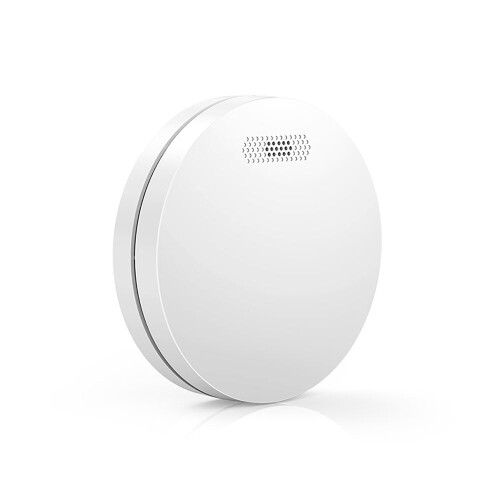
Product Images

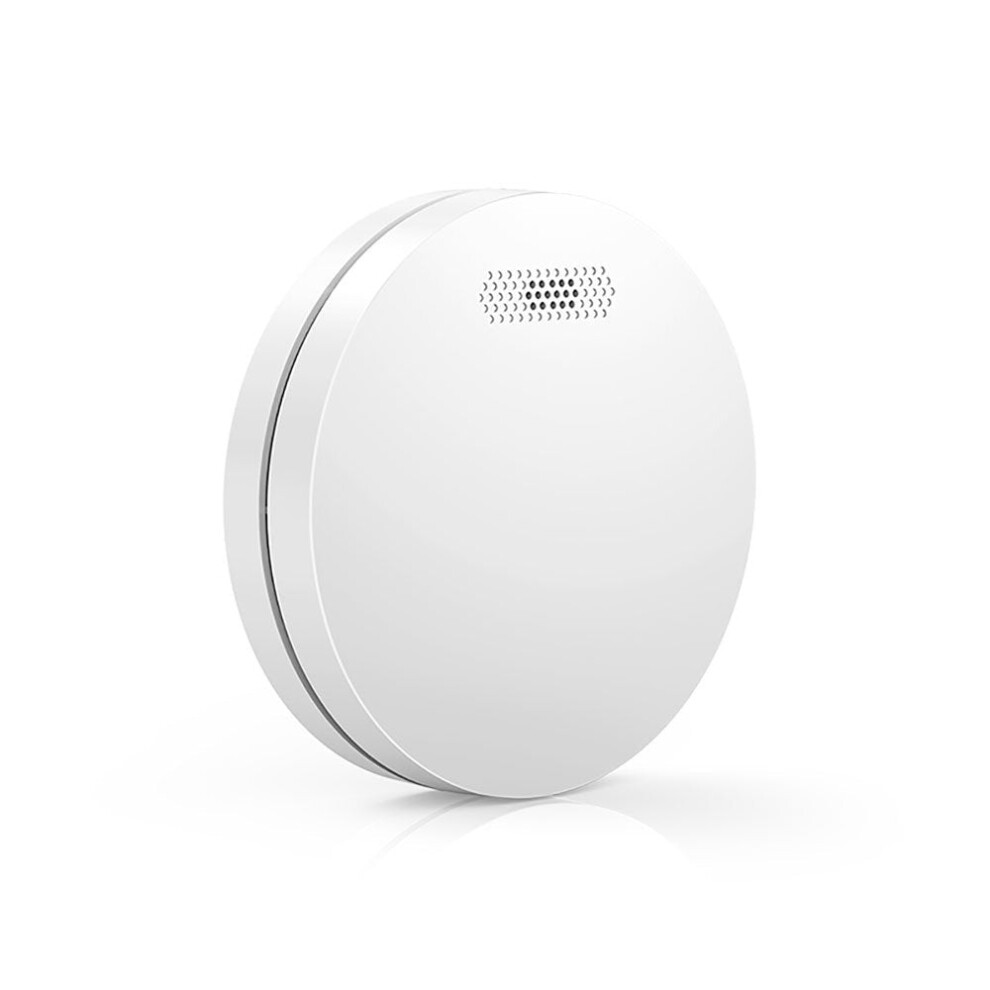
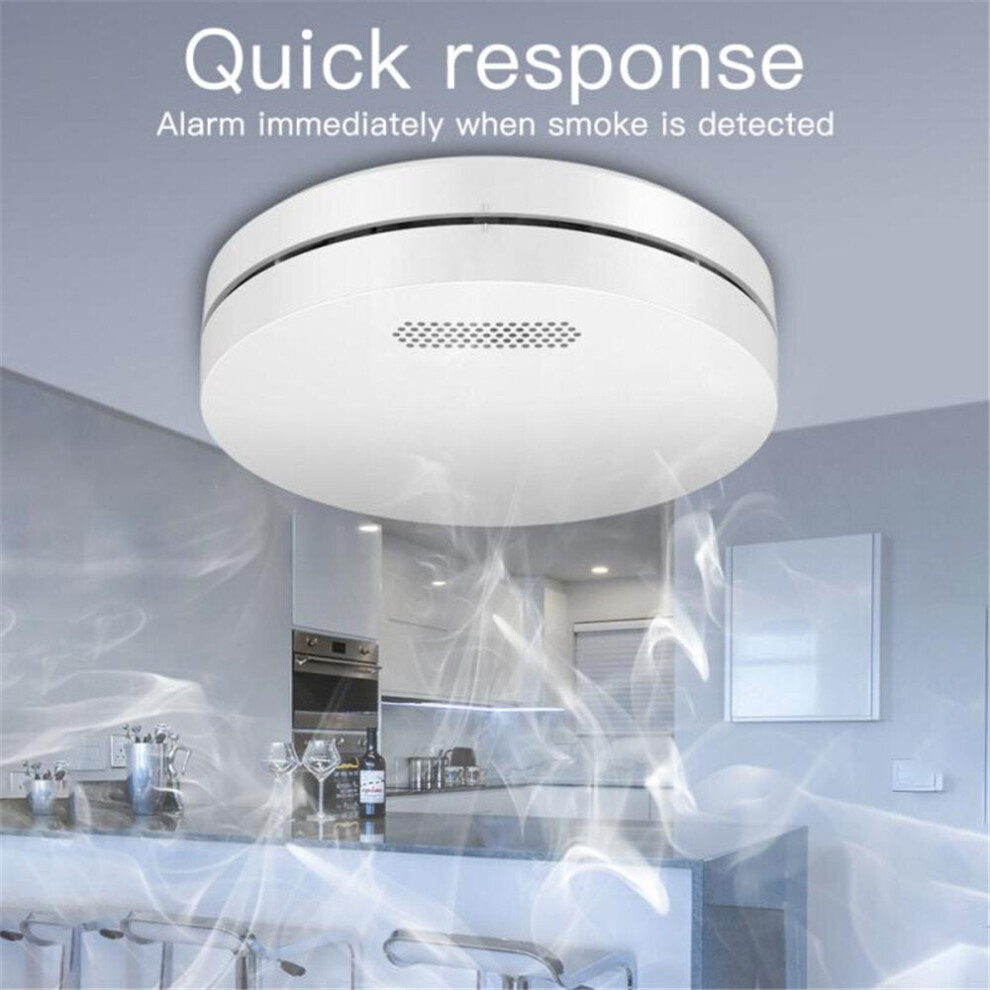

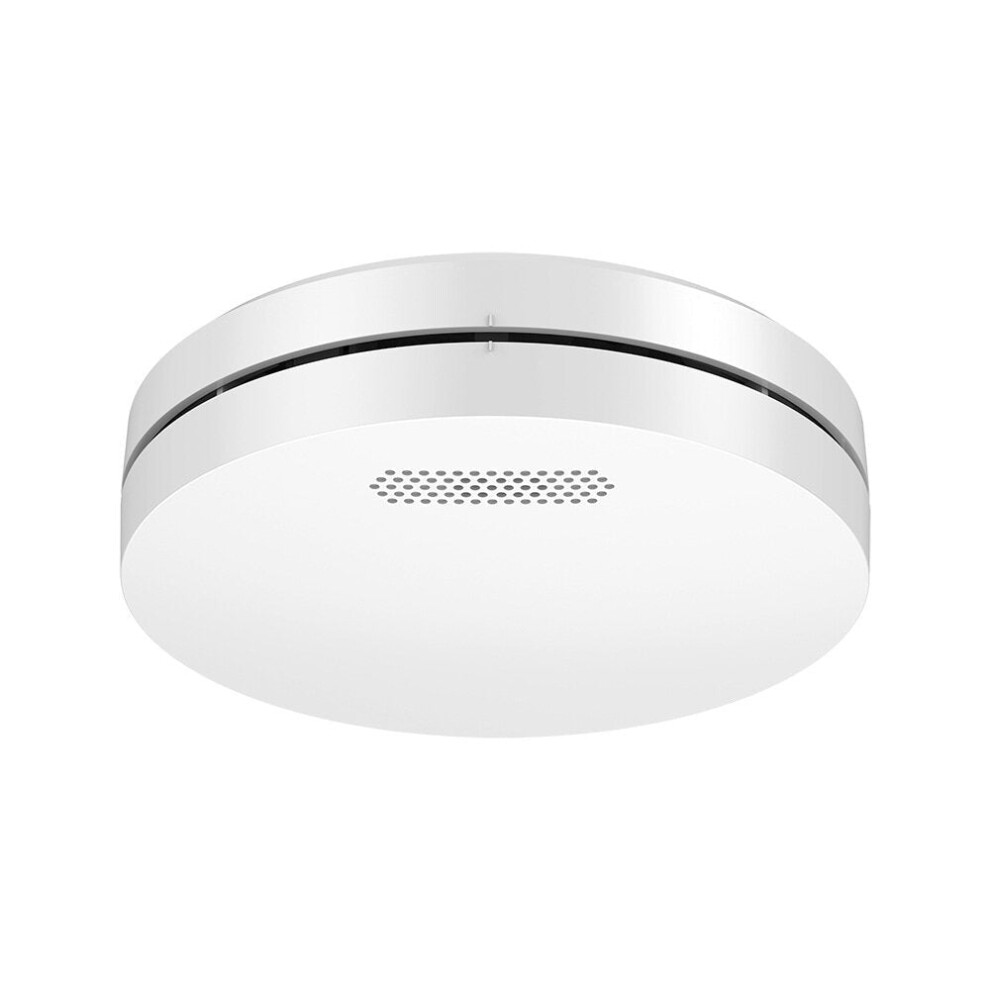
In stock
Smart shoppers OnBuy it!
Interest-free payment options available


See full product description & details
Delivery: Standard (Free) | Wed 30th Sep - Mon 5th Oct
Sold by: GreenZech
Returns: 30 days
180-day payment protection
Description:
1.This
product
does
not
have
a
battery,
you
need
to
bring
your
own
battery.
2.Silencing
and
testing:
Silence:
In
the
alarm
state,
press
the
'test'
button
to
silence
the
buzzer,
only
the
LED
indicator
flashes.
Test:
In
normal
state,
long
press
the
'test'
button
for
2s
to
trigger
the
sound
and
light
alarm,
the
alarm
message
is
sent
to
the
mobile
APP.
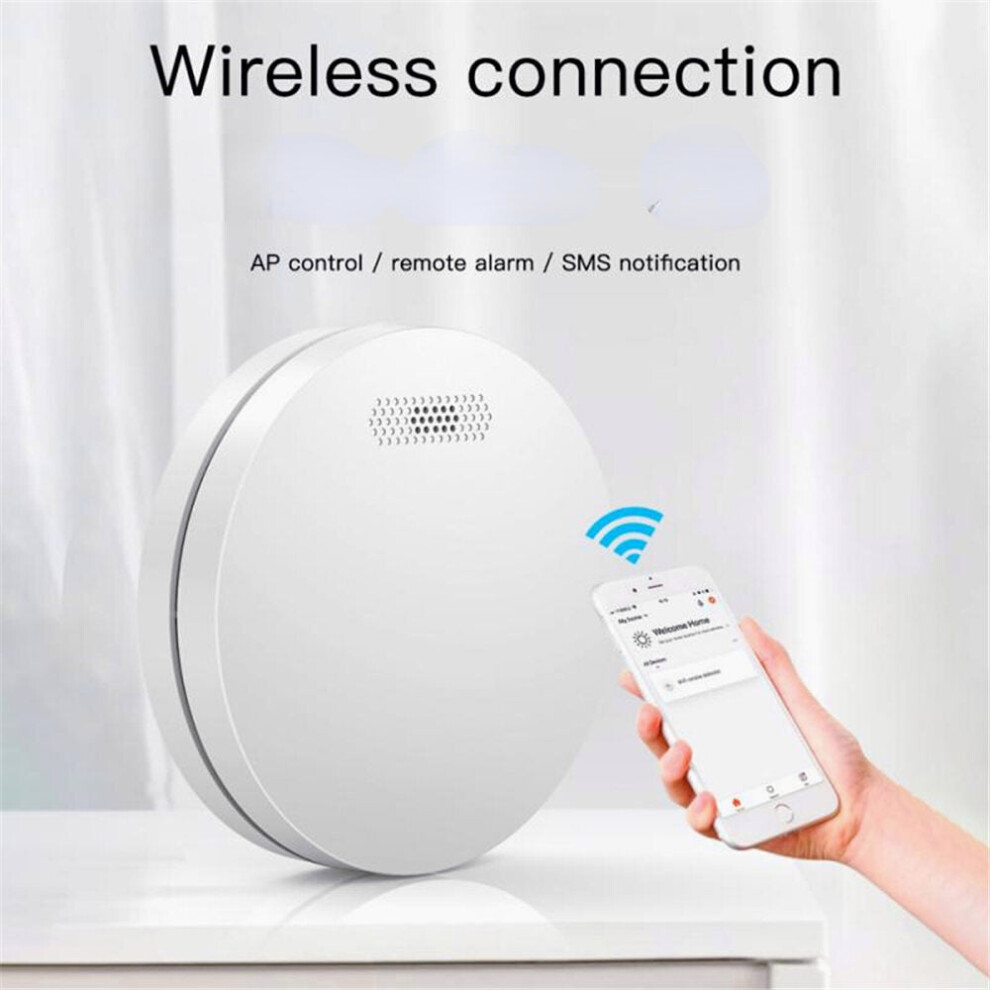
3.WiFi
and
network
configuration:
Install
the
tuya
Smart
app
on
your
smartphone
the
first
time
you
use
the
detector.
Make
sure
your
smartphone
is
connected
to
WiFi.
A)
Launch
the
app,
click
'Add
Device'
-
'Security
Sensor'
-
'Sensor
(WiFi)
'/'
Smoke
(WiFi)
'.
B)
Press
and
hold
the
'Test'
button
for
5s
until
the
LED
flashes
with
a
short
beep
of
'di'
(press
and
hold
the
button
within
20
seconds
after
charging
the
battery
to
enter
WiFi
setup
mode).
C)
Click
'OK'
in
the
APP
-
enter
the
password
for
WiFi,
click
'OK',
the
detector
enters
setup
mode
which
lasts
for
60s
max.
A
LONG
'di'
beep
with
LED
indicator
on
for
10s
means
the
WiFi
setup
is
complete.
When
the
WiFi
setup
fails,
the
detector
exits
setup
mode
with
a
short
'Di
Di'
beep.
The
WiFi
configuration
is
based
on
the
3
steps
above.
WiFi
network
status:
When
the
LED
indicator
is
on
for
10s
after
charging
the
battery,
it
means
the
detector
is
successfully
connected
to
WiFi.
Method
of:
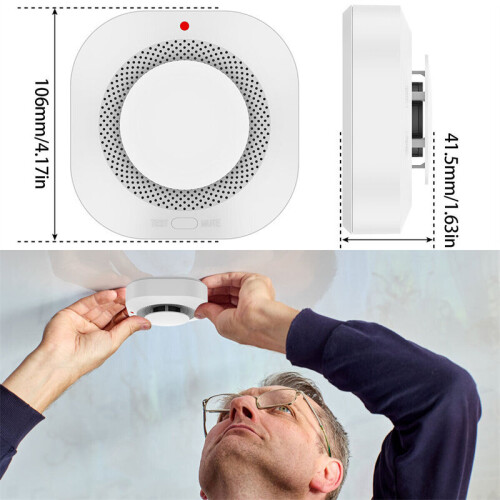
A.
Drill
a
hole
in
the
ceiling
using
the
hammer
drill.
B.
Install
the
expansion
tube
on
the
ceiling.
C.
Fix
the
installation
plate
using
the
screw.
D.
Point
the
alarm
device
with
the
installation
plate
and
connect
them,
turn
clockwise
until
you
hear
the
sound
'kaca',
it
means
to
install
it
correctly.
Specifications
Material:
ABS;
Color:
White;
Power
supply:
AAA*2
(Not
include);
Static
current:
<10uA;
Alarm
current:
<100mA;
Working
temperature:
0
~
+
50
;
Humidity:
95%
RH,
no
freezing;
Alarm
sound:
>
80dB;
Low
battery
alert:
7.0V
0.2V;
Package
included
1
*
Detector
(without
battery);
1
*
Instruction
manual;
1
*
Screw
pack
Details
| OPC | PGN72DD |
|---|---|
| Brand | GreenZech |
| Codes | 5284966068303 (EAN) |
| Links | Wireless Smoke Alarms |
| Seller | Ratings | Warranty | Returns | Price | Delivery | Total | Quantity |
|---|---|---|---|---|---|---|---|
|
Dispatched from:

|
(70 reviews) | 100 months |
30 Days
Free Returns No
|
£66.20
|
+Free Delivery
Est. Delivery:
30th Sep - 5th Oct
|
£66.20
|
Earn as you shop with instant Cashback on everything.
No catch, no cost
Become a Cashback VIP
Just 1 purchase unlocks bigger deals & rates
You'll only get instant Cashback at OnBuy! Enter your email below and we'll send you a copy of your basket to save you time later.
By entering your email address, you'll automatically be added to our database, where you can enjoy personalised Cashback offers and early access to our best deals. You can opt out of our emails at any time and we'll never share your details with anyone. Check our Privacy Policy and T&Cs to find out more.
Want access to personalised offers and the highest Cashback rates? Sign up to our emails below.
You can opt out of our emails at any time and we'll never share your details with anyone. Check our Privacy Policy and T&Cs to find out more.
This page has expired.
Refresh and continue