
























Product Images




In stock
Smart shoppers OnBuy it!
Interest-free payment options available


See full product description & details
Delivery: Standard (£0.50) | Mon 19th - Sat 24th Oct
Sold by: Dopipoo
Returns: 30 days
180-day payment protection
Summary
[Best
compatible
Bluetooth
4.0
chip]-Compatible
with
more
than
99%
Bluetooth
devices.
Connect
for
iPad
10.2
2019,
for
iPad
9.7
inches
2018,
for
iPad
9.7
2017,
for
iPad
Pro
12.9
inches
/
11.0
inches
/
10.5
inches
/
9.7
inches,
for
iPad
Air
10.5
/
Air
2,
for
iPad
mini
5/
4,
for
iPhone
11
Pro
Max,
for
iPhone
11
Pro,
for
iPhone
11,
for
iPhone
Xs
Max,
etc.
PC,
Macbook
pro
air
2012/2017/2018/2019
laptop,
laptop,
Mac
OS;
support
Win7
Win8
Win10
Linux
OS
X
or
Android
tablet
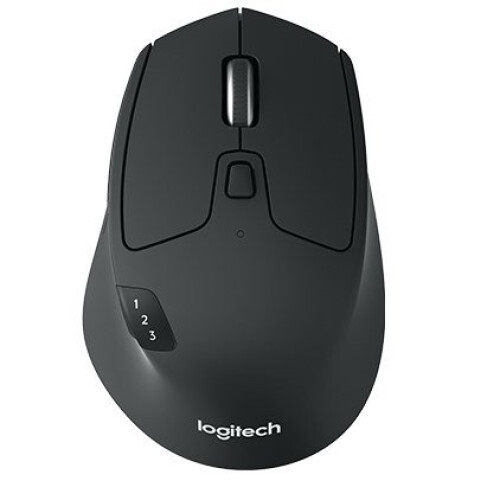
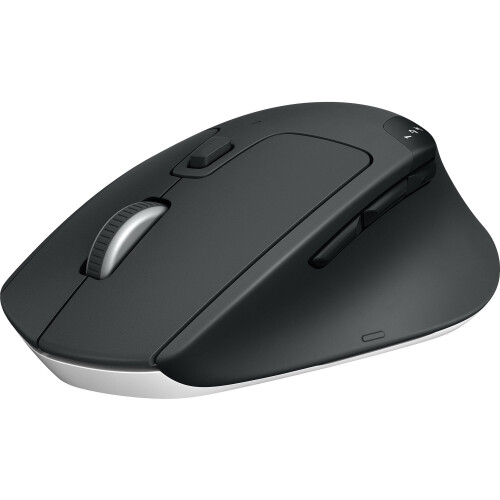
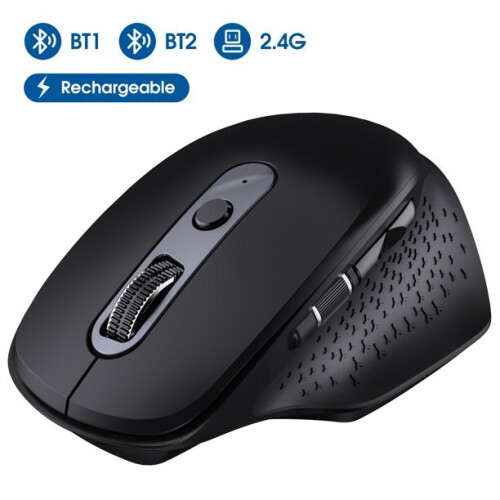
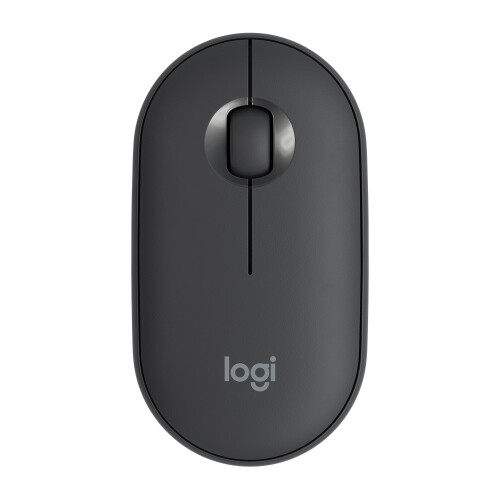
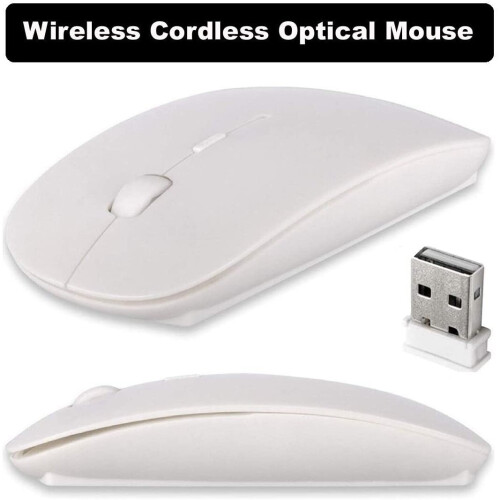
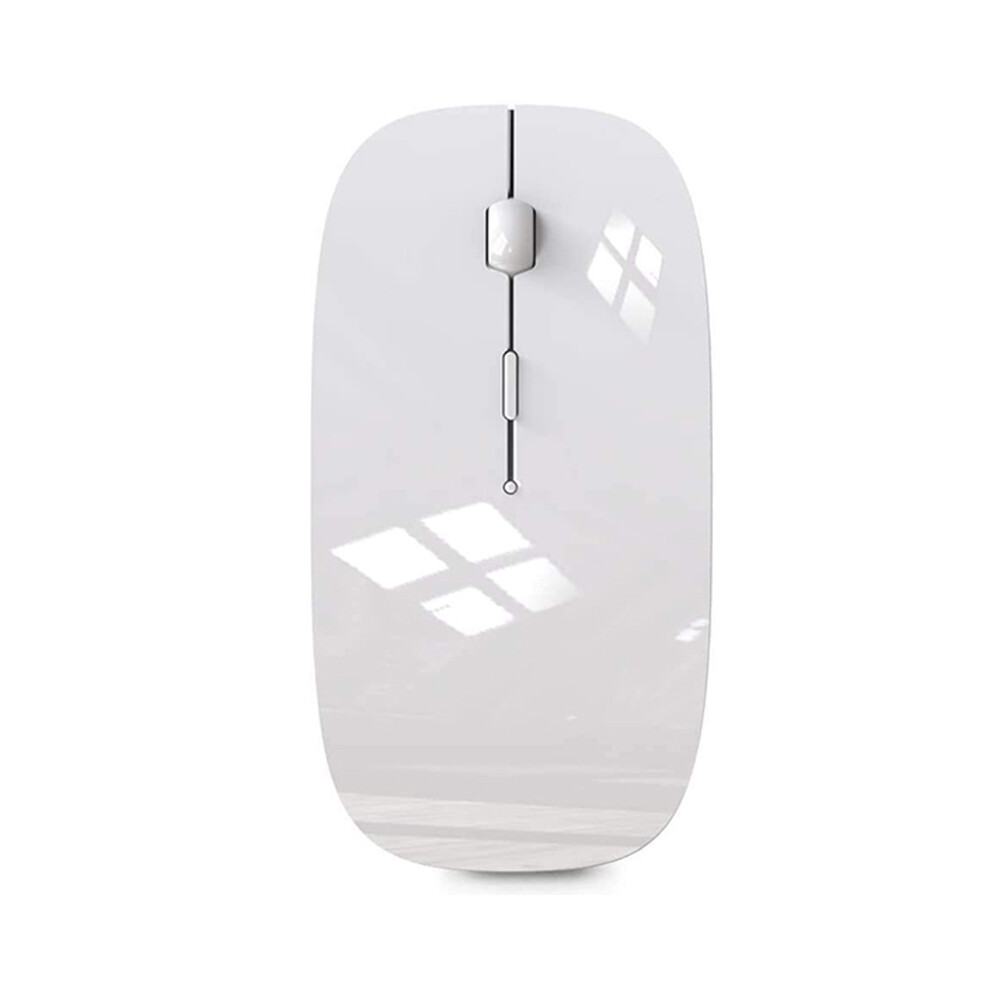
Comfortable
Contact
and
ultra-thin
design:
symmetrical
and
ergonomic
design
makes
this
wireless
Bluetooth
mouse
suitable
for
left
and
right
hands.
Excellent
surface
coating
technology
brings
you
a
Contact
like
skin.
Ultra-thin
and
portable,
the
mouse
can
be
used
anytime
and
anywhere
during
travel.
Very
suitable
for
use
at
work/study/play.
Mute
click
and
adjustable
DPI:
The
special
silent
design
of
the
left
and
right
buttons
allows
you
to
focus
on
work
or
playing
games
without
disturbing
others.
Switch
between
DPI
levels
800,
1200
and
1600
to
meet
your
needs
with
high
precision.
Advanced
optical
tracking
technology
ensures
greater
sensitivity
and
can
accurately
track
on
various
surfaces.
Rechargeable
and
saving
Erengy:
The
mouse
has
a
built-in
rechargeable
battery
with
a
charging
cable.
No
need
to
replace
the
battery.
In
order
to
save
power
and
long-term
use,
the
mouse
will
automatically
enter
sleep
mode
after
11
minutes
of
inactivity,
just
click
any
button
to
wake
it
up.
How
to
use
a
Bluetooth
mouse:
turn
on
the
mouse
switch,
open
the
computer
system
preferences,
and
turn
on
the
Bluetooth
function.
When
the
computer
Bluetooth
shows
that
it
is
searching
for
nearby
Bluetooth
devices,
you
need
to
hold
down
the
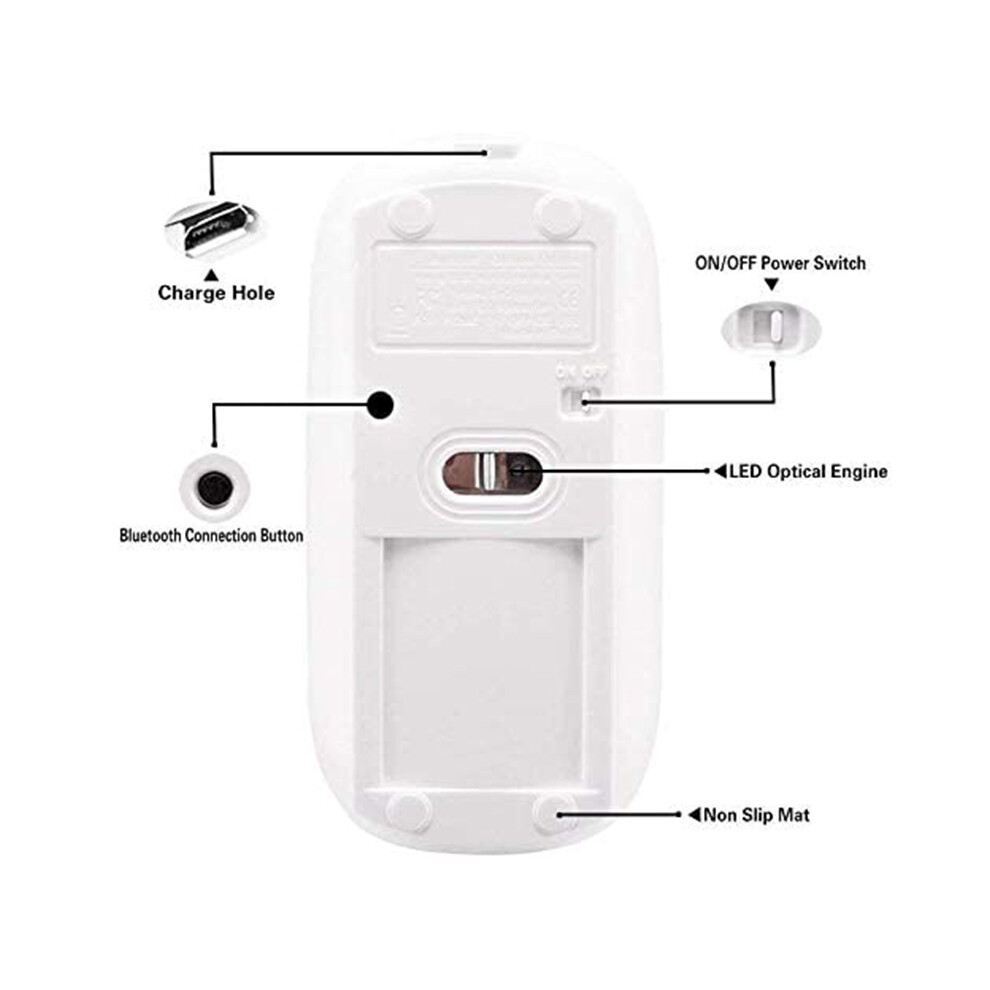
"black
button"
at
the
bottom
of
the
mouse
and
hold
down
3-6
Seconds,
then
your
computer
will
display
the
Bluetooth
mouse
when
searching
for
the
device,
then
click
to
connect
it,
and
then
successfully
connect
How
to
update
the
software
version?
(Open
for
iPad
settings
and
click
General
to
find
the
software
update
function)
Click
Download
to
install
the
latest
version
of
iOS
13)
The
Bluetooth
connection
of
the
for
iPad
or
for
iPhone
is
different
from
that
of
the
laptop.
First,
open
the
for
iPad
settings,
find
the
auxiliary
function,
open
the
Contact
control,
find
the
assistive
Contact
control,
open
the
assistive
Contact
control,
open
the
assistive
Contact
control,
then
pull
down
to
find
the
pointing
device,
turn
on
the
Bluetooth
device,
then
turn
on
the
mouse
switch,
and
press
the
button
at
the
bottom
of
the
mouse
The
black
button
for
3-5
seconds,
your
for
iPad
will
search
for
Bluetooth
mouse
devices,
and
then
click
"Connect".
Enter
the
pairing
password:
0000
(If
you
cannot
find
the
Bluetooth
mouse
device,
restart
the
mouse
or
for
iPad
Bluetooth
function,
or
restart
and
refresh
to
find
the
Bluetooth
mouse
device.)
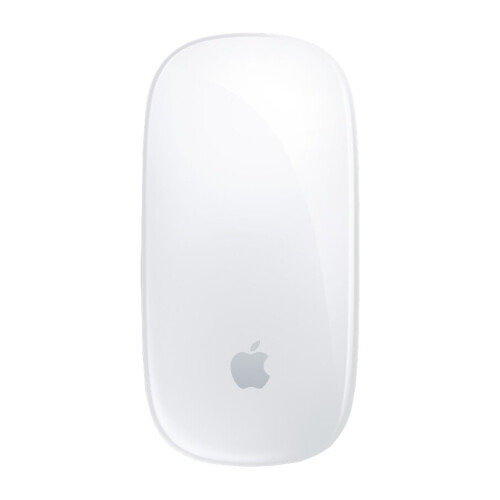
colour:
white
Material:
ABS
size:
114x58x20mm
Package
Contents:
1*wireless
mouse
1*charging
cable
(Note:
upgrade
the
system
to
for
iPadOS
13
and
iOS
13
or
later,
and
turn
on
"Assistive
Contact")
Only
the
above
package
content,
other
products
are
not
included.
Note:
Light
reflection
and
different
displays
may
cause
the
color
of
the
item
in
the
picture
a
little
different
from
the
real
thing.
The
measurement
allowed
error
is
+/-
1-3cm.
Details
| OPC | PFWVHY6 |
|---|---|
| Brand | neznačkové |
| Codes | 4763517320981 (EAN) |
| Rank | In demand |
| Seller | Ratings | Warranty | Returns | Price | Delivery | Total | Quantity |
|---|---|---|---|---|---|---|---|
|
Dispatched from:

|
(159 reviews) | - |
30 Days
Free Returns No
|
£8.00
|
+£0.50 Delivery
Est. Delivery:
19th-24th Oct
|
£8.50
|
Earn as you shop with instant Cashback on everything.
No catch, no cost
Become a Cashback VIP
Just 1 purchase unlocks bigger deals & rates
You'll only get instant Cashback at OnBuy! Enter your email below and we'll send you a copy of your basket to save you time later.
By entering your email address, you'll automatically be added to our database, where you can enjoy personalised Cashback offers and early access to our best deals. You can opt out of our emails at any time and we'll never share your details with anyone. Check our Privacy Policy and T&Cs to find out more.
Want access to personalised offers and the highest Cashback rates? Sign up to our emails below.
You can opt out of our emails at any time and we'll never share your details with anyone. Check our Privacy Policy and T&Cs to find out more.
This page has expired.
Refresh and continue