





















Product Images




In stock
Smart shoppers OnBuy it!
Interest-free payment options available


See full product description & details
Delivery: Standard (Free) | Thu 27th - Sat 29th Aug
Returns: 30 days
180-day payment protection
Summary
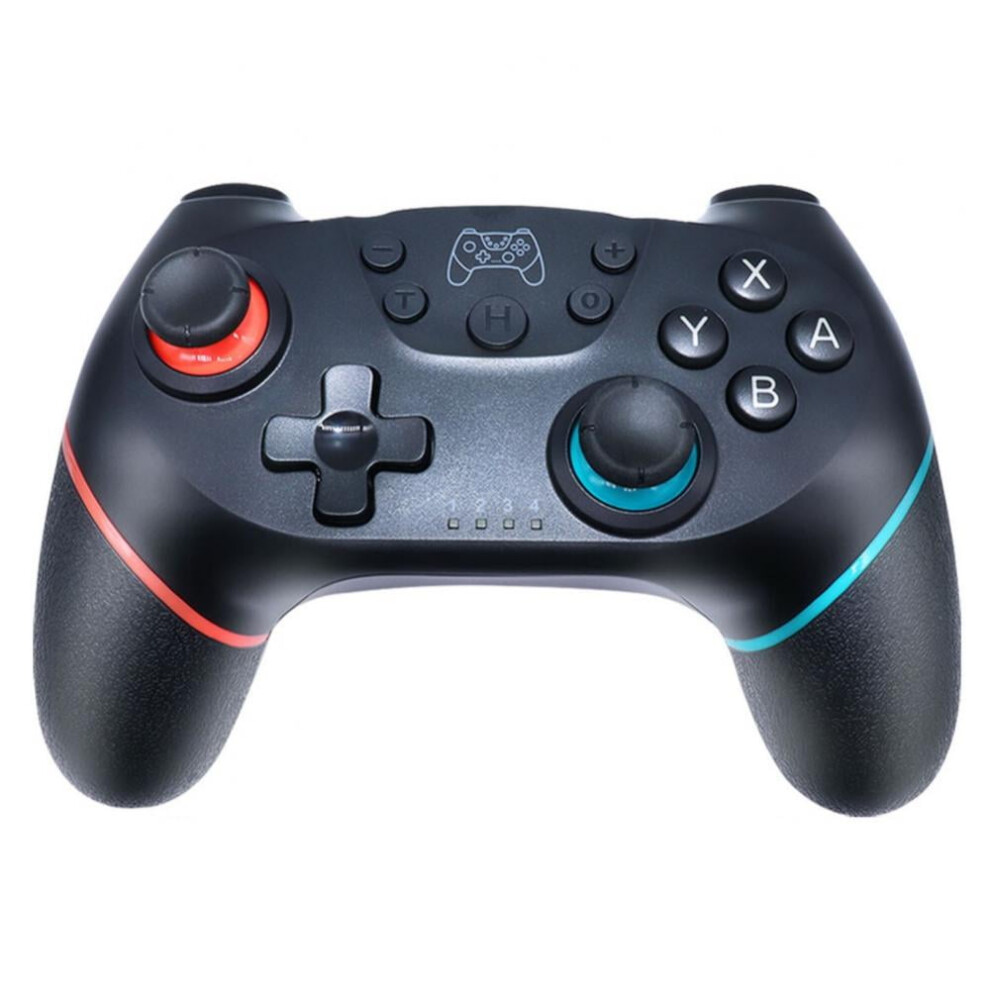
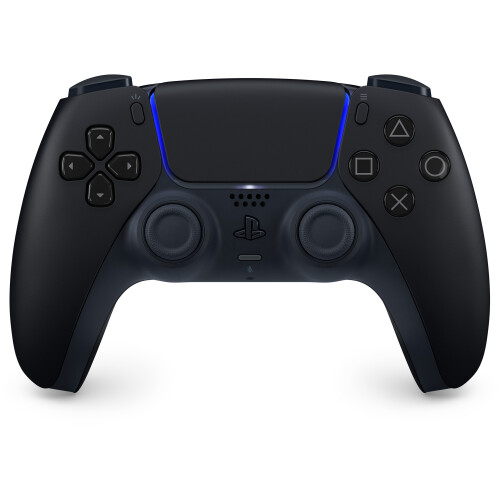
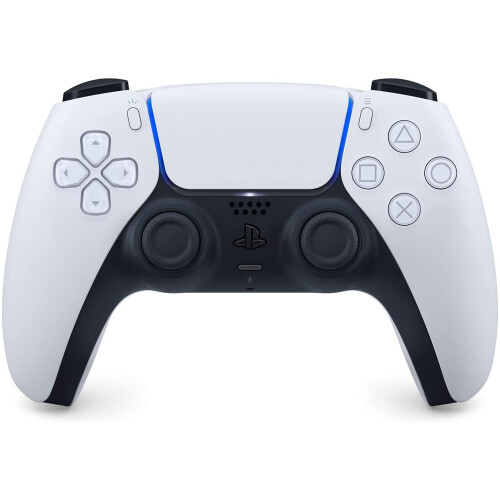
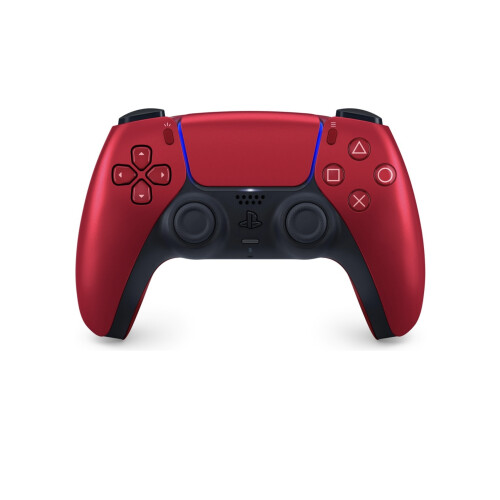
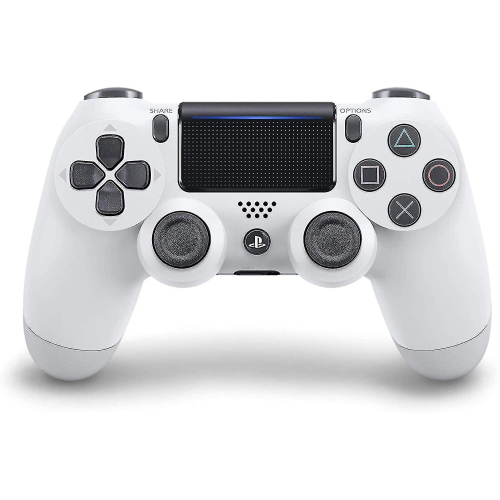
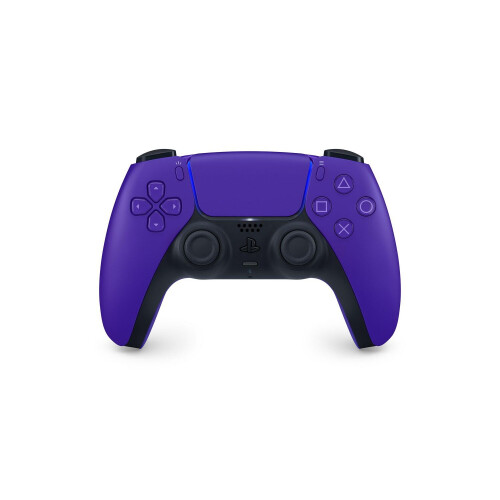
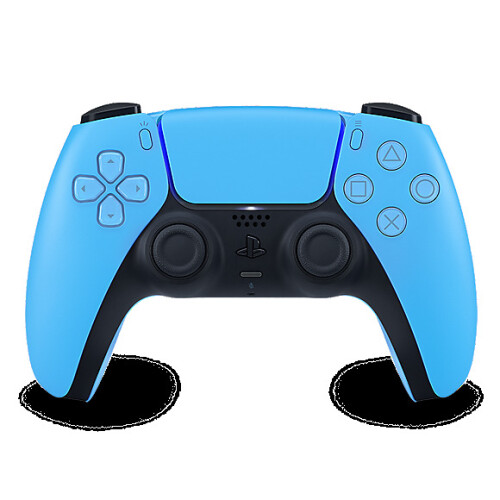
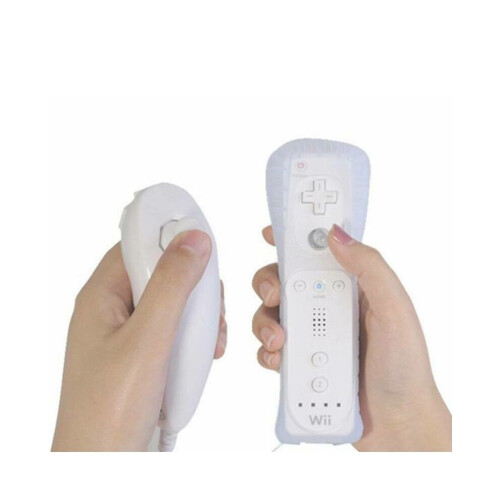
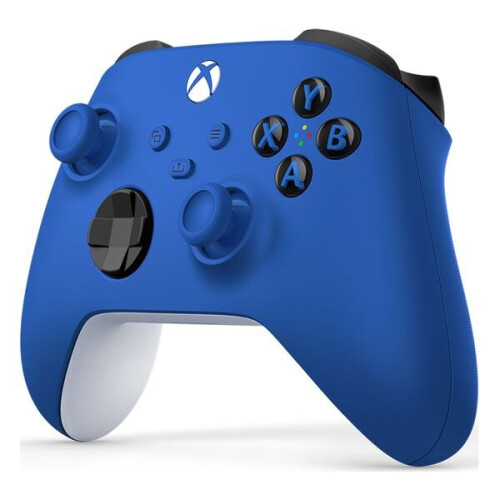
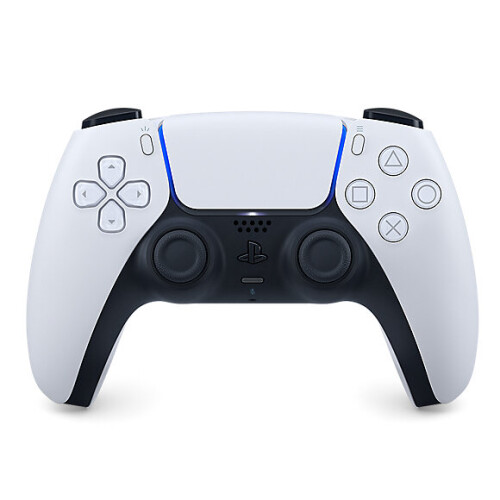
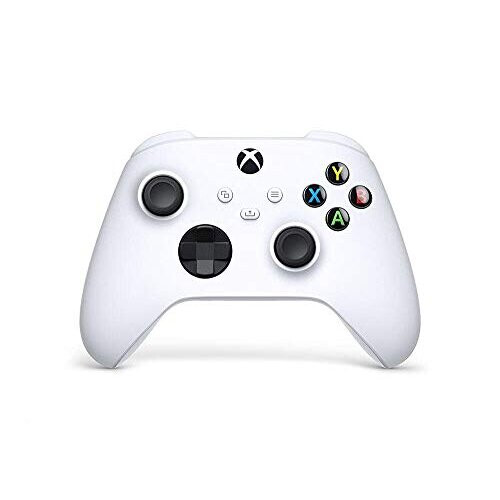
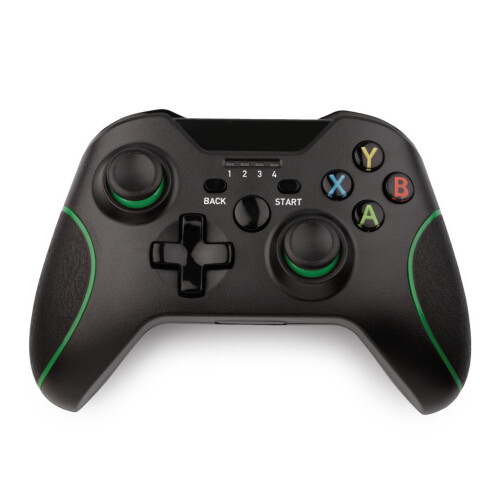
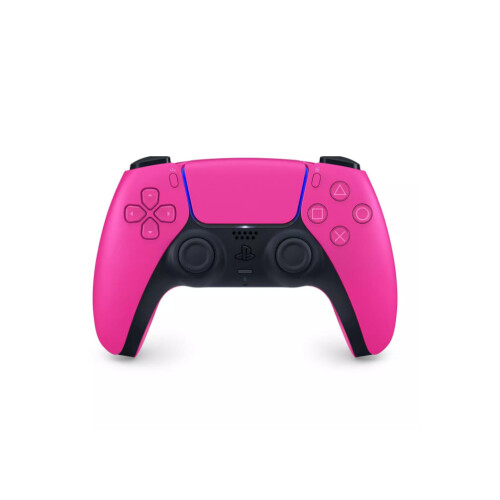
Specification: Name: Wireless gamepad Material: ABS Color:Black,Pink,White Connected: Bluetooth-compatible-wireless Support: for Switch Pro game console Package: 1x Wireless gamepad 1x Cable 1x User Manual Connection for compatible with Nintendo Switch: 1. Power on Switch Console first. 2. In the menu page of Switch Console, press "Controllers""Change Grip/Order" enter the Console pair interface "Press L + R on the controller". 3. Long press "Y + HOME" Buttons for up to 5 seconds and 4 buttons of HOME will flash quickly and circularly. Matched LED indicator keeps ON, which means that the controller is paired successfully with Switch Console. Connection to Win PC: a.Need to download and install X-360 driver to Win PC at first; b.Connect the controller to the PC via a USB cable; c.After the drivers is installed to the PC successfully, and LED1 and LED4 flash slowly on the controller. Note: The controller support Xb-360 mode games. Please find to download the X-360 driver on the network. T-urbo Feature: 1). Press and hold one action button, then press the T-urbo button, T-urbo feature will be valid. For example, press and hold A, then press T, action order of A will keep going. 2). Based on the above 1) state, press T to stop T-urbo function. Note: 1.Please allow slight size deviations due to manual measurement,measuring methods and tools. 2.The picture may not reflect the actual color of the item because of different photographing light and display monitor.Thanks for your understanding. FAQ : Q: Does the gamepad support PC? A: It can connect PC, but need a data cable. Q: Does the gamepad support TV box? A: The gamepad can not connect TV box. Q: Does the gamepad support mobile phone/Android devices? A: For some devices, you can connect this gamepad to Android devices, just hold X+Home buttons for 6-7 seconds, until led-lights start sparkling. After these steps, if you can find a gamepad on Android smartphone, it connects successfully. And if you do not find it, that is mean the smartphone does not support connecting the gamepad. Q: Why is the Controller flashing, can't connect or no signal? A: If the battery power is low, this situation will occur, it is recommended to charge the controller. Q: What can I do if the gamepad can't be charged? A: Before charging the controller you can press the reboot button( on the back of the controller, on the right-hand side, there is a small hole, you can wipe it with a needle )and then please charge 1-2 hours, then it can use normally. Q: What can I do if there is a problem with the R1 or R2 button? A: Please try to remove it and reinstall the handle first.
Features
Details
| OPC | PWGWXGZ |
|---|---|
| Codes | 985184657700 (UPC) |
| Seller | Ratings | Warranty | Returns | Price | Delivery | Total | Quantity |
|---|---|---|---|---|---|---|---|
|
Dispatched from:

|
(27 reviews) | - |
30 Days
Free Returns No
|
£36.78
|
+Free Delivery
Est. Delivery:
27th-29th Aug
|
£36.78
|
Earn as you shop with instant Cashback on everything.
No catch, no cost
Become a Cashback VIP
Just 1 purchase unlocks bigger deals & rates
You'll only get instant Cashback at OnBuy! Enter your email below and we'll send you a copy of your basket to save you time later.
By entering your email address, you'll automatically be added to our database, where you can enjoy personalised Cashback offers and early access to our best deals. You can opt out of our emails at any time and we'll never share your details with anyone. Check our Privacy Policy and T&Cs to find out more.
Want access to personalised offers and the highest Cashback rates? Sign up to our emails below.
You can opt out of our emails at any time and we'll never share your details with anyone. Check our Privacy Policy and T&Cs to find out more.
This page has expired.
Refresh and continue