





















Product Images




In stock
Smart shoppers OnBuy it!
Interest-free payment options available


See full product description & details
Delivery: Standard (Free) | Fri 11th - Mon 14th Sep
Returns: 30 days
180-day payment protection






Summary
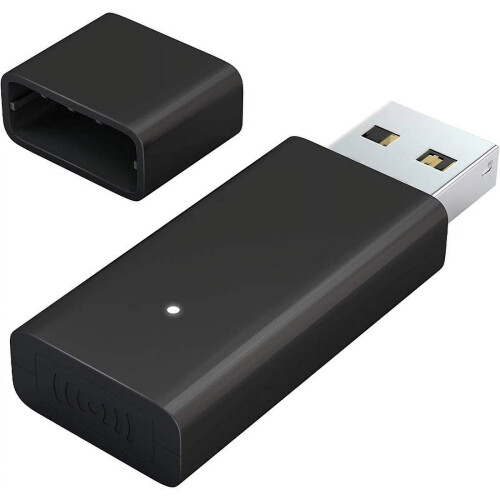
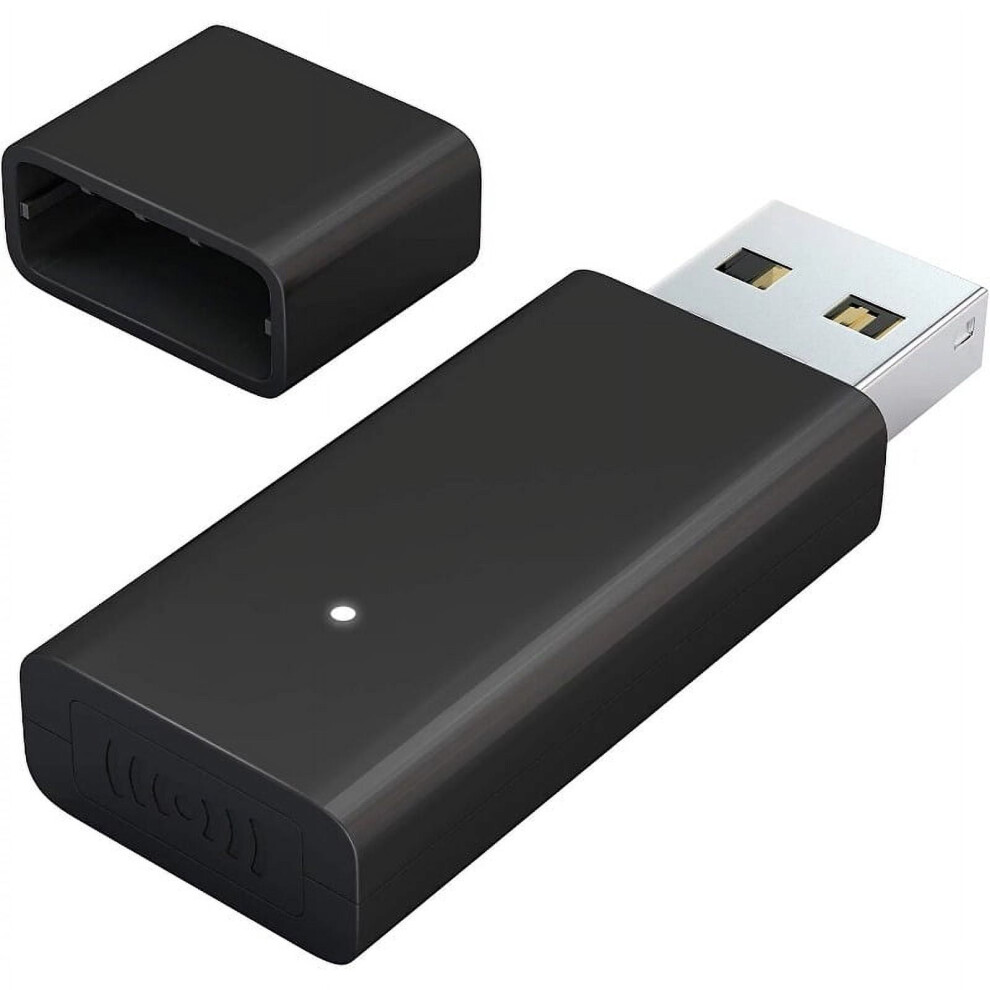
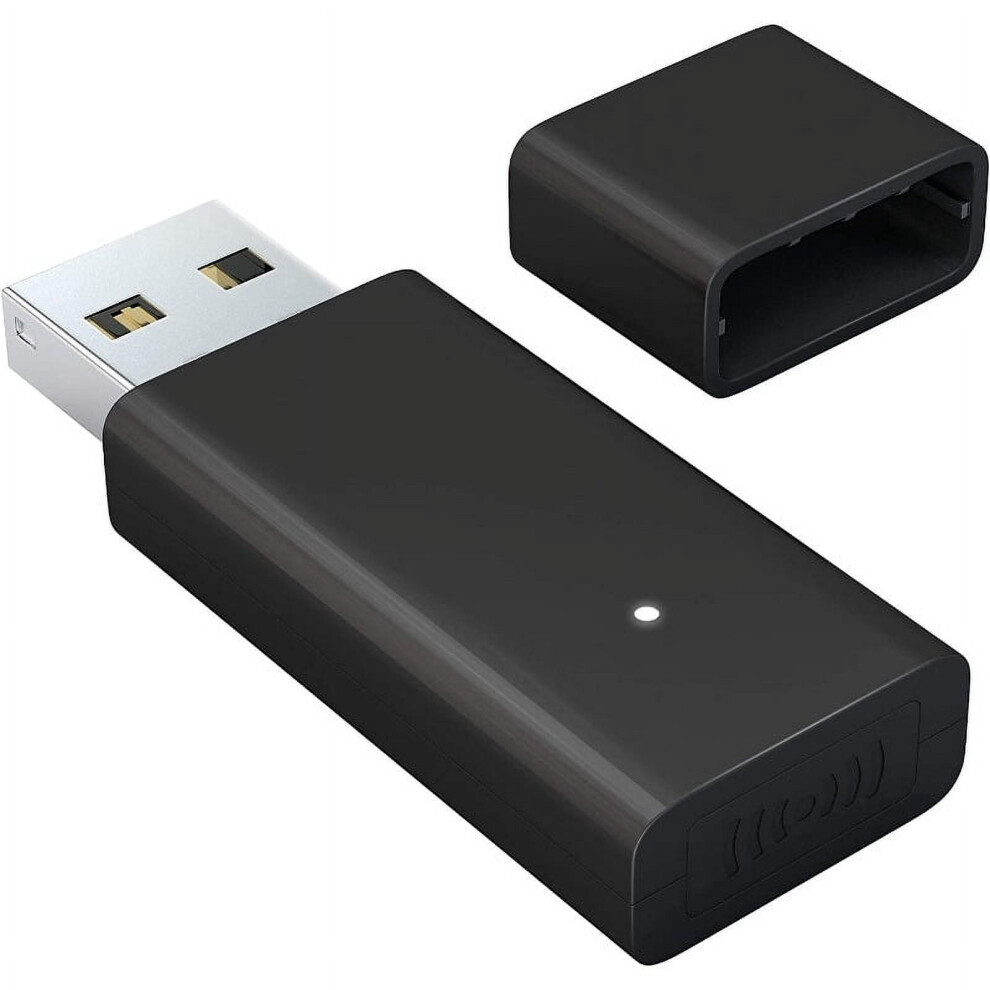
Product Description The Xbox wireless adapter can help you save an expensive game console; And enjoy game on the PC screen with gamepad How to install and use it? Don't worry! USE INSTRUCTIONS: Before you use the Xbox Wireless Controller to connect to your Windows 7/8.1/10, Please refer to the following installation steps (You may need to update the driver; Press the Pair button on Xbox Wireless Adapter, if indicator light does not flash, it means you need to install a driver for your PC.) 1. Open your computer and log in. Plug the Wireless Adapter for Windows into your PC and plug adapter in to a USB slot. 2. Press Pair button on Xbox Wireless Adapter. Indicator light starts to flash. If it does't flash, it means you need to install a driver for your PC. 3. Press the Pair button on top of the controller (Not the Xbox button, then the Xbox button starts to fast flash). 4. When it connected, please wait for pairing and make sure the LED on the adapter and controller are on. Stable Connection, Comfortable Experience; The Xbox controller and headphones are connected to 2.4GHz broadband, and The Fooao Xbox wireless adapter is also connected to 2.4GHz broadband. In addition, wireless adapter chip and program is the same as official. Plug and play, Easy to use. Widely Compatible What devces is it compatible with? 1: The Xbox adapter supports Tablet/Laptop/PC 2: The wireless adapter supports windows 7/8.1/10; But windows 7/8 Need to manually download driver to use this adapter;(Refer to USE INSTRUCTIONS ) 3: It Supports the chat headsets, which is same as Adapter for xbox one controller. (The headsets only supported under windows 10 system, and not supports wireless connection headsets 4: Not compatible with Xbox 360 controllers. Tip: How do you ensure continuous and stable connection? To avoid constantly disconnecting from the Windows Xbox wireless adapter, you can try the following suggestions to improve the connection between the controller and the adapter: 1: Make sure that there is no wireless device interference. It will affect audio performance. Such as Metallic objects and other Wireless devices. 2: Make sure that you're within range (6 meters or less) of the adapter. If the distance is too far, the signal transmission is not stable. 3: Make sure that your controller is updated with the latest data. Newer model that is smaller and slimmer, it is 66% smaller than the old version, without blocking surrounding USB ports, save space. This wireless adapter is compatible with Xbox one controller, Elite Series 1, Elite Series 2, Xbox one X/S controller. [Not compatible with Xbox 360 controllers.] Supports 8 simultaneous connections to game controllers, plus up to 4 chat headsets or 2 stereo headsets 【Comfortable gaming experience】Plug and play, easy to operate. Ensure that you get the same gaming experience with the official Xbox pc adapter, including in-game chat and high quality stereo audio. 【Widely Compatible】Compatible with Xbox One, Xbox Series X, Xbox One X/S Controller Elite Series. The xbox wireless adapter for windows 10/8/7. [Note: 1: Not compatible with Xbox 360 controllers and rock band guitars. 2: You need to download drivers on compatible with Microsoft's site with Windows 7/8 system. Please refer to "Use Instructions" if you don't know how to install] 【The Latest Technologies】Wireless PC controller adapter built in the latest technologies: 2.4GHz broadband, Signal transmission range of 6 meters, For xbox wireless adapter chip and program is the same as official. No disconnected, No delay. [Note: Avoid interference from metal objects and other wireless devices]
Details
| OPC | PXTXS7R |
|---|---|
| Codes | 998981946069 (UPC) |
| Seller | Ratings | Warranty | Returns | Price | Delivery | Total | Quantity |
|---|---|---|---|---|---|---|---|
|
Dispatched from:

|
(3 reviews) | - |
30 Days
Free Returns No
|
£47.23
|
+Free Delivery
Est. Delivery:
11th-14th Sep
|
£47.23
|
Earn as you shop with instant Cashback on everything.
No catch, no cost
Become a Cashback VIP
Just 1 purchase unlocks bigger deals & rates
You'll only get instant Cashback at OnBuy! Enter your email below and we'll send you a copy of your basket to save you time later.
By entering your email address, you'll automatically be added to our database, where you can enjoy personalised Cashback offers and early access to our best deals. You can opt out of our emails at any time and we'll never share your details with anyone. Check our Privacy Policy and T&Cs to find out more.
Want access to personalised offers and the highest Cashback rates? Sign up to our emails below.
You can opt out of our emails at any time and we'll never share your details with anyone. Check our Privacy Policy and T&Cs to find out more.
This page has expired.
Refresh and continue