





















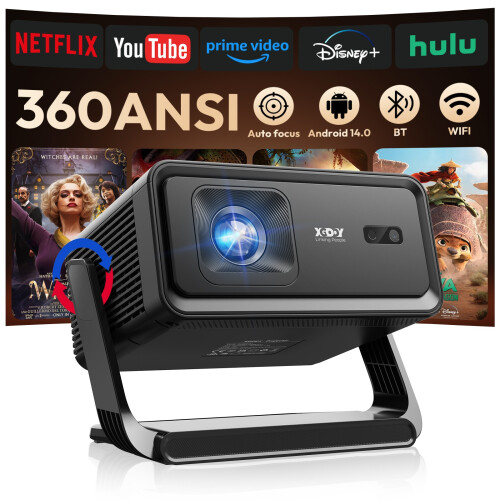
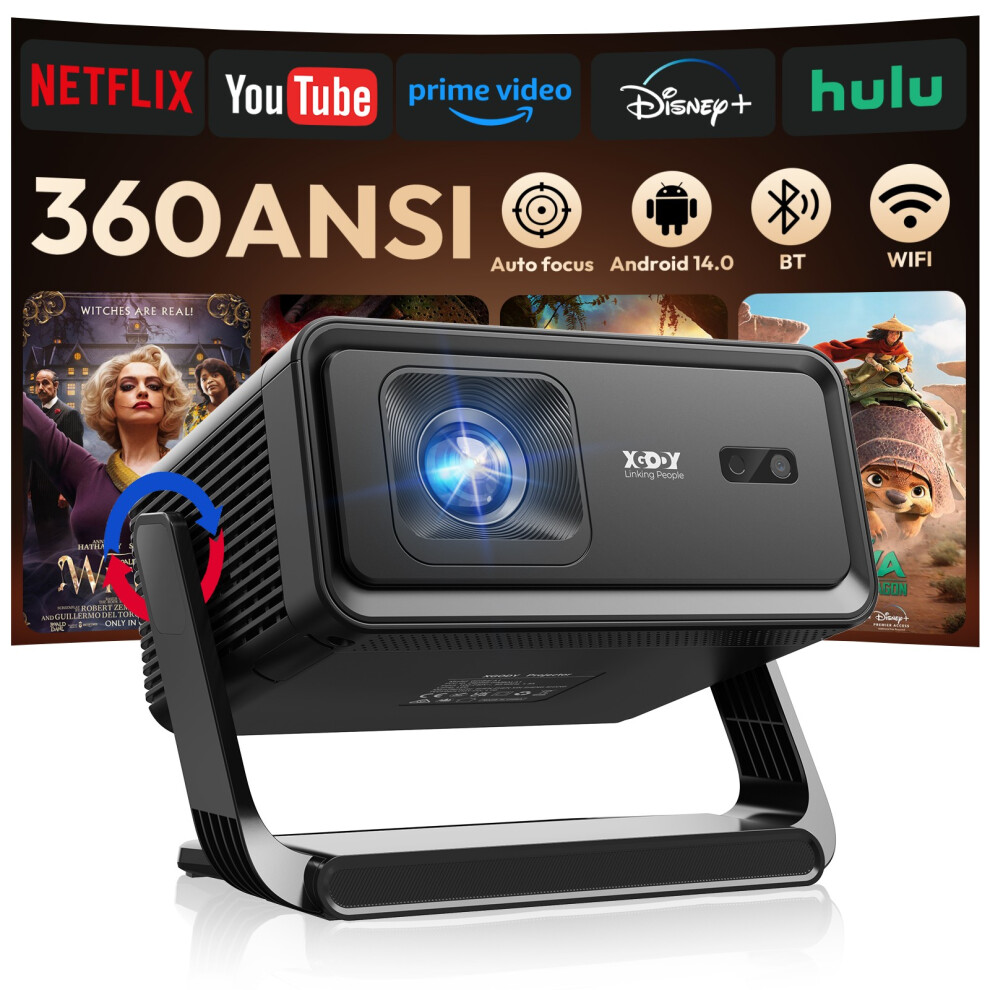
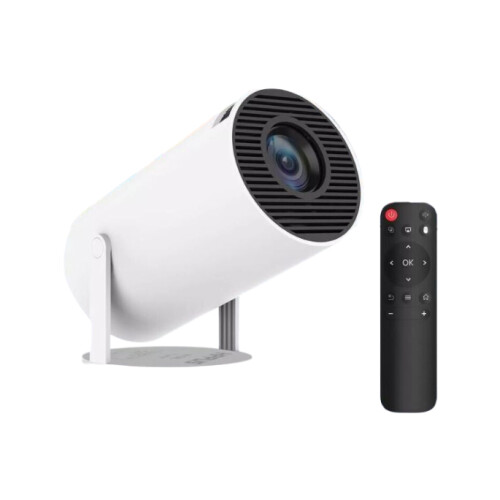
XGODY 4K Android Projector Native 1080P Smart 5G WiFi Bluetooth 360 ANSI HDMI
In stock
Smart shoppers OnBuy it!
- Earn Cashback on every purchase – spend it instantly on your next order
- Free delivery – on millions of items across the site
- Customers love us – 137,000 Trustpilot reviews and an 'Excellent' rating
Interest-free payment options available


See full product description & details
Delivery: Standard (Free) | Tue 3rd - Wed 4th Nov
Sold by: Ardwick Motors
Returns: 30 days
180-day payment protection
You might also like



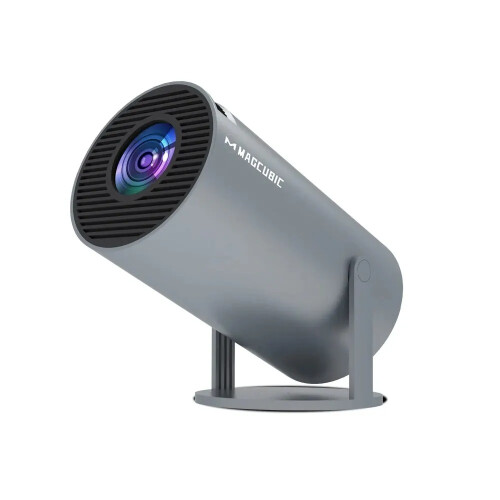
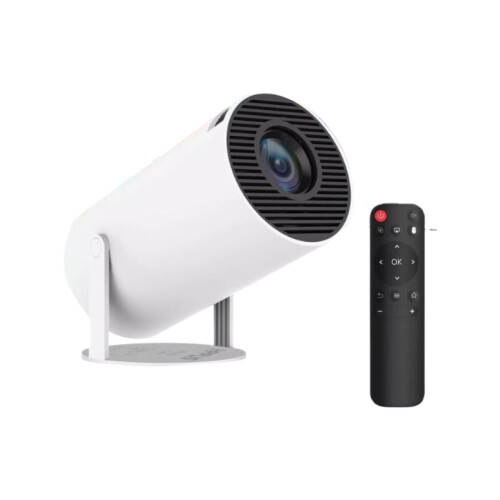


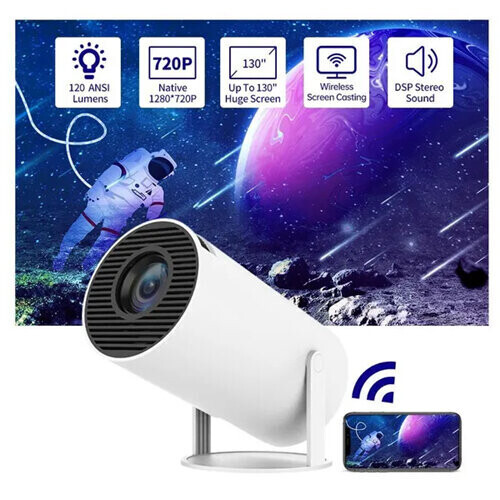
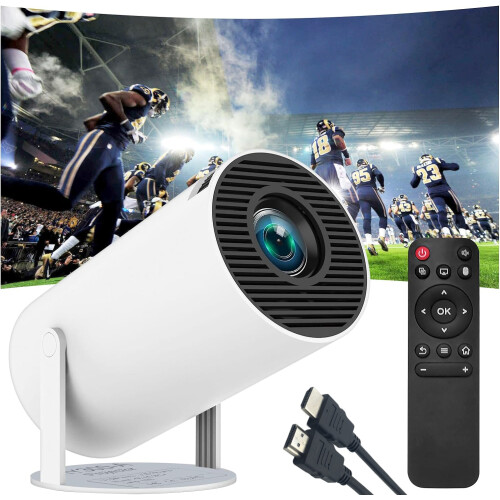



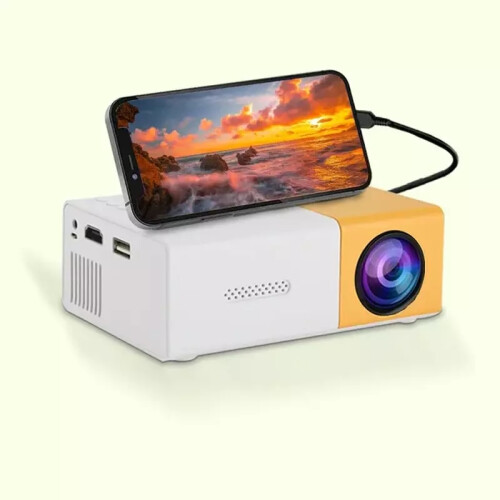


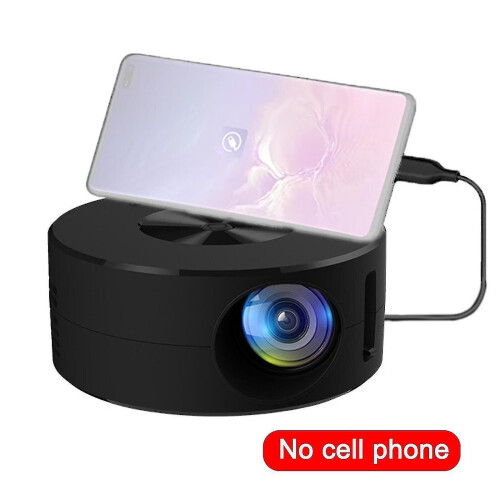


XGODY 4K Android Projector Native 1080P Smart 5G WiFi Bluetooth 360 ANSI HDMI Description
XGODY 4K Smart Projector Android14.0 TV Bluetooth5.4 5G WiFi Home Theater Cinema
Product Description
Specifications
Supported resolutions: 8K4K, 1920 x 1080, 1280 x 720
Native resolution: 1280 x 720
Brightness: 360 Ansi Lumen
Contrast ratio: 10,000:1
Projection size: 40-130 inches
Lamp life: 55,000 hours
Connections: HDMI, USB
Wireless connection: Wi-Fi 6, Bluetooth 5.4
Aspect ratio: 16:9, 4:3
Package :
1 x Projector
1 x Remote Control
1 x Power Cable
1 x HDMI Cable
1 x User Manual
HD PROJECTION WITH 4K COMPATIBILITYExperience stunning visual effects with this projector featuring Native 720P resolution,8K 4K support, 360 Ansi lumen of brightness, and a 35-130 inch projection screen. Transform any room into a personal home theater.
ANDROID 14.0 SMART SYSTEM -With this mini projector, you can watch movies and stream your favorite content directly from most built-in apps, without the need for additional devices. This makes entertainment more convenient and accessible anytime, anywhere.
Fast dual-band WiFi6 technology: The Gimbal 3 Pro projector features the latest dual-band WiFi6 technology and supports both 2.4G and 5GHz bands for faster and more stable streaming compared to single-band WiFi5
- Q&A
Q&A Question 1: How to change the signal source input to HDMI?
Answer: 1, Please choose "Settings" select "Source" and then choose HDMI, just connect your device and projector via HDMI cable,
2, lf you connect switch console to the projector via HDMI cable, the type-c to HDMI adapter needs to be powered separately.
Question 2: How to download and update APP Store?
Answer: 1, Enter the App Store, click the app information icon on the top right corner of the page, check if the version needs to be updated;
2, lf the page shows"new version" then click "update now" to update.
Question 3: How to download mainstream media like Netflix?
Answer: Enter the latest version of the App Store and download the app Disney+, Netflix and other apps.
Question 4: How to use Miracast?
Answer: Please select Miracast in "My Apps" open Miracast Settings, turn on phone mirroring, and then connect.
Working hours: GMT+8 / 9:00-18:30.
Details
| OPC | PYMGHK7 |
|---|---|
| Brand | XGODY |
| Codes | 299735887868 (UPC) |
| Links | Smart Projectors |
Compare Sellers for XGODY 4K Android Projector Native 1080P Smart 5G WiFi Bluetooth 360 ANSI HDMI
- New from £86.84
| Seller | Ratings | Warranty | Returns | Price | Delivery | Total | Quantity |
|---|---|---|---|---|---|---|---|
| (18 reviews) | - |
30 Days
Free Returns No
|
£86.84
|
+Fast & Free Delivery
Est. Delivery:
3rd-4th Nov
|
£86.84
|
Earn as you shop with instant Cashback on everything.
No catch, no cost
- Paid into your OnBuy account
- Spend it on your next purchase
- Save it or withdraw it
Become a Cashback VIP
Just 1 purchase unlocks bigger deals & rates