
























Product Images

In stock
Smart shoppers OnBuy it!
Interest-free payment options available


See full product description & details
Delivery: Standard (Free) | Mon 20th - Wed 22nd Jul
Returns: 30 days
180-day payment protection



Summary
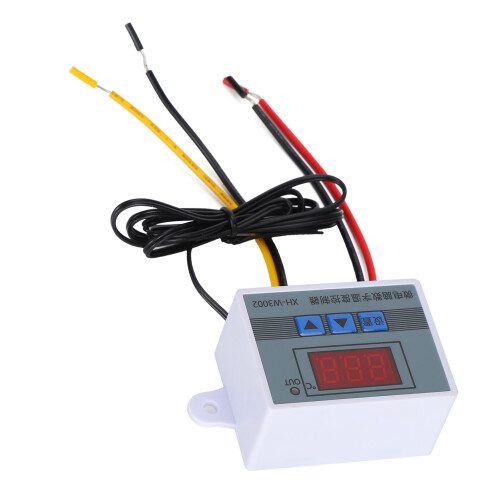
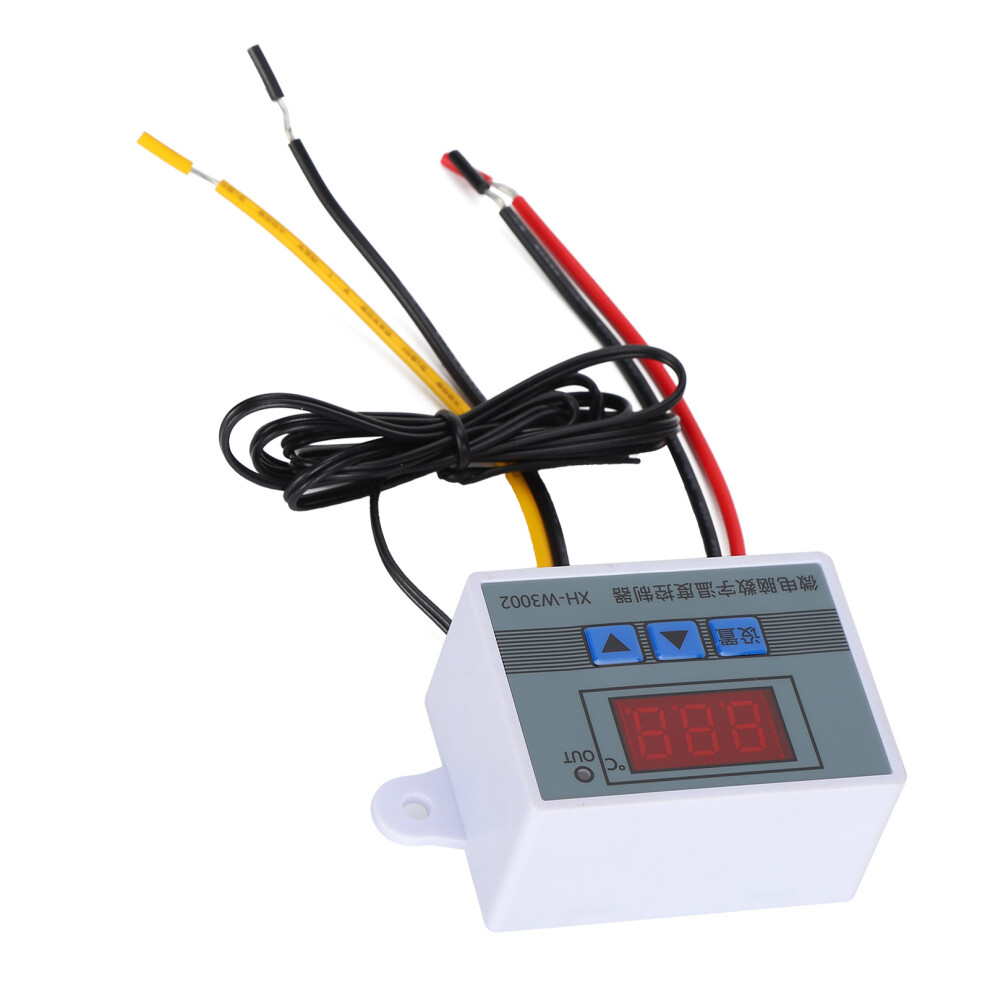
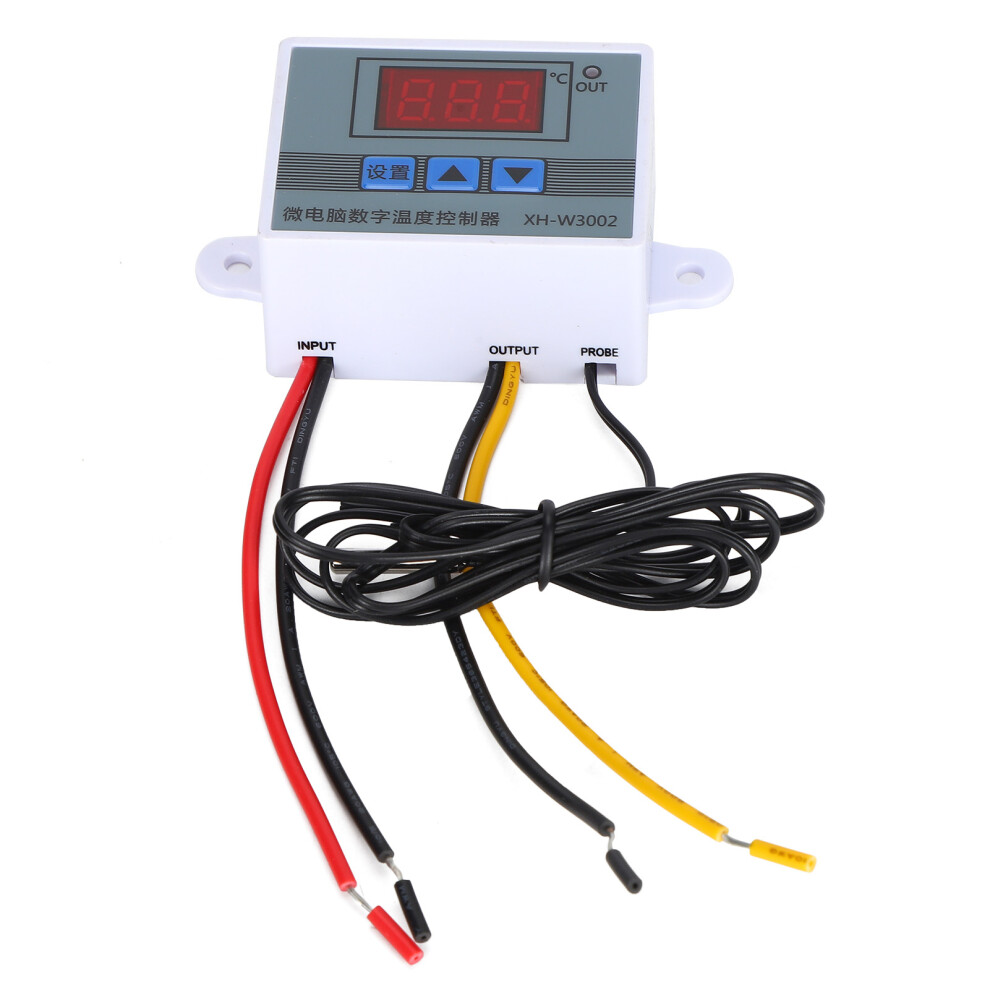
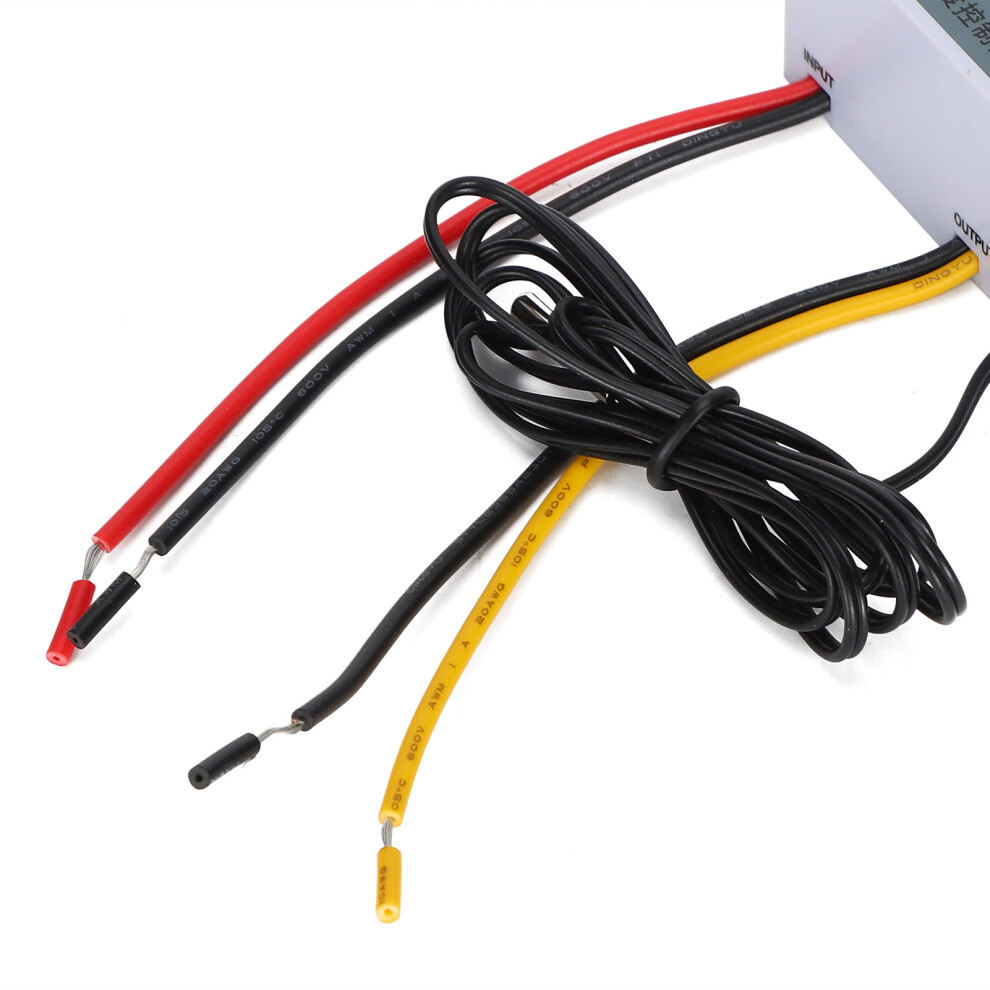
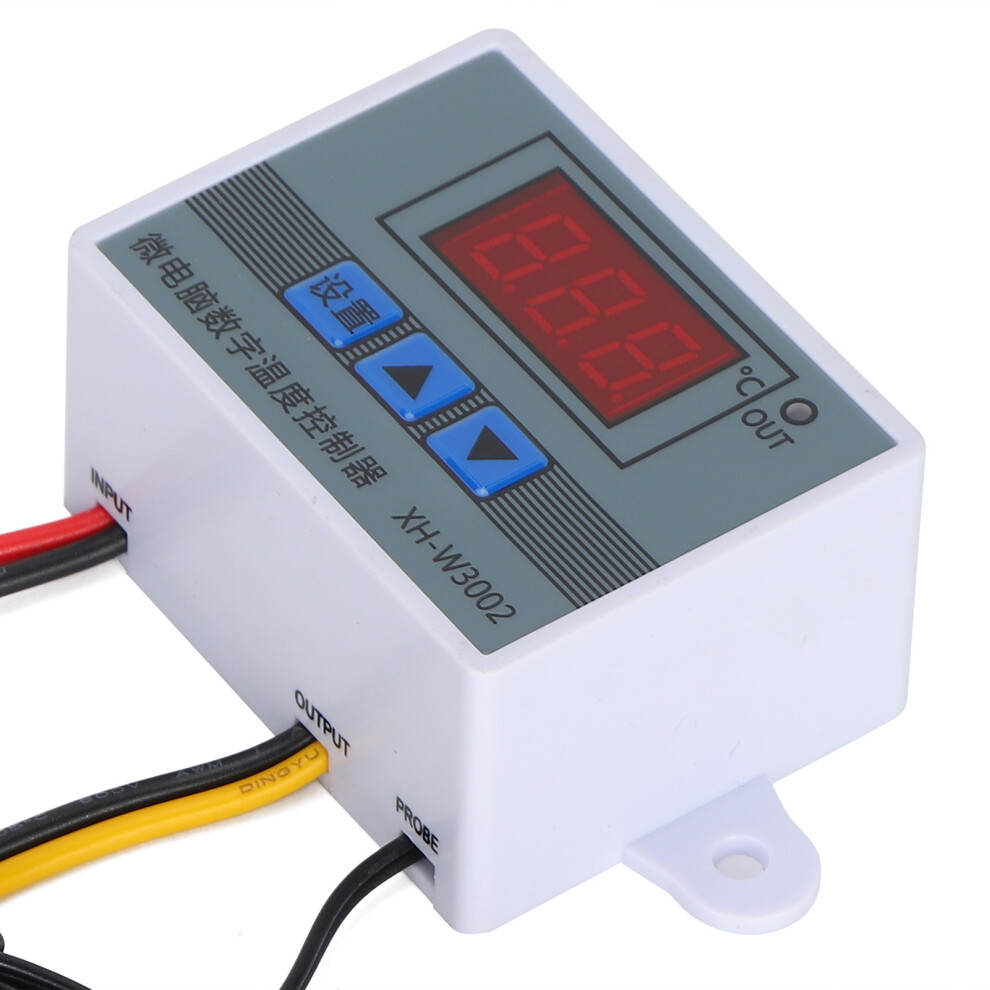
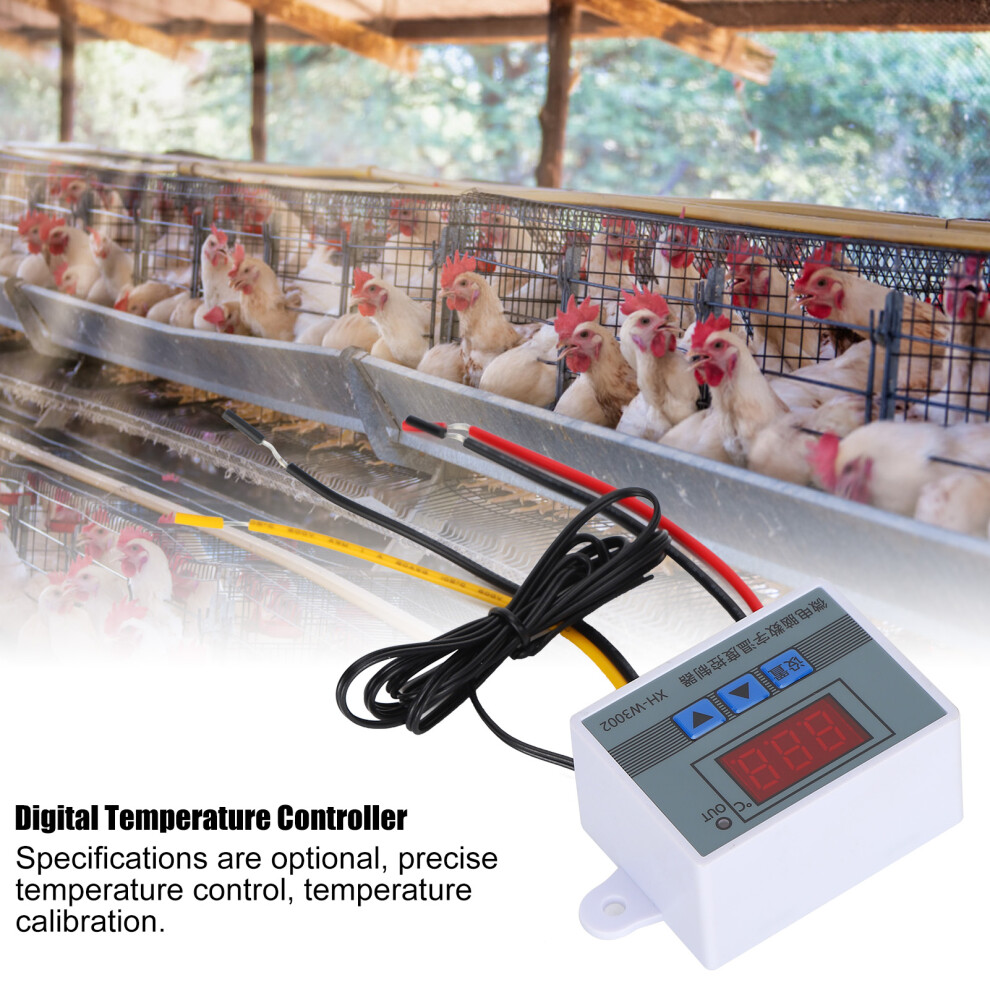
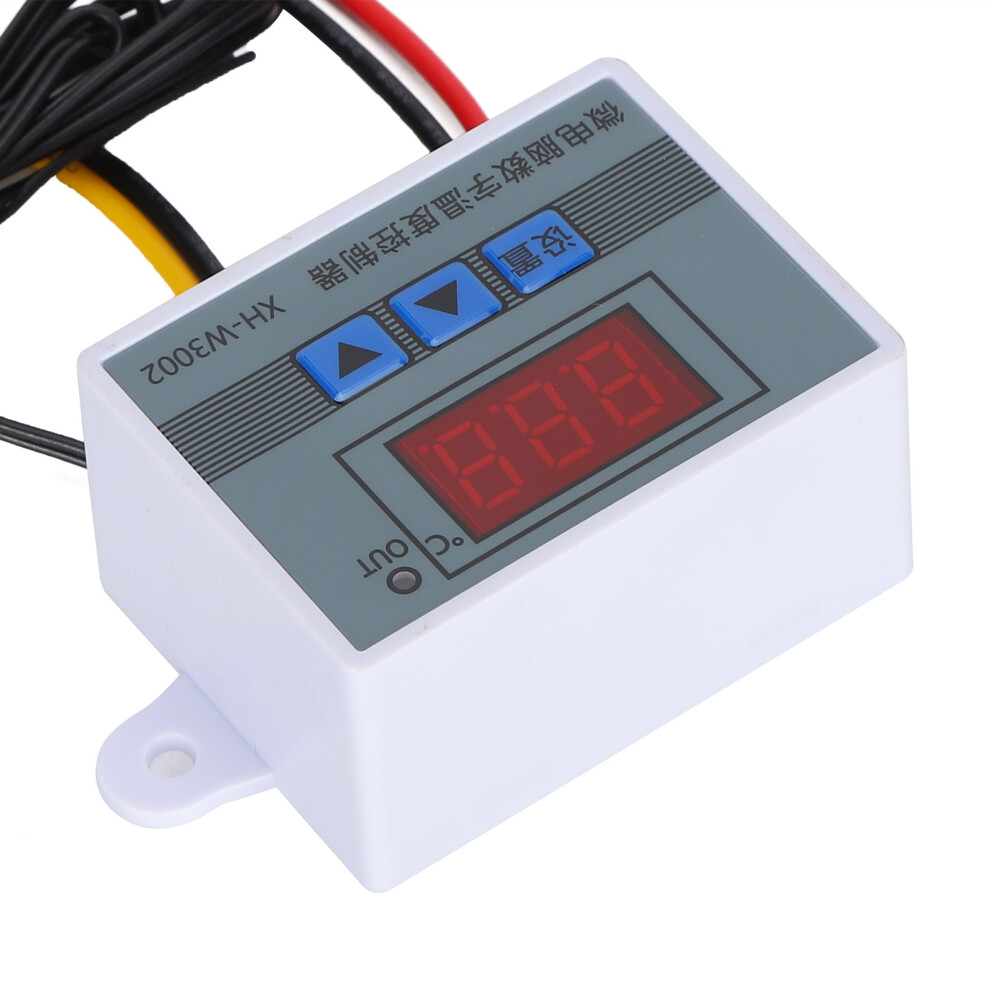
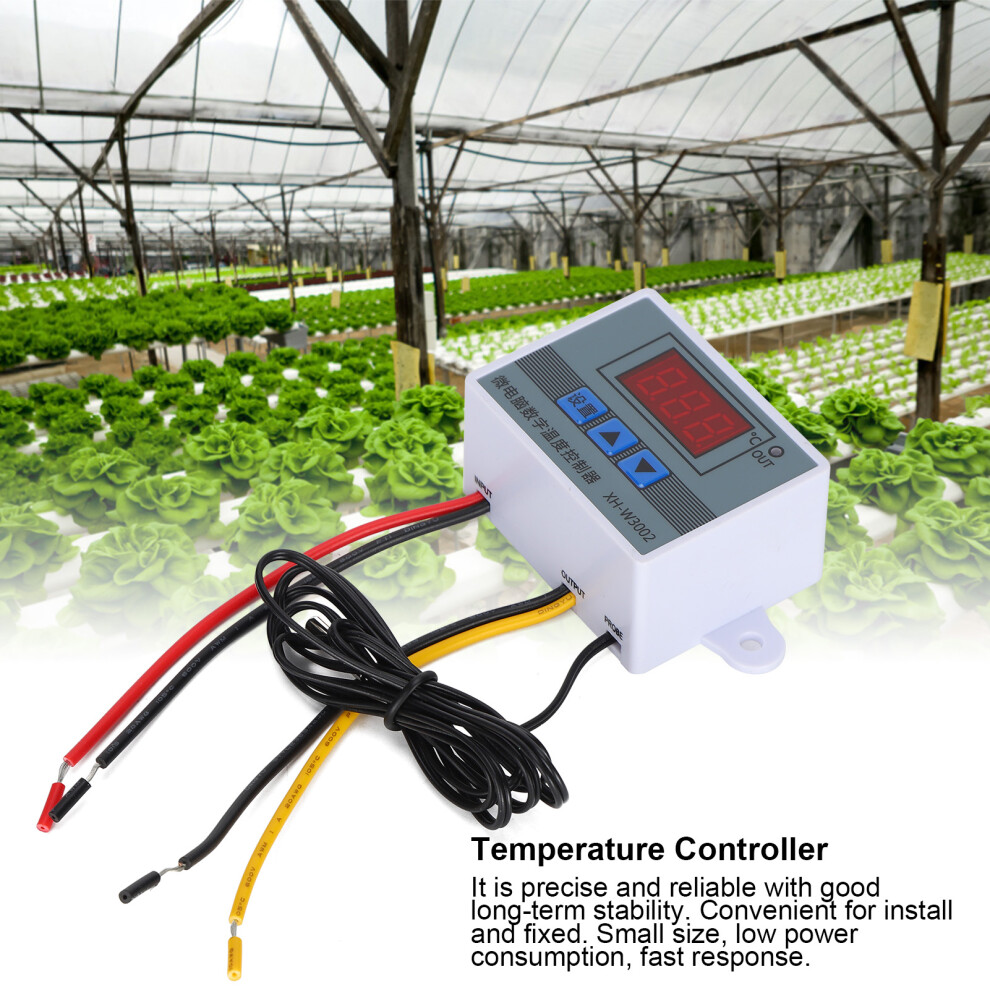
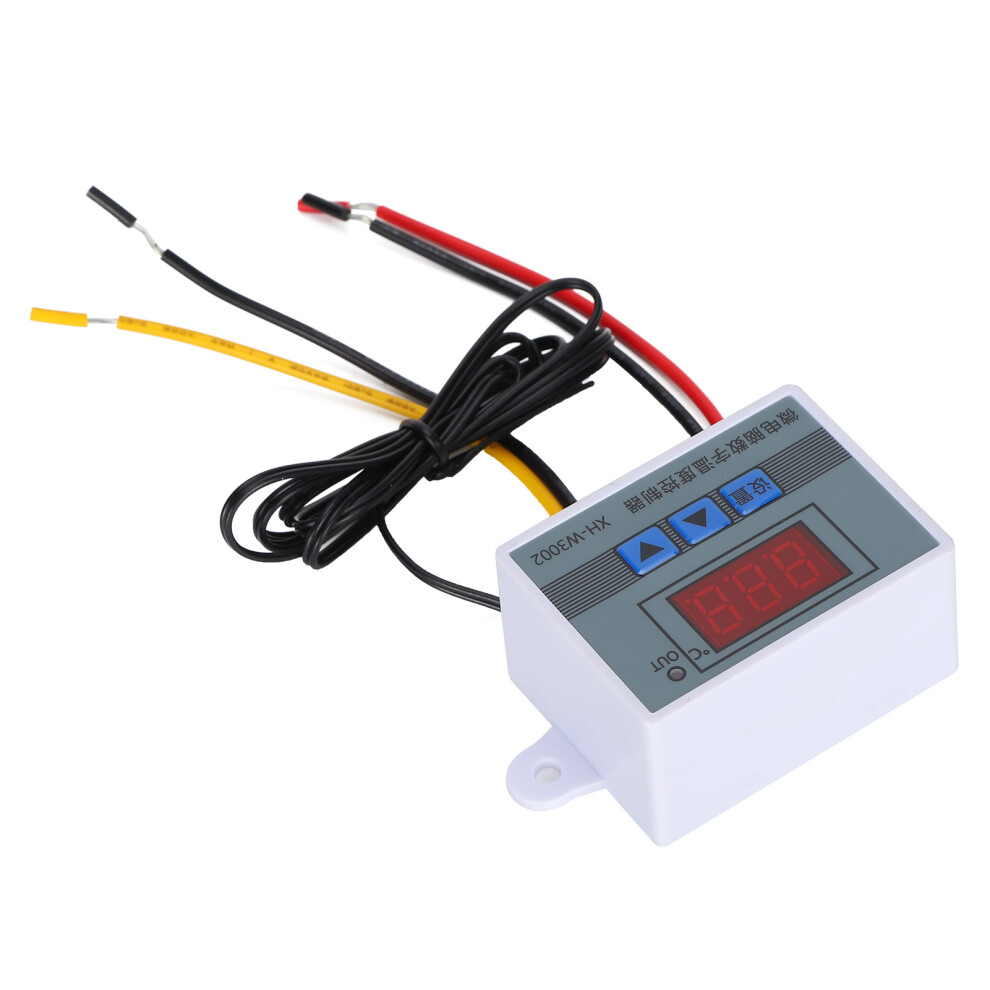
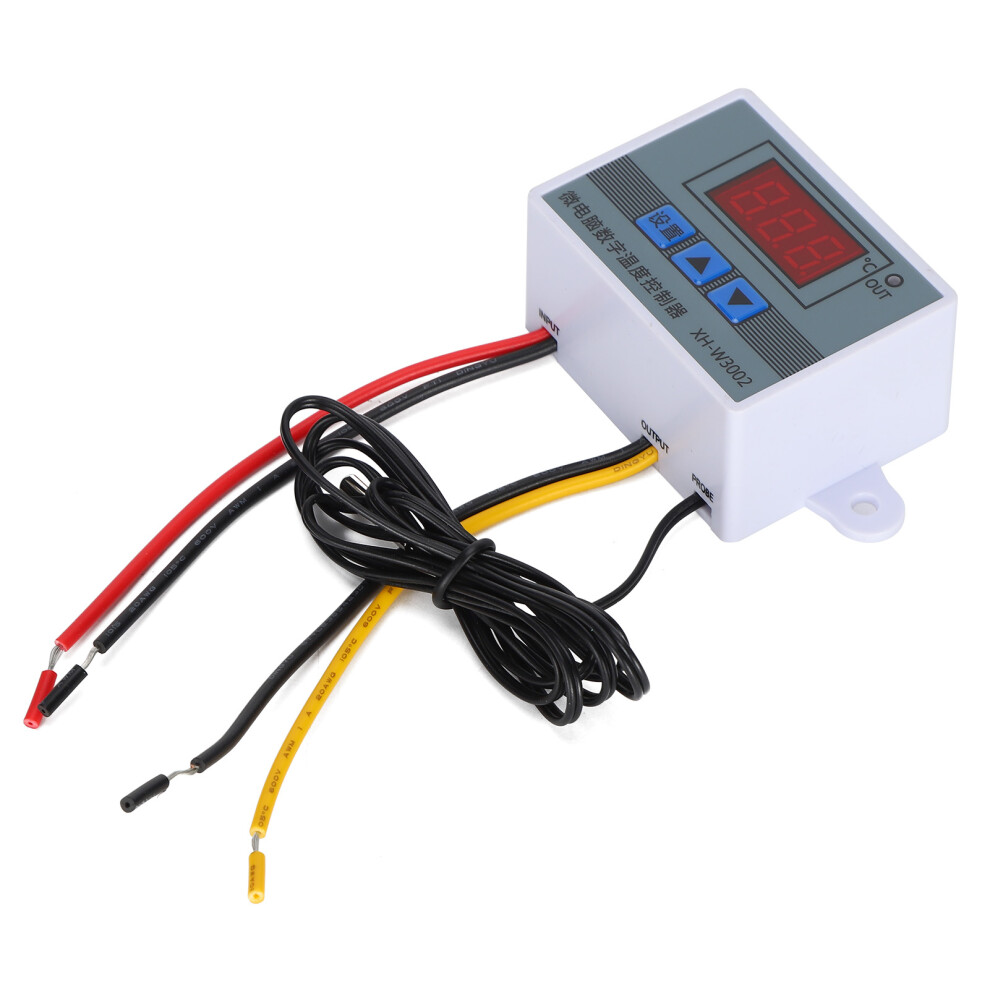
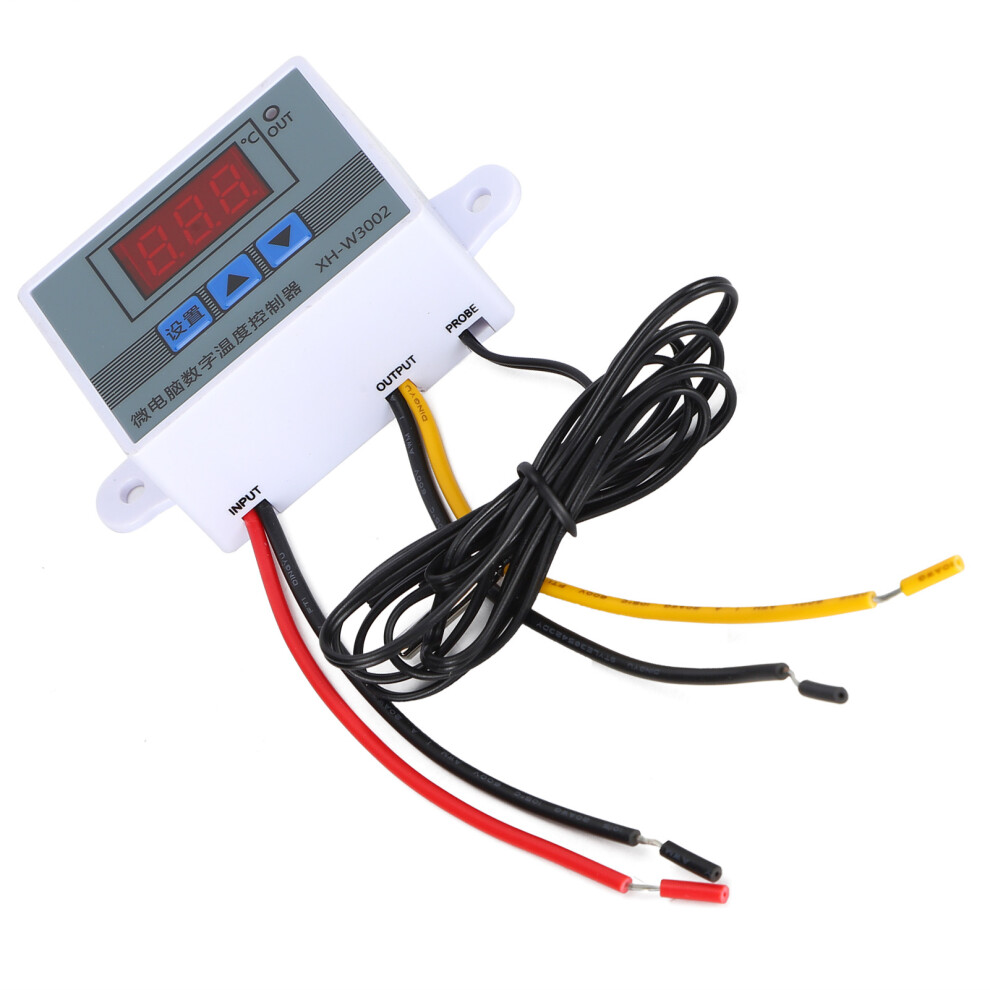
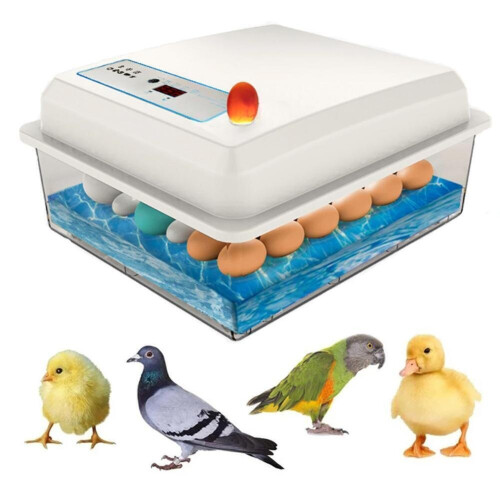
XH‑3002 Microcomputer Digital Temperature Controller Hatching Temperature Controller12V
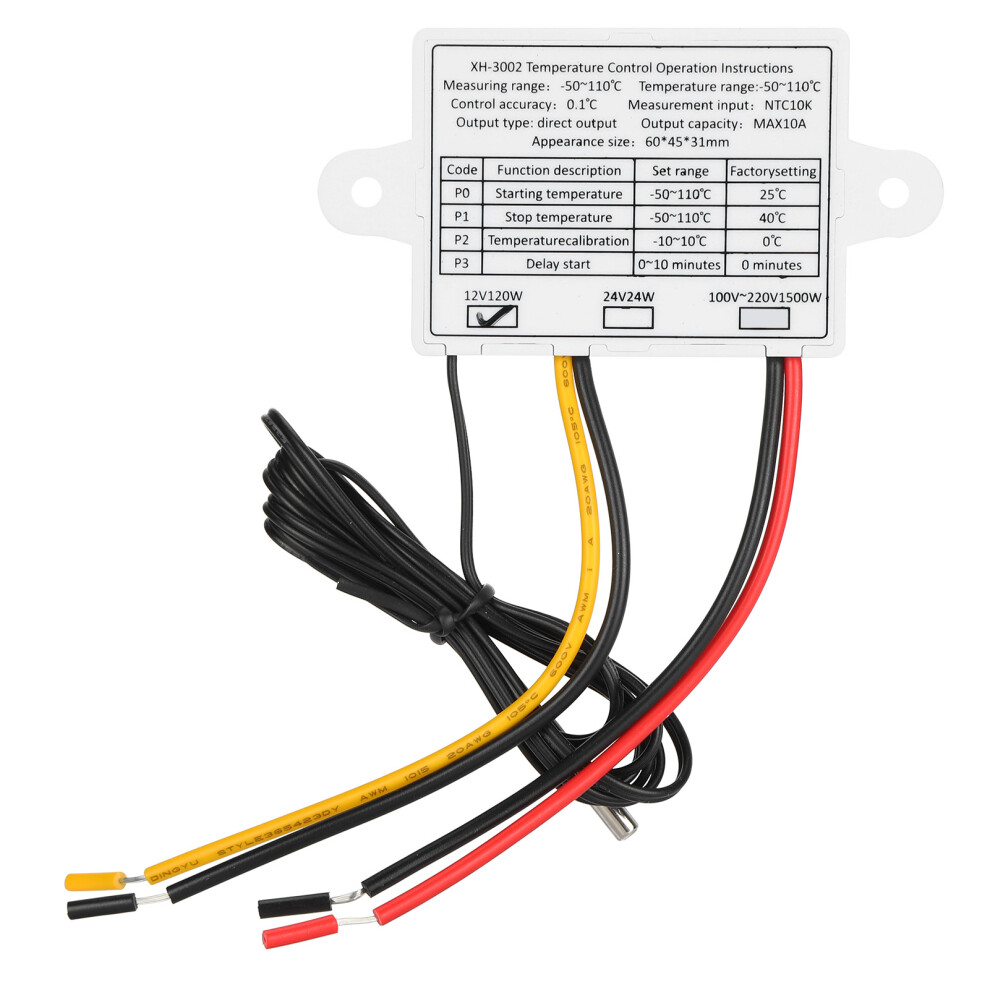
ItemType: Digital Temperature Controller
Material: Plastic
Weight: Approx. 51g / 1.8oz
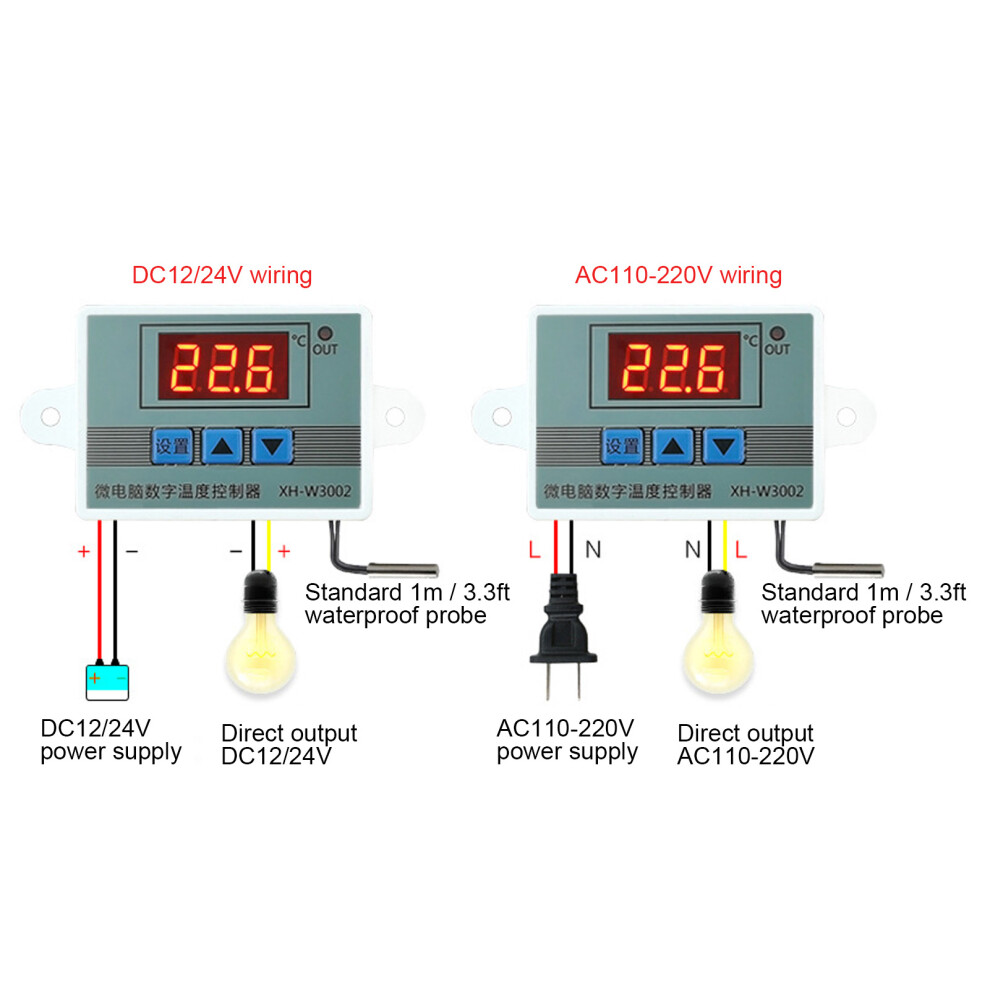
Operating Voltage Specifications: 12V, 24V, 110-220V
Accuracy Level: 0.1
Temperature Measurement Range: -50-110 ()
Temperature Measurement Accuracy: -15-65 ()
Humidity Measurement Accuracy: 1 (RH)
Temperature Measurement Error: 1 ()
Applicable Environment: -15-55 / 20%-85%RH
Product Embedded Hole Size: 73mm / 2.9in, Hole Diameter (φ4mm)
How e:
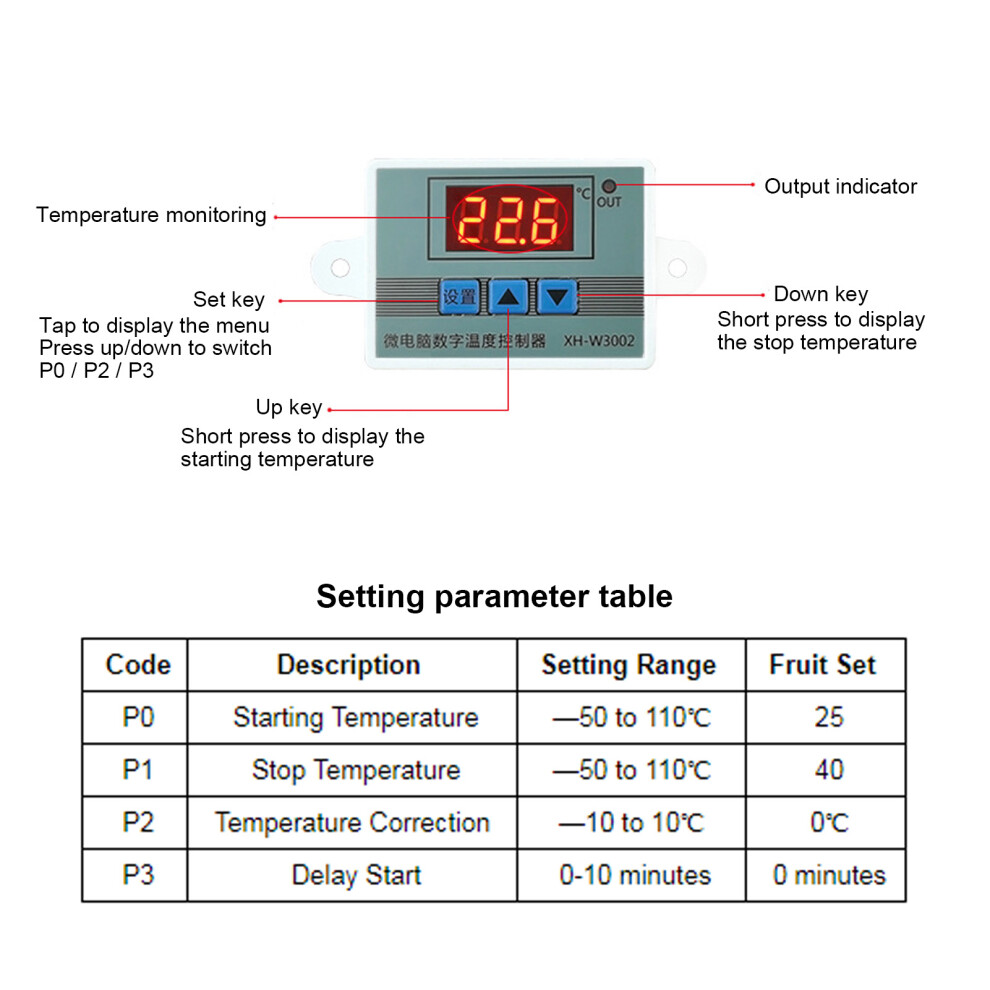
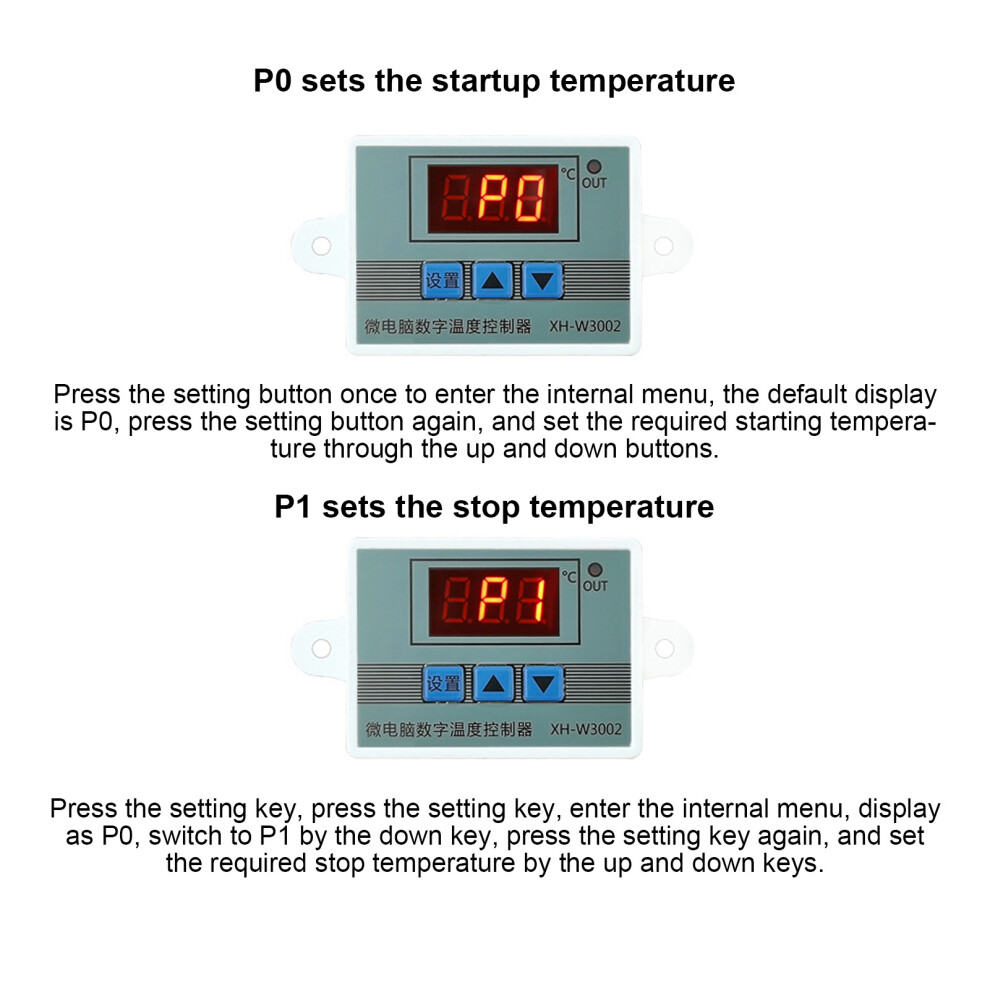
1. Press the setting button once to enter the internal menu, the default display is P0, press the setting button again, and set the required starting temperature through the up and down buttons.
2. Press the setting key once to enter the internal menu, the display is P0, switch to P1 through the up and down keys, press the setting key again, and set the required stop temperature through the up and down keys.
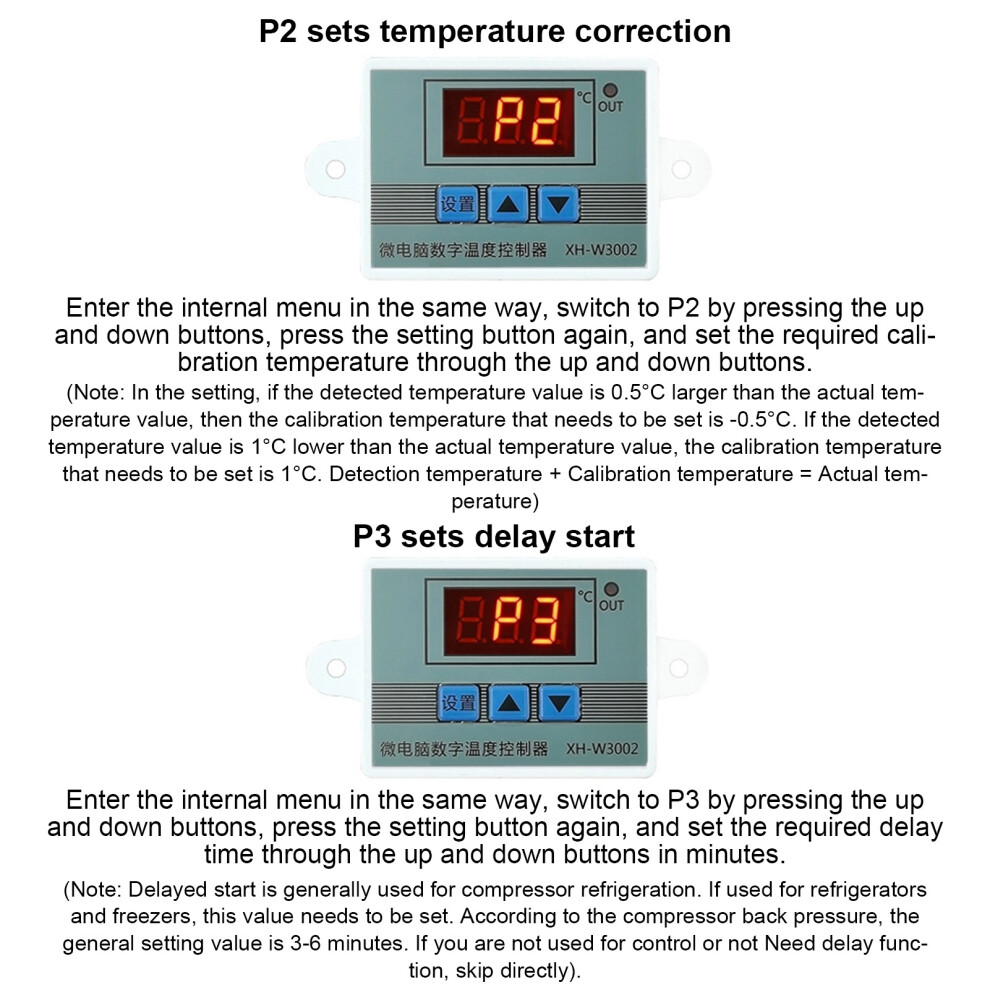
3. Enter the internal menu in the same way, switch to P2 through the up and down buttons, press the setting button again, and set the required calibration temperature through the up and down buttons. (Note: In the setting, if the detected temperature value is 0.5C larger than the actual temperature value, then the calibration temperature that needs to be set is -0.5C. If the detected value is 1C lower than the actual temperature value, the calibration temperature that needs to be set is 1C. Detection temperature + Correction temperature = Actual temperature.)
4. Enter the internal menu in the same way, switch to P3 by pressing the up and down buttons, press the setting button again, and set the required delay time through the up and down buttons in minutes. (Note: Delayed start is generally used for compressor refrigeration. If it is used for refrigerators and freezers, this value needs to be set. According to the compressor back pressure, the general setting value is 3-6 minutes. If you are not used for control or no delay function is needed, just skip it.
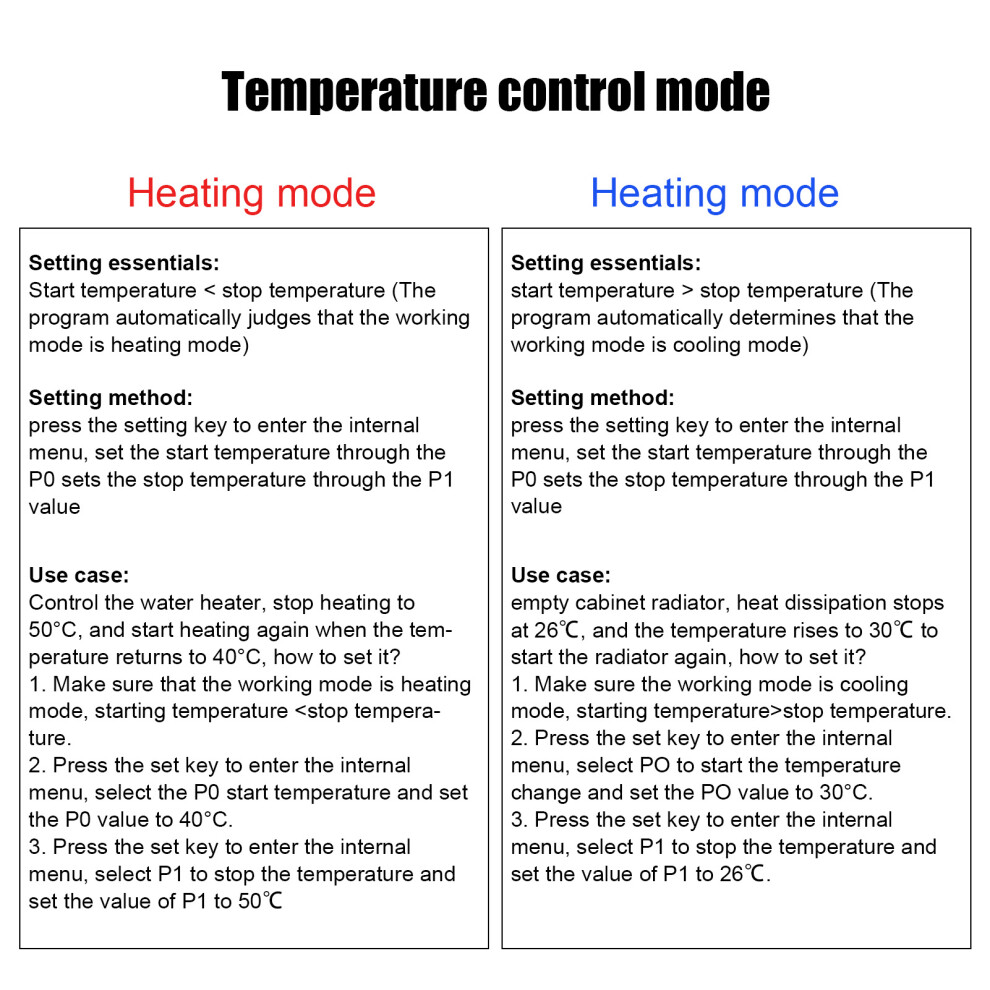
Temperature control mode
1. Setting essentials:
Start temperature <stop temperature (the program automatically judges that the working mode is heating mode)
2. Setting method: press the setting key to enter the internal menu, set the start temperature through the P0 value, and set the stop temperature through the P1 value
Use case: Control the water heater, stop heating to 50C, and start heating again when the temperature returns to 40C, how to set it?
1. Make sure that the working mode is heating mode, starting temperature <stop temperature.
2. Press the setting key to enter the internal menu, select P0 to start the temperature and set the P0 value to 40C.
3. Press the set key to enter the internal menu, select P1 to stop the temperature and set the value of P1 to 50
Cooling mode
1. Setting essentials: start temperature> stop temperature (the program automatically judges that the working mode is cooling mode)
2. Setting method: Press the setting key to enter the internal menu, set the start temperature through the P0 sets the stop temperature through the P1 value.
Use case: empty cabinet radiator, heat dissipation stops at 26, and the temperature rises to 30 to start the radiator again, how to set it?
1. Make sure the working mode is cooling mode, starting temperature>stop temperature.
2. Press the setting key to enter the internal menu, select P0 to start the temperature change and set the P0 value to 30C.
3. Press the setting key to enter the internal menu, select P1 to stop the temperature and set the value of P1 to 26.
Details
| OPC | PHW2B8F |
|---|---|
| Codes | 6901322877179 (EAN) |
| Seller | Ratings | Warranty | Returns | Price | Delivery | Total | Quantity |
|---|---|---|---|---|---|---|---|
| (93 reviews) | 3 months |
30 Days
Free Returns No
|
£8.02
|
+Free Delivery
Est. Delivery:
20th-22nd Jul
|
£8.02
|
Earn as you shop with instant Cashback on everything.
No catch, no cost
Become a Cashback VIP
Just 1 purchase unlocks bigger deals & rates
Wait! You've left
something behind...
You'll only get instant Cashback at OnBuy! Enter your email below and we'll send you a copy of your basket to save you time later.
No thanks, I'm alright for now
By entering your email address, you'll automatically be added to our database, where you can enjoy personalised Cashback offers and early access to our best deals. You can opt out of our emails at any time and we'll never share your details with anyone. Check our Privacy Policy and T&Cs to find out more.
Before you go...
Remember, you'll only get instant Cashback on everything at OnBuy!
Want access to personalised offers and the highest Cashback rates? Sign up to our emails below.
No thanks, I'm alright for now
You can opt out of our emails at any time and we'll never share your details with anyone. Check our Privacy Policy and T&Cs to find out more.