





















Product Images

In stock
Smart shoppers OnBuy it!
Interest-free payment options available


See full product description & details
Delivery: Standard (Free) | Fri 7th - Wed 26th Aug
Returns: 30 days
180-day payment protection
Summary
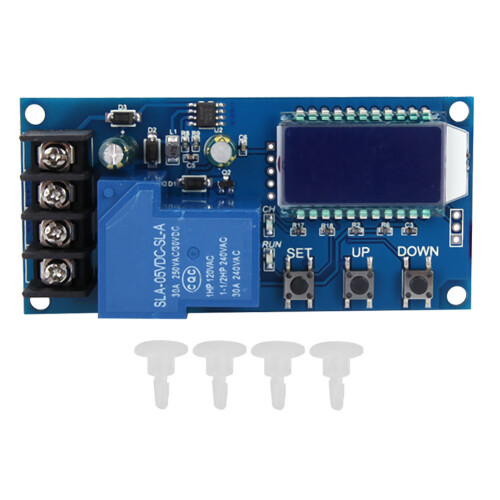
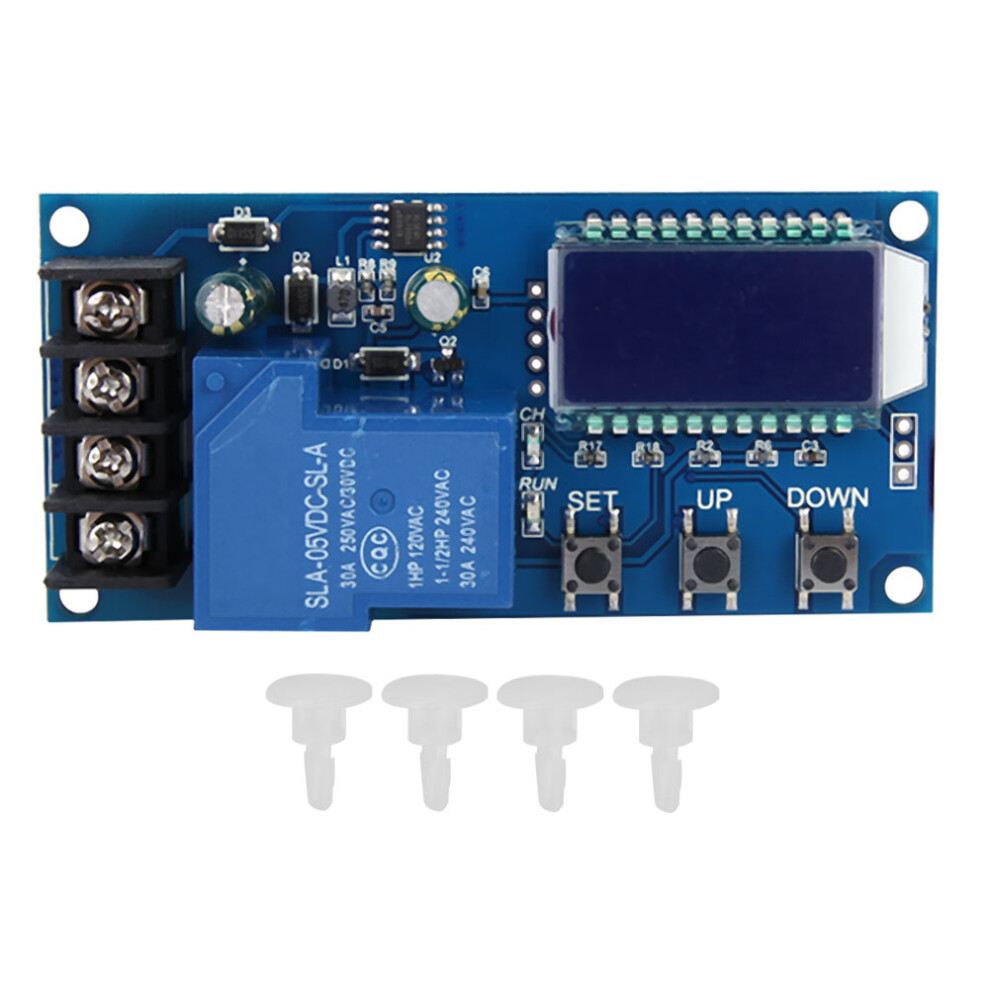
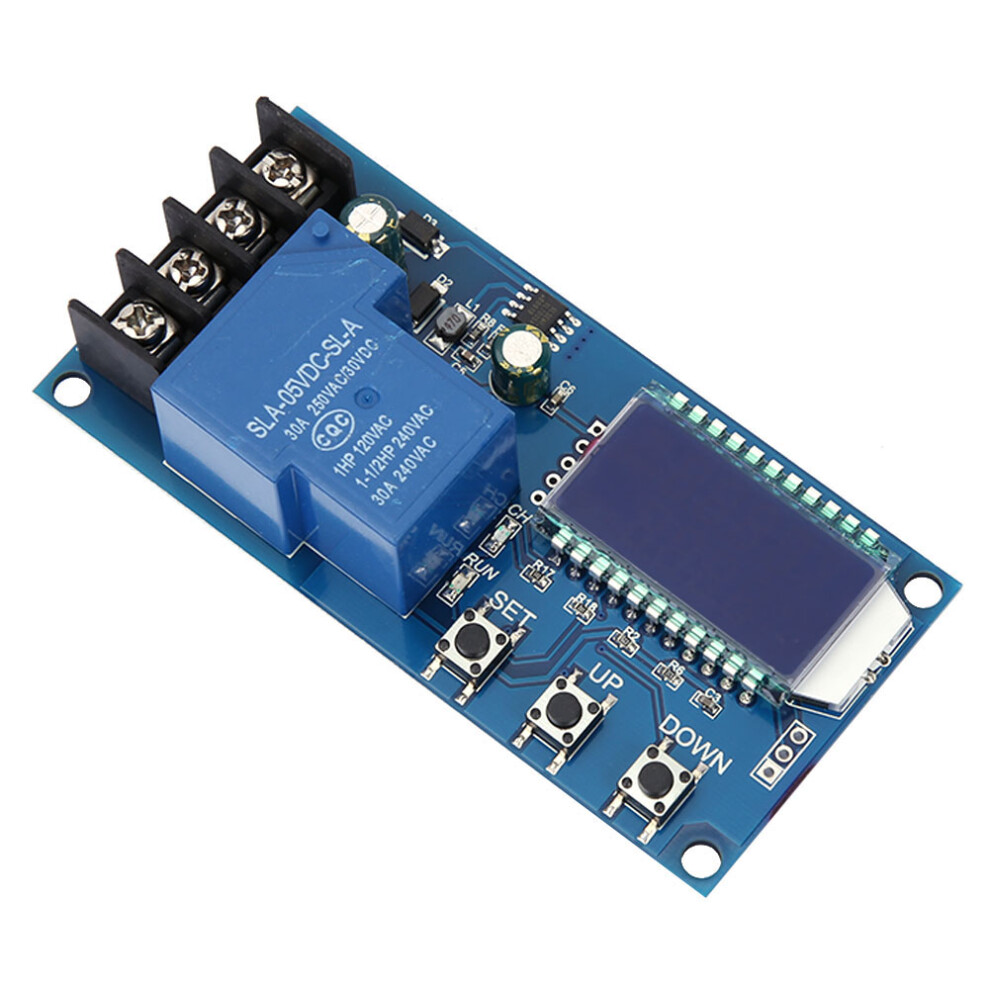
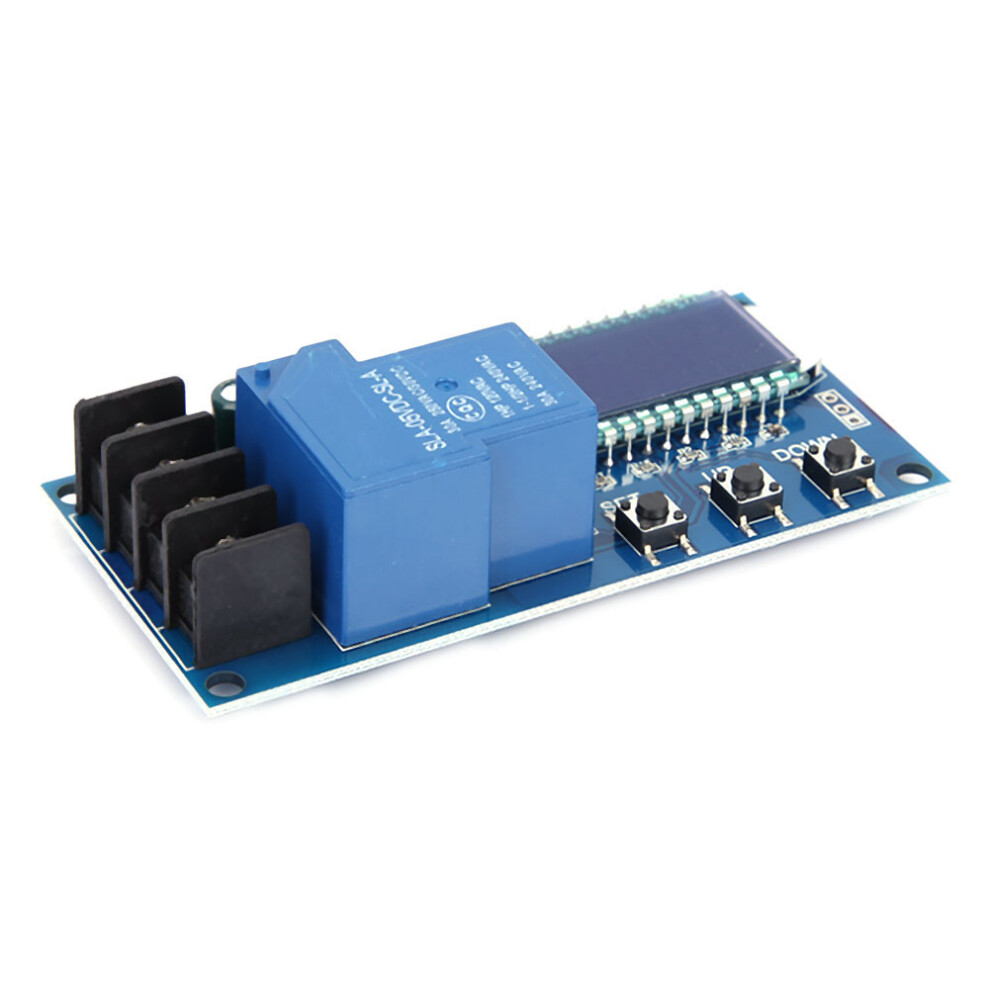
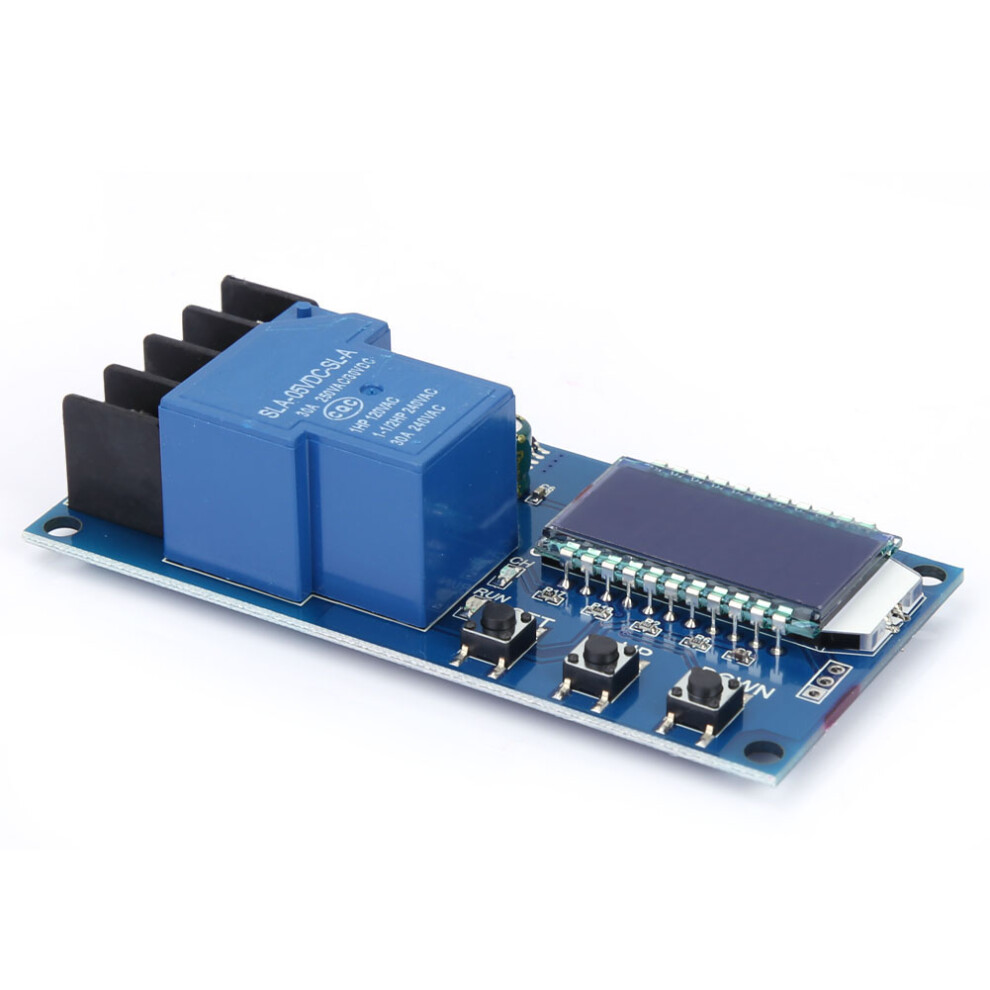
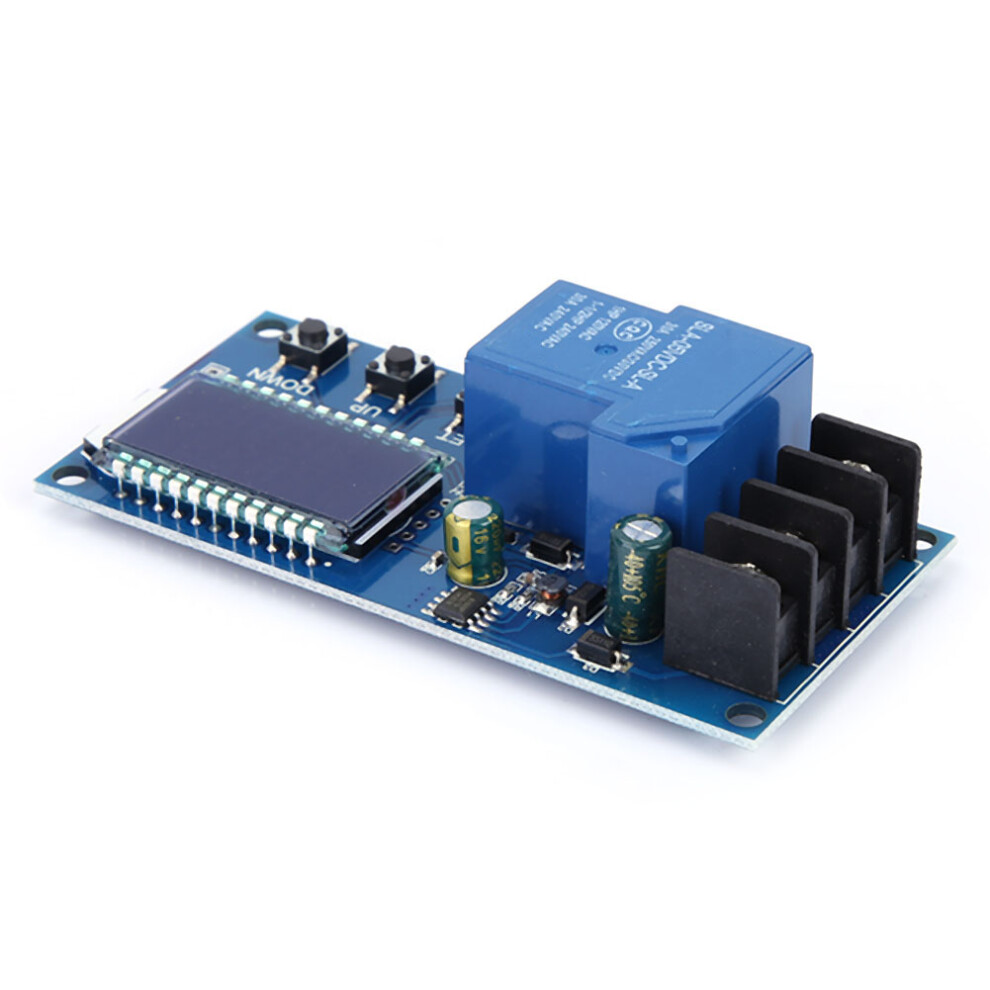
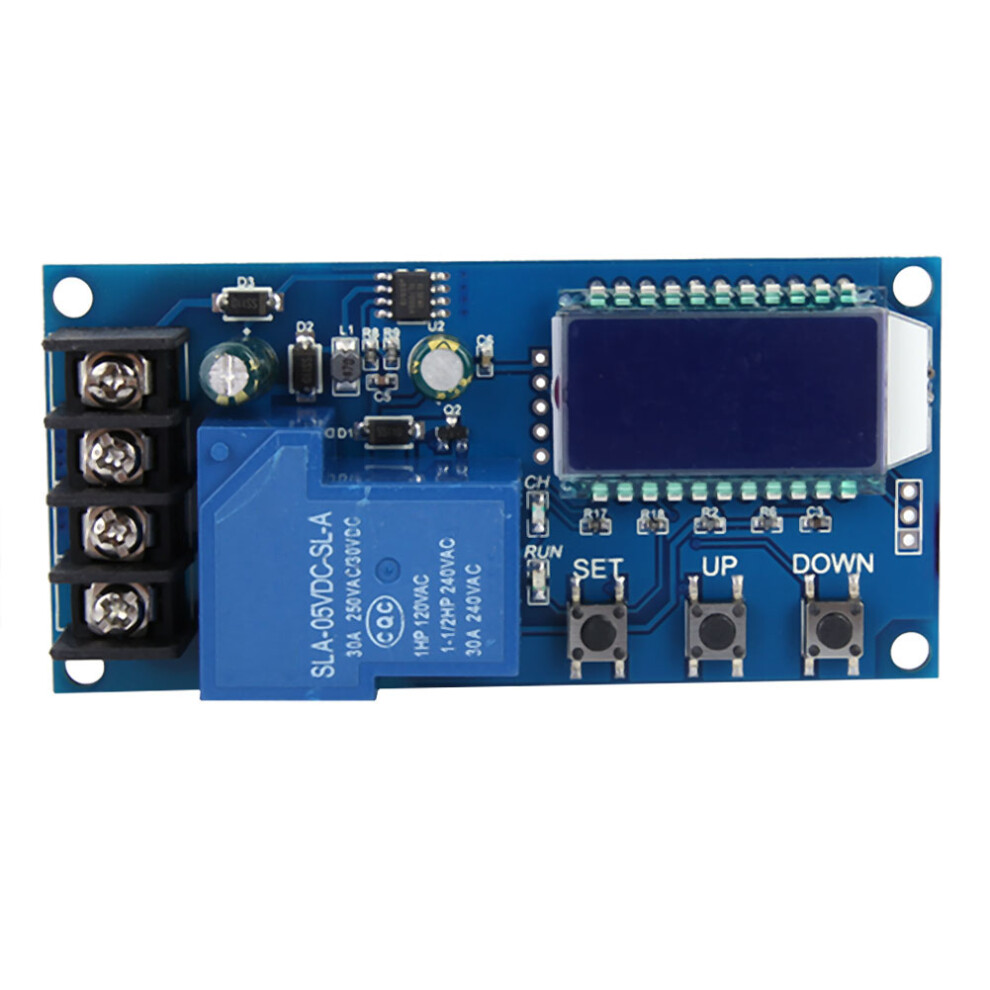
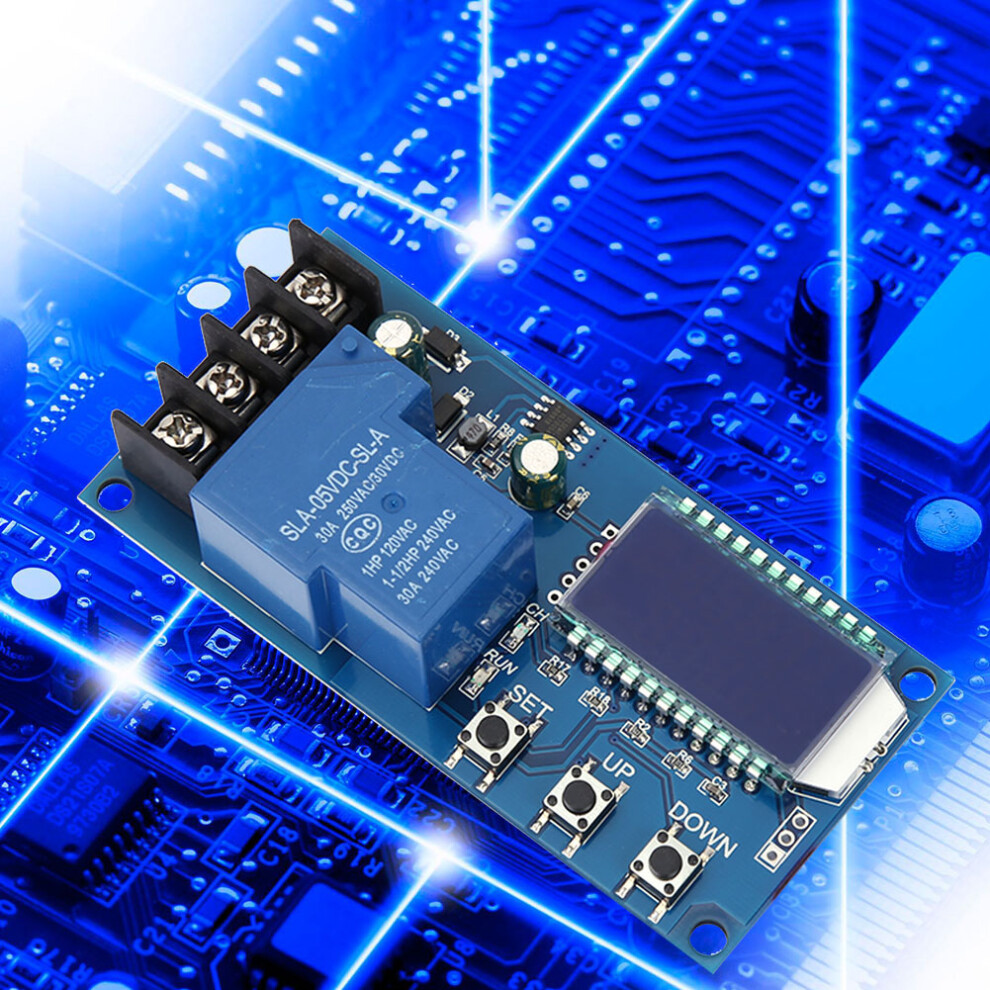
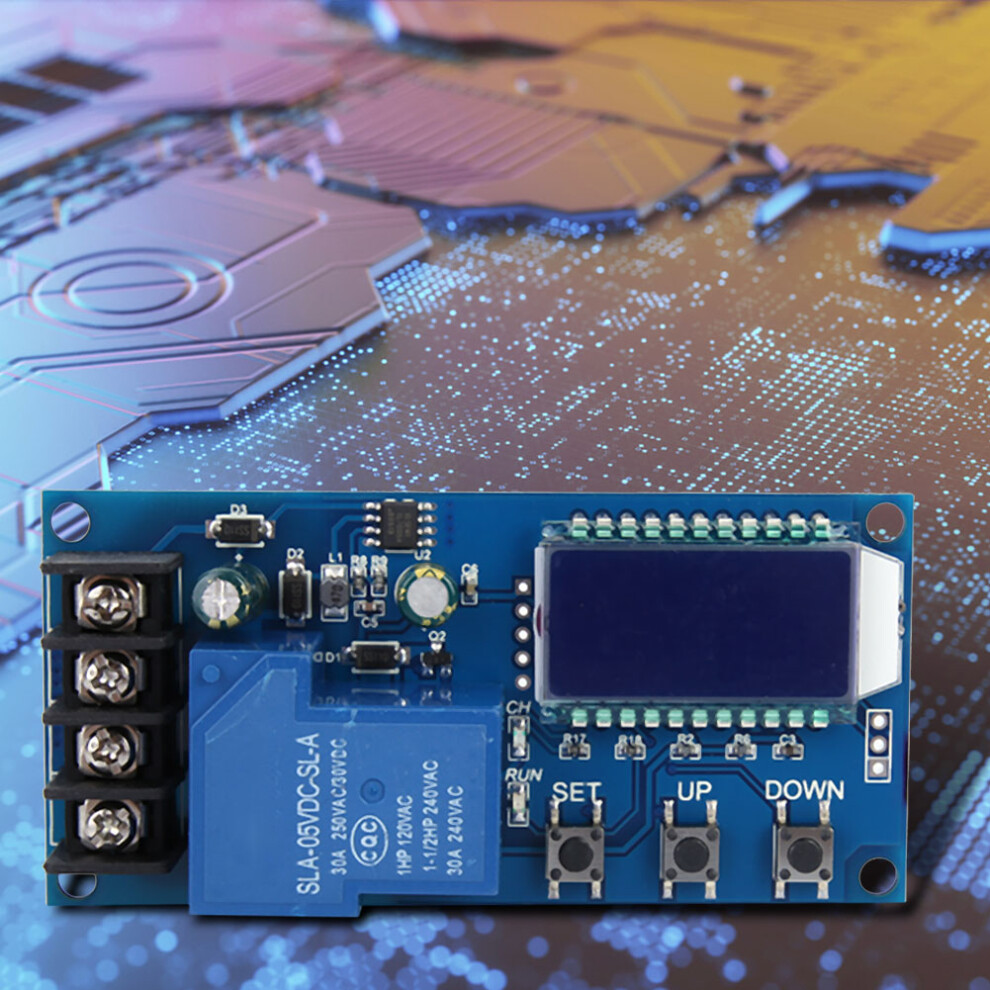
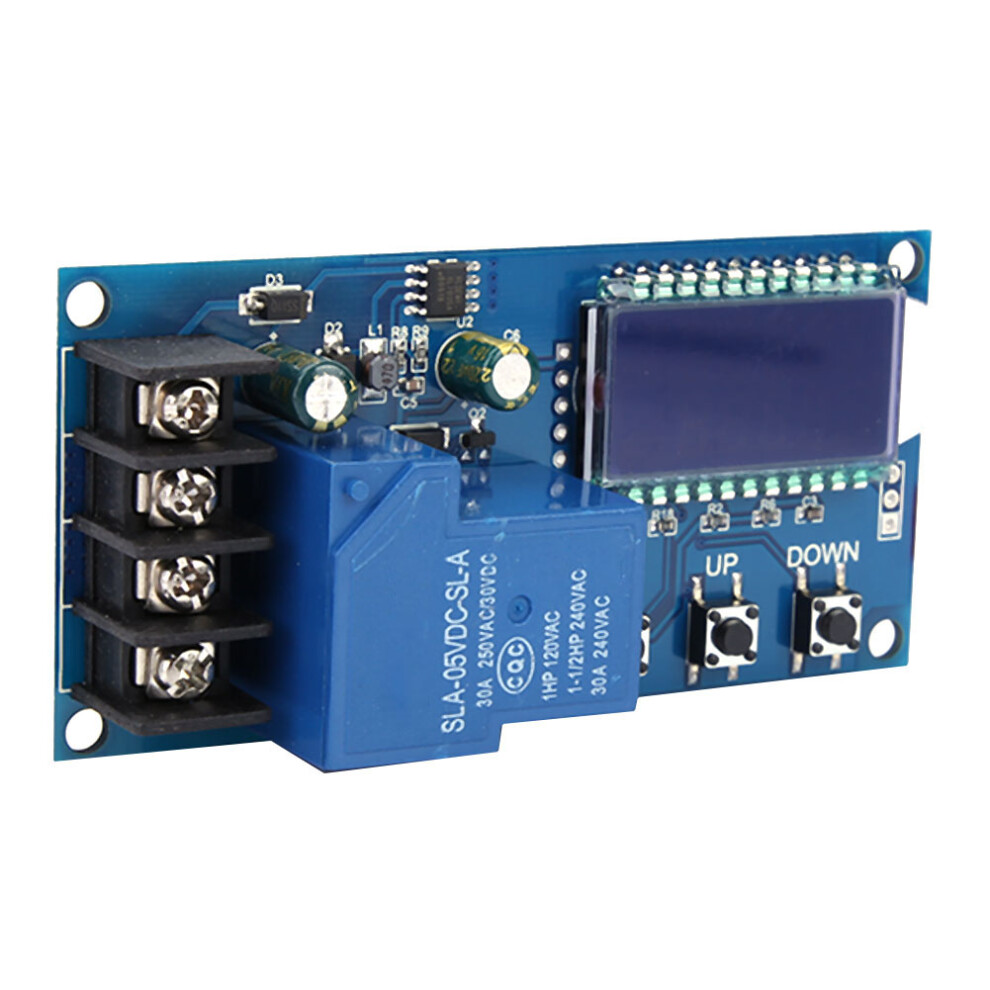
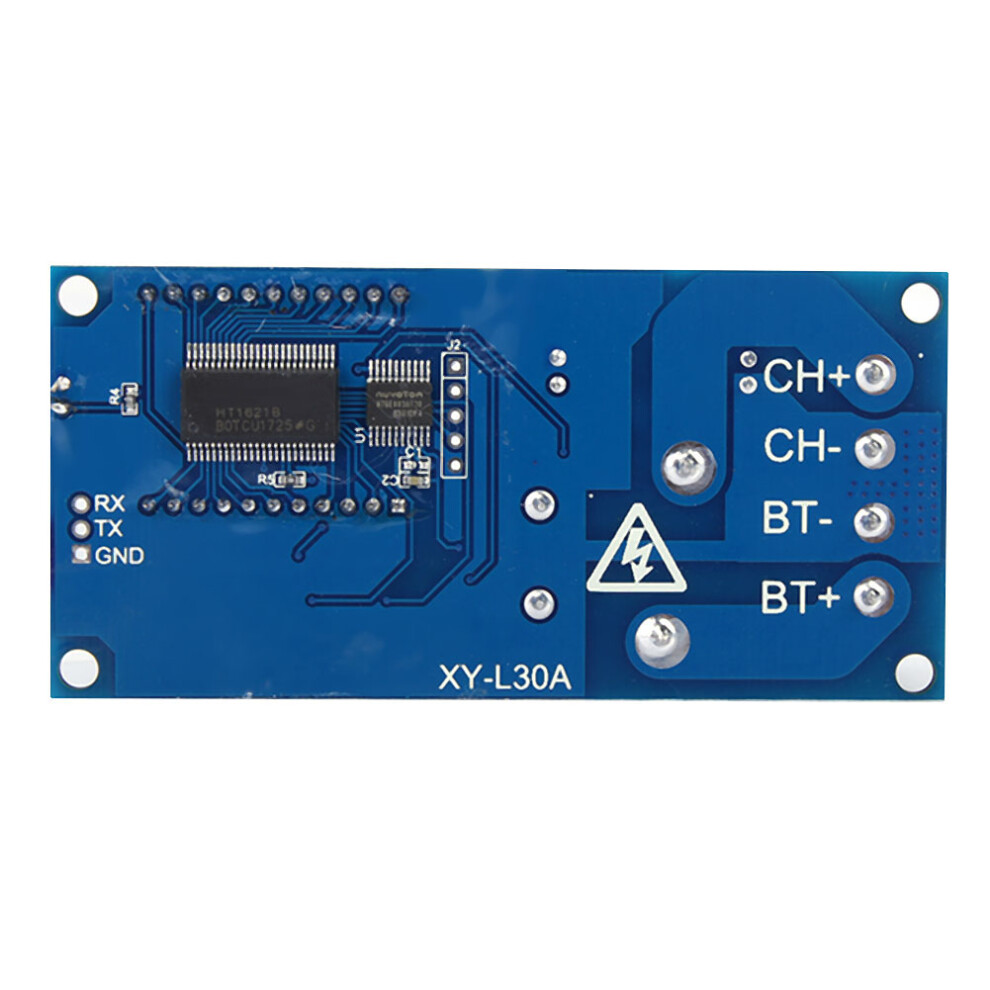
XY-L30A 6-60V Battery Charge Control Module Protection Board LCD Display
1、1. This Charge Control Module can automatically control battery charging and discharging to protect batter. 2、2. LCD display, battery voltage, charge percentage and charging time at a glance. 3、3. Suitable for 6-60V battery, lithium battery, etc. 4、4. Adjustable charging time, with working status indicator. 5、5. Support UART serial port set.
Features: 1. This Charge Control Module can automatically control battery charging and discharging to protect batter. 2. LCD display, battery voltage, charge percentage and charging time at a glance. 3. Suitable for 6-60V battery, lithium battery, etc. 4. Adjustable charging time, with working status indicator. 5. Support UART serial port set. Specification: Model: XY-L30A, XY-L10A (Optional) Max Control Current: 30A, 10A Control Voltage: DC 6V-60V Suction Cup Diameter: 60mm Control Precision:0.1V Output Type:Direct output Voltage Error:0.1V Dimension: 92*45*2.2mm / 3.62*1.77*0.09in, 79*42*18mm / 3.11*1.65*0.71in Function Description: 1) Automatic Charge control function By setting the Upper limit voltage volt-HI: 'UP'; Lower limit voltage volt-LI: 'dn'; The relay turns ON and the charger starts charging for the battery when Current battery voltage is less than Lower limit voltage 'dn'. The relay turns OFF and complete an automatic charge when Current battery voltage is more than Upper limit voltage 'UP'. 2) Charge Time Control Function How to enable the time control function? It will enable time control function by setting parameter 'OP' is not '0' after entering the parameter set menu. 'OP' default parameter is: '--:--h', the default does not turn on time control function; After enable Time Control Function('OP' is not equal to '0'): Relay will turn ON and the charger starts charging the battery and the system starts timing when Current battery voltage is less than Lower limit voltage 'dn'. Relay will turn OFF and end charging if Current battery voltage is more than Upper limit voltage 'UP' during timing. Relay will turn OFF and end charging if Current battery voltage is less than Upper limit voltage 'UP' but the time('OP') has ended. Relay will keep ON and charging if Current battery voltage is less than Lower limit voltage 'dn' even though the time('OP') has ended. Module will automatically turn off the charging time control function. And flashing 'H:ER' on screen to remind users that time parameter settings are unreasonable. Press any key to stop flashing. Note: Time format: 00:59 (00 is hours, 59 is minutes) The maximum time is 99:59 which is about 100 hours. 3) UART communication and parameter settings The system supports UART data upload and parameter setting functions (TTL level); UART: 115200, 8, 1 NO. Command Function 1 ON Relays Enable 2 OFF Relays Disable 3 Start Start data upload 4 Stop Stop data upload 5 Read Read the parameter setting 6 dw10.0 Set volt-LI: 'dn' 7 up20.0 Set volt-HI: 'UP' 8 xx:xx Set the charge time 'OP'. 00:00 is used to stop charge time control function Data upload message format: Battery voltage + battery percentage + charging time + charging status 12.0V, 020%, 00:10, OP Set Parameter: 1) LCD will display 'SET' after enter set parameter menu by long press button 'SET'. 2) Switch the set parameters by short pressing button 'SET'. 3) Set parameter value by long or short pressing button 'UP' and 'DOWN'. 4) Repeat step 2 and step 3 if need to set other parameters. 5) Automatically save and exit the setup menu by long press button 'SET' after set all parameters. Button Description: In the normal display interface: 1) Display the currently set parameters when short press button 'SET'; 2) Switch display charging percentage and charging time when short press button 'UP'; 3) Enable Relay ON or OFF when short press button 'DOWN'. Relay will OFF and display OFF if disable relay. 4) Set the status of the LCD backlight(L-P) when long press button 'UP'. OFF: The backlight will keep bright. ON: Backlight will be automatically turned OFF after 5-10second. 5) Long press 'SET' button to enter the parameter settings menu. Calculation Voltage Percentage: voltage percentage = battery voltage/(volt-HI minus volt-LI) Additional Features: 1) Charging time recording function: The product will record a full charge time when the charging time control is not turned on. Flashing shows the charging time when entering the time display interface. The data will be emptied when exit the time display interface or the next charge is turned on (the relay is turned on) 2) Automatic parameter detection: The system will flash 'ERR' to indicate the reminder when the parameter is set and exiting but Lower limit voltage 'dn' more than Upper limit voltage 'UP'. 3) Battery connection detection: This product is attached to the battery. If the battery is not connected, the system will display 'nbE' on the lower line to remind you; FAQ: 1) What is the control voltage range? What is the applicable battery range? Control voltage range is DC 6V-60V. But battery voltage max is 48V. Because the voltage of 48V battery is 60V after fully charged. 2) The relay is automatically turned on and off continuously after power on and flashing light? This is because your charging current is too large or the battery capacity is too small that cause the battery voltage to immediately exceed the Lower limit voltage 'dn' value and then relay will OFF. But the voltage drops quickly to the Lower limit voltage 'dn' after Relay OFF and then start to charging. Cycle and cycle. At this point you have to reduce the charging current. Usually the charging current is 10-15% of the battery capacity. For example, if the battery capacity is 20AH, the charging current is 2-3A. Note that high current charging can cause the battery to heat up, aging, bulging or even exploding. 3) What control method? This is the voltage control. For example:Lower limit voltage 'dn' is set to 12.0V. Upper limit voltage 'UP' is set to 14.5V. It will close output when the voltage is charged to 14.5V. Relay will ON and begins to charge when the voltage is reduced to 12.0V. 4) Can it be automatically cycled? Yes, it can. Voltage control mode only controls turn-off and turn-on. 5) Can it limit the current? It can't limit current, the charging current is completely dependent on your charger. 6) Can I charge a 24V battery by inputting 12V? Or charge a 12V battery by inputting 48V? This is a simple voltage controller just for ON/OFF. It can not change output voltage. Package List: 1 * Charge Control Module
Details
| OPC | PK9K75X |
|---|---|
| Codes | 8320539688244 (EAN) |
Product Data
Dimensions
| Height | 3.0cm |
|---|---|
| Width | 8.0cm |
| Seller | Ratings | Warranty | Returns | Price | Delivery | Total | Quantity |
|---|---|---|---|---|---|---|---|
|
Dispatched from:

|
- | 1 month |
30 Days
Free Returns No
|
£12.23
|
+Free Delivery
Est. Delivery:
7th-26th Aug
|
£12.23
|
Earn as you shop with instant Cashback on everything.
No catch, no cost
Become a Cashback VIP
Just 1 purchase unlocks bigger deals & rates
Wait! You've left
something behind...
You'll only get instant Cashback at OnBuy! Enter your email below and we'll send you a copy of your basket to save you time later.
No thanks, I'm alright for now
By entering your email address, you'll automatically be added to our database, where you can enjoy personalised Cashback offers and early access to our best deals. You can opt out of our emails at any time and we'll never share your details with anyone. Check our Privacy Policy and T&Cs to find out more.
Before you go...
Remember, you'll only get instant Cashback on everything at OnBuy!
Want access to personalised offers and the highest Cashback rates? Sign up to our emails below.
No thanks, I'm alright for now
You can opt out of our emails at any time and we'll never share your details with anyone. Check our Privacy Policy and T&Cs to find out more.