


Product Images

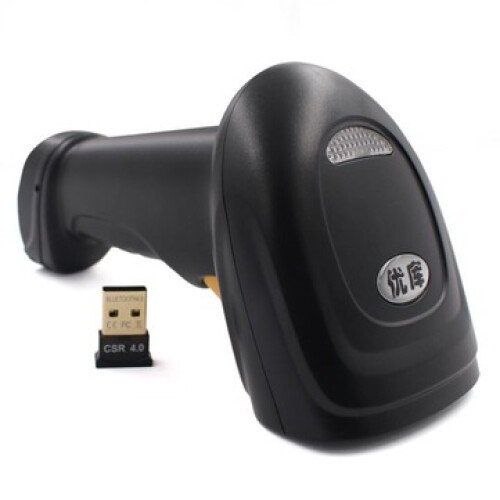
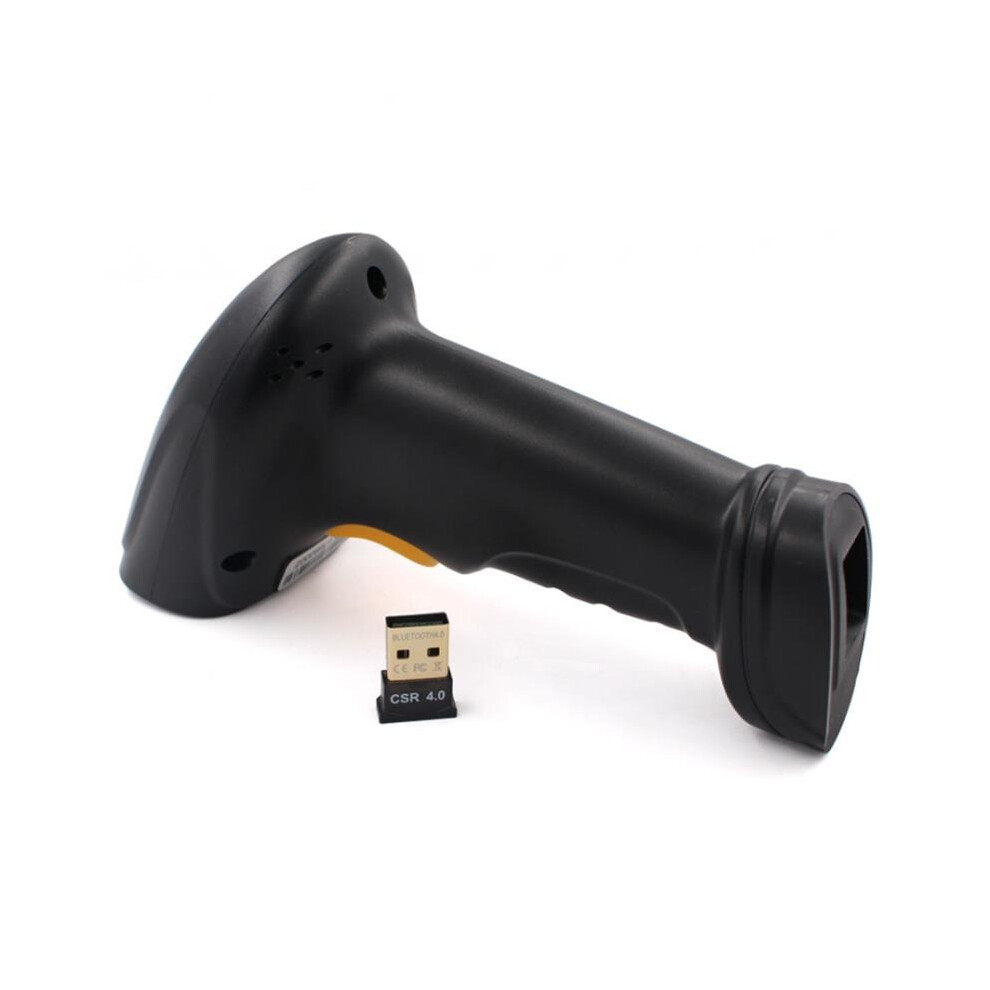
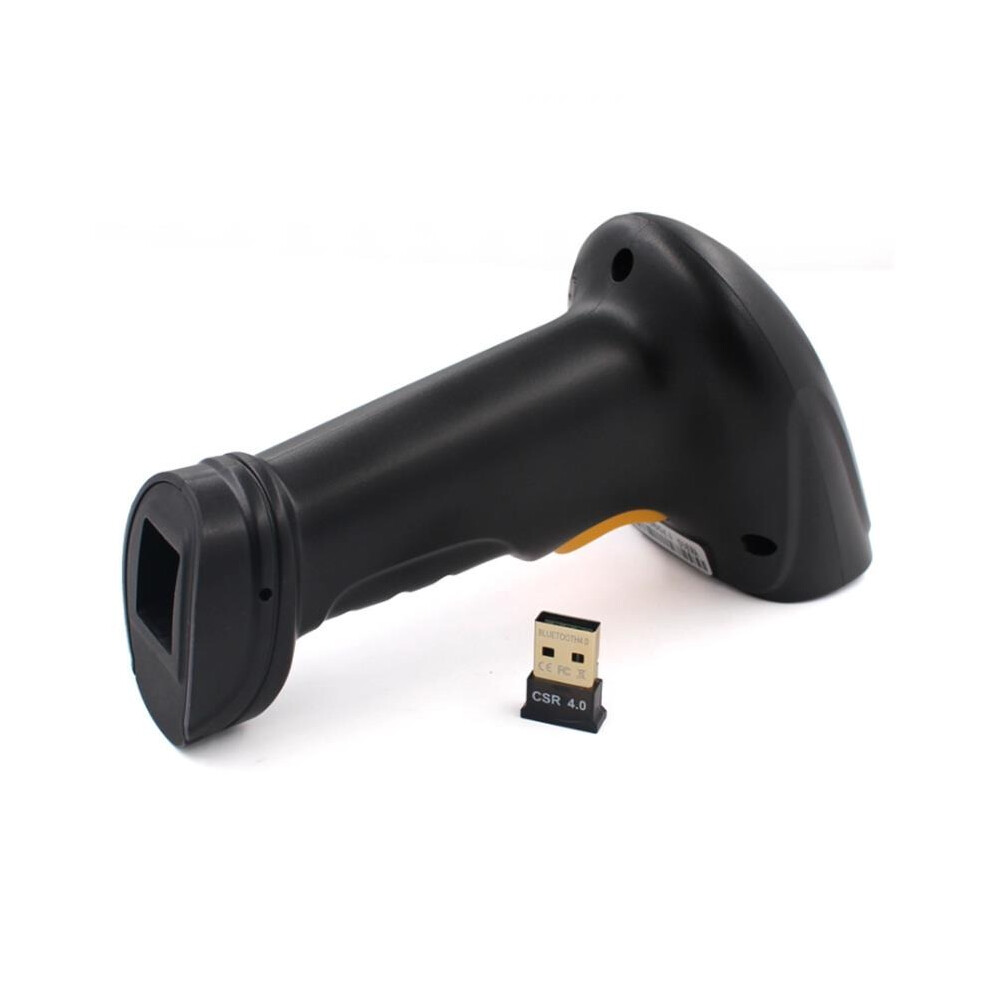
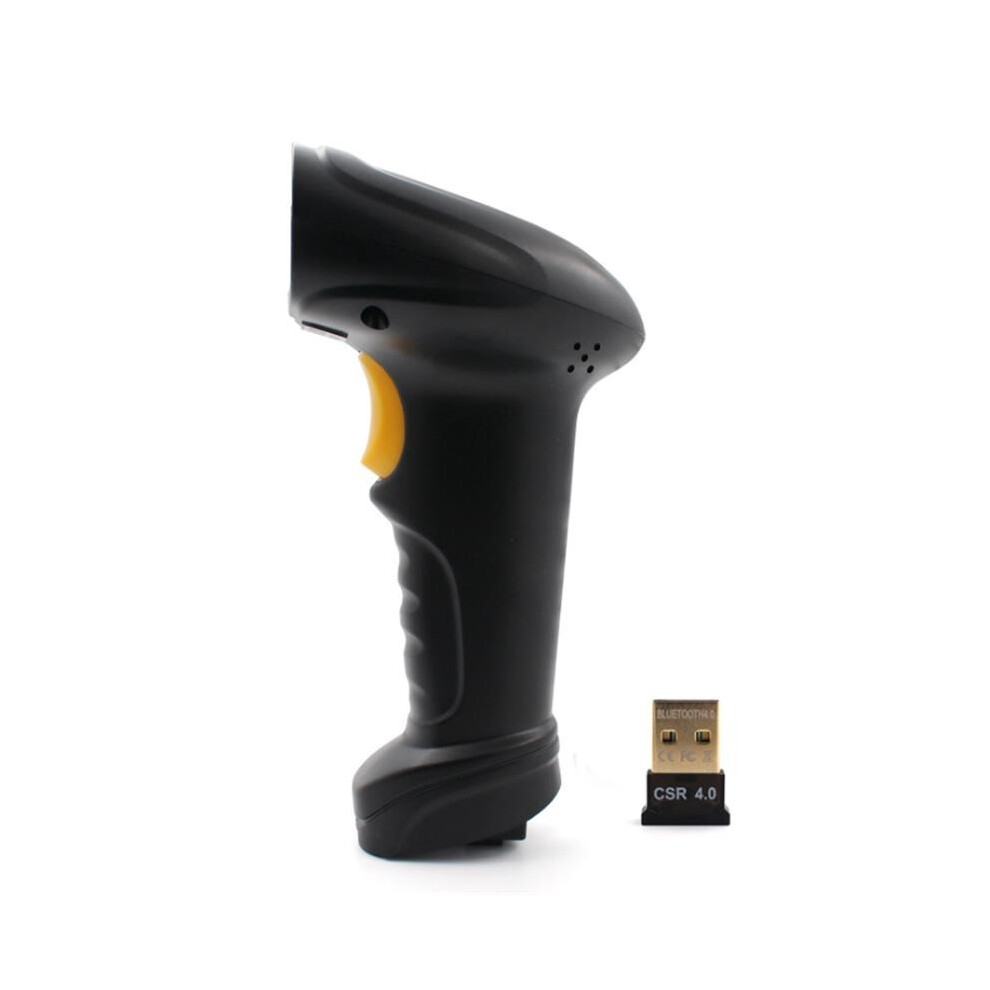
In stock
Smart shoppers OnBuy it!
Interest-free payment options available


See full product description & details
Delivery: Standard (Free) | Tue 1st - Sat 5th Dec
Sold by: Margaretrylu
Returns: 30 days
180-day payment protection

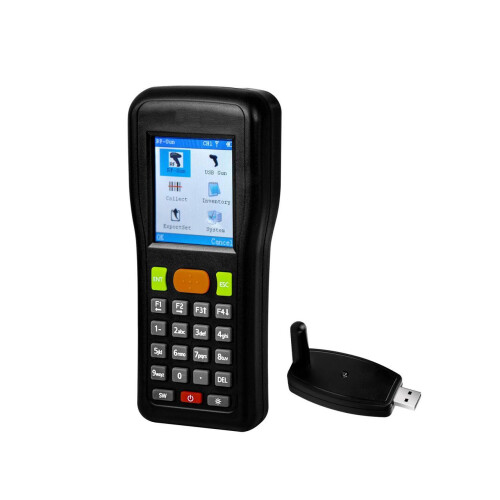
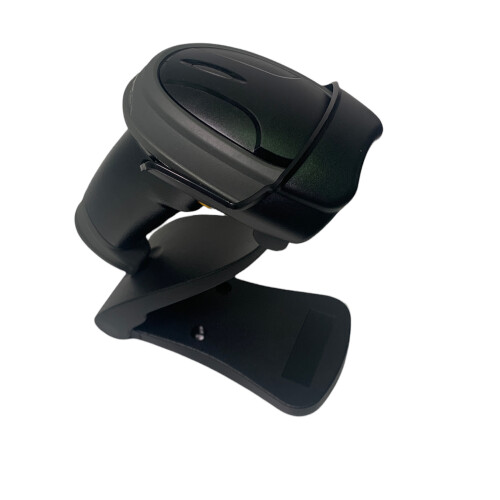
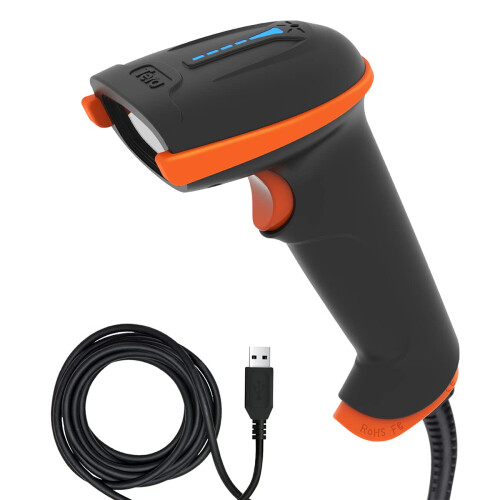
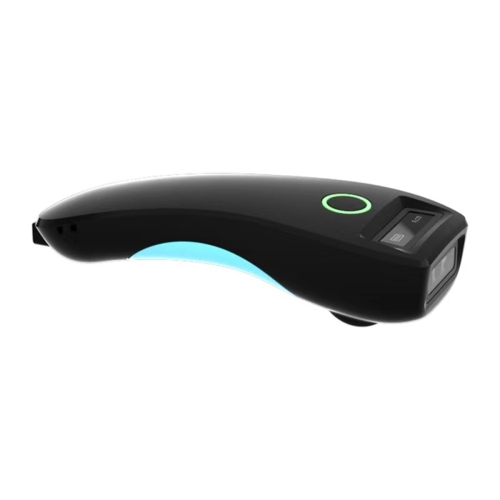
Features: * Lots of kinds of bar codes decoding available;* Shockproof & Crashproof design;* Independent intellectual property;* Operation smoothly;* Long time Service life : 3 millions times* bluetooth standard available without adapter;* 50 meters long distance scanning; Specification: Brand: Model:BW3Bar code reading speed:120 times / secmaximum print contrast:30%BER:1/7000000Scan accuracy :3milCPU:2 BIT ARM,NXPID:EAN- 8,EAN-13,UPC-A,UPC-E,Code 39,Code 93,Code 128,EAN128,code128A,CODE128B,CODE128C,industrial 2 of 5,Interleave 2 of 5,Matrix 2 of 5,MSIoperating systems:Windows/Android/IOSdata transmission:bluetoothWireless transmission distance :50M(In the empty place)Light type:650nm red laserprompt:Beep sound,red&blue dual light remind,Support keypads output:"Keyboard support the mainstream of national output"Working / Storage temperature range:-15-52C/-40-60COperating / Storage humidity range:5-95%light intensity:550/59182LUXNet weight:140gPacking weight:310gScanner Size:172*74*90mmPacking Size:185*110*80mmOperating Voltage:5V±0.25VWorking current:85mAStandby current:36mALaser Level Standard:CLASS I:IEC60825-1,EN60825-1Electromagnetic Compatibility:FCC PART 15;ICES-003;EN60825-1;Electrostatic discharge immunity:GB/T17626.2-2006 Product Inspection:CEFCCROHSIP54 Package included: 1, bluetooth Barcode Scanner *12,USB Charging Cable *13,Quick Start Guide *14,USB Dongle *1 pcs bluetooth Match: Windows XP1. Turn on scanner, Hold trigger 8 seconds or Scanning setting codes Match Mode, Indicator (Blue) will flash if match successfully;2.Find out bluetooth in the control panel, turn on bluetooth panel, Click add;3.Selectedmy device has finished, Search available , Click Next;4.A wizard dialog box about add bluetooth setting will display, Click symbol general bluetooth HID barcode Iron, Ignore the display dialog box, Click Next, Driver will be start installation;5.One more device symbol HID bar code scanner on the device after bluetooth installation successfully. in the meanwhile, one beep showing means scanner and computer has match successfully, indicator will light all the time. Window71.Turn on scanner, Hold trigger 8 seconds or Scanning setting codes Match Mode, Indicator (Blue) will flash if match successfully;2. Find out Device & Printer on control panel,Click Add, A wizard dialog box about add bluetooth setting will display, Click symbol general bluetooth HID bar code Iron on the dialog box;3. Right-click symbol general bluetooth HID bar code, Property of it will display, Mark it Keyboard, mouse and driver(HID) then click OK, Computer will reminder that driver is installation;4. Indicator will light all the time after scanner and computer match successfully. Window81.Turn on scanner, Hold trigger 8 seconds or Scanning setting codes Match Mode, Indicator (Blue) will flash if match successfully;2.Turn on control panel, Select add device, Computer will search symbol general bluetooth HID bar code device;3. Double-click or click Next, Computer will installation automatically;4. Indicator will light all the time if finished installation successfully. In the meanwhile,one beep showing means scanner and computer has match successfully. Android, IOS1.Turn on scanner, Hold trigger 8 seconds or Scanning setting codes Match Mode, Indicator (Blue) will flash if match successfully;2. Turn on bluetooth on the device, search for symbol general bluetooth HID bar code;3. Click bluetooth device, then Match;4. Scanner indicator will light all the time if match successfully.
Details
| OPC | P79C6HG |
|---|---|
| Codes | 7082497865778 (EAN) |
| Seller | Ratings | Warranty | Returns | Price | Delivery | Total | Quantity |
|---|---|---|---|---|---|---|---|
|
Dispatched from:

|
(317 reviews) | - |
30 Days
Free Returns No
|
£60.59
|
+Free Delivery
Est. Delivery:
1st-5th Dec
|
£60.59
|
Earn as you shop with instant Cashback on everything.
No catch, no cost
Become a Cashback VIP
Just 1 purchase unlocks bigger deals & rates
You'll only get instant Cashback at OnBuy! Enter your email below and we'll send you a copy of your basket to save you time later.
By entering your email address, you'll automatically be added to our database, where you can enjoy personalised Cashback offers and early access to our best deals. You can opt out of our emails at any time and we'll never share your details with anyone. Check our Privacy Policy and T&Cs to find out more.
Want access to personalised offers and the highest Cashback rates? Sign up to our emails below.
You can opt out of our emails at any time and we'll never share your details with anyone. Check our Privacy Policy and T&Cs to find out more.
This page has expired.
Refresh and continue